

Triple Laptop Screen Extender, 15.6-inch Displays
Product description
Fit and sizing
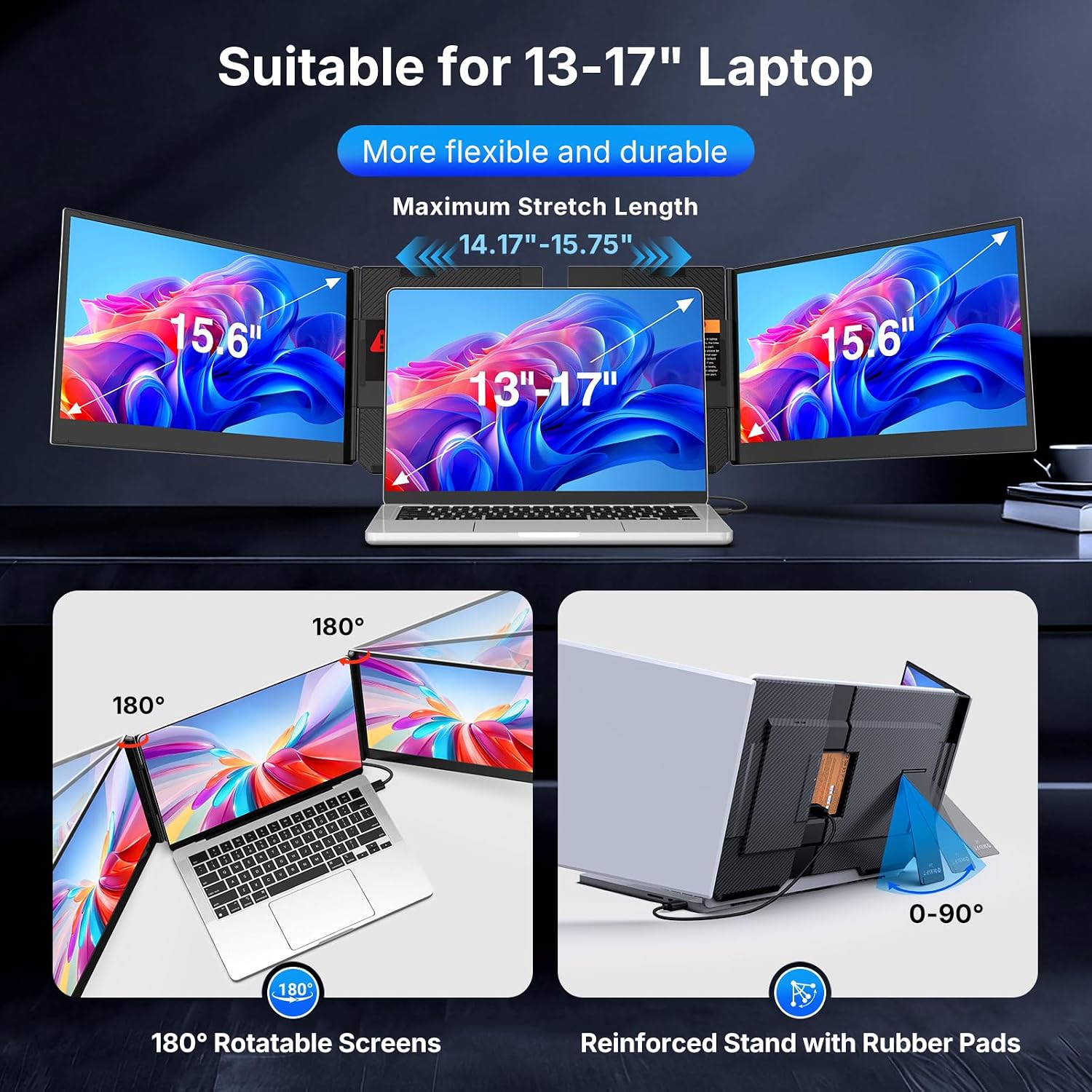
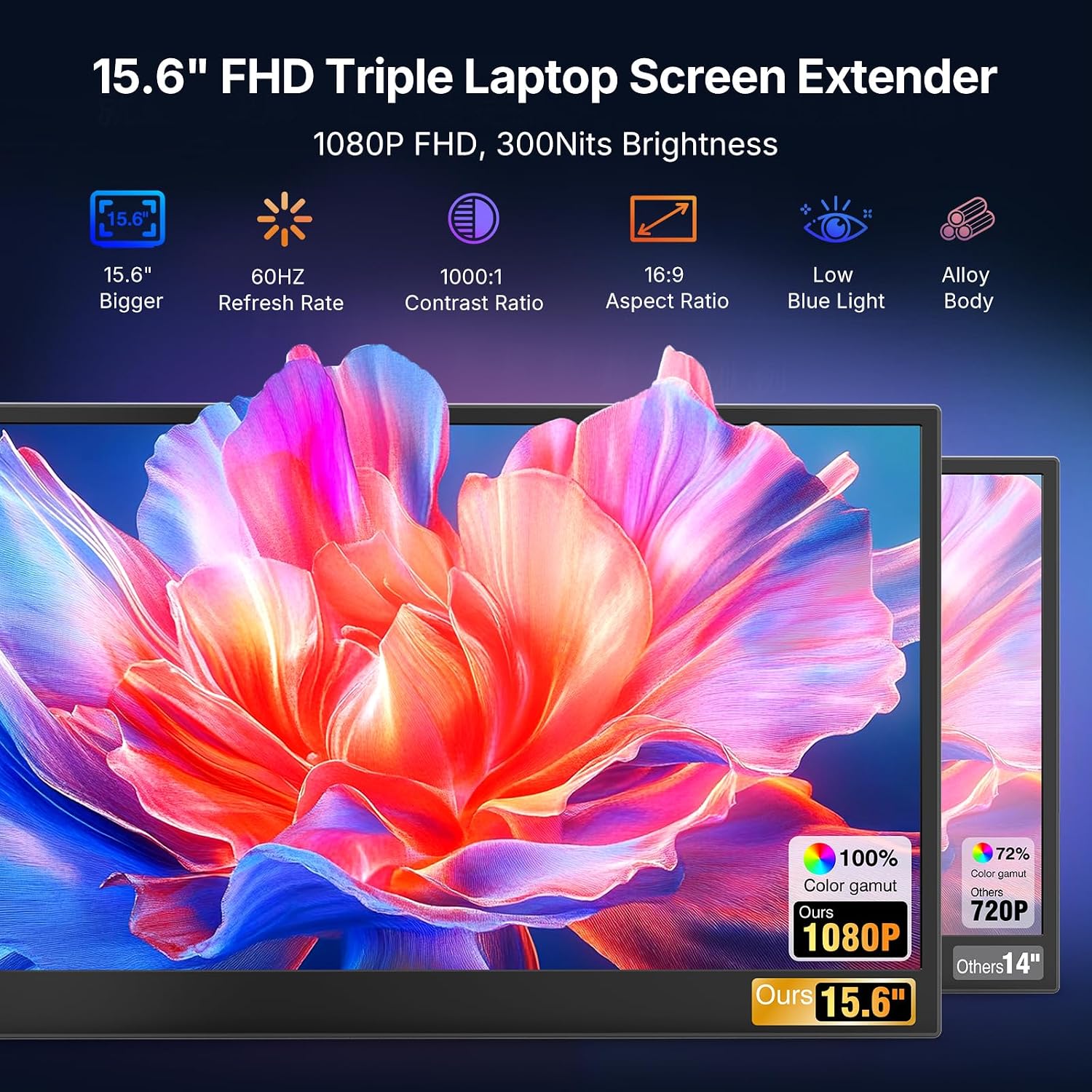
When a laptop screen feels cramped during a work session, this extender adds two displays beside it to create a three-screen setup. Each portable screen measures 15.6 inches and has a 1080p IPS panel, while the unit is designed for laptops from 13 to 17.3 inches. For example, you could keep a video call open on the laptop, refer to notes on one extender screen, and work on a document on the other without repeatedly switching tabs. The fit depends on your laptop’s size and ports, though: a compact screen setup is not automatically a simple one to connect.
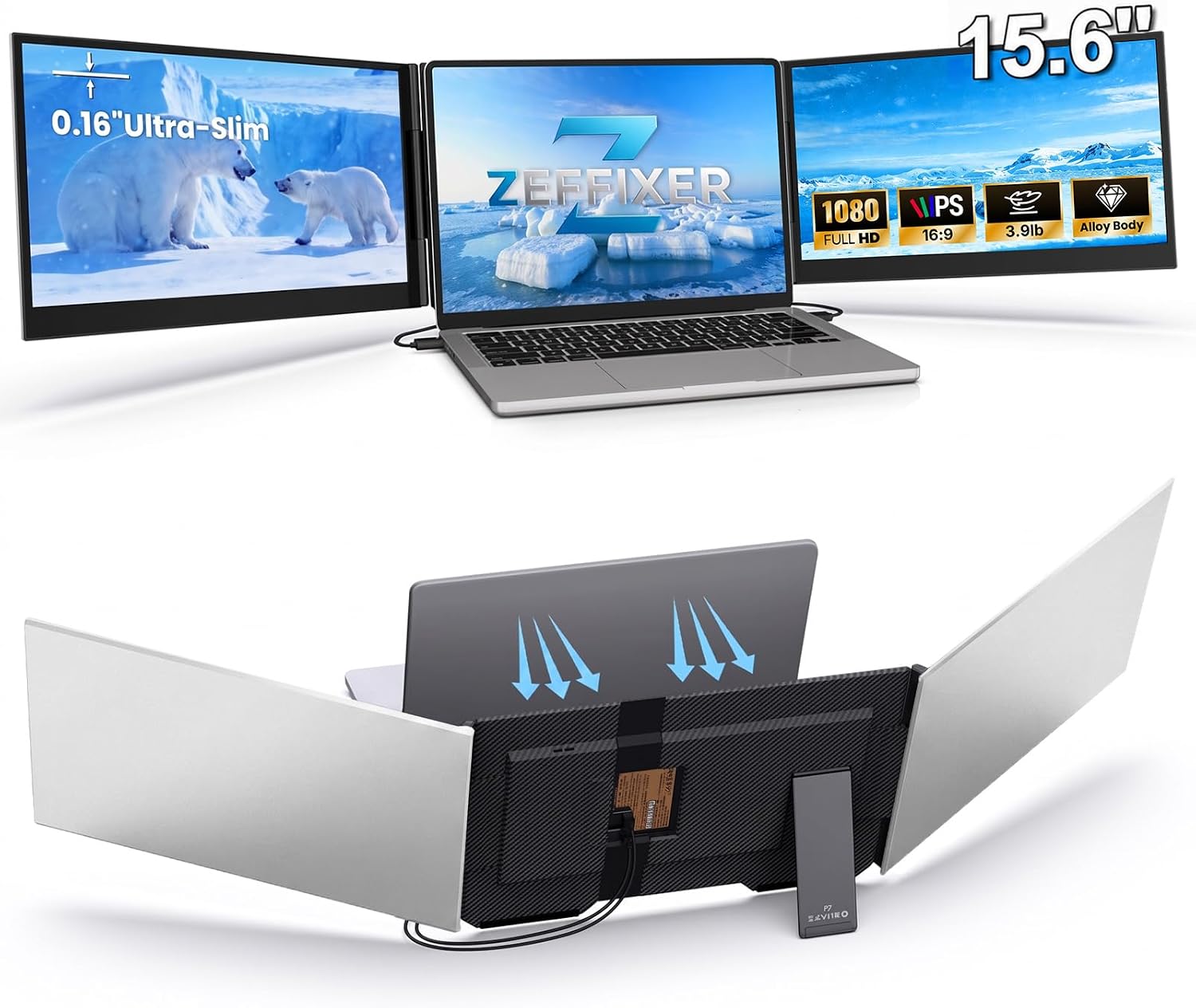
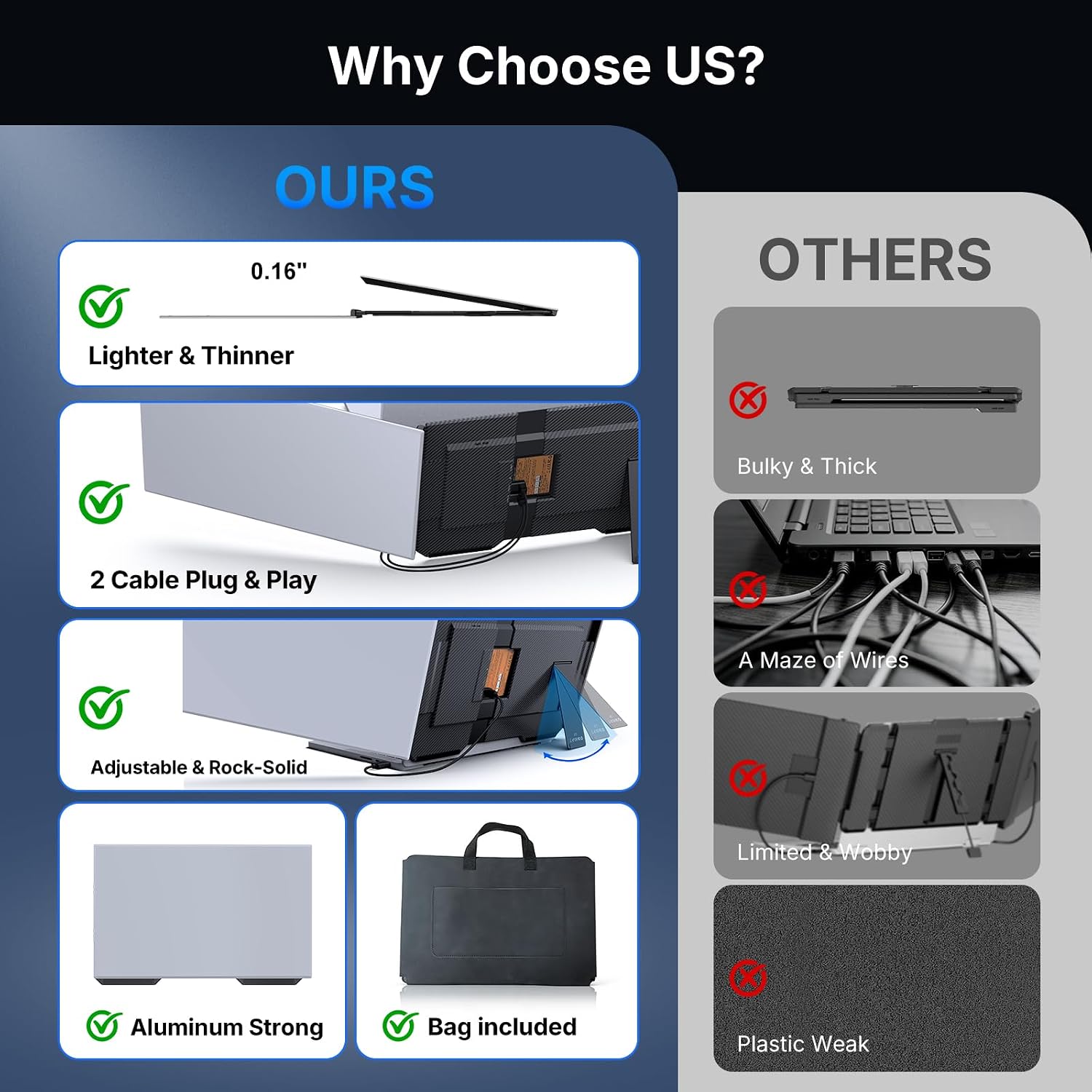
The screens attach without clips or a top baffle, a design intended to reduce strain on the laptop hinge. The extender is made from aluminum alloy and weighs 3.9 lb, a carrying case is included, which helps if you plan to pack it between home and the office. Keep in mind that the two added screens and their cables take up more room than a basic, single portable monitor.
Pros
- Two 15.6-inch displays expand a laptop into a triple-screen workspace, useful for keeping reference material visible while you work.
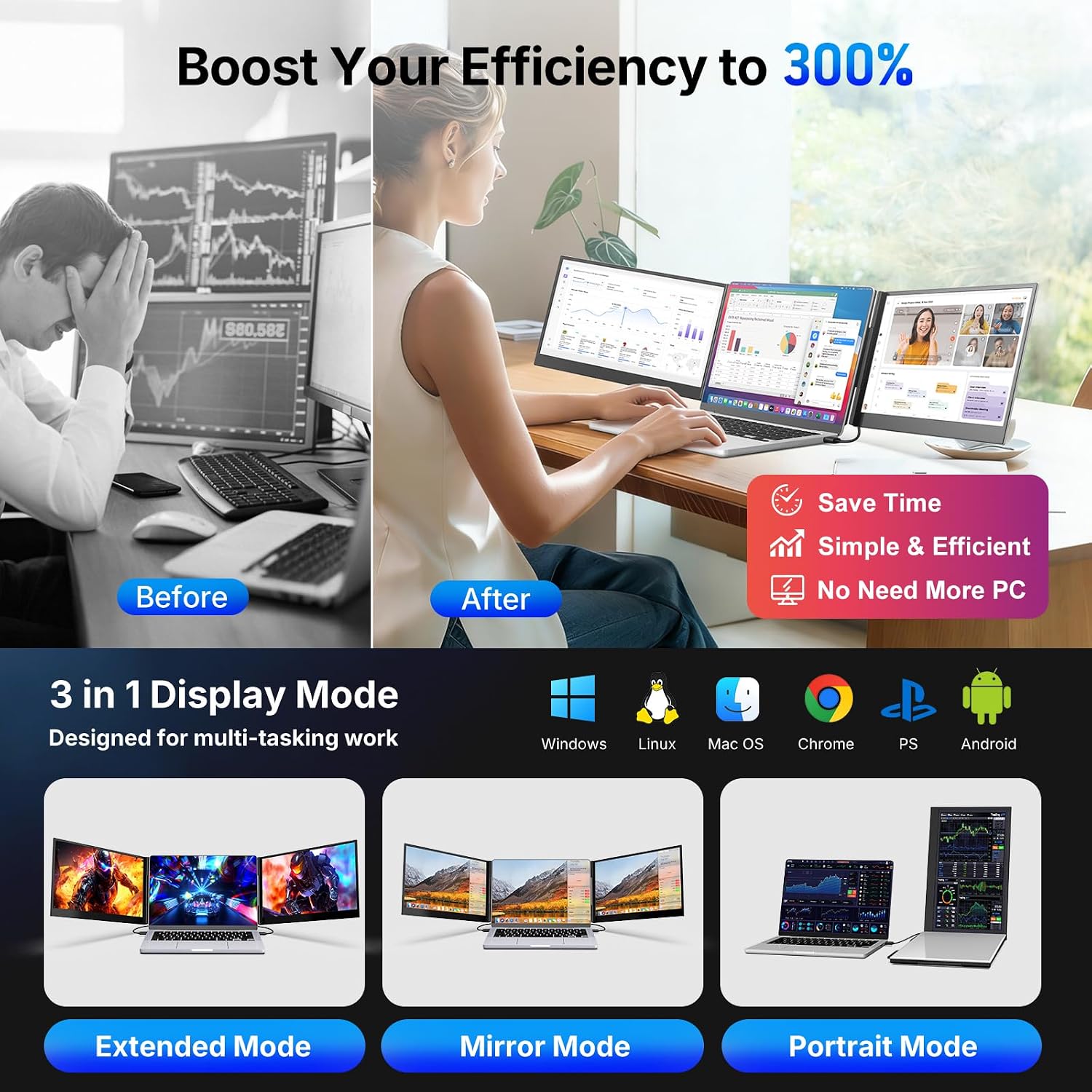
- Extended, Mirror, and Portrait modes offer different ways to arrange content, from side-by-side tasks to a mirrored presentation.
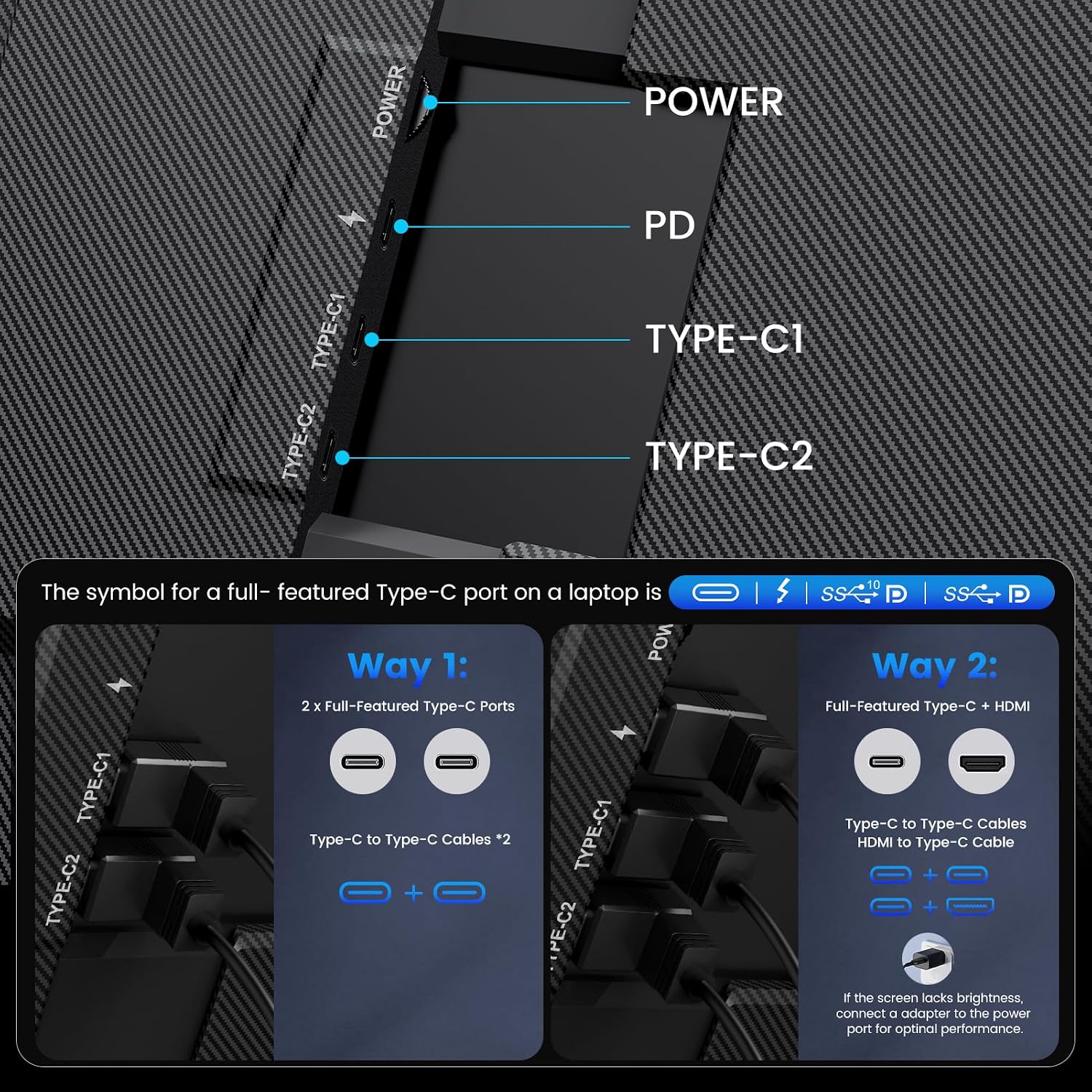
- With a laptop that supports full-featured USB-C, setup uses two USB-C-to-USB-C cables and is described as plug and play.
- The aluminum-alloy construction, slim design, and included carrying case suit occasional travel better than a fixed desktop display arrangement.
There is a real setup caveat: the simplest connection depends on having full-featured USB-C. Some laptops need additional connections, power, and driver installation, so the plug-and-play description does not apply to every configuration. The product information also calls out MacBook models with M1, M2, or M3 chips as needing an H5-T cable (not included), plus HDMI and USB-A connections, external power, and drivers. Check your laptop’s ports and operating system requirements before choosing it.
Spec sheet
- Display: Two 15.6-inch 1080p FHD IPS screens
- Brightness: 300 nits
- Viewing angle: 178°
- Material: Aluminum alloy
- Weight: 3.9 lb
- Modes: Extended, Mirror, and Portrait
- Laptop size range: 13–17.3 inches
- Included: Cables, power adapter, and carrying case
- Compatibility listed: Windows, macOS, ChromeOS, and Nintendo Switch
The listing also names Android in the product title. On the spec sheet, however, port requirements are the more useful detail for judging whether this will work smoothly with a particular device. Compatibility can depend on the laptop’s USB-C capabilities, and some setups require the separately sold H5-T cable and extra connections.
When it makes sense
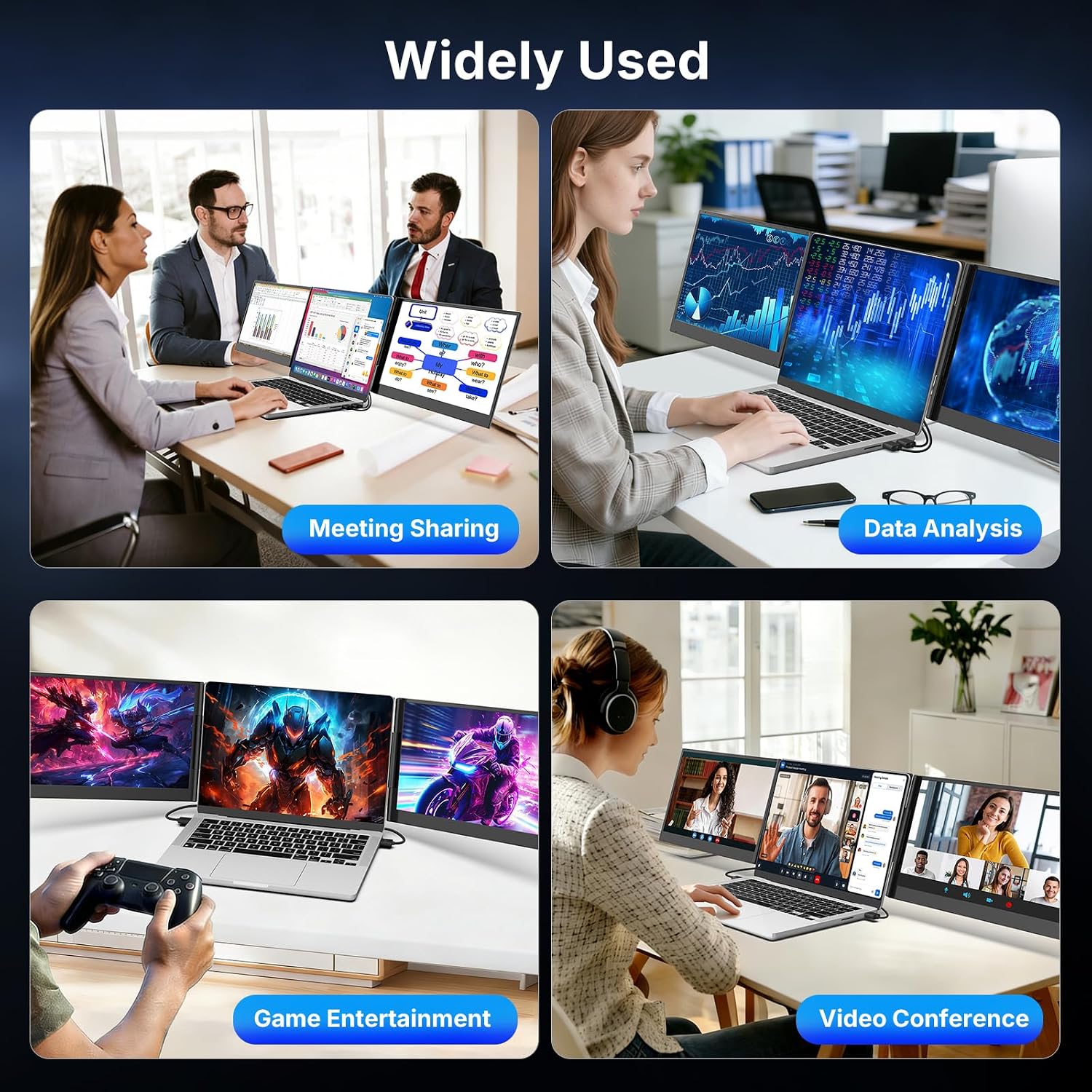
It’s a great fit if you routinely compare documents, monitor a call while taking notes, or keep several work apps visible and your laptop can support the required connections. It offers a more expansive workspace than a single portable screen, but that added screen area comes with extra cabling and a 3.9 lb unit to carry. It’s not for you if you want a lightweight, one-cable display setup regardless of laptop ports, or if you need a screen extender that fits outside the stated laptop size range. Choose it for the two-screen expansion when your device and work routine can make use of it, otherwise, a simpler single portable monitor is the less involved approach.