

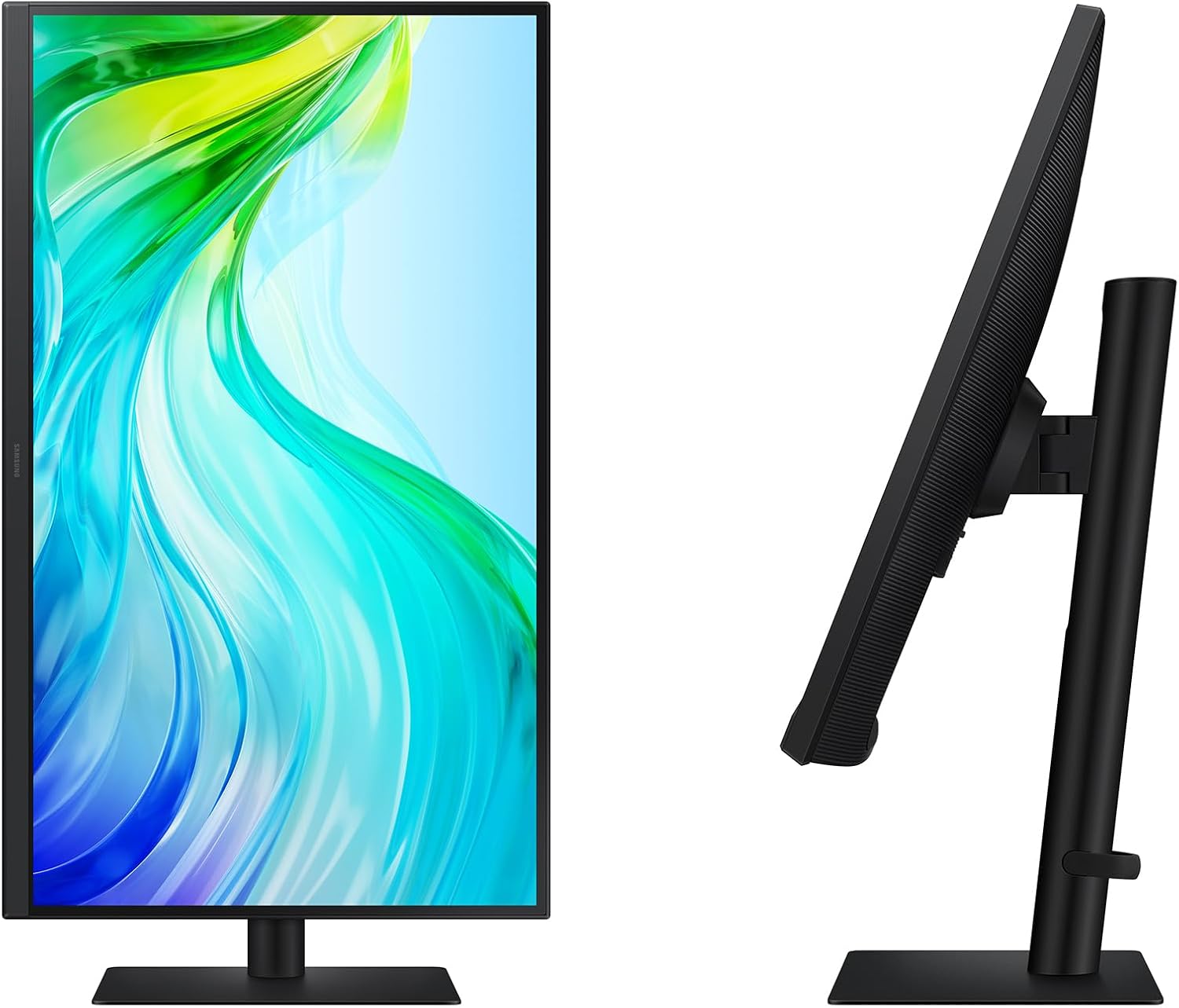
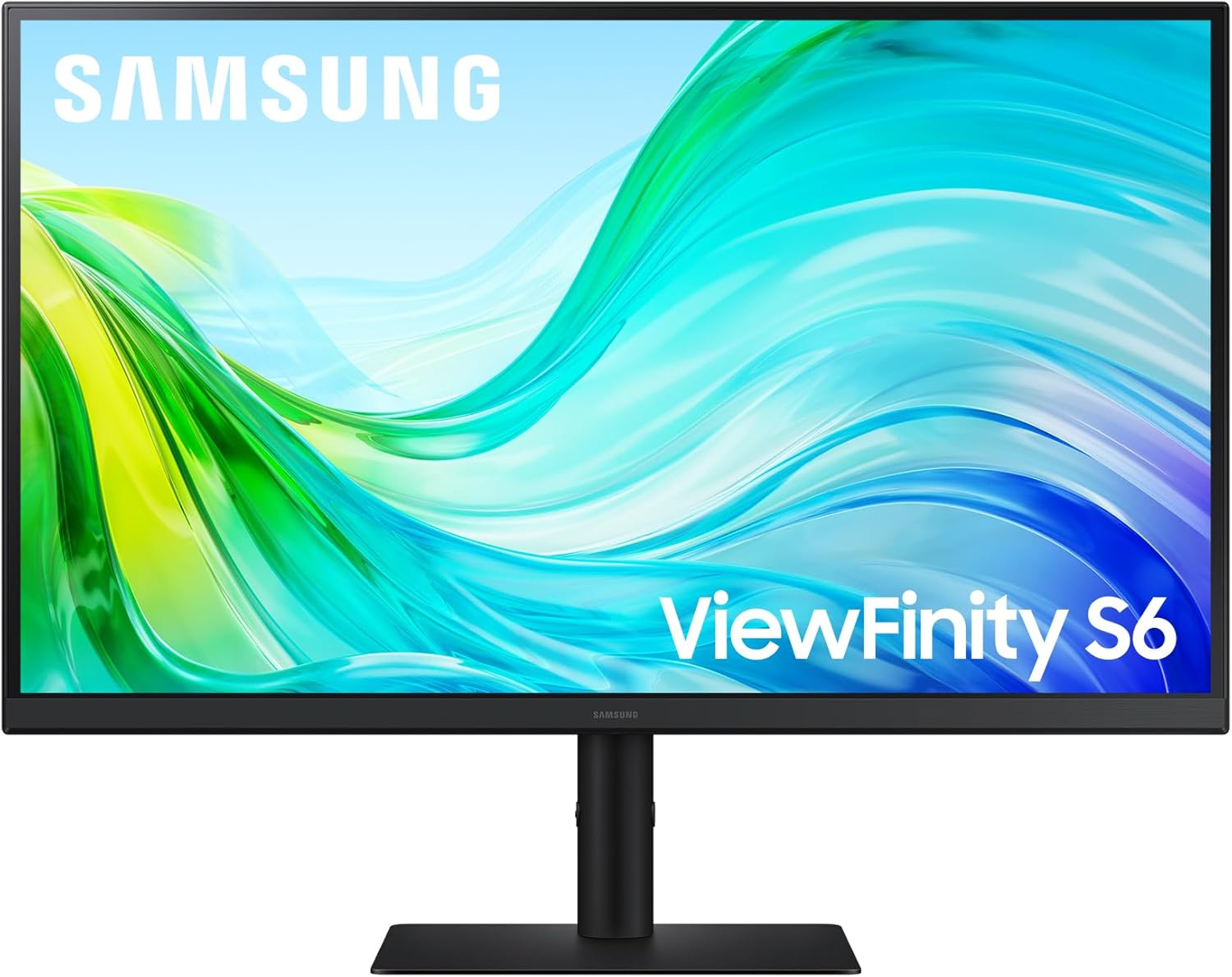
Samsung 27 Inch ViewFinity S6 (S61F) QHD Monitor
Product description
What it is
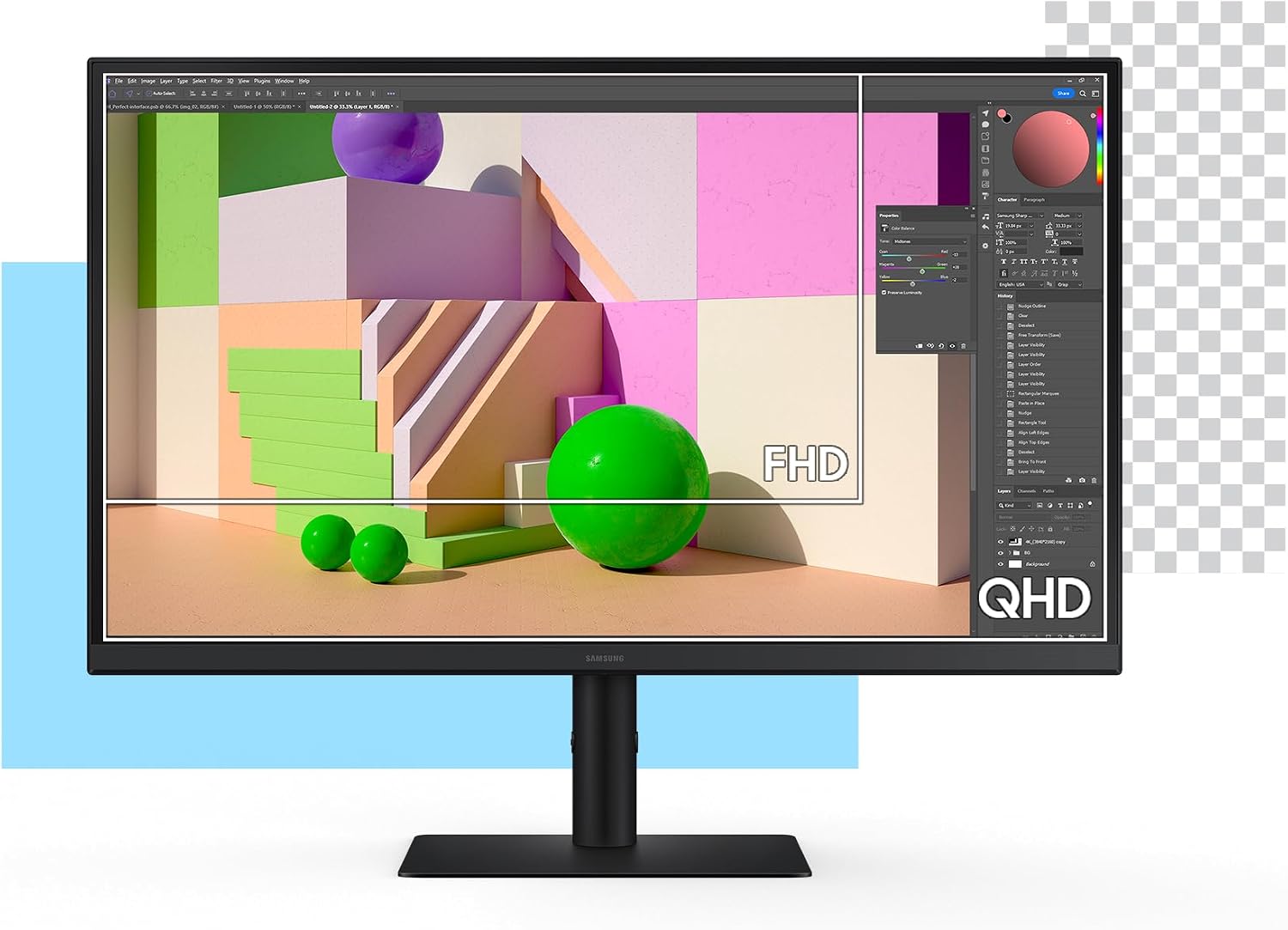
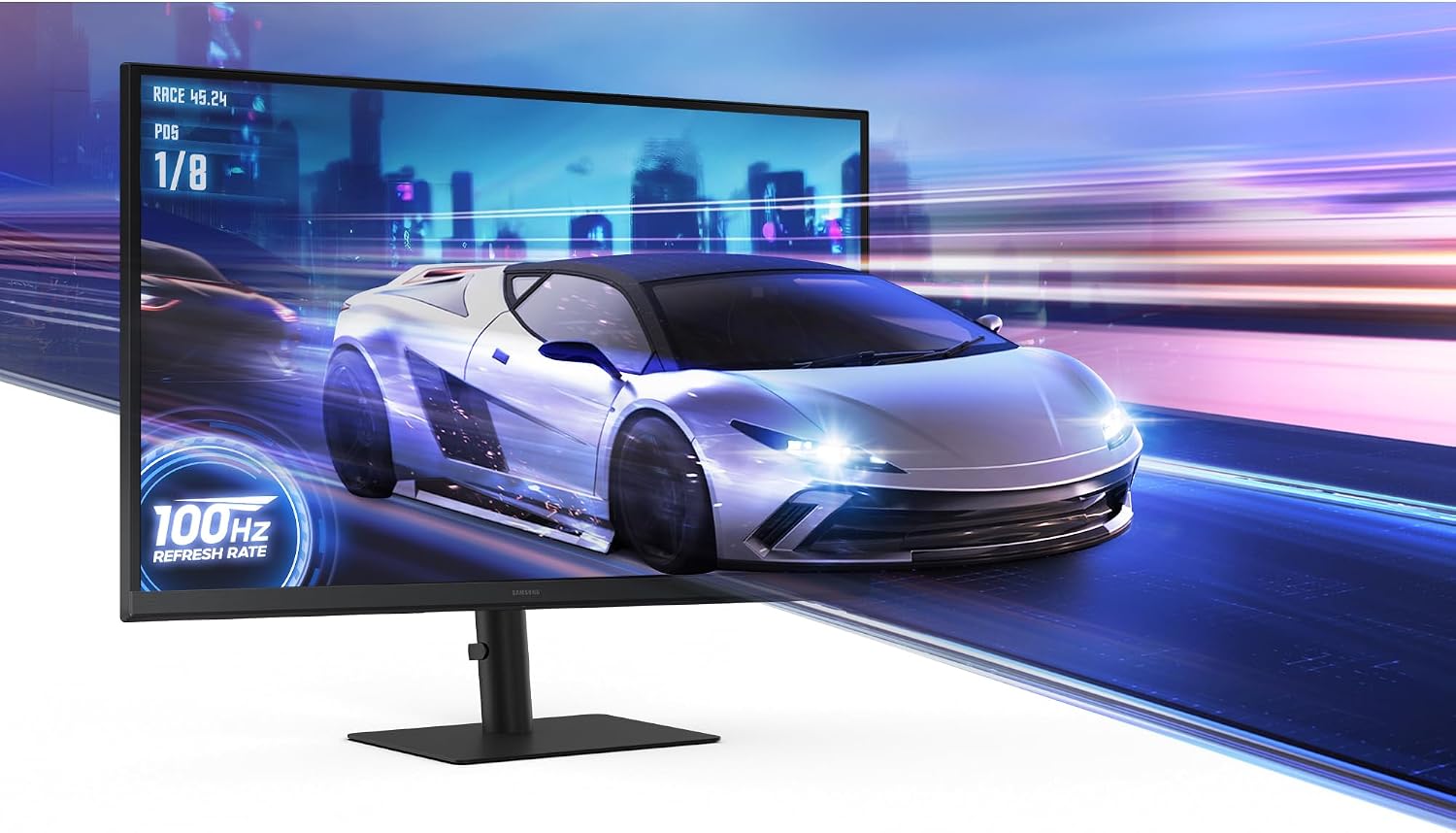
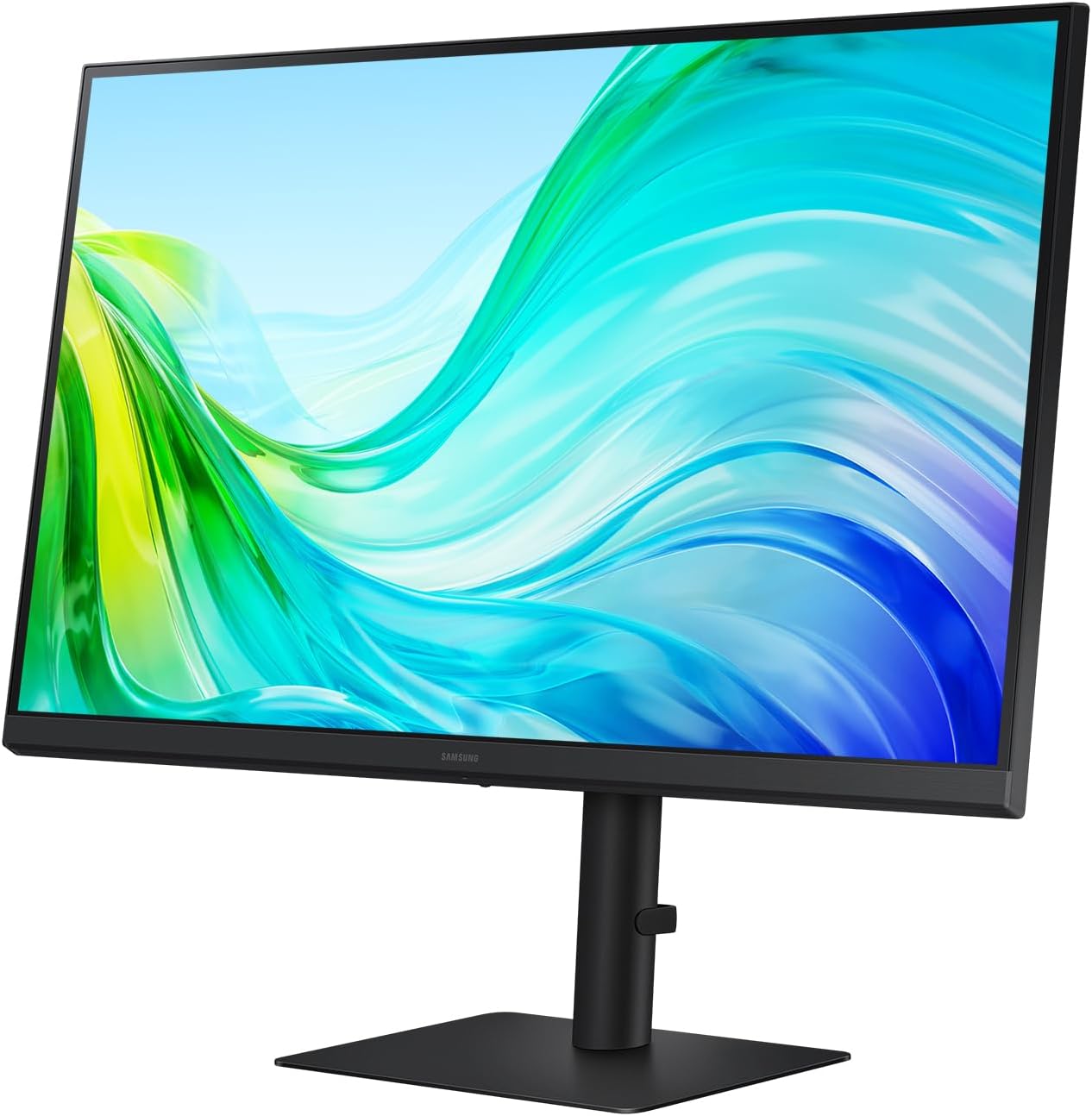
The Samsung 27 Inch ViewFinity S6 (S61F) is a QHD monitor designed to balance detailed visuals with a responsive workflow. With a 2560x1440 resolution, it reveals more detail in complex designs and diagrams, while the 100Hz refresh rate aims to minimize lag in fast-paced moments. This model emphasizes a smoother viewing experience for various tasks, from creative work to everyday use.
Why it matters
If you spend long hours staring at spreadsheets, design boards, or video timelines, the combination of higher pixel density and eye comfort features can reduce eye strain and improve clarity. TÜV-certified Eye Saver Mode suggests an emphasis on reducing glare and fatigue over longer sessions. The ergonomic stand—with tilt, pivot, and height adjustments—helps align the screen to your natural line of sight, potentially improving posture and comfort during multi-hour work blocks.
What stands out
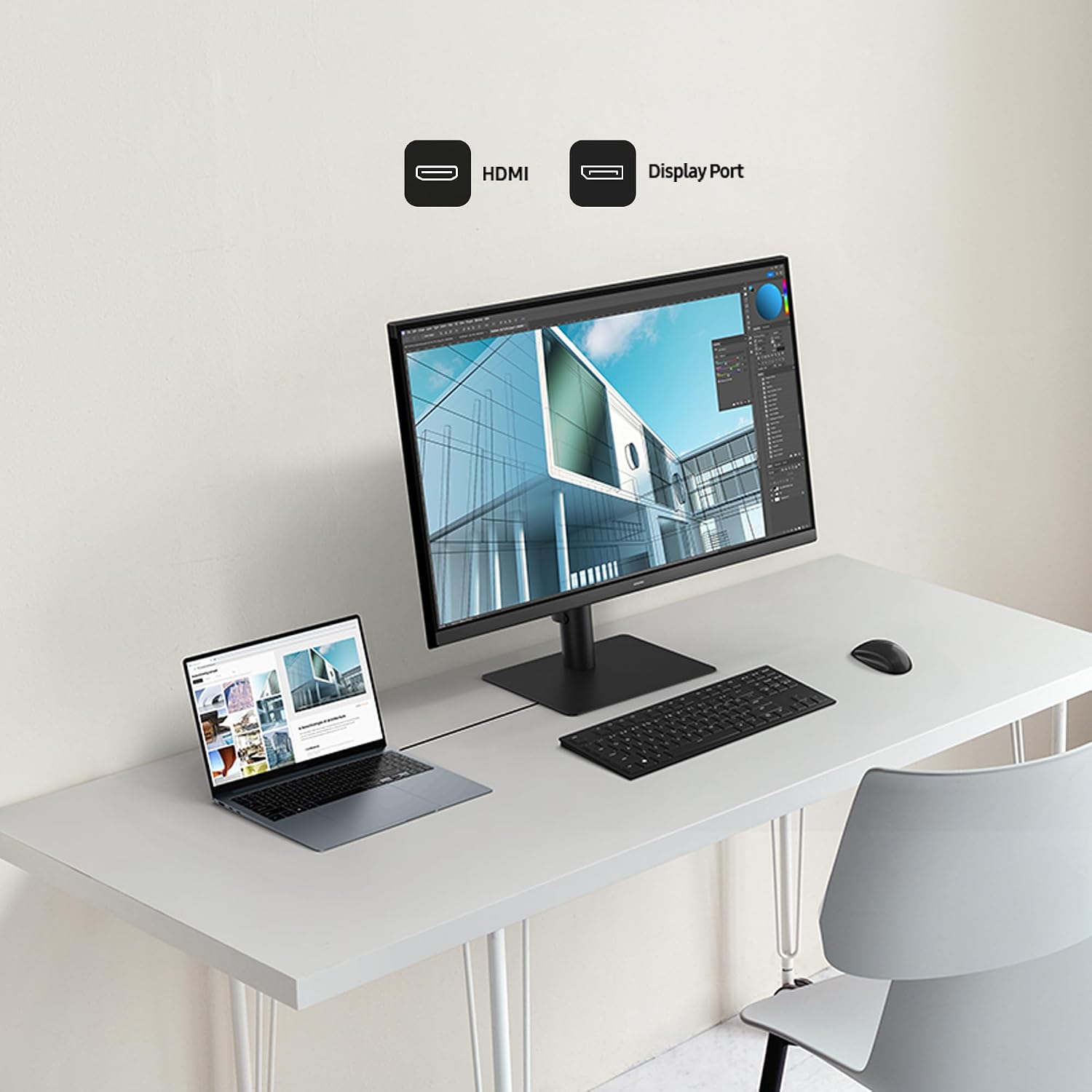
On the surface, the S6 prioritizes practical, “get-it-done” details: a crisp 2560x1440 panel for sharper text and images, and a 100Hz refresh rate that helps with smoother motion in dynamic content. The connectivity options include both HDMI and DisplayPort, simplifying the setup for most desktops or laptops. The Game Mode hint is a nod to versatility, suggesting it can handle casual gaming or media review in addition to productivity.
Who it’s for
This monitor suits professionals who value clarity and screen real estate without stepping up to ultra-wide or high-end gaming panels. It’s a reasonable choice if you want a mid-range display that feels sharper than 1080p for editing, data analysis, or design work, and you’re prioritizing comfort during long sessions. If your tasks involve fast, high-contrast gaming or color-critical work, you’ll want to verify whether the panel’s color accuracy and response meet your expectations.
Who it isn’t for
If you need top-tier color accuracy, professional-grade HDR, or extreme gaming performance, this model may fall short of those demands. It leans toward general productivity and content viewing rather than high-end competitive gaming or professional color workflows. Also, if your desk setup requires more extensive adjustability or ultra-wide real estate, you might outgrow the 27-inch footprint.
When it makes sense to buy
Consider this monitor if you want a solid, mid-tier QHD display with comfortable ergonomics and straightforward connectivity. It makes sense if your workflow benefits from a sharper image over 1080p and you appreciate an adjustable stand for better viewing comfort. The inclusion of Eye Saver Mode and TÜV certification adds a practical reassurance for long days at the desk.
What to review before buying
- Confirm your device outputs (HDMI and DisplayPort) align with your graphics card’s ports and preferred cable types.
- Consider whether 100Hz is enough for your typical content, especially if you do fast-paced gaming or video editing that benefits from higher refresh rates.
- Check desk space and whether the height/tilt/pivot adjustments fit your posture goals.
Practical use case
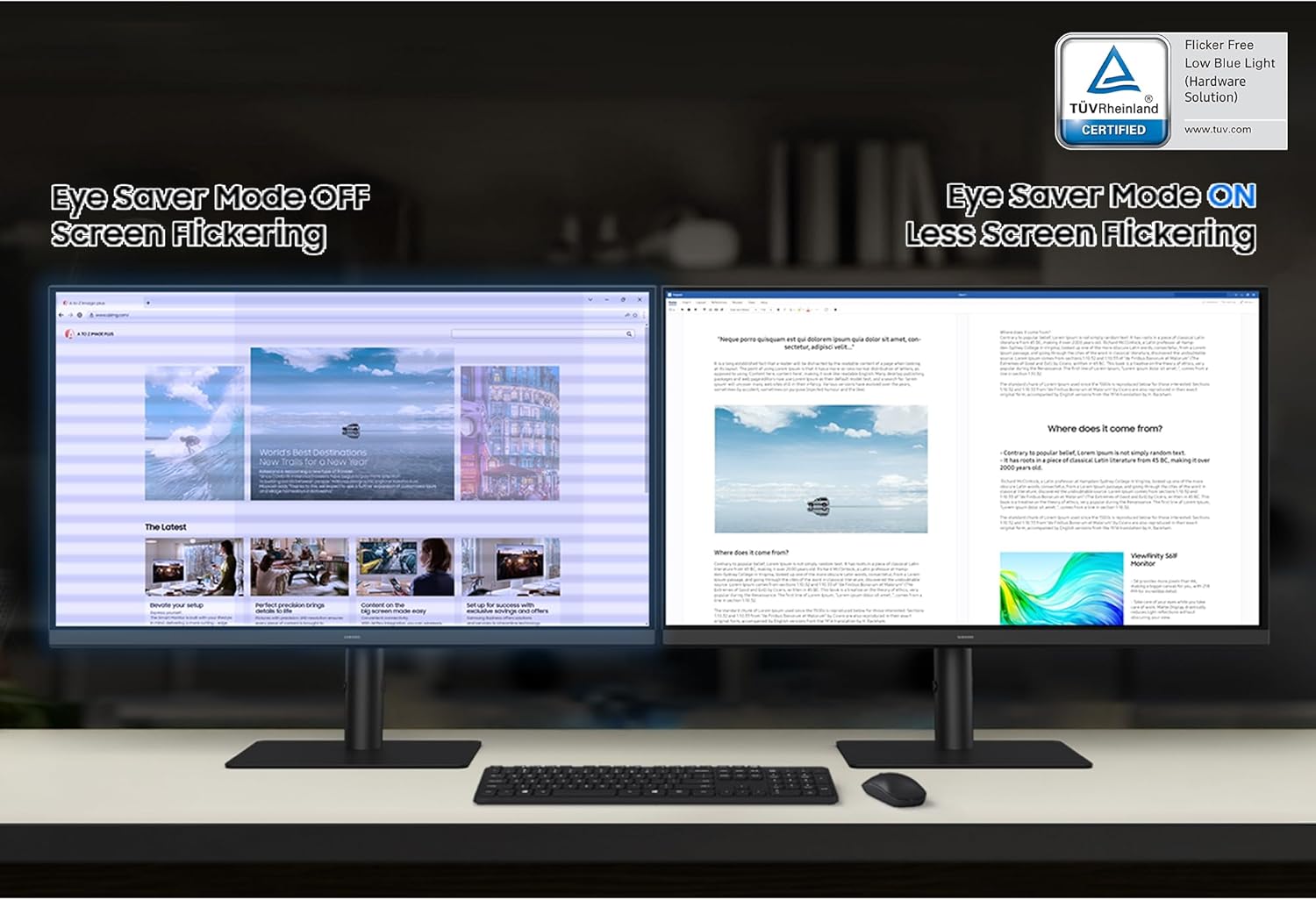
Imagine editing a lengthy data visualization report: you’ll notice crisper text and more on-screen detail in the same window, reducing the need to zoom in and out constantly. In a late-evening review session, Eye Saver Mode can help keep fatigue at bay as you scroll through dense slides or code snippets. The ability to switch quickly to game mode also makes it convenient for a short gaming break without swapping devices.
Final decision
Is it worth it?
If you prioritize a reliable, comfortable mid-range monitor with solid resolution and flexible ergonomics, this Samsung ViewFinity S6 model is worth considering. It isn’t the top pick for ultra color-critical work or extreme gaming, but it delivers a balanced package for everyday productivity and multimedia use.
FAQ
- What does 100Hz mean for my use? It helps reduce motion blur in everyday tasks and casual content, but may not satisfy high-end competitive gamers seeking very high refresh rates.
- Does it support professional color workflows? The available data focus on resolution, connectivity, and ergonomic features, there’s no explicit mention of color calibration or HDR capabilities.
- How easy is the stand to adjust? The stand supports tilt, pivot, and height adjustments, which should allow aligning the screen to your preferred viewing angle with less neck strain.