

Portable Monitor 4K 1200 Nits (16-inch) with USB-C & Mini HDMI, FreeSync, VESA Mount
Product description
If you work or play outside the usual “desktop lighting,” a normal portable monitor can feel like a compromise. This Portable Monitor 4K 1200 Nits is built around a standout idea: push brightness high enough to keep the image usable, even when glare would normally ruin your view.
Is it perfect? Not automatically. Specs like peak brightness are only part of the story, and portable displays can vary in how they handle every lighting scenario. Still, for on-the-go setups where you want a crisp 4K image and a screen that holds up better in bright environments, it’s worth a close look.
Key takeaways
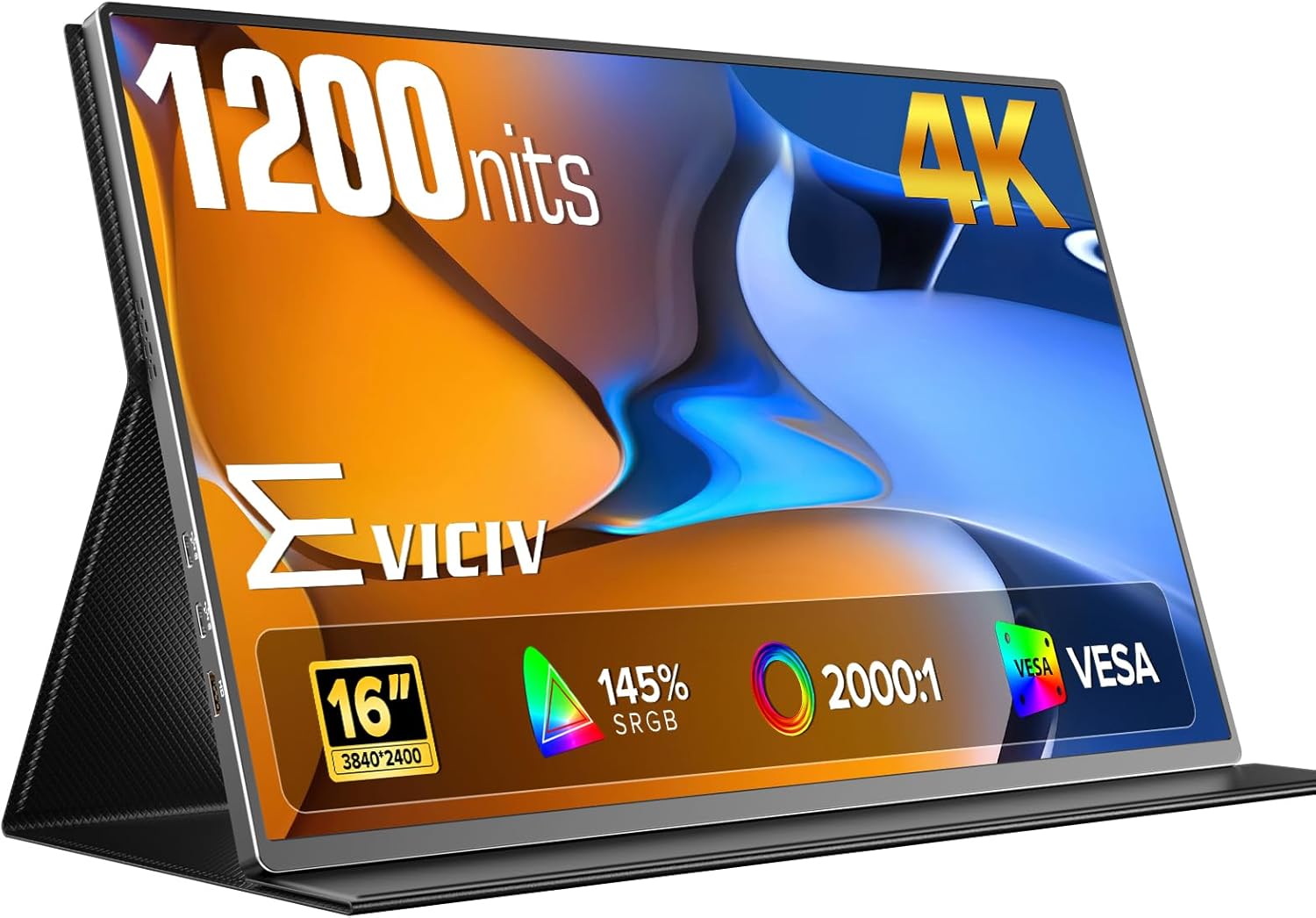
This 16-inch portable monitor targets people who need a second screen while traveling, working in the field, or setting up a compact desk quickly. The big selling points are the 1200 nits brightness claim (plus a matte/anti-glare finish), a 4K UHD resolution (3840×2400), and a connectivity setup designed around modern portable workflows (USB-C plus mini HDMI).
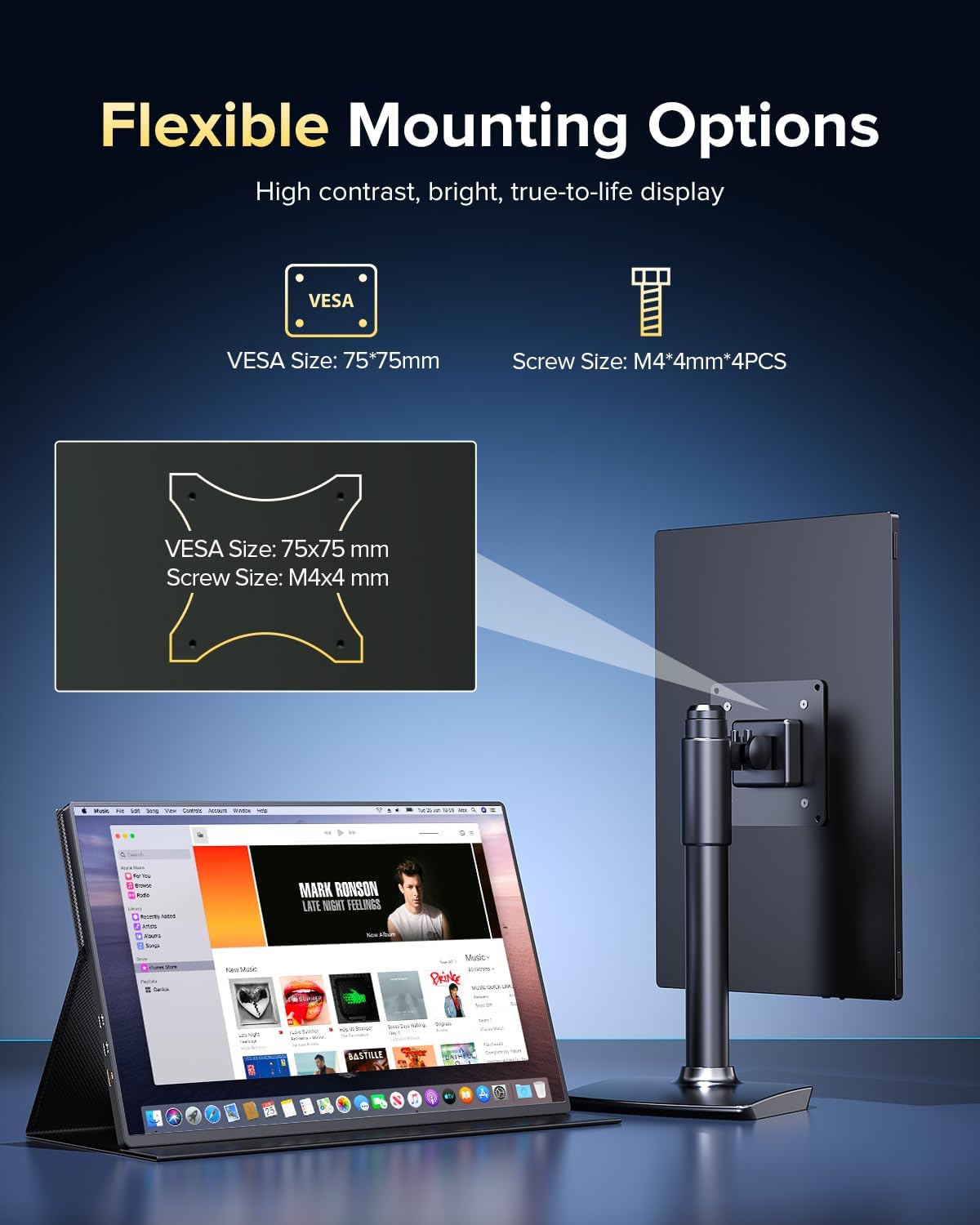
Where it feels most practical is when you’re constantly moving between places: home office to outdoor site, couch to desk, or a quick gaming/entertainment setup with a console. And it’s not only about portability—there’s also a VESA mount approach (75×75mm) if you want it fixed on a wall, desk, or vehicle-style mount.
If your priorities are maximum color depth and calibration-level “pro studio” accuracy, you may want to double-check what you expect from the “outstanding color accuracy and consistency” claim. The description positions it as a versatile mid-to-upper convenience monitor rather than a strict reference-grade display.
The essentials
You get a 4K UHD portable screen in a form factor meant for second-screen use. The matte anti-glare finish is meant to reduce reflections, which matters because a portable display is often used in less controlled environments.
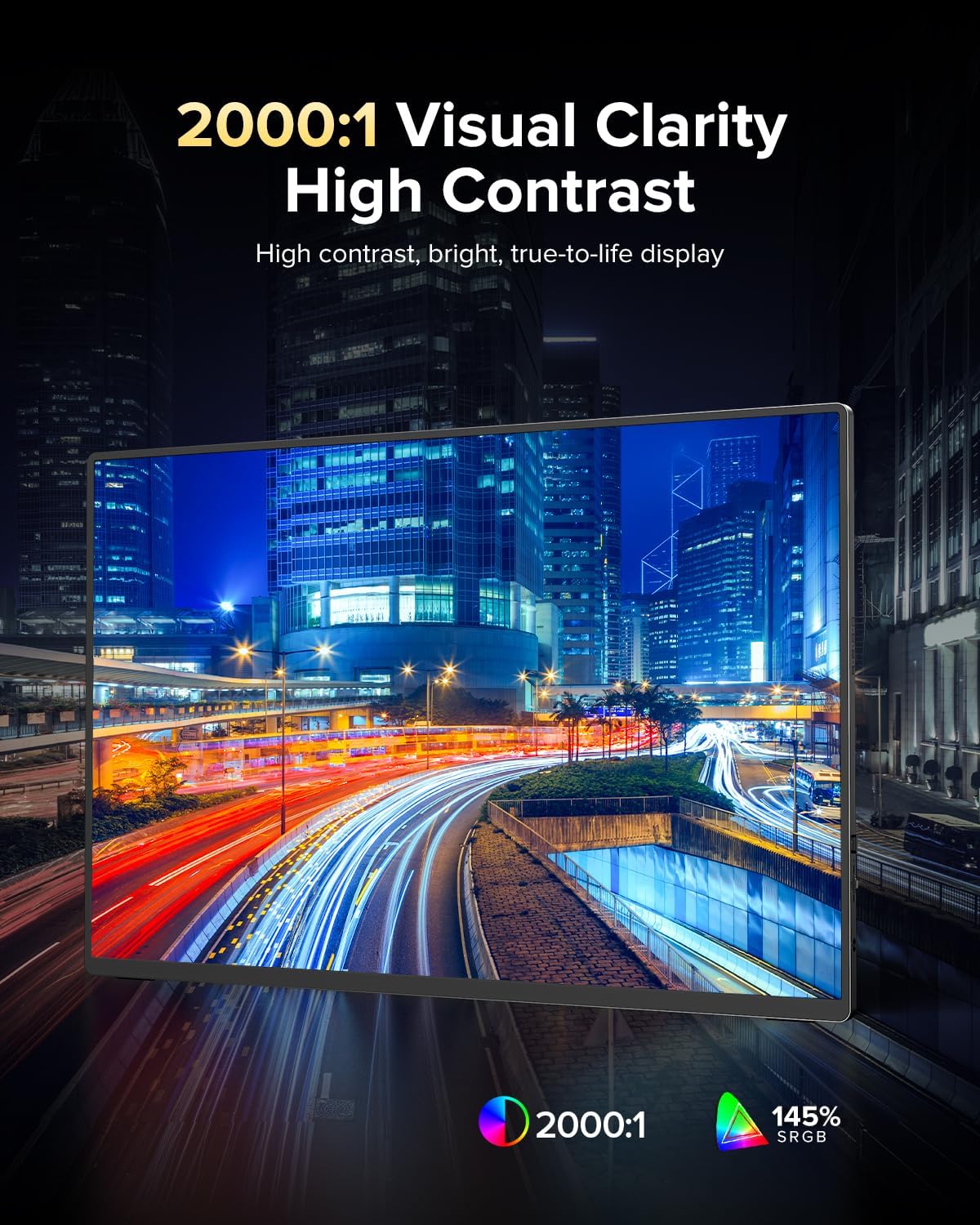
On the image side, the promise here is sharp, vibrant, and crystal-clear 4K visuals for work, movies, and gaming. For gaming, it mentions “1ms FreeSync” and a 2000:1 contrast ratio, which suggests it’s designed to reduce stutter and keep motion looking smoother.
A practical example: imagine you’re editing documents or reviewing slides in daylight at a job site. With a screen that’s supposed to stay readable at high brightness and resist glare, you spend less time squinting or changing angles just to see the text clearly.
What stands out
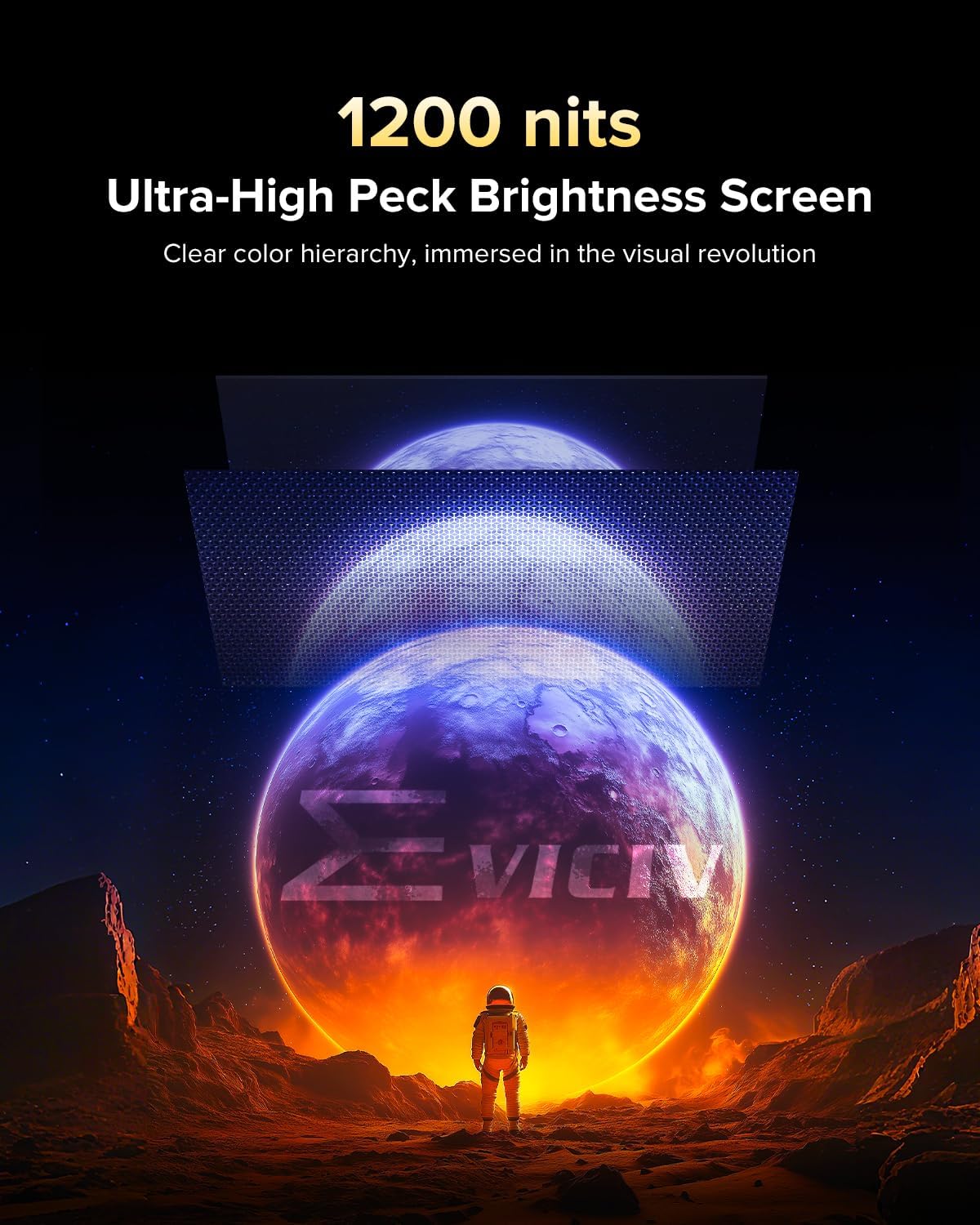
The most noticeable differentiator is the 1200 nits “super bright” approach paired with anti-glare. That combination is aimed at keeping the picture visible outdoors or under strong lighting.
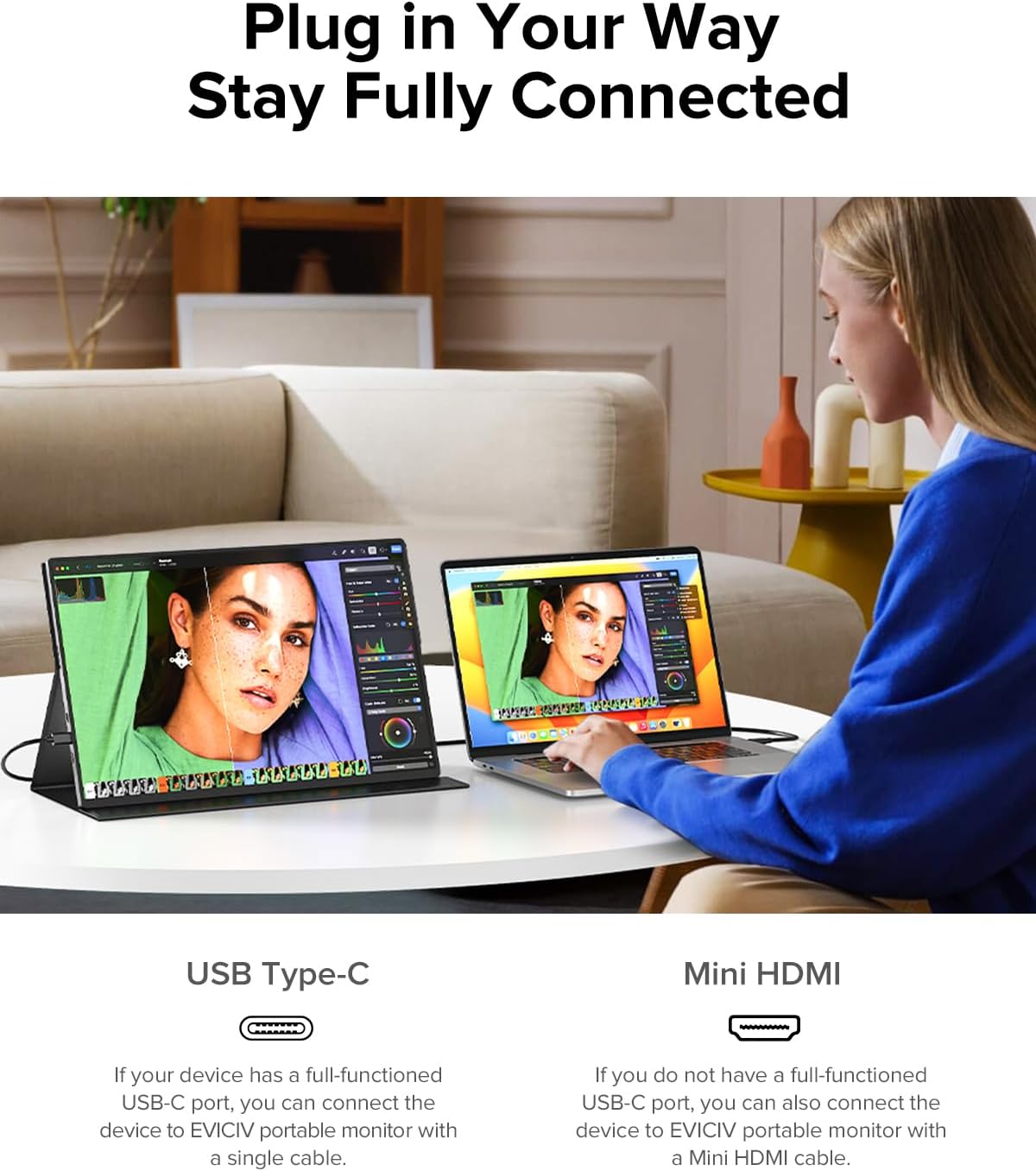
Second, the connectivity is built for real-world portability. USB-C helps keep setup simple, and mini HDMI adds flexibility for devices that don’t use USB-C video output.
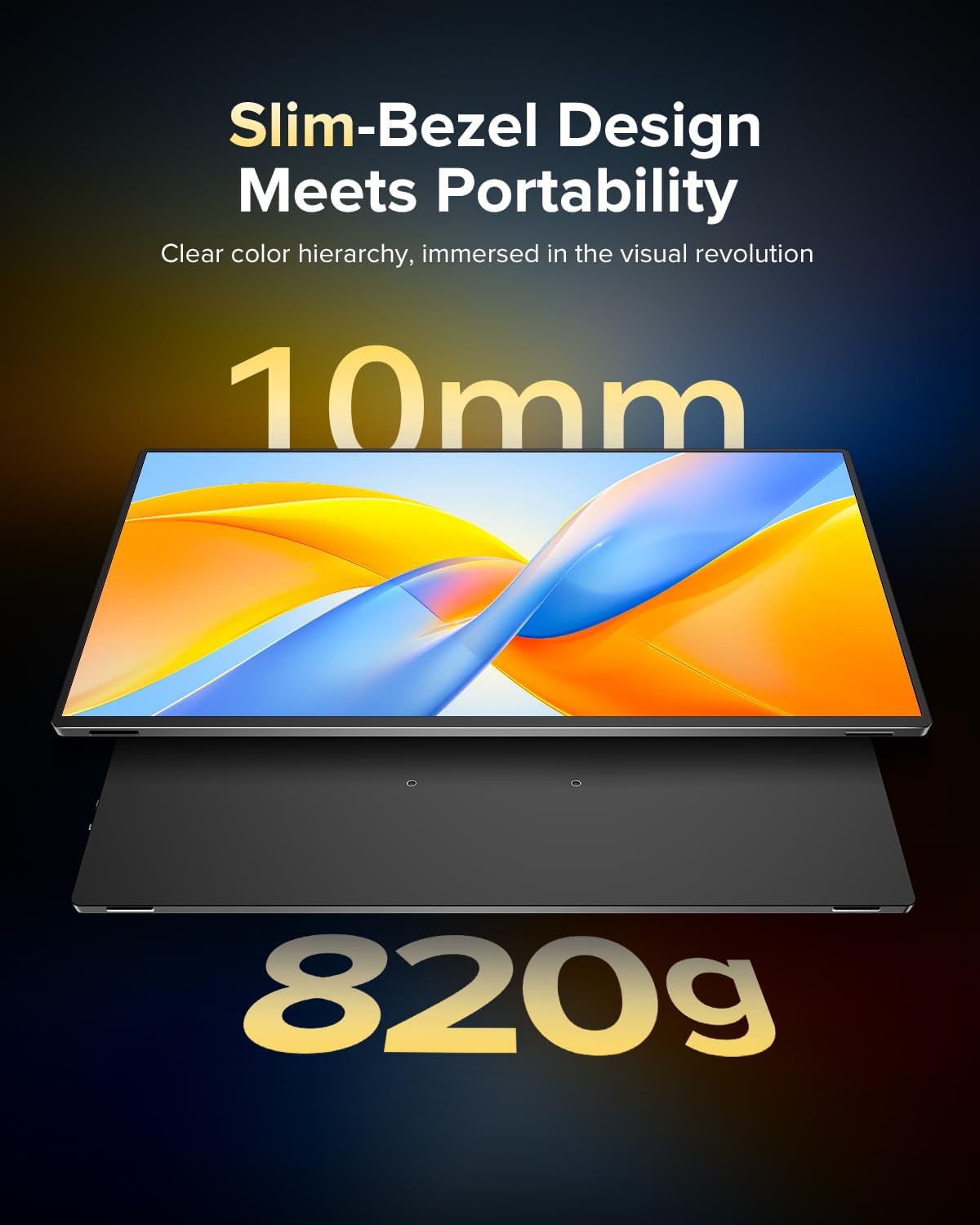
Finally, the physical build matters for something you’ll likely move around. This monitor is described as having a premium aluminum body with a solid, durable feel, plus a VESA mount (75×75mm) option when you want a stable viewing position rather than handheld-style placement.
What you’ll notice day to day

In day-to-day use, you’ll likely appreciate three things: readability under harsh light, the clarity of 4K for smaller UI elements, and fewer setup headaches thanks to plug-and-play style USB-C use.
That said, here’s a limitation to keep in mind: “1200 nits” sounds like an outdoor guarantee, but real-world readability depends on how the brightness behaves across the screen, how much you’re still fighting reflections, and your viewing angle. If you’re extremely sensitive to glare (or plan to use it in direct sun constantly), consider that anti-glare helps, but it may not make it identical to a purpose-built outdoor display in every scenario.
Also, while it’s described for gaming with FreeSync support, the “1ms” phrasing can be easy to overinterpret without more context on refresh rates and response measurement. If gaming performance is your main goal, you’ll want to verify the practical experience you care about (smoothness vs. input latency) before committing.
Tech specs
- Name: Portable Monitor 4K 1200 Nits, 16" Laptop Monitor
- Type: Portable laptop monitor / second-screen display
- Resolution: 3840×2400 UHD (4K)
- Brightness: 1200 nits
- Anti-glare: Matte finish for reduced glare
- Refresh/compatibility features: 1ms FreeSync
- Contrast: 2000:1
- Connectivity: USB-C & mini HDMI
- VESA mount: 75×75mm
- Material/structure: Aluminum body
When it makes sense
You should buy this portable 4K monitor if you want a bright, glare-resistant second screen for work, movies, studying, or gaming while traveling or using it in mixed lighting. It’s especially appealing if you need to connect laptops, mini PCs, or other devices via USB-C, and you also want mini HDMI as a backup for consoles or other sources.
It also makes sense if you like the idea of two deployment modes: quick portability for “set it down and go,” and a more fixed setup using the VESA mount.
You may want to skip it if your priority is a fully color-verified, studio-grade workflow where you need detailed calibration data, or if you’re expecting everything to feel like a high-end desk monitor experience without any compromises. It’s positioned more as a travel-friendly workhorse than a precision display.
Mini FAQ
Will this portable monitor work with laptops on the go?
On paper, yes—USB-C is specifically mentioned for seamless plug-and-play style setup, which is exactly what you want for travel and quick setups.
Does it help outdoors?
It’s designed around 1200 nits brightness and a matte anti-glare finish, so it should be more usable outdoors than typical portable screens. Still, direct sun viewing can be tricky, so real-world conditions matter.
Can I mount it on a desk or wall?
Yes. A VESA mount (75×75mm) is included as part of the setup options, which can help you go from portable to stable workstation.
What about gaming?
It mentions FreeSync and “1ms,” and it’s described as suitable for gaming without “weird issues.” If gaming is your top use case, it’s smart to verify the practical smoothness you expect.
Should I choose USB-C or mini HDMI?
Choose based on the device you’re connecting. The monitor supports both, so USB-C may be simplest for laptops/portable computers, while mini HDMI can help when you’re plugging in a game console or another HDMI source.
Is it worth it?
This monitor is a strong buy if your real problem is readability and glare during travel or outdoor/bright-light use, while still wanting a crisp 4K image for work and entertainment. The 1200 nits + matte anti-glare combination is the headline, and the USB-C plus mini HDMI setup makes it practical for mixed devices.
It’s not the best match if you’re looking for deeper verification details (like performance metrics beyond the headline specs) or if you need a guaranteed “studio monitor” style experience. If you’ll use it as a second screen—especially on the move—this one’s built for that job.