

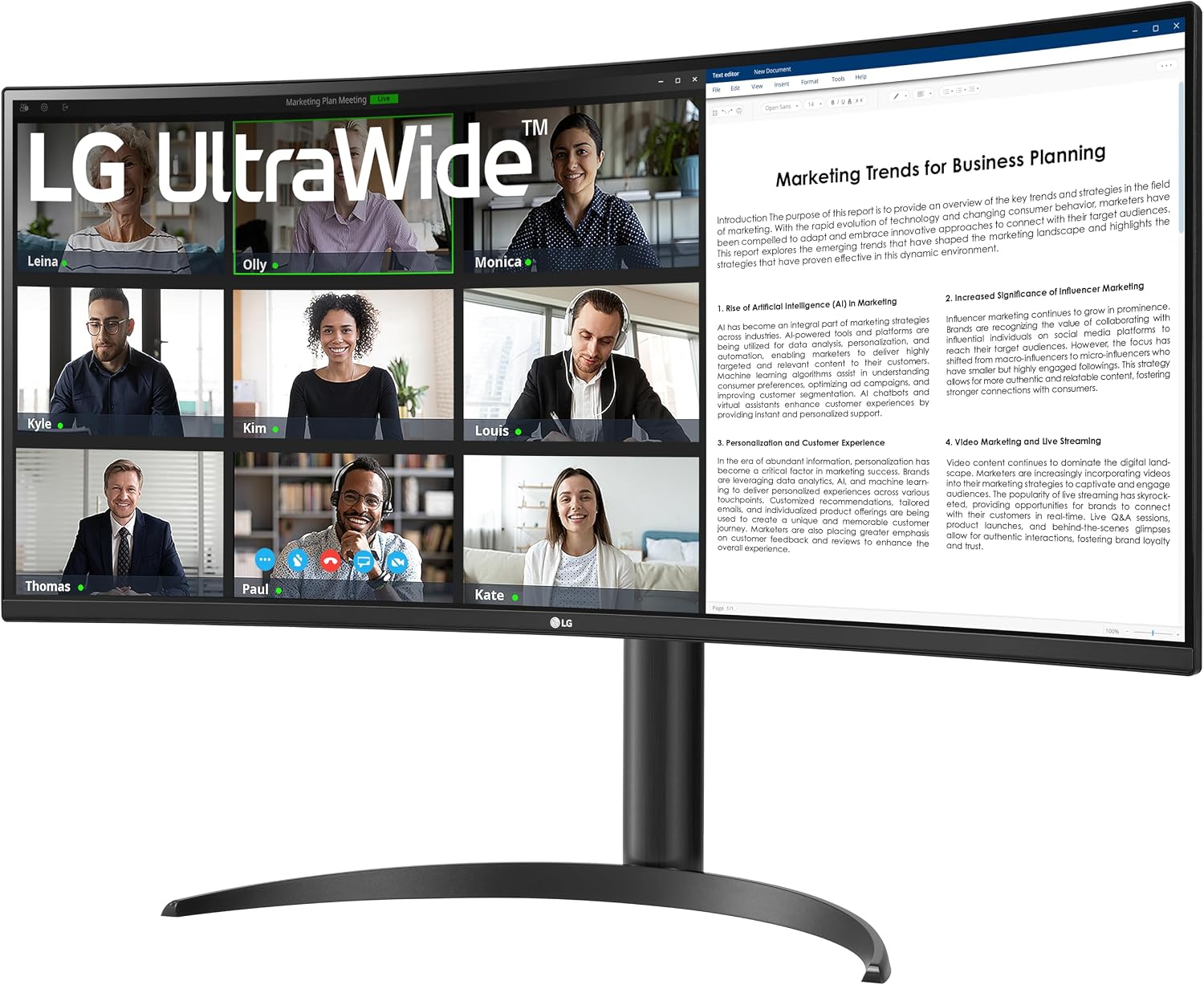
LG UltraWide monitor 34-inch
Product description
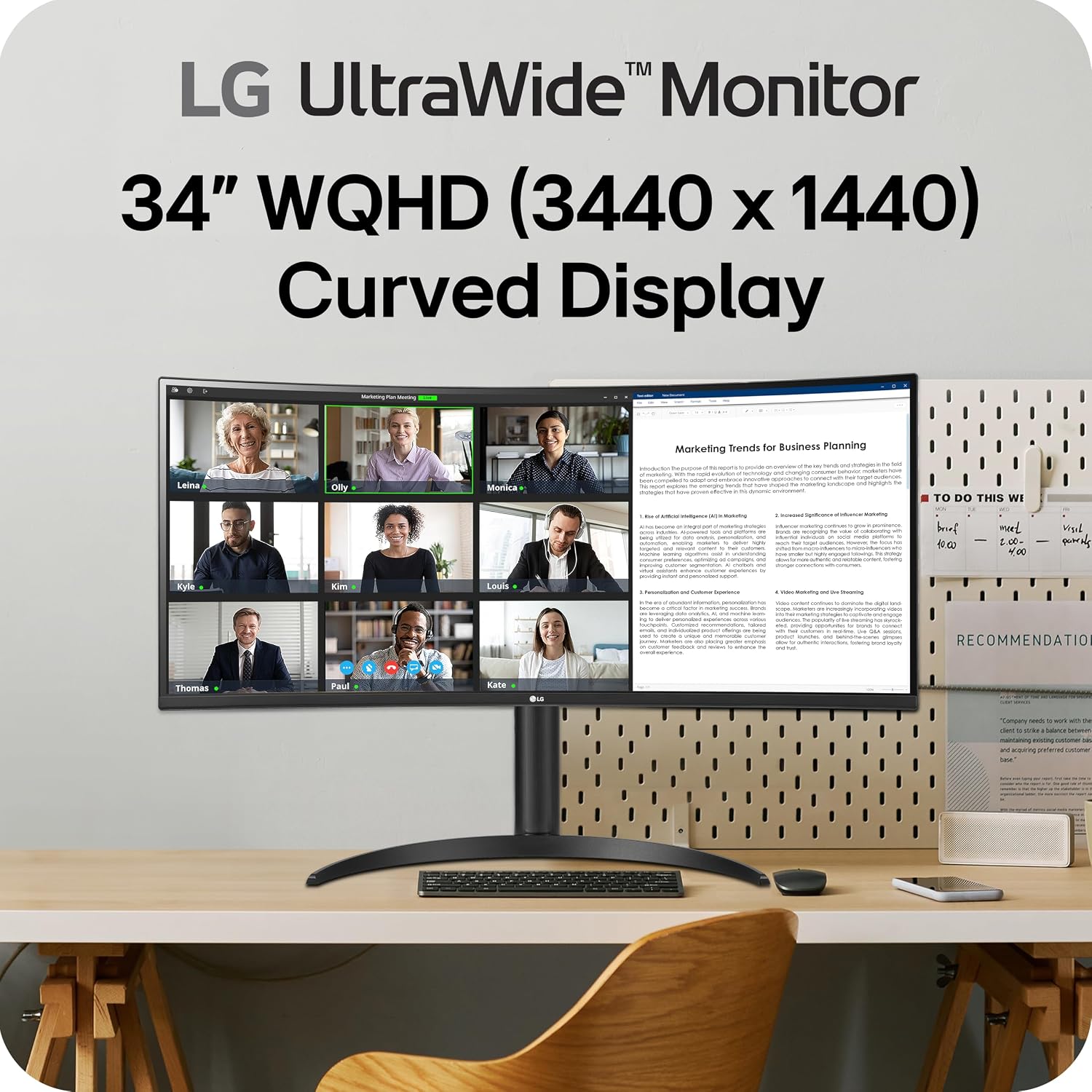
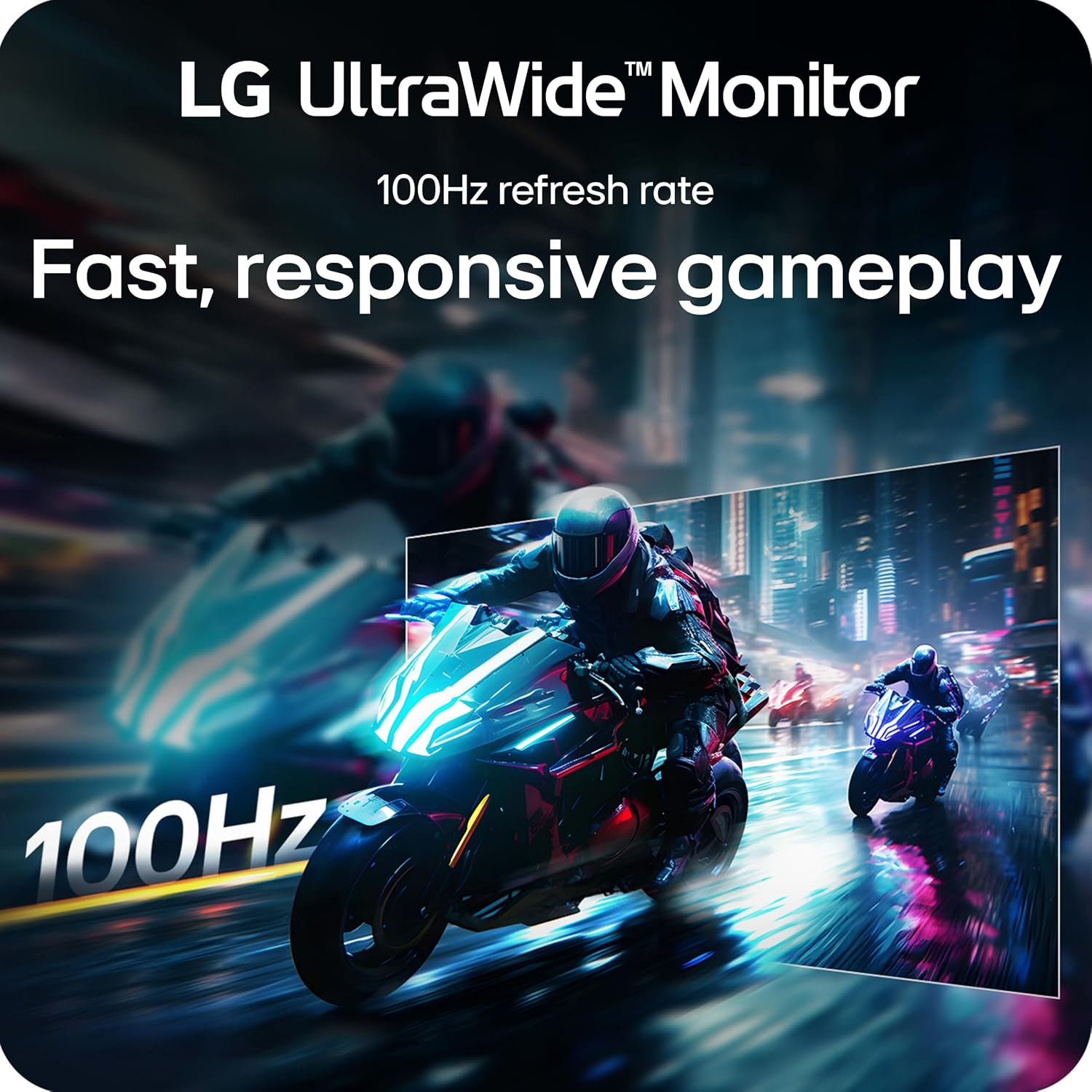
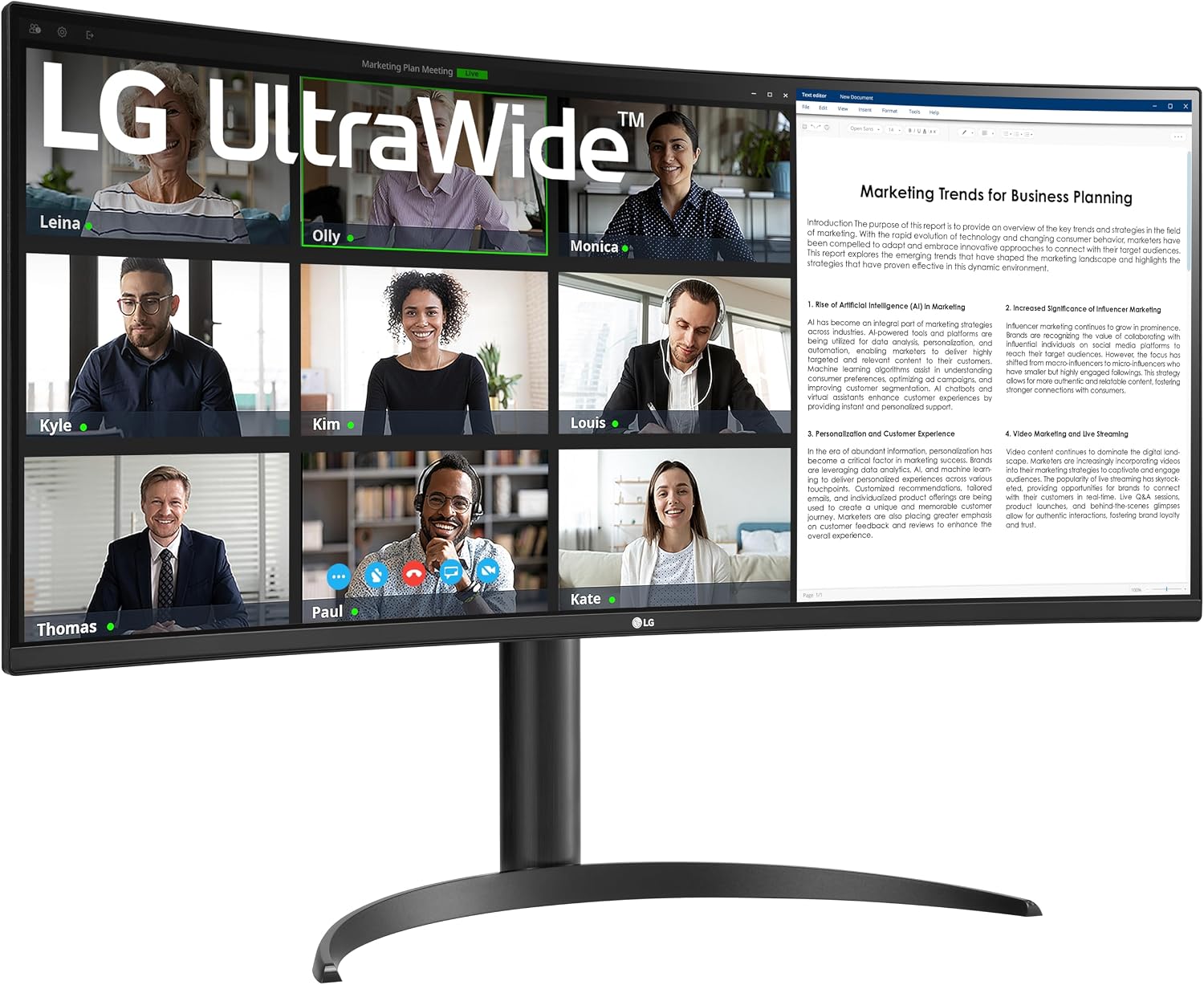
When work means keeping a document, a browser, and a video call visible at once, a wider screen can reduce the need to keep switching windows. The LG 34WR55QK-B is a curved 34-inch UltraWide monitor with a 21:9 WQHD resolution, designed to put more of that workspace on one display. Its 3440 x 1440 resolution, 100Hz refresh rate, and USB-C connection give it some flexibility for both everyday tasks and entertainment. It also has a height- and tilt-adjustable stand, though the supplied details do not specify its adjustment range.
Best use cases
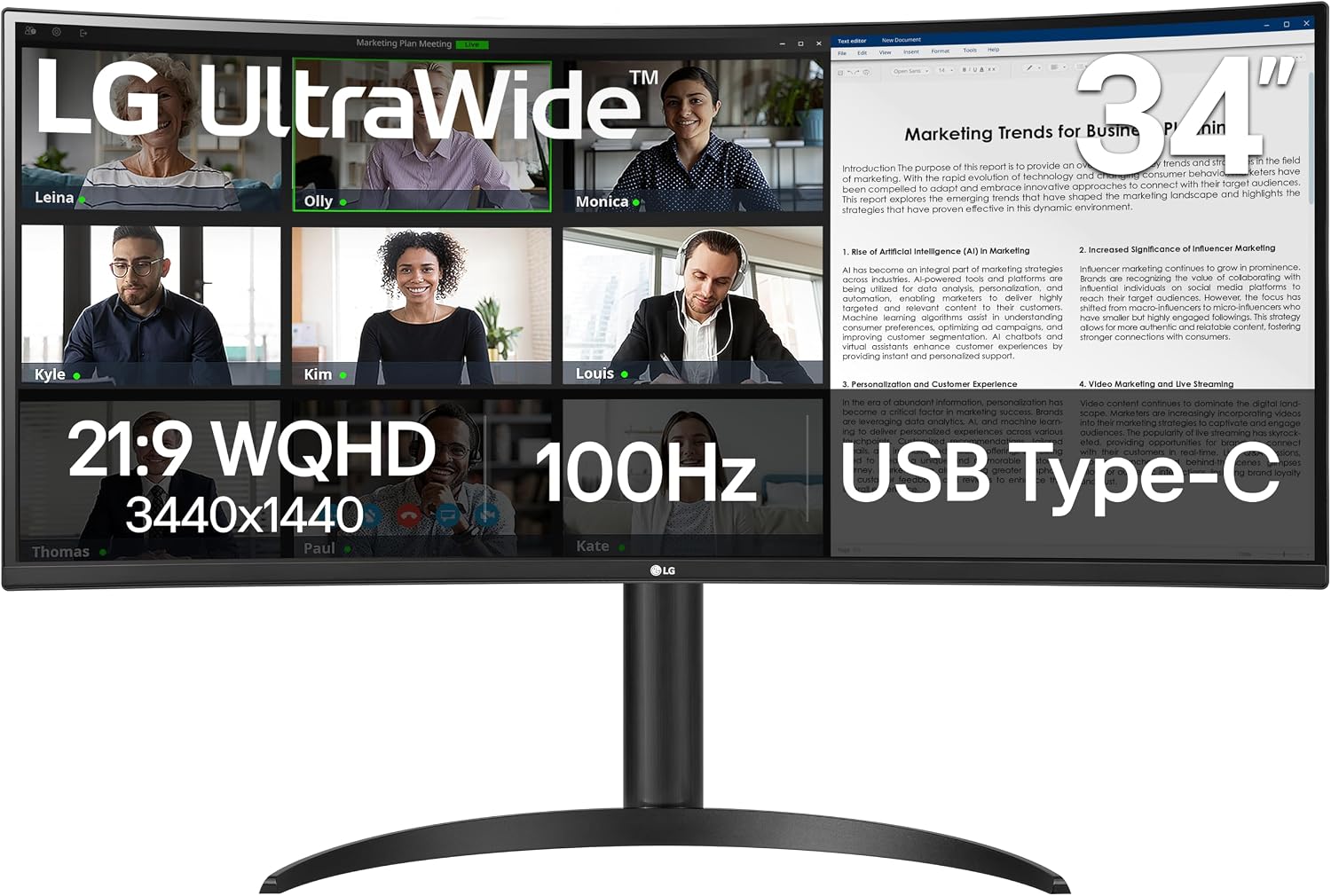
This LG monitor makes the most sense for desk work that benefits from side-by-side windows. You could keep a spreadsheet open beside a reference document, or leave a meeting visible while taking notes without constantly minimizing one window to find another. Its 21:9 layout offers a different approach from using two separate screens: everything sits on one wide display, with less separation between work areas.
OnScreen Control adds software tools for splitting the workspace and adjusting basic monitor settings. Picture-by-Picture can show content from two separate input sources at the same time, which may help when you want to keep two connected devices visible. Worth considering if your routine involves comparing information or moving between several apps. If you mostly use one window at a time, the extra width may matter less than it does for multitasking.
Product specs
The 34-inch curved display uses a 21:9 aspect ratio and WQHD resolution of 3440 x 1440. LG lists a 100Hz refresh rate and 5ms response time, along with HDR10 and up to 99% sRGB color gamut expression. Reader Mode reduces blue light for reading, while the stand supports height and tilt adjustment.
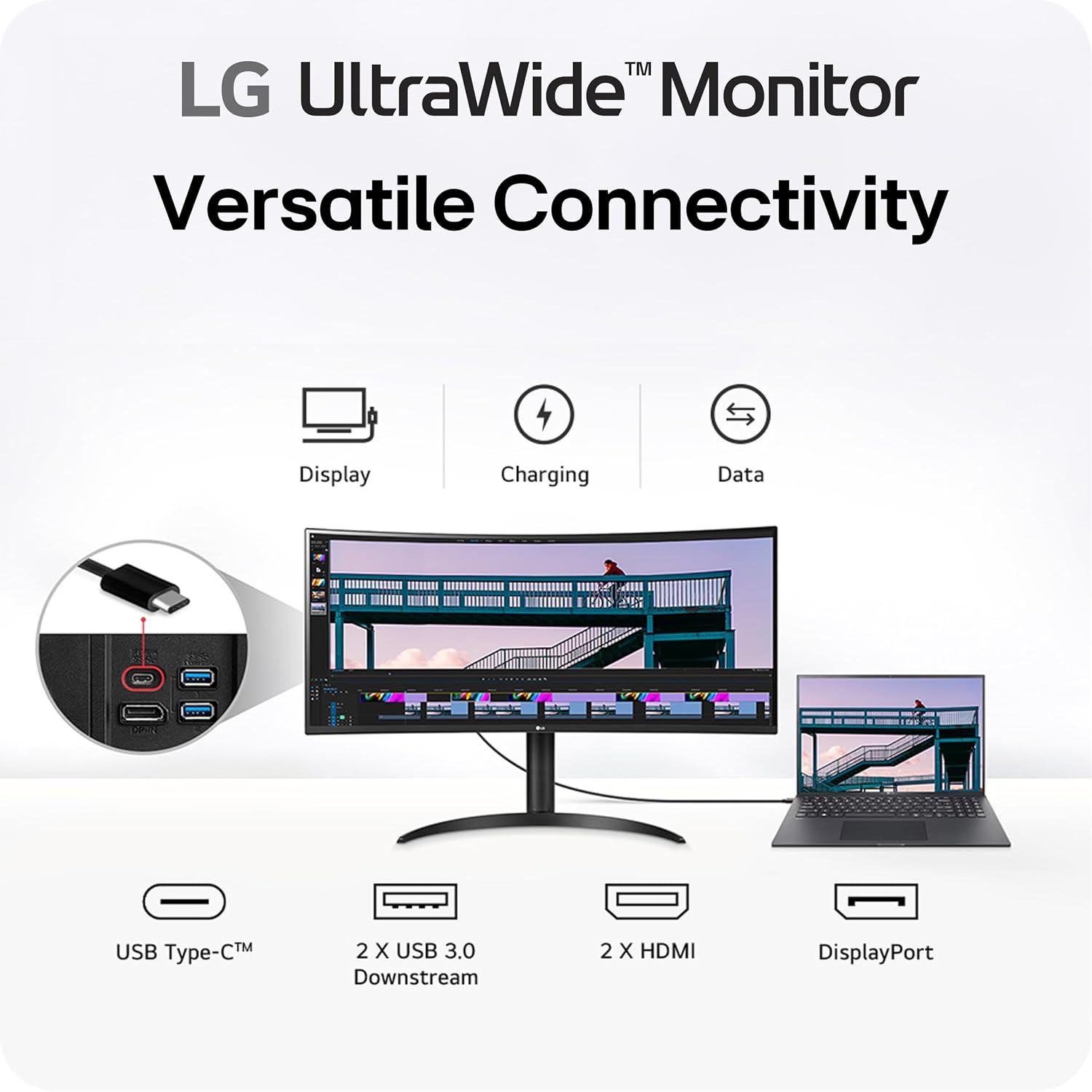
For connections, the monitor includes USB Type-C with up to 65W power delivery, two HDMI ports, two USB ports, DisplayPort, and a headphone jack. That USB-C charging can simplify a laptop setup by reducing the need for a separate power connection, but the stated delivery is up to 65W, whether that meets your laptop’s needs depends on the device. The available details also do not specify the USB-C data or video capabilities beyond the listed connection and power delivery.
Where it shines
The strongest case for this model is combining a broad work area with useful setup options. A single wide screen can be easier to organize than a basic monitor when several windows need to stay visible, and Picture-by-Picture adds a way to display two input sources without treating them as one. Would that extra room change how you work? If you regularly compare files or keep a reference window beside your main task, it could make the desk feel less dependent on constant window switching.
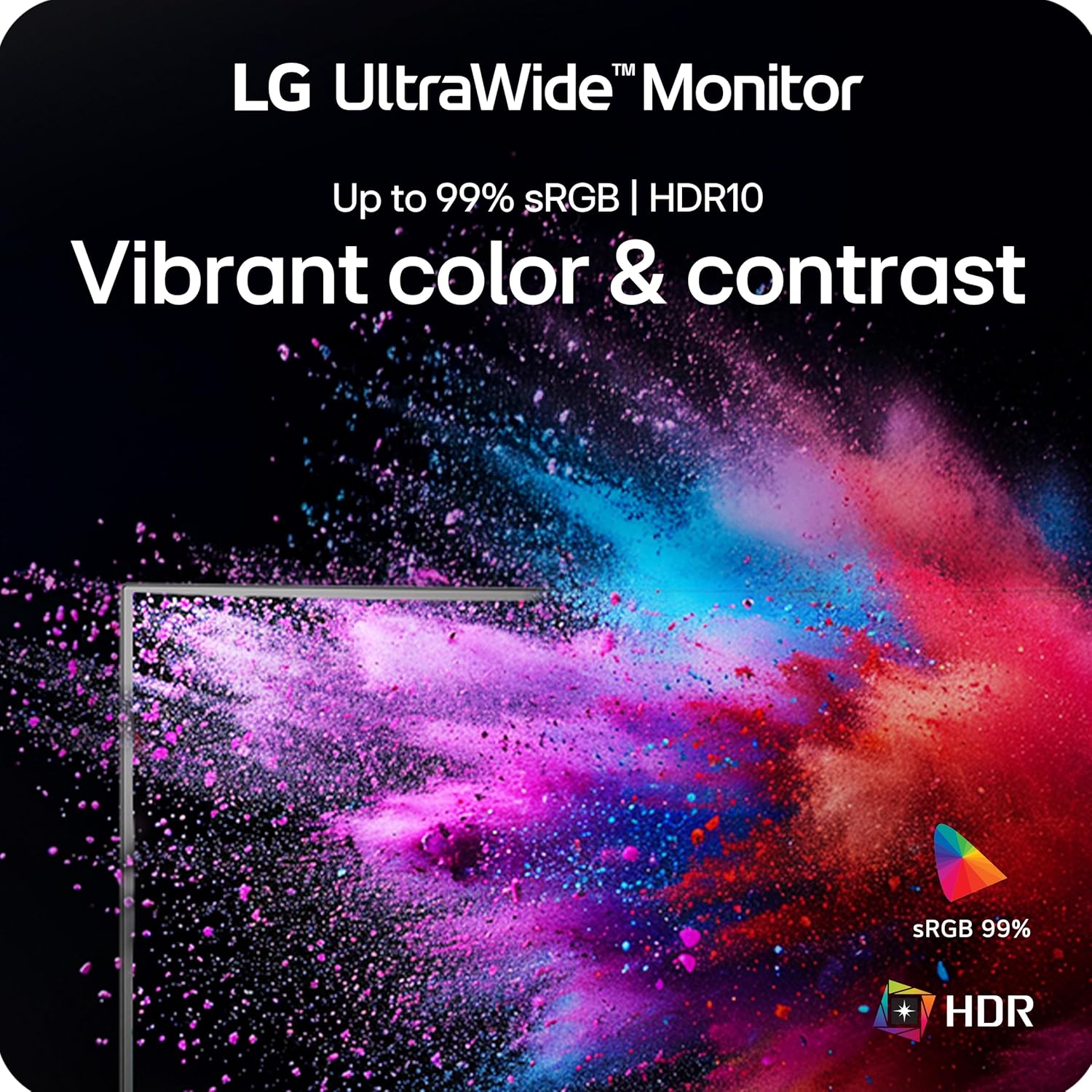
The curved design, HDR10, and up to 99% sRGB color gamut expression also give it appeal beyond office tasks, including watching video or casual gaming. Still, the listed features alone do not establish how it performs for color-critical work or demanding gaming, so shoppers with those priorities may want more detailed performance information before choosing it. It may not suit you if you need a compact display or have no room for a 34-inch screen.
When it makes sense
Choose this LG if the main goal is a spacious desktop for multitasking, with USB-C power delivery and multiple connection types to support a laptop-and-peripherals setup. Reader Mode is a useful extra for reading-heavy sessions, and the height and tilt adjustments offer some flexibility when positioning the screen. From the way it is set up, it favors a broad, adaptable workspace over a small, straightforward monitor for single-window use.
A more basic display may be the sensible alternative if your desk work rarely involves multiple open windows, a more specialized monitor may make more sense if your decision depends on performance details not included here. This one is a stronger fit when the wide WQHD canvas, Picture-by-Picture, and up to 65W USB-C power delivery solve everyday desk needs. If those features would go unused, its extra screen width is less compelling.