

Gawfolk 27-inch Curved Gaming Monitor 280Hz
Product description
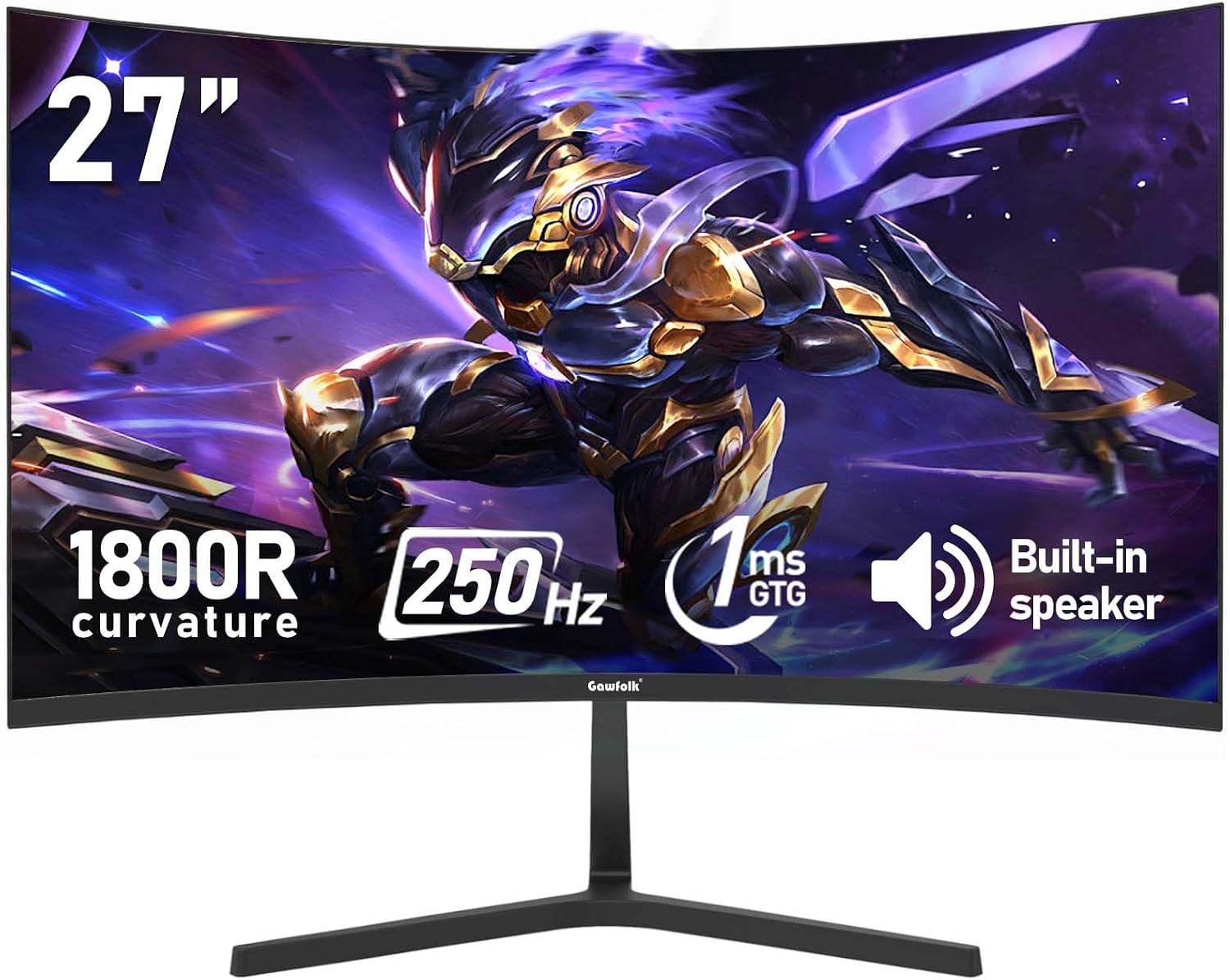
This 27-inch curved gaming monitor from Gawfolk combines a 1800R curvature with a fast refresh rate to deliver more immersive gameplay and smoother motion for competitive sessions and multimedia. It pairs Full HD resolution and wide-angle viewing with color coverage aimed at natural tones, making this display suitable for fast-paced games and everyday desktop use.
Key Points
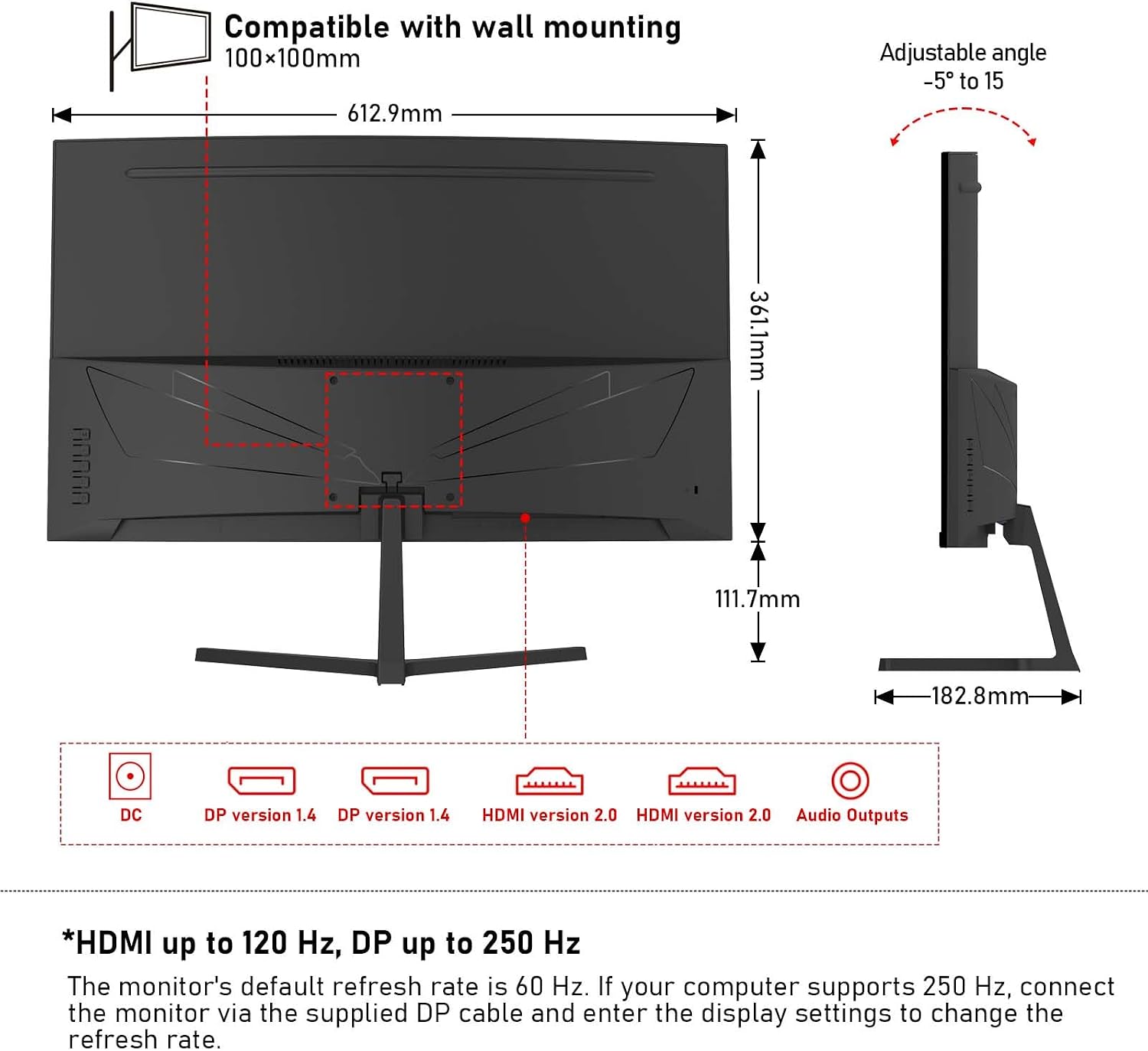
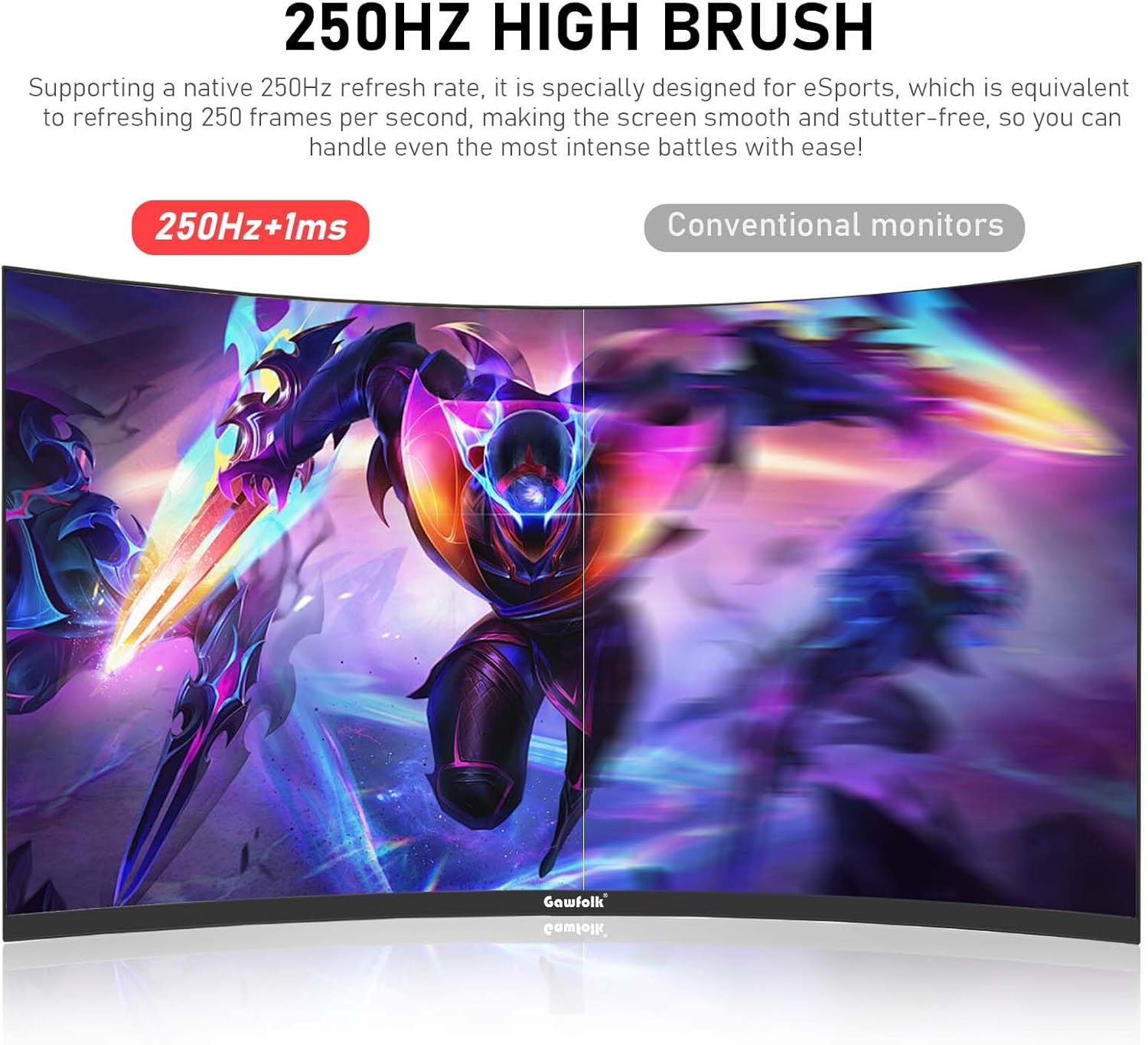
The 280 Hz refresh rate makes motion clearer during high-frame-rate games, helping reduce visible judder when the system and connection support the top speed. FreeSync technology is included to minimize screen tearing and reduce input lag during gaming sessions. The panel incorporates low blue light and flicker-free features to help reduce eye strain during extended use. The monitor supports both HDMI 2.0 and DisplayPort connections and is compatible with VESA 100 x 100 wall mounts for flexible placement. Note that the default refresh rate is 60 Hz, HDMI can reach up to 120 Hz according to the manufacturer, and DisplayPort is required to access the full 280 Hz.
Technical Specifications
- Name: Gawfolk 27 Inch Curved Gaming Monitor
- Screen size: 27 inches
- Resolution: 1920 x 1080 (FHD)
- Refresh rate: 280 Hz (DP required), HDMI up to 120 Hz, default 60 Hz
- Response time: 1 ms
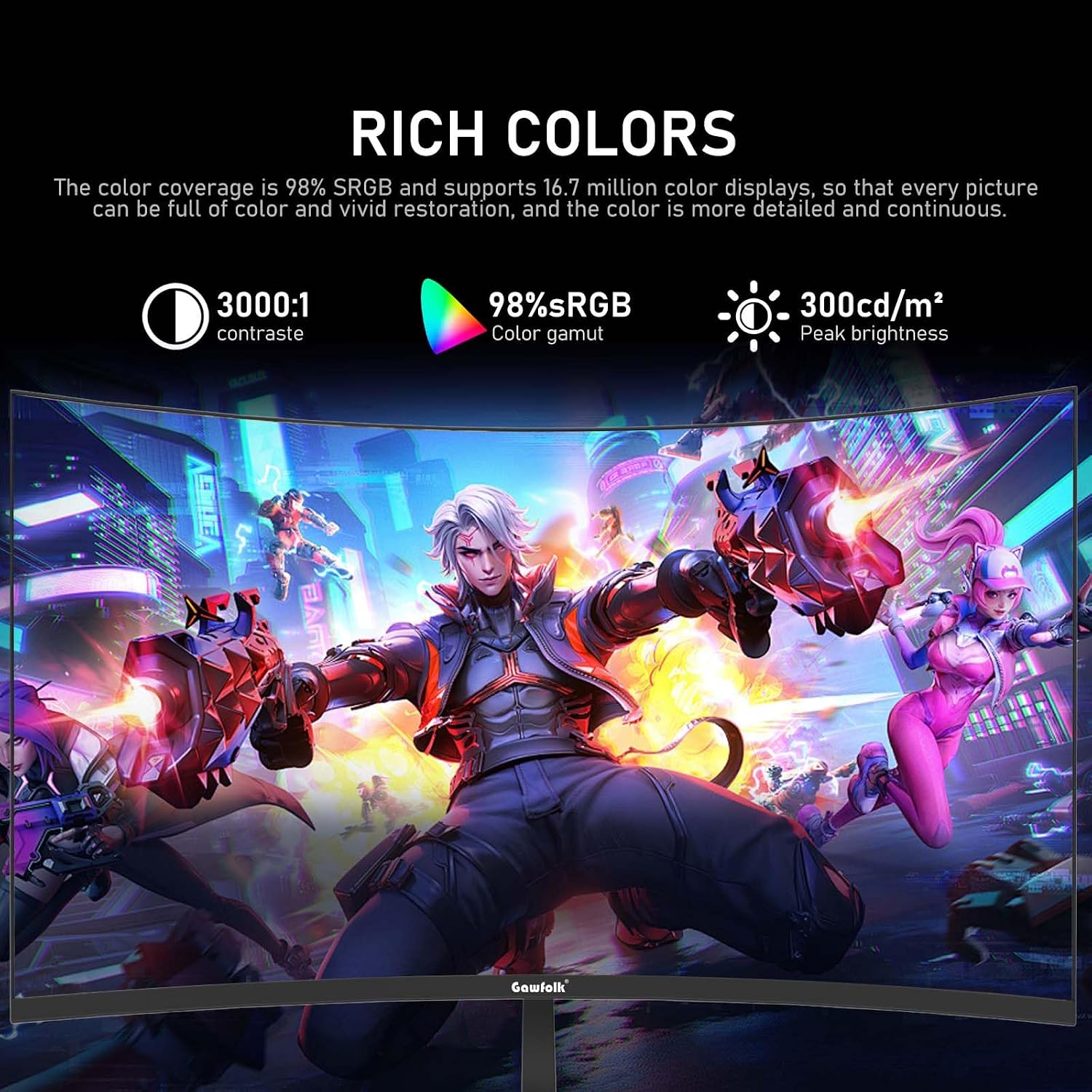
- Color: 98% sRGB coverage, 8-bit color depth
- Contrast ratio: 3000:1
- Curvature: 1800R
- Viewing angle: 178 degrees
- Ports: HDMI 2.0, DisplayPort
- Mounting: VESA 100 x 100 mm
Benefits
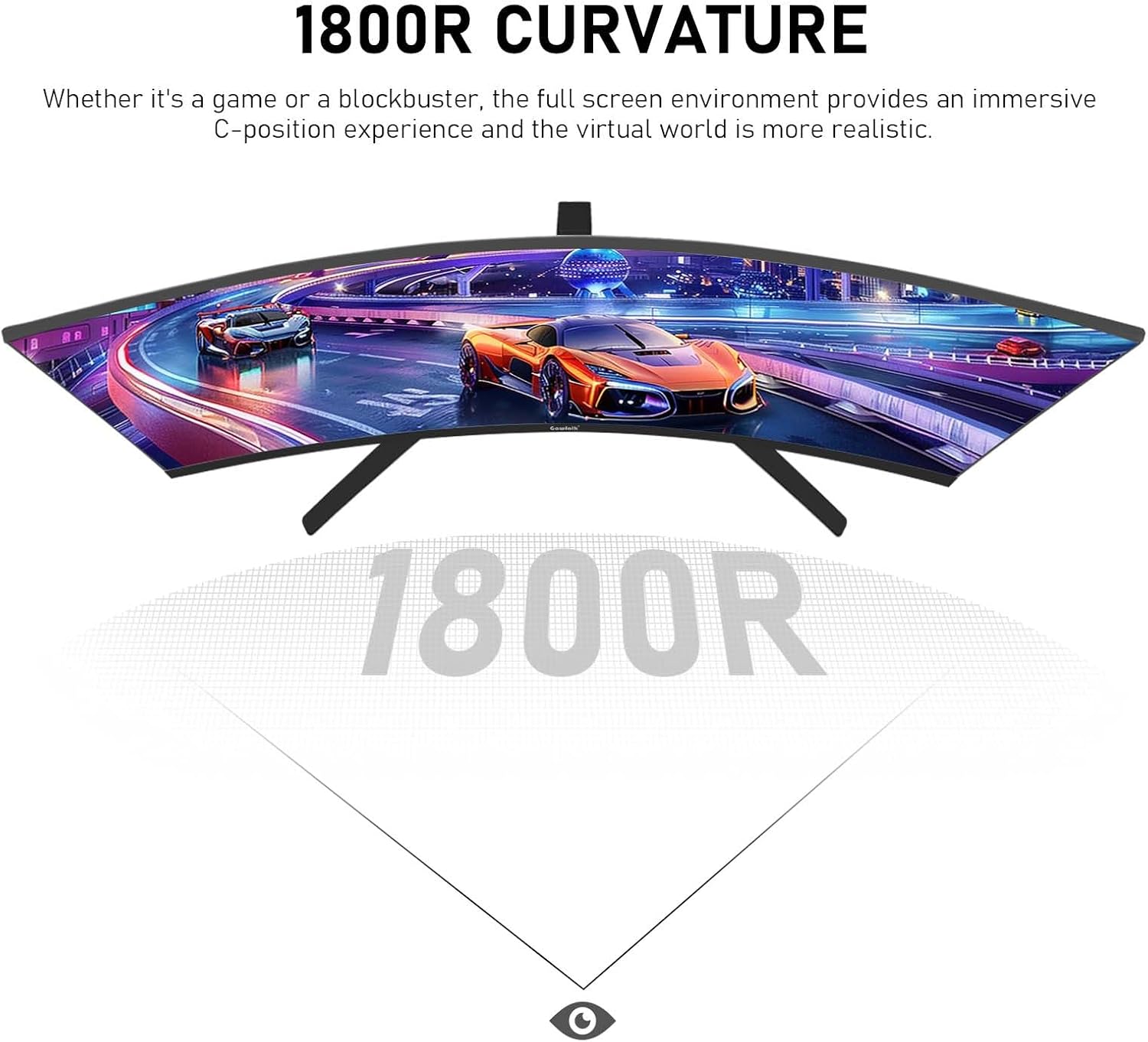
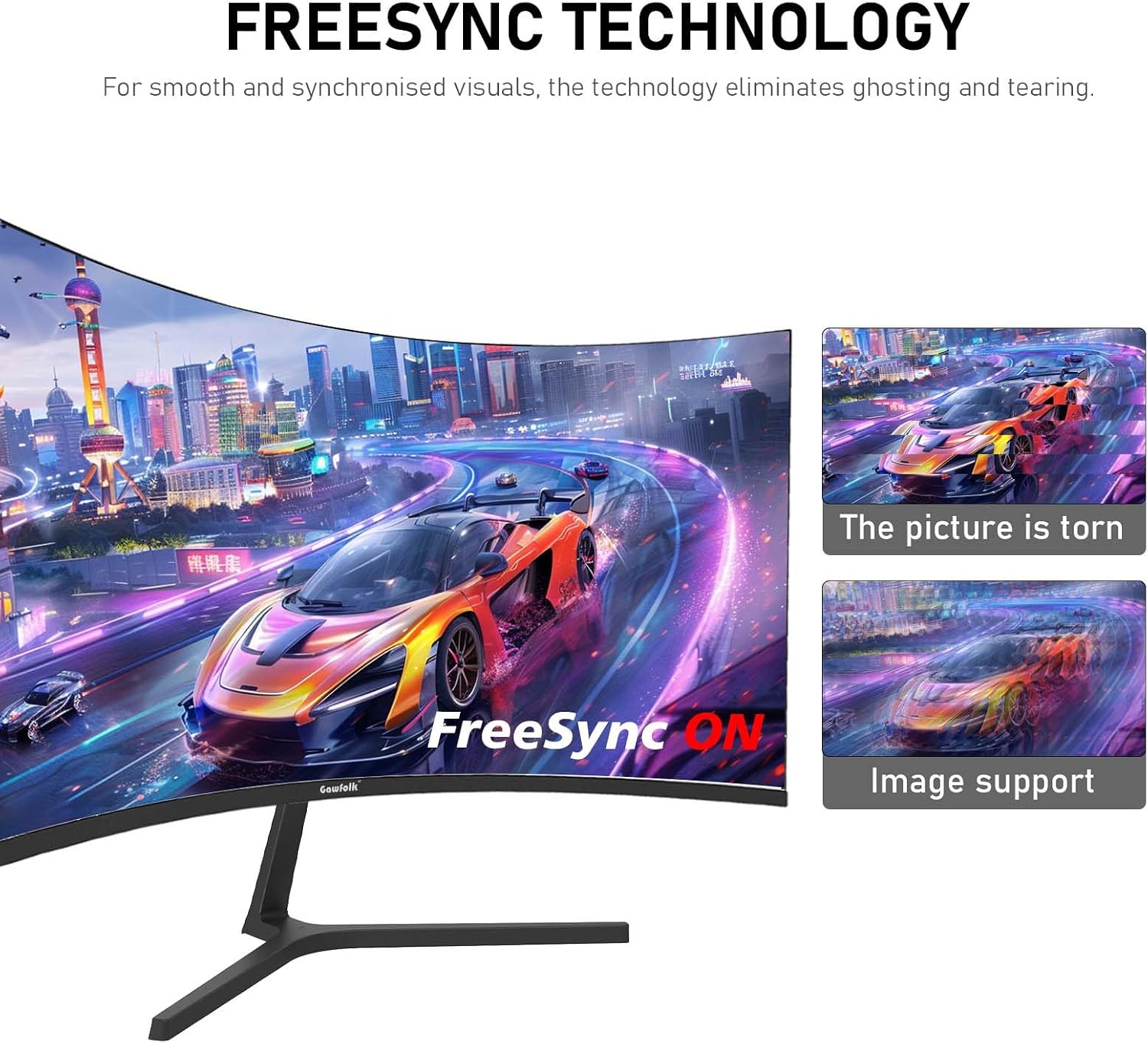
The curved 1800R shape wraps the field of view to aid visual immersion, especially in wider in-game environments. High static contrast delivers deeper blacks and brighter highlights, which helps with visual clarity in darker scenes. The 1 ms response time contributes to reduced ghosting for fast-moving content. Built-in eye comfort modes like low blue light and flicker-free operation make extended usage less fatiguing. According to the manufacturer, the panel’s wide viewing angles keep colors consistent across multiple seating positions.
Usage Recommendations
For competitive gaming at the monitor’s peak performance, connect using the included DisplayPort cable and change the display settings on your PC to enable 280 Hz. If your source device does not support DisplayPort, HDMI still provides a high refresh rate up to 120 Hz for smoother visuals. Consider enabling the low blue light mode during long sessions to reduce eye discomfort. Be aware that native pixel density at 1080p on 27 inches is lower than higher-resolution displays, so text and UI elements will appear larger compared with QHD or 4K monitors.