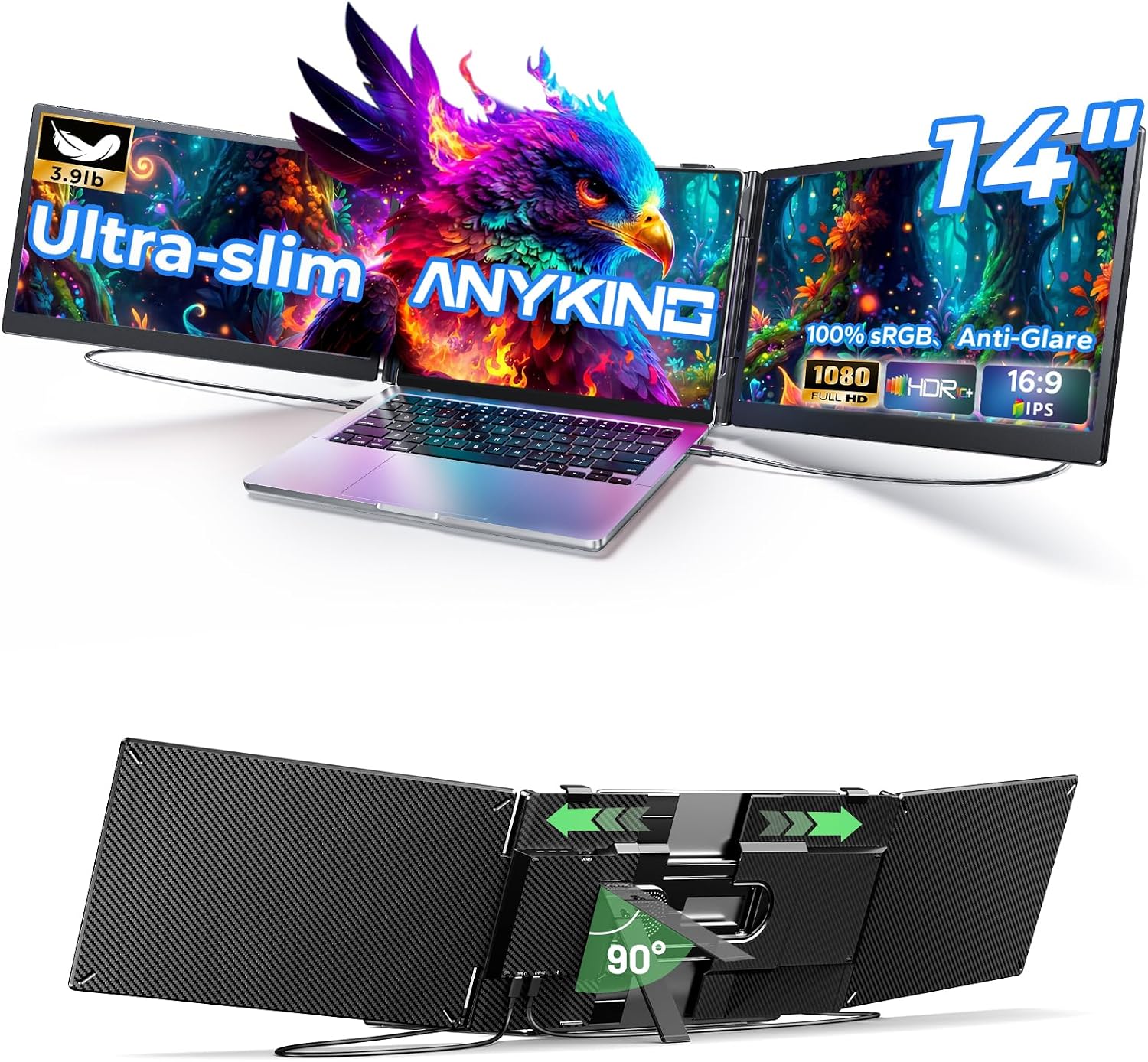
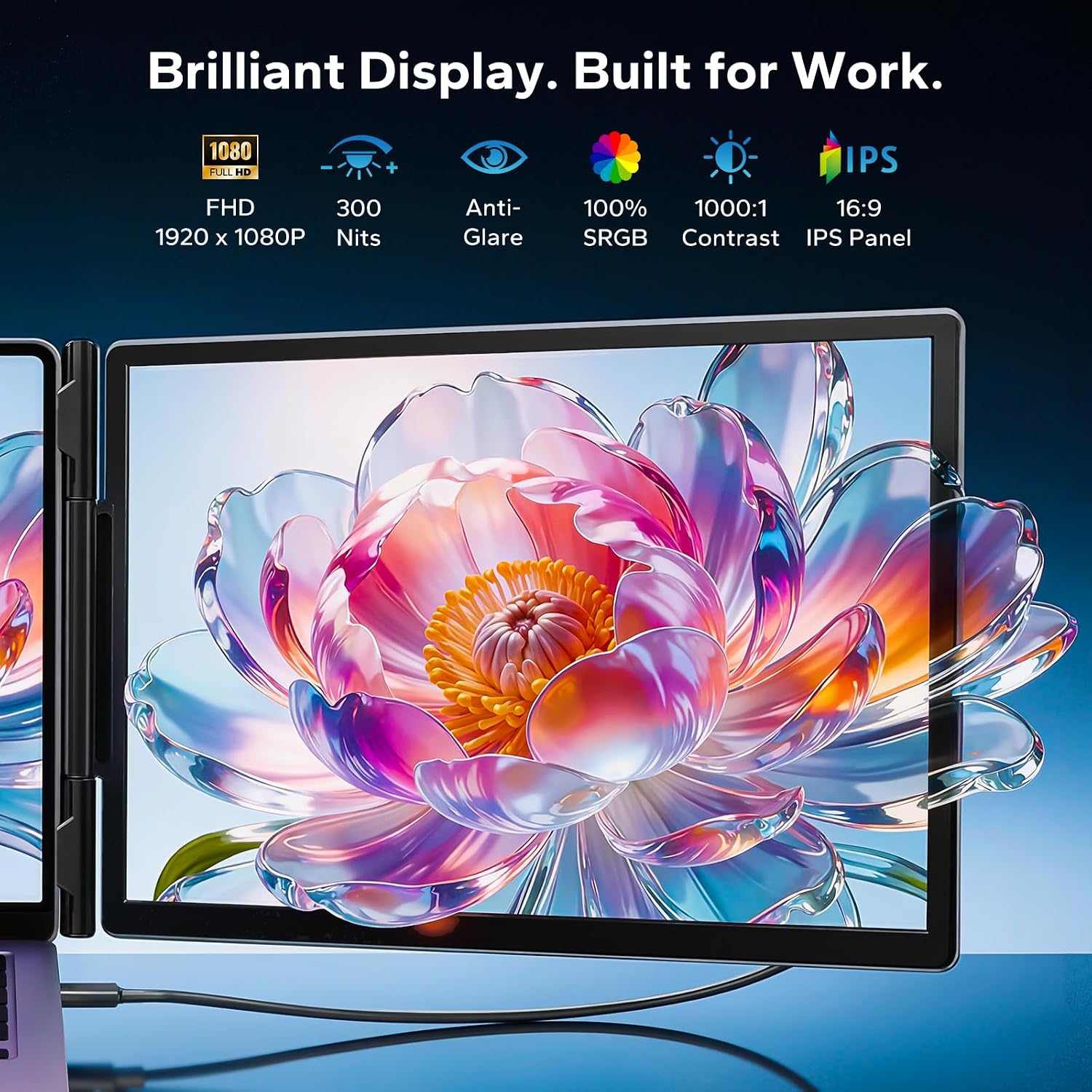
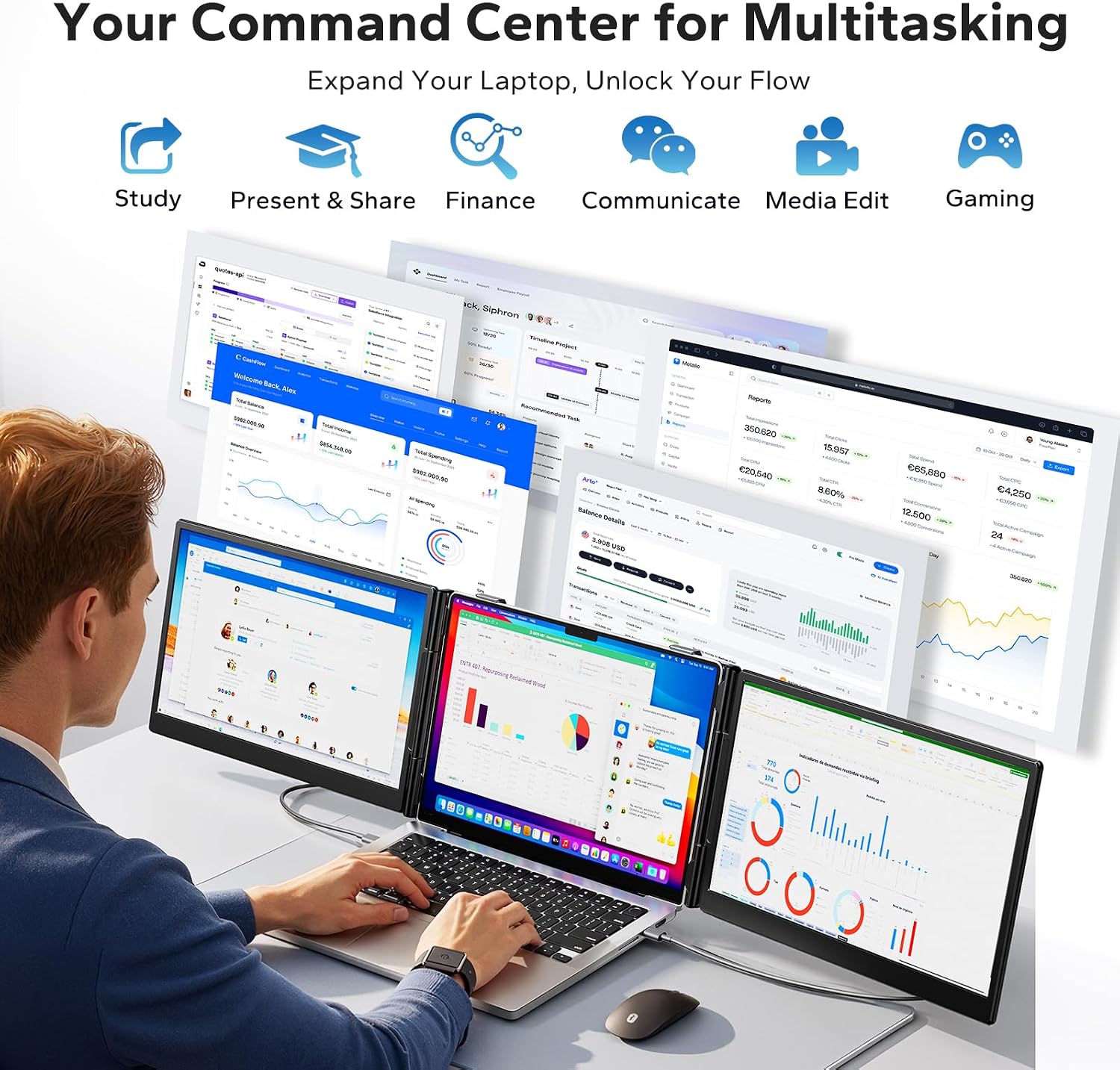
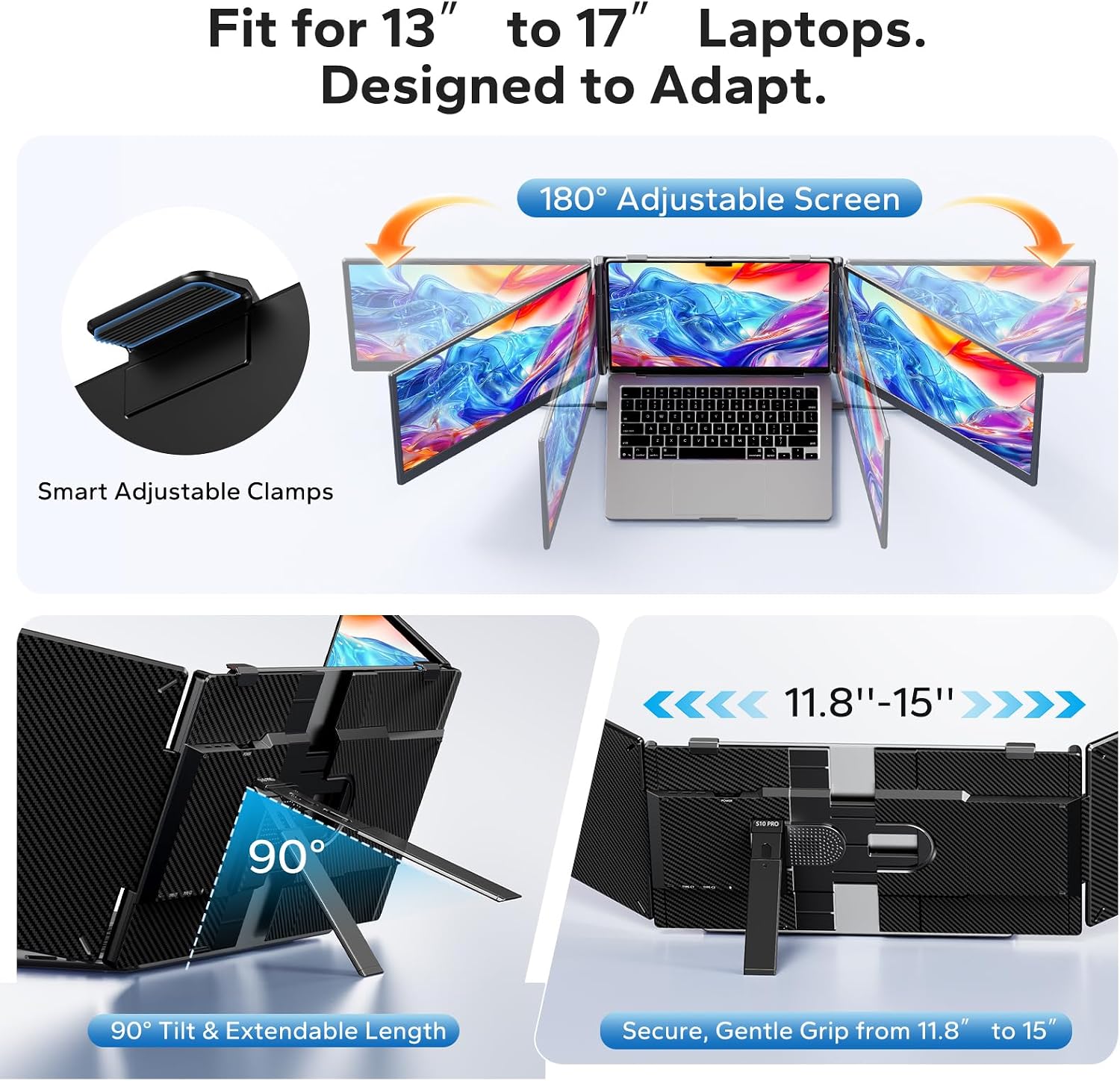
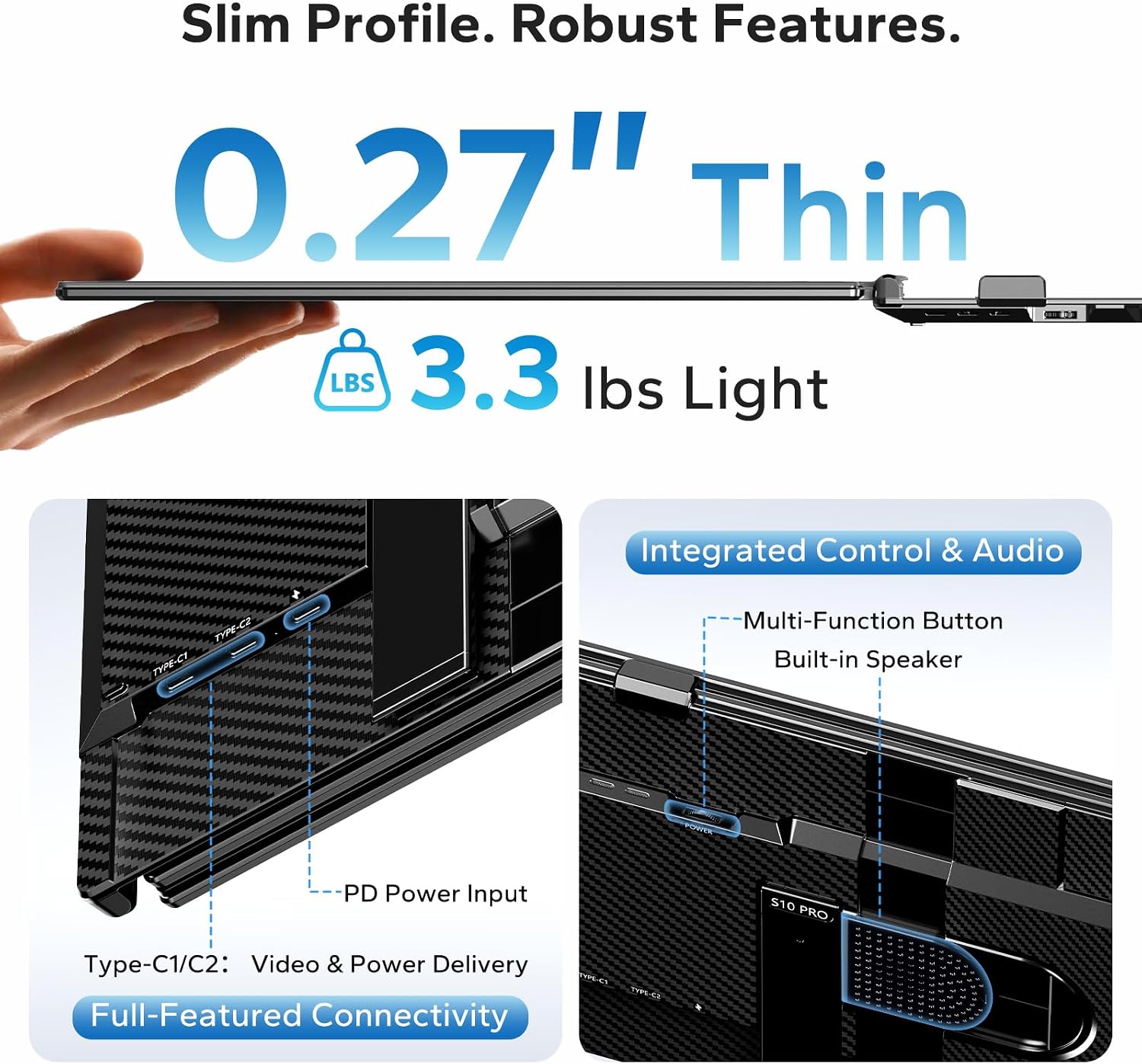
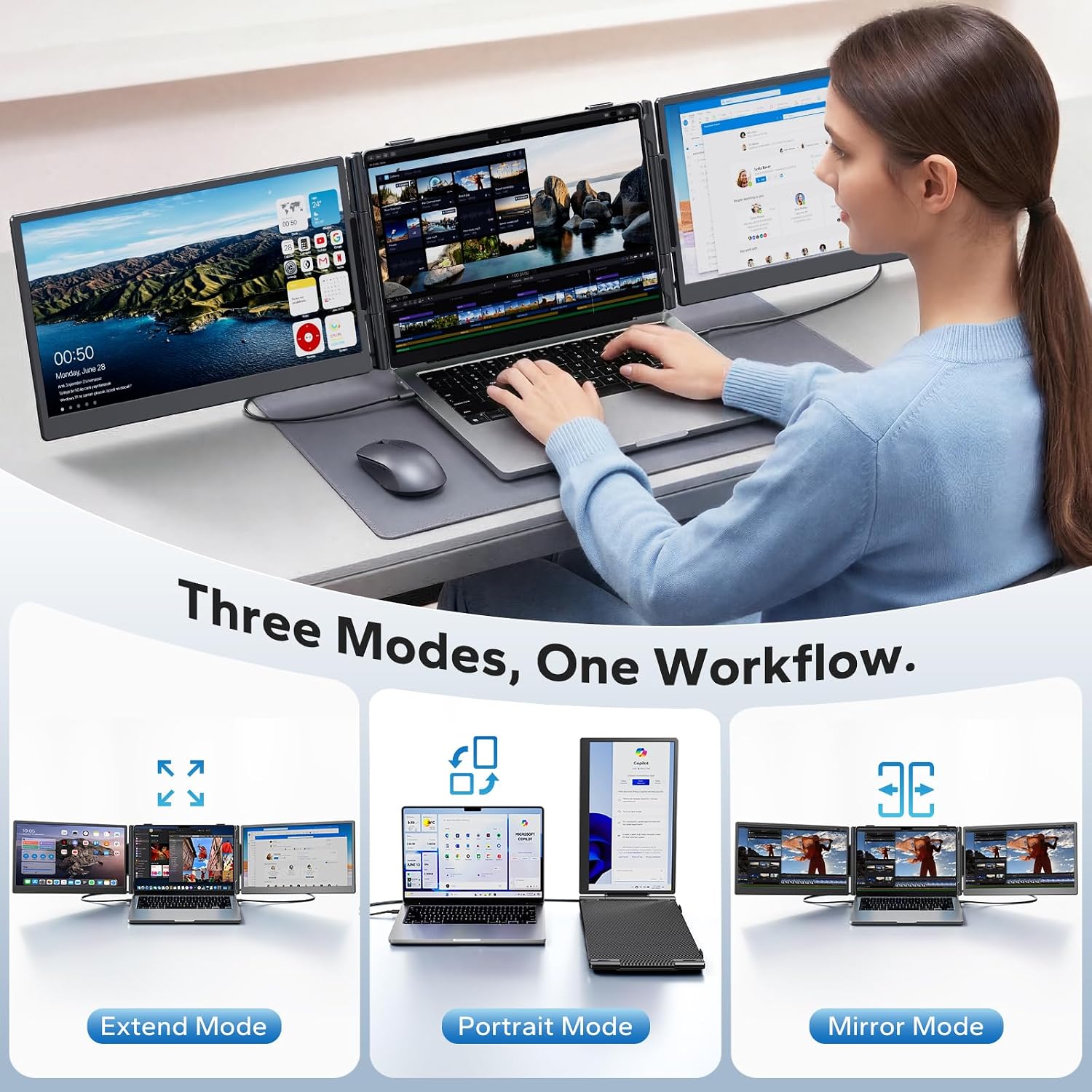
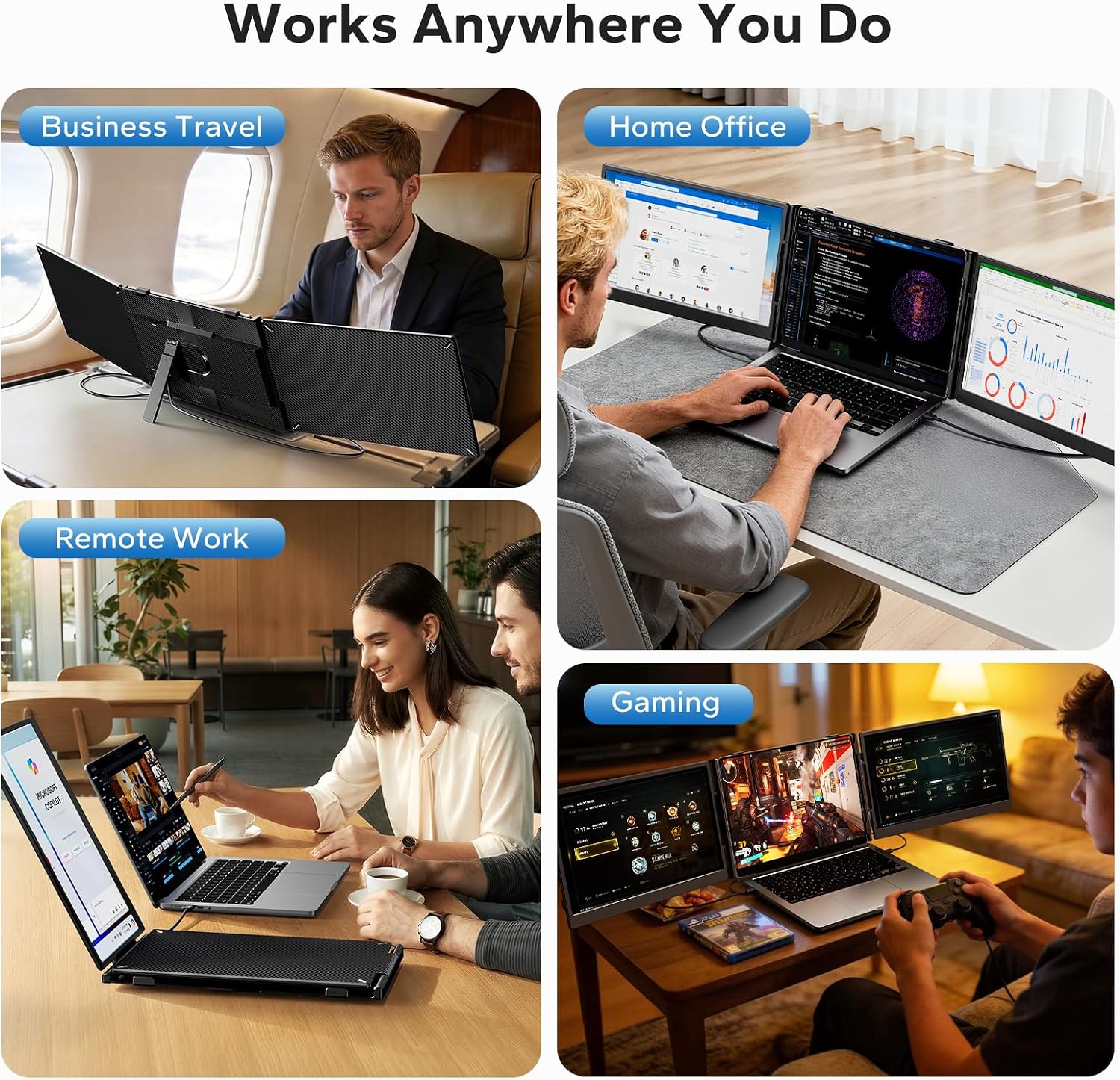
What it is and what it solves\nThis Laptop Screen Extender adds a dedicated triple-monitor setup to your 13"–17.3" laptop, turning your portable desk into a more expansive workspace. With a 14" 1080p FHD IPS panel delivering 100% sRGB and 300 nits brightness, you get crisp colors and visible detail even in varied lighting. It’s designed to be plug & play via USB-C, so you can expand your screen real estate quickly for work, coding, or gaming while traveling. The goal is simple: reduce tab chaos and switch context less often by giving you more screen space without juggling a bulky desktop setup.\n\n## How it feels in practice\nOn paper, the triple-monitor arrangement boosts productivity by letting you run multiple apps side by side. In real use, you’ll notice smoother workflows when coding, filling dashboards, or keeping reference material visible while you work in your primary window. If you prioritize color fidelity for design tasks, the 100% sRGB coverage helps keep imagery consistent across screens.\n\n## The good and the not-so-good\nWhat stands out is the lightweight travel-ready design and the versatility of viewing modes—extended, mirrored, and portrait—coupled with a stable kickstand. The eye-care features, including Low Blue Light technology, aim to reduce fatigue during long sessions. A potential limitation is macOS behavior: MacBooks with base M1/M2/M3 chips can support only one external display without a special adapter, and dual-screen extension may require an additional adapter. If you mainly work on Windows or ChromeOS, you’ll likely experience fewer constraints.\n\n## Who it’s for\nThis extender fits users who want more screen space for multi-tasking on the go: developers juggling code and docs, analysts comparing dashboards, students taking notes while viewing references, or gamers who like extra screen real estate for maps or chat. It’s especially appealing for business travel or remote work setups where a full desktop isn’t practical.\n\n## Who it isn’t for\nIf you rely on macOS multi-monitor setups without extra accessories, or you need true plug-and-play dual-monitor extension on certain high-end Mac configurations, this solution may introduce some limitations. Also, those who need maximum brightness beyond 300 nits or broader color coverage than 100% sRGB may find it lacking for specialized design work.\n\n## When it makes sense to buy\nIf you want immediate space expansion without upgrading your laptop or carrying a second heavy display, and you travel or work remotely often, this could be a practical upgrade. It’s a sensible step for boosting productivity when you’re comfortable with a lightweight, portable multi-screen workflow.\n\n## What to review before buying\n- Confirm your laptop’s USB-C port supports video output and plug & play use (and which OS you’re running).\n- Check whether you’ll need additional adapters for dual-screen extension on specific Mac configurations.\n- Consider your typical work setup: are you more comfortable with extended view or portrait mode for reference materials?\n- Think about brightness and glare in your typical work environment, 300 nits is solid for most indoors but may not be ideal in bright settings.\n\n## Practical use case example\nImagine coding on your main screen while keeping documentation on a second extended panel and a code reference in the third. You can drag tabs between windows, monitor test results in real time, and keep chat or meeting apps on a separate screen for smooth collaboration. It’s a tangible improvement for focused tasks and multitasking sessions on the move.\n\n## What matters most in this choice\nValue comes from the combination of portability, ease of setup, and the ability to multiply your display surface without a full studio setup. If your work involves frequent switching between apps, this triple-monitor extender can help you stay organized and efficient.\n\n## FAQ (quick realities)\n- Does it work with all laptops in the 13"–17.3" range? Yes, it’s designed to fit that range and connect via USB-C for plug & play.\n- Can I use two external displays at once on a MacBook with M1/M2/M3? Mac limitations may apply, dual-screen extension often requires an additional adapter.\n- What viewing modes are supported? Extended, mirrored, and portrait modes are available for flexible layouts.\n\n## Final verdict\nIs it worth it? If you’re seeking portable, expandable workspace on the go and you don’t mind potential OS-specific caveats, this triple-screen extender offers a practical way to boost productivity without heavy gear. It’s a solid mid-range option for those who value flexibility and real-world usability over pure desktop performance.