

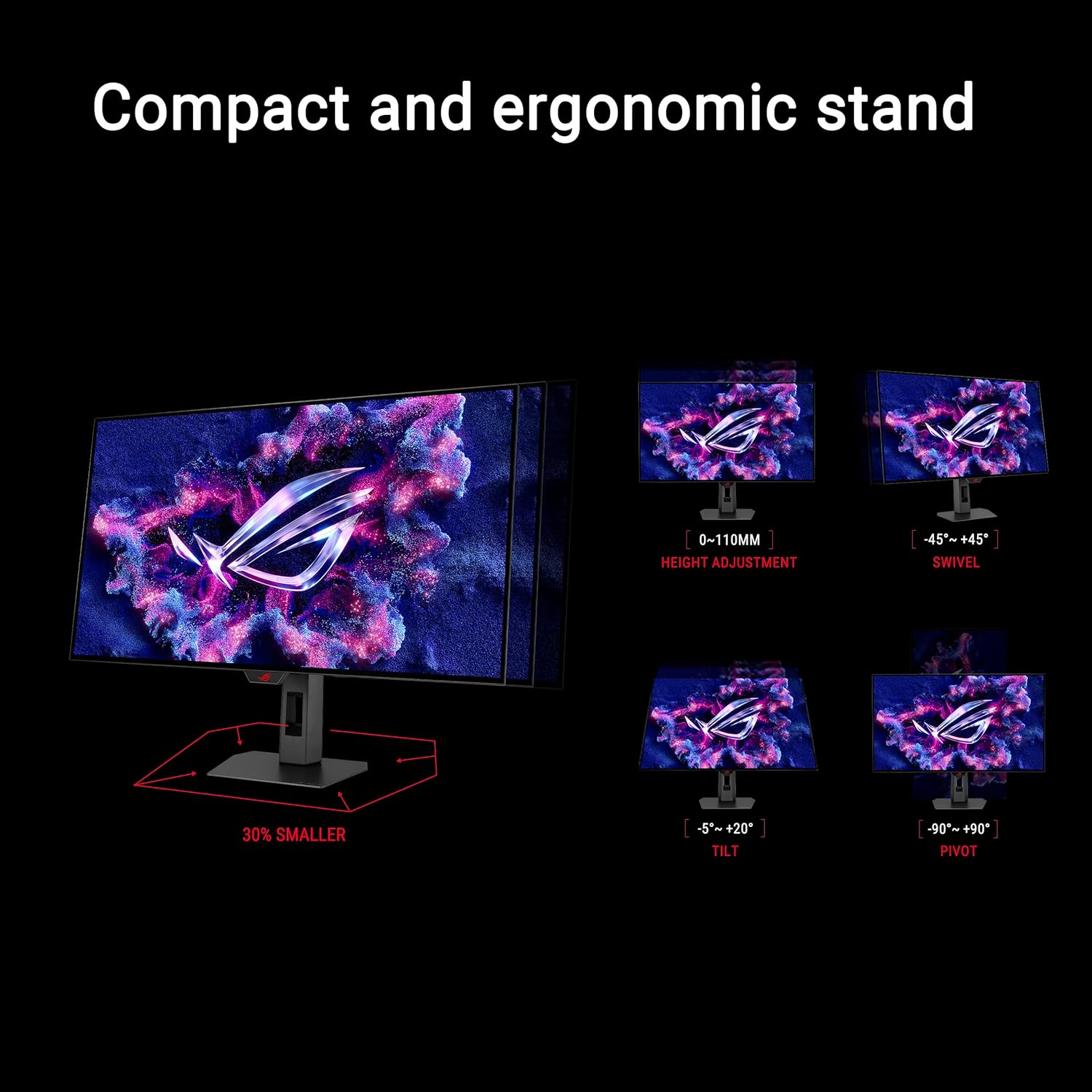
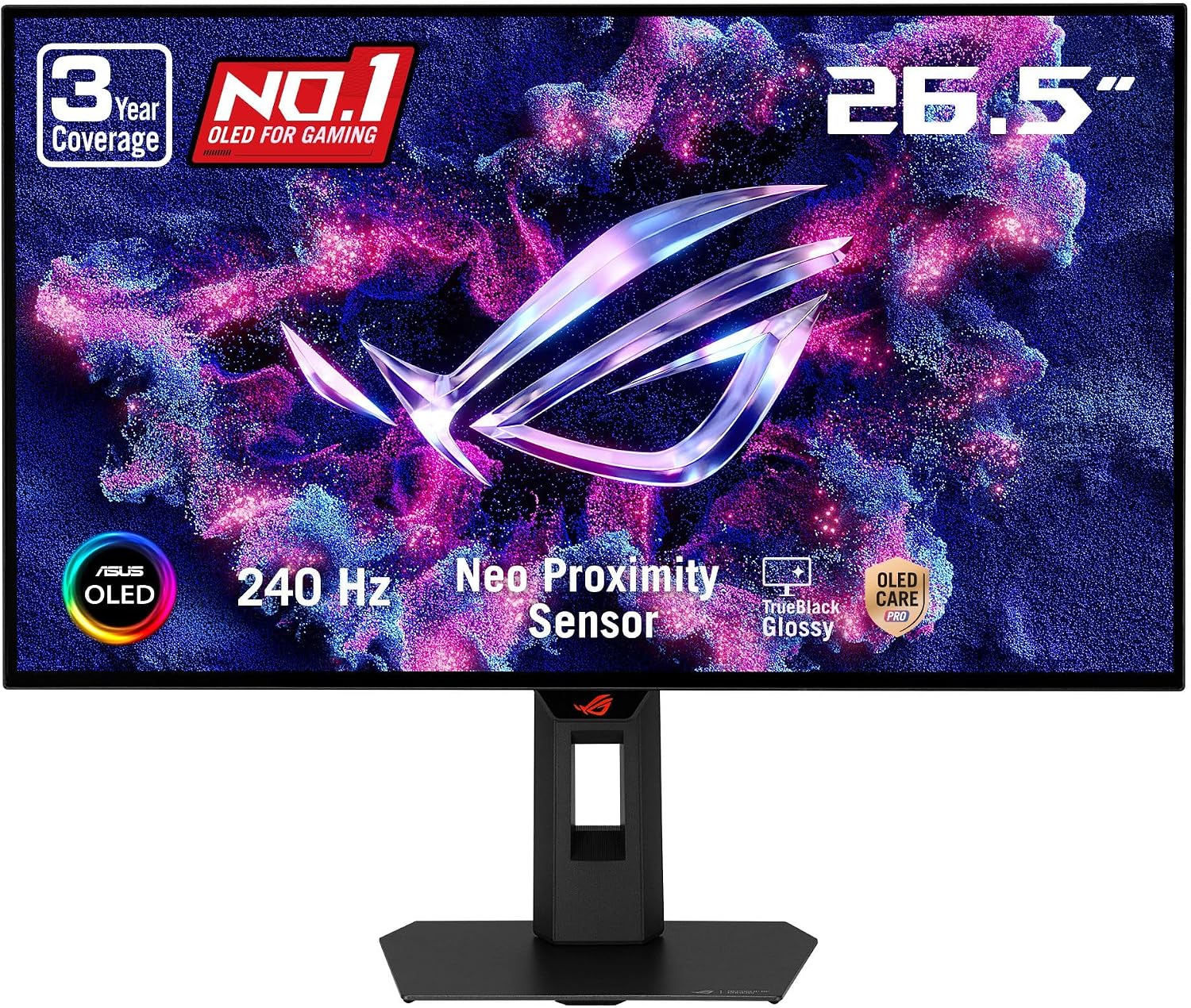
ASUS ROG Strix 27" OLED Gaming Monitor (XG27AQDMGR) — 26.5" viewable, QHD, 240 Hz
Product description
If you’re shopping for a 1440p OLED gaming monitor, the ASUS ROG Strix XG27AQDMGR is built for one clear job: making motion look clean while you play, without treating OLED care as an afterthought.
This model pairs a 26.5-inch viewable WOLED panel with a 240 Hz refresh rate and a very fast quoted response time (0.03 ms). On paper, that’s the kind of spec combo that appeals to people who actually notice frame-to-frame smoothness—especially in fast shooters or action-heavy gameplay.
Still, OLED is never “set it and forget it.” It includes OLED Care Pro features to reduce burn-in risk, but if you mainly watch static content for hours every day, you’ll want to be realistic about your usage patterns.
What it is and the problem it solves
The ASUS ROG Strix 27" OLED Gaming Monitor (XG27AQDMGR) is a WOLED gaming display designed around QHD 2560 x 1440 resolution. It targets gamers who want crisp detail at a size that’s comfortable for desk setups, and who also care about high refresh rates for smoother movement.
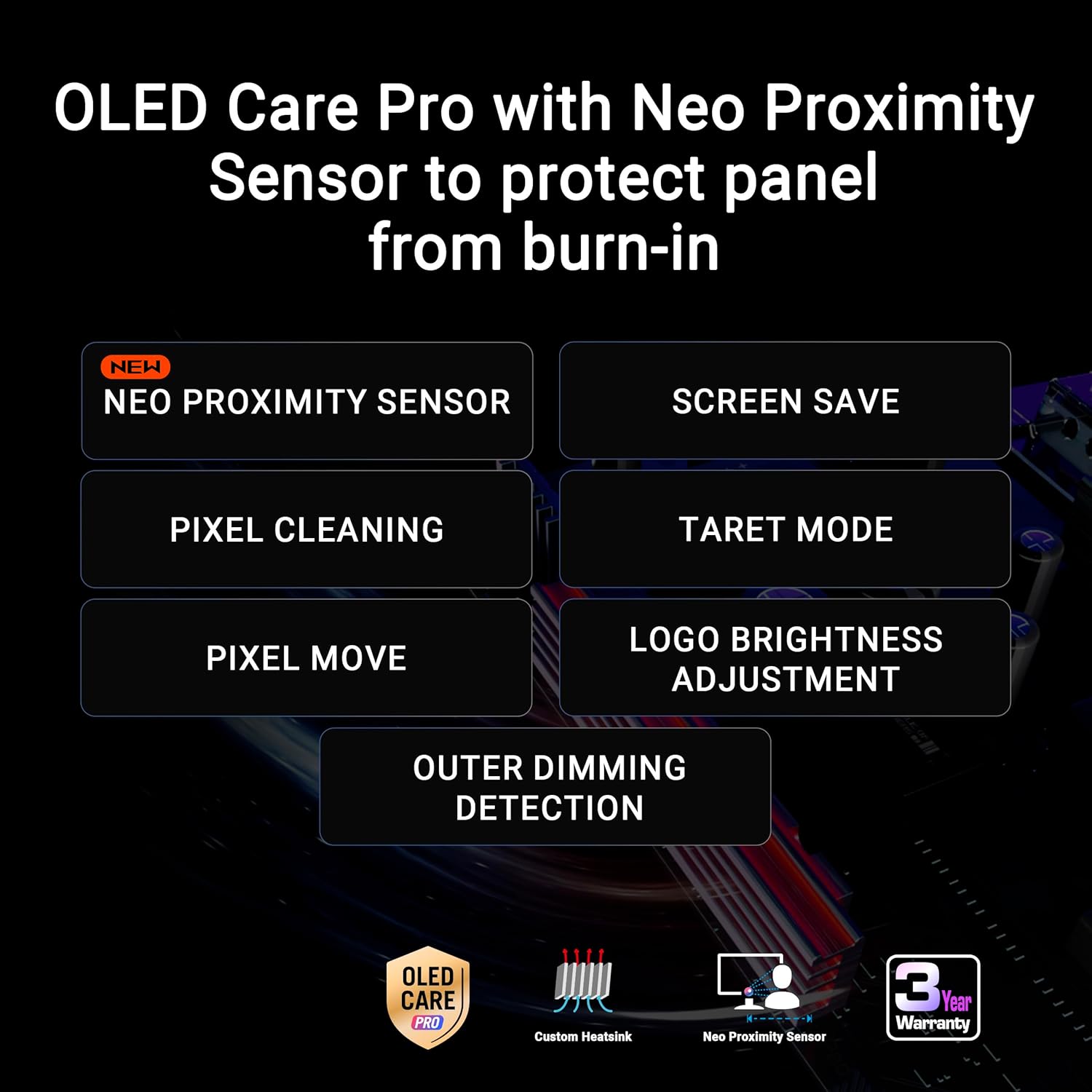
Where it gets more interesting for decision-making is OLED-specific prevention. ASUS includes OLED Care Pro functions and a Neo Proximity Sensor that detects when you’re away and switches to a black screen. That’s meant to reduce the risk of burn-in when the display is unattended.
A practical way to picture it: if you stand up to grab water mid-match or step away from your desk, the sensor can darken the screen instead of leaving static UI elements sitting there.
The essentials you’ll feel during gaming
Refresh rate and response time are the headline here: 240 Hz and 0.03 ms (as stated). If your current monitor feels “laggy” during rapid pans or quickly changing scenes, this is the kind of step up that can feel immediate.
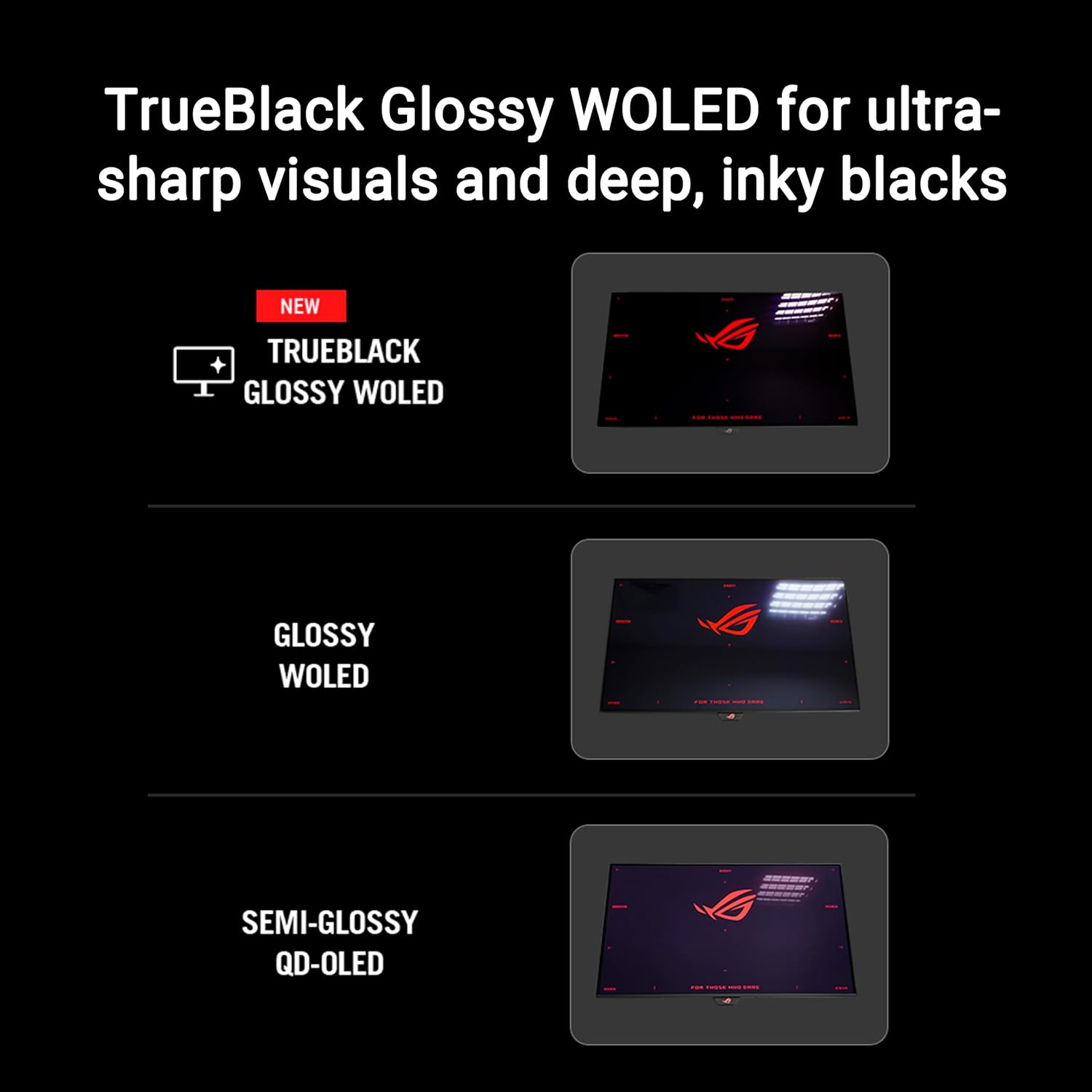
The spec sheet also leans into color and HDR capability. It’s listed as VESA DisplayHDR 400 True Black compliant, with TrueBlack glossy styling. ASUS also calls out a 99% DCI-P3 gamut and true 10-bit color support, plus Delta E less than 2 for color accuracy.
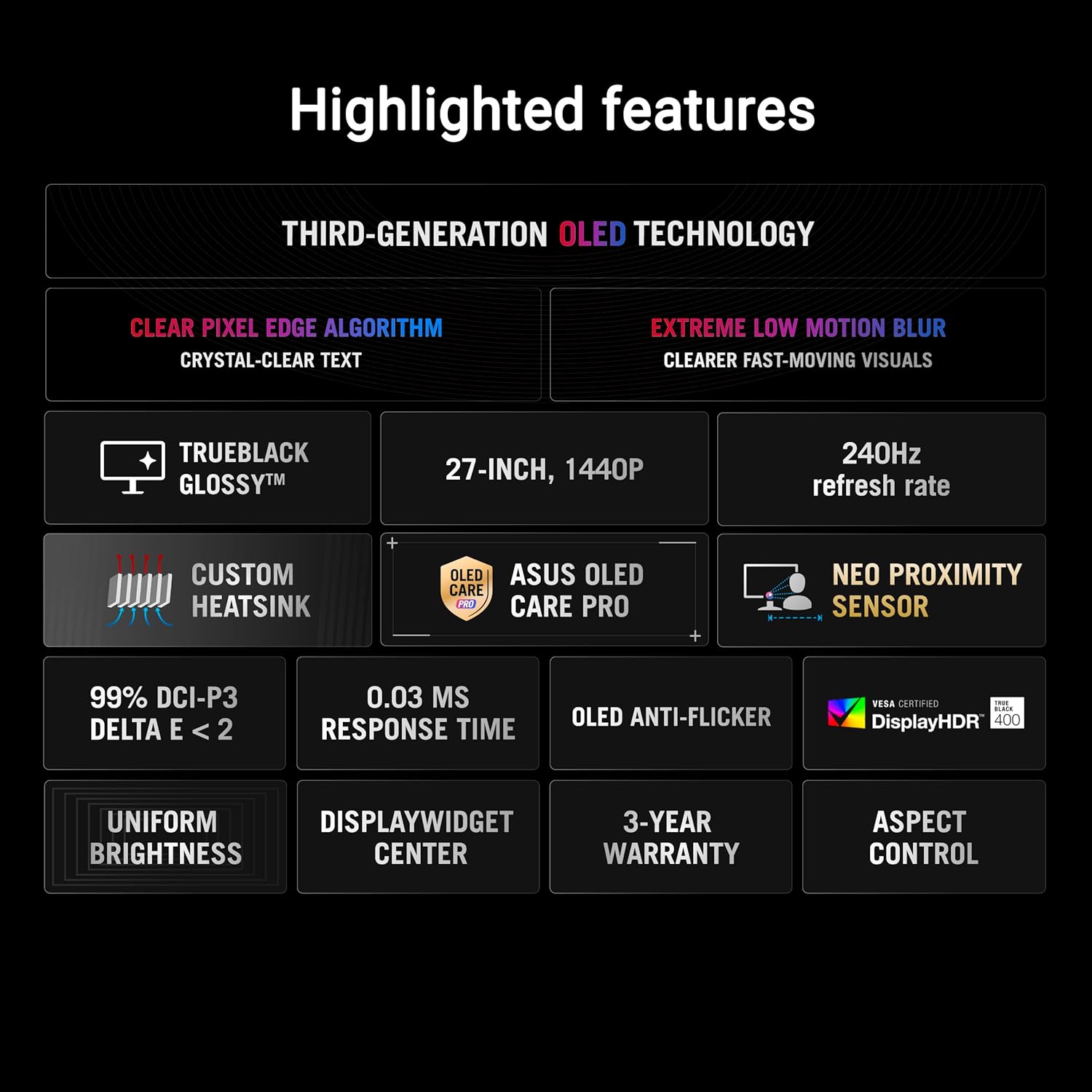
And then there are features aimed at keeping settings simple. The DisplayWidget Center application is designed to help you access OLED Care Pro functions and adjust monitor settings using a mouse. That matters if you don’t want to dig through on-screen menus every time you want to change a setting.
Where it shines (and what’s less convincing)
This monitor looks best on the “enthusiast OLED gaming” side rather than the bare-minimum entry level. The 240 Hz refresh rate plus the OLED-care approach makes it a compelling pick for people who want OLED image quality without ignoring longevity.
What stands out most: - OLED Care Pro plus Neo Proximity Sensor for reducing burn-in risk when you’re away - 240 Hz refresh rate for smoother motion - 99% DCI-P3 and true 10-bit color for richer gradients and better color depth - DisplayHDR 400 True Black compliance for HDR-style presentation
The limitation to keep in mind is that OLED care is still something you should actually understand. The sensor and care features help, but they don’t remove the reality that static elements and long unattended sessions can still be a concern.
Also, “best for HDR performance” can be a bit relative depending on expectations. DisplayHDR 400 True Black is a defined standard, but it’s not described here as the most extreme HDR tier. If you’re chasing the brightest, most intense HDR possible regardless of cost, you may find it slightly more modest than ultra-premium HDR offerings.
Tech details that matter for buying decisions
Here are the concrete specs included in the product information, without overcomplicating it:
Tech specs
- Name: ASUS ROG Strix 27" OLED Gaming Monitor (XG27AQDMGR)
- Type: WOLED gaming monitor
- Size: 27-inch (26.5-inch viewable)
- Resolution: 1440p QHD (2560 x 1440)
- Refresh rate: 240 Hz
- Response time: 0.03 ms (as stated)
- OLED protection: OLED Care Pro with Neo Proximity Sensor that switches to a black screen when you’re away
- HDR: VESA DisplayHDR 400 True Black compliant
- Color gamut: 99% DCI-P3
- Color depth: true 10-bit color
- Color accuracy claim: Delta E < 2
Who should buy it (and who should be cautious)
It’s a great fit if you care about high-refresh 1440p gaming on an OLED panel and you want built-in assistance to manage burn-in risk. It also makes sense if you like the idea of using the DisplayWidget Center app to access OLED Care Pro functions and tweak monitor settings without constantly fighting the joystick/menu.
It’s not the best choice if you mostly run long sessions of static dashboards, desktop work with unchanged elements for hours at a time, or you’re unwilling to follow basic display-care habits. OLED can handle gaming extremely well, but your daily workflow matters.
Getting the most from it
To get the best day-to-day experience, you’ll want to actually use the OLED Care Pro side of things. The Neo Proximity Sensor is there for a reason, so don’t disable features you plan to rely on.
A simple routine helps: play your games, then when you step away, the display can darken automatically. When you adjust settings, the DisplayWidget Center app is intended to make that easier—especially if you’re switching between gaming profiles.
Also worth noting: the box includes the cables you’d typically need for setup (DisplayPort and HDMI, plus a USB cable), along with a VESA mount kit and a microfiber cloth.
When it makes sense?
Buy the ASUS ROG Strix XG27AQDMGR if you want a 26.5-inch viewable QHD OLED gaming monitor with a 240 Hz refresh rate, and you value the built-in OLED Care Pro approach (including the Neo Proximity Sensor) for reducing burn-in risk.
Skip it or think twice if OLED longevity isn’t something you’re willing to manage, or if your primary use is mostly static content for long periods without any breaks.
On balance, it’s more of a “serious gaming” OLED monitor than a casual display, but that’s also why the care features and high refresh rate feel targeted rather than random.
FAQ
Does this monitor use QHD 1440p resolution?
Yes. It’s listed as 26.5-inch viewable QHD with 2560 x 1440 resolution.
What does the Neo Proximity Sensor do?
It detects when you’re away and switches the screen to black to reduce the risk of burn-in.
What HDR standard does it support?
It’s described as VESA DisplayHDR 400 True Black compliant.
Is it color accurate?
ASUS states Delta E less than 2 and 99% DCI-P3 gamut with true 10-bit color.
What’s included in the box?
The included items list covers a DisplayPort 2.1 cable, HDMI Ultra High-Speed Cable, USB 3.2 cable, microfiber cloth, a ROG pouch and sticker, VESA mount kit, power cord, quick start guide, and warranty card.