

ASUS ROG Strix 27-Inch OLED Monitor (XG27AQWMG) — 1440p, 280 Hz, TrueBlack OLED
Product description
What this is
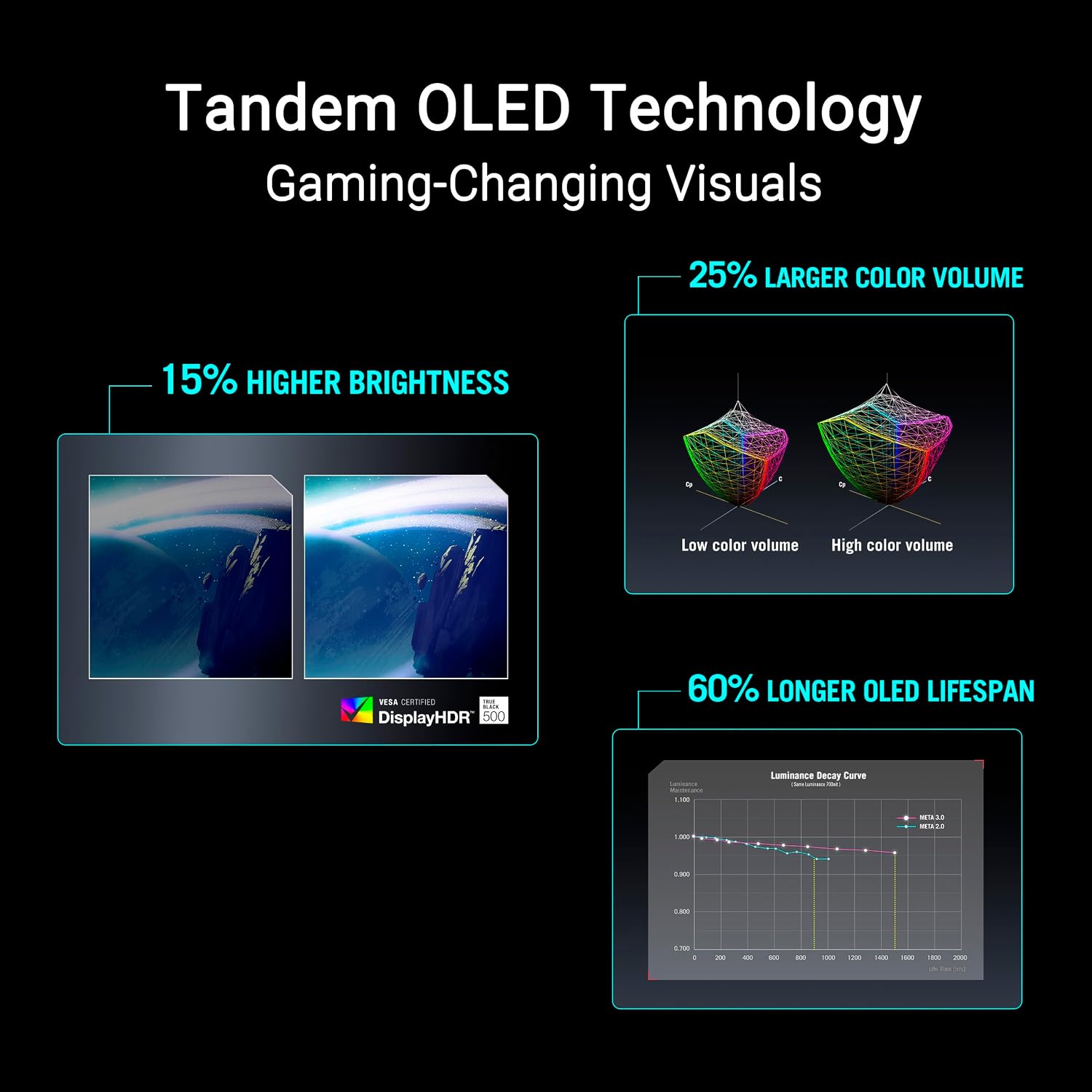
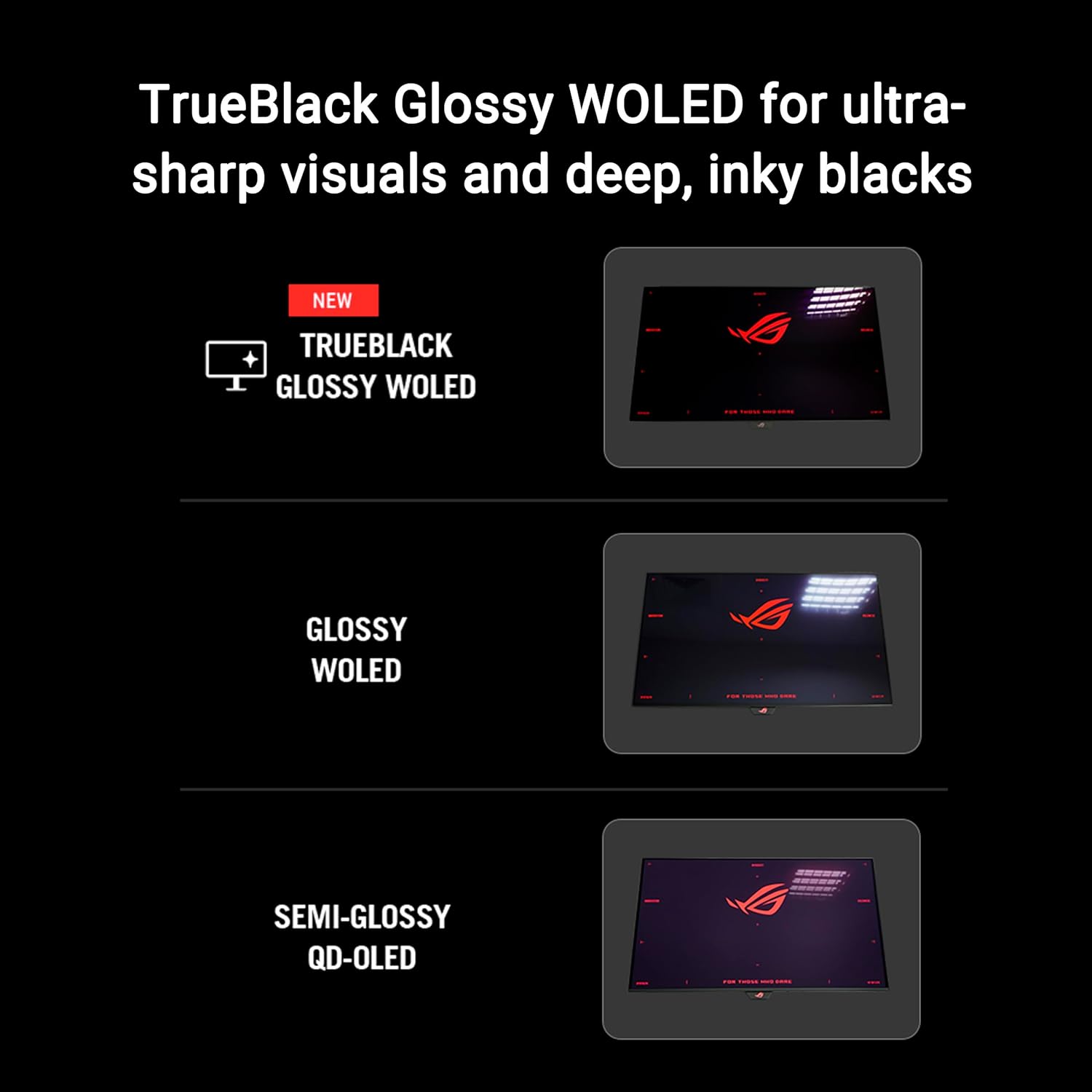
The ASUS ROG Strix XG27AQWMG is a 27-inch QHD OLED gaming monitor that targets fast-paced play with a 280 Hz refresh rate and a 0.03 ms response time. It uses New Tandem OLED technology for higher peak brightness, larger color volume, and longer panel lifespan, while a glossy TrueBlack surface aims for sharp imagery with a zero-haze finish.
What it solves
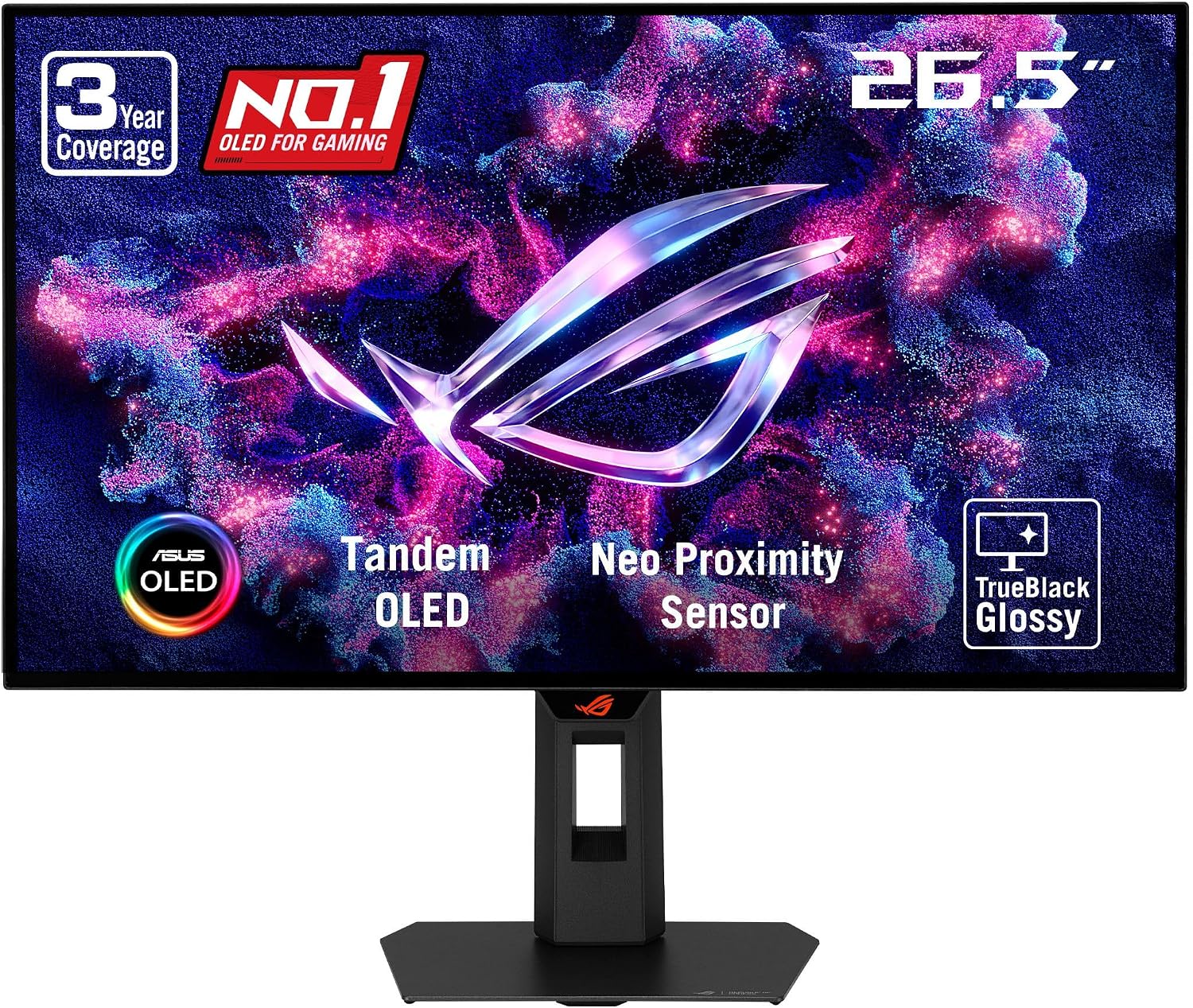
If you’re chasing responsive gameplay and immersive color without sacrificing brightness or burn-in risk, this monitor aims to balance those needs. The combination of OLED with high refresh rates and true black levels attempts to reduce motion blur and deliver striking HDR contrast, which can translate to clearer details in fast action and better color separation in vibrant scenes.
What stands out
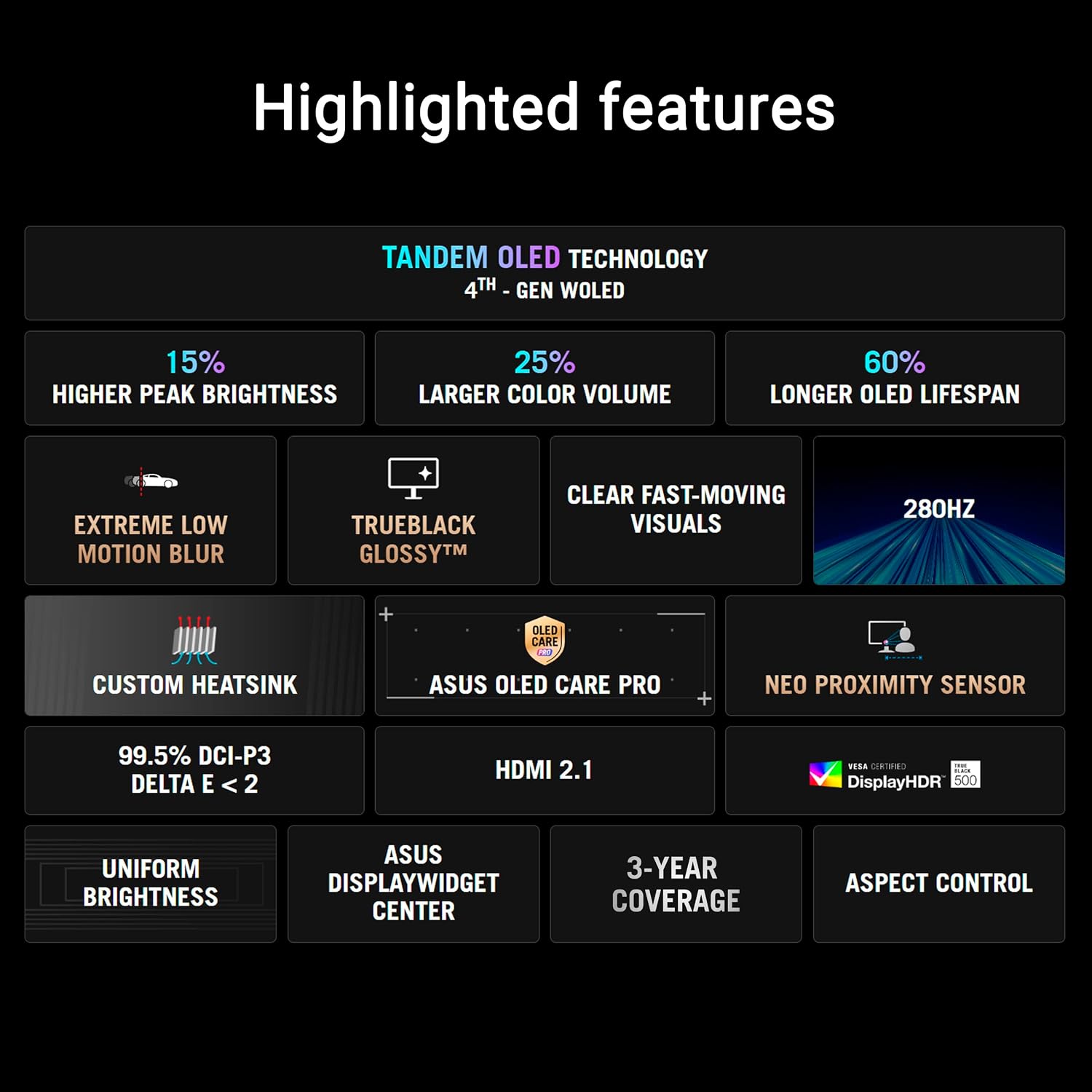
On paper, the model brings several notable elements: 27-inch size, 2560×1440 resolution, 280 Hz, and a blazing 0.03 ms response time. The TrueBlack Glossy panel and DisplayHDR 500 True Black certification promise deep blacks and strong HDR performance. The 99% DCI-P3 color gamut and true 10-bit color suggest rich, accurate color reproduction for gaming and media.
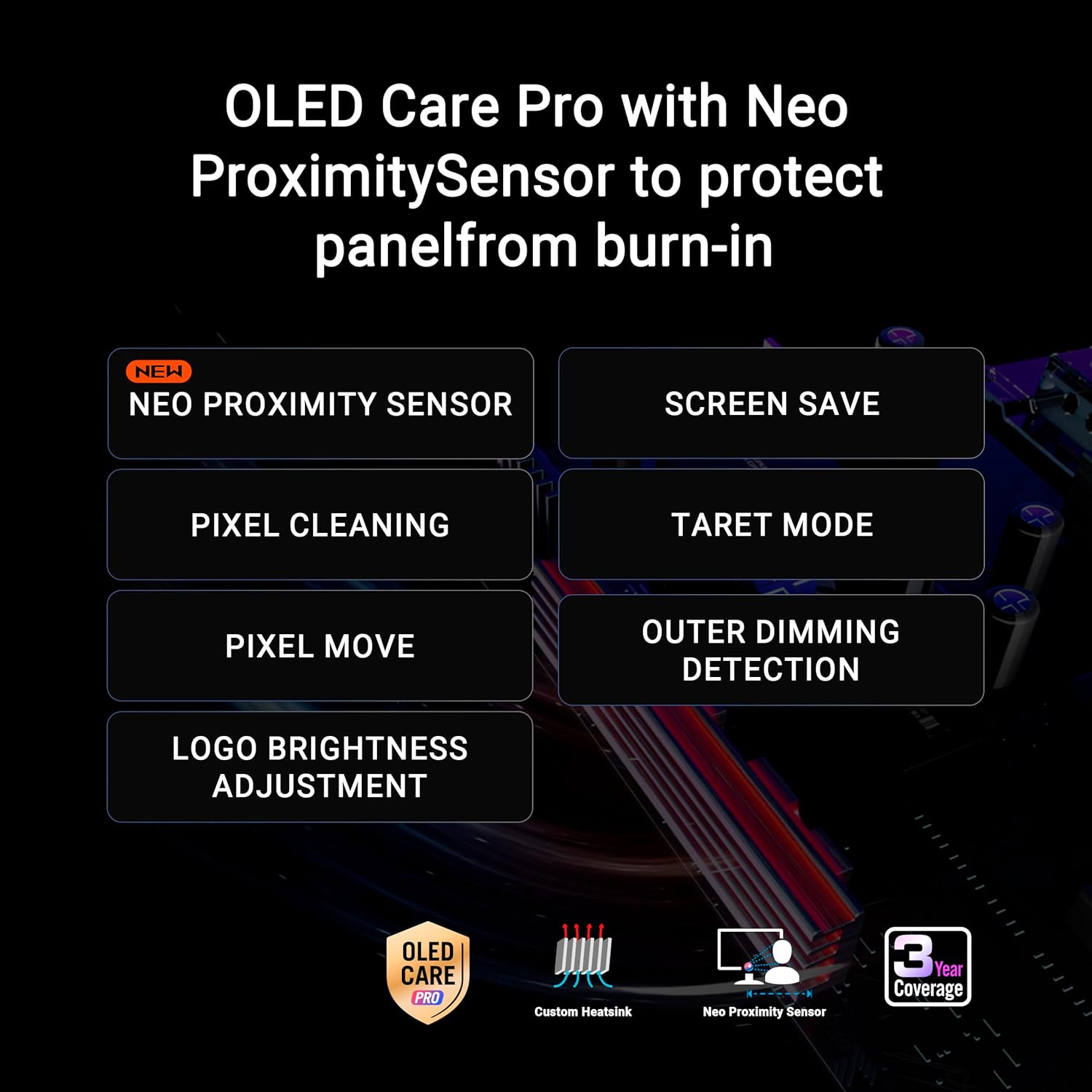
A unique aspect is the Neo Proximity Sensor, part of OLED Care Pro, which detects when you’re away and can dim or switch to a black screen to reduce burn-in risk. The DisplayWidget Center provides a centralized way to adjust OLED settings with a mouse, which can be a welcome change if you’re coming from more traditional monitor interfaces.
Who it’s for
This monitor seems best suited for gamers who value fast reflexes, vibrant HDR visuals, and a premium OLED experience in a mid-to-high bandwidth setup. If you prioritize high frame rates for competitive play and want color depth that goes beyond standard LCD panels, this could fit your needs.
Why it makes sense to buy
If you’re aiming for an all-in-one OLED gaming shell with strong HDR, sharpness, and a responsive feel, the XG27AQWMG offers a coherent package: high refresh, quick response, broad color coverage, and burn-in protection features that address common OLED concerns. The inclusion of multiple cables and a robust accessory set in the box adds convenience and value beyond the screen itself.
Why it might not be the best choice
It isn’t perfect for everyone. OLED tech can carry burn-in risks if static elements persist in games with fixed UI, though the Neo Proximity Sensor and OLED Care Pro aim to mitigate this. If you’re gaming at non-native frame rates or you’re budget-conscious, the premium price might be hard to justify compared with other high-refresh LCD options. Also, the 27-inch size, while solid, may feel small for users upgrading from larger displays or multi-monitor setups.
What to check before you buy
- Verify that your GPU and PC setup can consistently push high frame rates to truly benefit from 280 Hz. At lower frame rates, you may not notice the intensity of the OLED benefits.
- Consider your typical gaming genres, fast shooters and racing games tend to benefit most from the high refresh and fast response.
- Monitor how OLED care features perform in real-world use and whether the proximity sensor behaves as you expect in your environment.
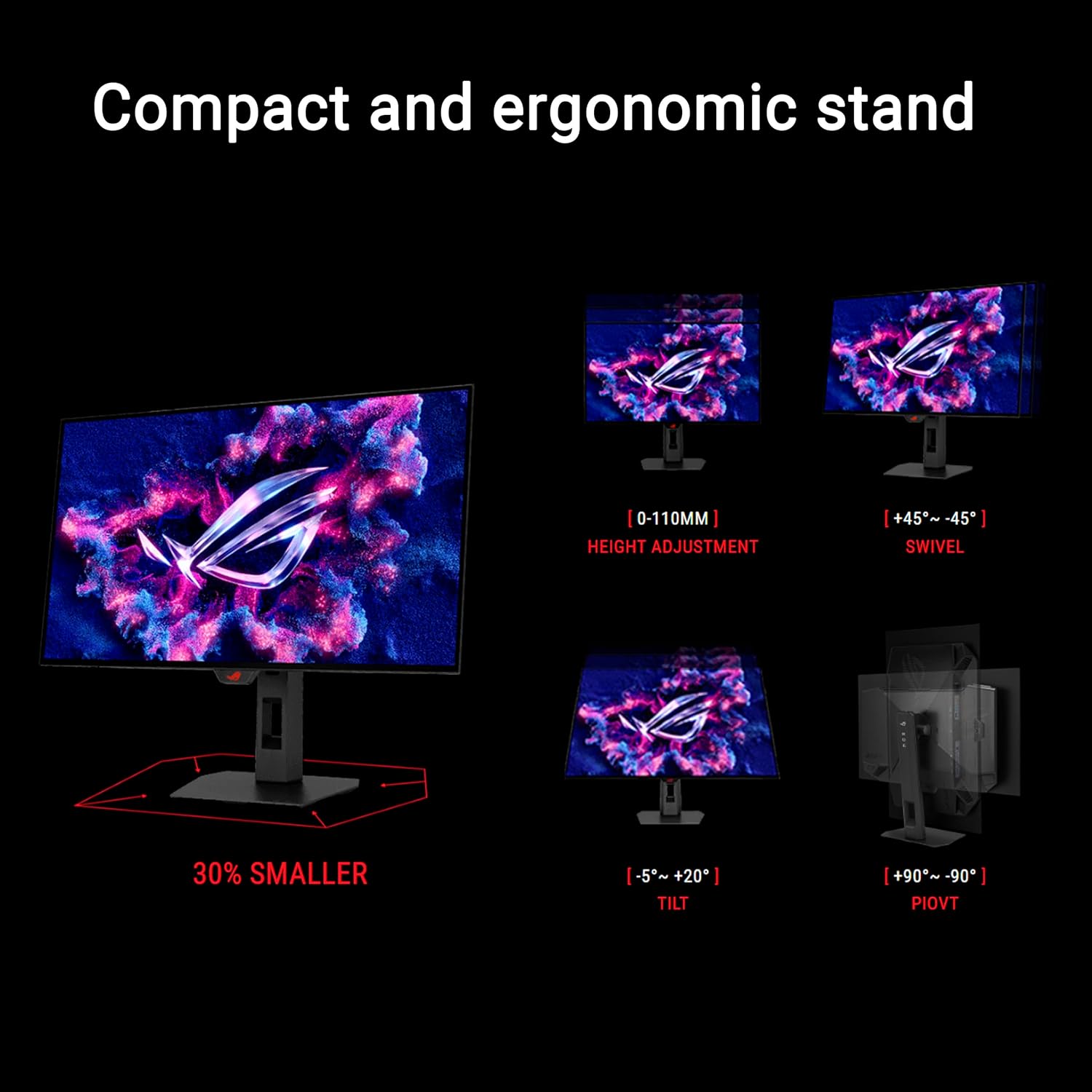
- Review the included accessories and mounting options to ensure compatibility with your desk and VESA setup.
Practical use case
Imagine starting a competitive match where every millisecond matters: you wake the system, the OLED screen delivers instant black level contrast, and fast transitions render with minimal blur. In cinematic single-player scenes, the wide DCI-P3 gamut and true 10-bit color deliver rich skies and nuanced shadows, while the anti-burn features give some peace of mind during long sessions with static HUDs in the corner.
What’s included in the box
DisplayPort cable, HDMI cable, USB Type-B to A cable, power cord, microfiber cloth, ROG sticker, ROG pouch, VESA mount kit, quick start guide, warranty card.
Final verdict
Is it worth it? If you want a cutting-edge OLED gaming monitor with extremely fast response, high brightness capabilities, and built-in burn-in mitigation, this model is worth serious consideration. It’s a premium pick that favors users who prioritize image quality and responsiveness over price. If your setup or budget leans toward traditional LCDs or you’re not leveraging ultra-high frame rates, you may want to compare alternatives before committing.
FAQ
- How does Neo Proximity Sensor help with burn-in? It detects your absence and can switch to a black screen to reduce burn-in risk when you’re away.
- Does 280 Hz matter in all games? The benefit is maximized when your hardware consistently delivers very high frame rates, in other titles with lower frame rates, the advantage may be less noticeable.
- Is OLED Care Pro essential? It’s a helpful feature for OLED longevity, but it’s still good practice to vary content and enable screen savers when possible.