

InnoView Portable Monitor 15.6" 1080P
Reviews
Price
Product description
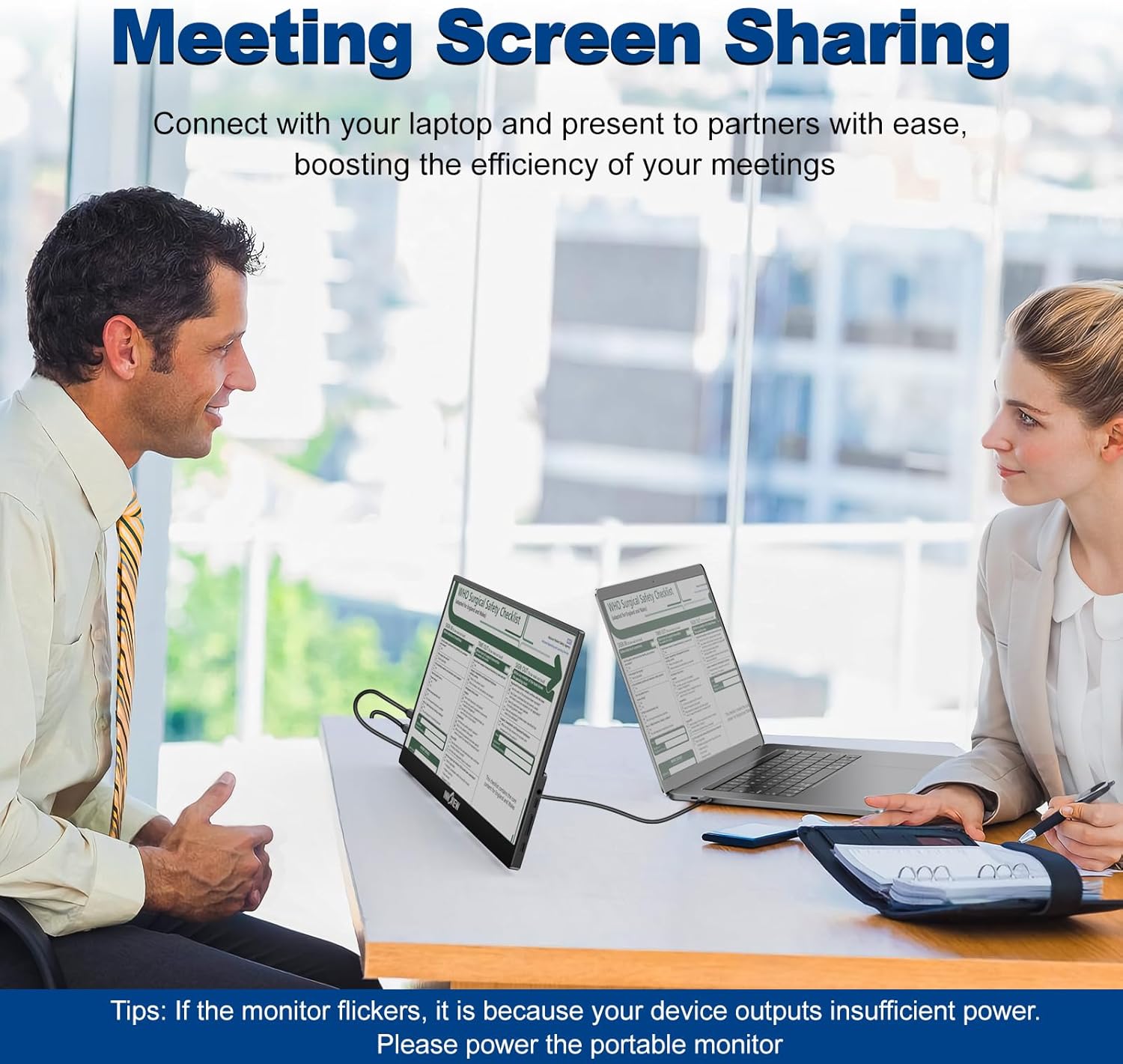
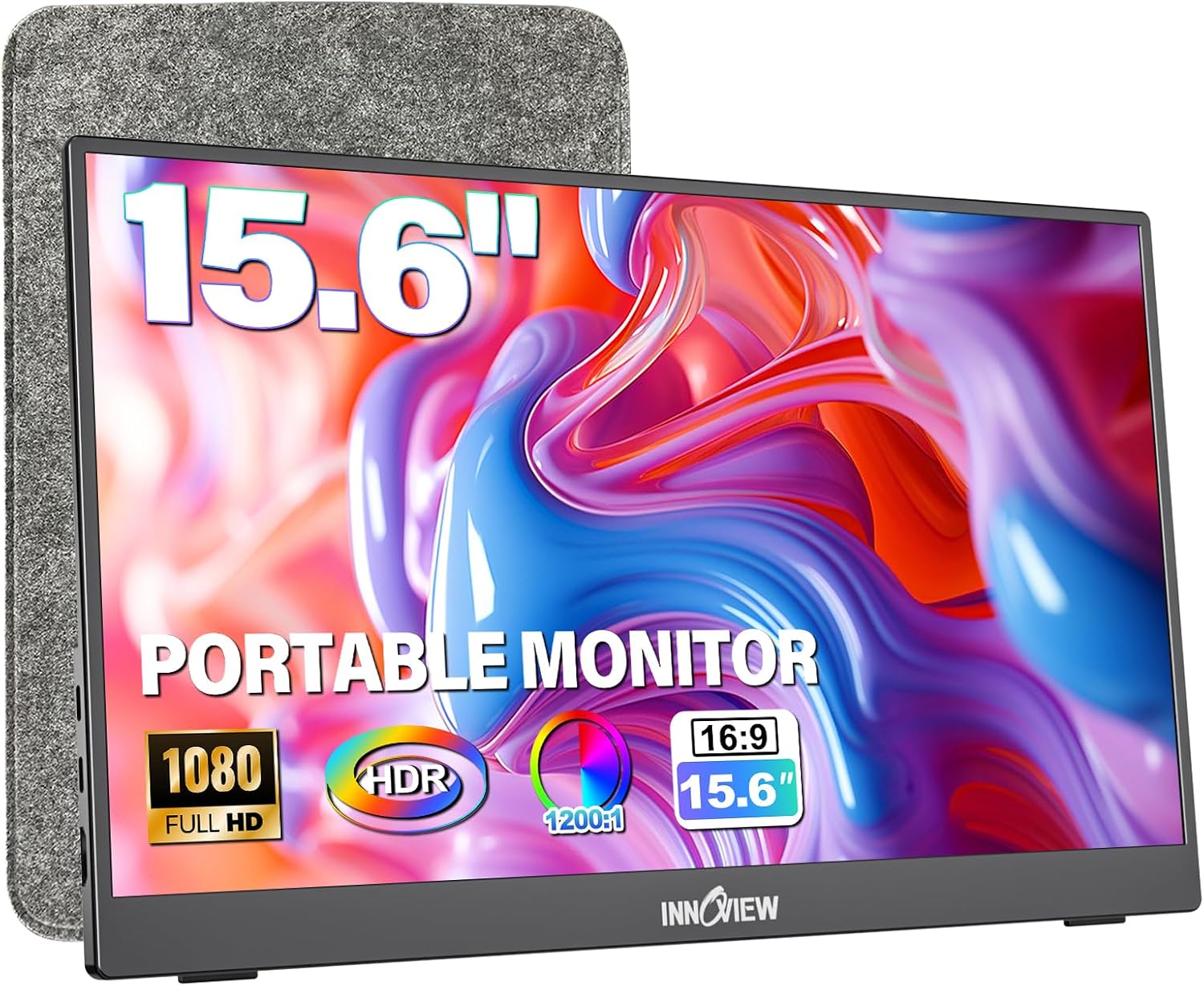
This slim external display expands your workspace with plug and play simplicity, giving you a second screen for laptops, phones, and consoles. If you need a portable monitor for laptop use, this InnoView model brings a crisp 15.6 inch IPS panel and dual USB-C ports to keep setups tidy and mobile. The main benefit is clear: more screen real estate without extra drivers, so you can work, stream, or game on the go.
Key features
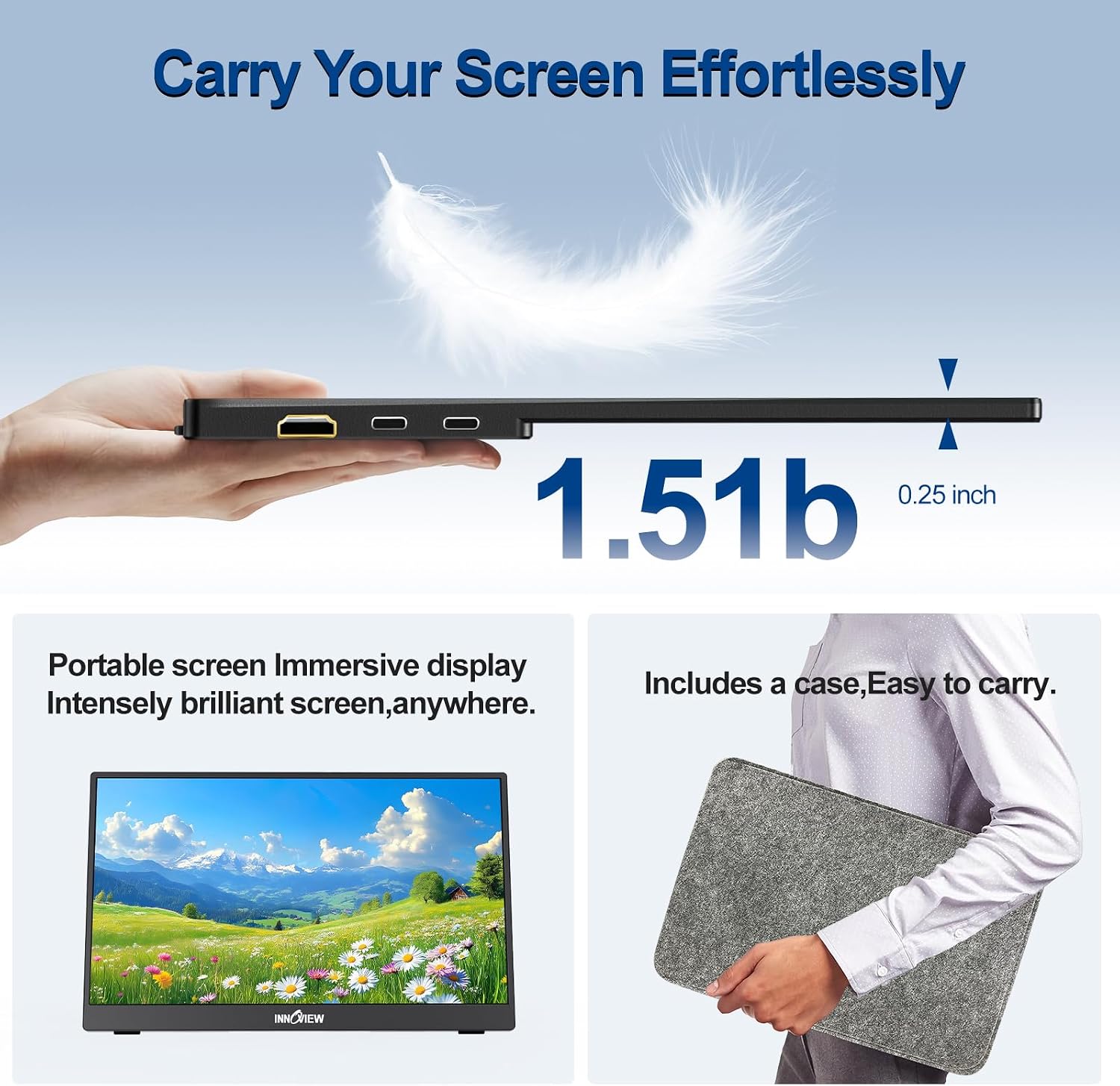
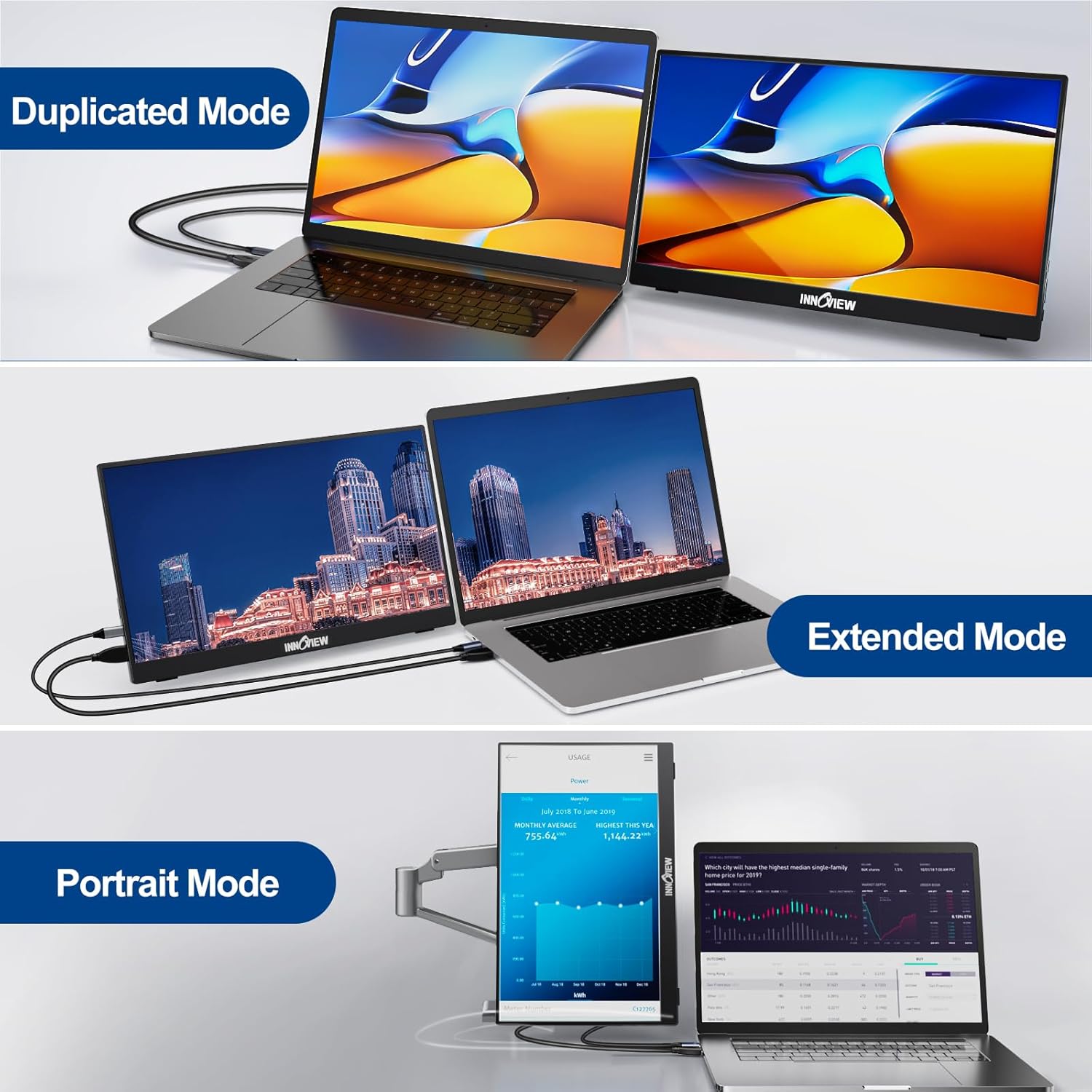
The design centers on portability and quick setup. InnoView Portable Monitor 15.6" 1080P is ultra-slim and lightweight, with a 0.25 inch profile and roughly 2 pounds, making it easy to slip into a bag. It offers dual full-function USB-C and an HDMI input for broad compatibility, and the included OTG cable lets you connect keyboard and mouse through the right-hand USB-C port. The stand adjusts up to 90 degrees for landscape or vertical use, so you can angle the screen for spreadsheets or portrait content. 🎮
Tech specs
- Name: InnoView Portable Monitor 15.6" 1080P
- Size: 15.6 inches
- Resolution: 1920 x 1080
- Weight: 2 pounds
- Connectivity: Dual USB-C, HDMI
- What’s included: Protective sleeve, OTG cable
What it works with
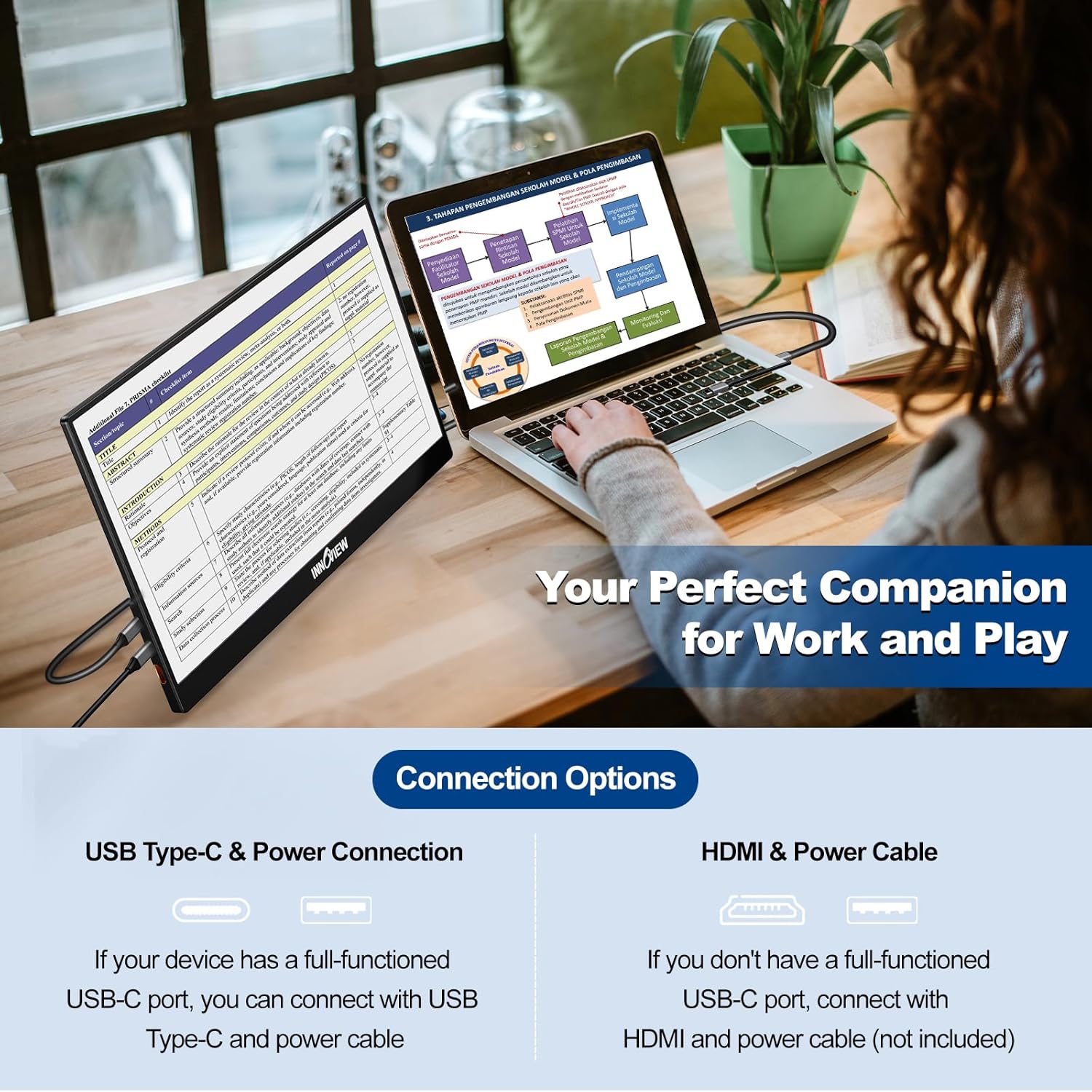
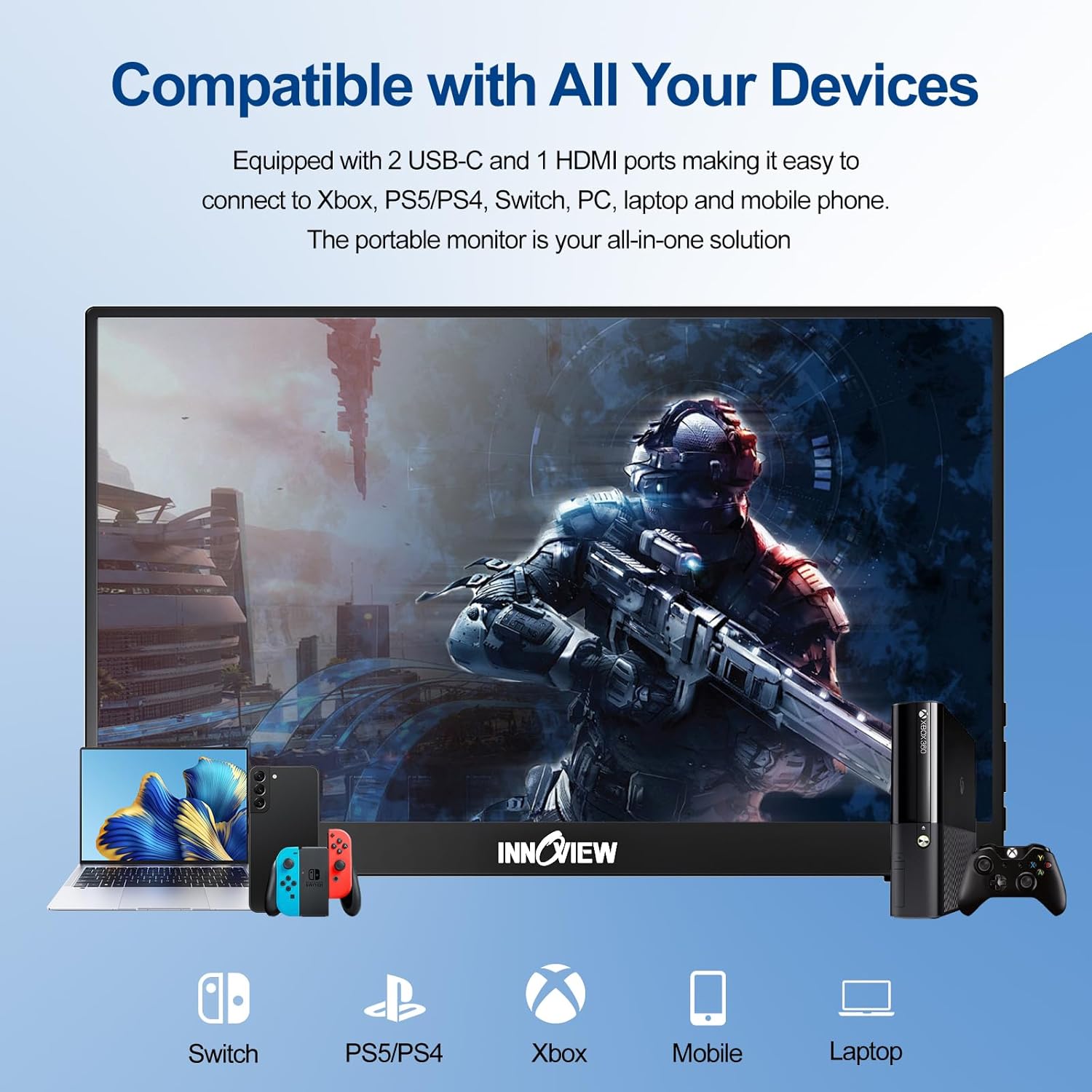
The monitor connects easily to laptops, MacBooks, PCs, smartphones, Xbox, PS3 PS4 PS5 and Switch with no drivers required. It works well as a second display for productivity, a portable game screen for consoles, or a mirror for phone apps. Keep in mind that console performance depends on the source device, and some phone models may need specific adapters.
What stands out
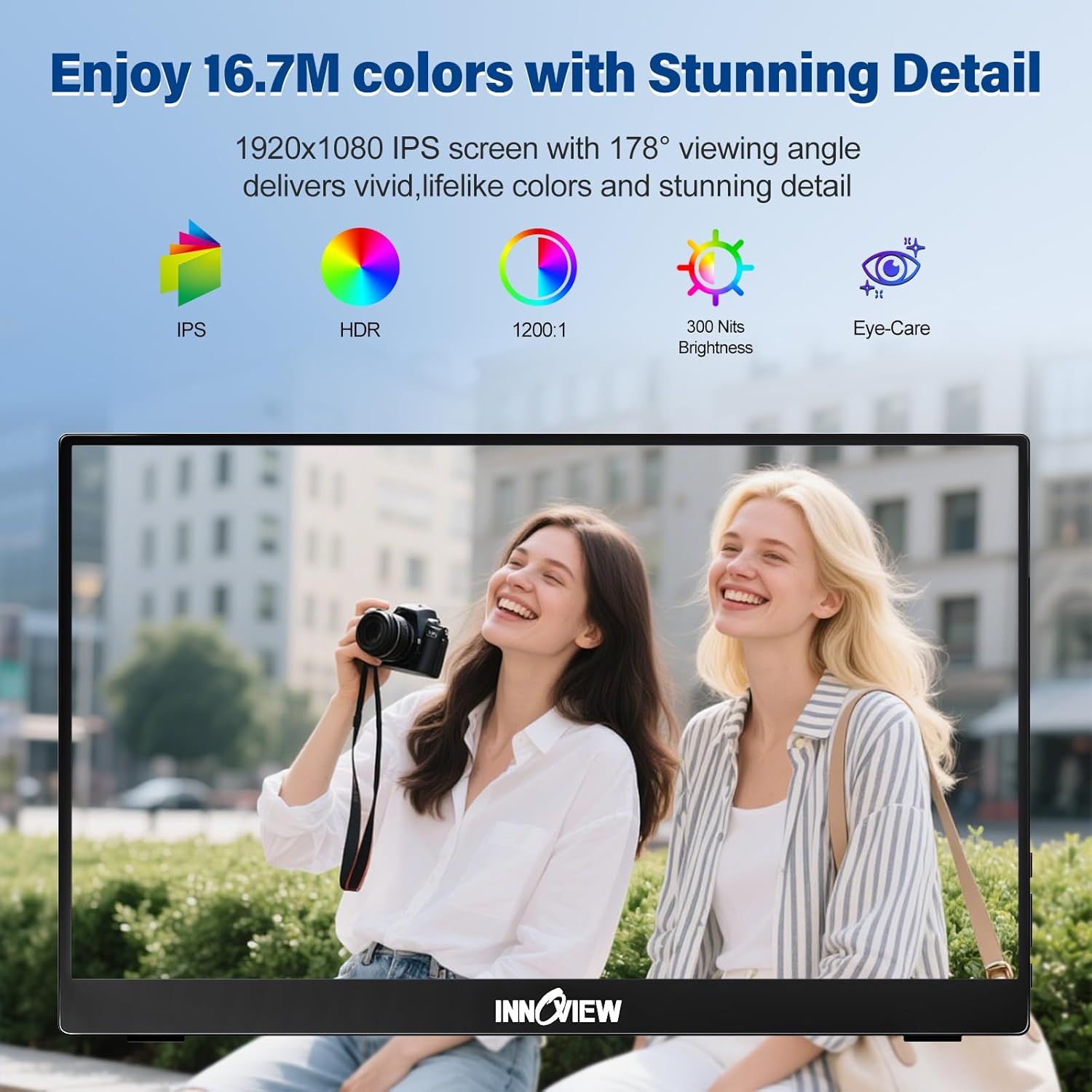
The panel uses an IPS panel with a wide 178 degree viewing angle and low blue light technology to reduce eye strain during long sessions. Dual speakers are built into the chassis to provide basic audio when external speakers are not available, so you have sound without extra gear. The bezel is narrow for a cleaner multi-monitor setup and the protective sleeve doubles as a cover and travel stand.
Usage tips
For best results, plug into a full-function USB-C port or use HDMI when available, and test display settings on your host device for optimal scaling. If you plan to use the monitor primarily with phones, verify your phone supports video output over USB-C. Also, note that international versions may have different labeling or instructions according to the seller, so keep packaging details in mind. 💼📺