

Sceptre New 24.5-Inch Gaming Monitor (E255B-FWD240 Series)
Product description
Overview
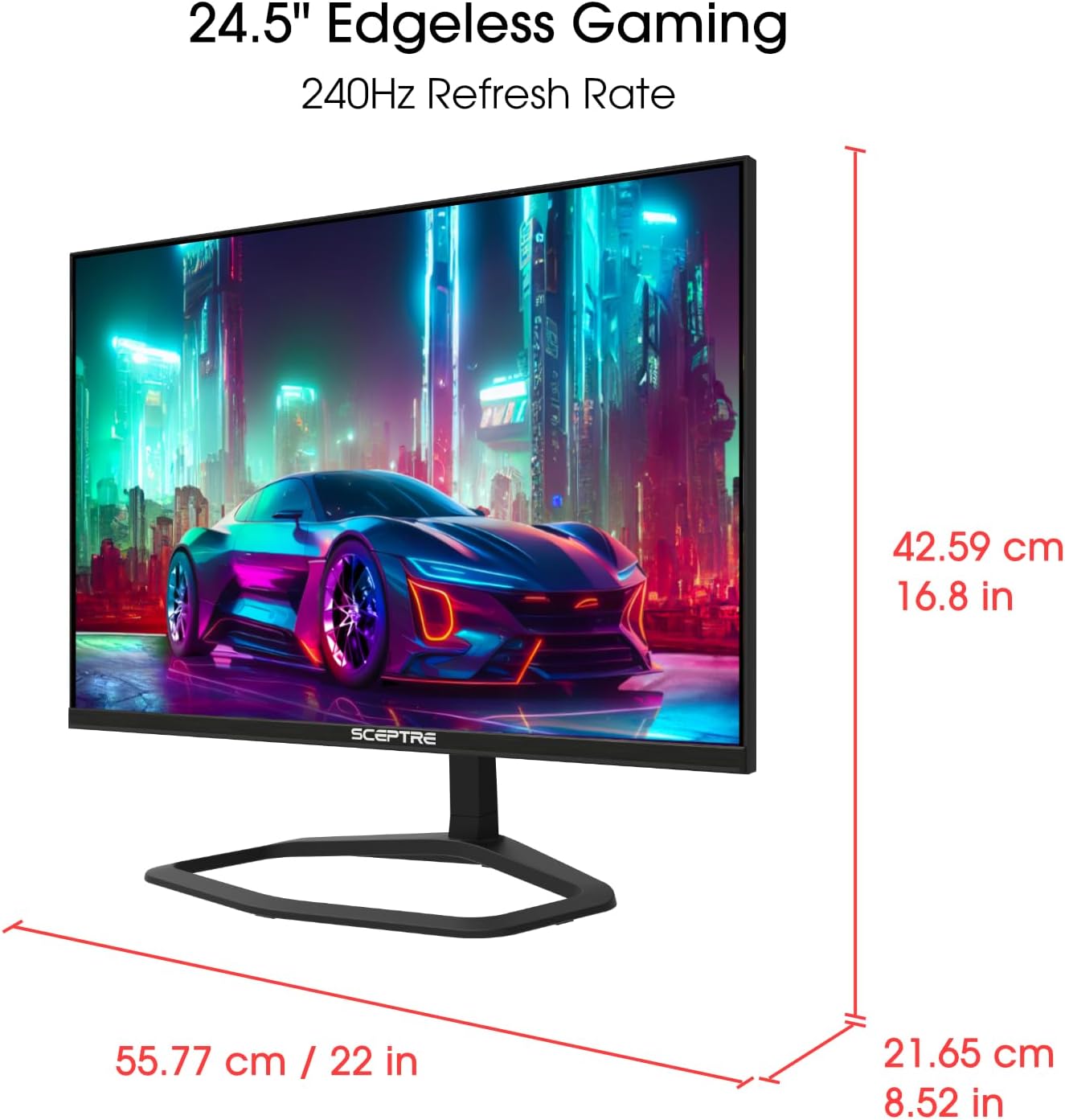
A compact gaming monitor designed to appeal to fast-paced titles and immersive visuals. The Sceptre New 24.5-inch model aims to combine high refresh rates with responsive timing, useful for FPS and RTS players who want smooth motion without extra clutter on their desk.
What makes it notable
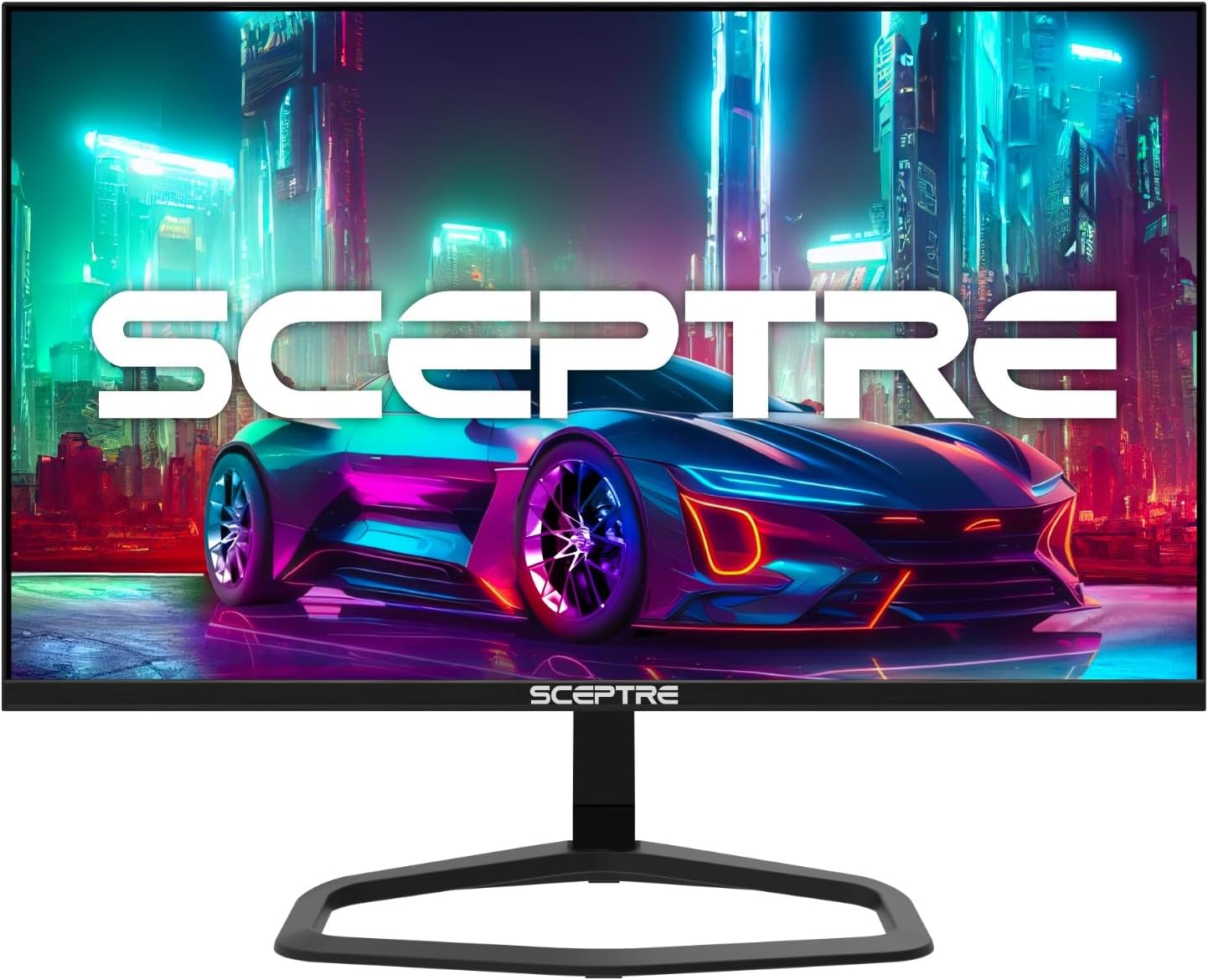
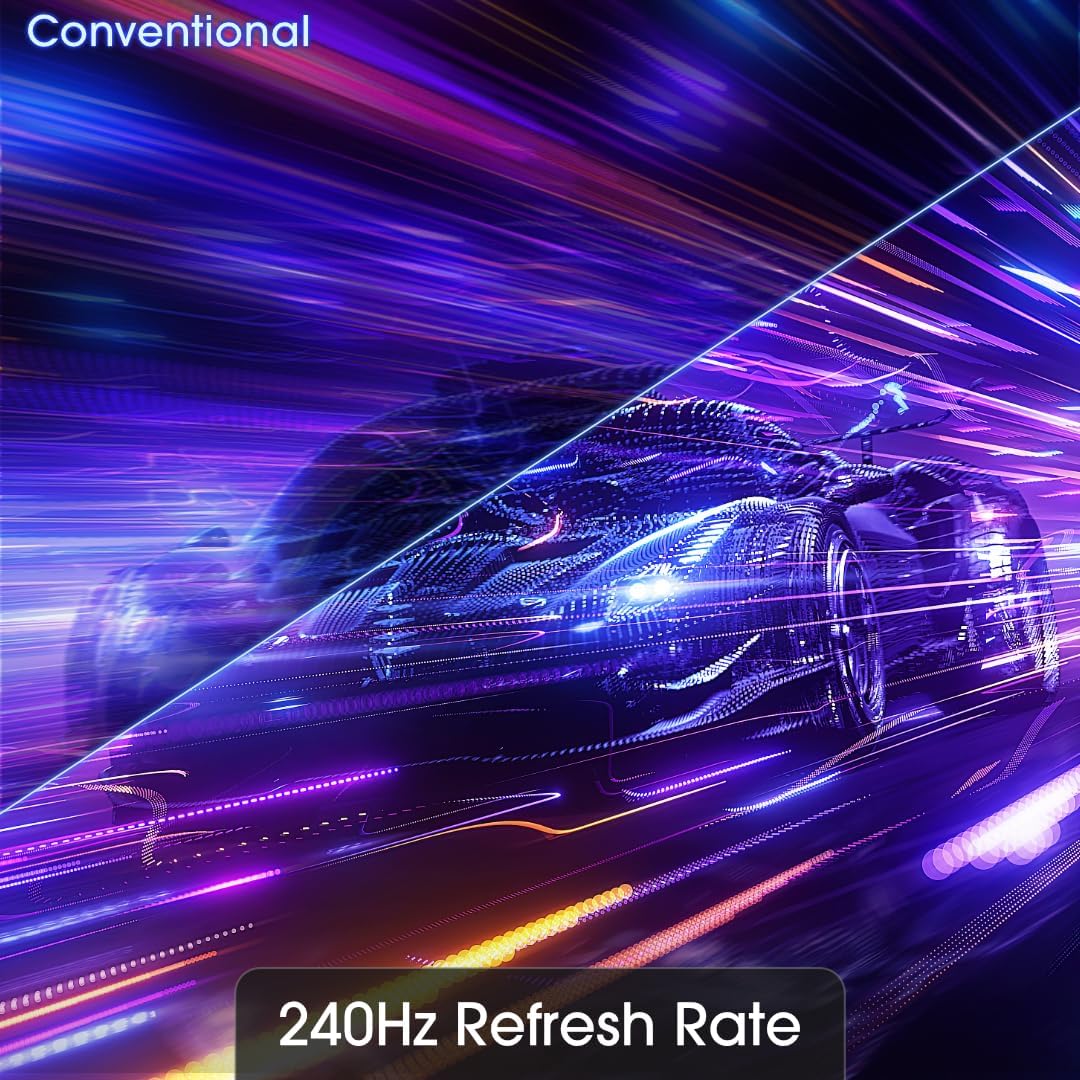
On the paper, this display pushes a 240Hz refresh rate and a 1ms response time, paired with AMD FreeSync Premium to help reduce tearing and stutter during rapid on-screen action. The panel supports 100% sRGB for color accuracy within the common gaming and multimedia workflows. It also includes built-in speakers, which can be a convenient all-in-one setup if you’re short on desk space.
Design and inputs
The monitor offers two DisplayPort and two HDMI inputs, which helps in connecting a PC and console or alternative devices without swapping cables. It is VESA mount ready, so you can attach it to a compatible arm or stand if you want to free up desk space and adjust positioning more freely. The machine black finish keeps a understated look that should blend with most setups.
Pros
- Very high refresh rate on paper (240Hz) for smoother motion in fast-paced games.
- 1ms response time can help reduce blur in quick actions.
- AMD FreeSync Premium support to minimize tearing.
- Multiple inputs (DisplayPort x2, HDMI x2) for flexible connectivity.
- Built-in speakers offer a simple, space-saving audio solution.
Cons or caveats
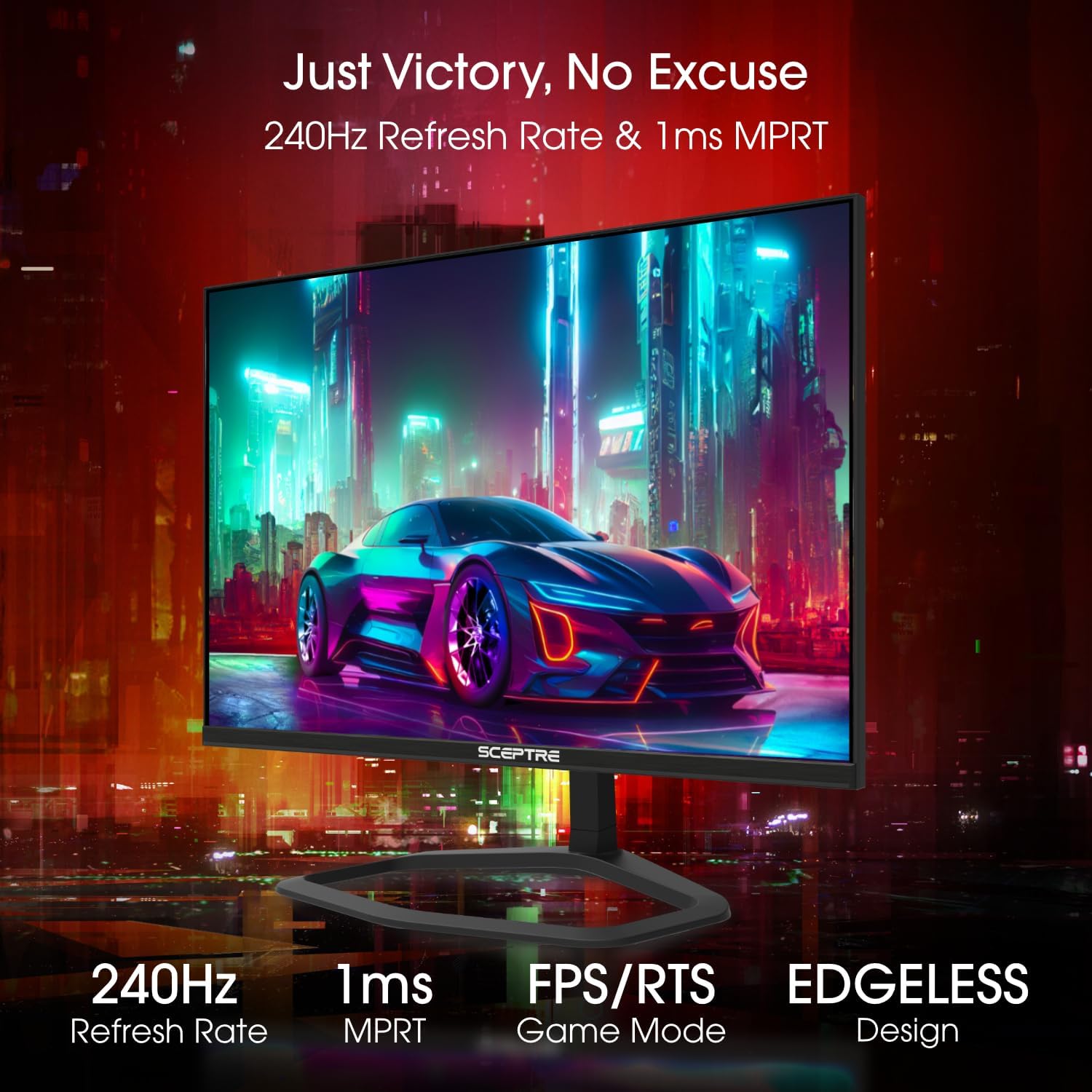
- Real-world performance depends on panel quality and GPU pairing, the refresh rate spec is excellent on paper, but panel uniformity and brightness can influence perceived experience.
- Built-in speakers are convenient, but they typically don’t replace a dedicated audio setup for immersive gaming.
- No information about brightness, contrast ratio, or HDR support, if you rely on HDR or very bright scenes, this may limit options.
- No pricing data here, so you’ll need to verify current value and availability.
Who it’s for
Gamers who value high refresh rates and low input lag, especially in competitive shooters or real-time strategy games, and who want easy connectivity across devices. If you prefer a compact, desk-friendly size with flexible mounting options, this model could fit your needs.
Who it isn’t ideal for
If you rely on top-tier HDR performance, extreme brightness, or color-critical work beyond general gaming color spaces, you might want to compare with higher-end panels. Also, if you’d rather avoid built-in speakers in favor of higher-quality external audio, this may be less compelling.
When it makes sense to buy
If you’re prioritizing a high refresh rate, responsive input, and a straightforward multi-device setup, and you’re okay with evaluating the panel’s other unspecified specs in the context of your gaming needs, this monitor could be a good match. It’s reasonable to expect smoother motion in fast-paced games and simpler cable management with multiple video inputs.
What to check before buying
- Confirm the actual panel brightness and color performance in your typical ambient light.
- Verify the availability of the ports you’ll use most (DisplayPort vs HDMI) and whether you’ll need adapters.
- Consider your audio setup—if you’re aiming for cinema-like sound, plan for external speakers or a headset.
- Check desk space and VESA compatibility with your mounting solution.

Practical use example
Imagine jumping into a fast FPS match: your character snaps to targets with minimal motion blur, and the system can switch between PC and console without wrestling with cables. The dual DisplayPort/HDMI inputs mean you can keep your primary system connected while testing a secondary device without swapping cables mid-session.
FAQ
- What makes 240Hz feel different in practice? It mostly shows in smoother camera panning and reduced motion blur during rapid actions, which can improve reaction time in competitive play.
- Is FreeSync Premium enough for a smooth experience? It helps reduce tearing when paired with a compatible GPU, but performance also depends on your GPU frame rate and game optimization.
- Do the built-in speakers replace external audio? They offer basic sound, but most gamers will prefer dedicated headphones or speakers for better clarity and bass.
Decision point
Is it worth it?
Worth considering if you prioritize a high refresh rate, fast response, and flexible connectivity in a compact form factor. It’s a sensible option for gamers who want strong motion handling without extra peripherals, though you should balance expectations about panel brightness and HDR capabilities. If those gaps matter to you, explore other panels that emphasize brightness and color depth more aggressively.