

CIDETTY 15.6” Triple Laptop Screen Extender Monitor
Product description
What it is and what it does
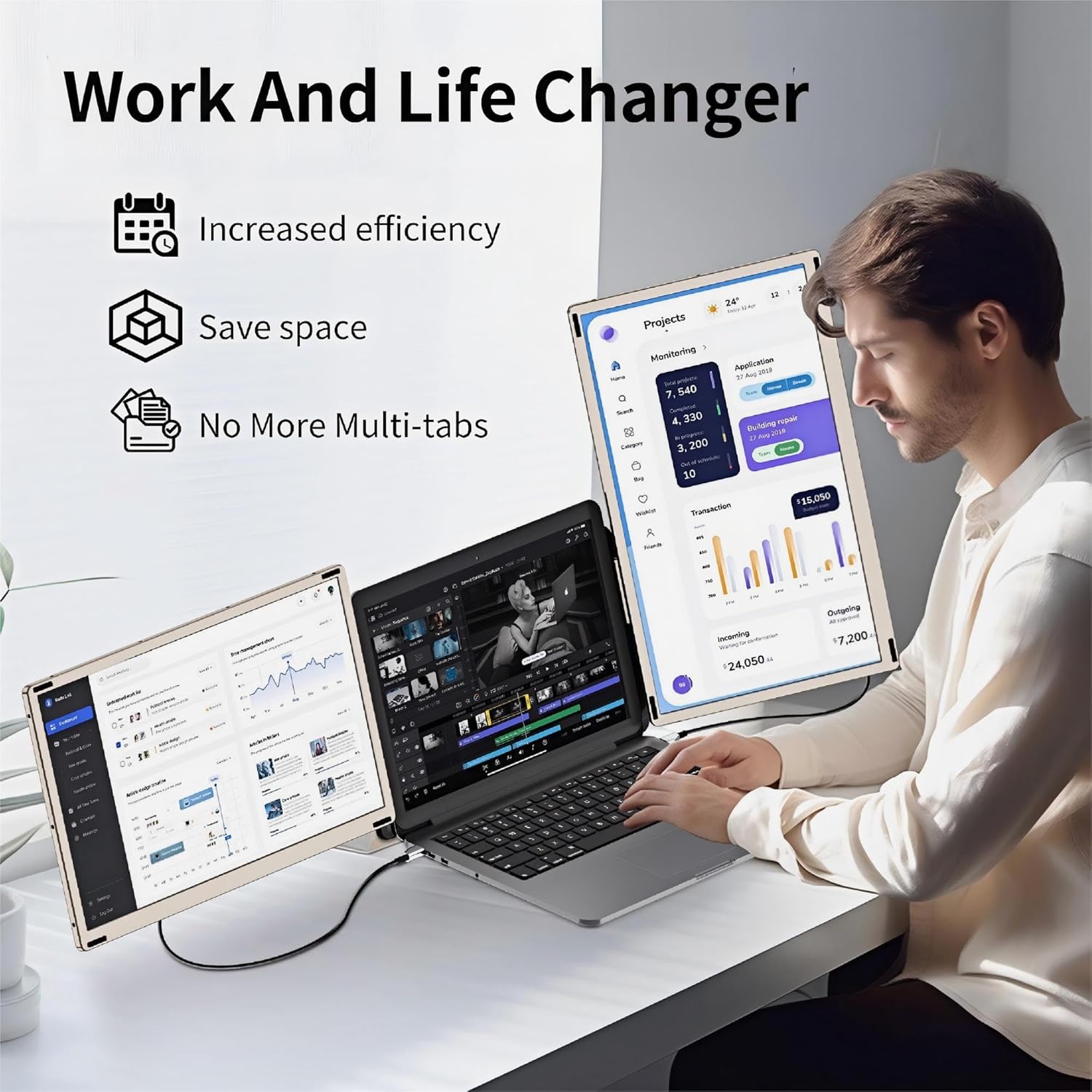
The CIDETTY 15.6” triple laptop screen extender is a portable setup designed to add two extra screens to your laptop, enabling mirror and extended display modes. It aims to help you multitask more efficiently by expanding your screen real estate, potentially boosting productivity when you juggle several apps or documents at once.
How it helps you work
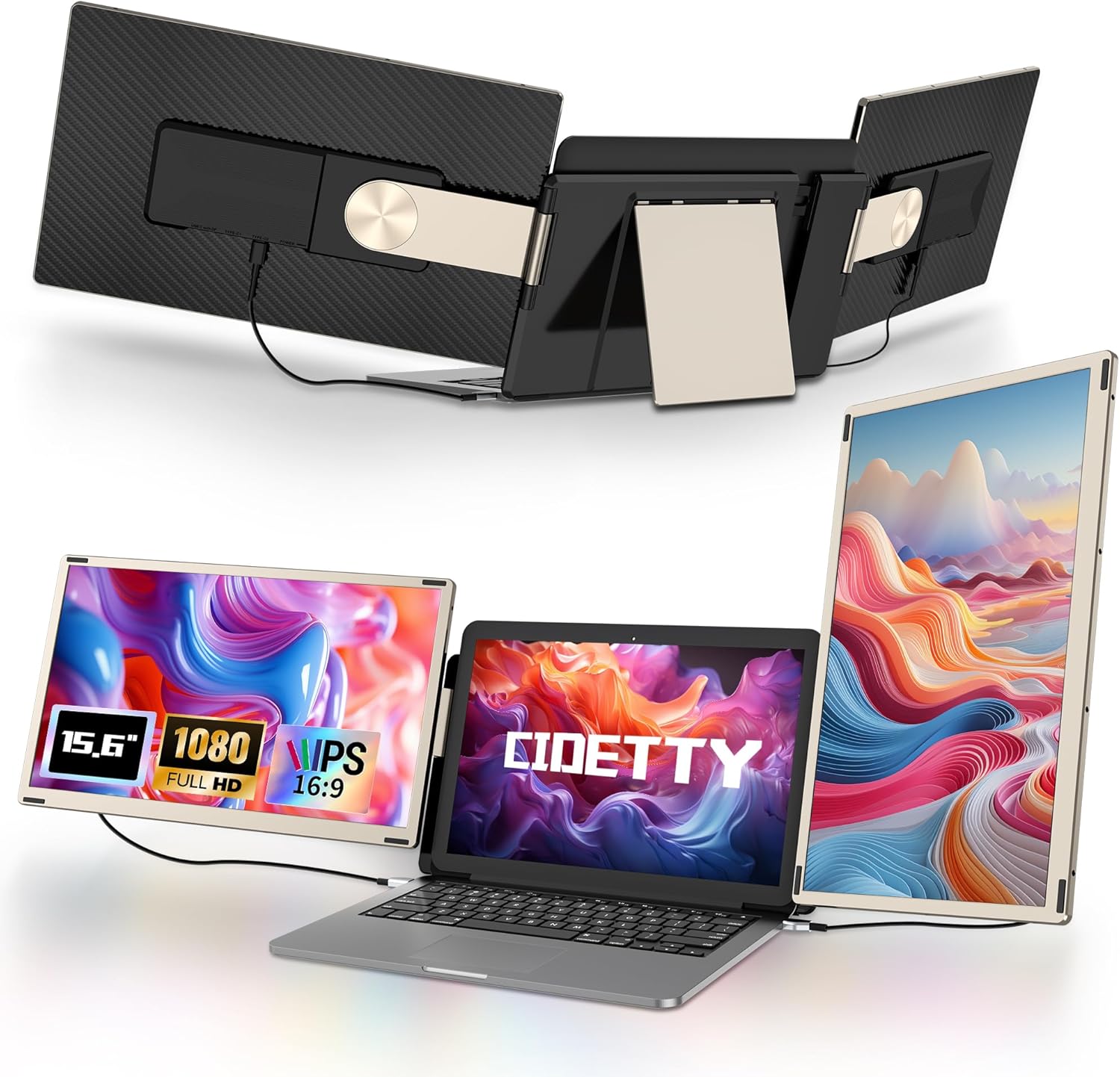
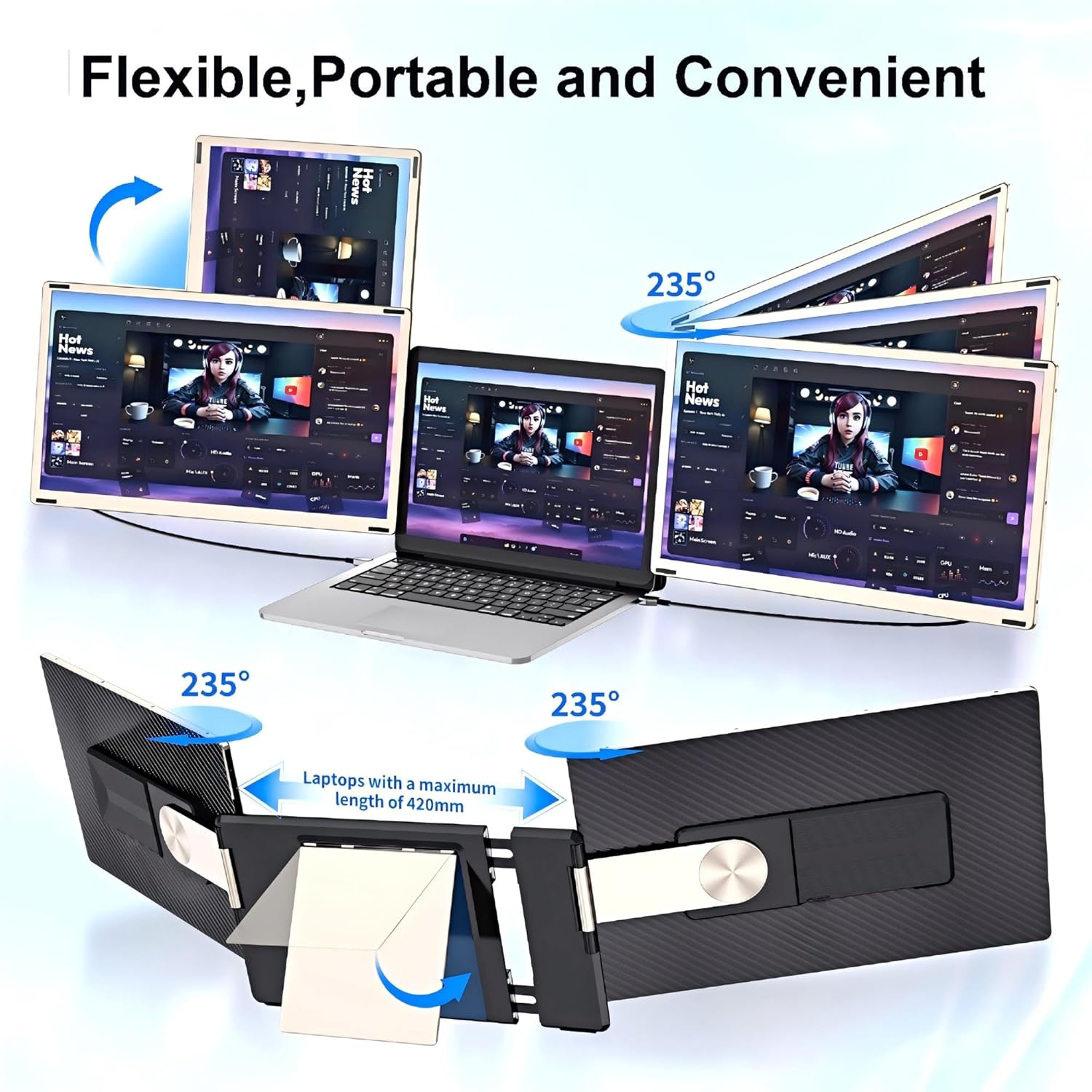
On paper, this monitor extender supports up to two additional screens connected to a laptop, creating more room for windows, timelines, dashboards, or reference material. The upgraded magnetic structure allows you to customize a workstation that fits your needs, including a 90° rotation option to switch between portrait and landscape orientations.
What stands out in daily use
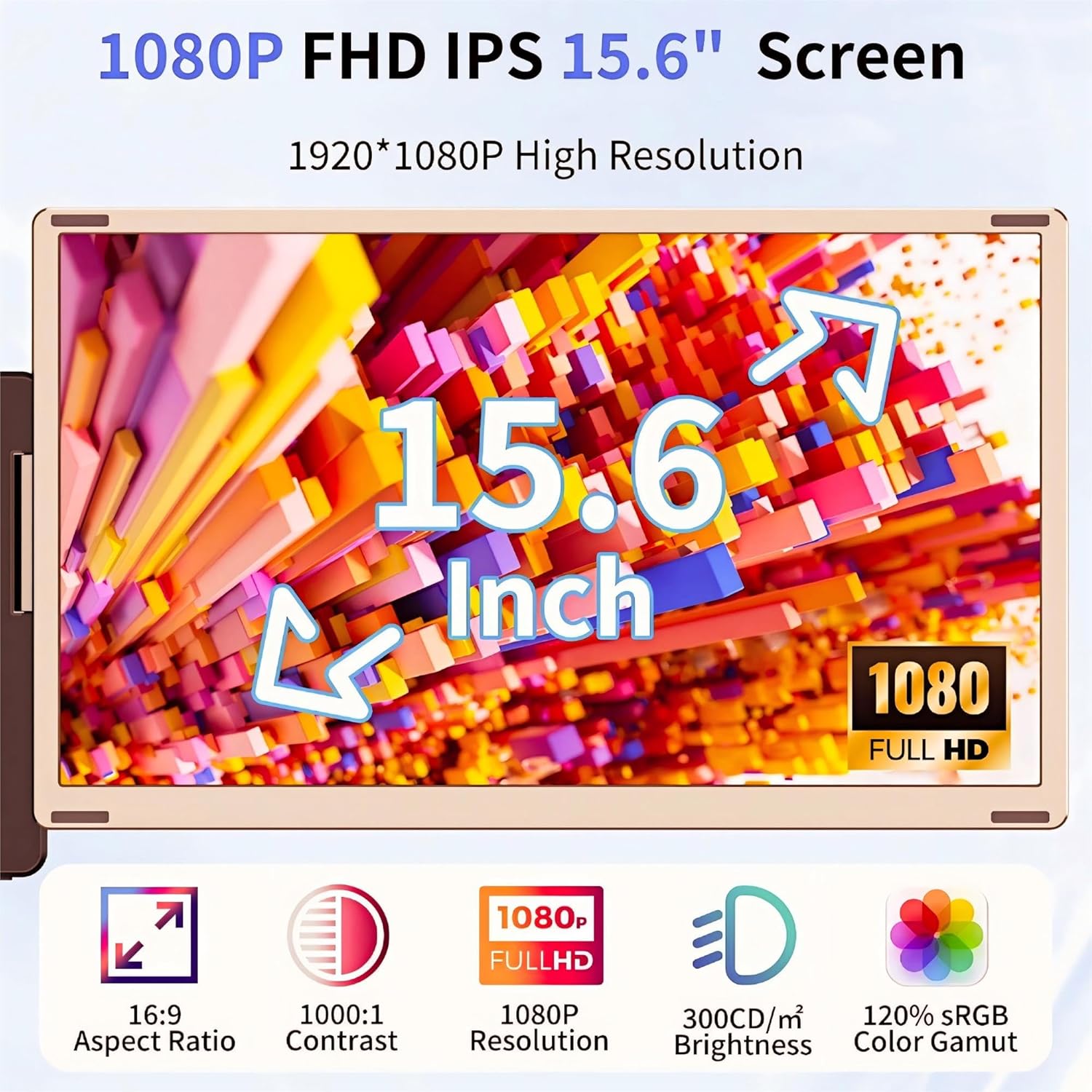
The main display is a 15.6" FHD IPS panel, which should offer decent color and viewing angles for typical office tasks, programming, or media moments. It also promises low blue light and anti-glare features for more comfortable long sessions. The design includes a foldable back stand with adjustable angle, and a leather carry bag for travel. Importantly, you can operate with one or three screens depending on your current task, which adds flexibility when you’re on the go.
What to keep in mind
While the concept is appealing, the actual experience can depend on your laptop model and how the extra screens are powered and connected. The description notes some laptops may not be fully compatible, and setup difficulties can occur—so it’s wise to verify compatibility and have a plan for installation before purchasing.
Who it’s for
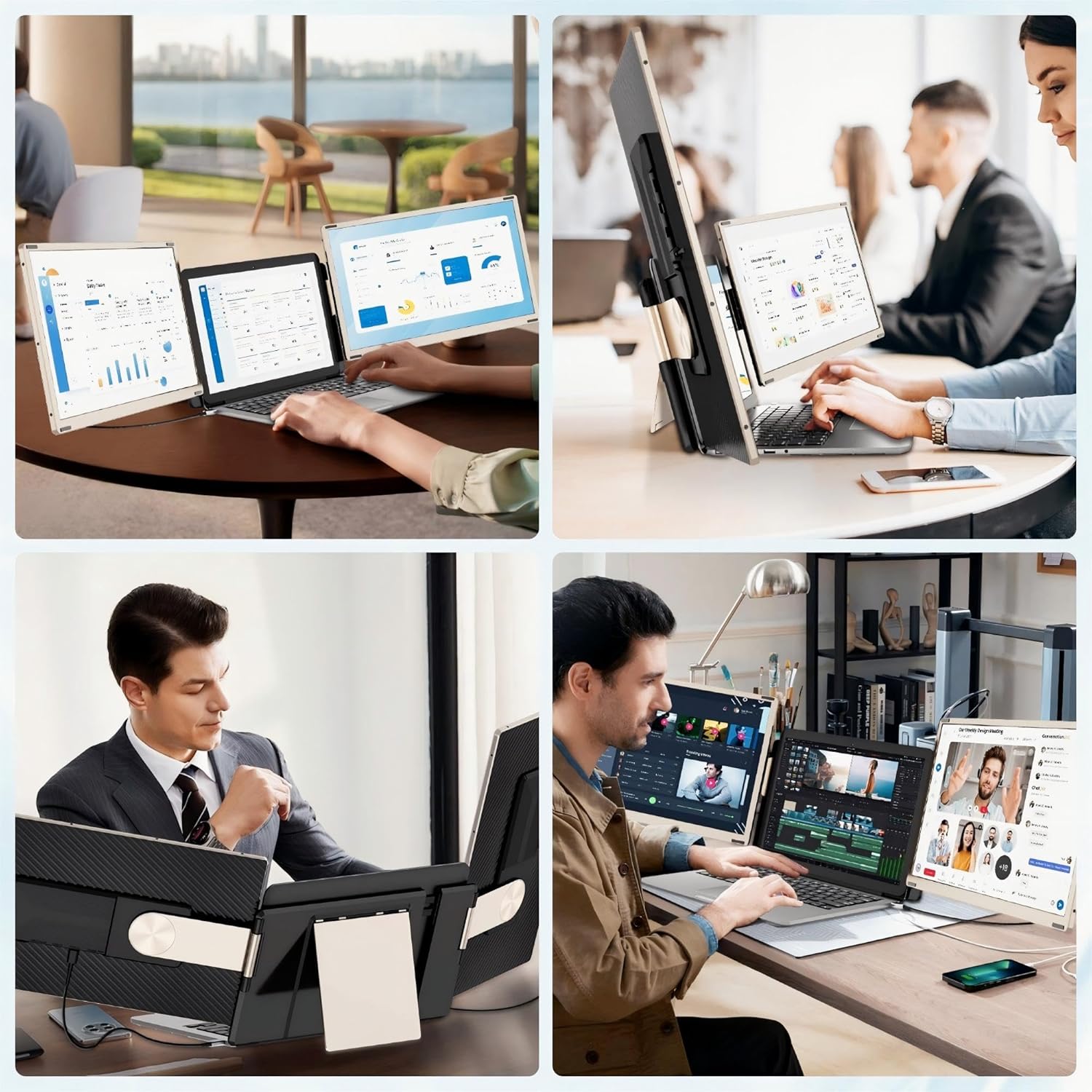
This setup could be useful if you need more screen space for multitasking, especially when working across documents, spreadsheets, or reference materials. It might be particularly appealing for students, remote workers, or travelers who want a richer workspace without a full desktop setup.
Who might skip it
If you don’t often multitask or have limited desk and travel space, the additional investment may not pay off. Also, if your laptop has very tight power or USB bandwidth constraints, the extra screens could become more of a hindrance than a help.
When it makes sense to buy
Consider this device if you value expanded screen real estate on the go and you can live with a detachable, portable multi-monitor solution. It’s more compelling if you frequently reference multiple documents side-by-side and can make use of the portrait/landscape flexibility.
What to check before buying
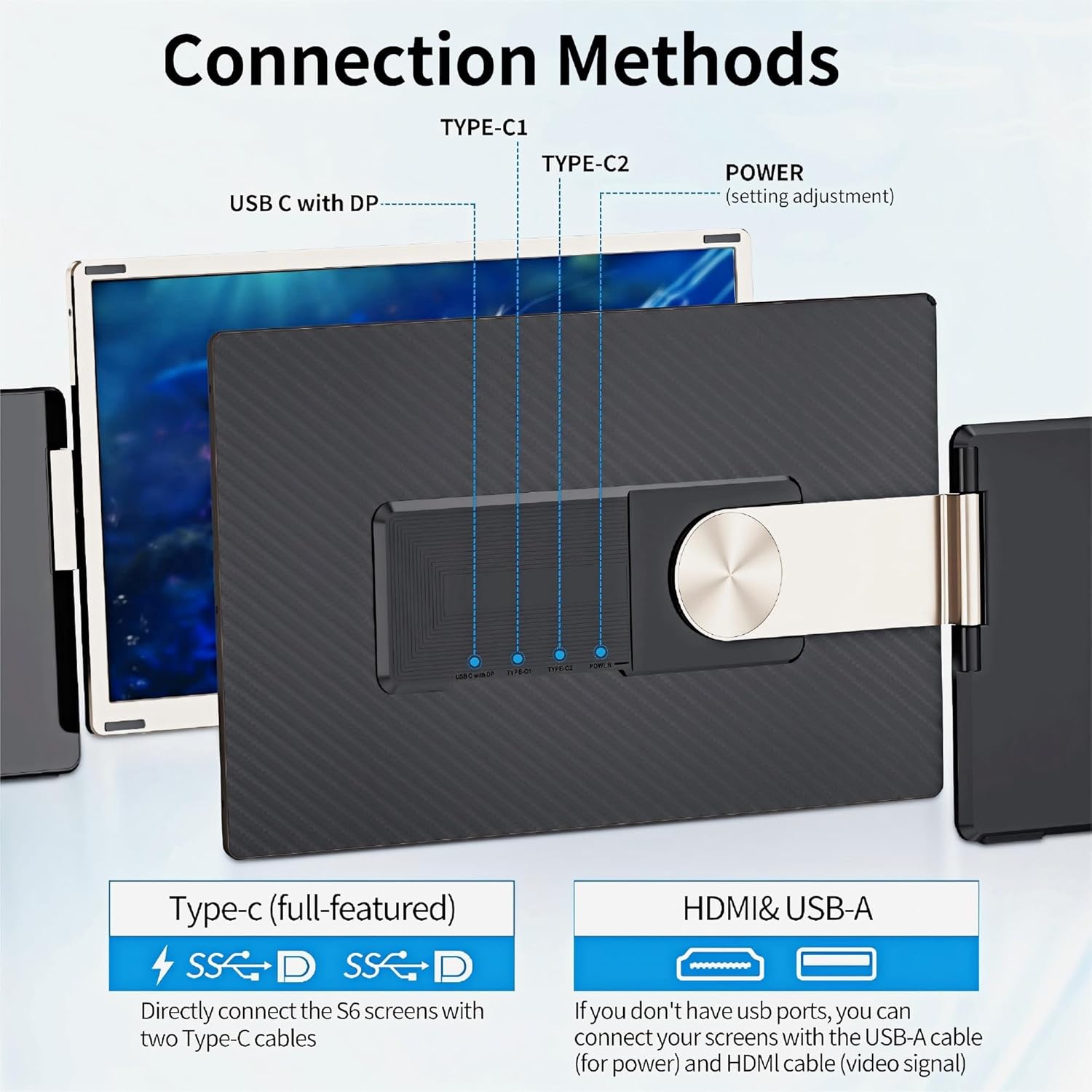
- Confirm your laptop’s compatibility and the supported connection method for the triple monitor extender.
- Consider whether you’ll regularly use all three screens or mainly one or two.
- Think about travel needs and whether the included leather bag aligns with how you carry gear.
Practical use example
Imagine editing a document while keeping a reference page open on one of the extra screens and monitoring live data on another. You can rotate a screen to portrait for long lists or dashboards, then fold it away when you don’t need it during a quick video call.
FAQ (practical guidance)
- How many screens can you use with this extender at once? Up to three, depending on compatibility and setup.
- Is the monitor suitable for travel? Yes, the design includes a foldable stand and a carry bag for portability.
- Can you use just one of the screens? Yes, you can operate with one screen using the single stand option.
Final verdict
Final verdict: It makes sense if you prioritize extra screen space on the go and can work within the constraints of compatibility and setup. It may not be the best fit if you rarely multitask or if your laptop model isn’t well supported. This setup is best for users who want a flexible, portable multi-monitor solution and are comfortable adjusting their workstation layout as needed.