

Samsung 27-inch monitor
Product description
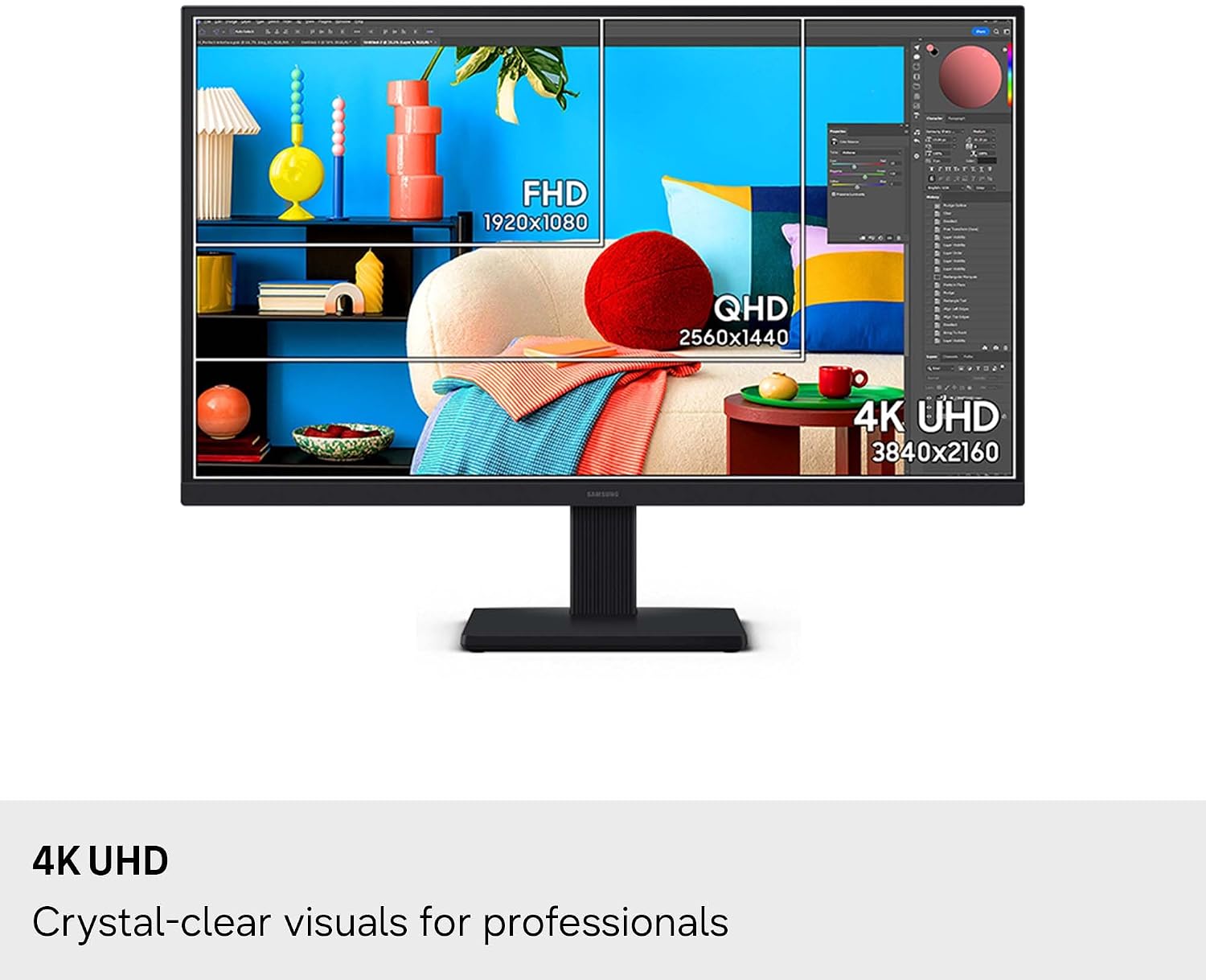
If your screen needs to show fine detail without making every task feel cramped, this 27-inch ViewFinity S7 takes a different approach from a basic Full HD display. Its 4K UHD resolution gives you more pixels to work with on documents, diagrams, and visual projects.
That extra detail can be useful when you’re arranging several elements on screen or inspecting an image closely. It’s still a single 27-inch display, so the benefit is sharper detail rather than a larger physical workspace.
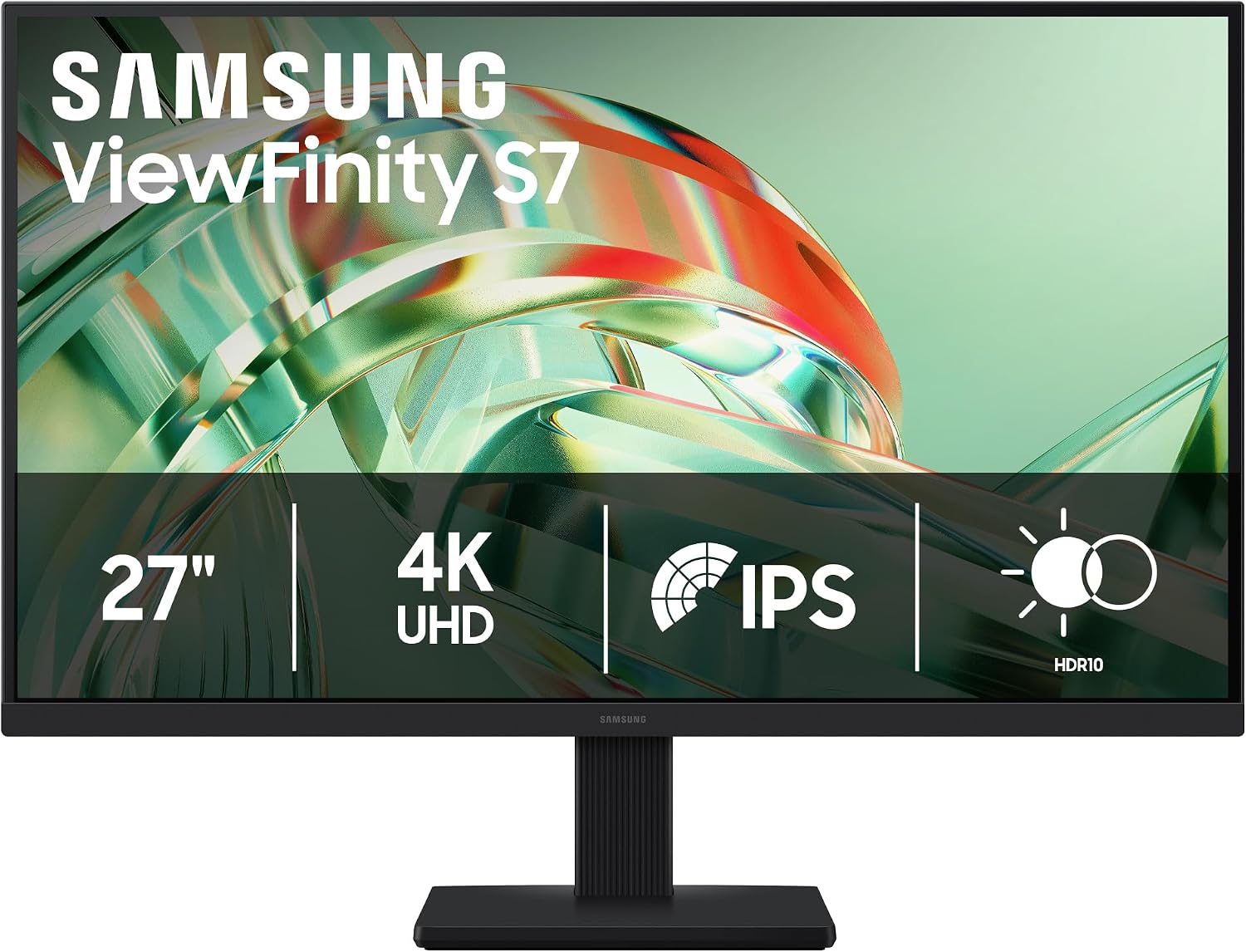
If you prioritize resolution and everyday visual clarity, this model has a clear case, if you prefer choosing a monitor around specified refresh rates or ergonomic adjustments, the available details leave those questions open.
Getting the most from it
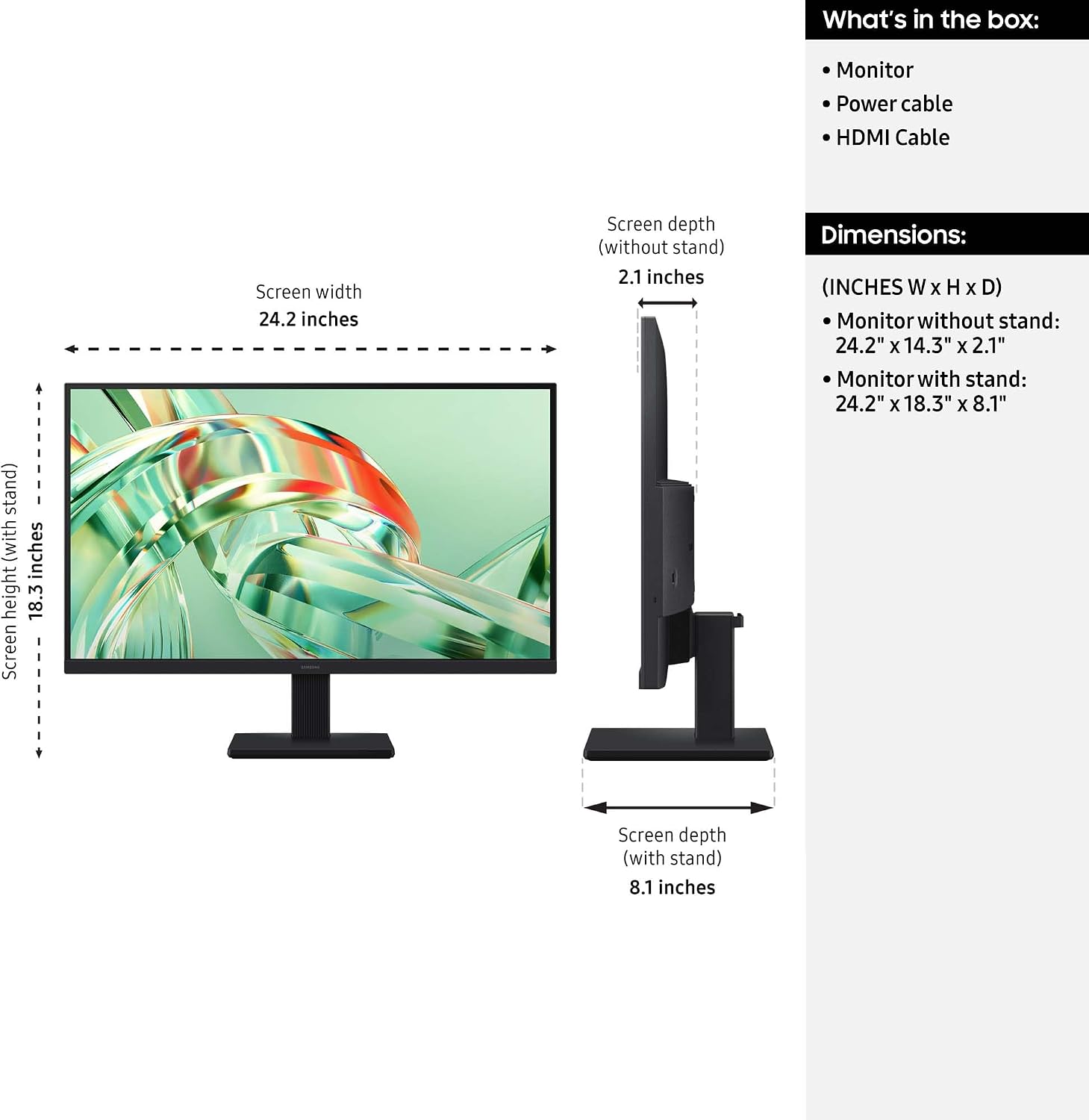
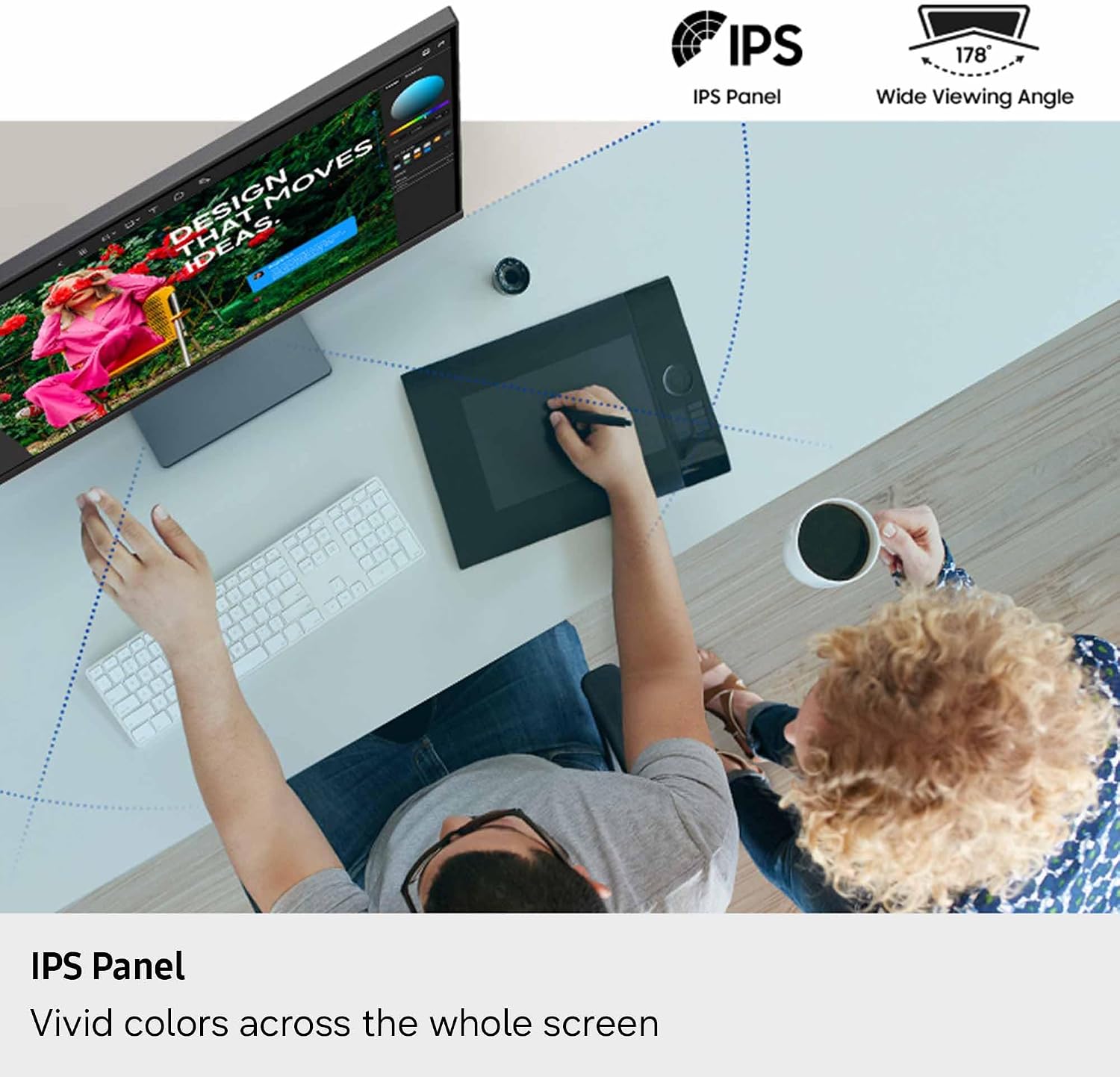
The 3840 x 2160 resolution can help keep intricate designs, complex diagrams, and video content looking detailed. For example, when reviewing a busy layout, you can keep more of the composition in view while still seeing fine elements. The IPS panel and stated color representation are relevant if your work involves visual material, though the listing doesn’t provide color-coverage figures for judging color-critical work.
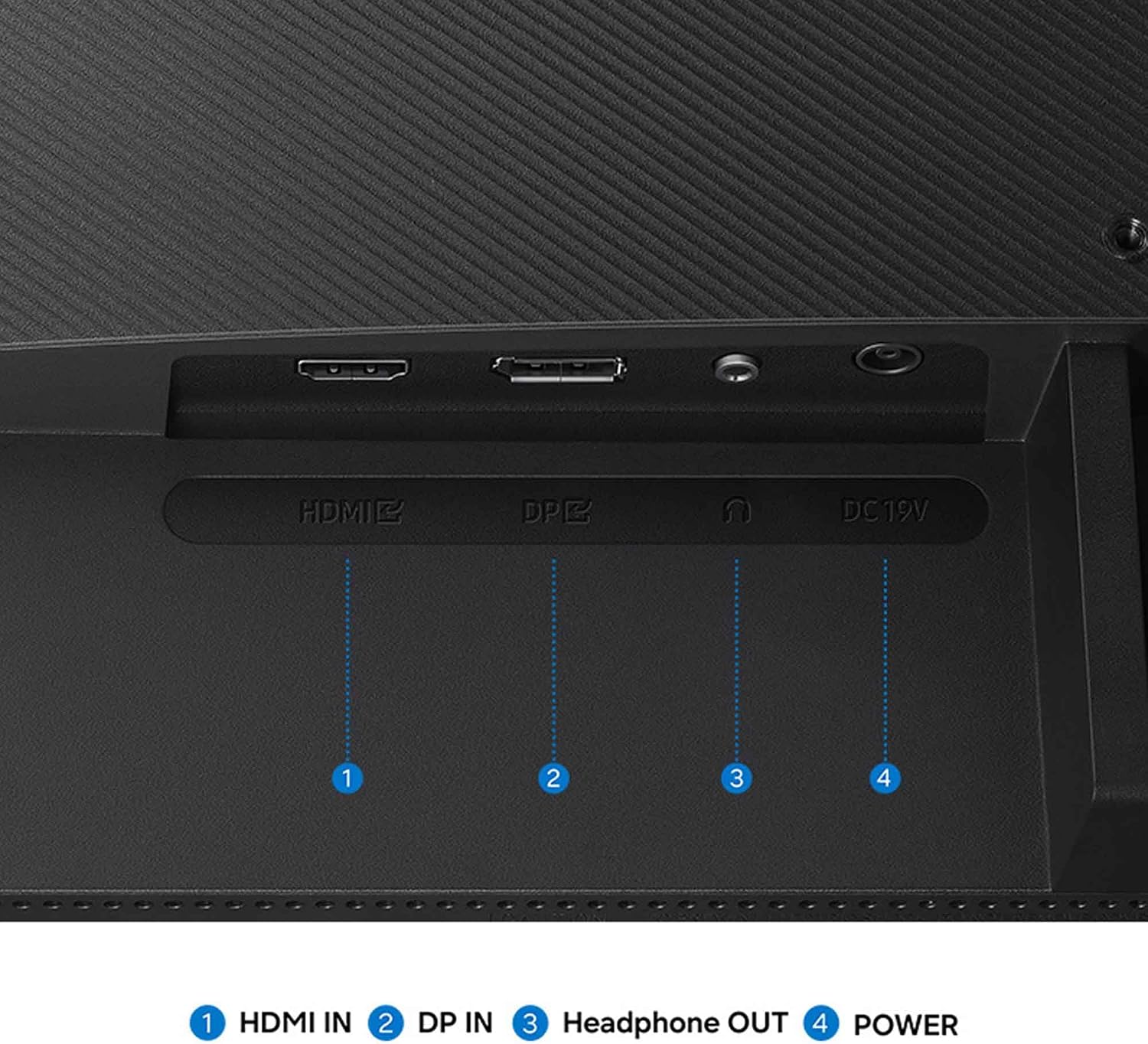
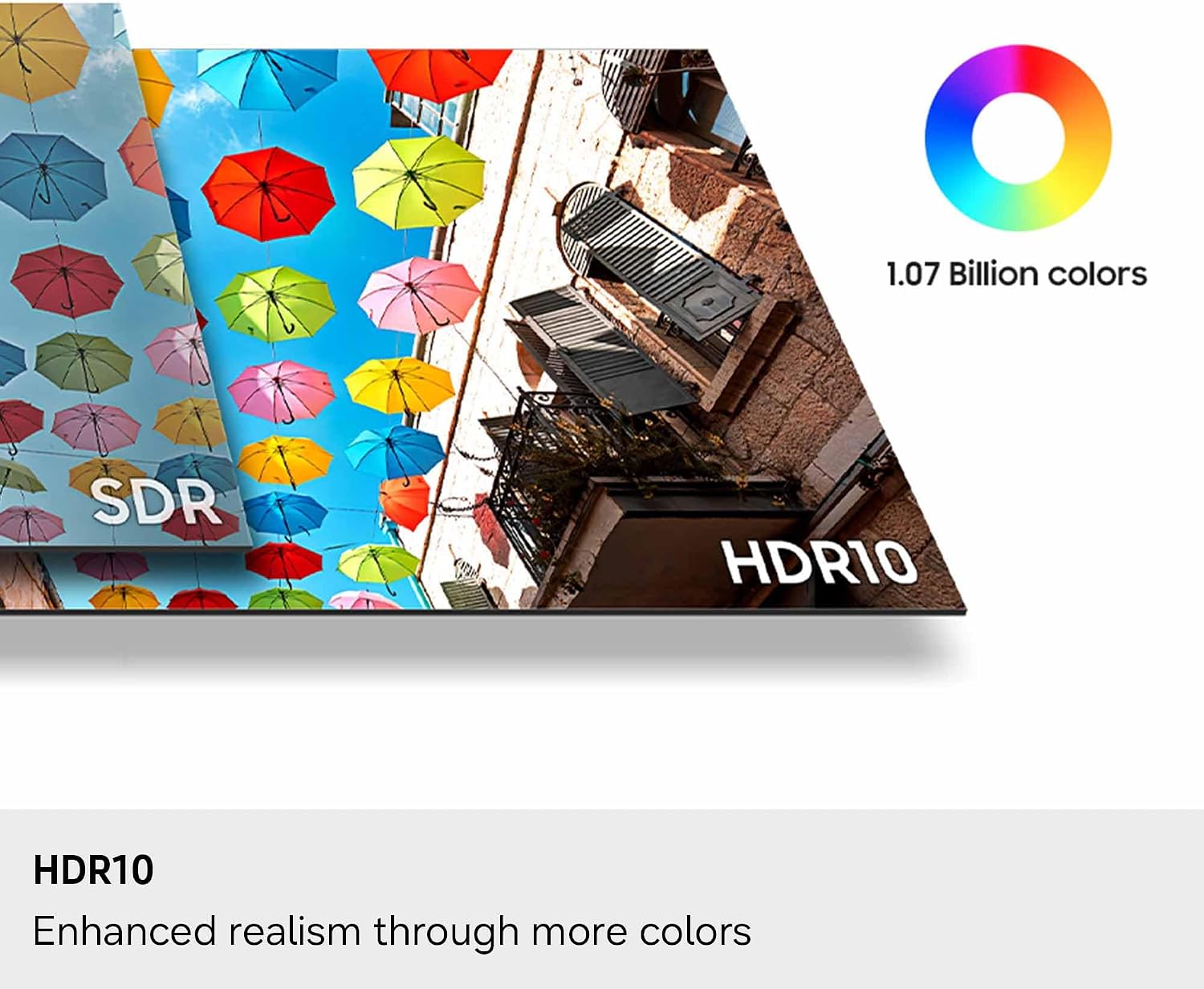
HDR10 is intended to improve contrast, with darker blacks, brighter highlights, and support for more than one billion colors. Results will depend on the content you watch or create, so treat HDR as a useful feature rather than a guarantee that every source will look dramatically different. HDMI and DisplayPort connections are listed, giving you two common ways to connect a compatible device.
Why it’s worth it
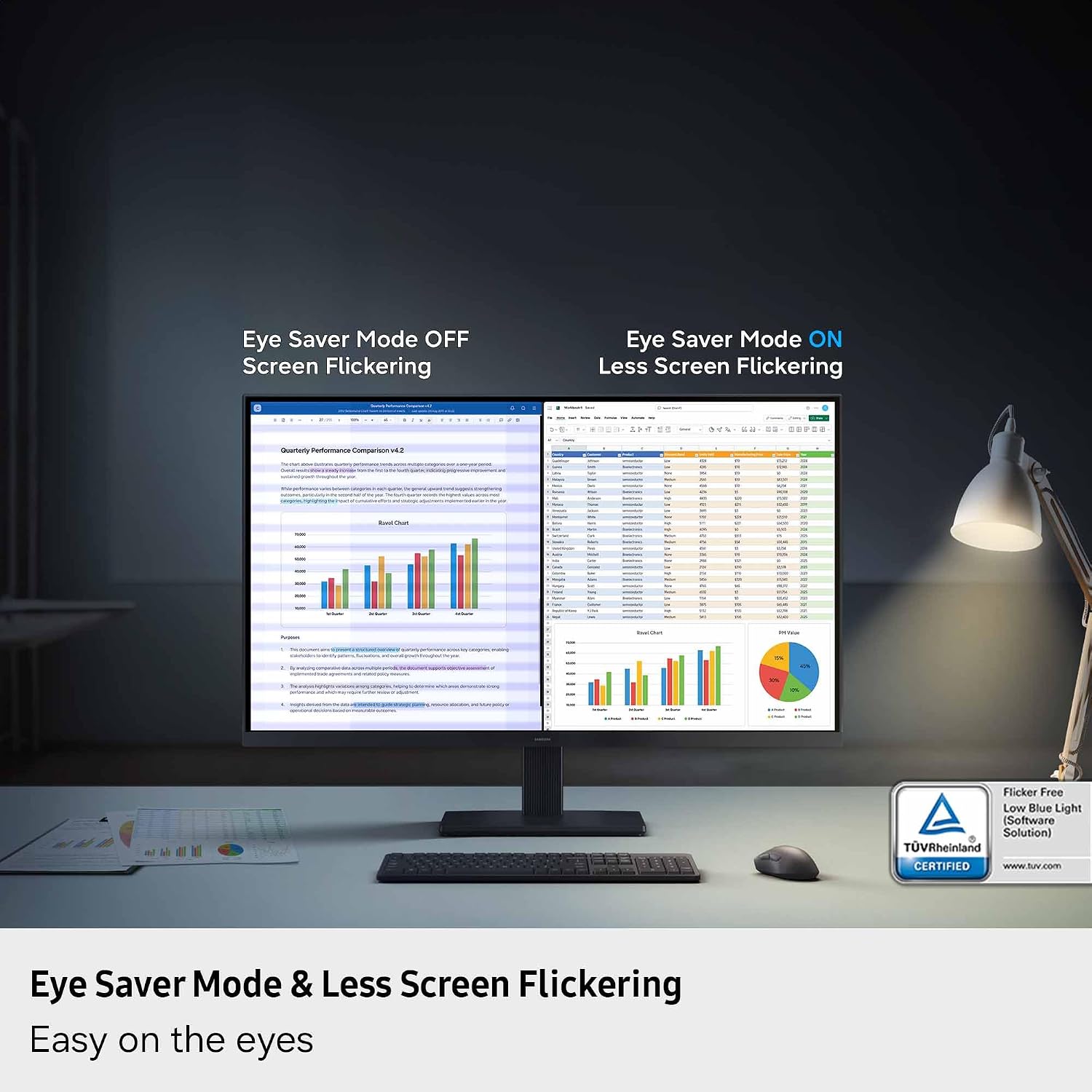
The appeal is the combination of 4K detail, an IPS panel, and features aimed at both work and everyday viewing. Eye Saver Mode is described as reducing blue light and preventing screen flicker, and the TÜV certification gives that feature a specific point of reference. It may be helpful during long sessions, but it doesn’t replace breaks or guarantee that eye fatigue will disappear.
Game Mode adjusts color and contrast to make scenes clearer and reveal more detail. That adds flexibility for occasional gaming, but the listing doesn’t state a refresh rate or response time, so there’s not enough information here to judge it as a performance-focused gaming monitor. From the way it is set up, the stronger buying reason is detailed 4K viewing, not a confirmed high-refresh gaming spec.
Key takeaways
- 27-inch 4K UHD resolution (3840 x 2160) for detailed work and viewing.
- IPS panel, HDR10, HDMI, and DisplayPort are listed features.
- Eye Saver Mode and Game Mode add viewing and contrast options.
- Refresh rate, response time, and ergonomic adjustments aren’t specified in the provided details.
It’s a great fit if sharp detail for professional tasks matters more to you than confirmed gaming specifications. It may not suit you if you need to compare refresh rates, response times, or stand adjustments before choosing, those details aren’t provided here.
Should you buy it?
Choose the ViewFinity S7 if you want a 27-inch monitor centered on 4K resolution, with an IPS panel and HDR10 for a mix of detailed work and media. It also makes sense if HDMI and DisplayPort cover the connections you need and the eye-care modes are useful to your routine. Consider a more fully specified alternative if gaming performance or adjustable ergonomics are deciding factors. The key trade-off is straightforward: this model gives clear resolution and feature basics, but the supplied information doesn’t establish how it compares on speed or physical flexibility.