

InnoView 23.8" Dual Portable Monitor (180Hz, 2560 x 1440, 100% sRGB) — Foldable & Stackable USB-C/HDMI
Product description
Quick overview
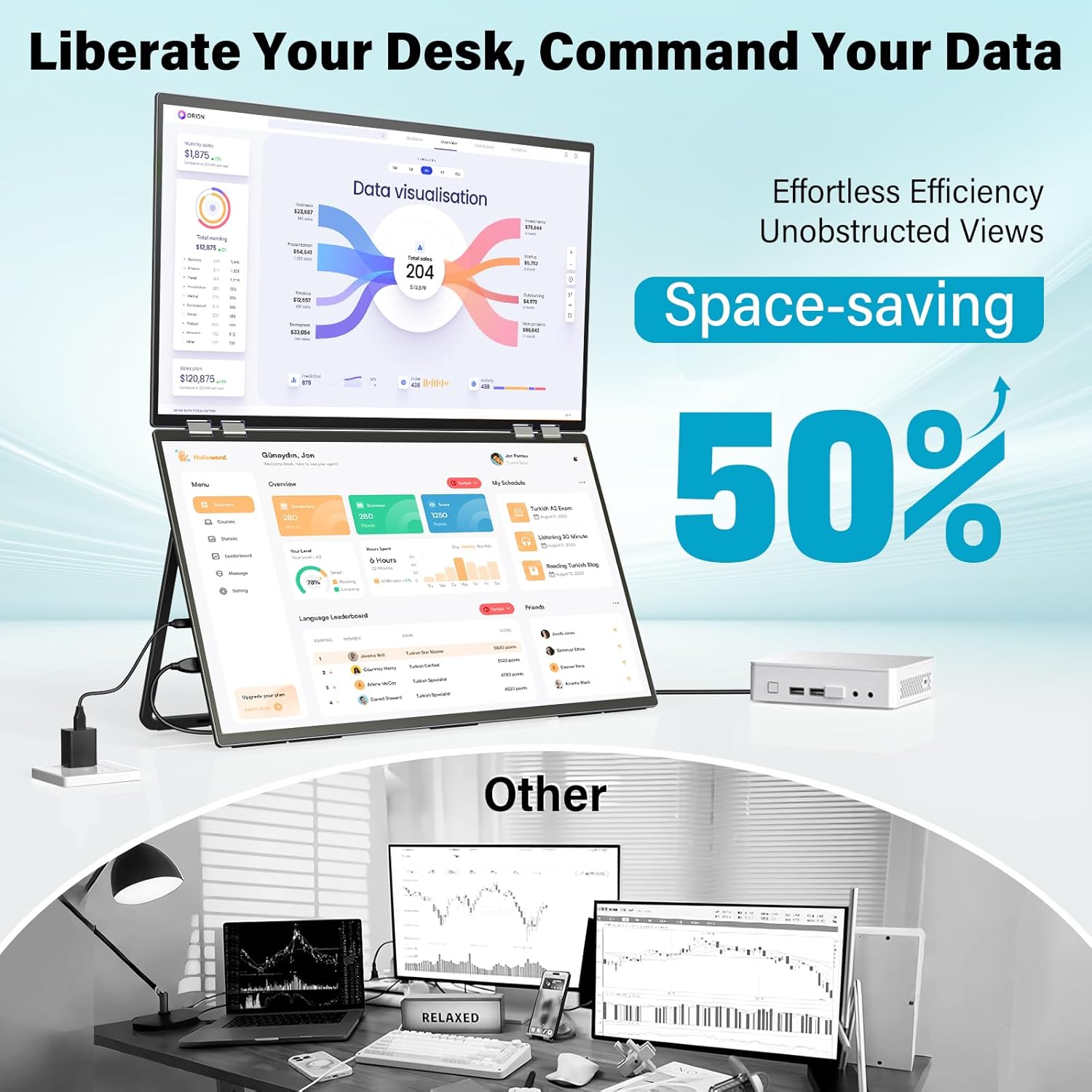
If you’re tired of constantly alt-tabbing between windows, a dual monitor setup can feel like a cheat code. The InnoView 23.8" Dual Portable Monitor is built for people who want that “side-by-side workspace” look without giving up desk space permanently. On paper, it hits a nice sweet spot for productivity, creative work, and even casual gaming or video watching—thanks to 2K QHD resolution on both screens and a 180Hz refresh rate.
It’s also designed to fold and adjust, which is the main reason people consider this model versus a standard fixed dual-monitor setup. Still, there’s a limitation worth taking seriously: the provided note says these 23.8 dual monitors are only suitable for fixed office space movement, not for carrying outside.
Key points (what matters most)
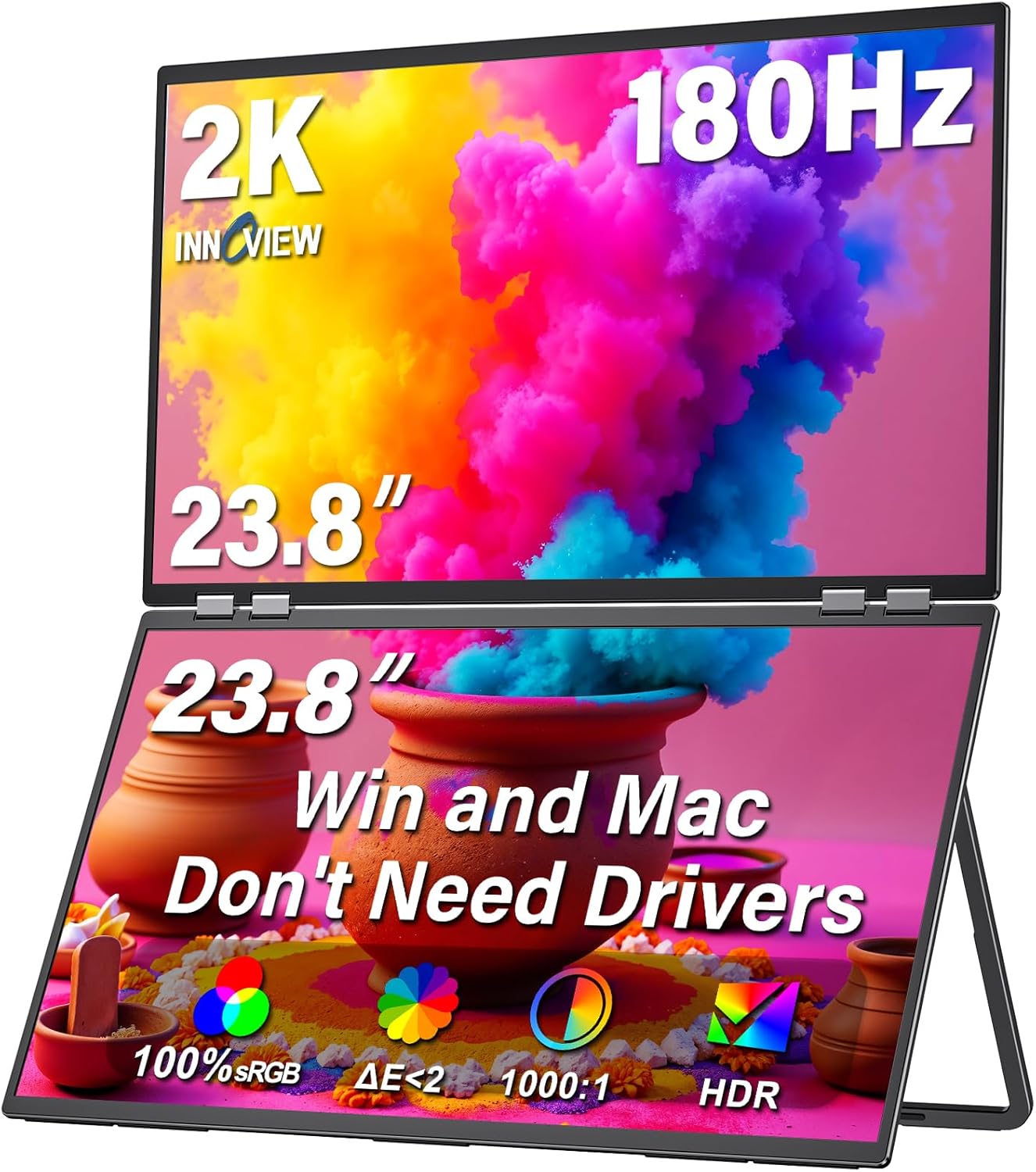
This monitor is mainly for users who want dual-screen productivity that’s easy to reconfigure. You get two 23.8" folding displays meant to help you compare documents, code, and previews at the same time, so your workflow stays visible instead of bouncing between windows.
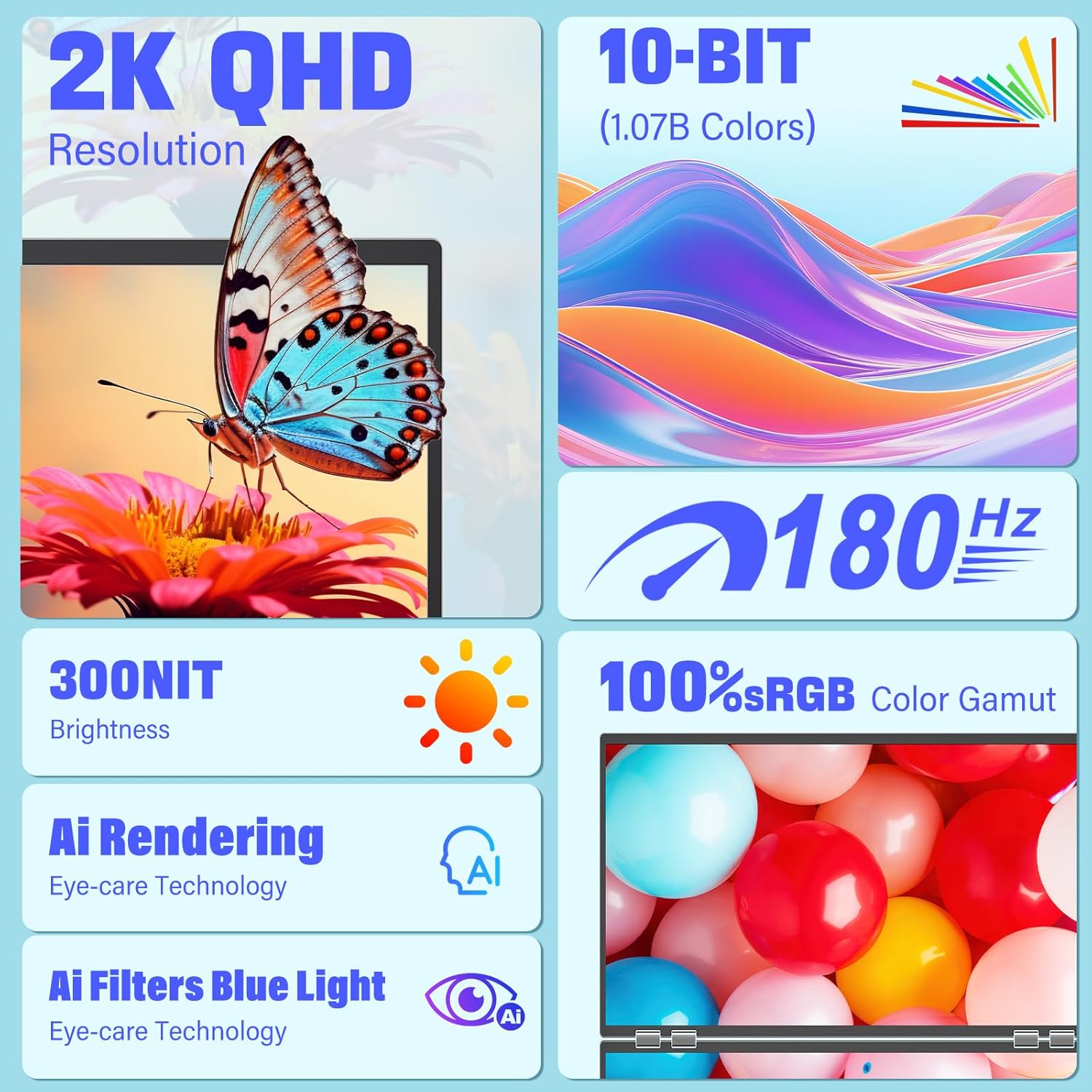
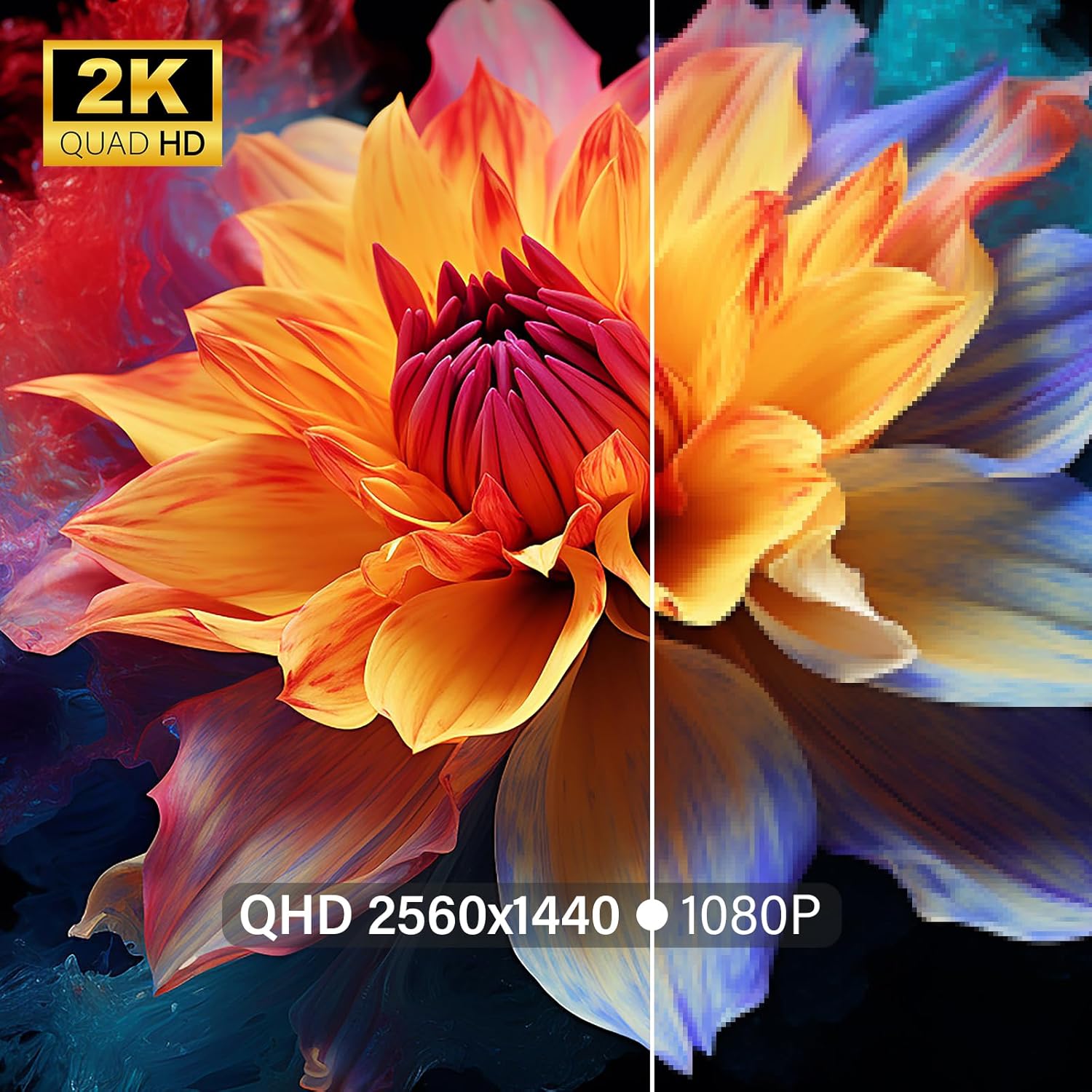
Color and clarity are a big part of the pitch: both screens are stated to cover 100% sRGB and deliver 2560 x 1440 (2K QHD). That combination is the kind of thing creators usually look for when they want a more consistent view of visuals (for example, design review, editing previews, or color-sensitive tasks).
The essentials (display modes and collaboration)
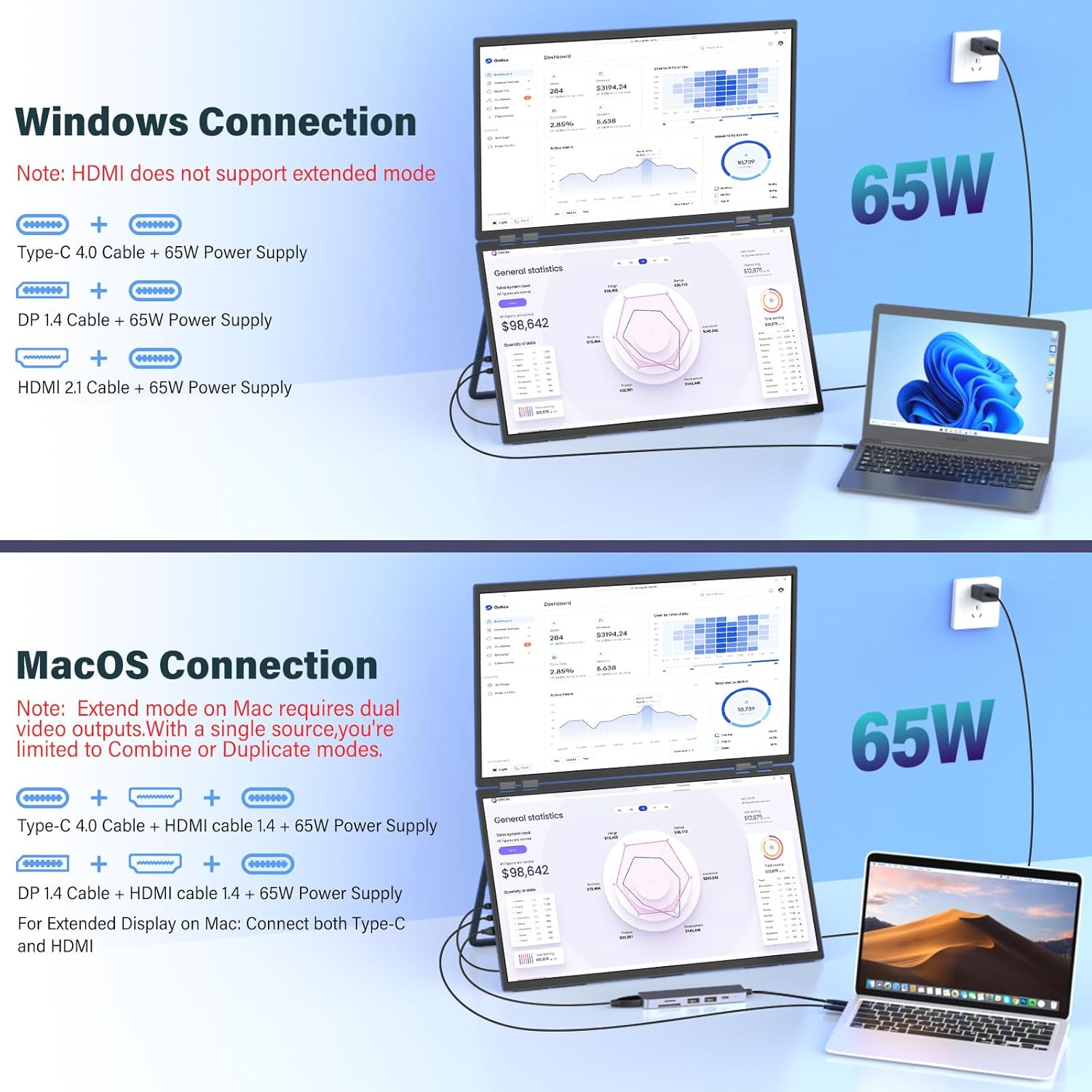
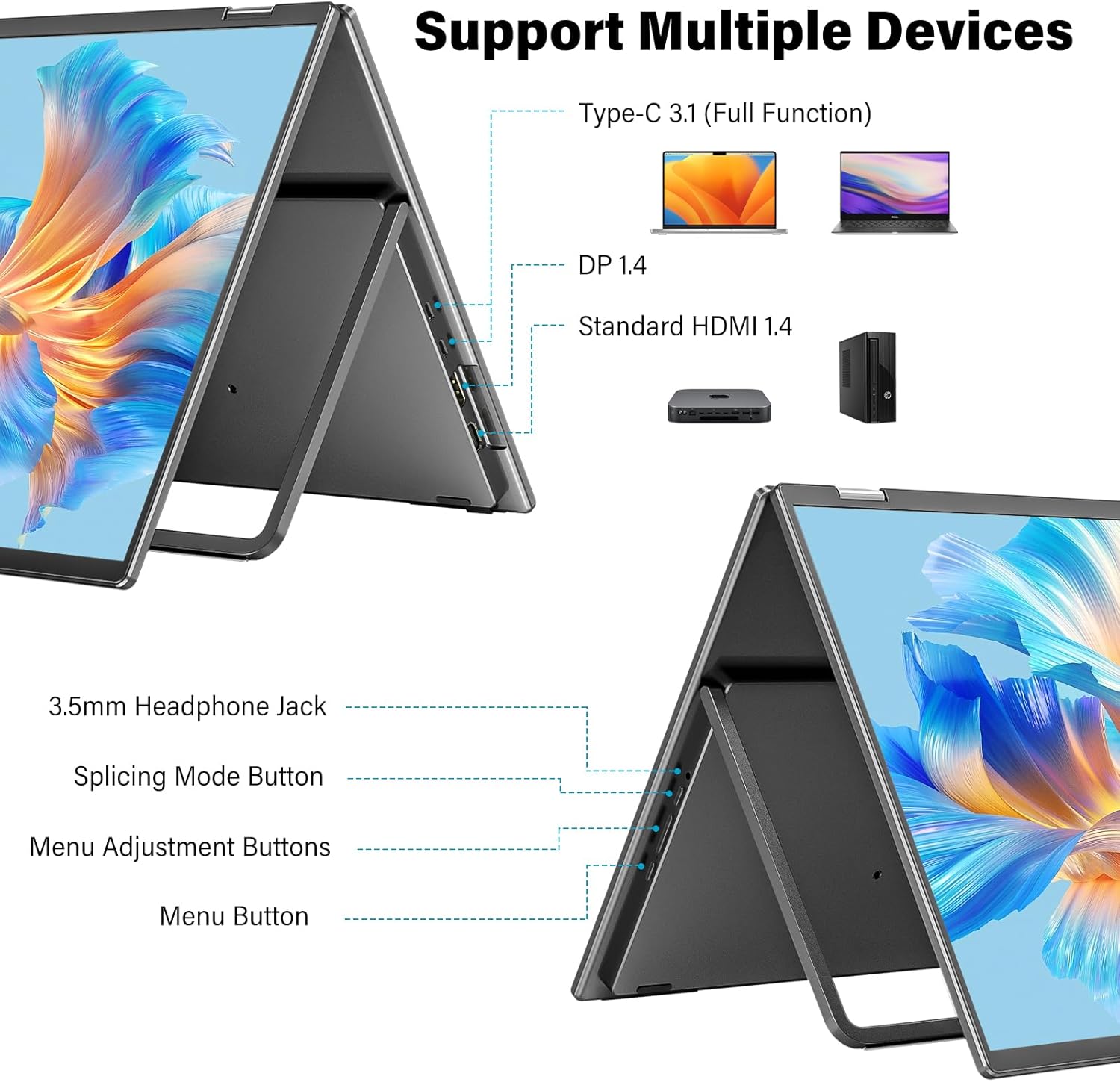
One of the practical conveniences here is the driver-free, plug-and-play setup. The description emphasizes no drivers needed and says it’s compatible with both macOS and Windows, which is a real buying factor if you don’t want to wrestle with software installs.
It also supports three display modes: Extend (separate screens for workflow), Duplicate (mirrored display), and Combine (an ultra-wide canvas). Depending on what you do day to day, this flexibility can matter more than it sounds. For example, for writing and reviewing, Extend is the obvious choice. For a meeting or showing something to someone next to you, Duplicate makes it easier. For a single wide layout (like a wider timeline or larger canvas), Combine can reduce the “two-screen split” feeling.
There’s also a collaboration angle: the screens can fold and rotate. The description mentions 180° folding for angle finding and a 315° flip mode to turn the screen toward colleagues while activating Duplicate Mode. It’s basically designed so you can share without awkward positioning.
Tech specs (what you should verify before buying)
- Type: Dual portable folding monitor
- Size: 23.8" (each display)
- Resolution: 2560 x 1440 (2K QHD)
- Refresh rate: 180Hz
- Color coverage: 100% sRGB
- Setup: Driver-free plug and play (no drivers needed)
- Connectivity: USB-C / HDMI
- Screen adjustment: 315° adjustment (and 180° stand/folding behavior as described)
Where it shines (realistic use cases)
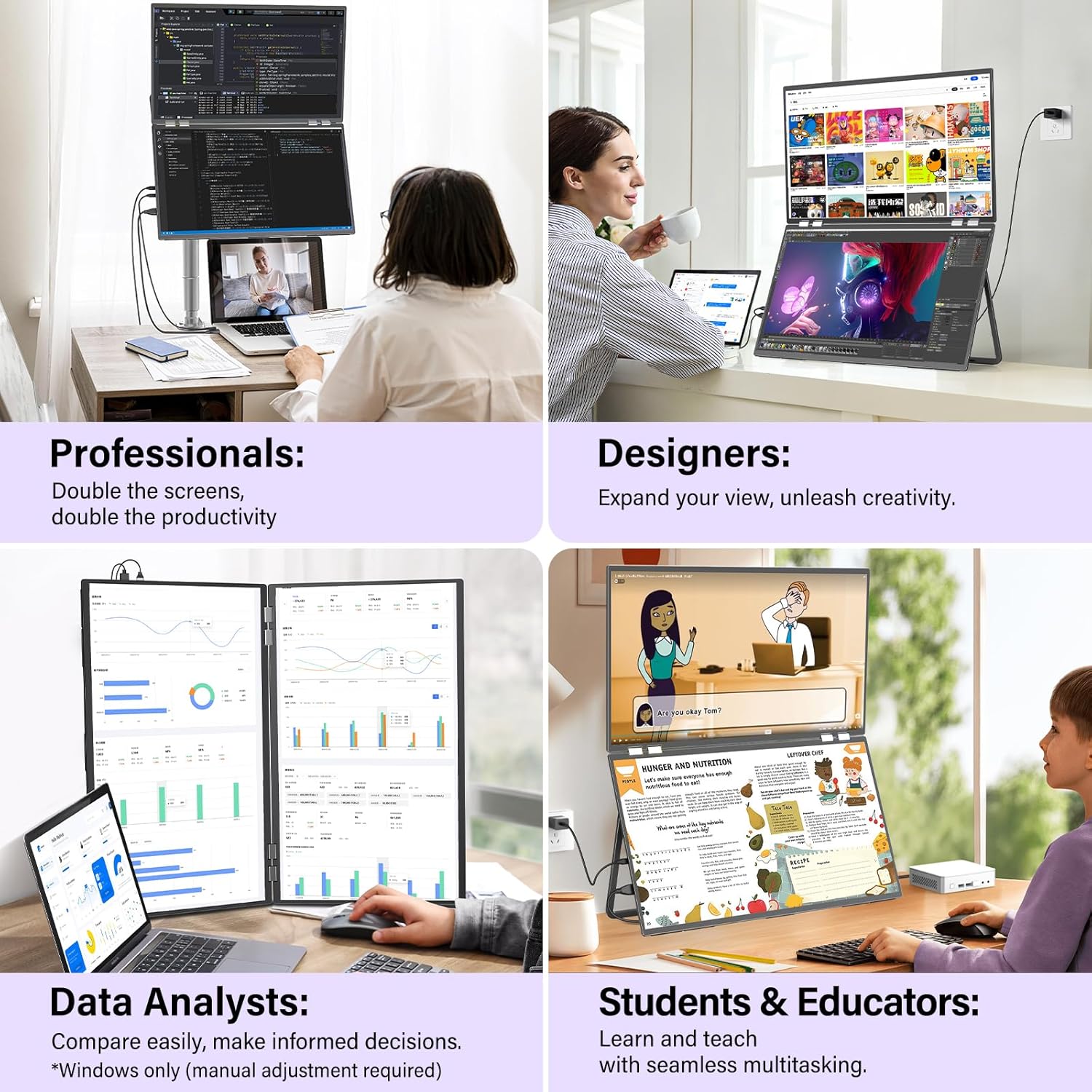
This is the kind of setup that can change how you work in small, specific ways. If you write code or work with multiple files, Extend mode can reduce friction because you can keep your editor on one screen and reference documentation, a preview, or a build output on the other.
For creators, 2K QHD on both screens plus 100% sRGB coverage is the combination that’s supposed to help with more accurate-looking previews. The description calls out designer color-grading and editors previewing footage, and that’s consistent with what people usually want from sRGB-focused displays.
And if you’re using it for entertainment, the 180Hz spec gives it some extra “responsiveness” on paper—though whether you’ll feel the difference will depend quite a bit on what you play and how your laptop handles output.
Limitations and who should skip it
This isn’t a do-everywhere travel monitor. The product note specifically says it’s only suitable for fixed office space movement and not suitable for carrying outside. So if your plan is frequent travel to coffee shops, classrooms, or client locations, you may want to look for something truly travel-oriented.
Also, while the idea of “dual efficiency” is great, dual portable setups can take some getting used to in terms of placement and desk layout. If you have a tight workspace or you rarely use two independent screens, the value may feel less convincing.
Is it worth it?
Buy the InnoView 23.8" Dual Portable Monitor if you want a dual-screen workflow for laptop or desktop setups, care about 100% sRGB coverage and 2K QHD clarity, and like the idea of a folding, stackable design that’s meant to save desk space. It makes the most sense when you’ll actually use Extend mode for day-to-day work or Duplicate/Combine for meetings and larger canvases.
Skip it if you need a monitor designed for frequent outdoor carrying, or if you’re mostly expecting a single-screen experience most of the time. And keep expectations realistic: higher refresh rates can be great on compatible content, but your real-world benefit depends on your usage.
Mini FAQ
Is setup really driver-free?
The description says it’s plug-and-play with no drivers needed.
Does it work with both macOS and Windows?
The provided info states compatibility with macOS and Windows.
What display modes does it support?
It’s described as supporting Extend, Duplicate, and Combine.
Can I fold it for storage?
Yes, it’s designed with a folding concept, including 180° folding behavior and a 315° screen adjustment/flip mode as described.
Where can it be used?
The note says it’s suitable for fixed office space movement, not for carrying outside.