

Pornitor 14" laptop screen extender
Product description
This triple-screen laptop extender expands your workspace with three 14 inch FHD panels, helping you keep multiple windows visible for faster workflows. If you need a portable multi-monitor setup for coding, trading, or content work, the triple laptop monitor extender eases tab switching and brings more screen real estate to a single laptop. It sets up fast and stays compact for travel.
Key points
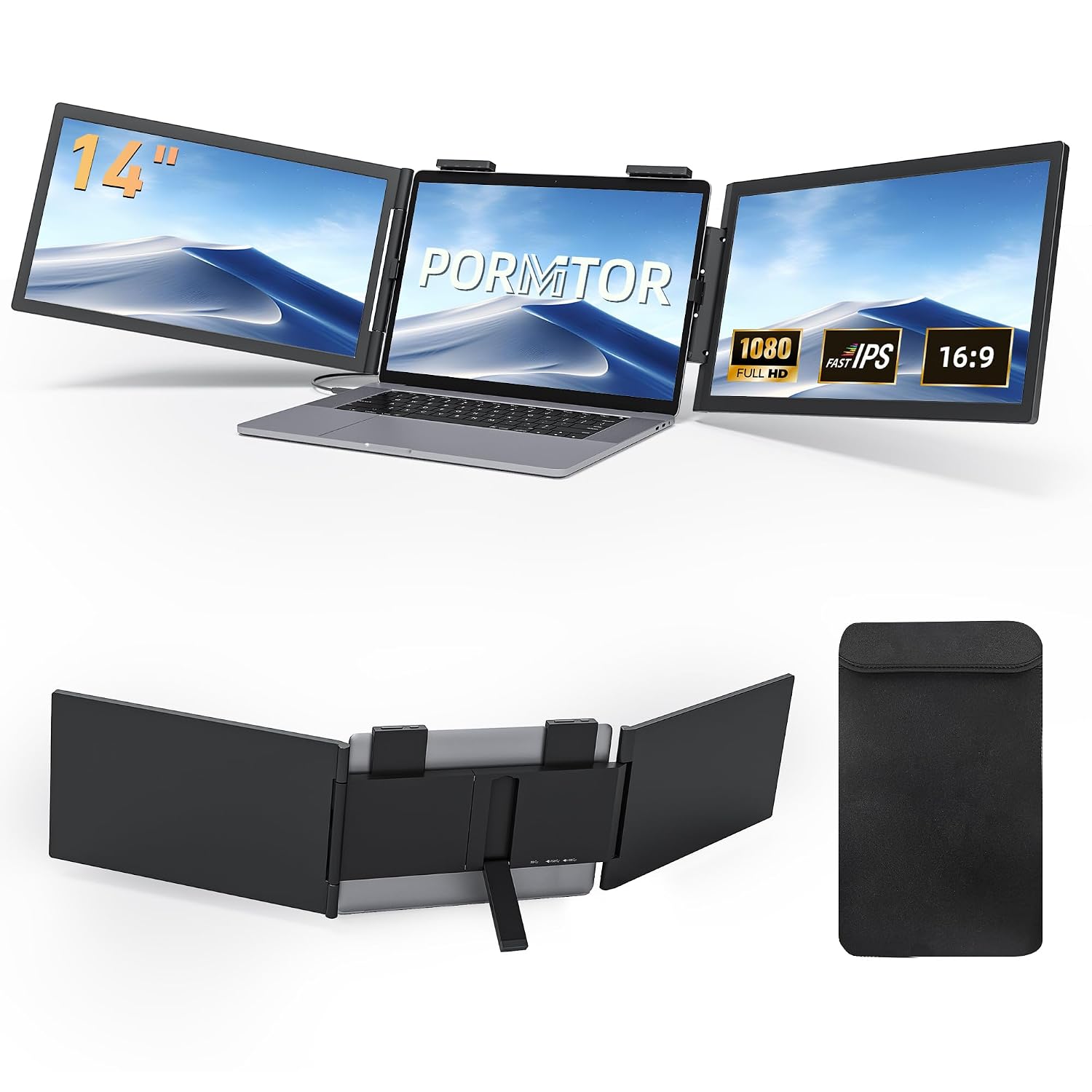
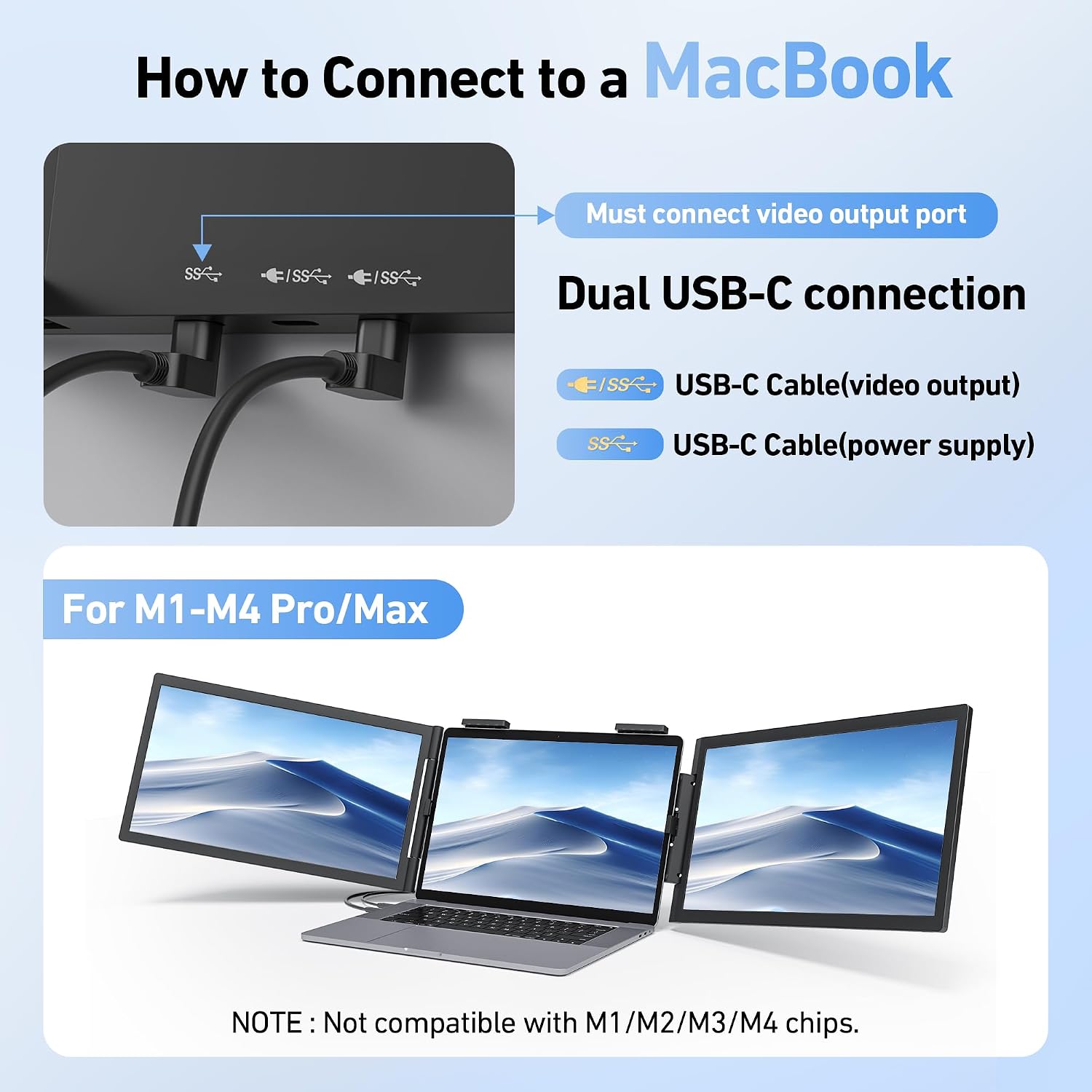
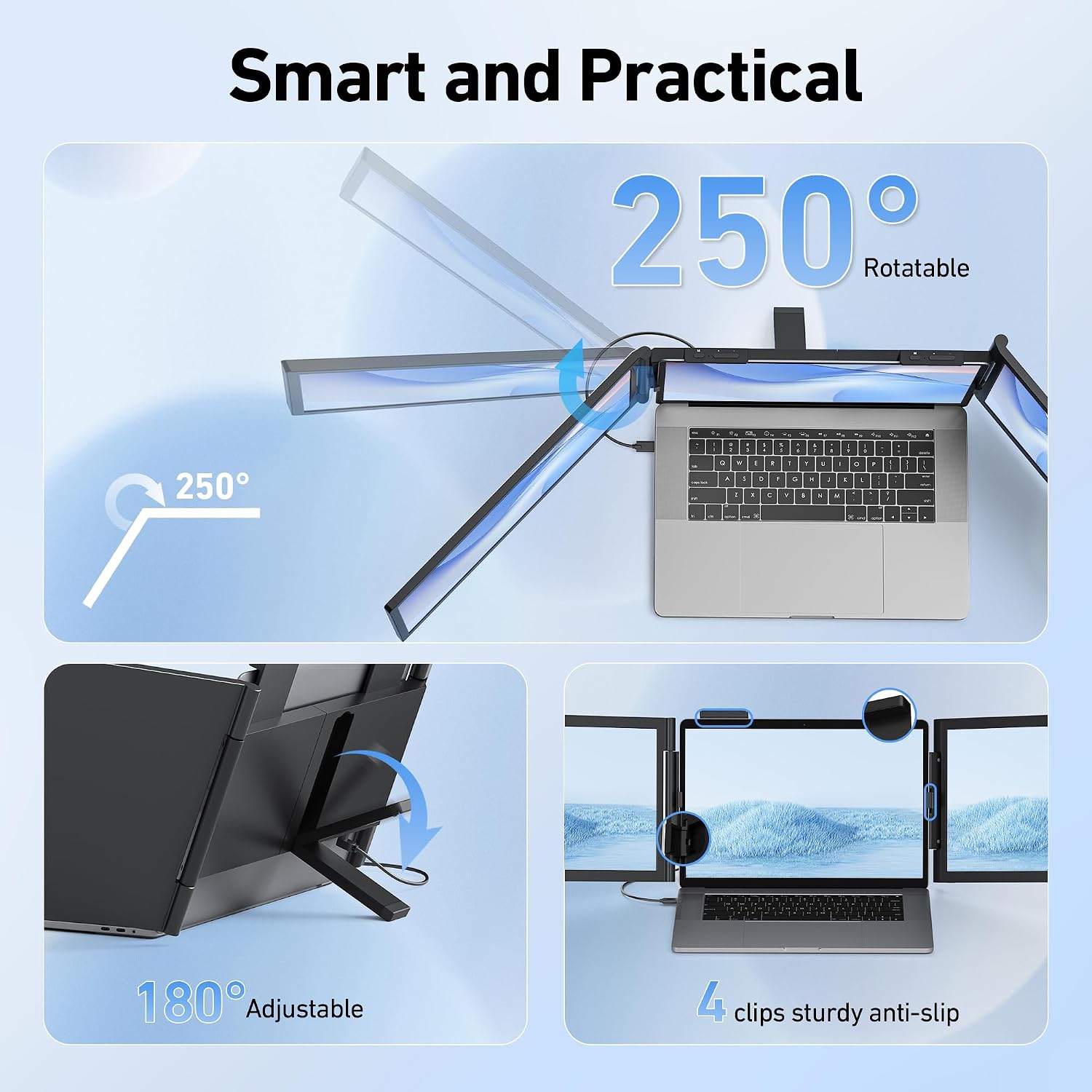
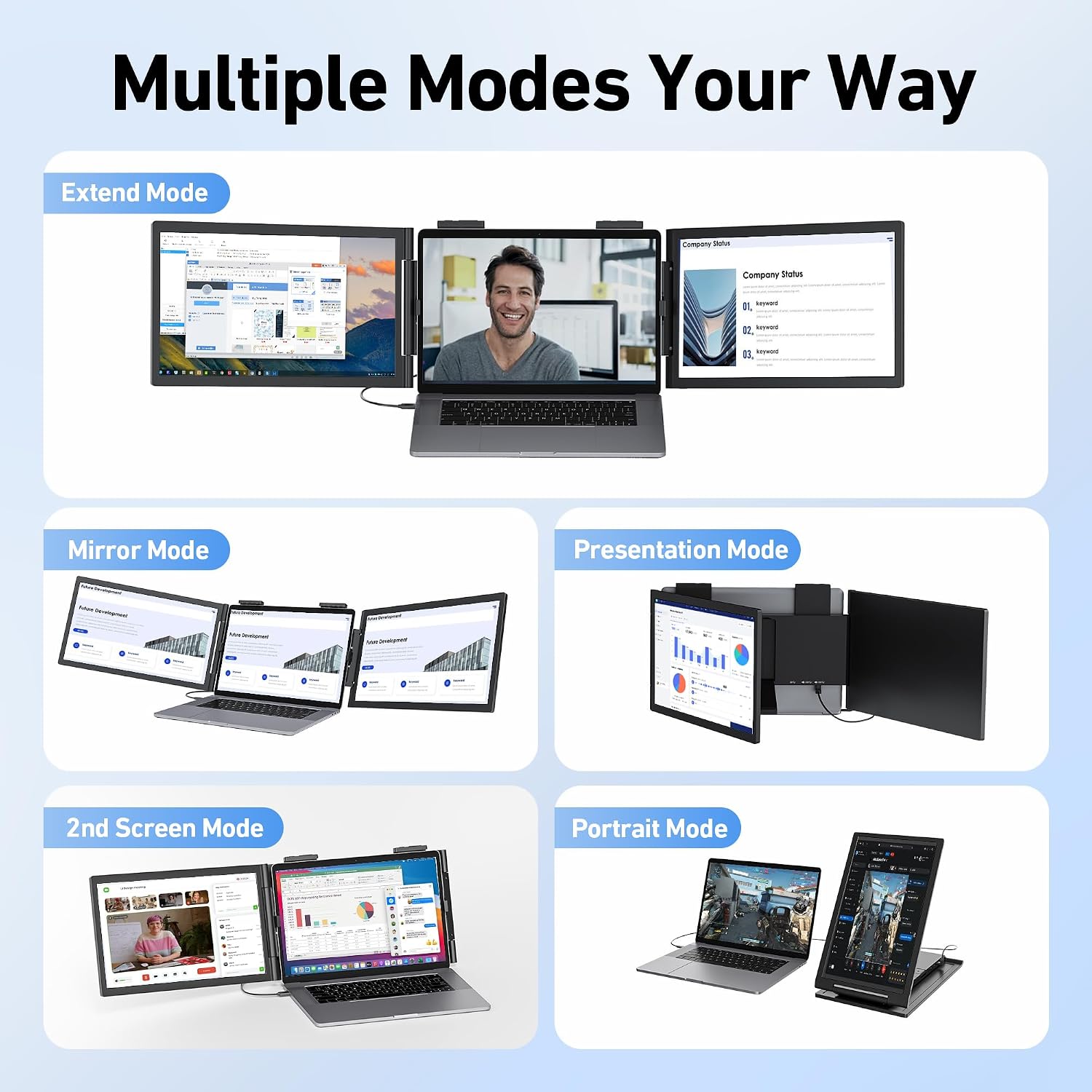
The kit includes three 14" FHD IPS displays with anti-glare finish that reduce reflections and eye strain, and a 250° adjustable stand to position the panels ergonomically. Pornitor focuses on simple connectivity with USB-C plug and play for many Windows laptops, and offers mirror and extended modes for flexible layouts. Note that M1/M2/M3/M4 base MacBooks mirror one screen with a single cable and need dual USB-C on Pro or Max chips for full extended displays, so check your ports before counting on full triple output. ⚠️ Also, it fits most 14" to 16.5" laptops and will not fit smaller 13" models or laptops wider than 16.5".
Tech specs
- Name: Pornitor 14" triple FHD monitor extender
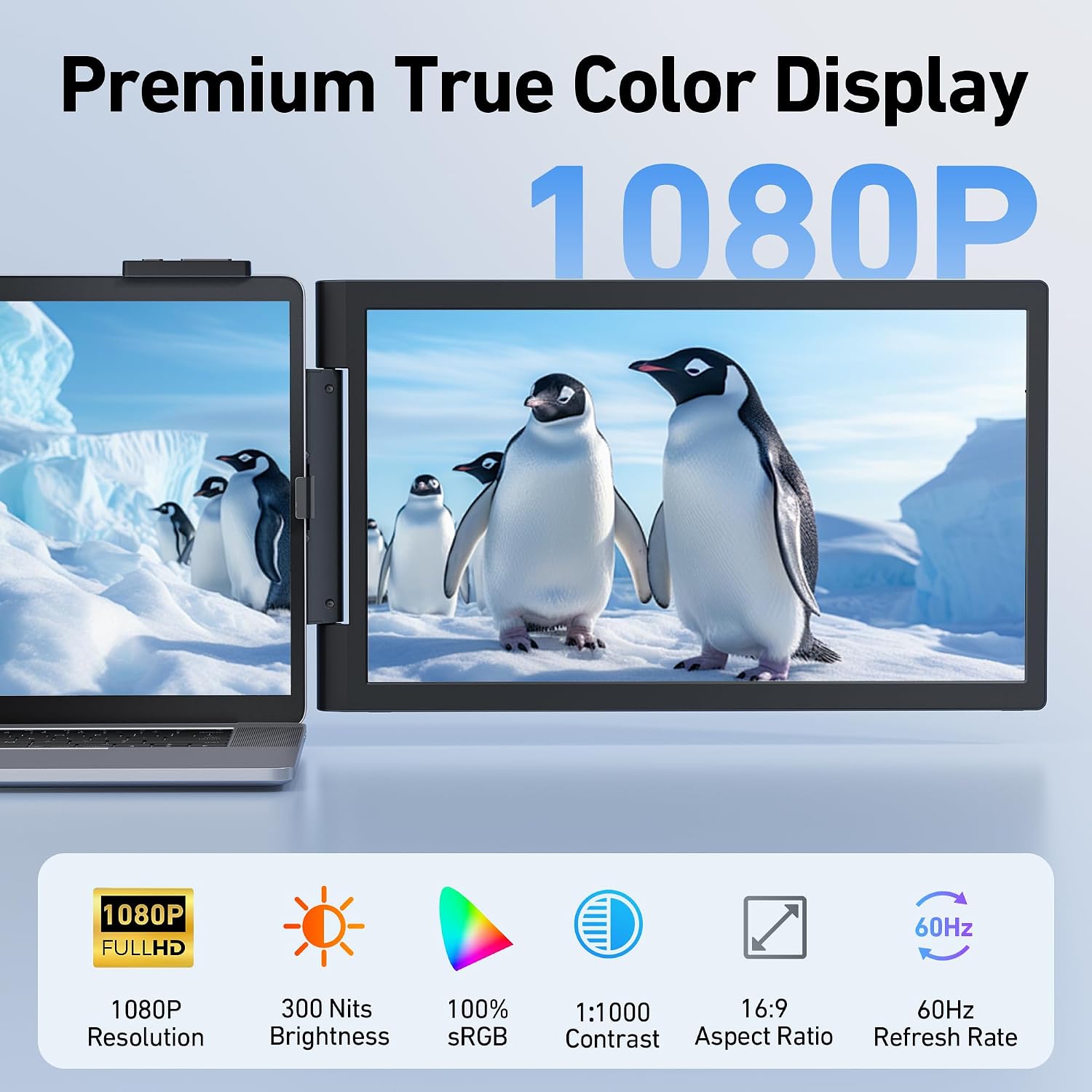
- Display: 1080P IPS
- Size: 14" each
- Brightness: 300nit
- Compatibility: USB-C Alt Mode, Windows, MacBook Pro/Max with dual cables, ChromeOS, Linux, Android, Switch DEX
- Resolution: Full HD 1920×1080
- Connectivity: USB-C plug and play
Usage tips
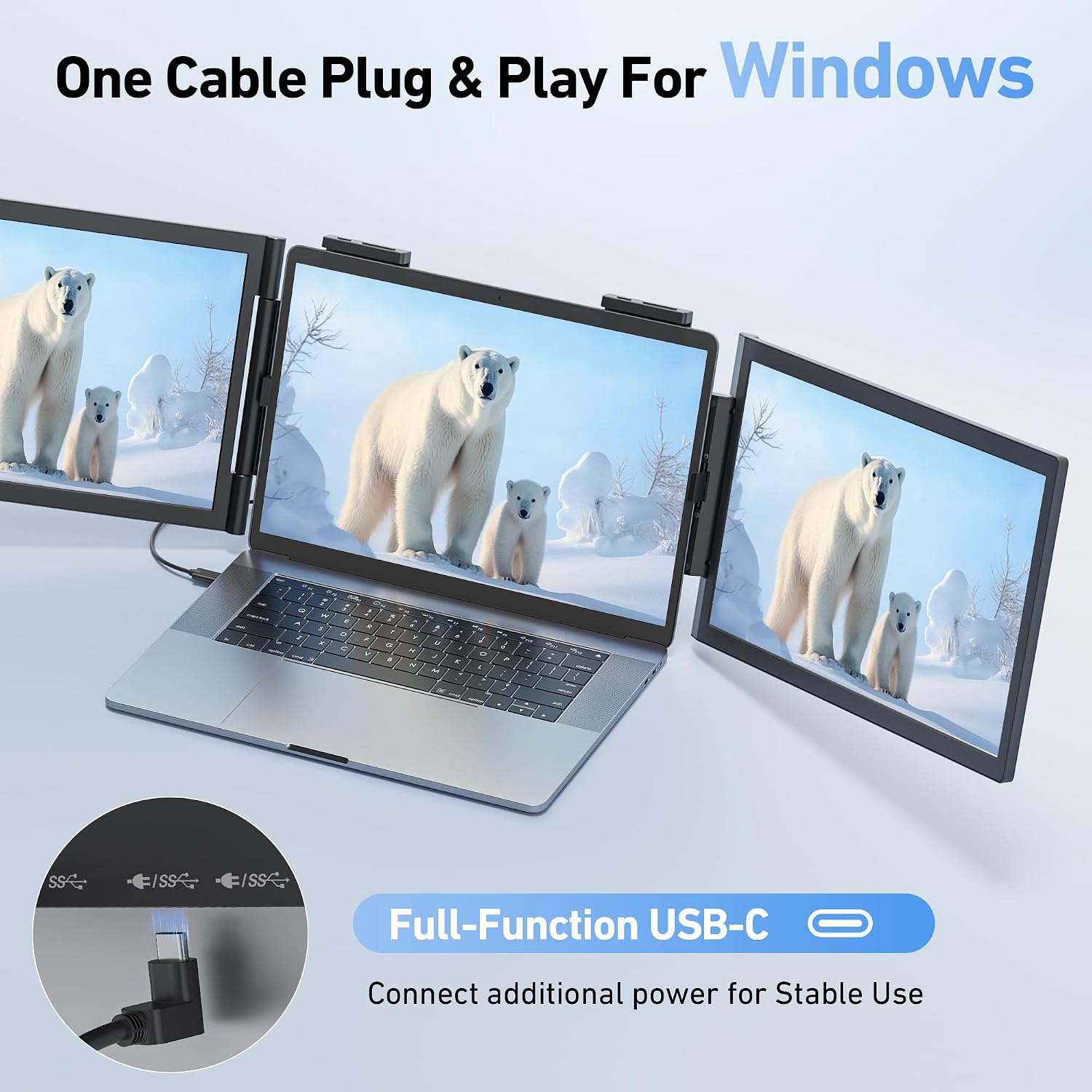
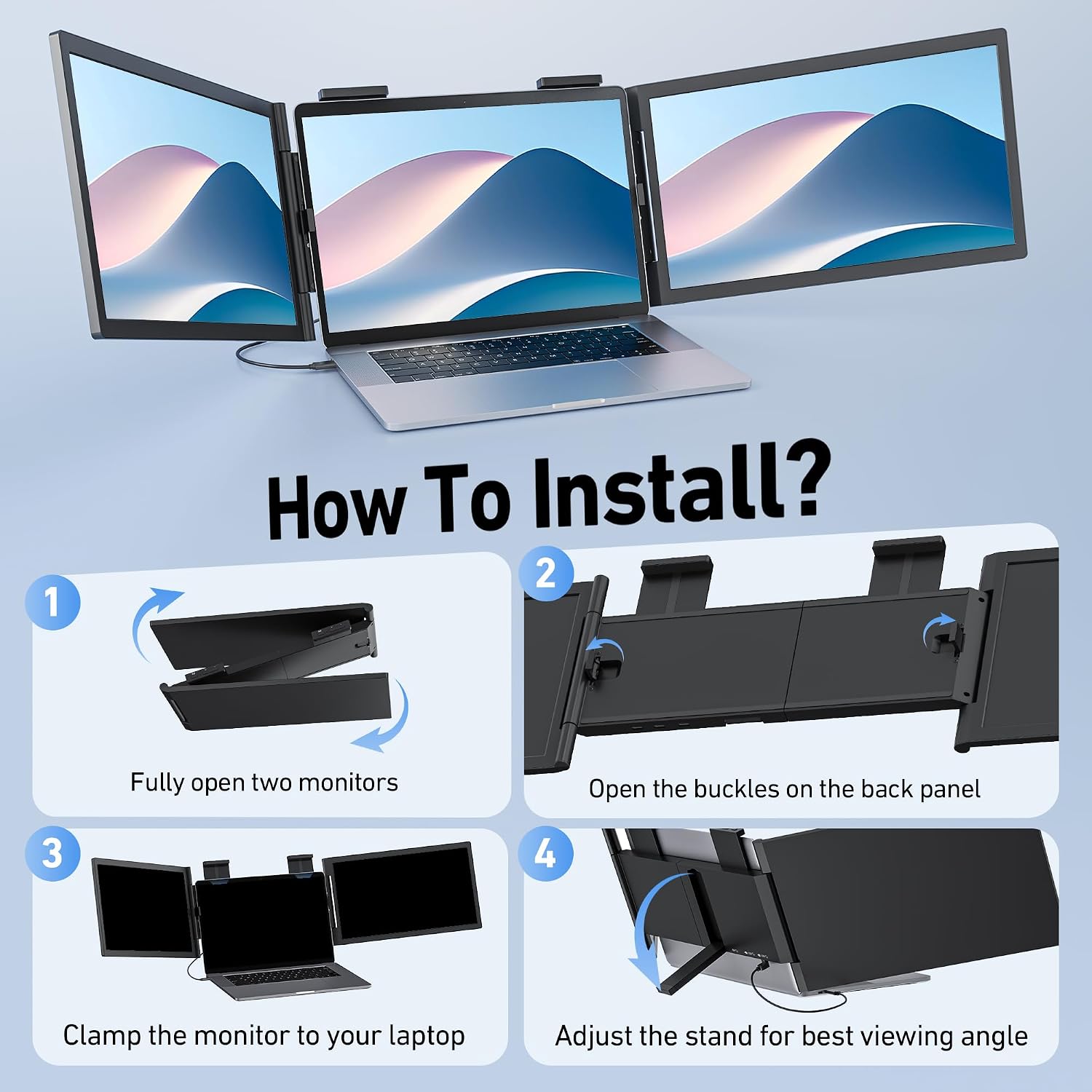
Start with the laptop width guide to confirm a fit between 12.1" and 14.3" before attaching the mounting clips. For Windows machines a single full‑featured USB-C port usually drives two external panels and preserves laptop charging, though lower output ports may require extra power. For Mac users with base M1 or M2 chips expect mirrored output on one cable, and plan for a second cable if you need independent screens on a Pro or Max model. 🔌
What stands out
The combination of 1080P IPS panels and 300nit brightness keeps colors accurate enough for spreadsheets and casual photo review, while the anti-glare coating helps reduce fatigue during long sessions. The extender swaps between extended desktop, mirror mode and portrait orientation so you can tailor the layout to coding, monitoring charts, or reviewing documents. Keep in mind that full triple display functionality depends on your laptop GPU and USB-C Alt Mode support, according to the manufacturer. 🖥️