

KEEPRO iPen-C-Purple Stylus Pen for iPad, Tilt Sensitivity and USB-C Charging
Reviews
Price
Product description
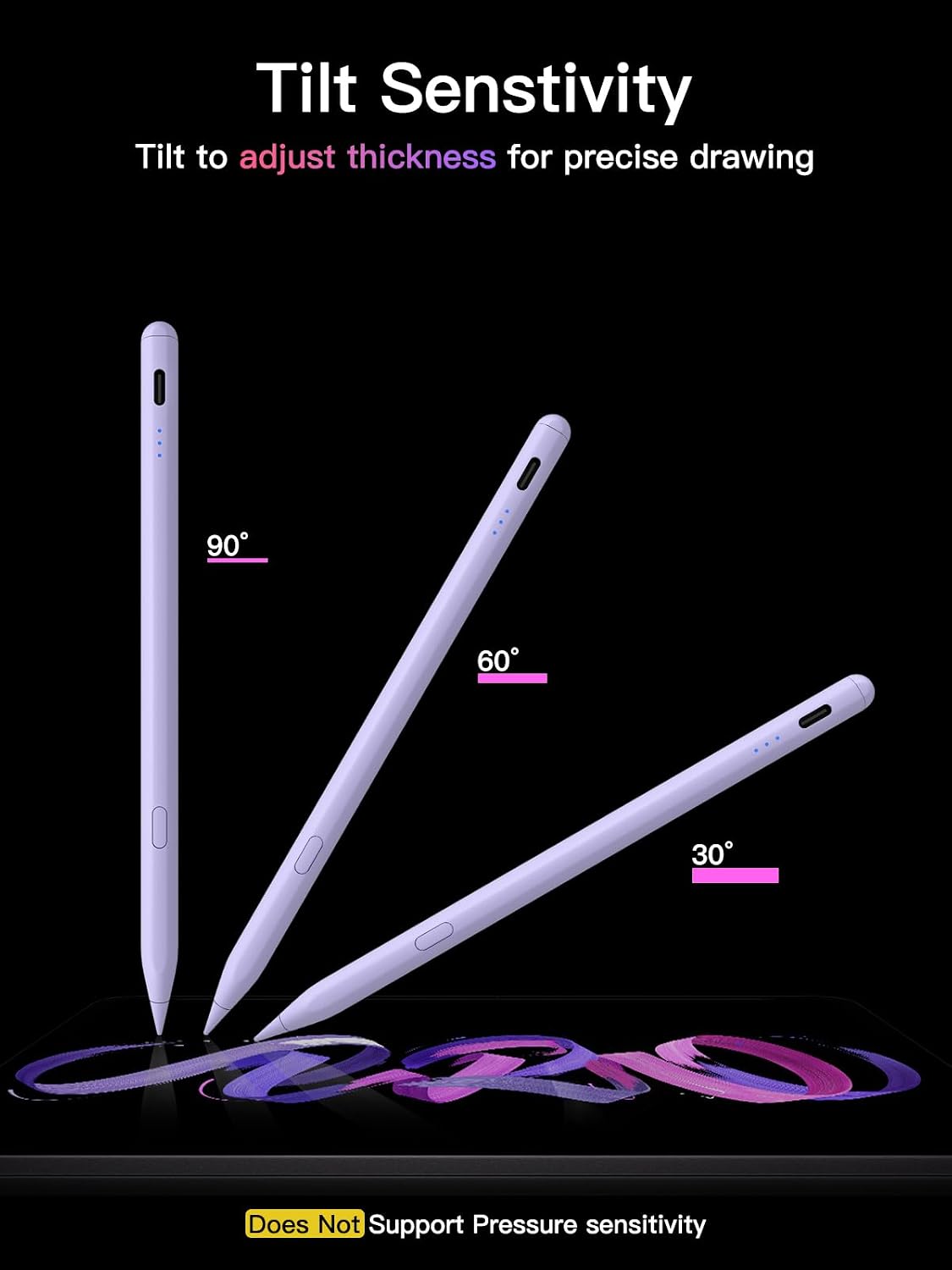
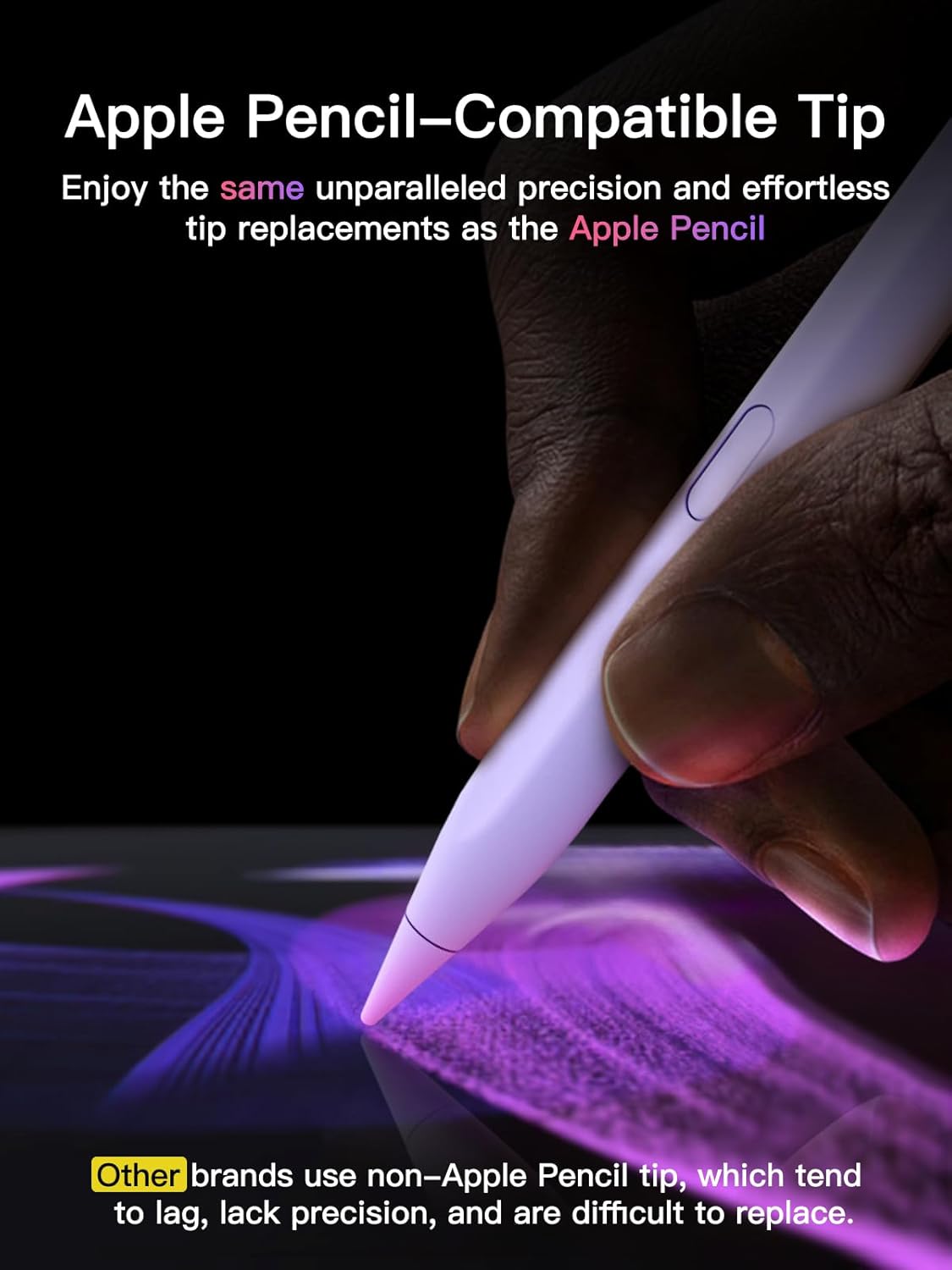
Tilt sensitivity helps the KEEPRO iPen-C-Purple follow the angle of your hand for sketching, shading, and handwritten notes. Its replaceable tip is designed for precise on-screen work, while USB-C charging and a one-click undo shortcut make it practical for everyday iPad tasks.
Connect over Bluetooth to check the pen’s battery level and use undo, or use its basic writing and drawing functions without Bluetooth. Which setup fits your workflow? You can choose the shortcut features when you want them and keep everyday pen input simple.
Product specs
- Type: Stylus pen for compatible iPads
- Model: iPen-C-Purple
- Color: Purple
- Materials: Aluminum and plastic
- Dimensions: 6.3 x 0.35 x 0.35 inches
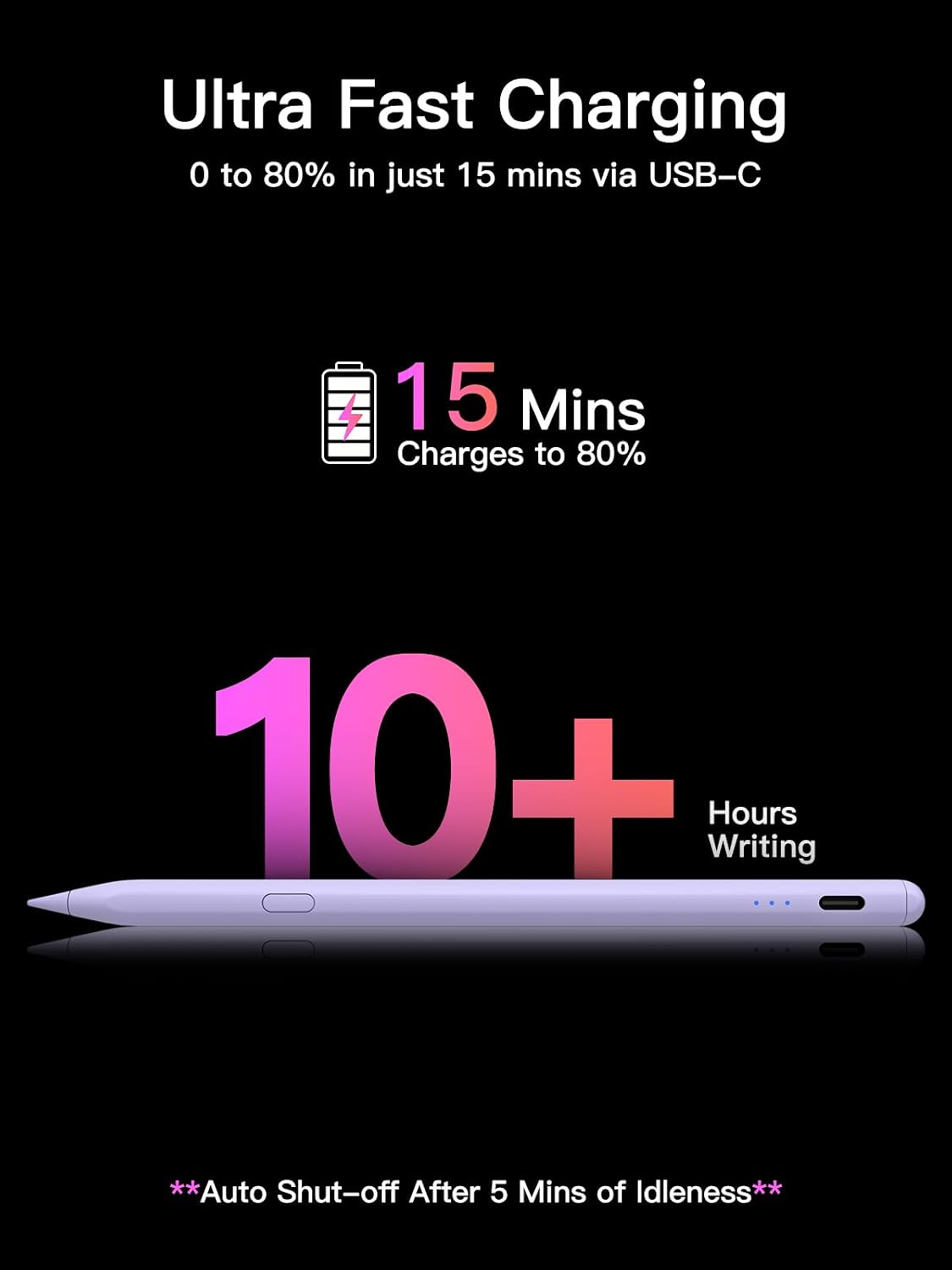
- Charging: USB-C, full charge in 30 minutes
- Continuous use: Up to 10 hours
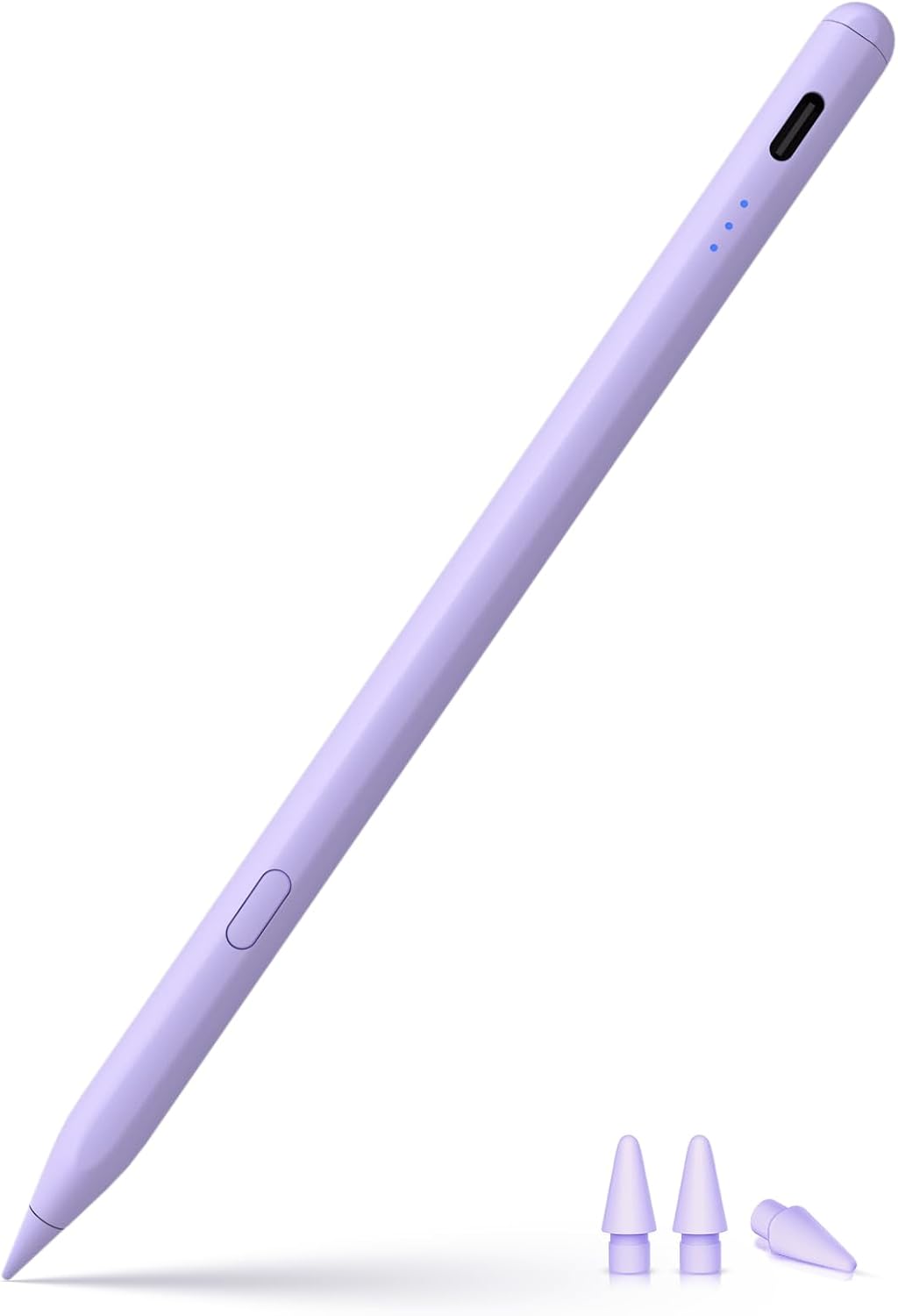
- Tip: Replaceable, with 3 extra tips included
- Input features: Tilt sensitivity and one-click undo, no pressure sensitivity
The tilt response supports drawing, coloring, and sketching, while pixel-precise input is also suited to writing and marking up PDFs. For line variation that responds to how firmly you press, a pressure-sensitive stylus is the relevant alternative, this pen instead offers tilt-based control. A five-minute inactivity shutdown helps conserve power between sessions. Hold the control button for 3 seconds to turn the pen on or off. Bluetooth pairing enables the undo shortcut and battery display, while basic pen use does not require a Bluetooth connection.
Requirements
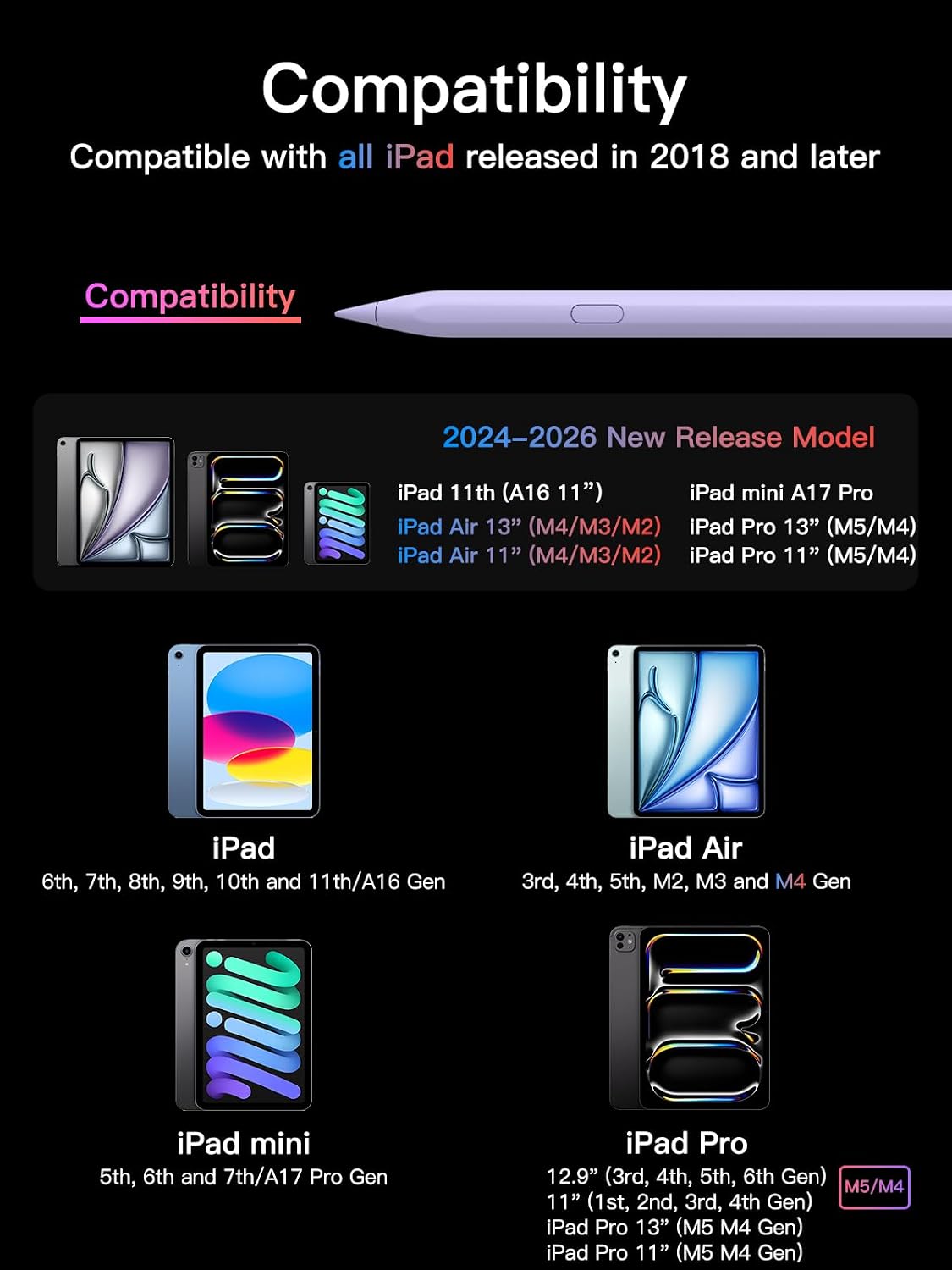
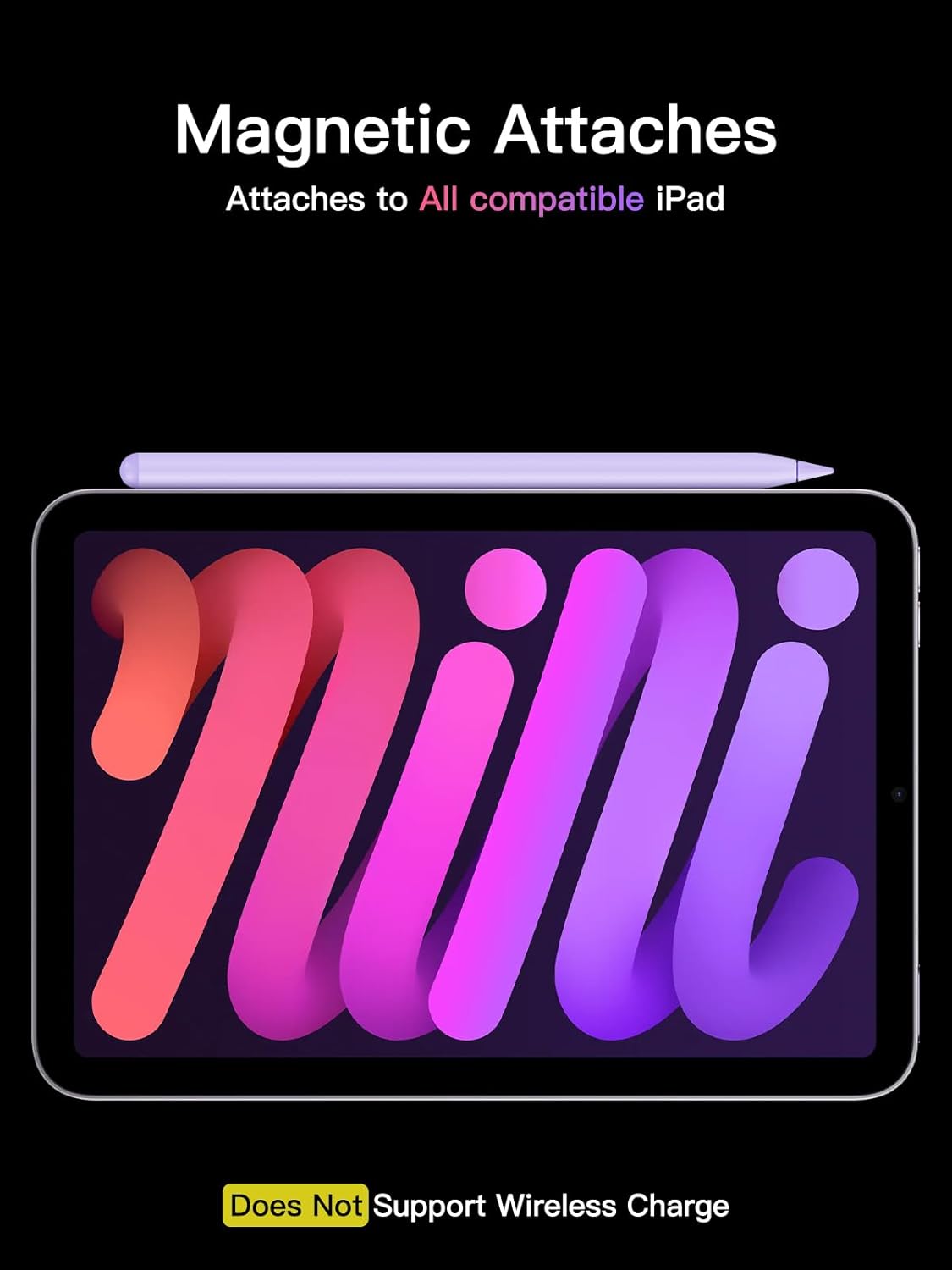
The pen is listed as compatible with iPads released in 2018 or later, including iPad, iPad mini, iPad Air, and iPad Pro models in the listed generations. Supported examples include iPad A16 and 6th–11th generation, iPad mini 5th–7th generation and mini with A17 Pro, iPad Air 3rd–7th generation and M2, M3, or M4 models, and iPad Pro 11-inch, 12.9-inch, and 13-inch models listed by generation. It is also listed for iPhone Duo. Check your device’s model name before choosing a stylus so you can match it to the supported lineup.
For Bluetooth shortcuts, pair the pen with the iPad. If an Apple Pencil is already connected and the pen does not work after startup, the setup instructions recommend forgetting the Apple Pencil in Bluetooth settings before using this stylus.
Everyday use
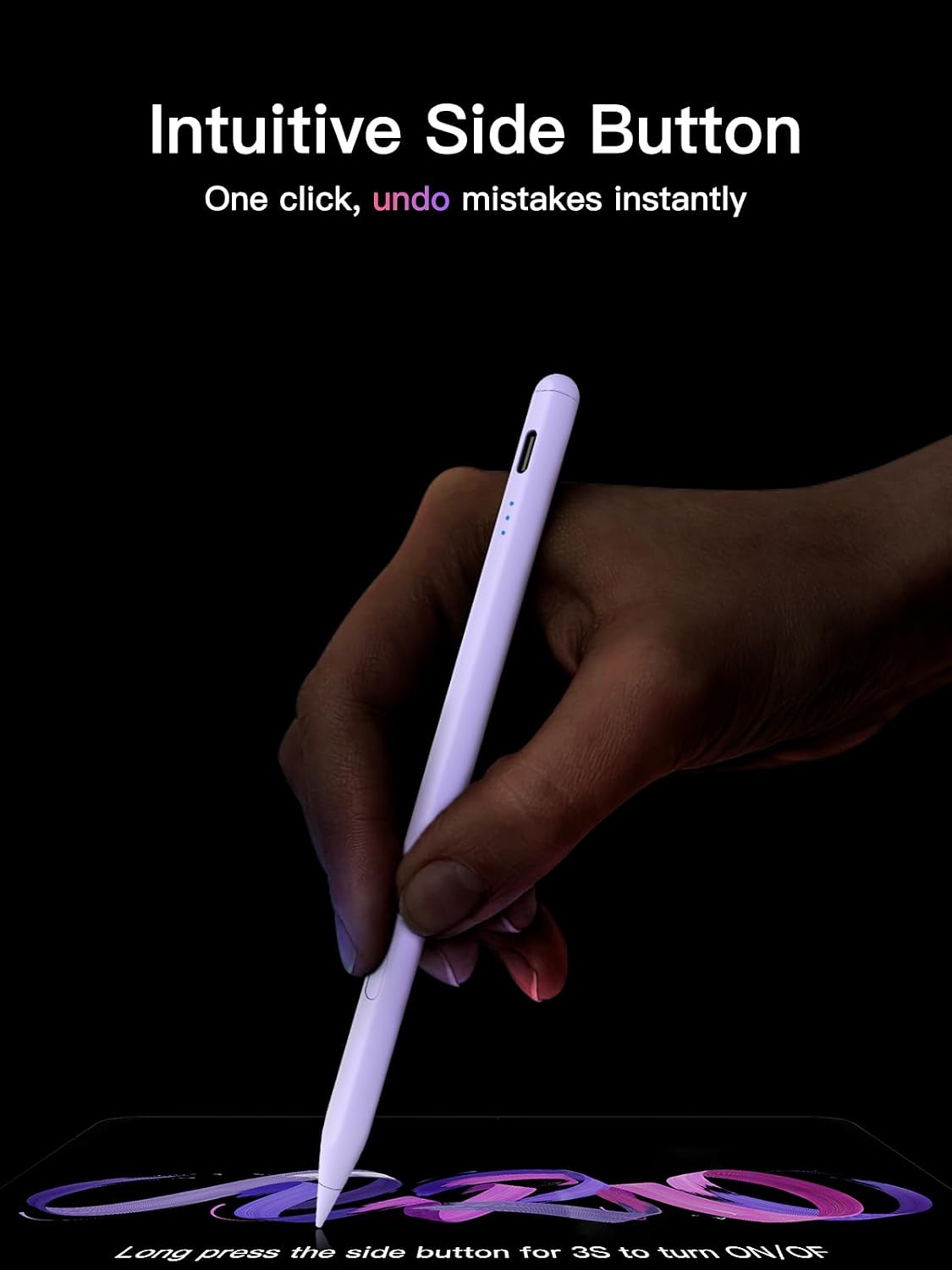
For a class or work session, use the pen to take notes, annotate a PDF, or sketch an idea, then tap the undo shortcut to reverse the previous action when Bluetooth is connected. USB-C charging takes 30 minutes for a full charge, and the pen supports up to 10 hours of continuous use. The included spare tips provide replacements for continued writing and drawing.
Buyers often highlight smooth writing, easy pairing, and straightforward note-taking and sketching. Feedback on durability is mixed, including reports that tips can wear quickly, so the replaceable-tip design is a practical detail for regular use.
When it makes sense
This stylus makes sense for iPad users who want tilt-sensitive drawing and writing, quick USB-C charging, and an optional undo shortcut without needing Bluetooth for basic pen input. It suits you if your routine includes notes, sketches, coloring, or PDF markup and your iPad is among the supported models. The purple finish and replaceable tip round out a focused choice for everyday screen work.