

AULA Wireless Mechanical Keyboard F99 Pro
Product description
What matters most
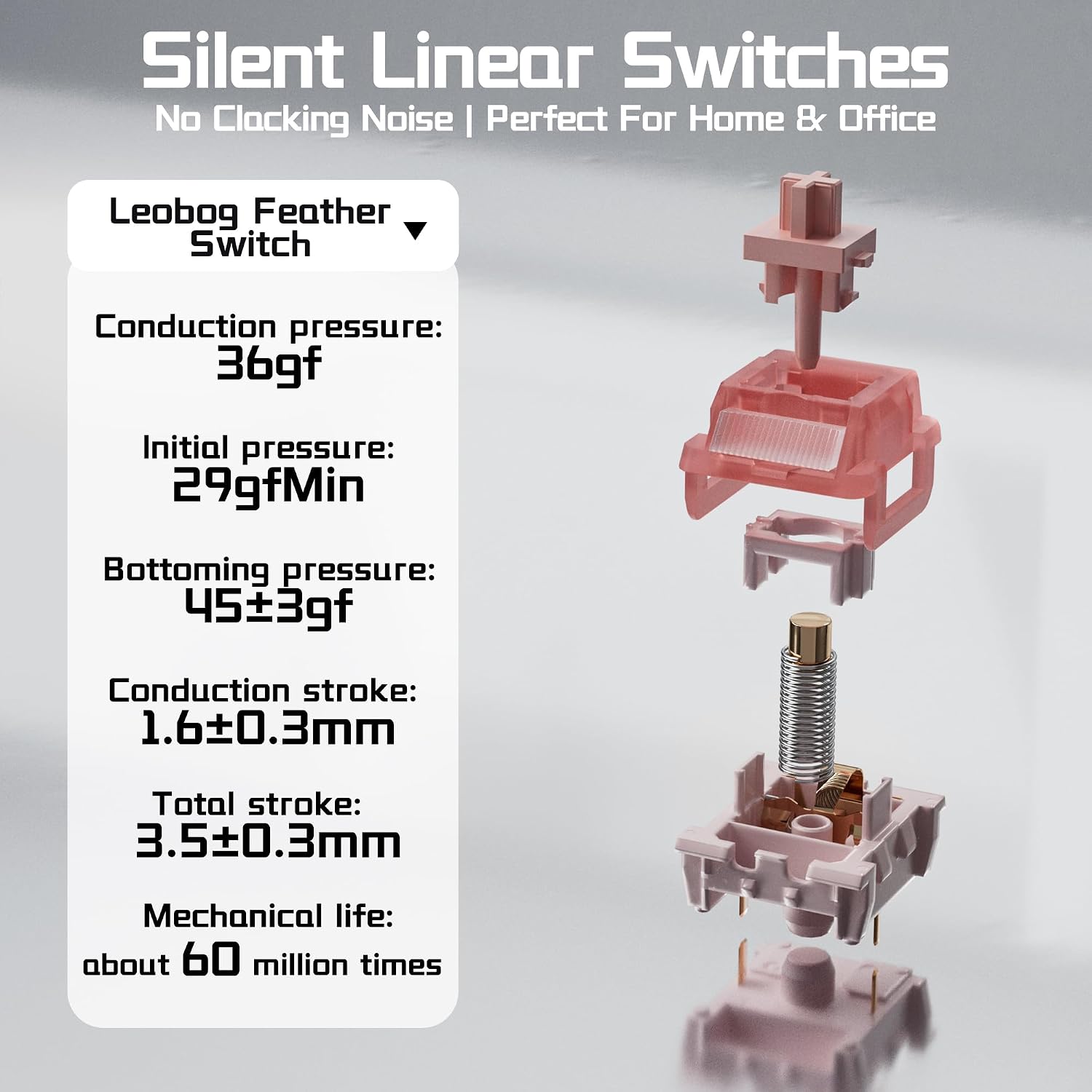
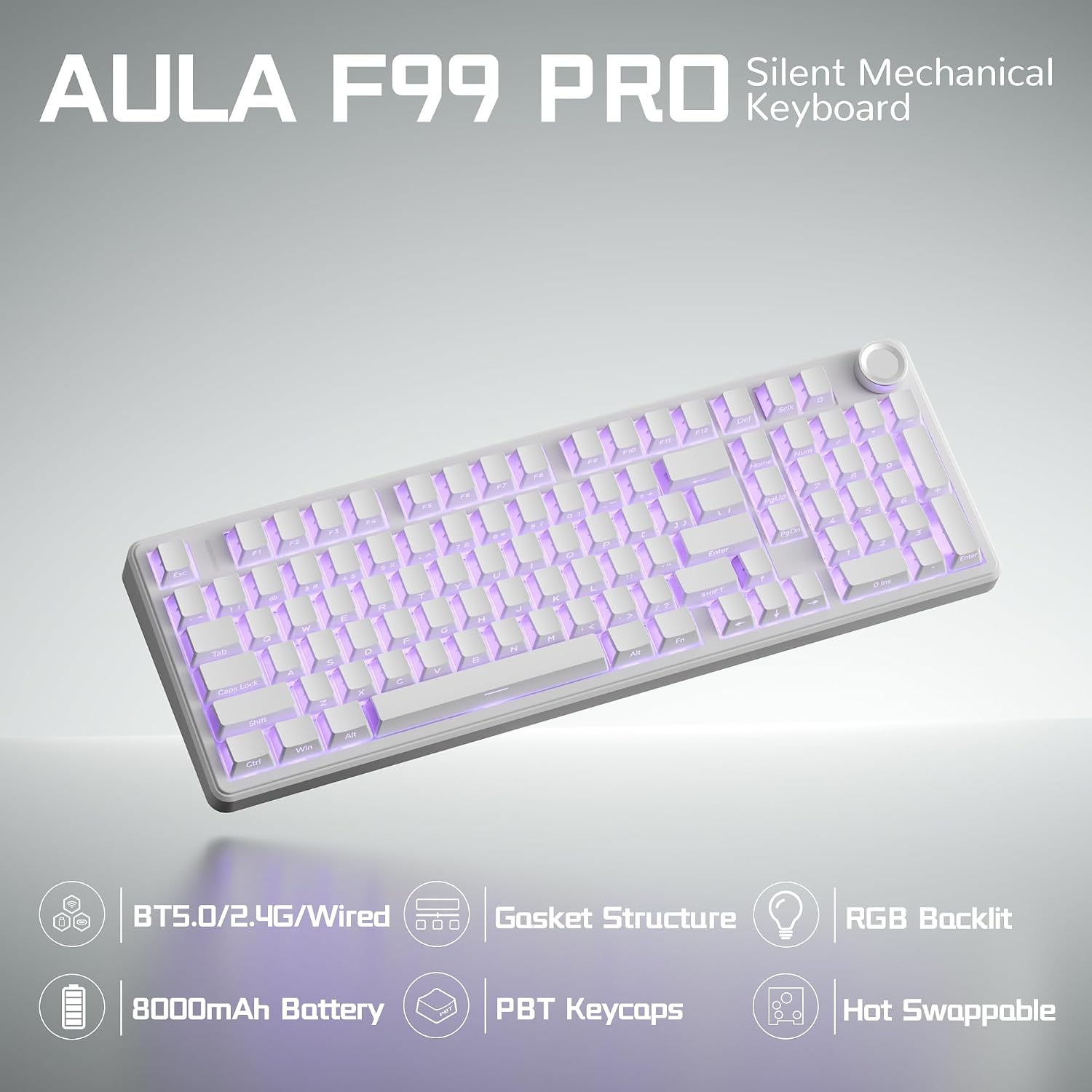
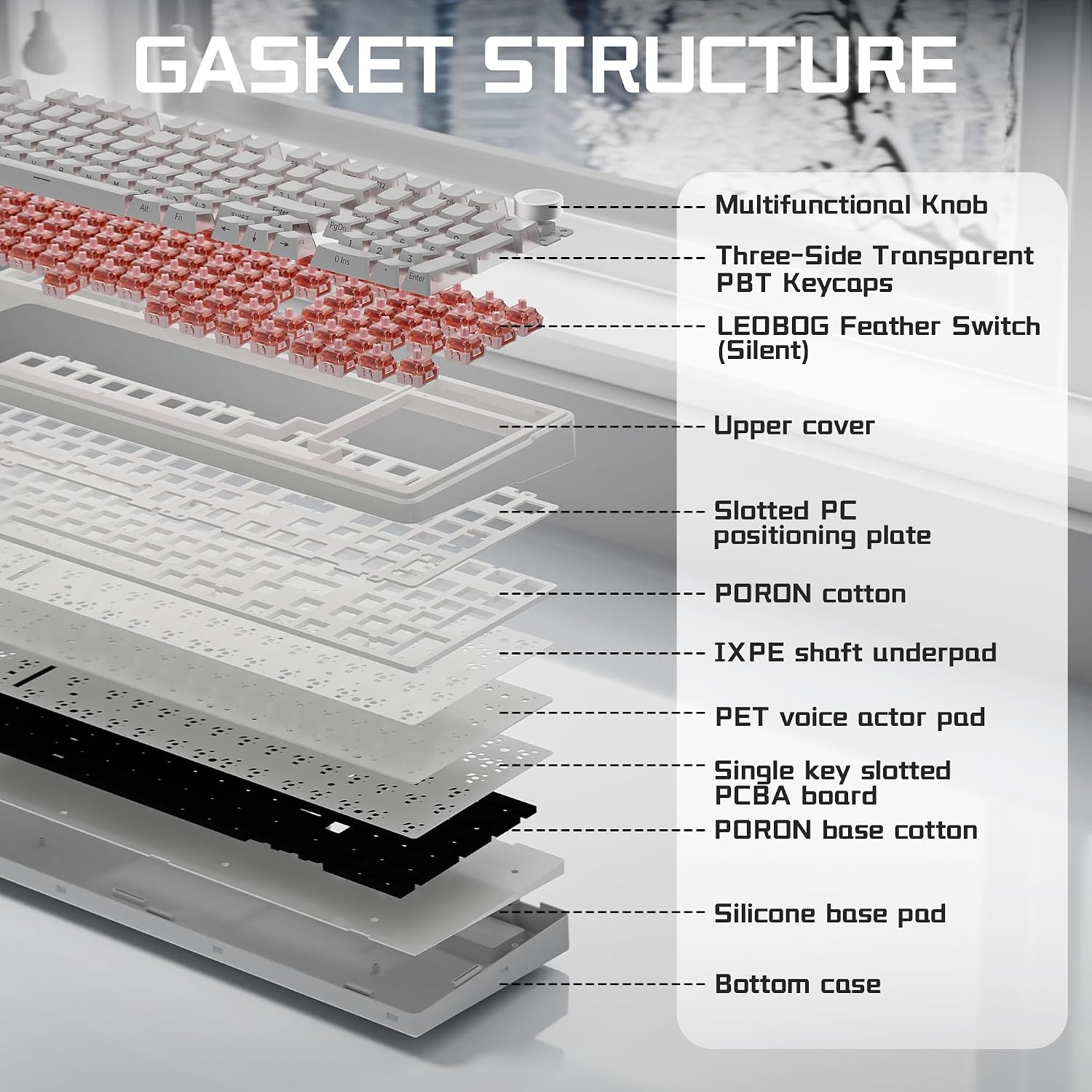
A loud keyboard can be distracting in a shared room, but switching to a quieter board does not have to mean giving up mechanical keys. The AULA F99 Pro pairs pre-lubed silent linear switches with a gasket-mounted design intended to soften the typing feel and reduce internal echo.
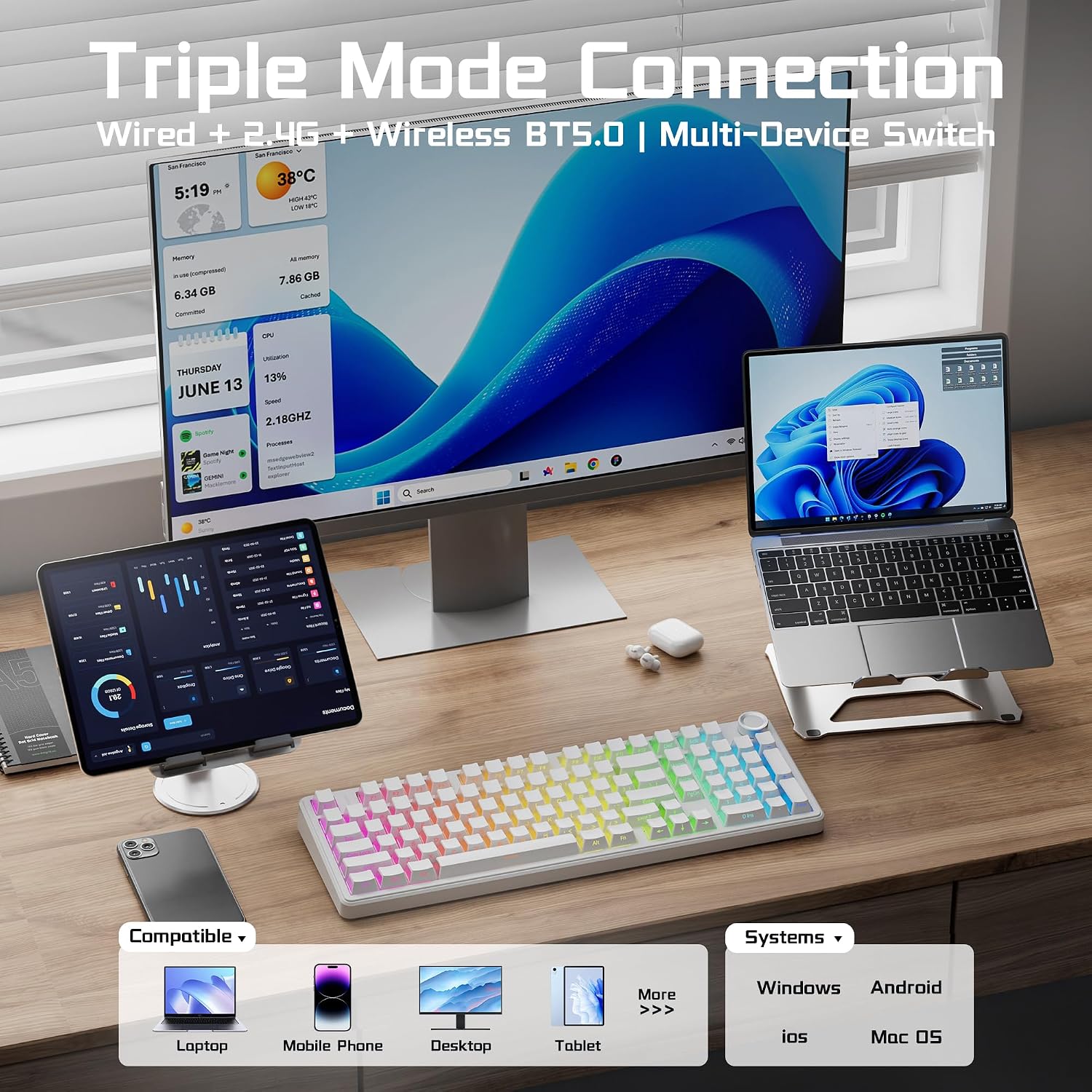
It also gives you a choice of Bluetooth 5.0, 2.4 GHz wireless, or USB-C wired connections. You can pair up to five devices and switch between them with FN shortcuts or the side button, which is useful when one keyboard needs to move between a computer, tablet, and phone.
The practical appeal is its mix of office-friendly sound reduction and gaming-focused options: RGB effects, macro editing, and N-key rollover. Keep in mind that quieter switches reduce typing noise, they do not make every keystroke completely silent.
Size & fit
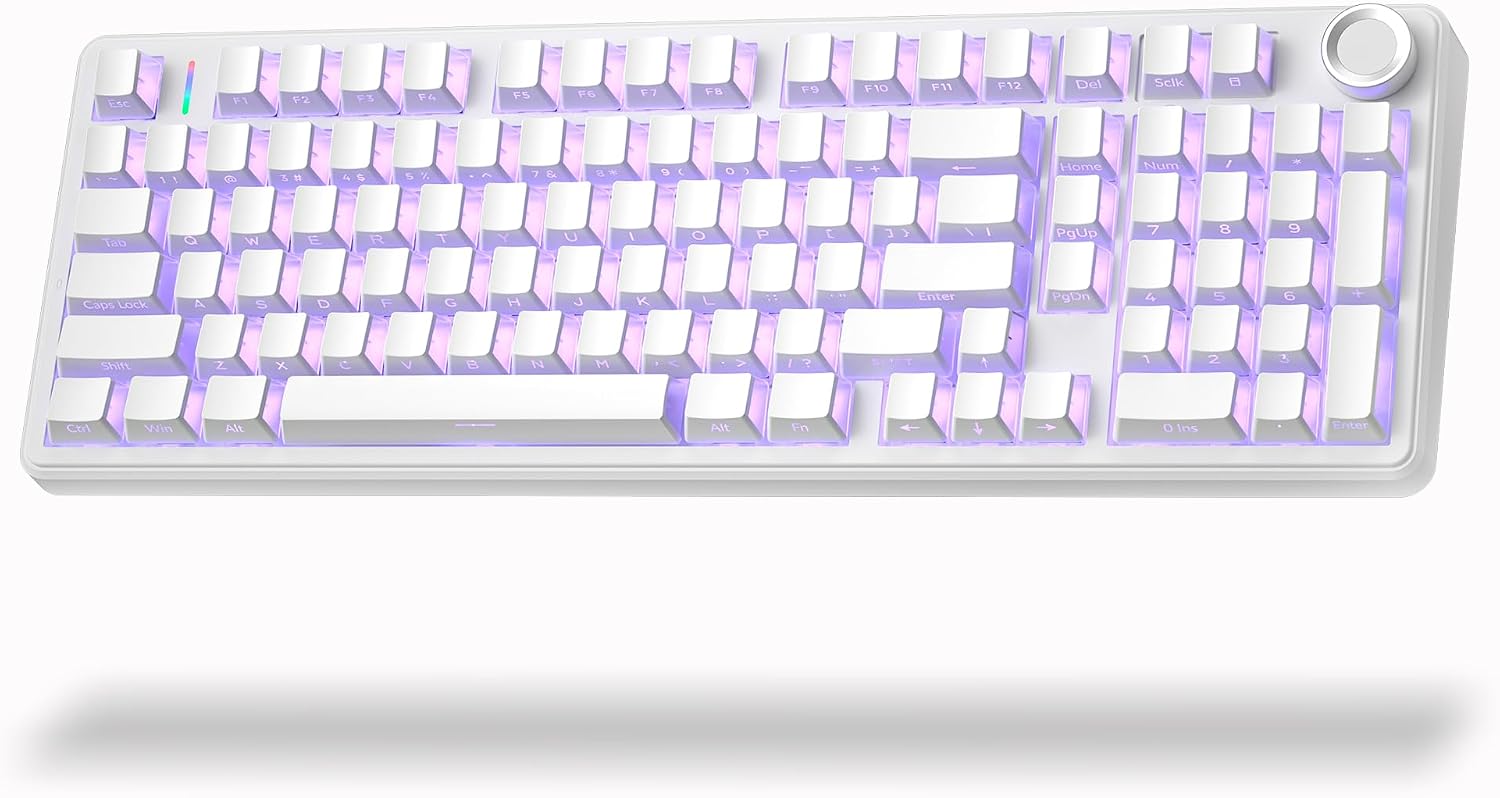
The 96% layout keeps arrow keys and a number pad while taking up less desk space than a full-size layout. That makes it a sensible format for spreadsheets or entering numbers, without losing the dedicated navigation keys some compact boards omit. Its white finish and side-printed PBT keycaps give the lighting a prominent role, so the look may suit a desk setup where RGB is part of the appeal.
The multi-function knob can adjust brightness or lighting effects, then switch to volume and media control in multimedia mode. A long press changes modes. It suits you if you want a compact-but-not-minimal layout with a number pad and a physical control for common adjustments. Not the best choice if you specifically want a bare-bones board without lighting or a number pad.
Tips for day-to-day use
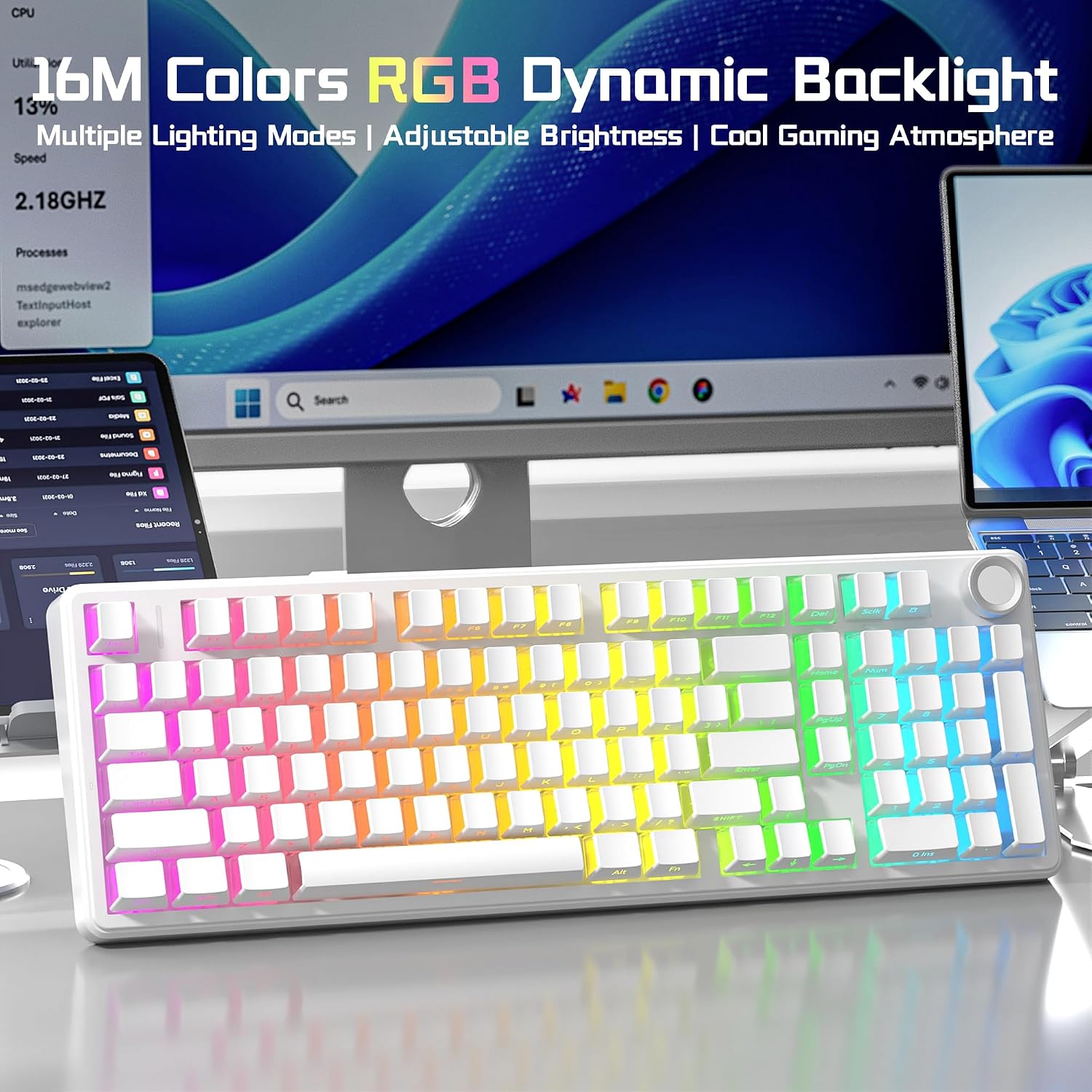
For a shared workspace, connect over Bluetooth or 2.4 GHz and use the quieter switches while typing, when you move to a wired setup, USB-C is another option. The five-layer internal filling and silicone components are designed to limit cavity echo, while the gasket mount aims for a softer, more elastic feel. From the way it is set up, the keyboard prioritizes a cushioned, quieter typing experience over a sharp, hollow sound.
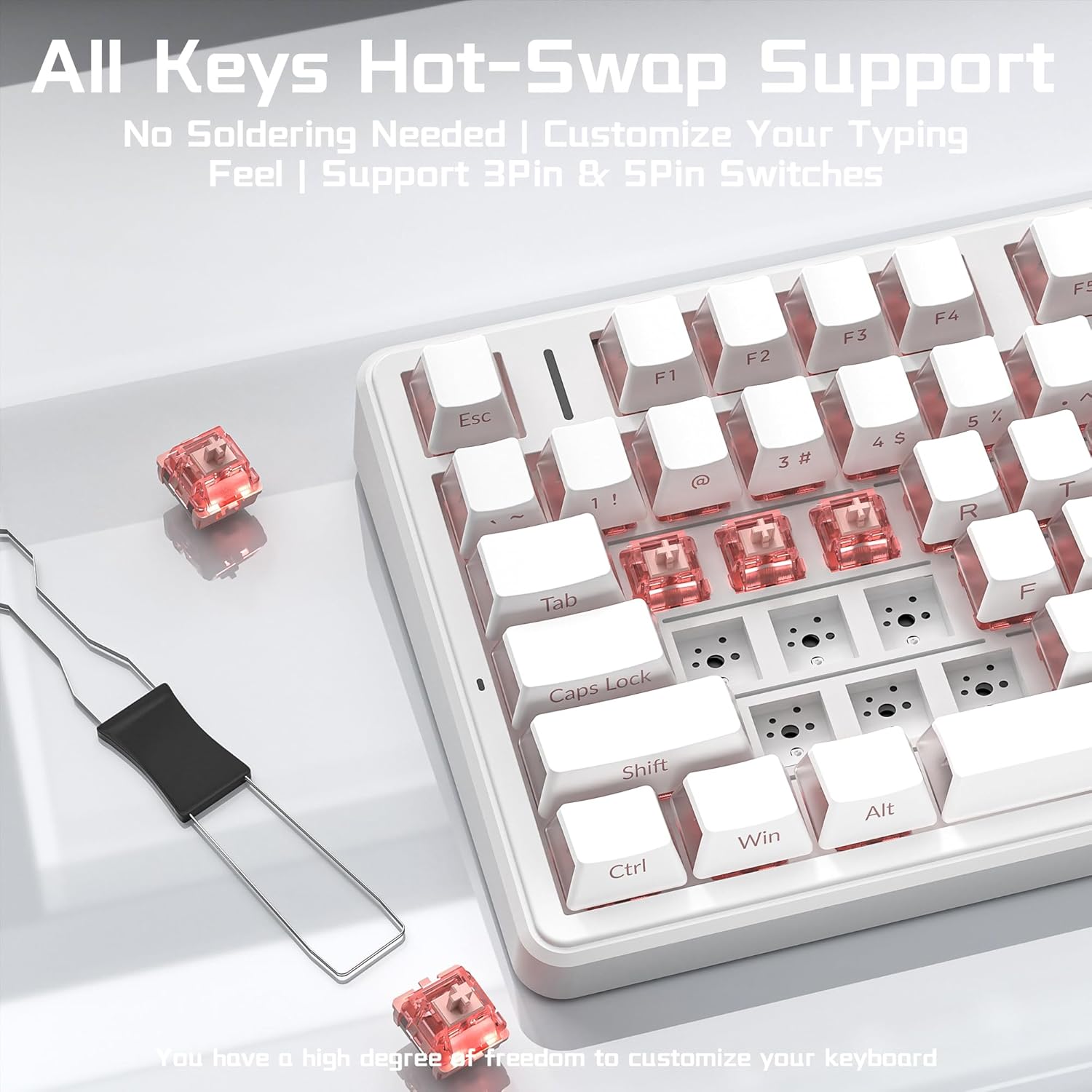
If you like to change how a board feels, the hot-swap sockets accept 3-pin and 5-pin switches without soldering. That gives you room to customize later, though the included silent linear switches are the starting point, not a promise that every replacement will sound or feel the same. For gaming, the RGB modes and macro tools offer customization, but the description does not specify how the driver works across different operating systems.
Questions before you buy
Can I use it with a Mac? The product information lists Mac among its supported systems, alongside Windows.
Can I change the switches without soldering? Yes. The sockets are described as compatible with both 3-pin and 5-pin switches.
What can the knob control? It can adjust brightness or lighting effects, in multimedia mode, it controls volume and media playback. A long press switches modes.
Is it worth it?
The F99 Pro makes the most sense if your checklist includes quieter mechanical typing, multiple connection options, a number pad, and customization in one board. Picture moving from a laptop to a tablet during the day, then using the same keyboard for a game at night: device switching and the dedicated number pad make that routine more convenient than choosing a smaller, stripped-down layout.
Compared with a basic office keyboard, this one adds hot-swap switches, RGB, and gaming features. Compared with a simpler mechanical board, it asks you to accept a more feature-rich setup, including a knob and lighting controls. The built-in 8000mAh battery is specified, but no runtime is given, so battery life between charges is hard to judge from the available details. Choose it for its combination of quieter switches and broad controls, look elsewhere if verified battery runtime or a truly silent typing experience is essential.