

Redragon M612 Wired RGB Optical Gaming Mouse: 8000 DPI, 11 Programmable Buttons
Reviews
Price
Product description
What this is and who it’s for
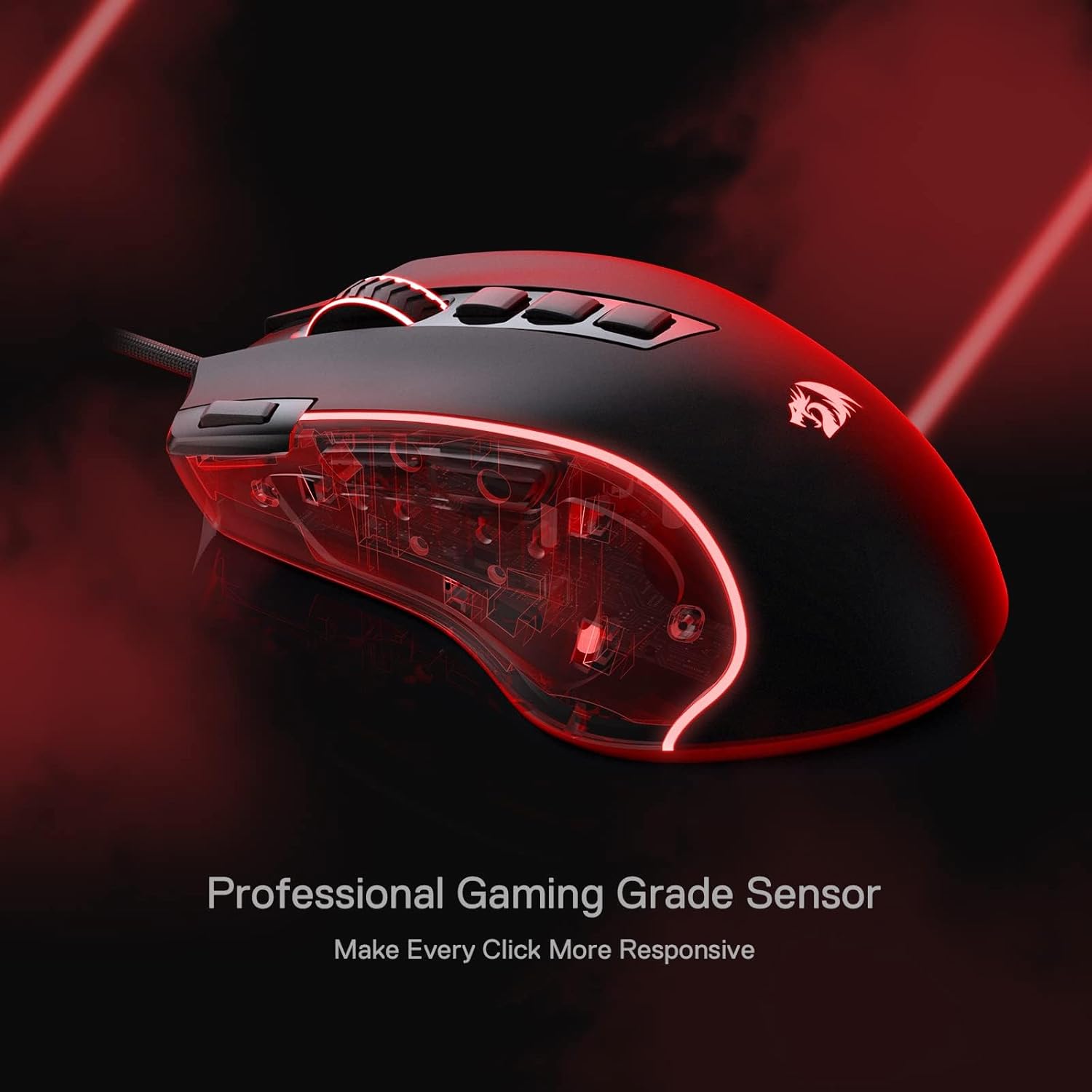
The Redragon M612 is a wired RGB optical gaming mouse designed for players who want a customizable input device without breaking the bank. It combines a mid-to-upper range DPI range, multiple programmable buttons, and a comfortable grip, aiming to help you tailor controls to your favorite games or work tasks. If you prize quick DPI shifts, macro-enabled buttons, and a visually dynamic setup, this mouse gives you a practical option to explore without a steep learning curve.
DPI and performance basics
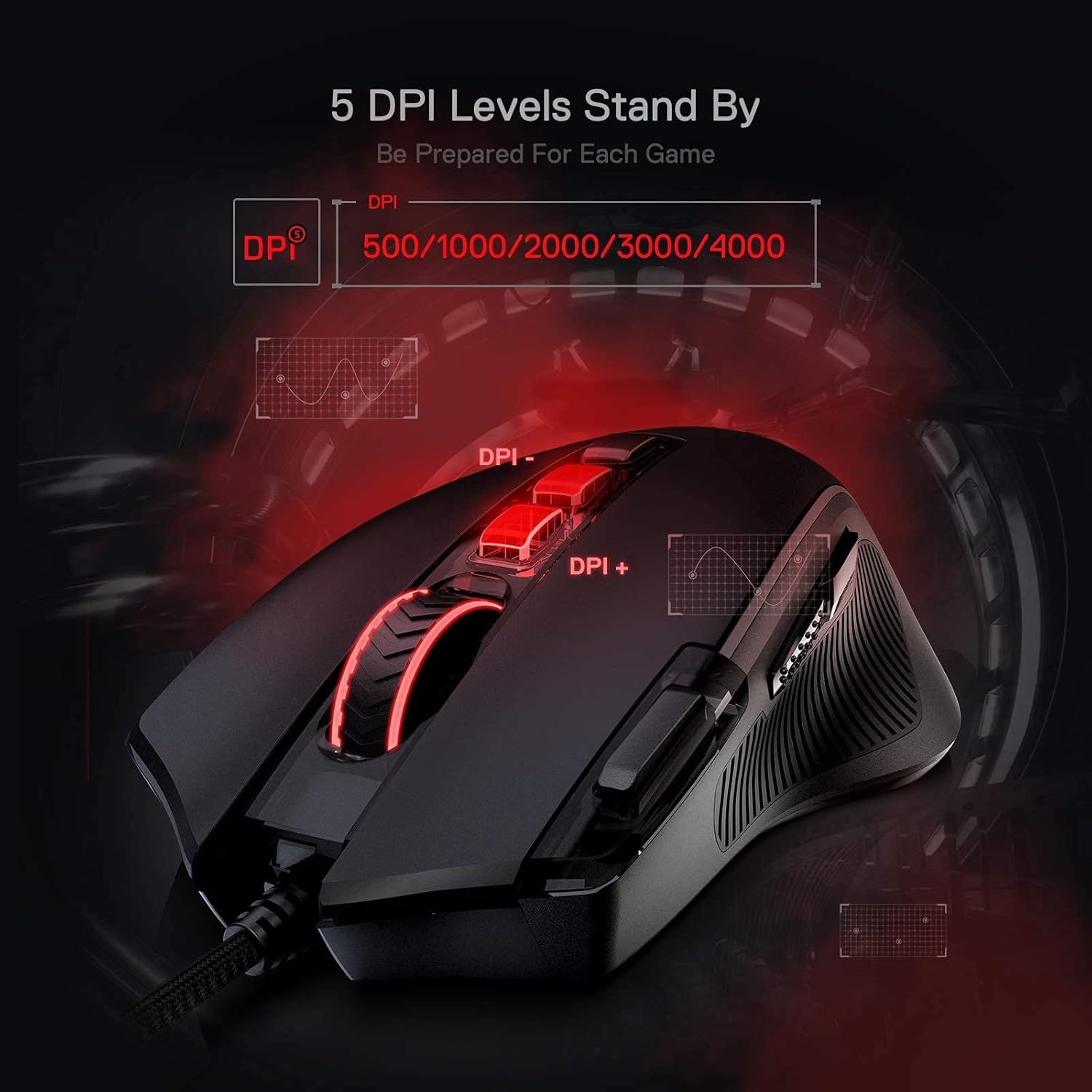
On the surface, you get 5 redefinable DPI levels by default (500/1000/2000/3000/4000), with software support to push a broader range up to 8000 DPI if you need finer precision for certain titles. The configuration is meant to flow with different game needs—from precise sniping to rapid, high-speed tracking. If your playstyle requires a quick DPI switch in the heat of battle, this setup is designed to accommodate it.
Button programmability and macro options
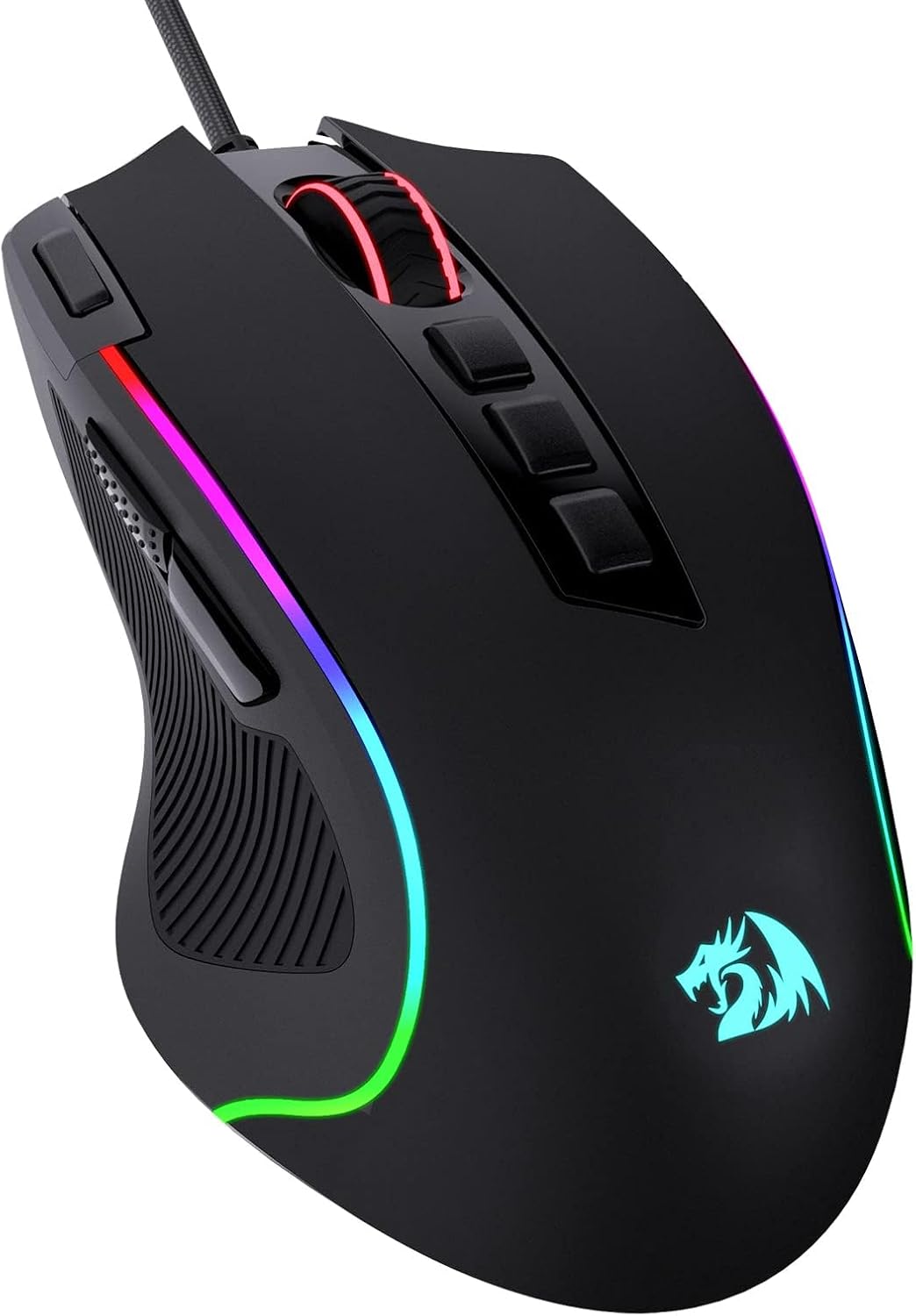
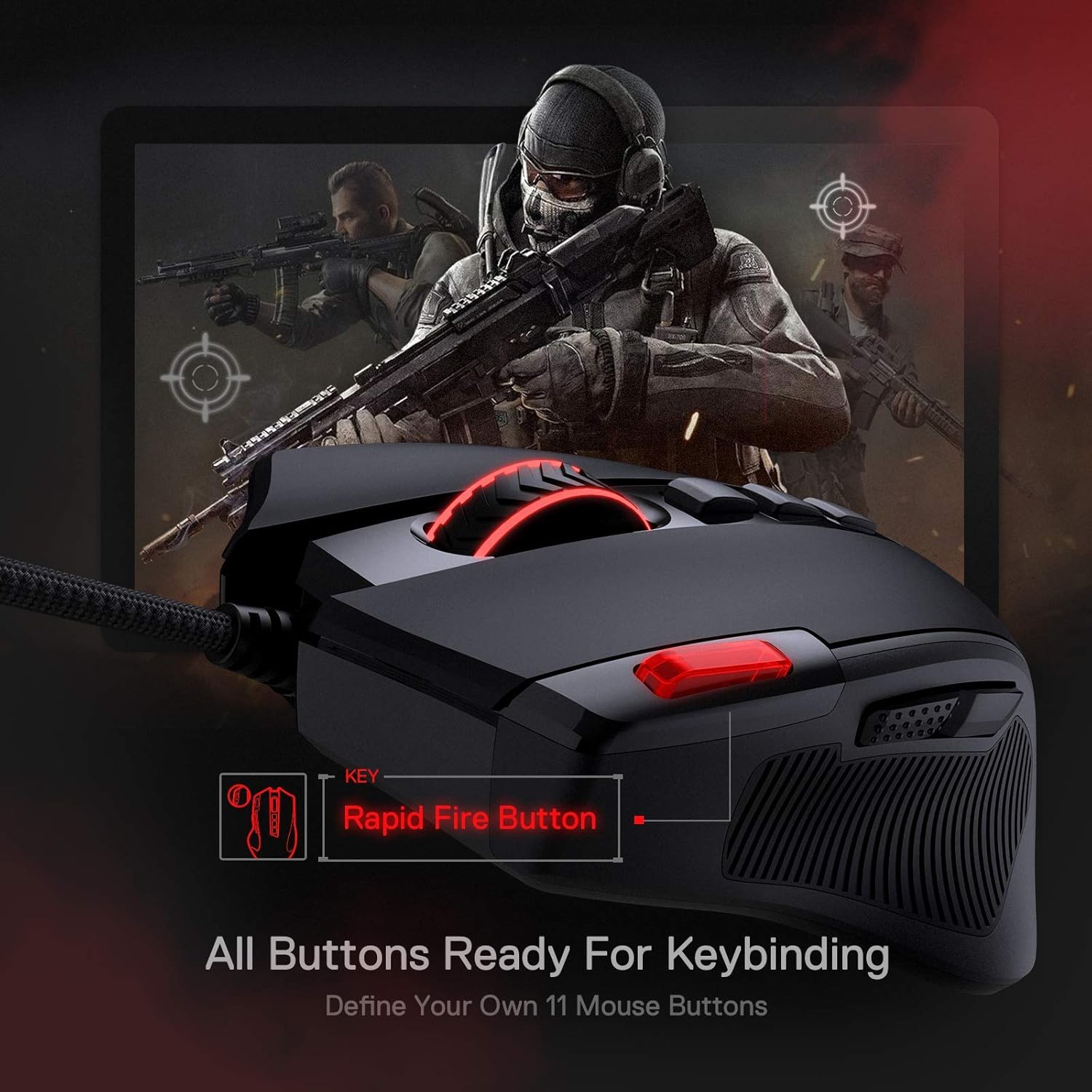
The M612 features 11 programmable buttons, including 1 rapid-fire and 2 side macro buttons. This can help you map complex actions or hotkeys to common in-game tasks or productivity workflows. The ability to reassign any button gives you a flexible control scheme, but it’s worth noting that macro performance depends on software and game compatibility, so outcomes may vary between titles.
Comfort, grip, and build feel
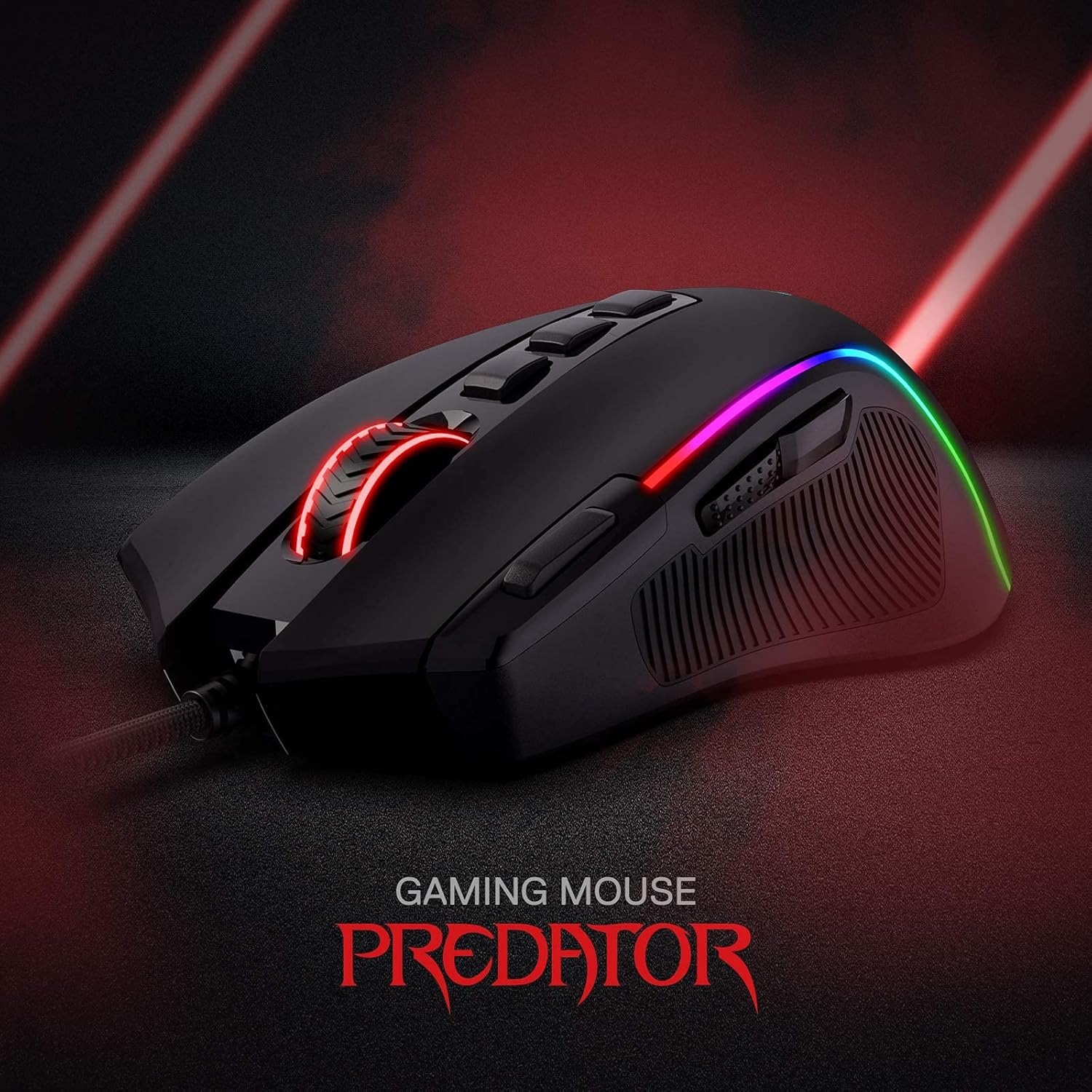
The mouse emphasizes an ergonomic, fatigue-conscious design with a frosted, skin-friendly coating for a tactile, fingerprint-minimizing surface. The left side incorporates rubber texture to boost grip, which can help maintain precise control during long sessions. While comfort is a focus, the fit may still feel different depending on hand size and grip style, so you might want to test if you prefer an all-around palm grip or a claw style.
Lighting and ambiance
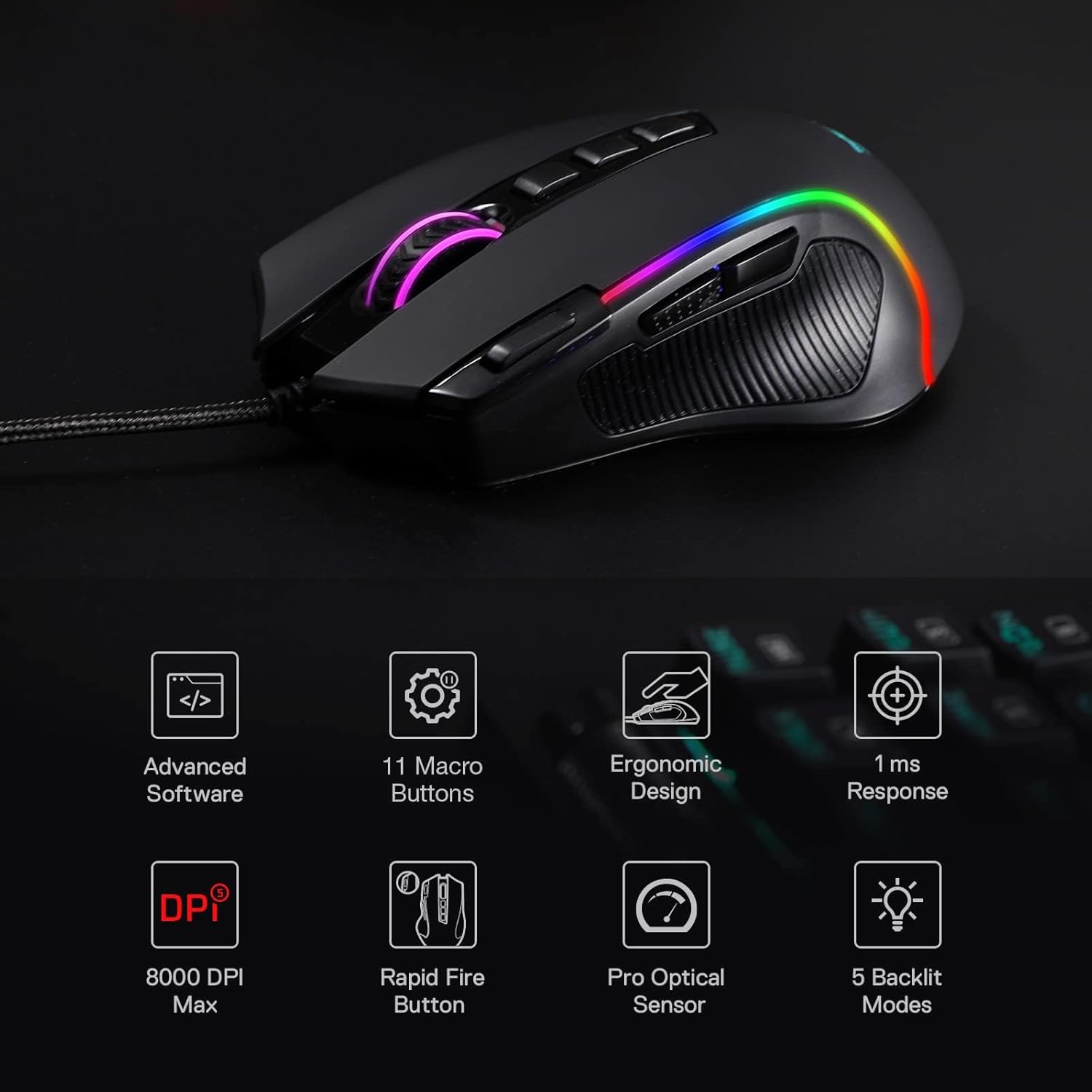
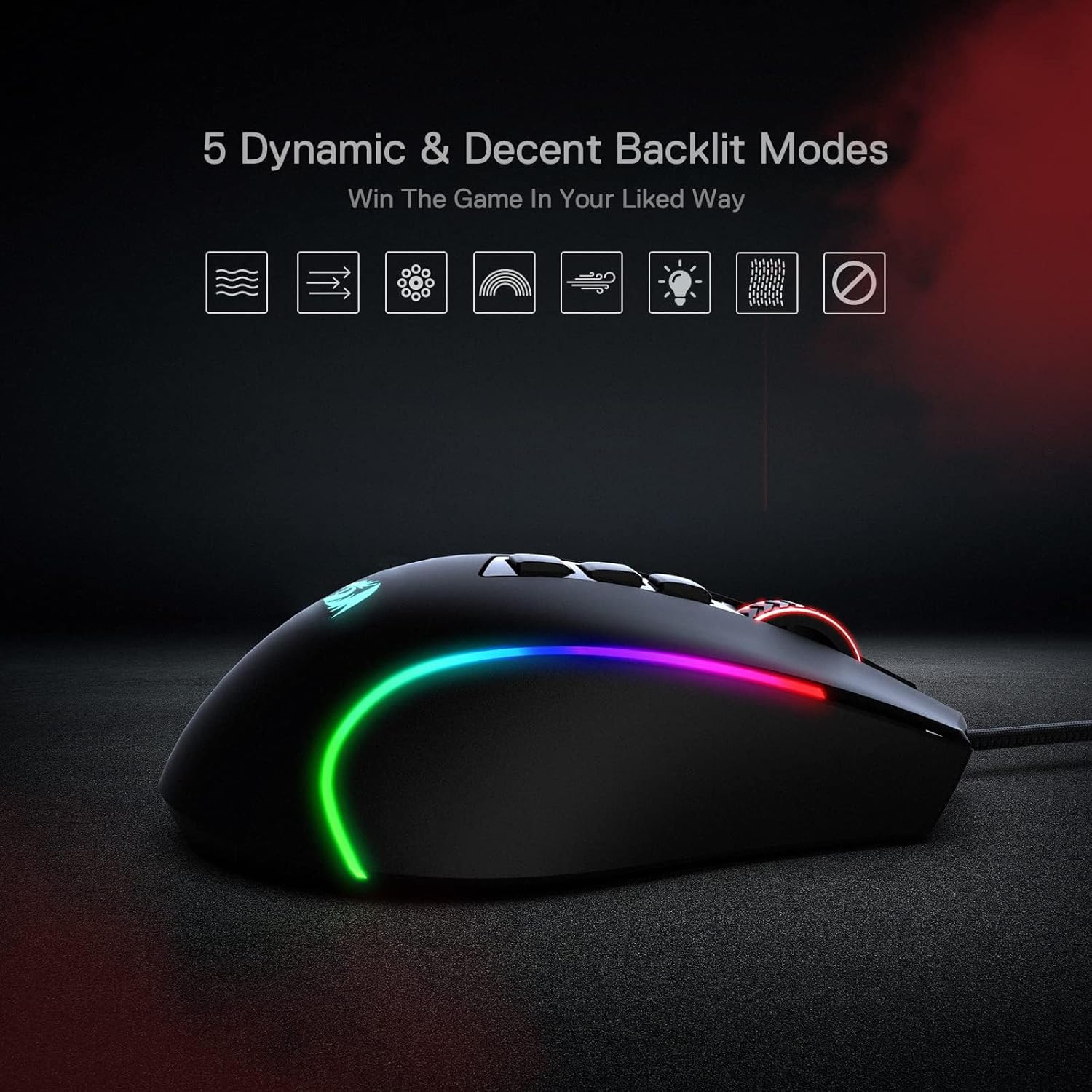
With five backlit modes, the RGB lighting offers a bit of flair to match a gaming setup. If lighting is part of your buy decision, you’ll likely appreciate the visual presence without it overshadowing performance. It’s something that can pair well with other Redragon accessories that light up, but it’s also easy to dial back if you want a more understated look.
Pros and things to consider
What stands out: a solid mid-range option with customizable DPI, a full set of programmable buttons, and a design that aims to balance comfort with a lightweight, responsive feel. It may not be the best choice if you’re chasing top-tier, tournament-grade precision or a premium chassis—those would demand higher-end specs and materials. If you prioritize a feature-rich setup at a reasonable price, the M612 can be a sensible middle-ground.
Limitations to keep in mind: DPI up to 8000 via software depends on the ecosystem you’re using, actual performance will vary with sensor timing and the games you play. The weight and balance are typical of mid-range gaming mice, which may not suit users who prefer ultra-light or ultra-heavy builds. Also, while 11 programmable buttons add versatility, some users may require more advanced software customization than what comes preinstalled.
What it’s best for and who should buy
This mouse suits gamers who want a practical, configurable input device that can adapt across genres—FPS, MOBA, or even productivity tasks that benefit from shortcut macros. It’s also appealing if you like a colorful setup and value a comfortable grip for long sessions. If you’re after a premium, ultralight chassis or pro-grade sensor performance, you might prefer exploring higher-tier options.
Who should avoid it: if your priority is ultimate sensor precision with the latest optical tech or if you need a heavier, more robust industrial feel, you may find this model a notch below those expectations. It’s more of a practical, everyday gaming mouse than a niche flagship.
Before you buy: what to review
- Confirm your preferred DPI steps and ensure the software supports the range you need.
- Consider your grip style and-handedness to gauge how the left-side texture and overall shape will feel after hours of use.
- Check your game or productivity workflow to see how well 11 programmable buttons map to routines or spells and whether macros meet your needs.
- Think about your lighting tolerance—if you want a quiet desk, test whether the RGB hues align with your space or if you’d rather keep lighting minimal.
- Review any compatibility notes with your OS or other peripherals, since macro behavior can vary by title and platform.
Practical use example
Imagine you’re stepping into a fast-paced shooter. You switch DPI from 500 for close-quarters aim to 2000 for mid-range tracking with a quick thumb-accessible macro for a critical ability. The rubberized side grip helps keep your thumb steady during intense moments, and the glowing light gives a subtle cue about which profile you’ve loaded. It’s a straightforward setup that reduces the need to pause and rebind keys mid-game.
FAQ (practical answers you can use)
- Q: Can I customize all 11 buttons for every game? A: You can reassign each button, but outcomes depend on game support and software compatibility.
- Q: Does the DPI switch require software every time I play? A: Basic DPI changes can be made on the fly via the default profile, with deeper customization through software.
- Q: Is the RGB lighting essential to performance? A: Not at all, lighting is mainly for aesthetics and personalizing your setup.
Is it worth it?
This model makes sense if you want a versatile, reasonably priced gaming mouse with a focus on customization and comfort. It isn’t pitched as a premium, flagship device, so if you need the very top-tier sensor tech or a heavier chassis, you might want to weigh alternatives. For many players who value macro capability, clean ergonomics, and adaptive DPI options, the Redragon M612 offers a practical balance with room to grow in setup-specific ways.