


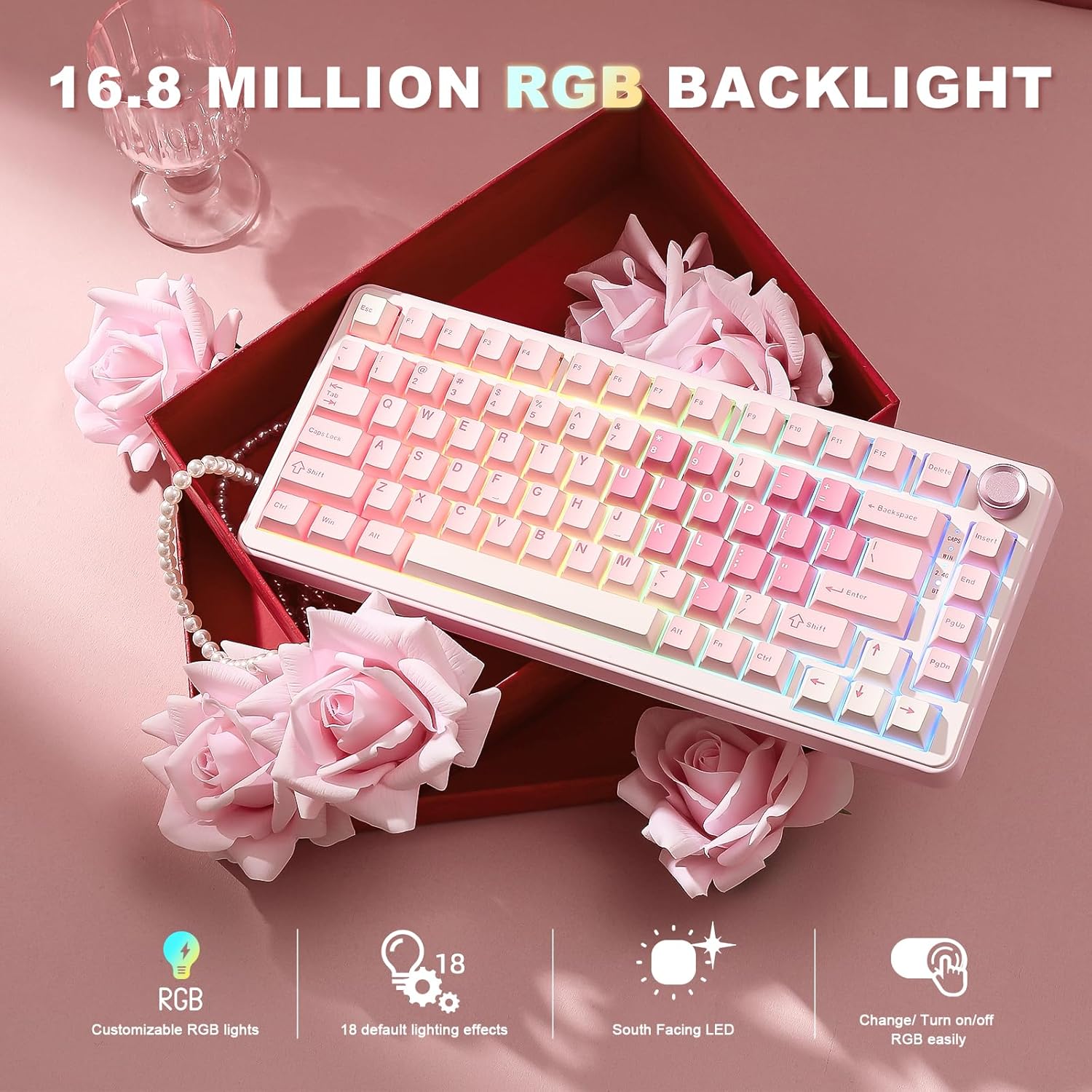

YUNZII B75 PRO 75% Mechanical Keyboard
Product description
The YUNZII B75 PRO blends a compact 75% layout with a tactile multimedia knob and versatile wireless options, making it a strong pick for mixed work and play. This gasket mount mechanical keyboard pairs pre-lubed creamy switches with five-layer padding to reduce noise and deliver a solid, comfortable typing feel from the first press.
Key features
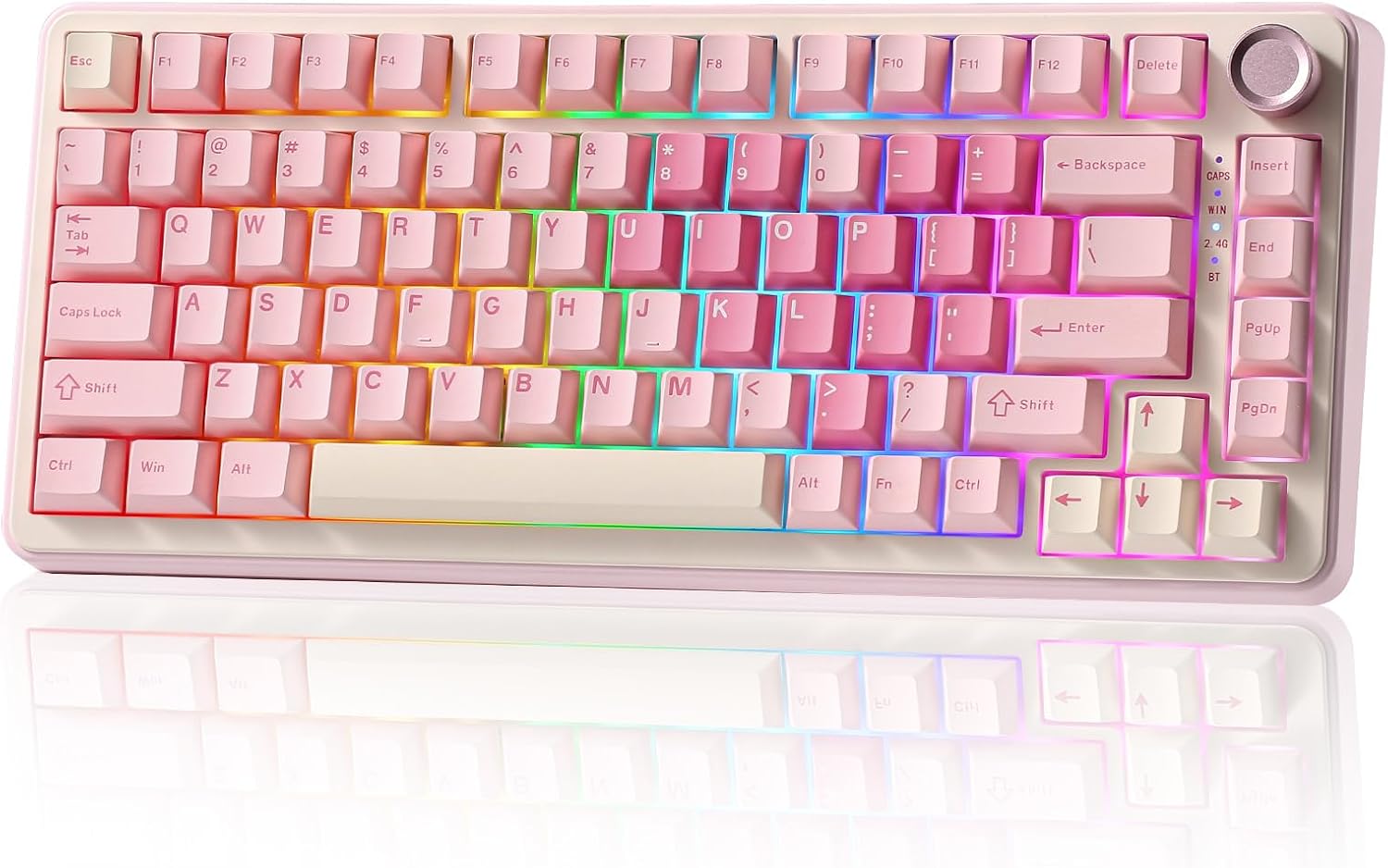
The B75 PRO packs a full set of essentials into 82 keys, retaining number keys, function row and arrows in a space-saving TKL footprint. A multifunction knob provides quick access to volume and RGB adjustments, and a long press toggles between gaming and office modes. South-facing RGB LEDs and more than 20 built-in lighting modes meet most customization needs, and programmable software allows remapping keys and creating macros on Windows and macOS. Note that Bluetooth, 2.4 GHz wireless and wired connections are supported for flexible setups.
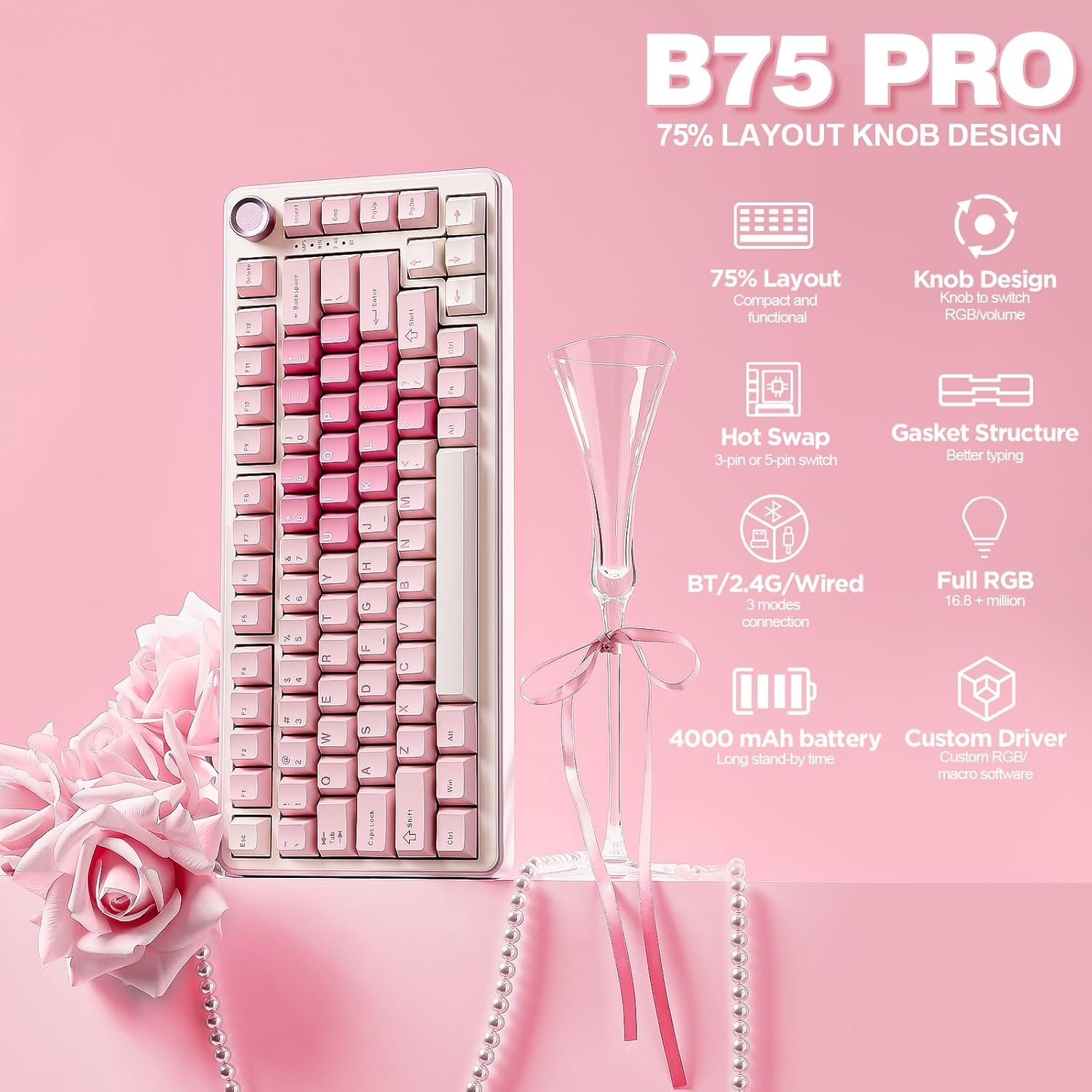
Tech specs
- Name: YUNZII B75 PRO
- Type: 75% mechanical keyboard
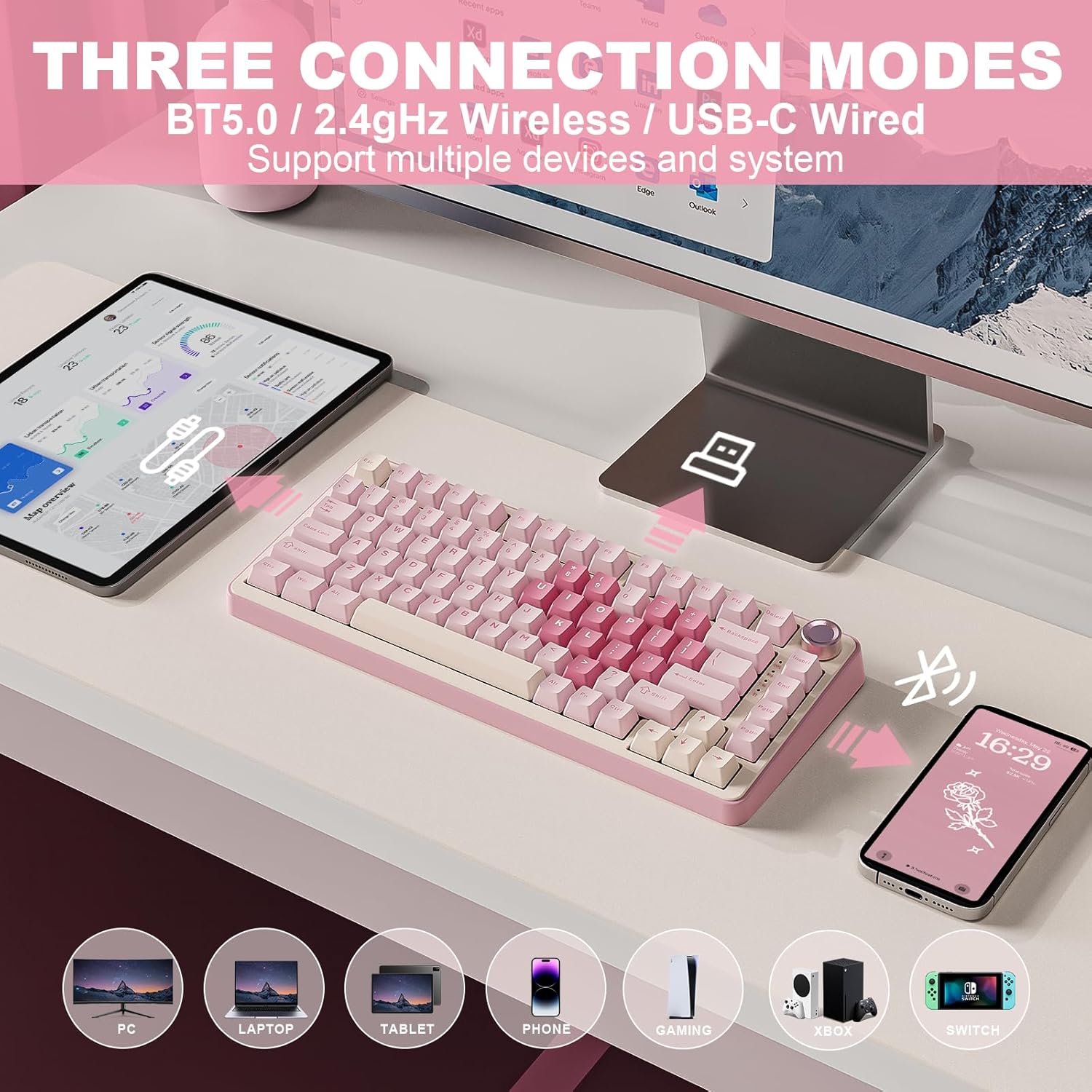
- Connectivity: Bluetooth, 2.4Ghz wireless, wired
- Capacity: 4000mAh battery
- Material: double shot keycaps
Why it’s worth it
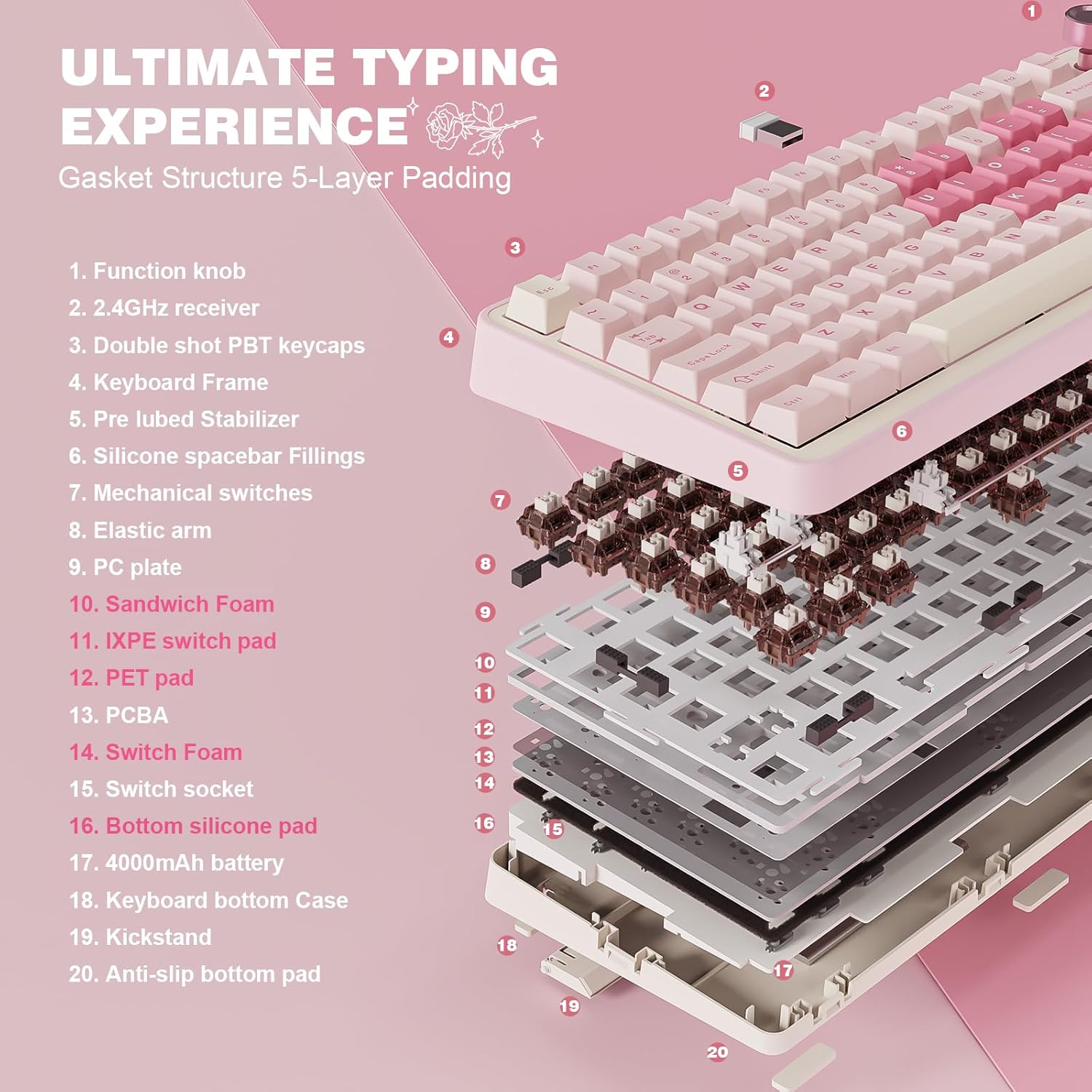
You’ll notice a quieter, more refined typing profile thanks to the gasket mount design, tuned stabilizers and pre-lubed switches. Hot-swappable sockets accept 3pin and 5pin switches so you can change switch feel without soldering, which helps extend the keyboard lifespan and tailor it to your preferences. Keep in mind that advanced programming is handled through desktop software, so on-the-go customization can be limited.
How to use it
It’s a great fit if you want a compact board with quick multimedia control and long battery life for hybrid work and gaming. Start in Bluetooth for casual use, switch to 2.4 GHz for low-latency wireless gaming, and plug in a cable for sustained sessions or firmware updates. If you prioritize switch swapping, the full hot-swap support simplifies experimenting with different tactile profiles.