

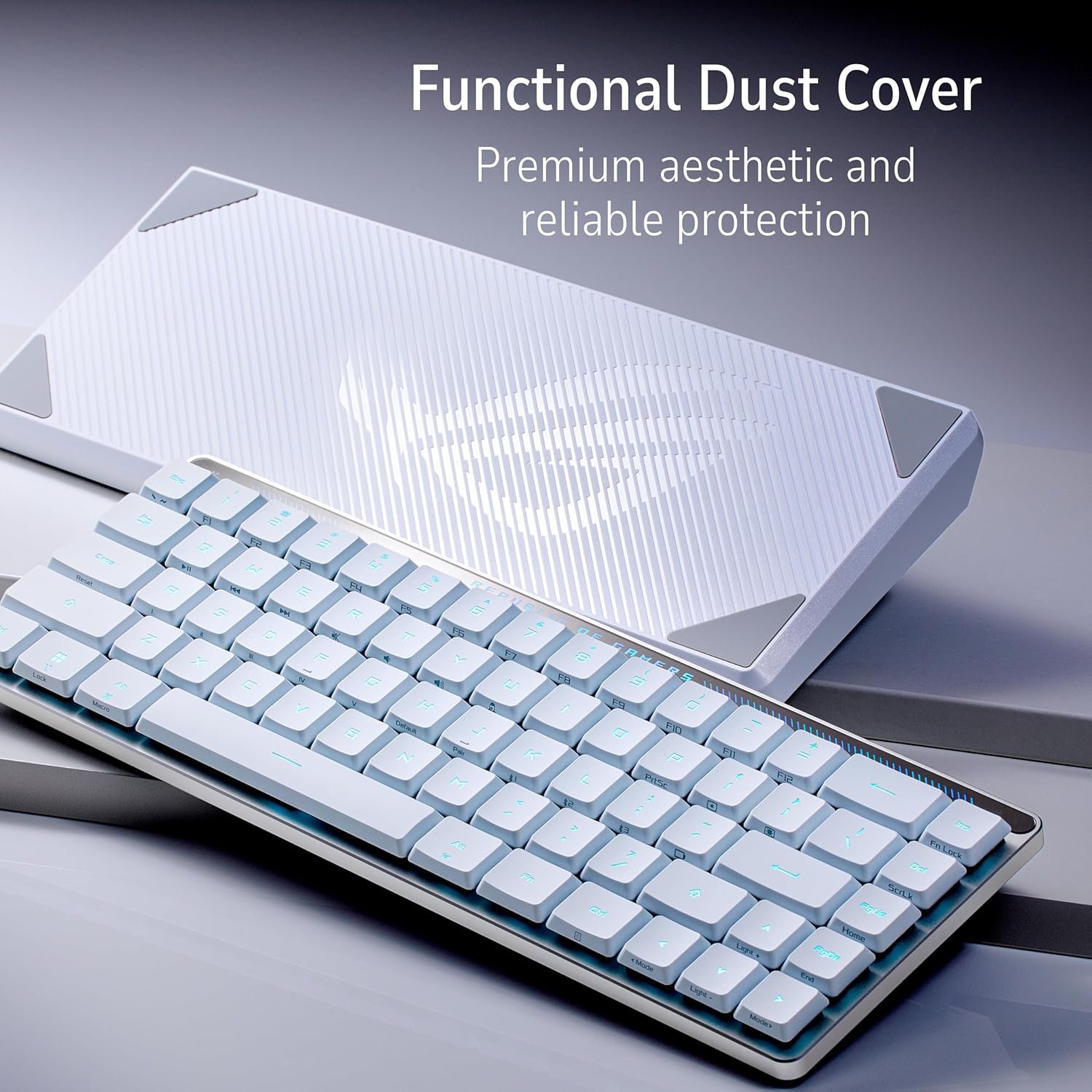
ASUS ROG Falchion RX Low Profile Wireless Gaming Keyboard
Reviews
Price
Product description
What it is
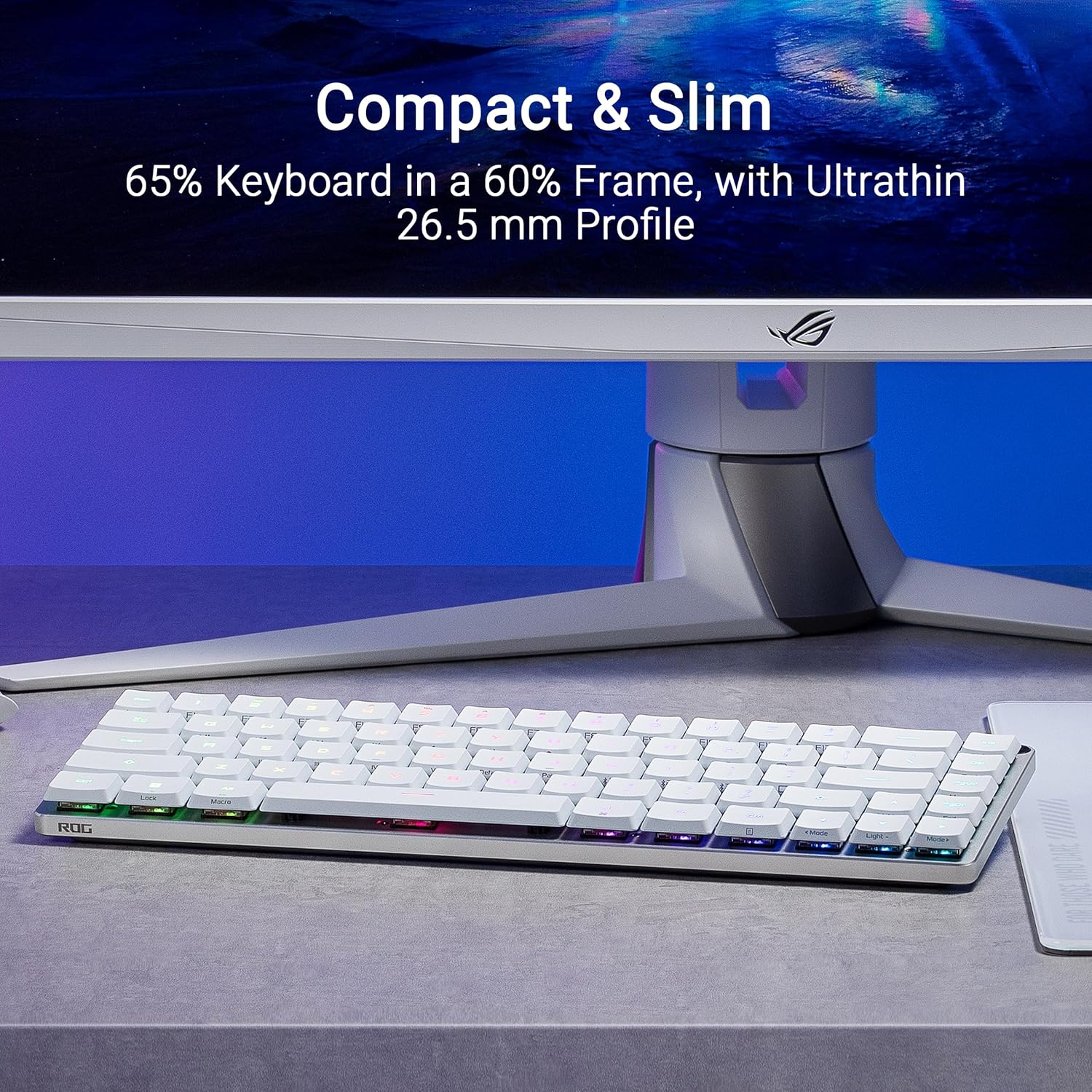
The ASUS ROG Falchion RX is a 65% compact, low-profile wireless gaming keyboard designed to fit tight desks without sacrificing essential navigation and function keys. It centers around a slim 60% frame with a dedicated arrow/navigation cluster, offering a more compact footprint than traditional TKL keyboards while keeping core controls within reach.
Design and build
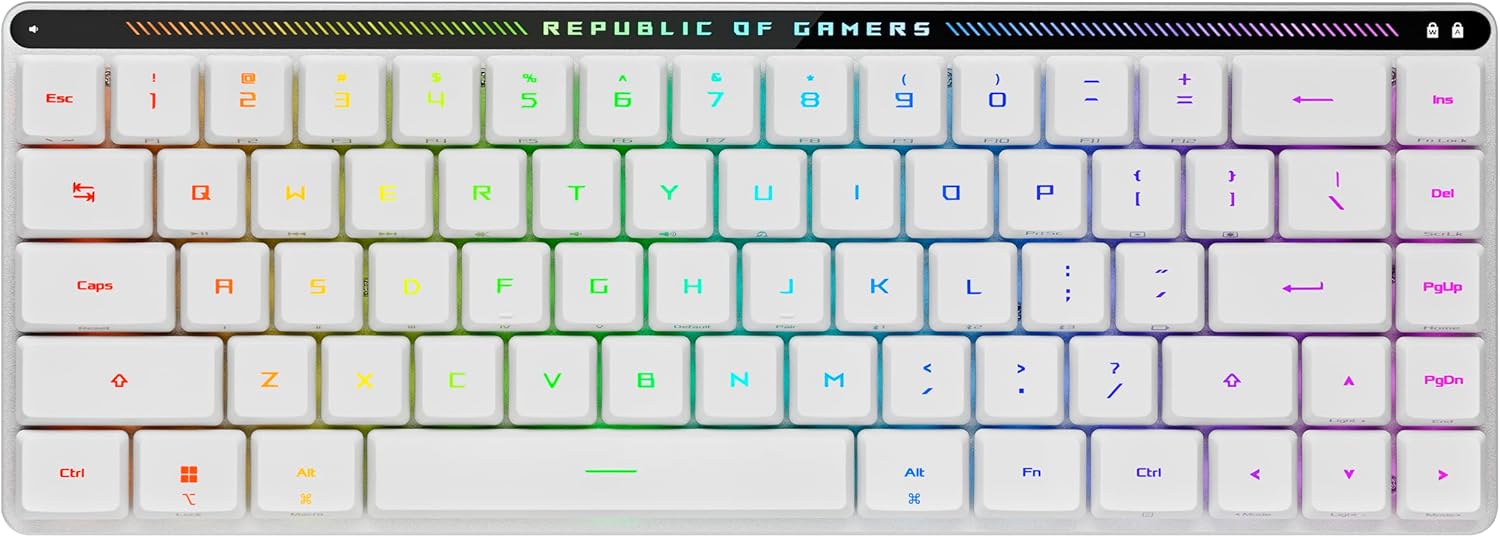
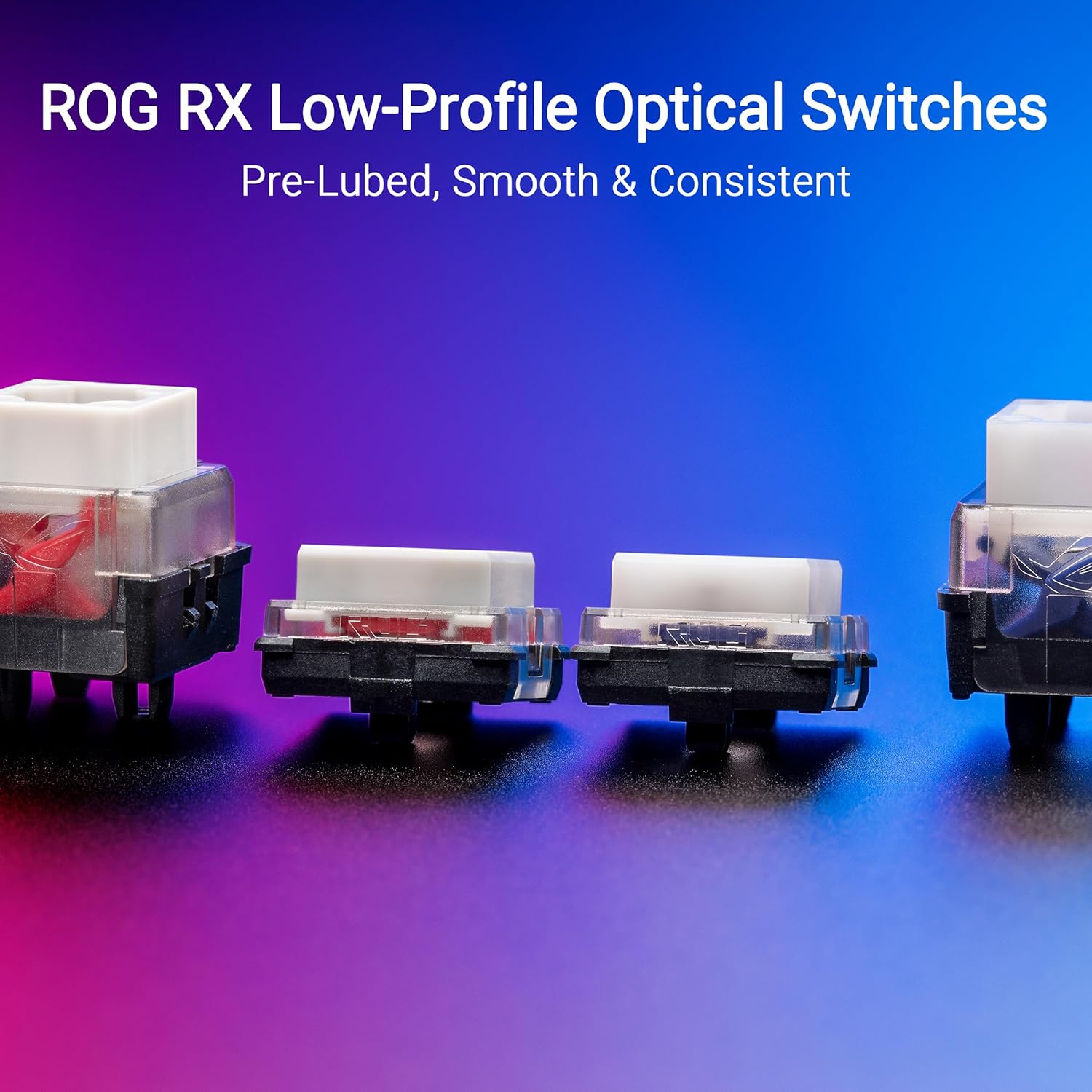
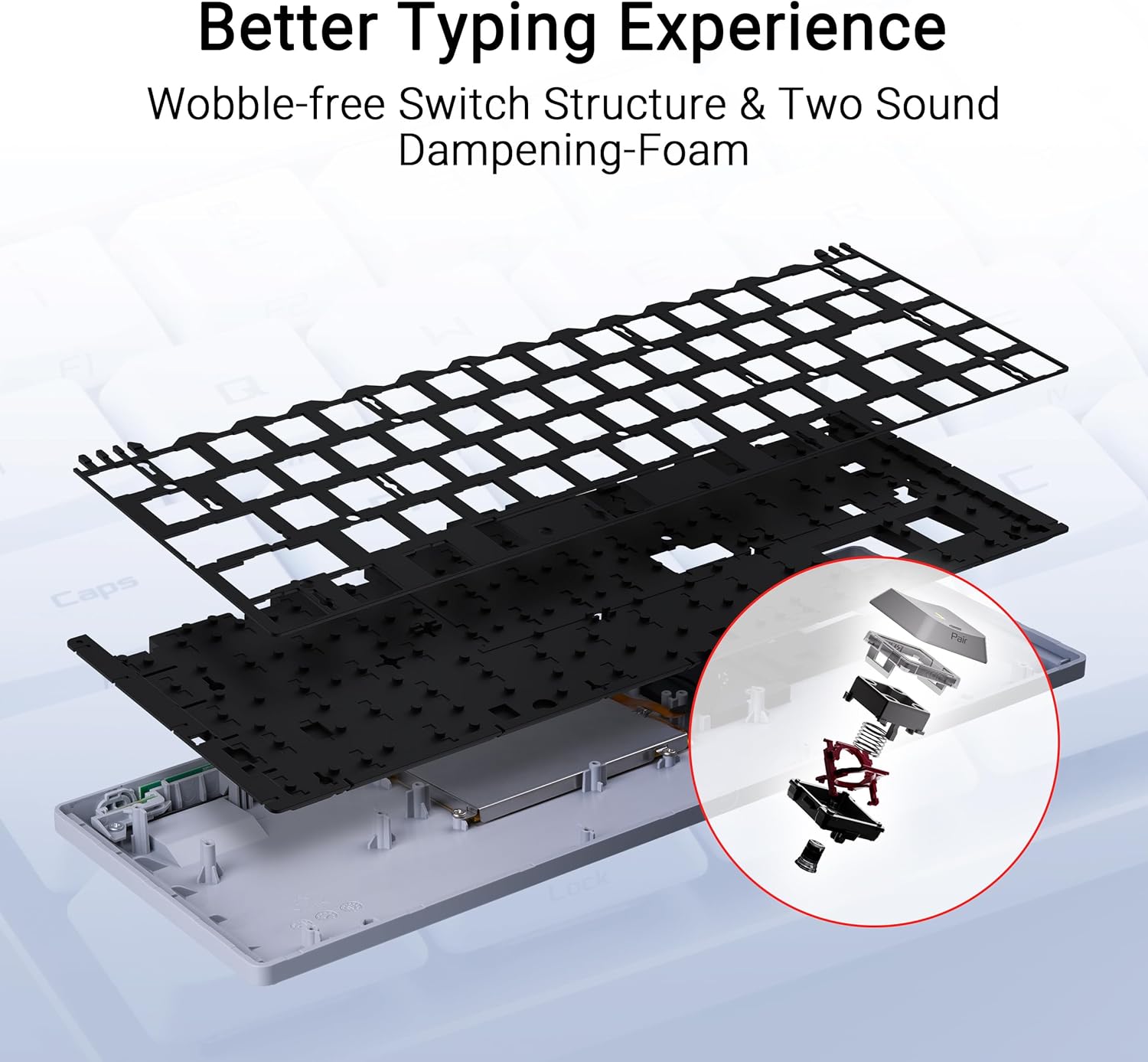
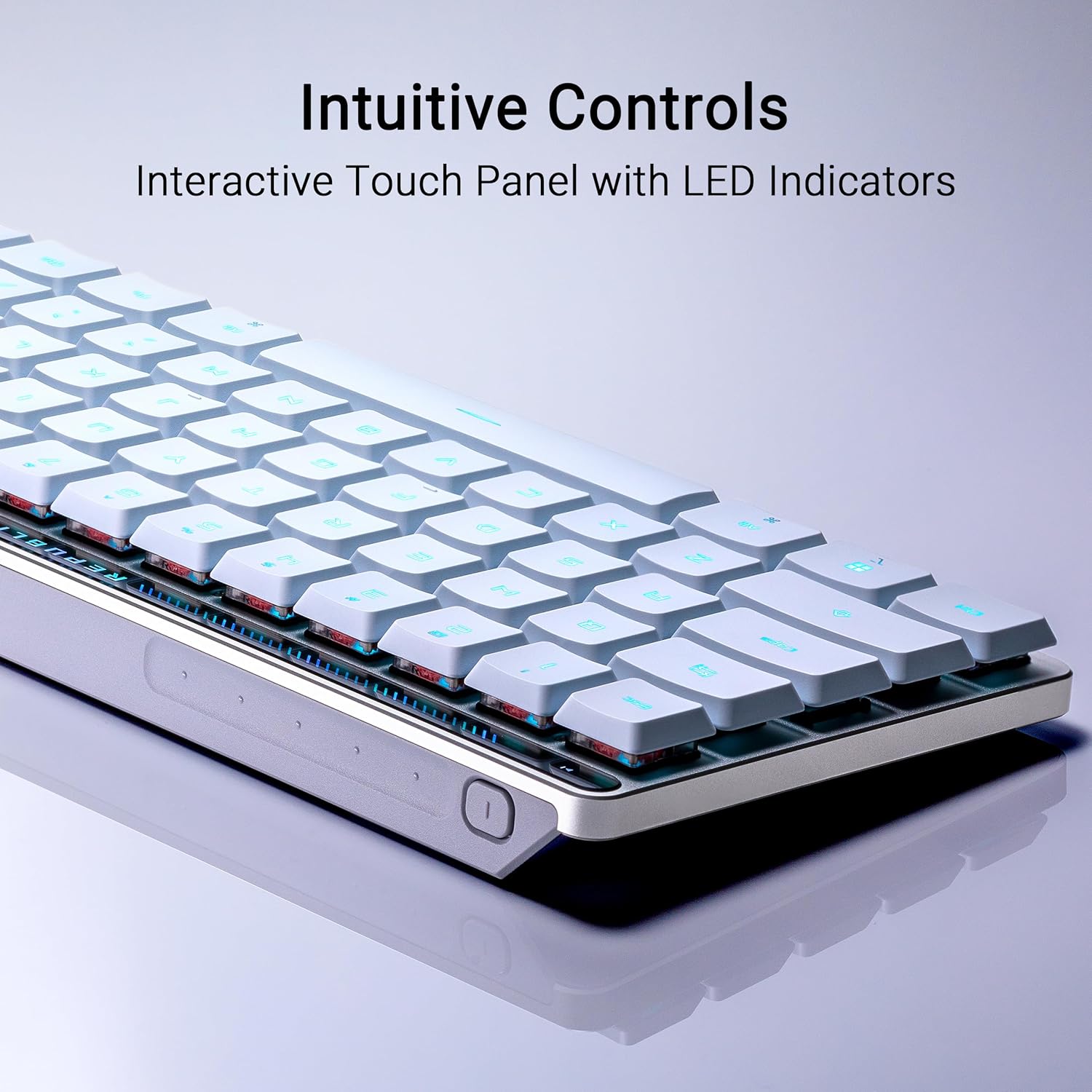
On the surface, the Falchion RX emphasizes a minimal, light profile—measuring a slim 26.5 mm at its thinnest point. The keyboard uses ROG RX low-profile optical switches (red and blue variants prelubed) for reduced wobble and near-zero debouncing, delivering a steadier keystroke with quick actuation. RGB lighting runs through the per-key illumination, allowing for dynamic effects without overpowering the composition. A touch panel and a multifunction switch add quick media and lighting controls, reducing the need to reach for software menus mid‑game.
Key features and how they translate to gameplay
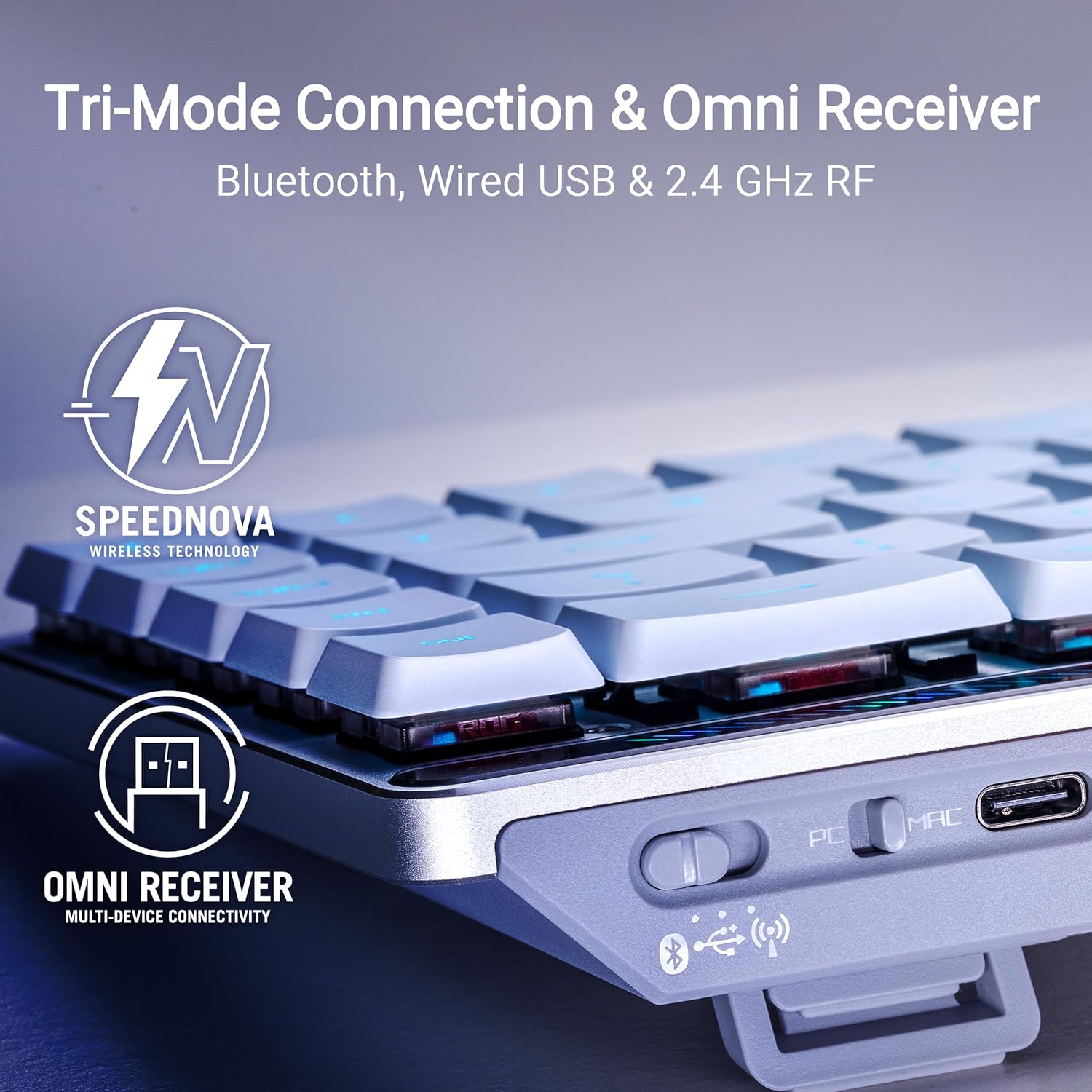
The standout feature is the trio of connectivity modes: Bluetooth with support for up to three devices, 2.4 GHz wireless via ROG SpeedNova, and USB wired. The ROG Omni receiver further simplifies setup by letting you pair multiple devices and switch between them with a single dongle. This is handy if you toggle between a PC and a laptop, or if you want to connect a tablet for casual play.
In practice, the low-profile switches provide crisp, precise feedback that can feel notably different from standard full-size switches. The optical design reduces the chance of traditional key chatter and can feel more linear or tactile depending on the switch type chosen. The touch panel offers a quick way to adjust media playback, volume, and lighting without opening software or menus, which is convenient during intense gaming sessions or while streaming.
Compatibility and ecosystem notes
The Falchion RX is advertised with MacOS and Windows compatibility, with a toggle to switch between modes. In daily use, this means you can switch between Windows-centric gaming layouts and a Mac-appropriate setup without swapping hardware. Note that some features tied to software customization may vary by operating system, so you’ll want to verify which controls are accessible at the system level in your environment.
Performance and limitations to consider
On paper, the keyboard promises tight keystrokes with minimal debounce, a quality that many gamers value for fast, repeated actions. The wireless options are a plus for desk-free setups, yet wireless performance can be influenced by interference, the distance to the receiver, and the exact environment. If you rely heavily on every millisecond of input, consider testing in your own setup to confirm stable latency across modes.
The 65% layout is excellent for space-saving but means you lose a dedicated number pad and some macro rows. If you frequently rely on a full-size layout for data entry or complex macros, this could be a drawback. For Mac users, the mode-switch is helpful, but ensure you’re comfortable with any OS-specific key mappings that may differ from Windows defaults.
Who it’s for
This keyboard fits gamers who want a compact, travel-friendly solution with multi-device wireless versatility and a touch-sensitive interface for quick controls. It’s also suitable for content creators who work across devices and want a streamlined, clean desk setup with fast access to media controls.
If you prioritize a traditional, heavier build or need a full-size layout for complex macros, this model may not be the best match. It also might not be the ideal pick if you expect instant, guaranteed latency across all wireless modes in challenging gaming environments.
What to check before buying
- Confirm the exact switch type (red vs blue) you prefer and how it feels in long sessions.
- Test wireless latency in your typical environment, especially if you use the Bluetooth mode to connect multiple devices.
- Verify OS behavior for any required driver/software features that you rely on for customization.
- Consider whether the compact 65% layout aligns with your daily tasks beyond gaming, such as coding or spreadsheet work.
Alternatives and buying approach (implicit comparison)
If you value a larger footprint but want similar wireless flexibility, you might compare against other compact keyboards with multi-device support. The key trade-off here is space savings and reduced footprint versus the potential need for an external number pad or more extensive macro capabilities. The Falchion RX leans toward a balance of portability and performance, making it appealing for setups where desk real estate matters but you still want robust control over media and quick-access functions.
Final verdict
Is it worth it? It depends on your setup and priorities. If you crave a slim, multi-device keyboard with a built-in touch panel for quick media and lighting tweaks, and you don’t mind sacrificing a full-size layout, the Falchion RX offers a compelling blend of form and function. It’s especially worthwhile if you value the ROG ecosystem, quick connectivity options, and a keypad-efficient footprint that still preserves essential navigation keys.
Quick FAQ
- Does the keyboard work with both Windows and MacOS? Yes, with a mode switch to support MacOS as needed.
- What about battery life and charging? The base description doesn’t specify battery specs, expect typical wireless keyboard endurance to vary by use of RGB and activity.
- Can I use it wired all the time? Yes, USB wired mode is available for use when preferred or when battery life is a concern.
Decision section
Is it worth it? Yes for users who want a compact, versatile wireless keyboard with a tactile feel from low-profile RX switches, a touch panel for quick control, and seamless multi-device connectivity. Not ideal if you need a full-size layout with a numeric keypad or if you require guaranteed ultra-low latency across every wireless mode in highly competitive environments.