

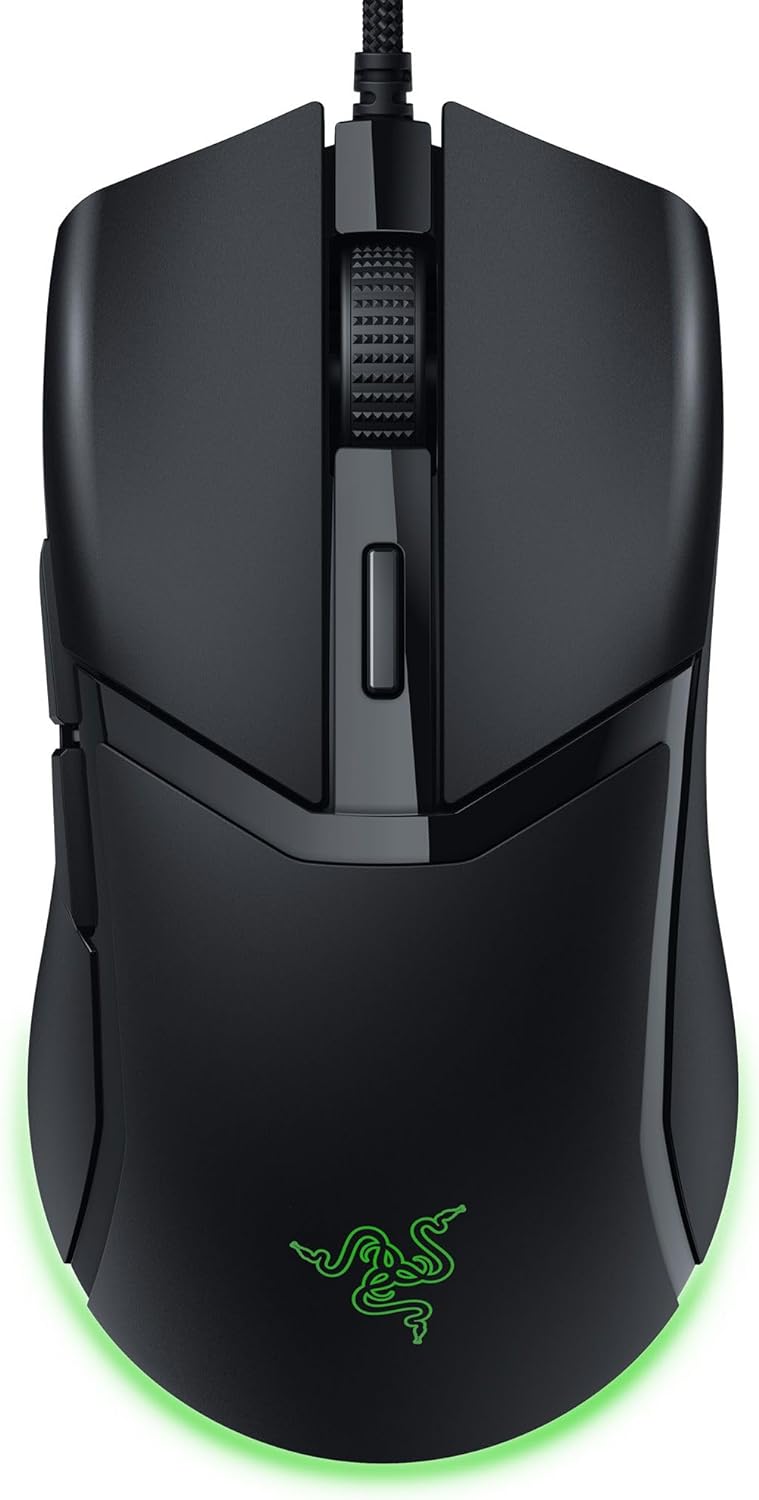
Razer Cobra Wired Gaming Mouse (58g) with 8500 DPI Optical Sensor, Gen-3 Optical Switches, Chroma RGB
Product description
The essentials
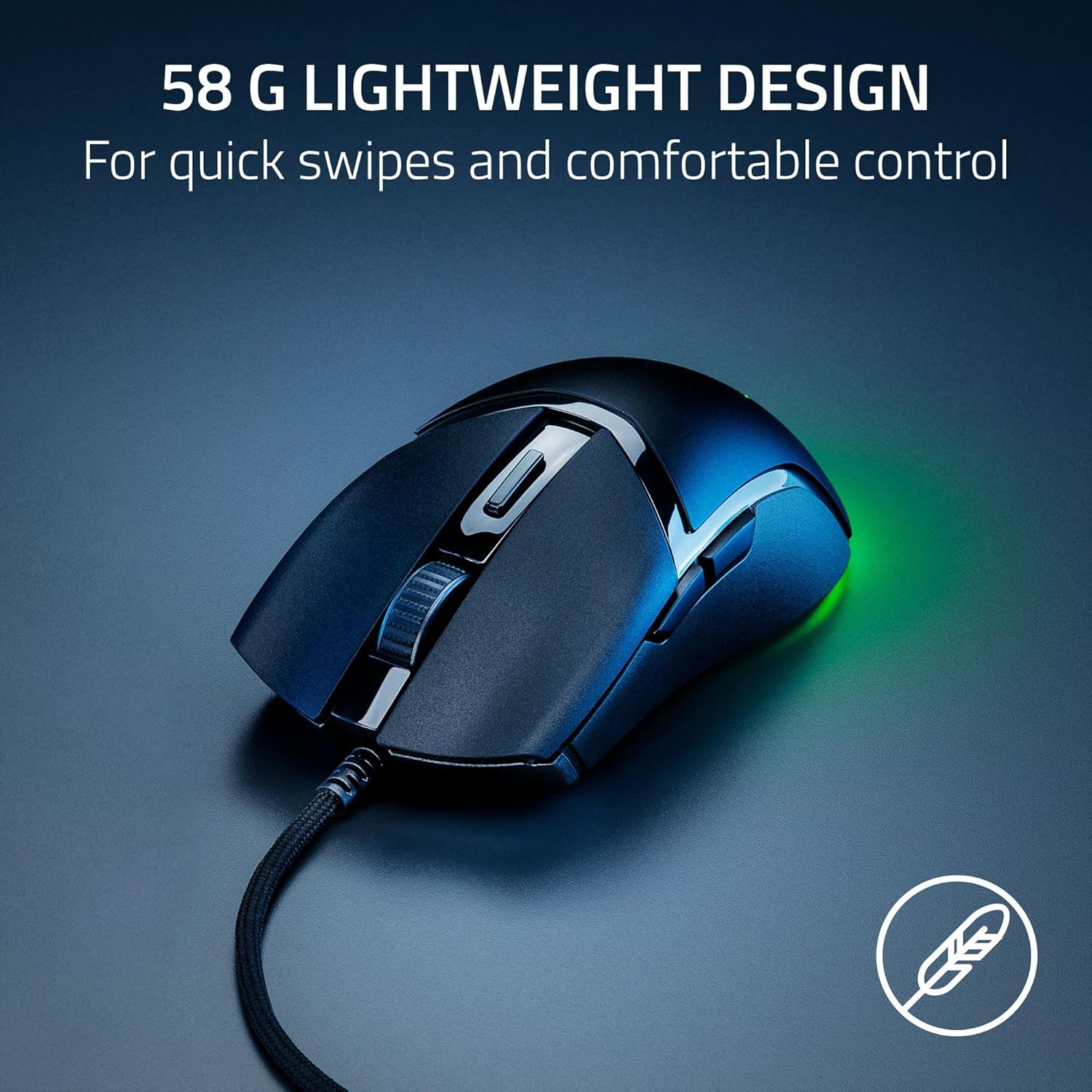
If you want a wired gaming mouse that prioritizes fast, responsive clicks and low drag movement, the Razer Cobra is built around that idea. It combines a lightweight 58g design with Gen-3 optical mouse switches, a precise optical sensor rated for up to 8500 DPI, and smooth-gliding PTFE feet. Add Chroma RGB lighting with gradient underglow and you get a setup that’s not just functional—it’s also visually customizable.
On paper, this targets players who like speed, controlled swipes, and tuning their sensitivity in small steps. Still, it’s worth noting that “best for most grip styles” is a broad claim—your body mechanics (and mousepad) can make or break the comfort part. And because it’s wired, you’ll be trading mobility for reliability.
Where it shines
The two biggest “you’ll notice this during play” areas are the optical switch response and the movement feel.
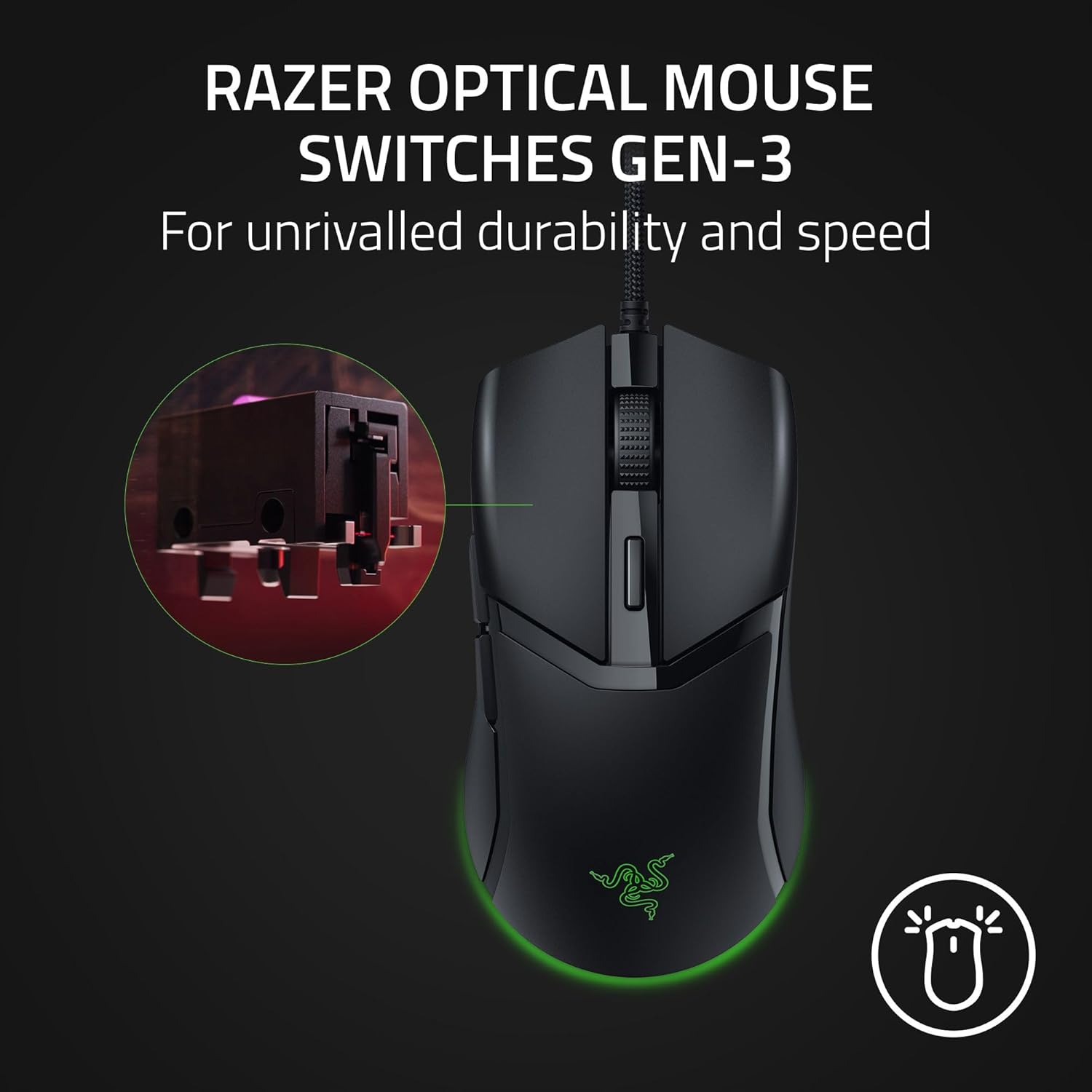
- Gen-3 optical switches: The mouse is designed for speed and durability, with an extended 90-million click lifecycle and a claim of 0.2 ms actuation time. The goal is fewer issues like double-clicking and faster actuation without debounce delay.
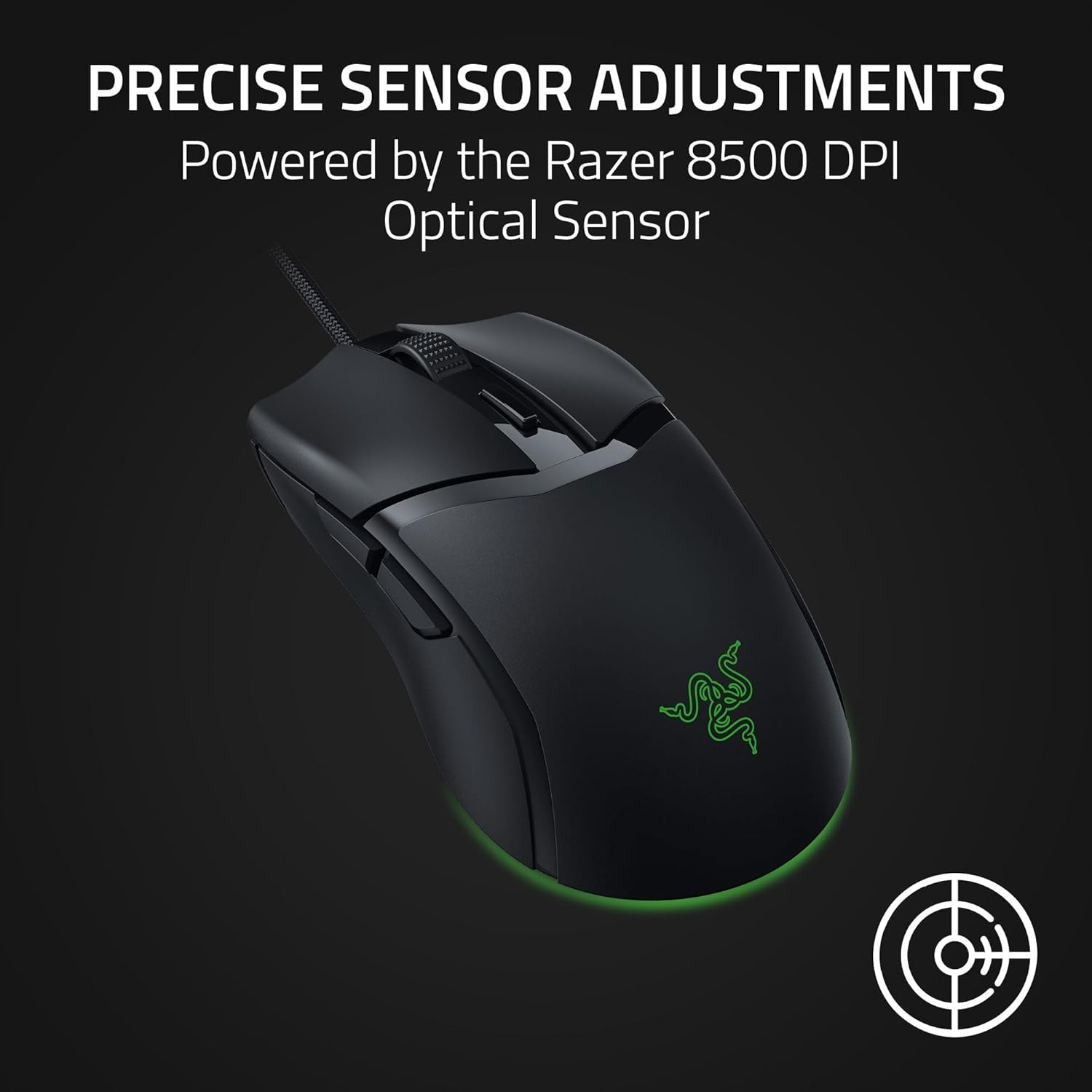
- Precise sensor adjustments: Instead of only broad sensitivity jumps, it’s tuned around 50 DPI increments. That makes it easier to dial in a play style you’re already used to.
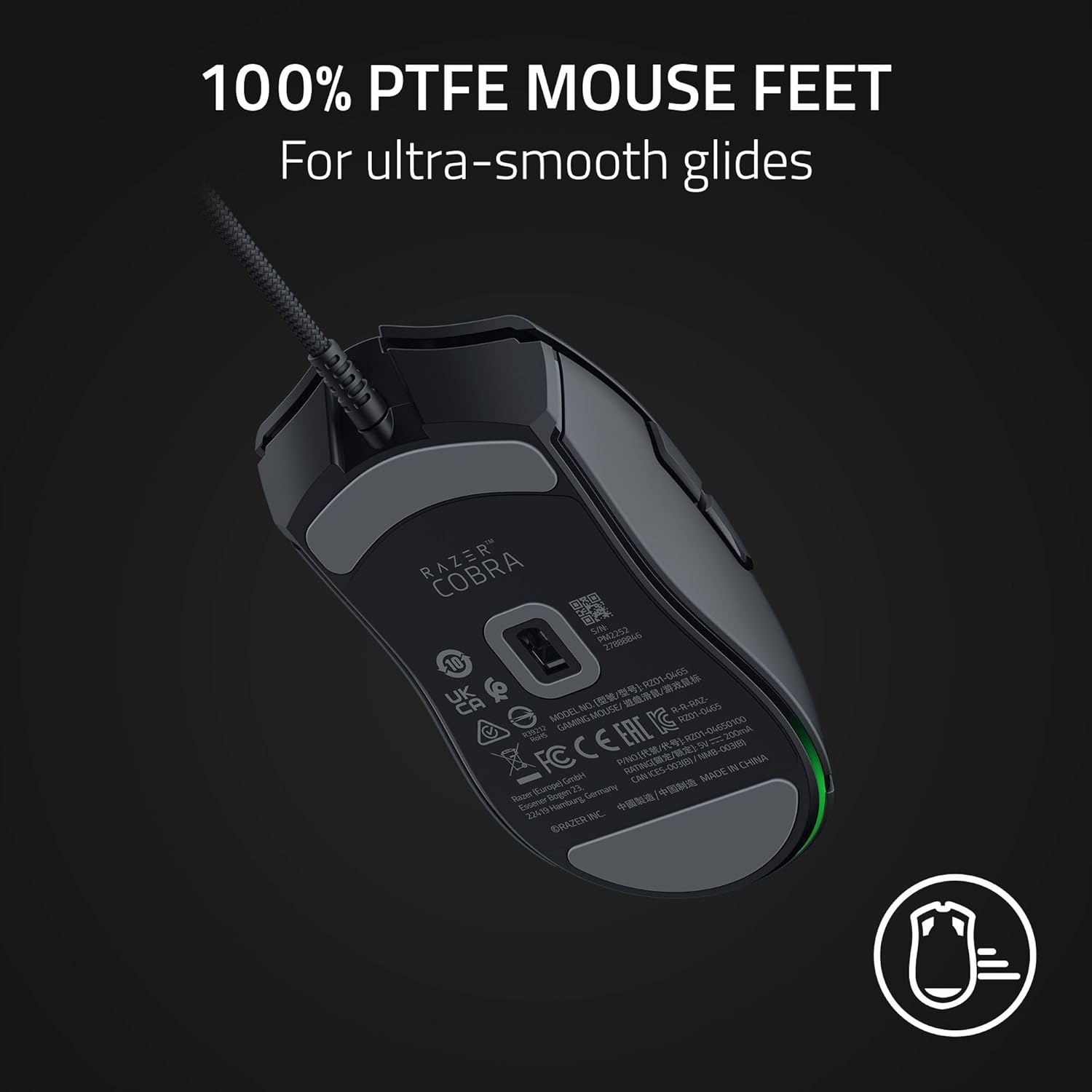
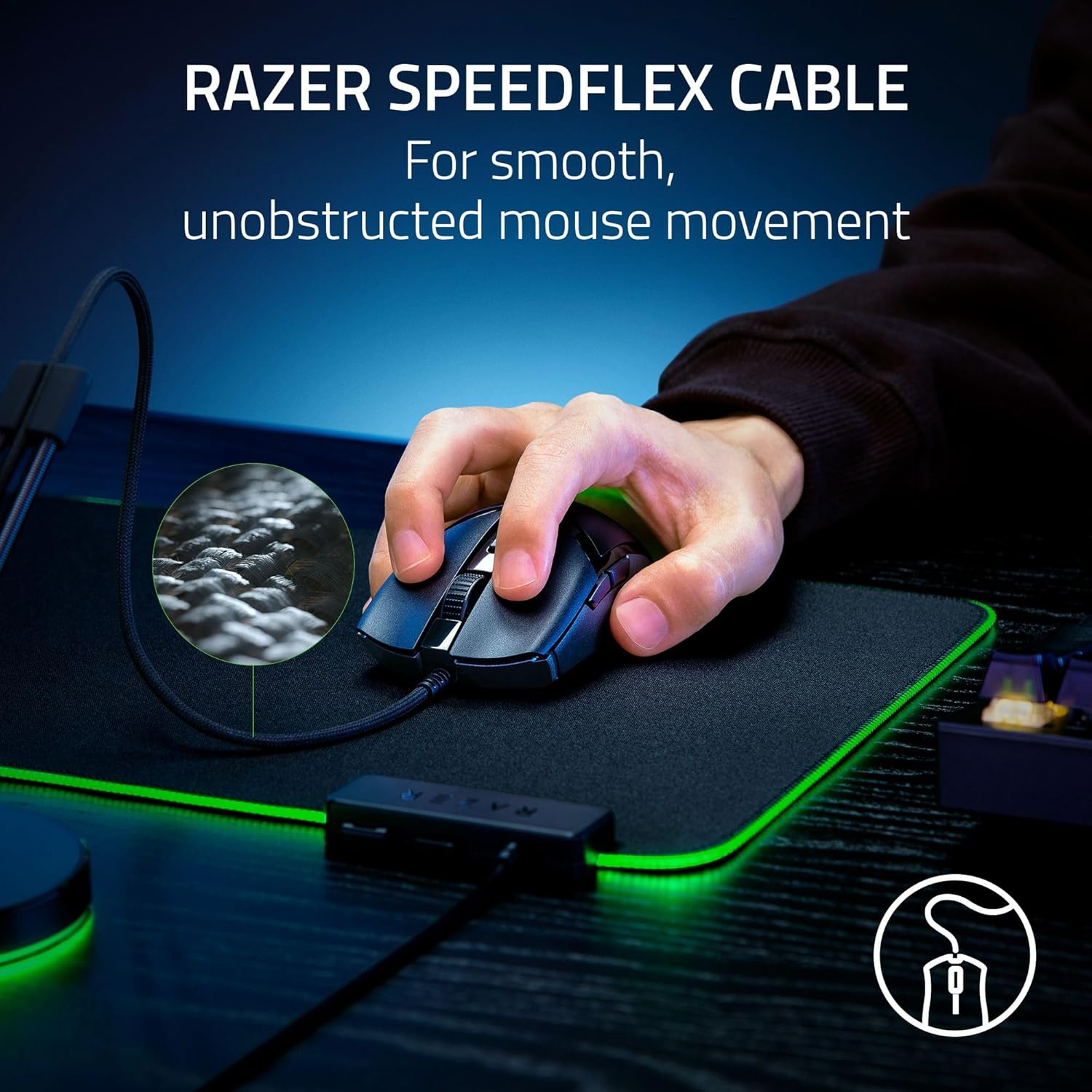
- Glide and cable behavior: The 100% PTFE mouse feet are positioned on the front, rear, and even the sensor ring for smoother travel across many surfaces. The Speedflex cable is intended to add flexibility and reduce drag, which is a big deal if your swipes get interrupted by cable tension.
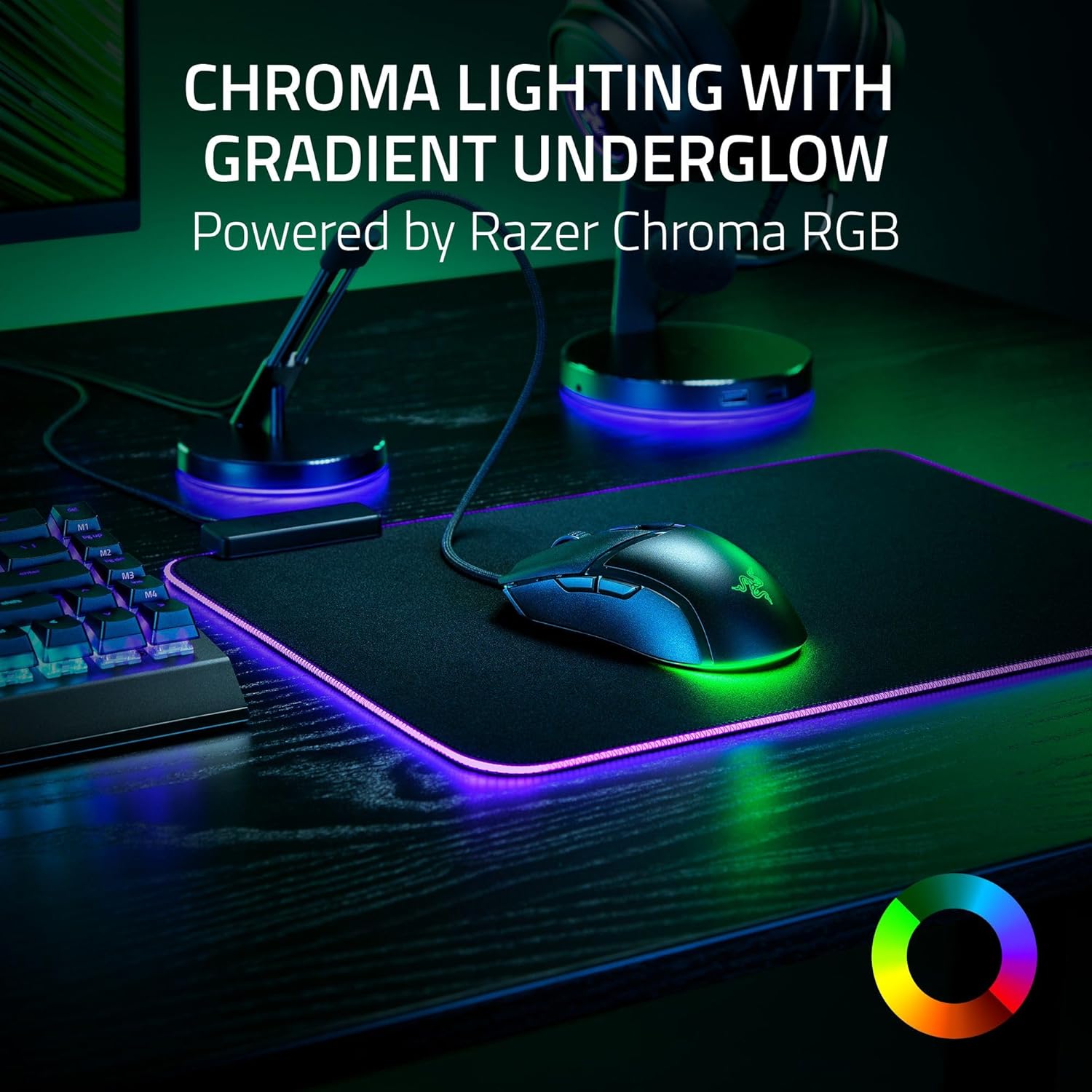
And then there’s lighting. Chroma RGB with gradient underglow lets you pick from 16.8 million colors and effects that react dynamically with hundreds of Chroma-integrated games. You may not need this to improve aim, but it can make the whole setup feel more immersive.
What to know about in real use
This model is clearly aimed at competitive PC gaming, but it also gives you a couple of practical “setup” paths that matter.
One is Windows tuning: the included guidance suggests disabling the “Enhance pointer precision” option in your Windows mouse settings to avoid unwanted acceleration effects. Another is using the Razer Synapse app to optimize performance. These steps aren’t flashy, but they’re the difference between a mouse that feels consistent and one that can feel slightly off.
A quick example you can imagine
Picture setting up for a fast FPS session: you move from desktop to in-game and immediately want muscle memory accuracy. You enable your preferred profile in Synapse, set DPI using 50 DPI steps to hit your exact sensitivity target, and you turn off “Enhance pointer precision.” Then you test on a clean mousepad with a few long left-right swipes—if your cable doesn’t tug and your feet glide predictably, your aim routine feels calmer.
Tech specs (key details)
- Name: Razer Cobra Wired Gaming Mouse (Black)
- Type: Wired gaming mouse
- Weight: 58g lightweight design
- Sensor: Precise 8500 DPI optical sensor
- DPI adjustment: 50 DPI increments
- Switches: Gen-3 optical mouse switches
- Click lifecycle: extended 90-million click lifecycle
- Actuation time: 0.2 ms
- Lighting: Chroma RGB with gradient underglow
- Colors/effects: 16.8 million colors and Chroma-integrated effects
- Mouse feet: 100% PTFE (front, rear, and sensor ring)
- Cable: Speedflex cable designed for minimal drag
Who it’s for (and who should skip it)
It makes sense if you’re the kind of player who cares about responsiveness, low-friction movement, and sensitivity tuning without guesswork. A wired mouse can be a strength for competitive sessions because it stays consistent from first match to last. The optical switches and the “disable pointer precision” guidance also point to an accuracy-minded approach.
It might not suit you if: - You strongly prefer wireless freedom and don’t want a cable at all. - You’re expecting setup-free perfection. Even with strong hardware, you’ll get better results by adjusting Windows and using Synapse as suggested. - You’re very sensitive to shape/fit. The description says it’s built to fit most grip styles, but comfort is personal.
Compatibility & requirements
This mouse is intended for PC gaming setups, and the accuracy optimization steps mention Windows mouse settings plus the Razer Synapse app for further tuning.
Is it worth it?
Buy the Razer Cobra Wired Gaming Mouse if you want a lightweight (58g) wired mouse that’s engineered around fast optical switches, an optical sensor with precise DPI increments, and a glide-focused design with 100% PTFE feet plus a flexible Speedflex cable. It’s the kind of mouse that can feel “right” quickly if you set it up properly—especially by disabling “Enhance pointer precision” in Windows and using Synapse for optimization.
Skip it if you’re wired-averse, you hate any cable management, or you’re buying purely for convenience without willingness to tweak settings. In that case, the feature set can feel wasted, even if the internals are built for speed.
Mini FAQ
Does the mouse support fine DPI tuning?
Yes. It’s designed for sensitivity adjustments in 50 DPI increments, so you can tune in smaller steps.
What’s the point of disabling “Enhance pointer precision”?
The guidance is meant to prevent Windows acceleration from interfering with aiming consistency, which helps accuracy.
Is Chroma lighting just cosmetic?
It’s primarily for customization and immersion. The lighting reacts dynamically with Chroma-integrated games, but it won’t directly replace sensitivity tuning or mouse control.
Is it good for long gaming sessions?
The lightweight design and comfort-over-time intent are part of the positioning, especially for sessions where speed and control matter.
Will the cable affect movement?
The Speedflex cable is specifically designed to produce minimal drag and improve flexibility, but like any wired mouse, your desk and routing still matter.