

AULA MINI60 HE PRO Wireless Gaming Keyboard 60%: Hall Effect, 8000Hz, Tri-Mode
Product description
What is it and who it’s for
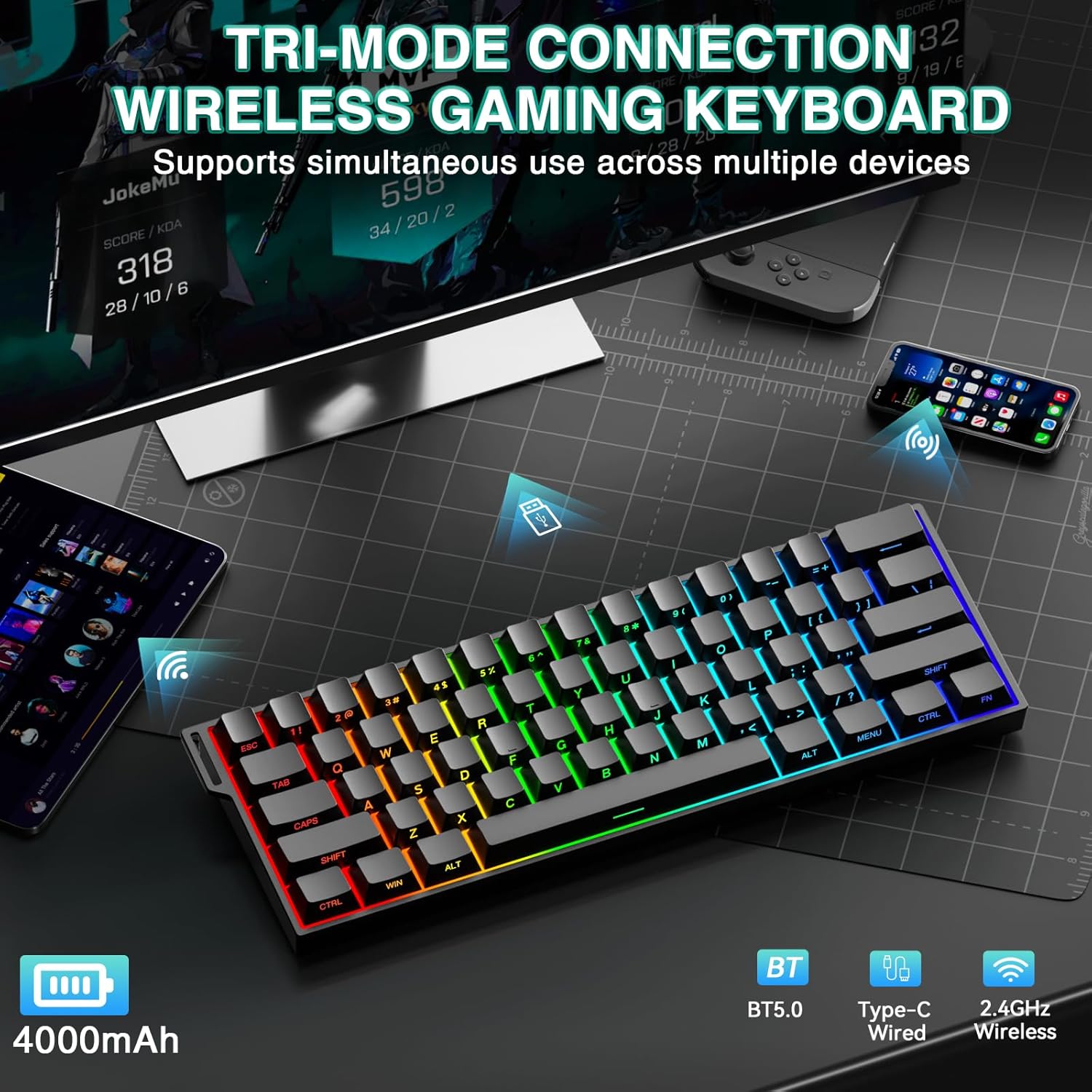
The Aula MINI60 HE PRO is a compact 60% wireless mechanical keyboard designed for gamers and multi-device workflow. It supports tri-mode connectivity (BT5.0, 2.4GHz, and USB-C wired), allowing quick switching between PC, Mac, laptop, and tablet. If desk space is at a premium but you still want reliable, responsive input, this keyboard aims to keep your setup clean without sacrificing performance. Importantly, it pairs a high-capacity 4000mAh battery with stable connections to reduce interruptions during long sessions.
How the magnetic switches affect typing and gaming
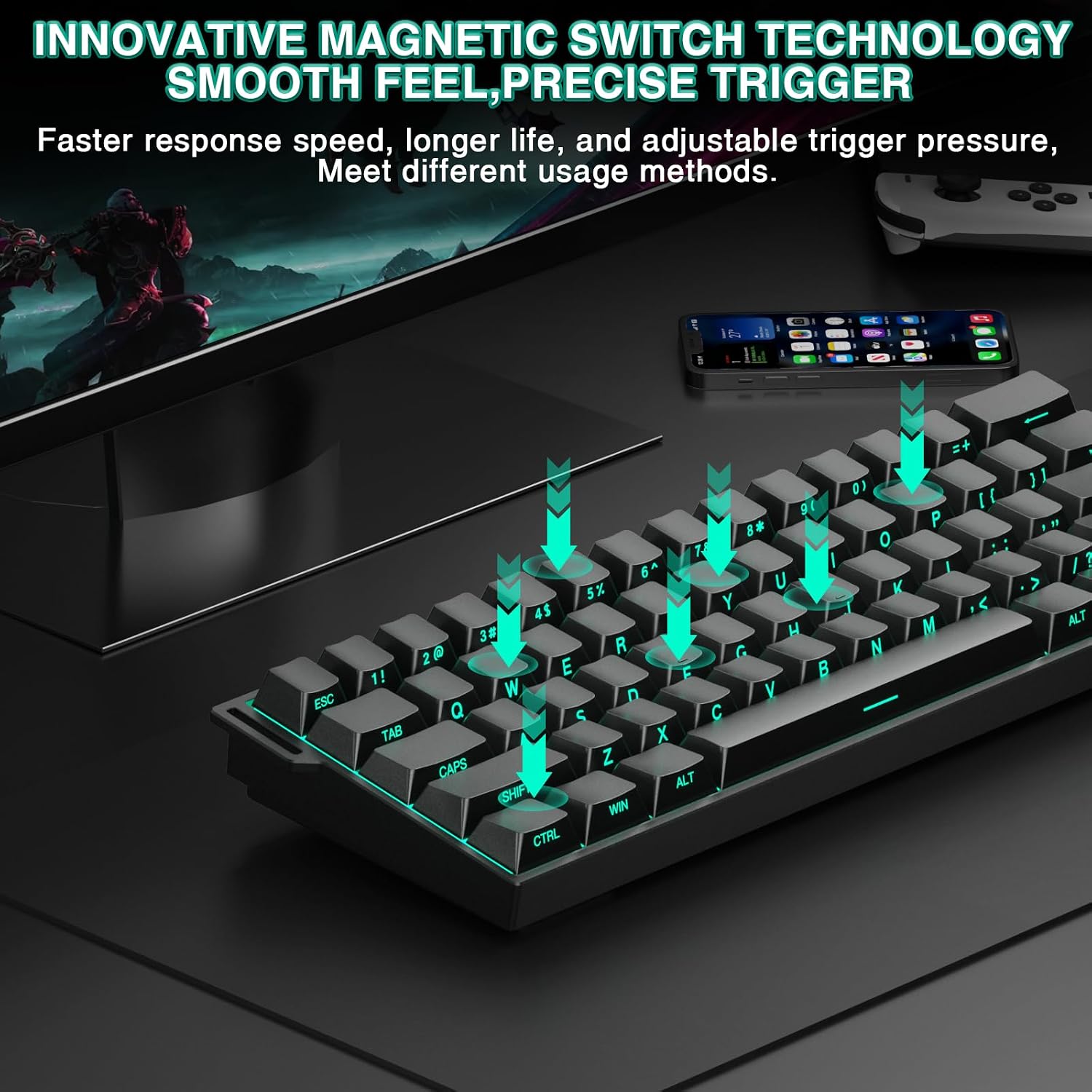
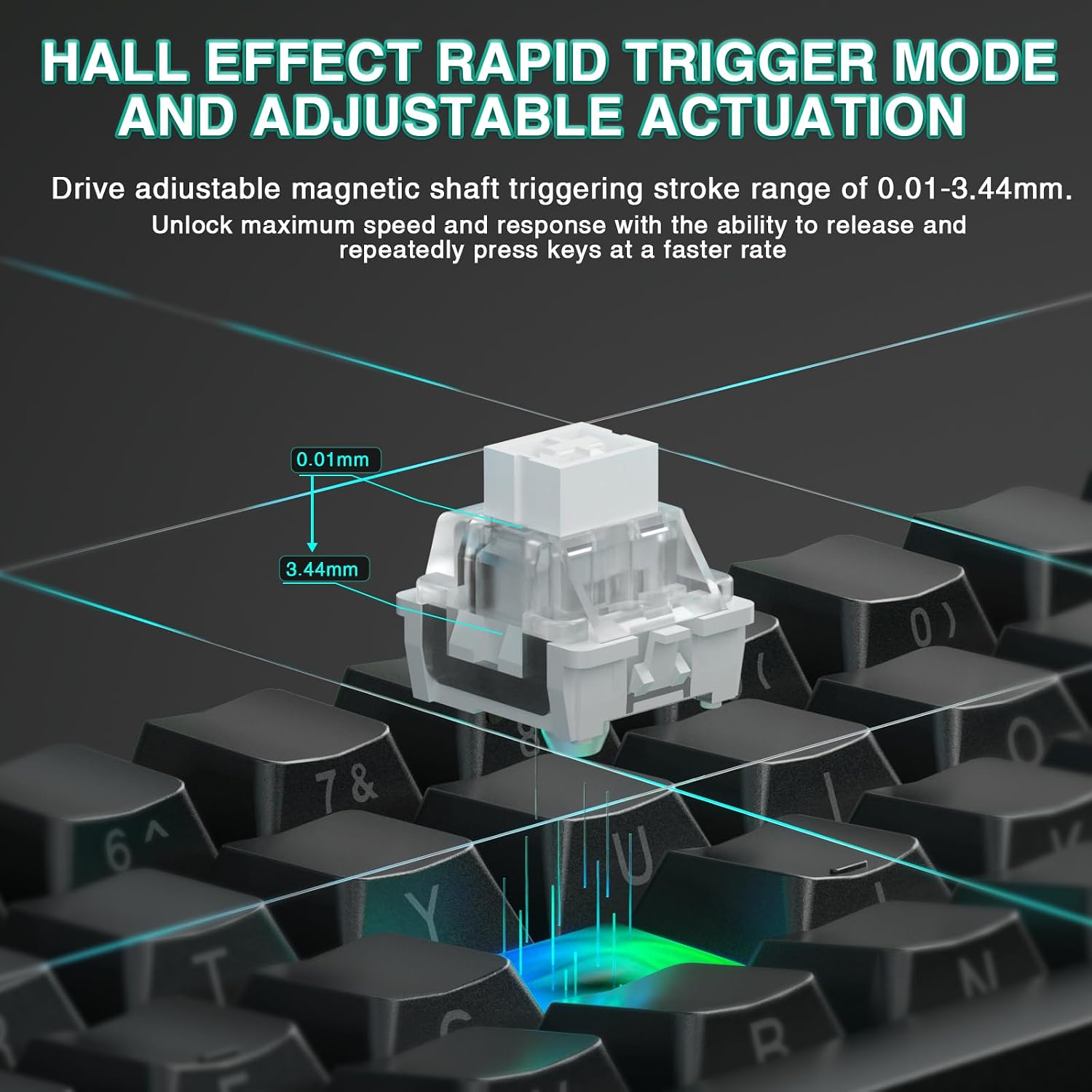
This model uses hall effect magnetic switches with rapid trigger and adjustable actuation. The result is smoother key travel and more consistent input compared to typical mechanical switches. Instant key reset helps with fast-paced titles like FPS and rhythm games, where precision and timing matter. On paper, this can translate to more accurate keystrokes and quicker repeated inputs, which is appealing for competitive play or busy gaming sessions.
Performance: ultra-low latency at 8000Hz
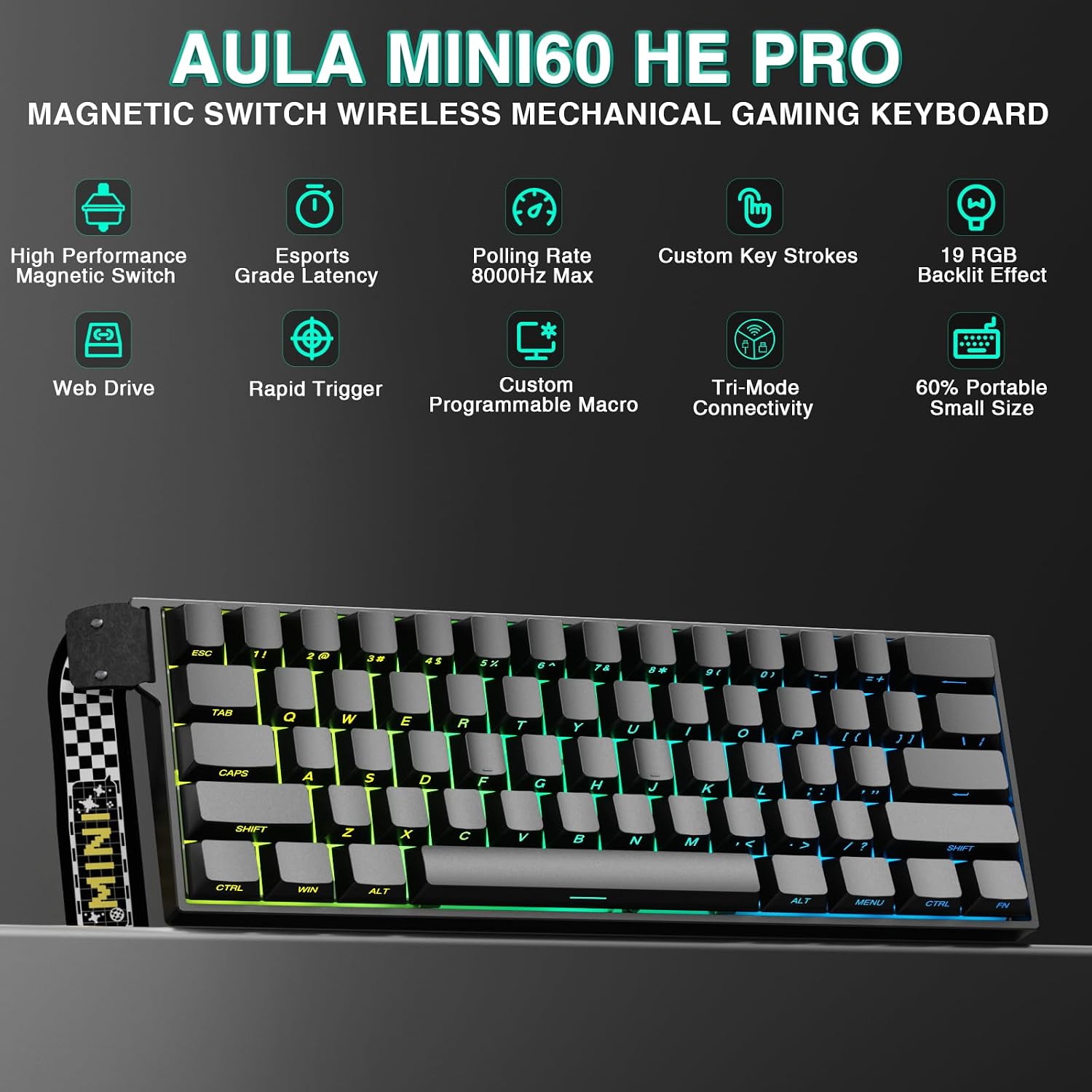
The keyboard touts an 8000Hz polling rate and rapid trigger technology with micro-adjustable actuation (as precise as 0.01 mm). In practice, that means faster recognition of keystrokes and reduced input lag versus standard 1000Hz keyboards. If your aim is smoother synchronization between your actions and the on-screen result, this hardware approach is a clear differentiator—though real-world gains depend on the rest of your setup.
Customization and software access
You can customize the keyboard via a web-based driver or a Windows software driver (soaidriver.com). This makes it possible to remap keys, build macros, and adjust RGB lighting through a dedicated interface. Note that the software driver is Windows-only, and Bluetooth mode does not support driver access. If you rely on Bluetooth for travel setups or multi-device use, you’ll still get basic functionality, but advanced customization won’t be available in that mode.
Design and form factor
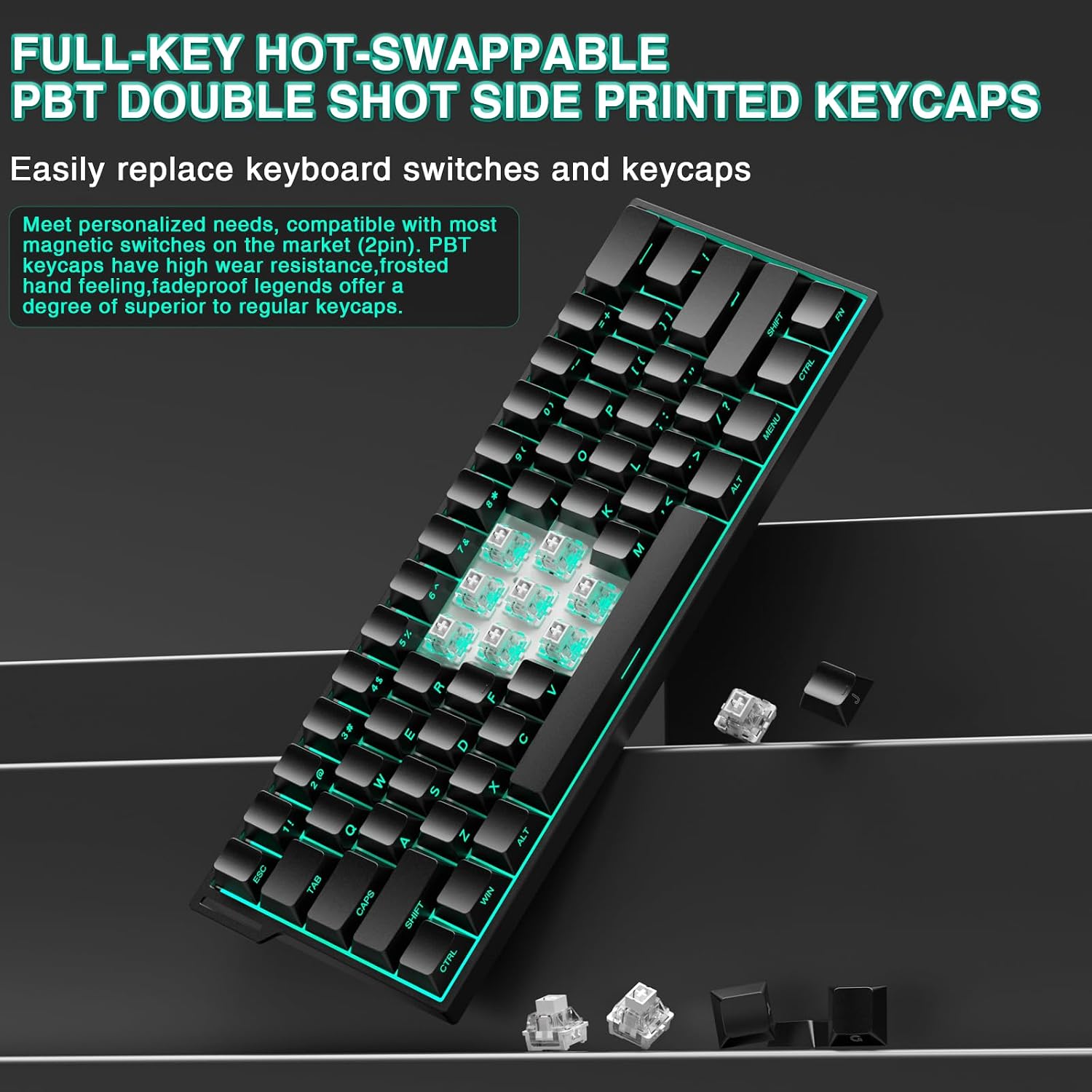
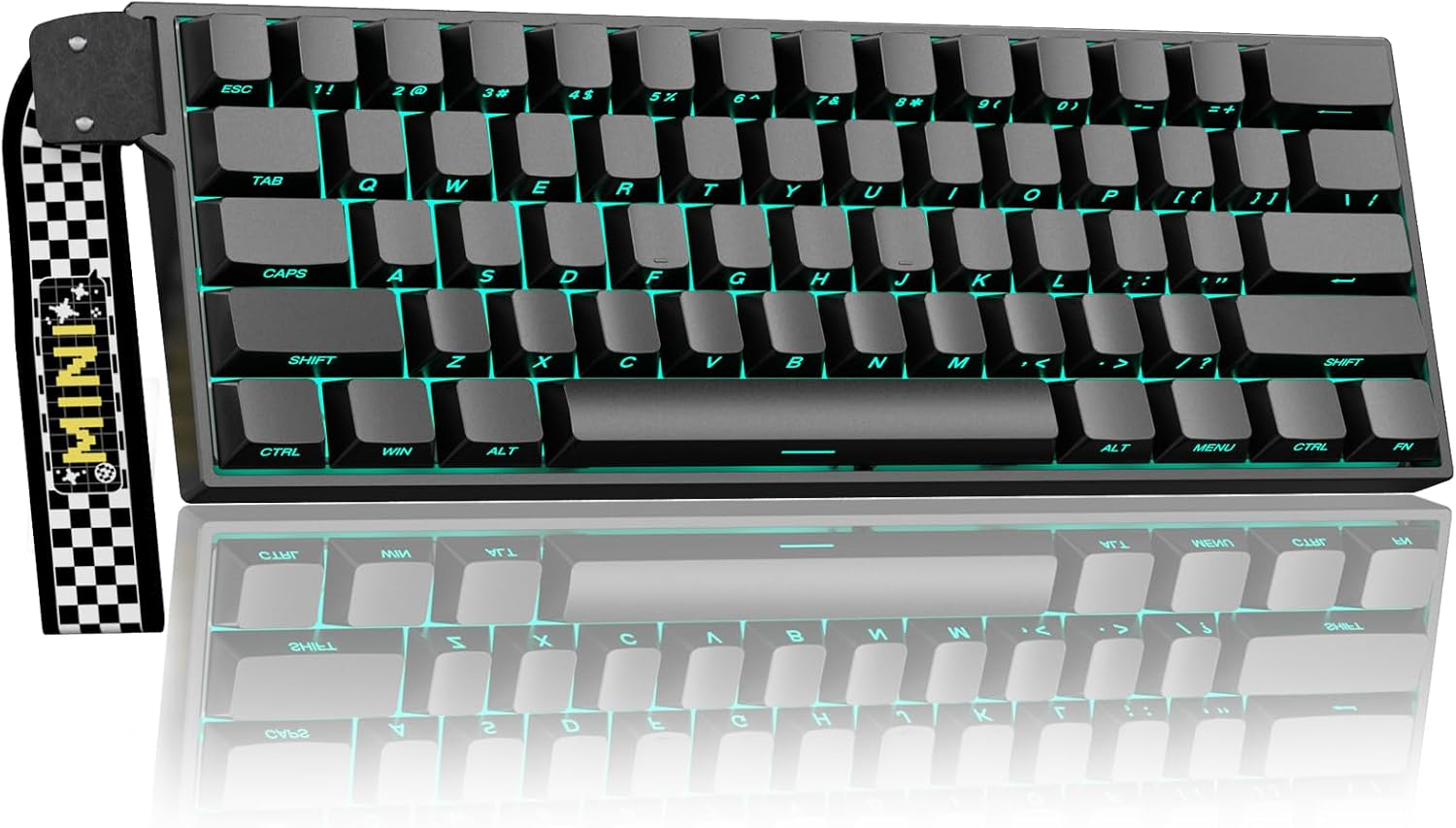
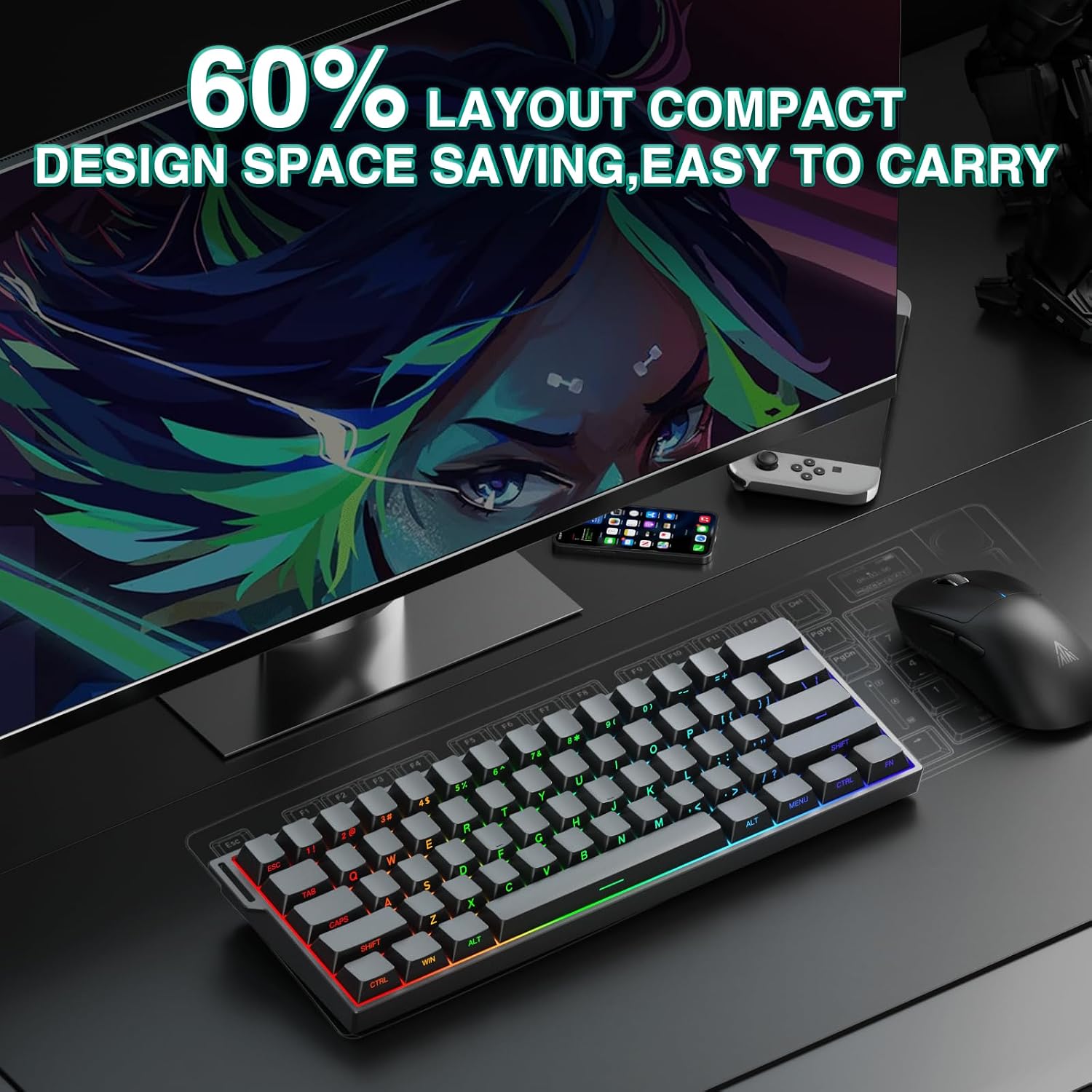
Being a 60% keyboard, it keeps the essential keys for rapid access while saving desk space. It ships with side-printed PBT keycaps and south-facing LEDs, offering a bright, legible appearance and durable keycaps. With RGB supporting up to 16.8 million colors and a variety of effects, you can tailor the aesthetic to match your rig or mood. For portability or tight desk layouts, the 60% footprint can be a real advantage, though you’ll trade away a few dedicated keys.
What it excels at and where it may fall short
If you prioritize ultra-fast input, low-latency wireless connectivity, and a compact layout, this model has several compelling signals on paper: magnetic switches for precision, 8000Hz polling, and a robust battery for long sessions. It may not be the best option if you primarily need full-size layout with dedicated function keys or if you want driver-based customization in Bluetooth mode. The Windows-only software driver also limits advanced customization for non-Windows environments.
Practical use cases
A practical scenario: you’re gaming on a PC with a multi-device setup. You can switch between the PC and a tablet using Tri-Mode, reducing clutter on the desk. The magnetic switches can help with rapid-fire actions and precise keystrokes during fast rounds, while the RGB and PBT keycaps keep the board looking sharp under lighting. In a productivity context, the compact form helps keep a clean workspace and the low-latency input can feel more responsive during quick typing tasks.
Before you buy: what to review
- Confirm that your primary use case benefits from a 60% layout (less macro keys and fewer function keys).
- Decide if you’ll rely on Windows for software customization, Bluetooth-only devices may limit features.
- Consider whether you need Bluetooth to connect to multiple devices without software control, in such cases, you’ll still have solid basic functionality but fewer customization options.
- Be aware that the claimed 8000Hz latency relies on the overall system, real-world results depend on your PC, dongle quality, and USB-C performance.
How it compares to other approaches
If you want a larger keyboard with full-size keys, you’ll miss the compact advantage here. If you’re after top-tier programmable flexibility, you might explore wired keyboards with extensive software support across platforms. This Aula model sits in a niche for users who value a blend of tri-mode wireless freedom, fast magnetic switches, and a space-saving design without jumping to a high-price, feature-heavy setup.
Decision and who should buy
Final verdict
It makes sense if you want a compact, responsive wireless keyboard with flexible connectivity for multi-device use, and you’re prepared to work within Windows software for full customization. It’s less ideal if you need a full-size layout or cross-platform driver support beyond Windows. If you’re a gamer who prioritizes ultra-fast input and desk space over a traditional full-size keyboard, this could be a worthwhile addition to your setup.
Quick FAQ
- Do you need Windows to customize keys? Yes, the driver is Windows-only, but basic functions are available in wired and BT modes.
- Is the Bluetooth connection sufficient for gaming? It should handle casual-to-moderate gaming, but advanced customization requires the Windows driver.
- What does 8000Hz polling mean in practice? It suggests lower input latency and faster key reporting compared to standard keyboards, though results depend on the rest of your hardware.
- Is this keyboard hot-swappable? The base description mentions hot swapping in the title, but no explicit confirmation in the details provided, verify with the official specs before relying on hot-swap capability.