

Corsair K70 CORE TKL RGB Wired Mechanical Keyboard (Pre-Lubed MLX Red v2 Linear, Tenkeyless)
Product description
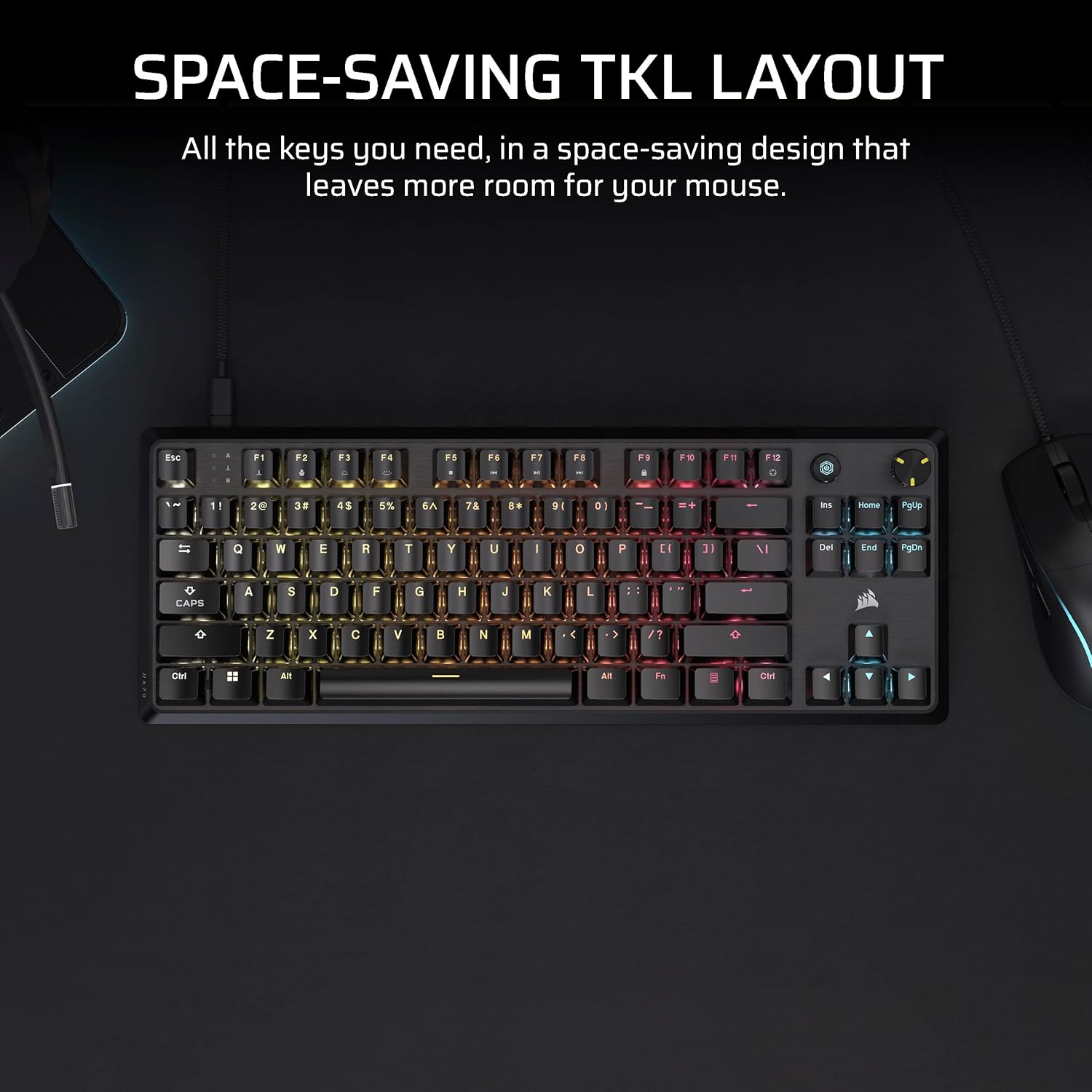
Space-saving tenkeyless layout for serious mouse room
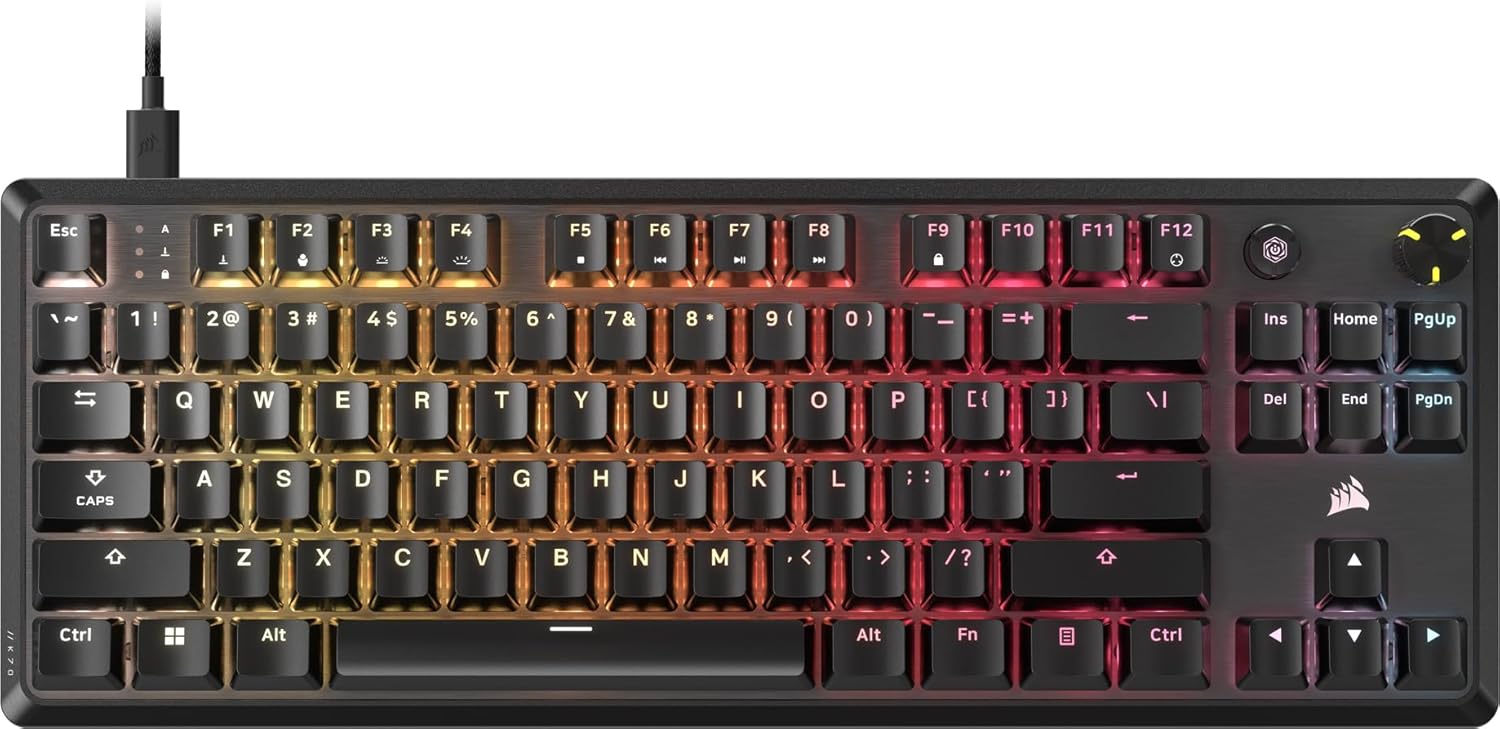
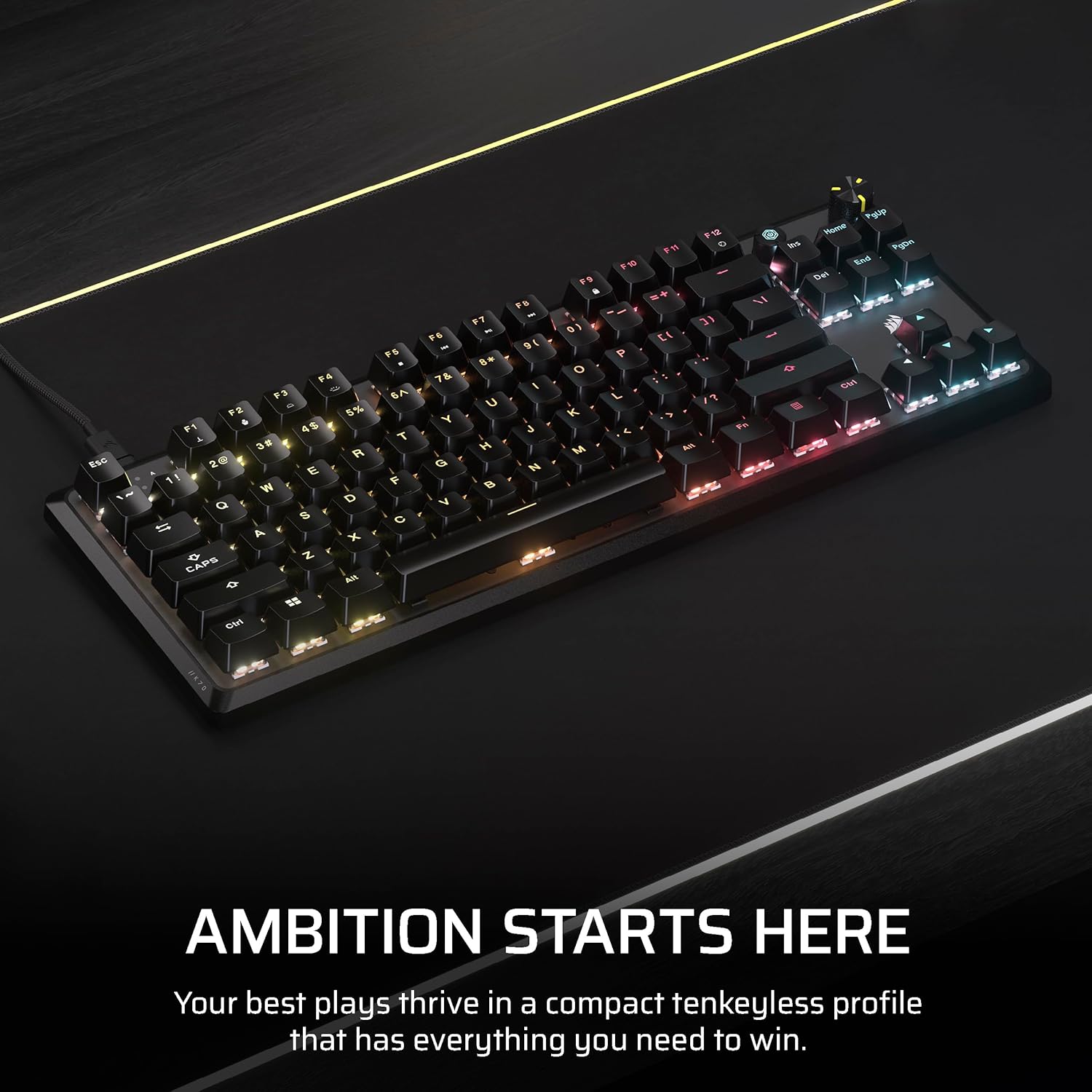
The Corsair K70 CORE TKL RGB uses a tenkeyless layout, meaning it leaves out the number pad to shrink the footprint. On paper, that’s exactly what many gamers want when desk space is tight: more room for sweeping mouse movements and a cleaner overall setup. If you play with lower-to-mid arm movement and you hate feeling boxed in by a full-size board, this layout tends to feel immediately more natural.
Key switches and feel: pre-lubed MLX Red v2 Linear
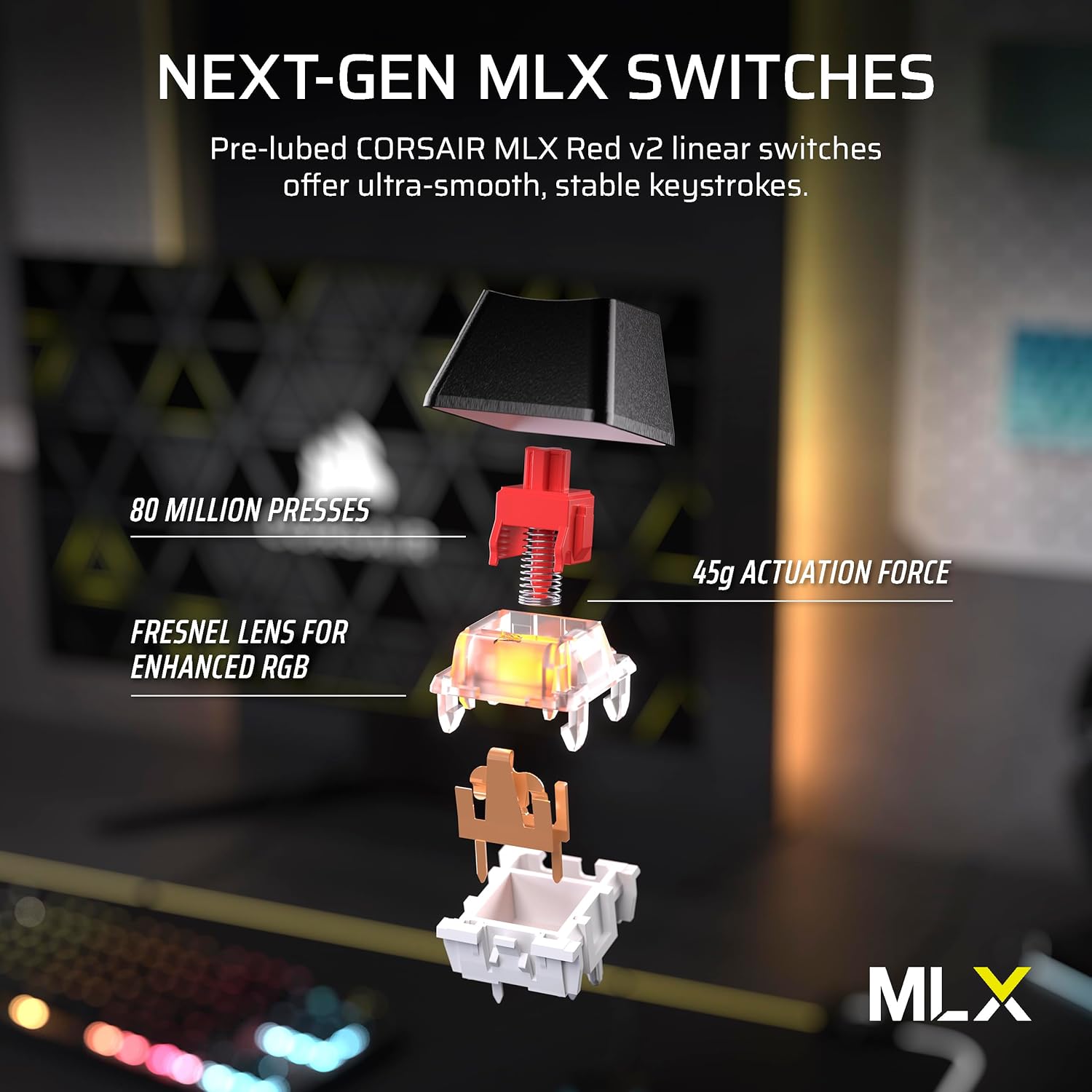
One of the more practical reasons people look at this board is the switch setup. The K70 CORE TKL includes pre-lubed CORSAIR MLX Red v2 linear switches. Pre-lubing is meant to translate into smoother, more responsive keystrokes while aiming for consistent stability over time. It’s the kind of detail that can make typing and gaming feel less “scratchy” right out of the box—no tinkering required.
That said, “linear” is a preference-driven switch type. If you strongly prefer tactile feedback or a more pronounced click/bumps for rhythm and confirmation, you may find linear switches a bit too muted for your taste.
What you’ll notice in use: quieter typing, less ping and clack
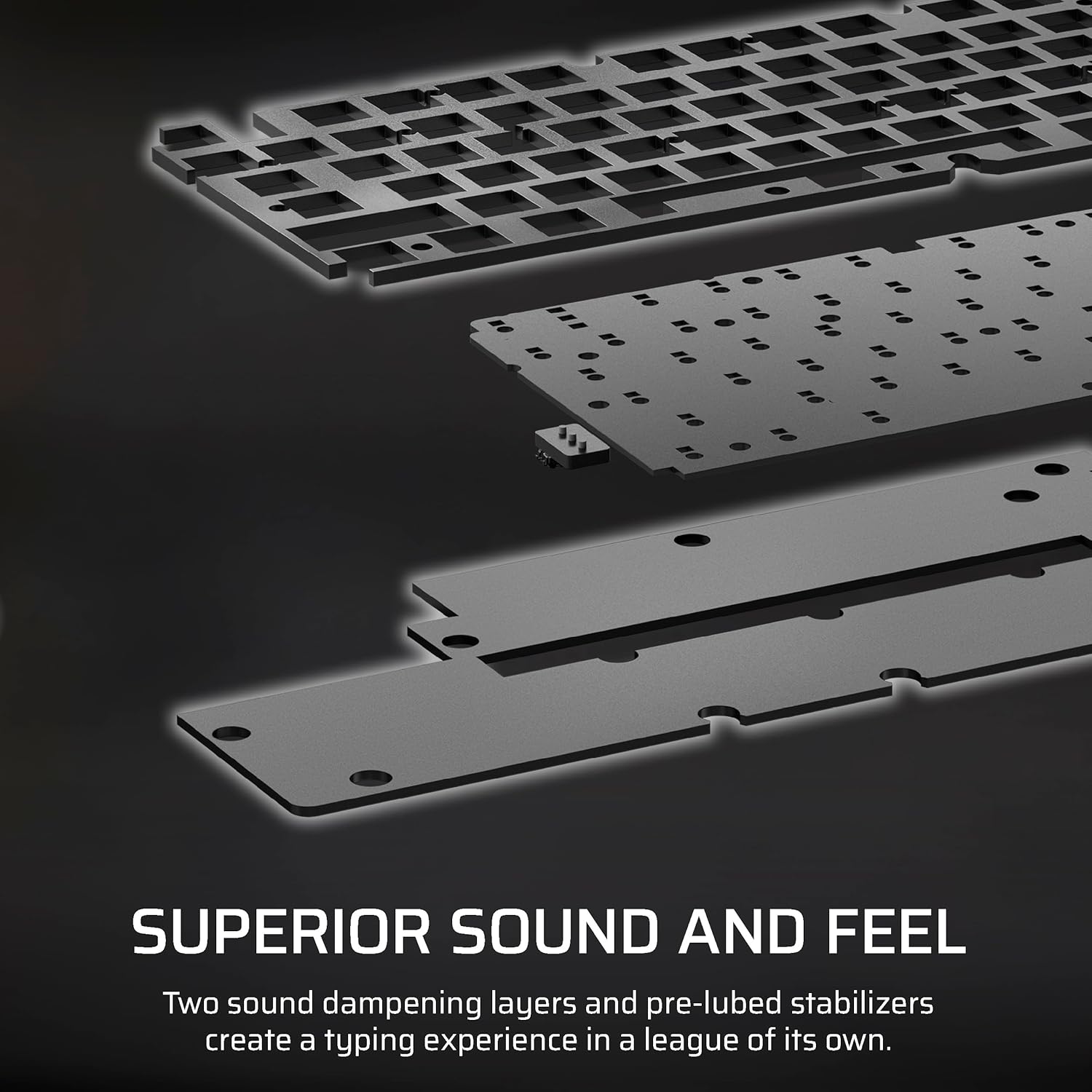
Typing acoustics are where this keyboard tries to earn its keep. It uses two sound-dampening layers made from premium foam, plus pre-lubricated stabilizers. The goal is simple: reduce unwanted pings and clacks so your keystrokes sound more controlled and pleasantly subdued.
If you game late or share space with others, this is one of those features that improves day-to-day life rather than just specs. The limitation is that sound dampening can’t fully erase mechanical keyboard character—more like it tones it down.
Control without losing focus: rotary dial and programmable media
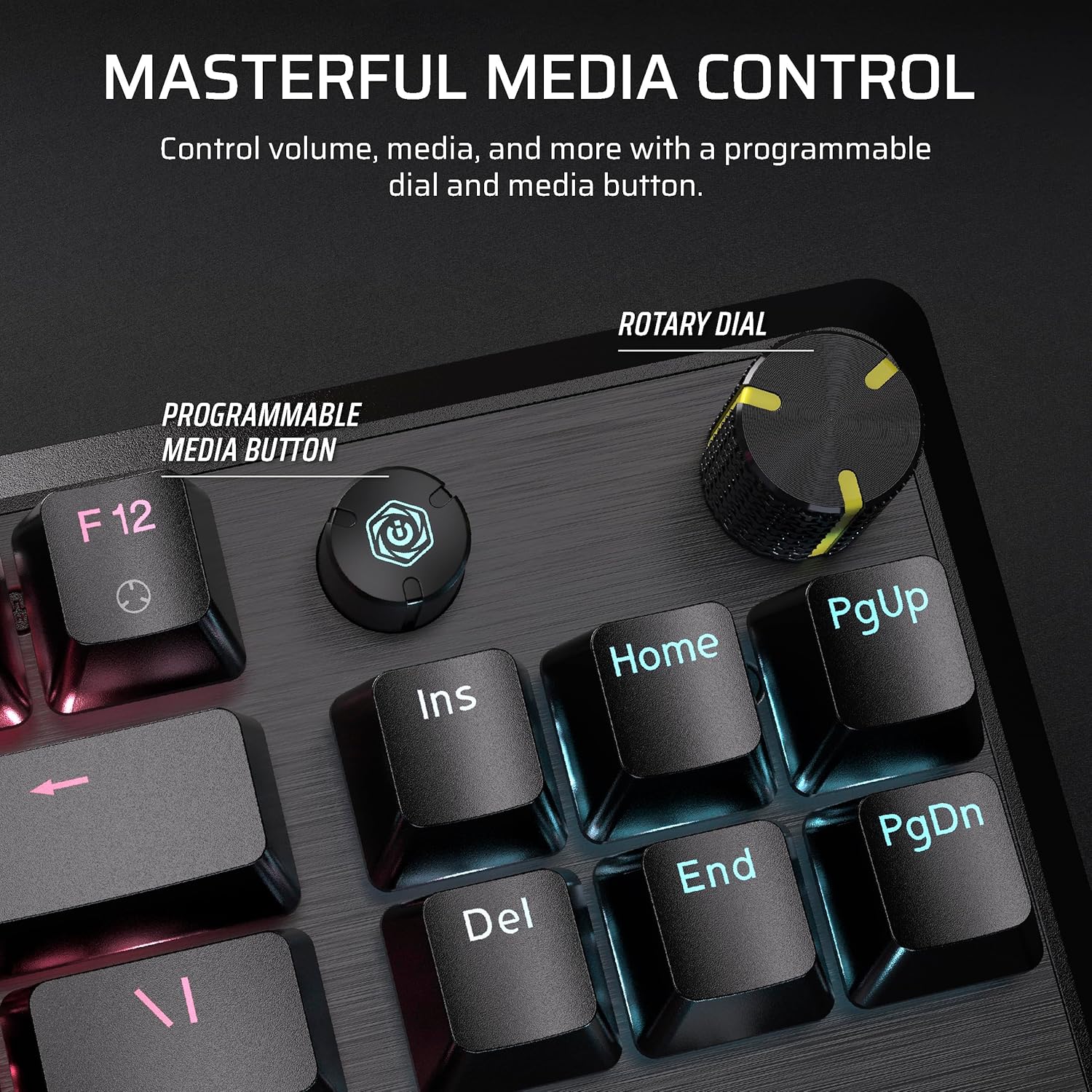
Corsair also includes “masterful media control” with a multi-function rotary dial and a programmable media button. It’s designed to let you adjust volume and related controls without alt-tabbing or fumbling through menus. With iCUE support for customization (as stated), you can tailor media behavior to how you actually use your PC.
In real use, this is the kind of thing you’ll appreciate during matches and streaming sessions—quick volume tweaks, quick control changes, and fewer interruptions. If you rarely touch media controls while gaming, the dial may feel like extra hardware rather than a must-have.
RGB and keycaps that hold up under pressure
This board brings ultra-bright per-key RGB backlighting, so lighting is meant to look vivid across keys. It’s paired with sturdy double-shot ABS keycaps. Double-shot construction is typically chosen because it’s built to be resilient under pressure, and in this case it’s specifically described as helping prevent cracking.
Keep in mind: ABS double-shot keycaps are a common route for durability and bright legends, but they may not satisfy everyone who wants a particular keycap “feel” (like softer coatings or a specific sound profile). If you’re picky about keycap texture and want a premium custom feel, you may still end up wanting to swap later.
Tech specs at a glance
- Type: Wired mechanical gaming keyboard (tenkeyless)
- Switches: Pre-lubed CORSAIR MLX Red v2 Linear
- Polling rate: 1000Hz
- Layout: QWERTY NA
- RGB: Ultra-bright per-key RGB backlighting
Is it worth it?
Buy the Corsair K70 CORE TKL RGB if you want a tenkeyless board that saves desk space, you like linear switches, and you care about typing acoustics being toned down through sound dampening foam plus pre-lubed stabilizers. It also makes sense if you want practical media control on the keyboard itself, not just software.
Skip it if you strongly prefer tactile/clicky feedback, if you’re planning to use it purely for basic typing where switch feel and sound tuning won’t matter much, or if you’re certain you’ll want a different keycap material/feel from the start. Depending on your preferences, it can sit more in the “ready-to-play” middle lane—focused on comfort and smoother execution—rather than being a blank canvas for heavy customization.
Mini FAQ
Does the K70 CORE TKL include a number pad?
No, it’s a tenkeyless layout designed to keep the board compact and free up room for mouse movement.
Are the switches pre-lubed?
Yes. The keyboard uses pre-lubed CORSAIR MLX Red v2 linear switches.
What helps with typing noise?
It includes two sound-dampening foam layers and pre-lubricated stabilizers to help reduce pings and clacks.
Is the keyboard good for gaming media controls?
It has a multi-function rotary dial and a programmable media button, and it’s customizable with iCUE as described.
What keyboard layout does it use?
It’s listed as QWERTY NA.