

Logitech M720 Triathalon Full Size Multi-Device Wireless Mouse
Reviews
Price
Product description
What it is and what it solves
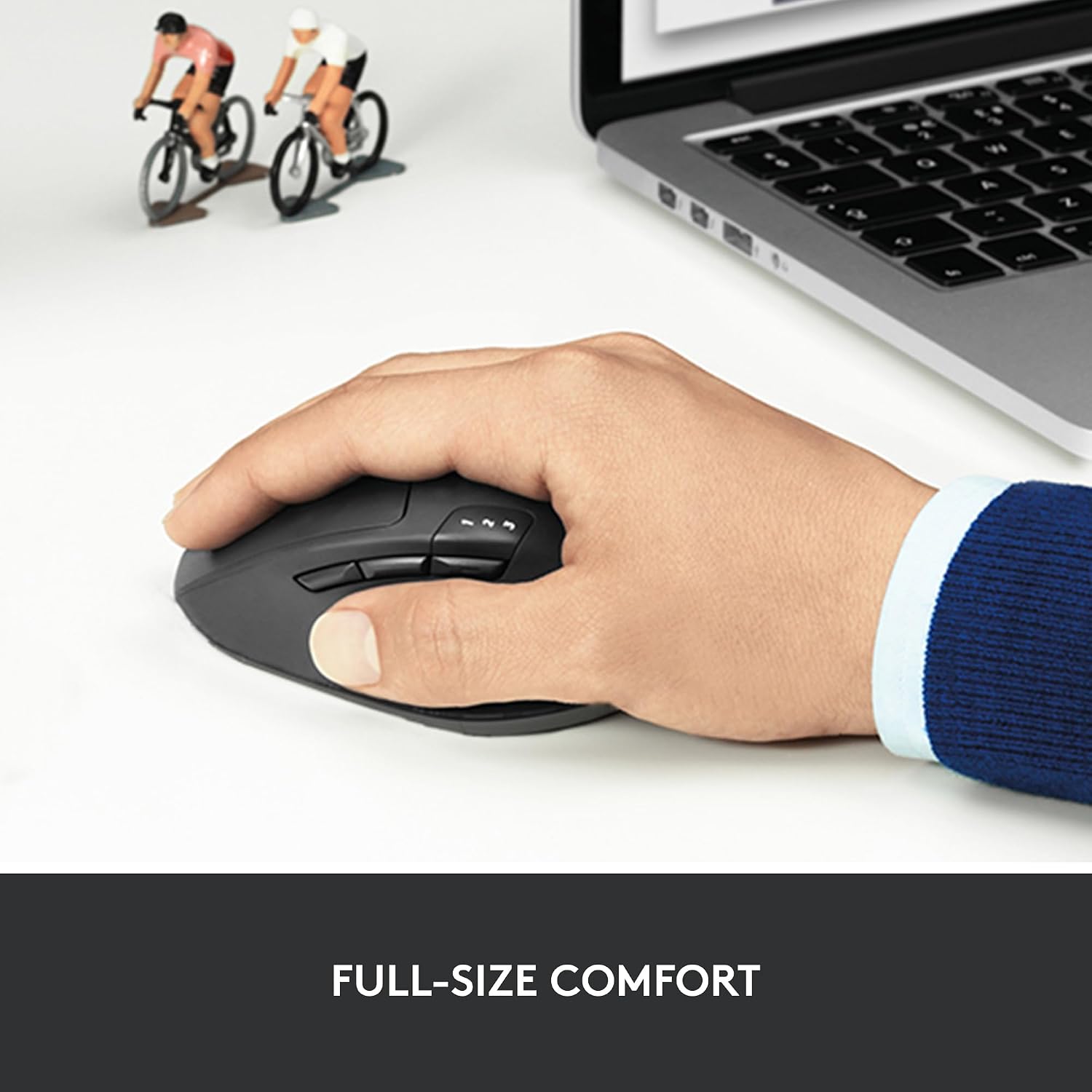
The Logitech M720 Triathalon is a full-size wireless mouse designed for endurance and versatility. It targets users who switch between computers or devices and want a reliable, comfortable input device for extended use. With up to 24-month battery life, it aims to reduce the hassle of frequent battery changes, making it appealing for daily productivity tasks across work and personal setups.
How it feels in the hand
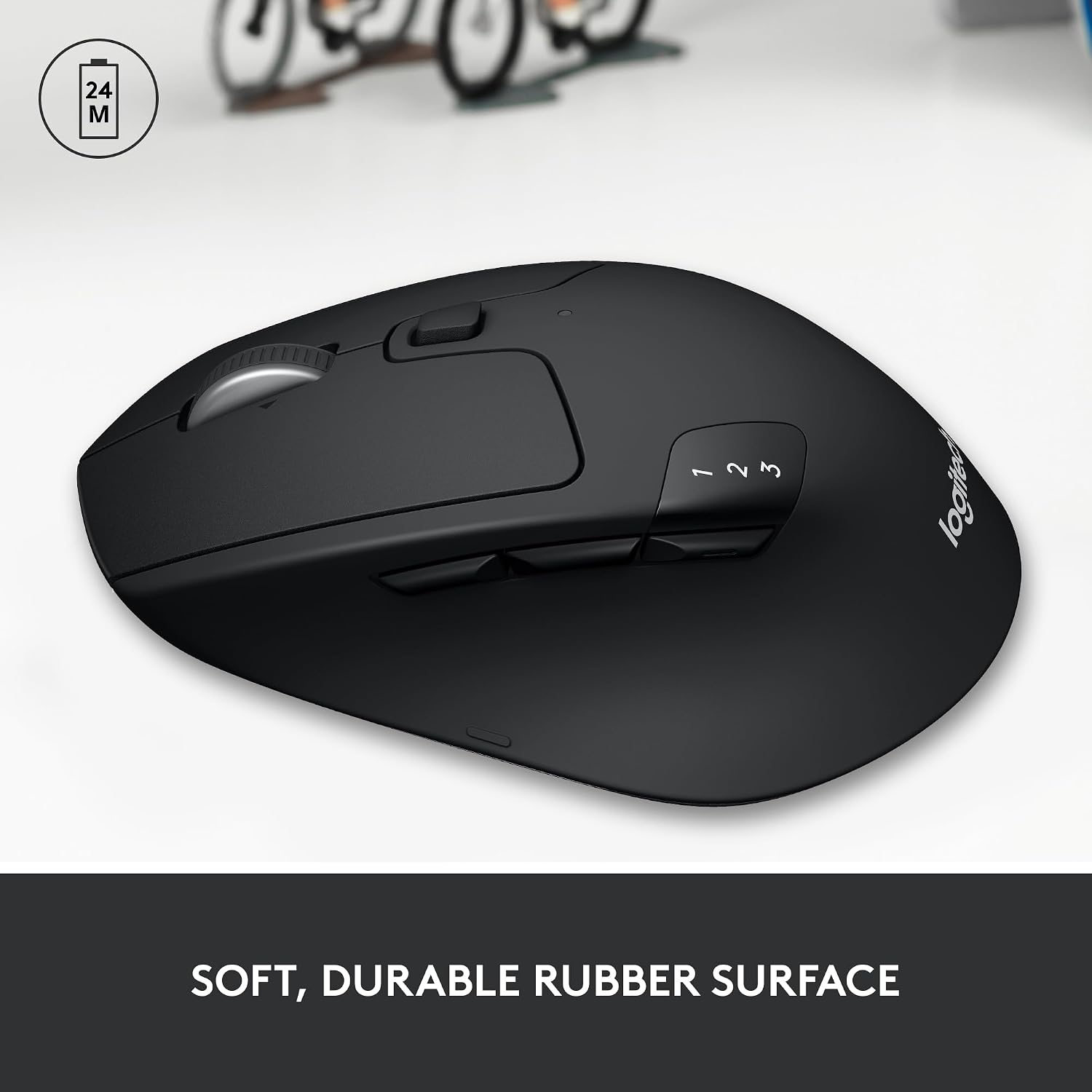
Built for right-handed use, the rubberized, sculpted body supports a palm-rest grip that many users find comfortable during long sessions. The design balances a soft touch with a solid, controlled feel, which can matter when you’re scrolling through lengthy documents or navigating multiple windows.
Key features at a glance
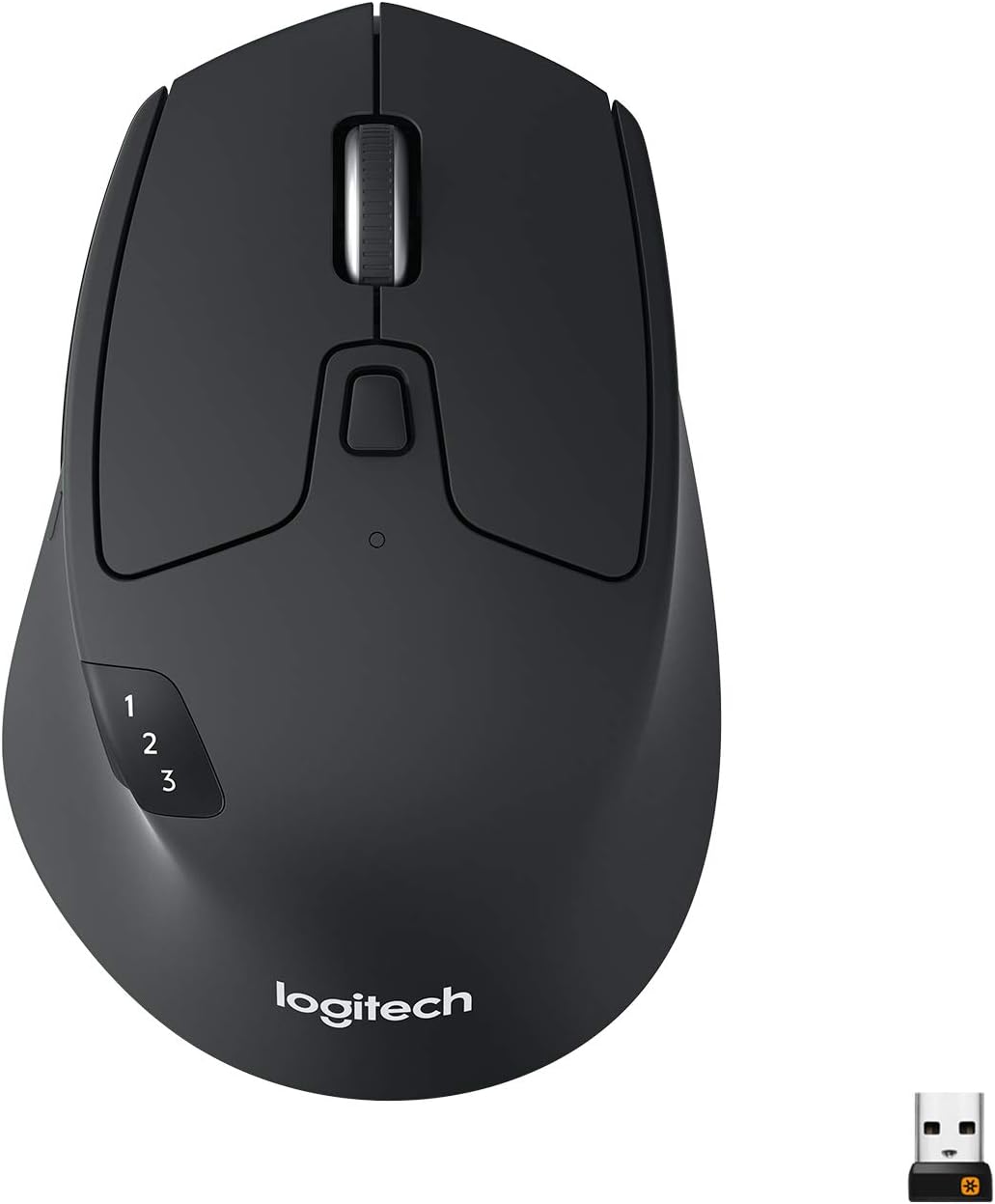
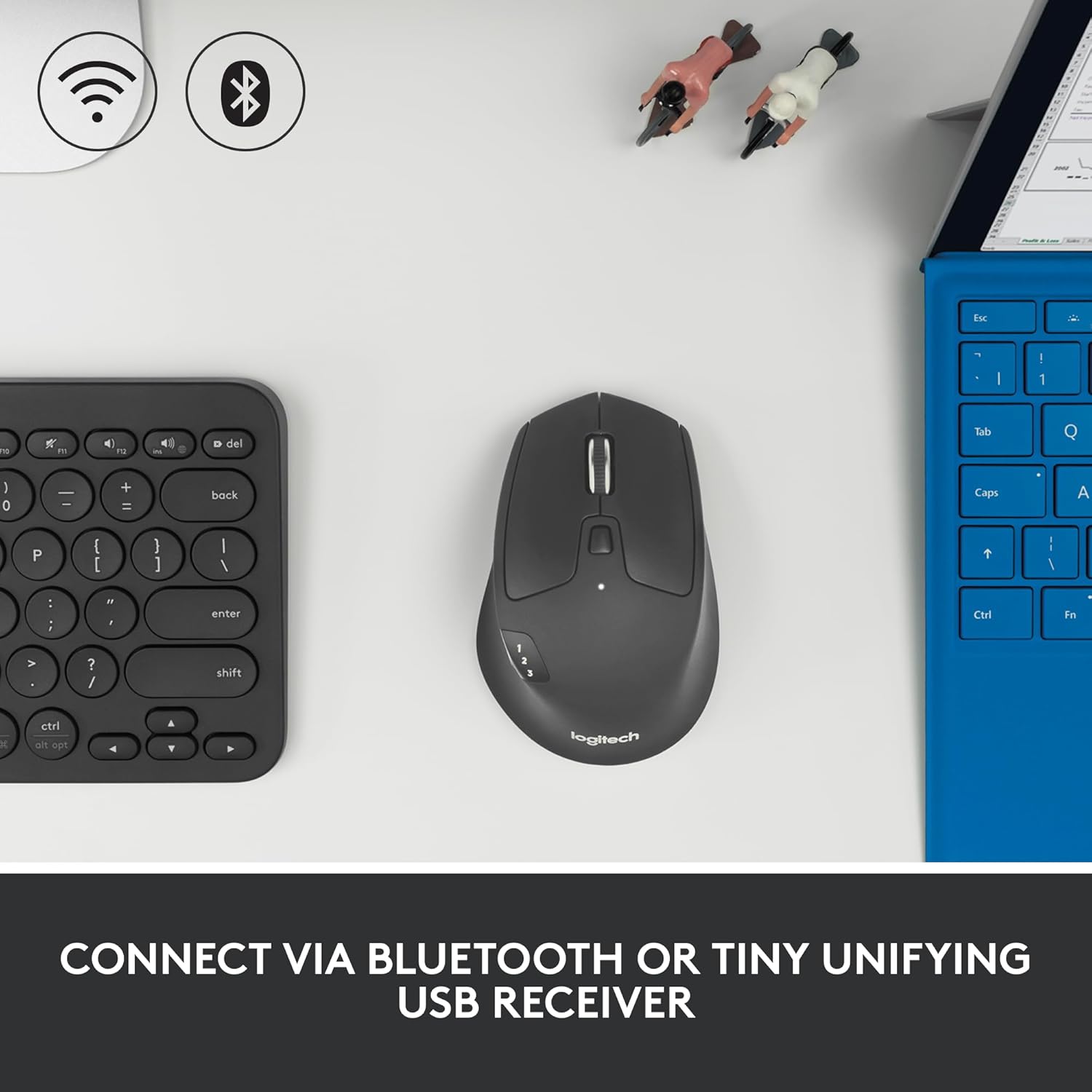
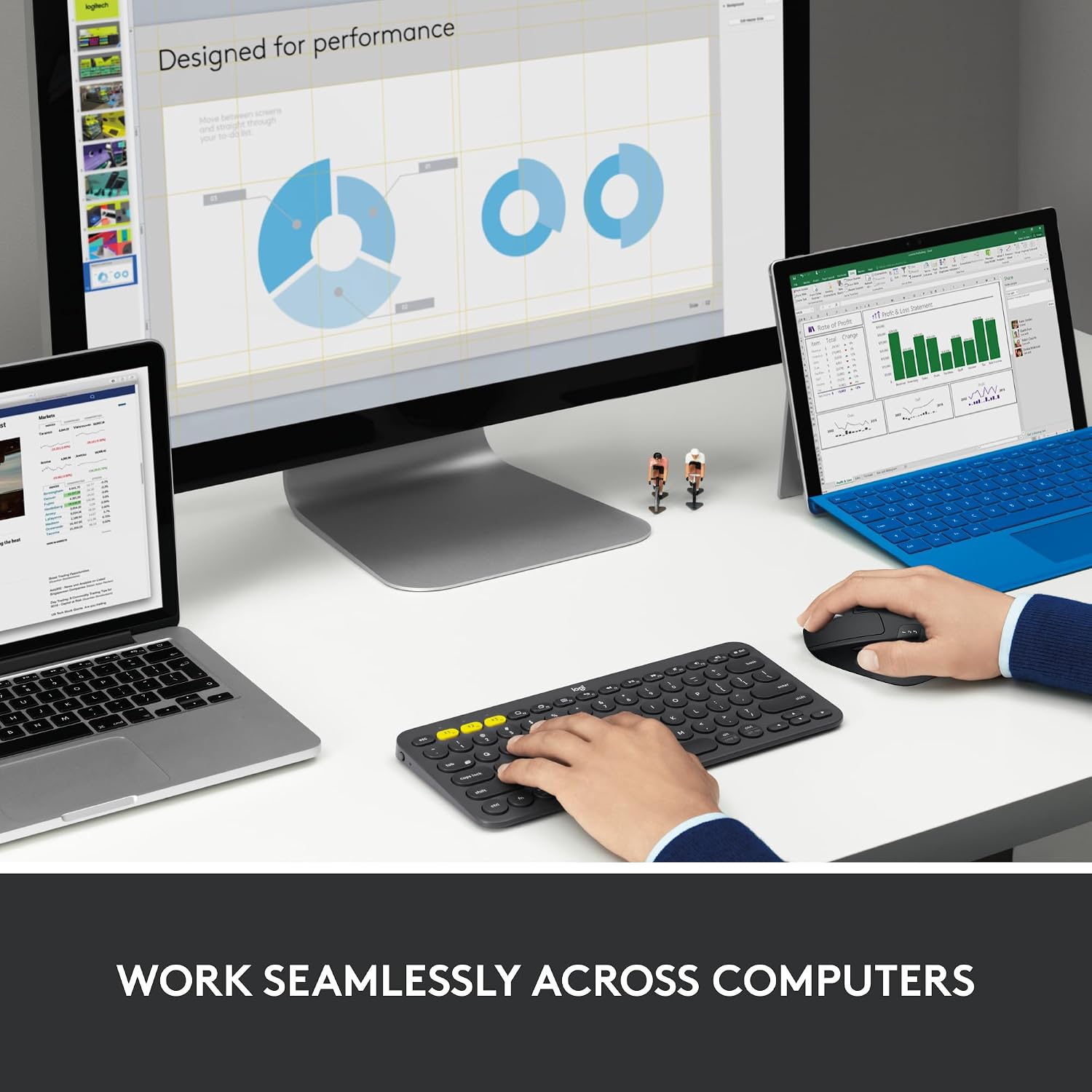
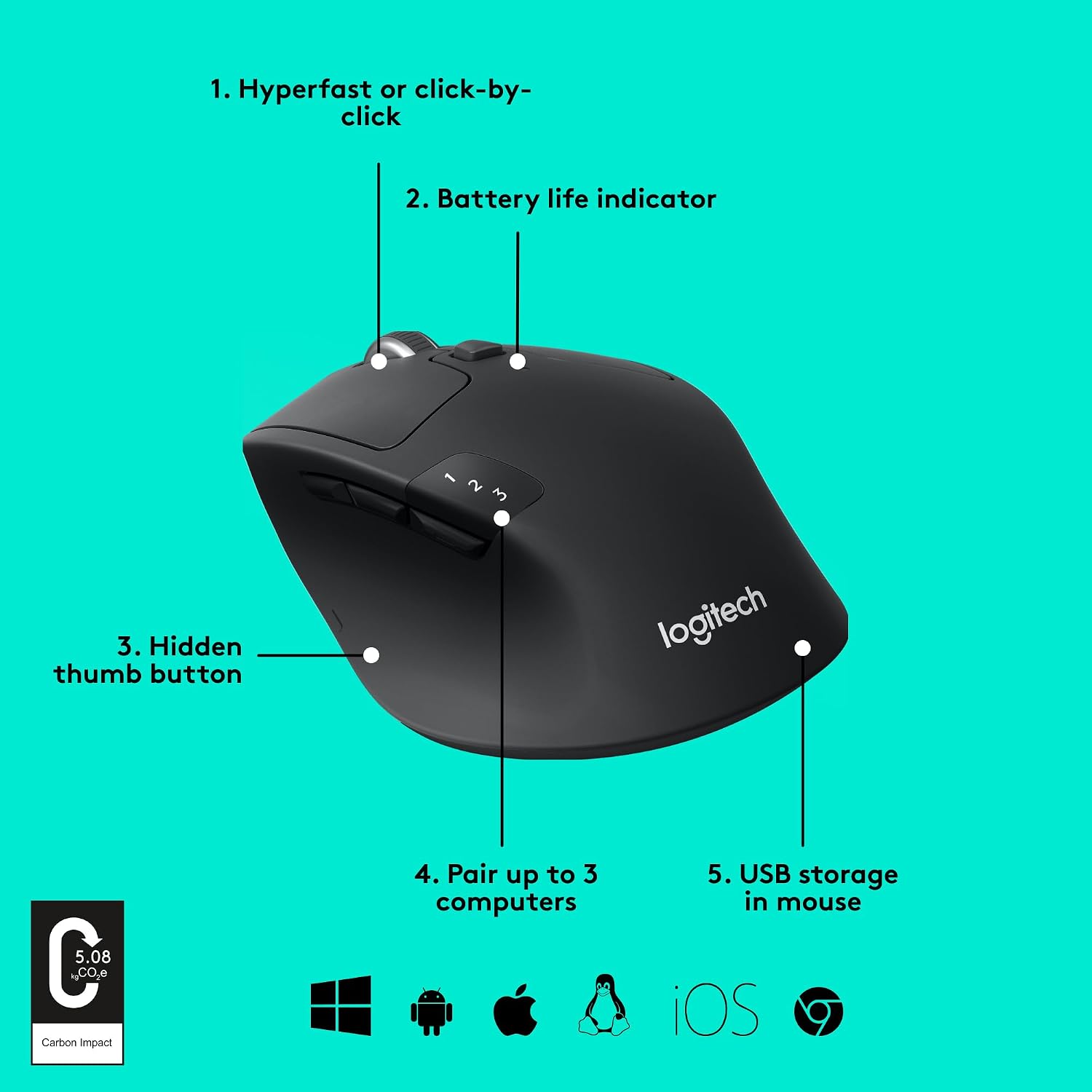
This mouse supports multi-device workflows with seamless switching between up to three computers using Logitech FLOW. Connectivity is flexible, offering both Bluetooth and the Logitech Unifying receiver, which can pair with up to six compatible peripherals through a single USB dongle. The M720 also includes Hyper-Fast Scrolling with an optional click-to-click mode, making it easier to zip through pages or lock the scroll when you need precise navigation.
Everyday use cases
If you’re juggling a laptop, desktop, and tablet, the M720 can be a practical companion. It’s suited for office apps, web browsing, and document editing where quick device swapping and reliable performance matter more than hyper-specific gaming metrics.
What stands out in performance
- Long battery life reduces downtime and replacement costs—great for busy days.
- Dual wireless options enhance flexibility in setups that limit USB ports or require quiet operation.
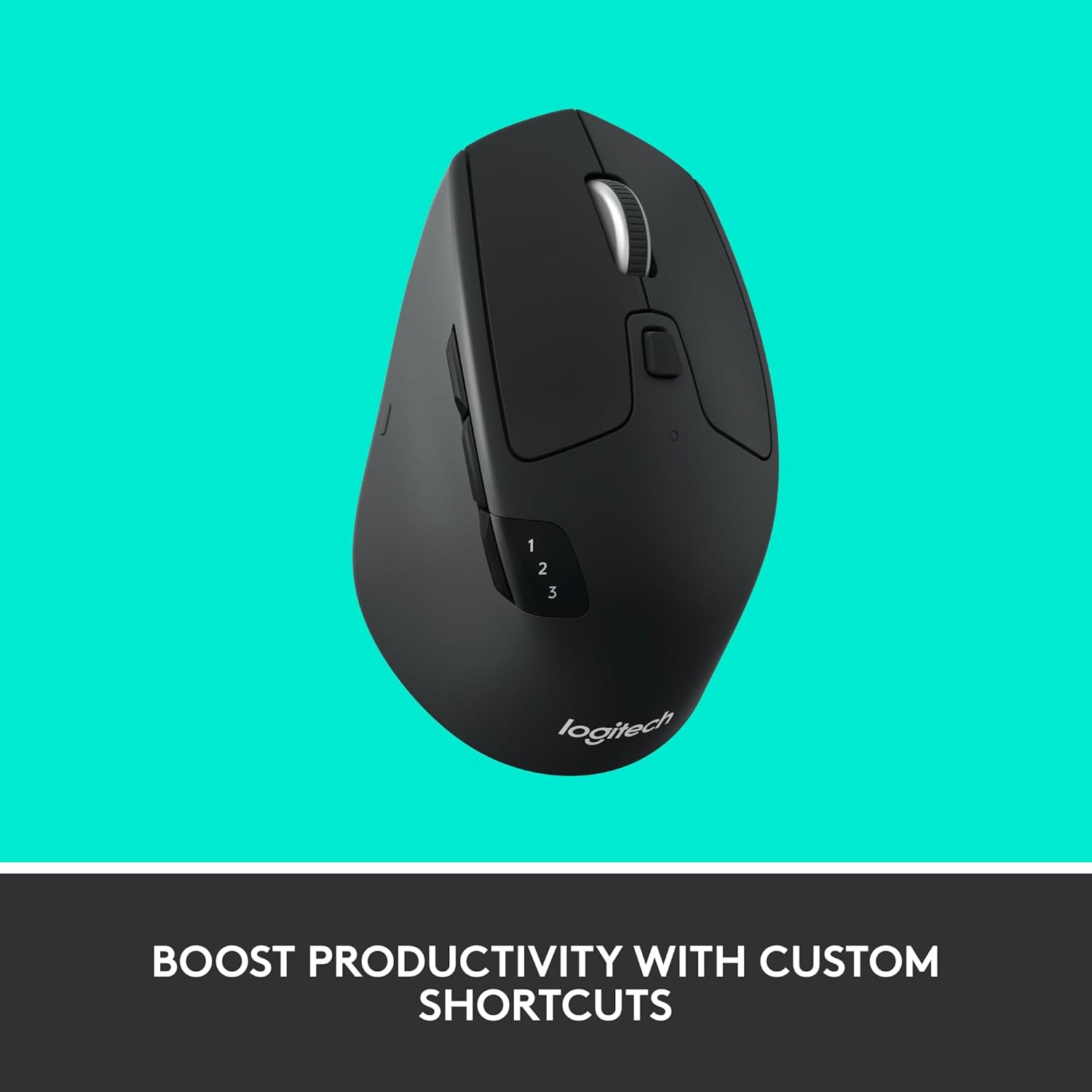
- The six programmable buttons enable personalization of shortcuts, which can speed up common tasks.
- FLOW support helps you move text, images, and files across multiple computers, a real-time saver if your workflow involves more than one machine.
Limitations and caveats
On paper, the M720 focuses on productivity and comfort rather than gaming precision or ultra-high-end motion control. If you prioritize the most responsive latency or advanced DPI customization, you may want to compare with devices built specifically for high-speed cursor control. Also, the exact feel of the rubber grip may depend on hand size and grip style, so some users might prefer to try before committing.
Who it’s for
- Professionals who work across multiple devices and want a reliable, easy-to-use mouse.
- Users who value battery longevity and a comfortable, full-size form factor.
- People who benefit from programmable buttons to speed up daily tasks.
Who may want to skip it
- Gamers or power users seeking the fastest response times and max DPI customization.
- Those who prefer a lighter, more compact mouse for travel.
What to check before buying
- Confirm compatibility with your main devices (Windows, macOS, Chrome OS, Linux, iPadOS).
- Consider your preferred connection type: Bluetooth vs. Unifying receiver, depending on USB port availability.
- Think about whether you’ll use the FLOW feature to move content between devices and if that workflow matches your setup.
- Evaluate grip style, the right-hand, palm-rest design works well for many, but comfort is personal.
Practical use example
Imagine working on a document on a desktop, then switching to a notebook and a tablet with a single button press. You’ll appreciate the minimal downtime and the ability to transfer a paragraph or a graphic snippet across devices without fiddling with cables or software reconfiguration.
Compare it to common alternatives
If you’re choosing between multi-device mice, the M720 sits a notch above basic Bluetooth mice thanks to its Unifying receiver option, FLOW support, and longer battery life. It’s not aimed at high-end gaming or ultra-compact travel models, instead, it fills a middle ground for daily multi-device productivity with a comfortable, full-size design.
Final decision
Is it worth it?
Worth considering if you need a durable, comfortable, multi-device mouse that can streamline workflows across up to three computers and emphasizes long battery life. It’s a solid pick for office-heavy use and personal productivity, provided you don’t require top-tier gaming performance or ultra-compact portability.
Frequently asked questions
- How many devices can it control at once? Up to three computers with FLOW, you can switch between them.
- What connectivity options are available? Bluetooth or the Logitech Unifying receiver.
- Is the width and weight suitable for smaller hands? It’s designed for right-handed use with a full-size form, comfort varies by hand size and grip style.
- Does it support custom button programming? Yes, via Logitech software for the six customizable buttons.
- Will it work with Linux or iPadOS? Yes, it’s listed as compatible with Linux and iPadOS among others.