

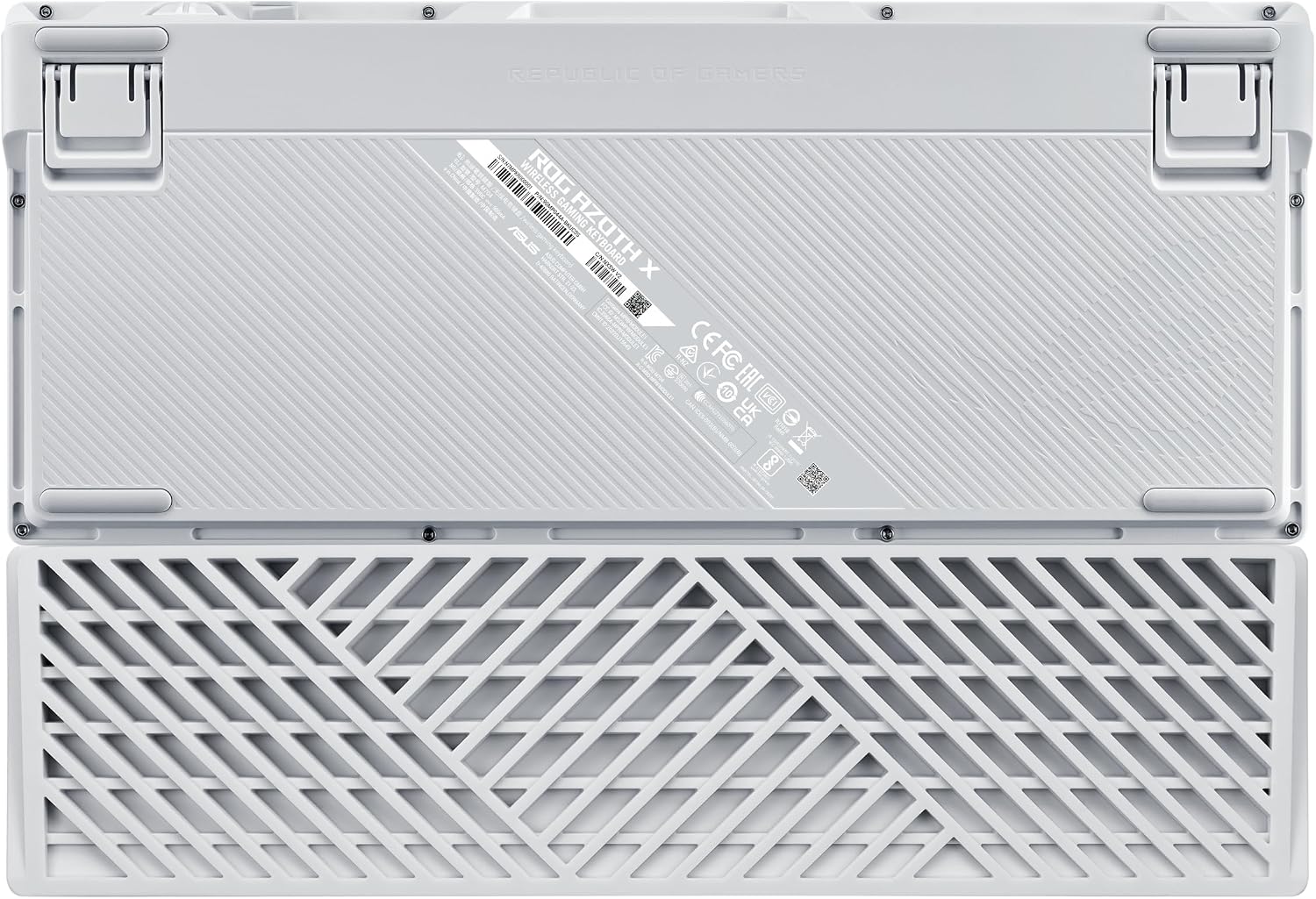
ASUS ROG Azoth X 75% mechanical keyboard ⌨
Reviews
Price
Product description
What matters most
This compact wireless mechanical gaming keyboard brings desktop-grade controls into a smaller footprint, aimed at players and creators who want space and performance. It balances programmability and portability while keeping essential keys accessible, and it works over tri-mode connectivity for flexible setups. The opening choice favors a smaller desk without losing key functionality, and the layout keeps shortcuts within reach.
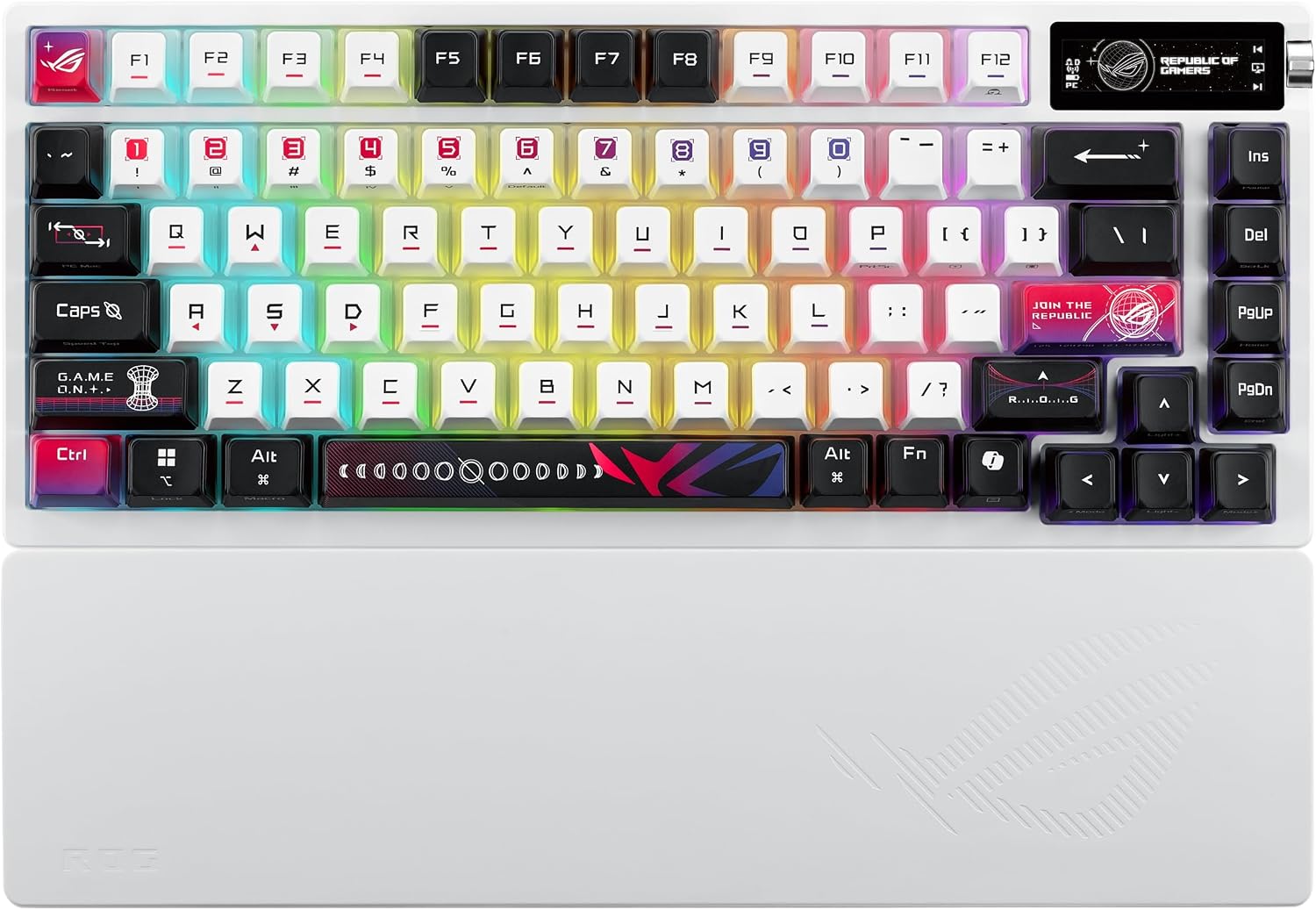
This wireless mechanical gaming keyboard targets fast typing and gaming at home or on the go. If you value a compact layout with hot-swappable switches and advanced lighting, it delivers a clearly defined set of tools for customization. The first impression is tactile, then personalizable, and finally neat on any white or light setup.
Why it makes sense
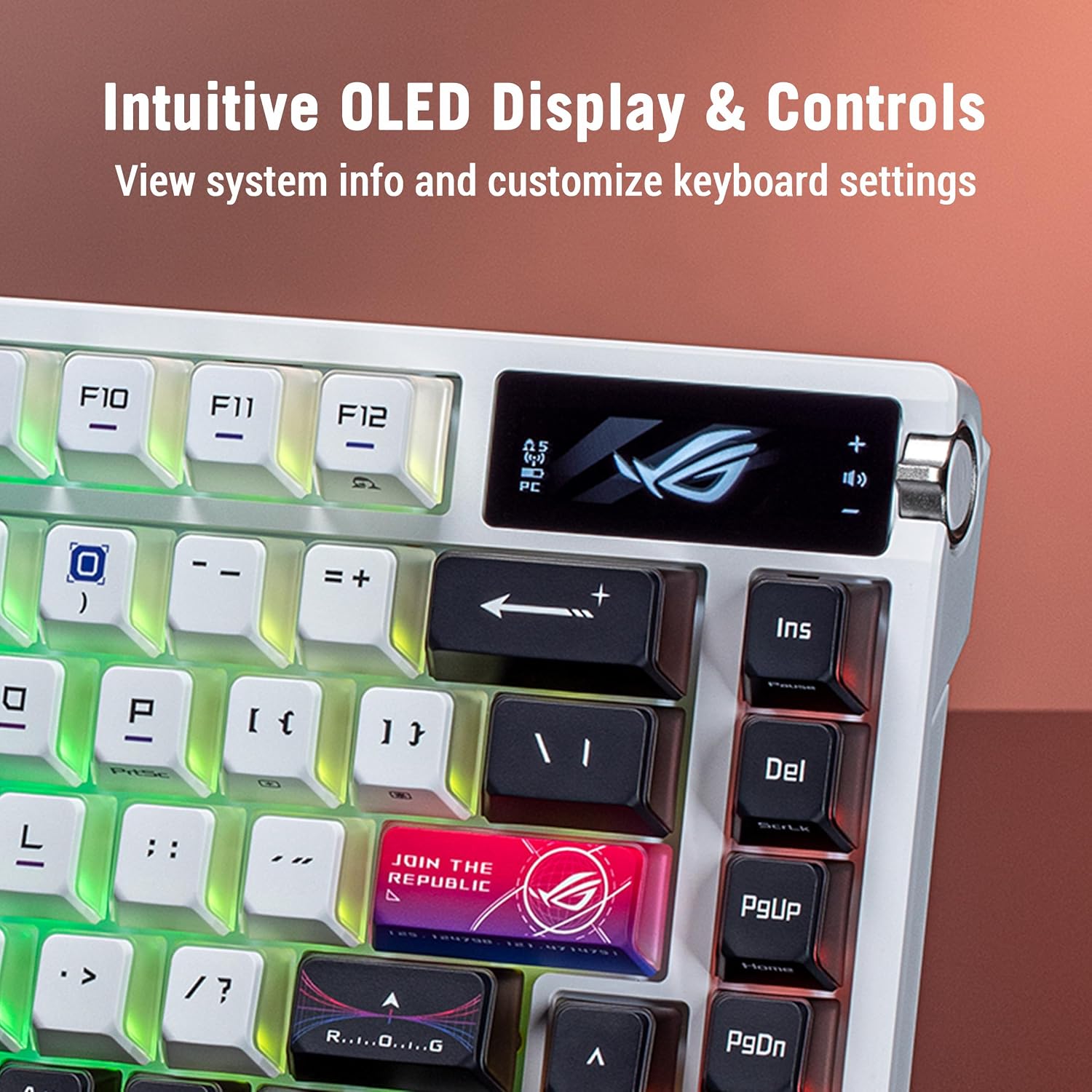
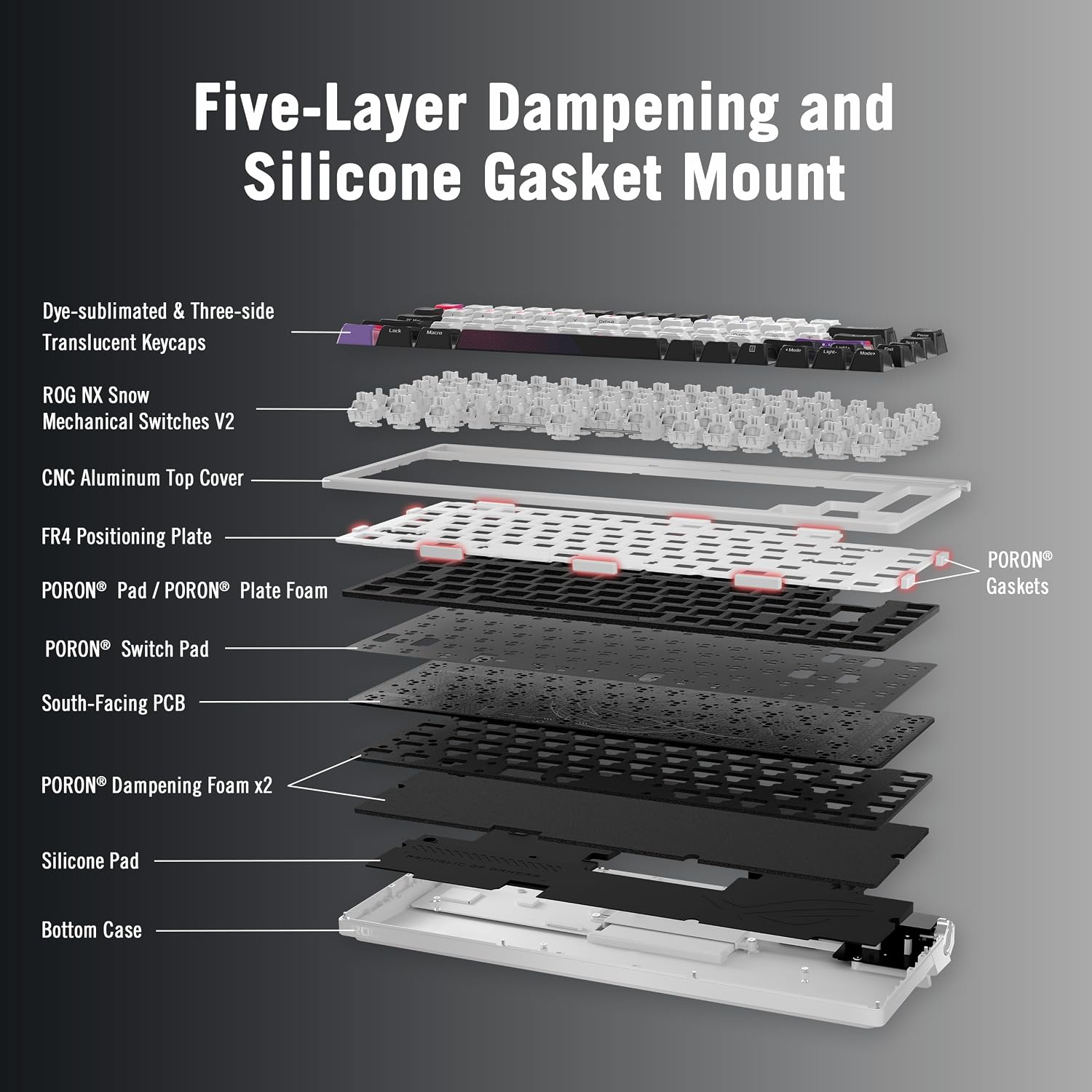
The design places emphasis on customization and comfort. A silicone wrist rest with extended coverage gives firmer support for longer sessions, while the FR4 positioning plate produces a smoother, slightly flexible typing feel that some users prefer for a more muted acoustic profile. The south-facing PCB improves keycap compatibility and lighting control, which matters when mixing profile sets or using mirrored keycaps. OLED system information and a three-way multifunction knob keep adjustments fast and visible, letting you tweak volume, macros, or lighting without leaving your app or game. 🎮
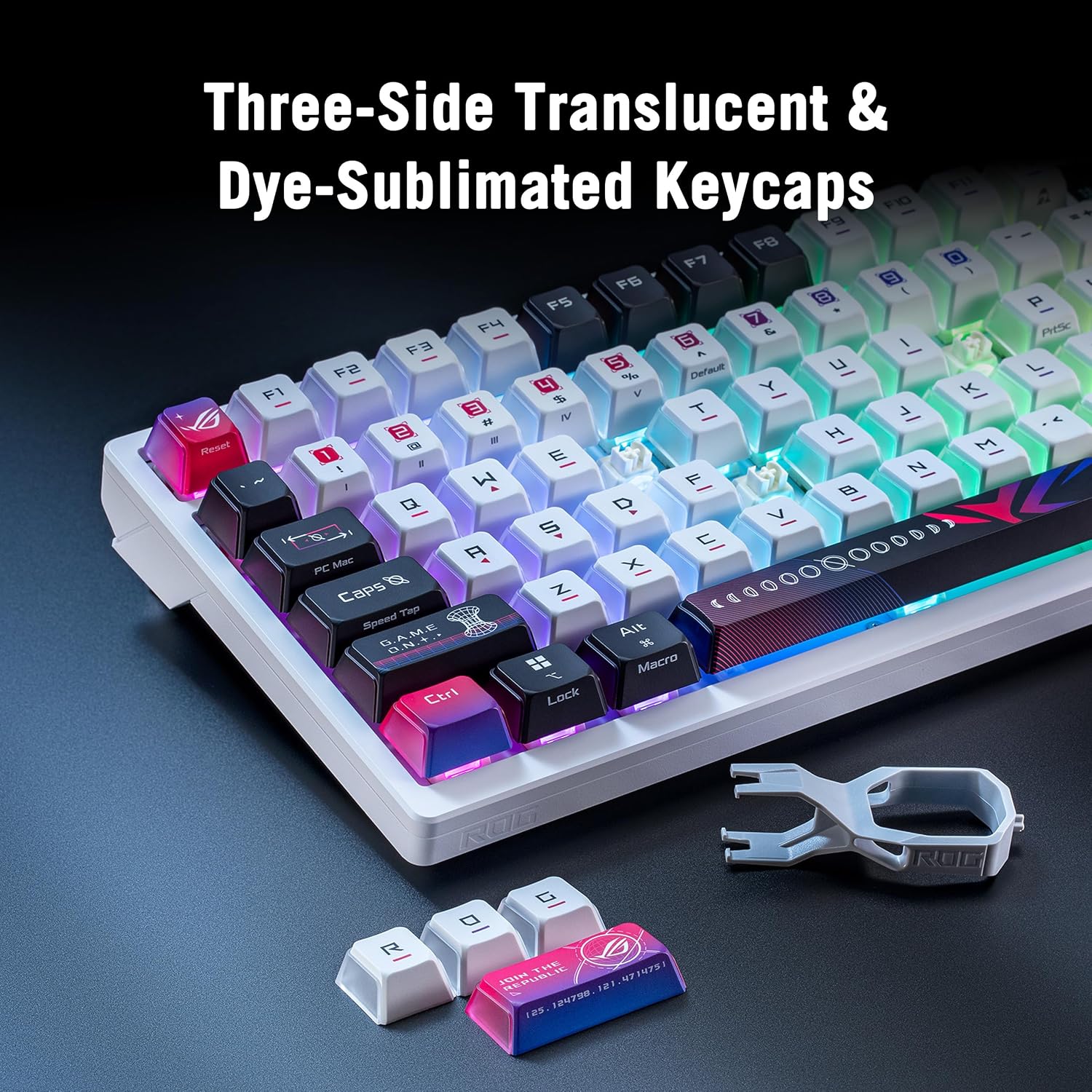
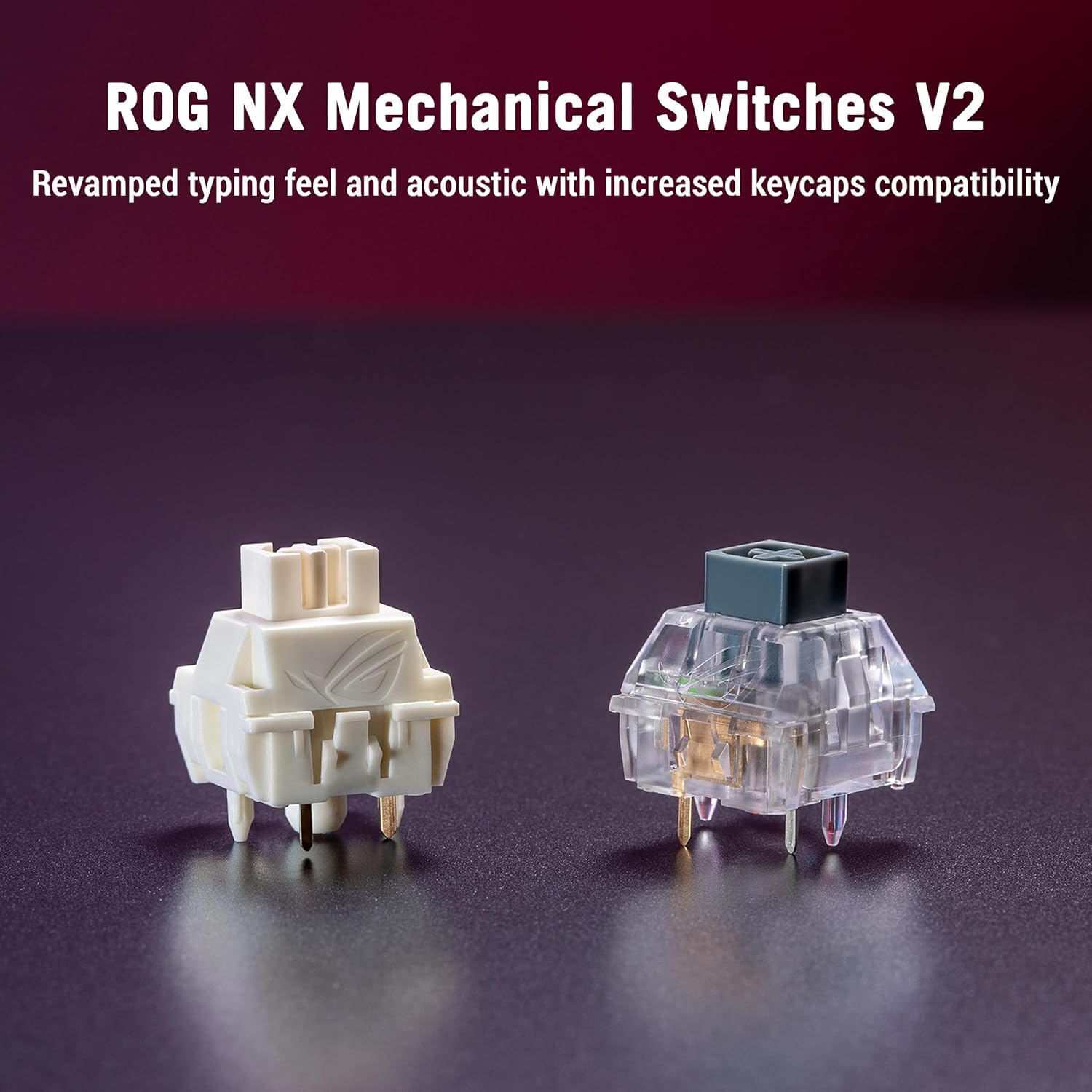
Among the standout inputs are the pre-lubed ROG NX V2 Snow linear switches, which offer a consistent linear travel feel according to the manufacturer, and hot-swap sockets that let you change switches without soldering. The keyboard supports PC and Mac and includes PBT keycaps that resist shine over time. RGB lighting is enhanced by specially designed translucent legends that allow more light to pass through for a distinct aesthetic. ✨
Tech specs
- Name: ASUS ROG Azoth X
- Type: Mechanical gaming keyboard
- Size: 75% TKL
- Connectivity: Tri-Mode Connectivity
- Switches: Pre-lubed ROG NX V2 Snow Linear
- Color: White
- Material: PBT keycaps
- Display: OLED
Getting the most from it
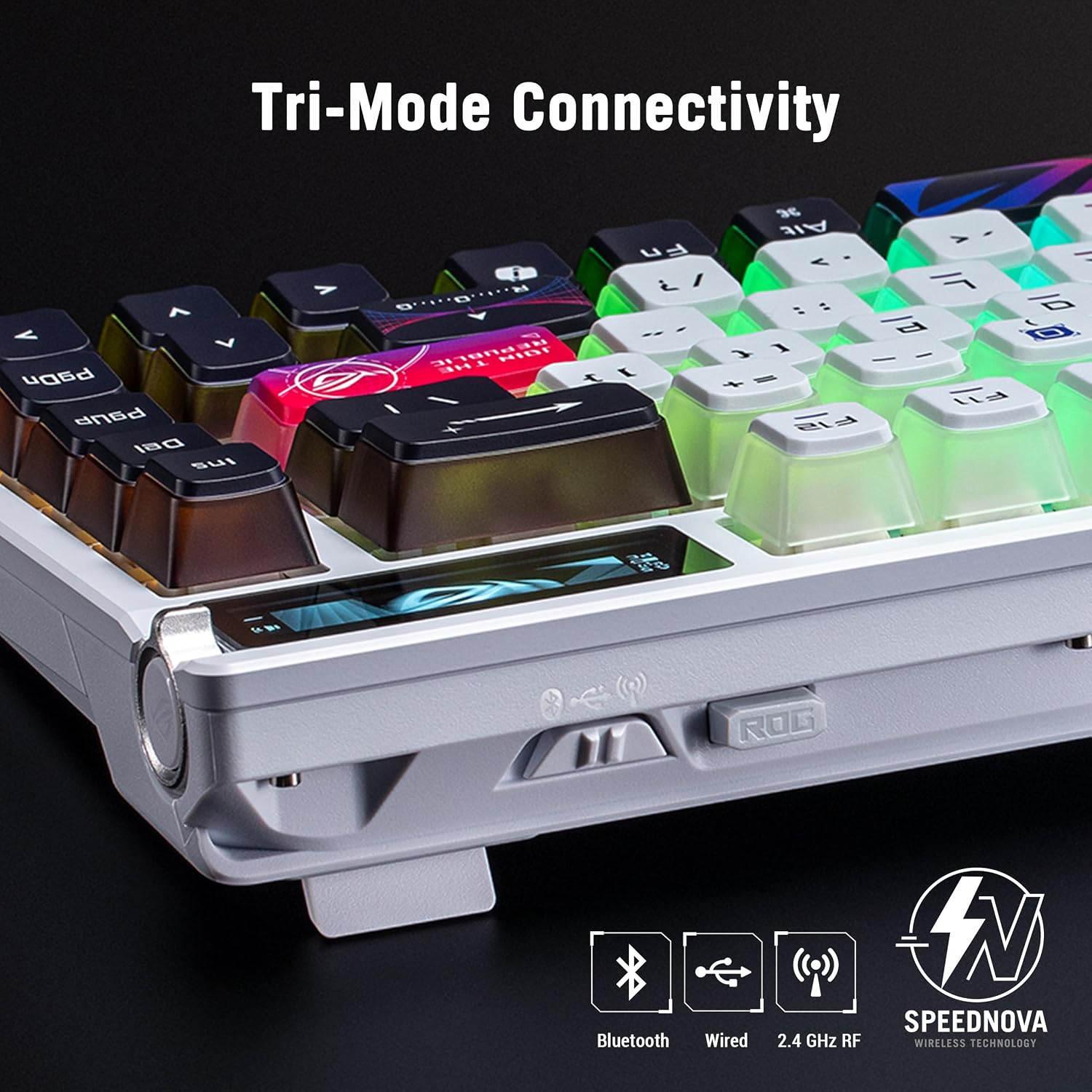
Adjust lighting layers and set up macros in the keyboard software, then save profiles to onboard memory for quick switching. For quieter typing, consider adding alternate keycap profiles or different switch stems, the hot-swap design makes such experiments straightforward. If you travel, use Bluetooth to pair to a laptop and keep the dedicated dongle for low-latency on desktop builds. 🔧
Compatibility
ASUS ROG Azoth X works with Windows and macOS environments and accepts custom keycap sets thanks to its south-facing PCB. Keep in mind that some premium artisan keycaps may need checking for stem clearance before installation. The keyboard is focused on users who want a compact layout without sacrificing programmability or a premium typing feel.