


AOC Wireless Gaming Mouse, 12,000 DPI
Product description
The dedicated Fire button is the standout feature: it gives you a separate control for rapid follow-up shots instead of relying only on repeated clicks. For FPS players, that can make a specific action easier to reach during a close-range exchange.
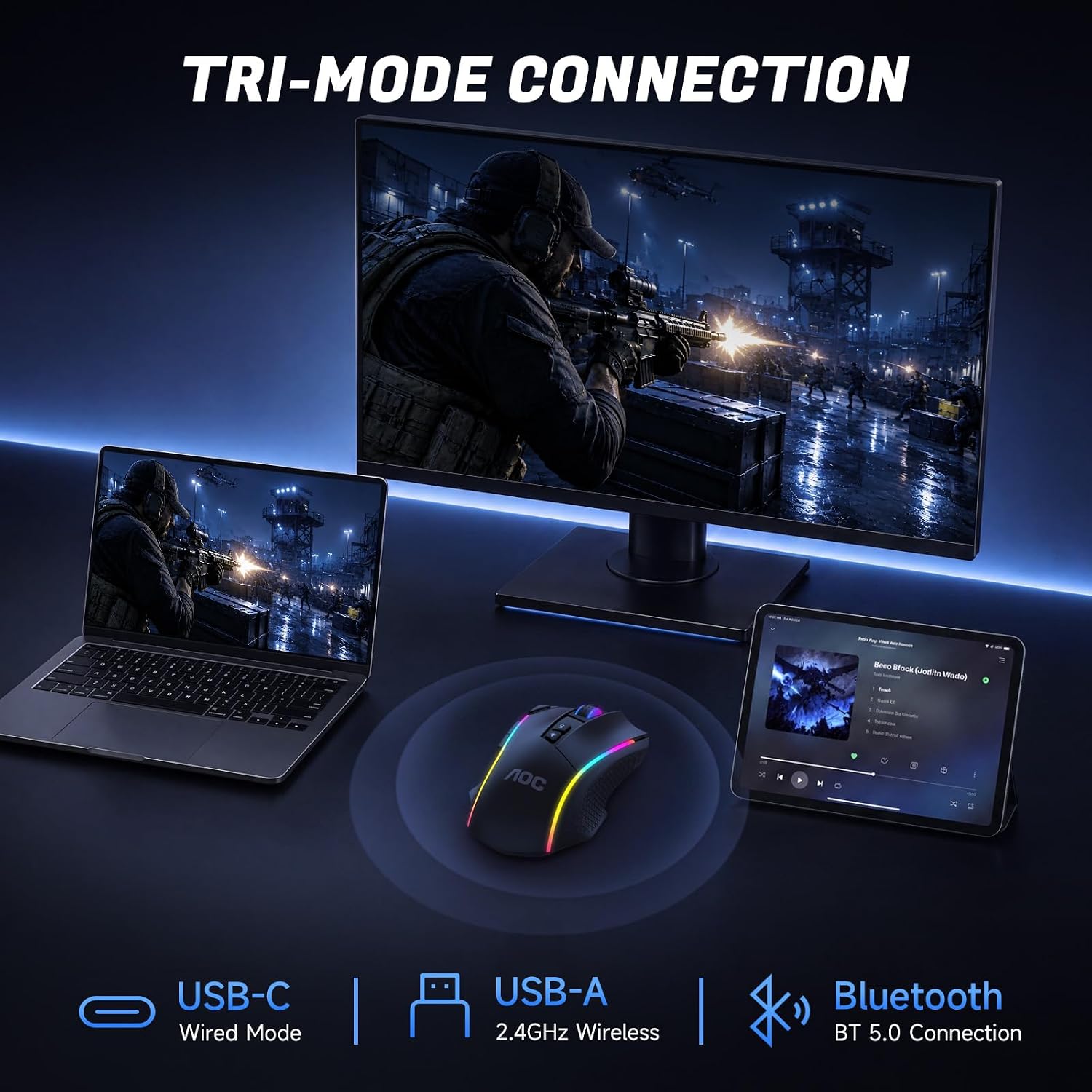
Three connection modes add flexibility. Use 2.4GHz wireless or Bluetooth 5.0 for a cable-free desk, then switch to USB-C wired when you prefer a direct connection.
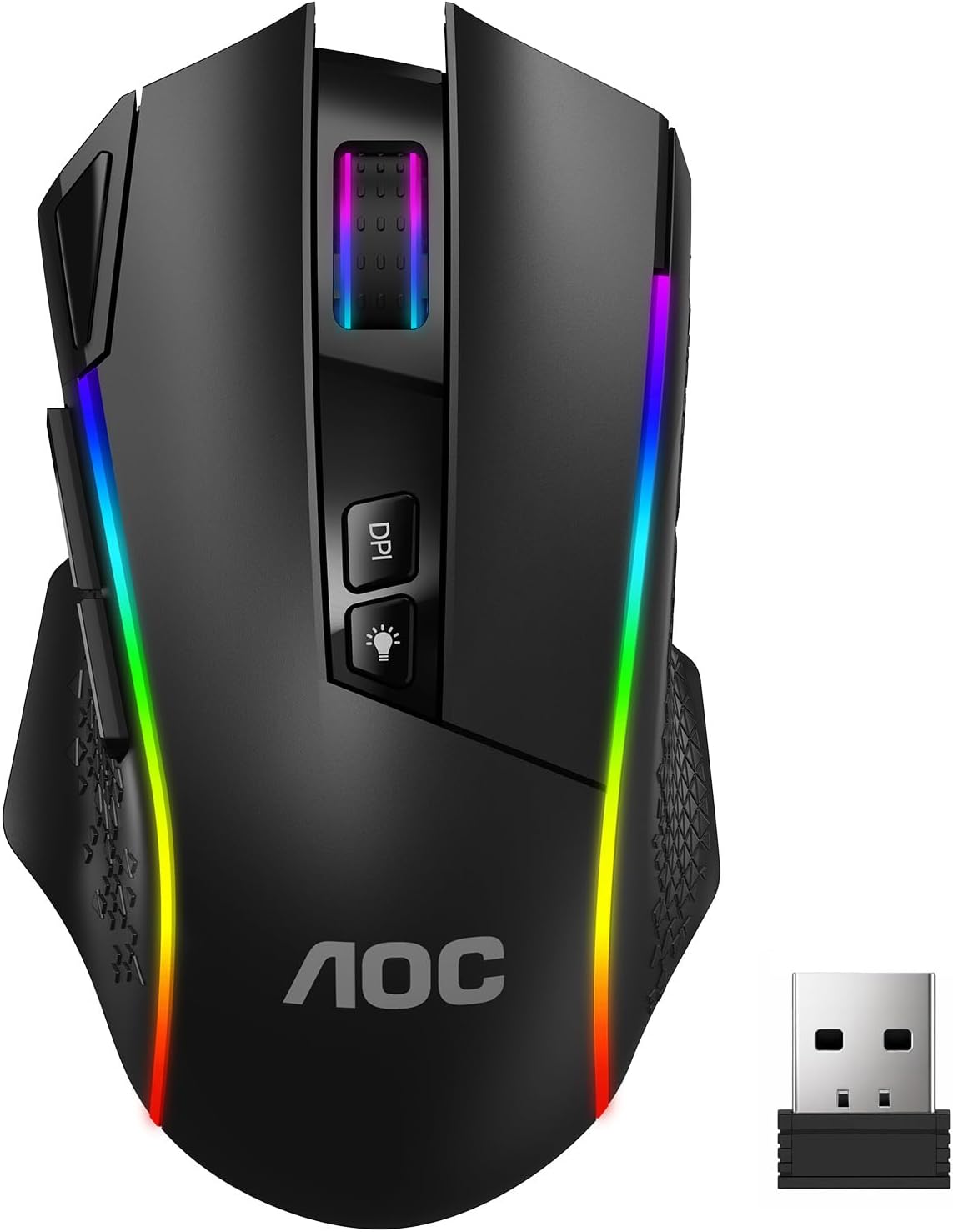
At 82g, the mouse is also designed for a lighter feel during longer sessions. Its adjustable DPI and programmable buttons let you tailor the controls, though the product details do not specify which operating systems support its web driver.
Technical details
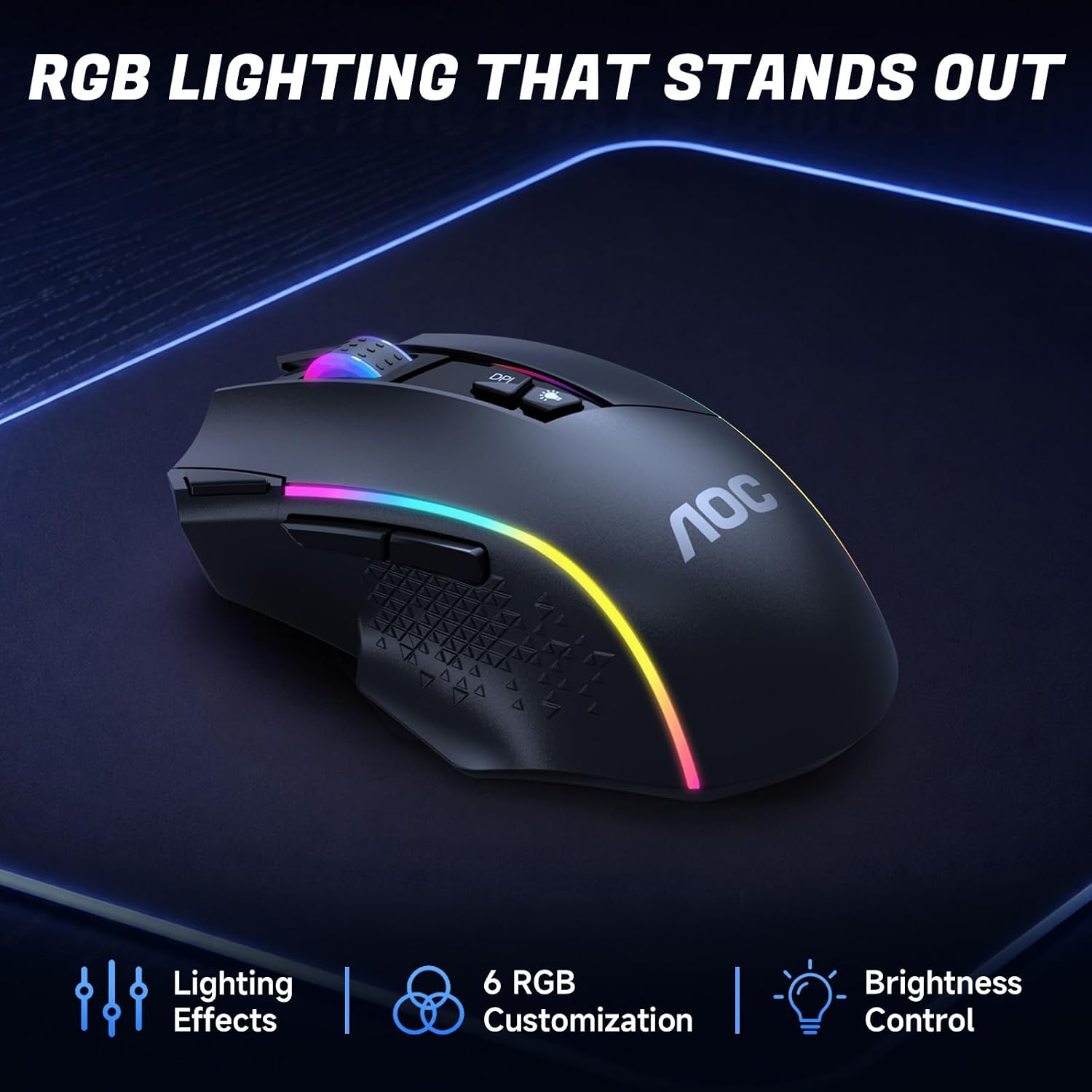
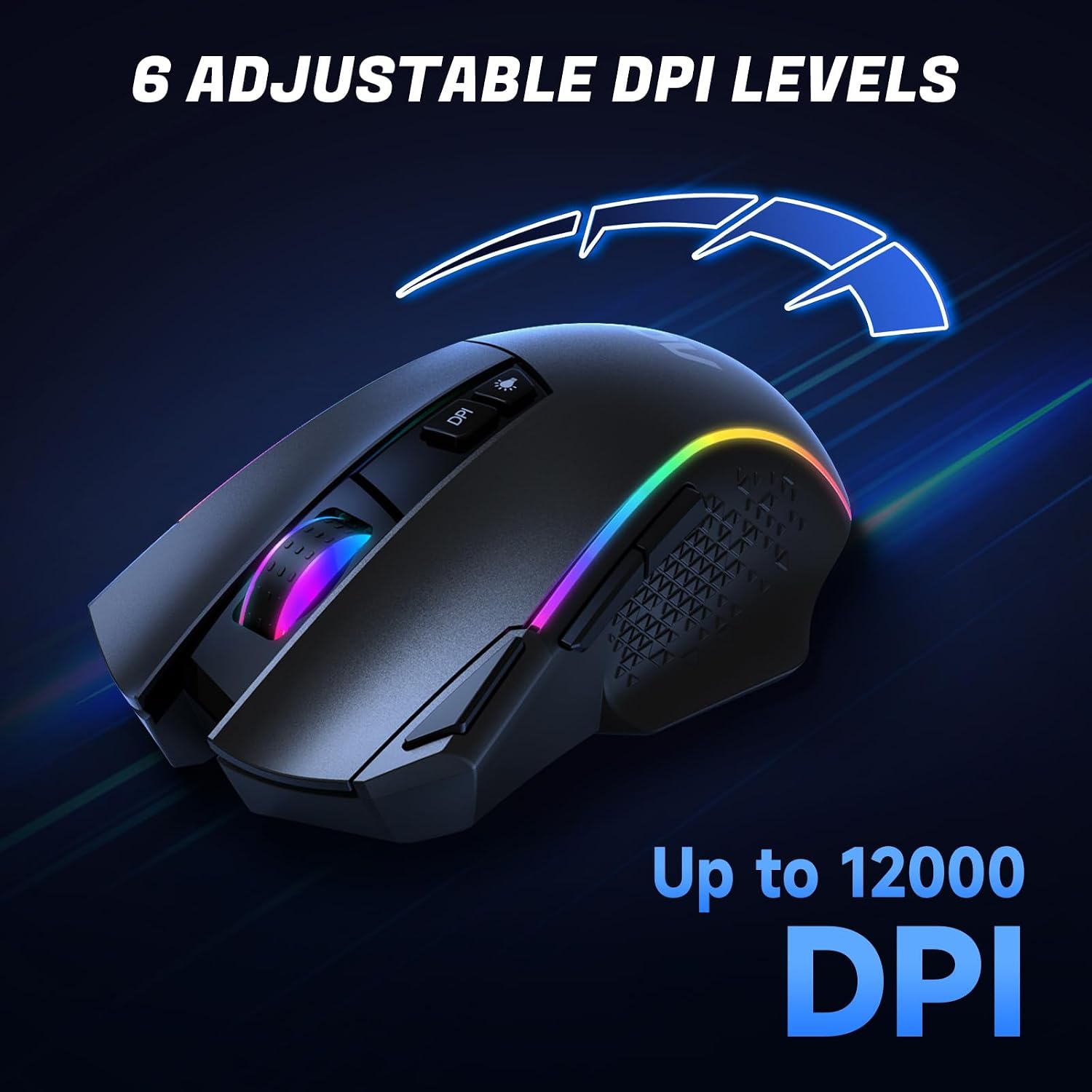
The GM401 offers six DPI levels, from 800 to 12,000, and a 1000Hz polling rate. Those settings give you room to choose slower, more controlled pointer movement or a faster feel, depending on the game and your preference. The description lists seven programmable buttons, with macros assignable through the web-based driver, plus six preset RGB lighting effects.
A built-in 700mAh rechargeable battery is rated for up to 70 hours with RGB off, or up to 45 hours with RGB on. Those figures are stated as maximums, so actual runtime may vary with use and settings. The switches are rated for 50 million clicks, that rating is a specification, not a guarantee of how long the mouse will last in every setup.

Everyday compatibility
The three connection options suit a setup that moves between gaming and everyday tasks. The product description names a gaming PC, laptop, and tablet as possible devices, but does not list a specific operating system or explain how device switching works. If you depend on custom profiles, check whether the web driver is supported by your setup before counting on those settings.
Compared with a basic mouse that only offers standard pointer controls, the AOC adds DPI adjustment, remapping, macros, RGB, and a dedicated Fire button. Those extras are most relevant if you expect to configure controls for different games, they matter less if you want a simple plug-in-and-go mouse.
Usage tips
For a tactical shooter, you could start with a lower DPI for careful aiming, then try a higher setting for quicker turns. The six available levels let you adjust that feel rather than relying on a single sensitivity. Treat the Fire button as a separate control to configure around your own play style, not as a promise of better results in every game.
Use 2.4GHz or Bluetooth when you want to clear a cable from the desk, and connect by USB-C when you prefer wired use. If you keep the RGB lighting on, the listed battery life drops from up to 70 hours to up to 45, so the lighting choice is worth factoring into how often you want to recharge.

A solid pick if you want a lightweight gaming mouse with three connection modes and controls you can customize. You may want to skip it if you prefer a simpler mouse or need confirmed driver support for a particular operating system.
Before you decide
Can it connect without a cable? Yes. It supports 2.4GHz wireless and Bluetooth 5.0, as well as USB-C wired use.
How long is the stated battery life? Up to 70 hours with RGB off and up to 45 hours with RGB on.
Can the buttons be customized? The description says all seven programmable buttons can be assigned macros through a web-based driver. It does not identify the driver’s supported operating systems.
Final verdict
Choose the GM401 if you’ll use its configurable controls, Fire button, and multiple connection modes rather than paying attention to the DPI ceiling alone. Its practical trade-offs are the shorter stated runtime with RGB on and the missing driver compatibility details. If those controls suit your gaming routine and your setup supports the driver, its feature set has a clear purpose, if you only need basic pointing and clicking, many of those extras may go unused.