

HOTWEEMS Wireless Mouse D-09 (USB 2.4G) for Laptop, 5-Level 2400 DPI, Ergonomic 30° Design, 16 Months Battery, Black
Product description
What this mouse is for
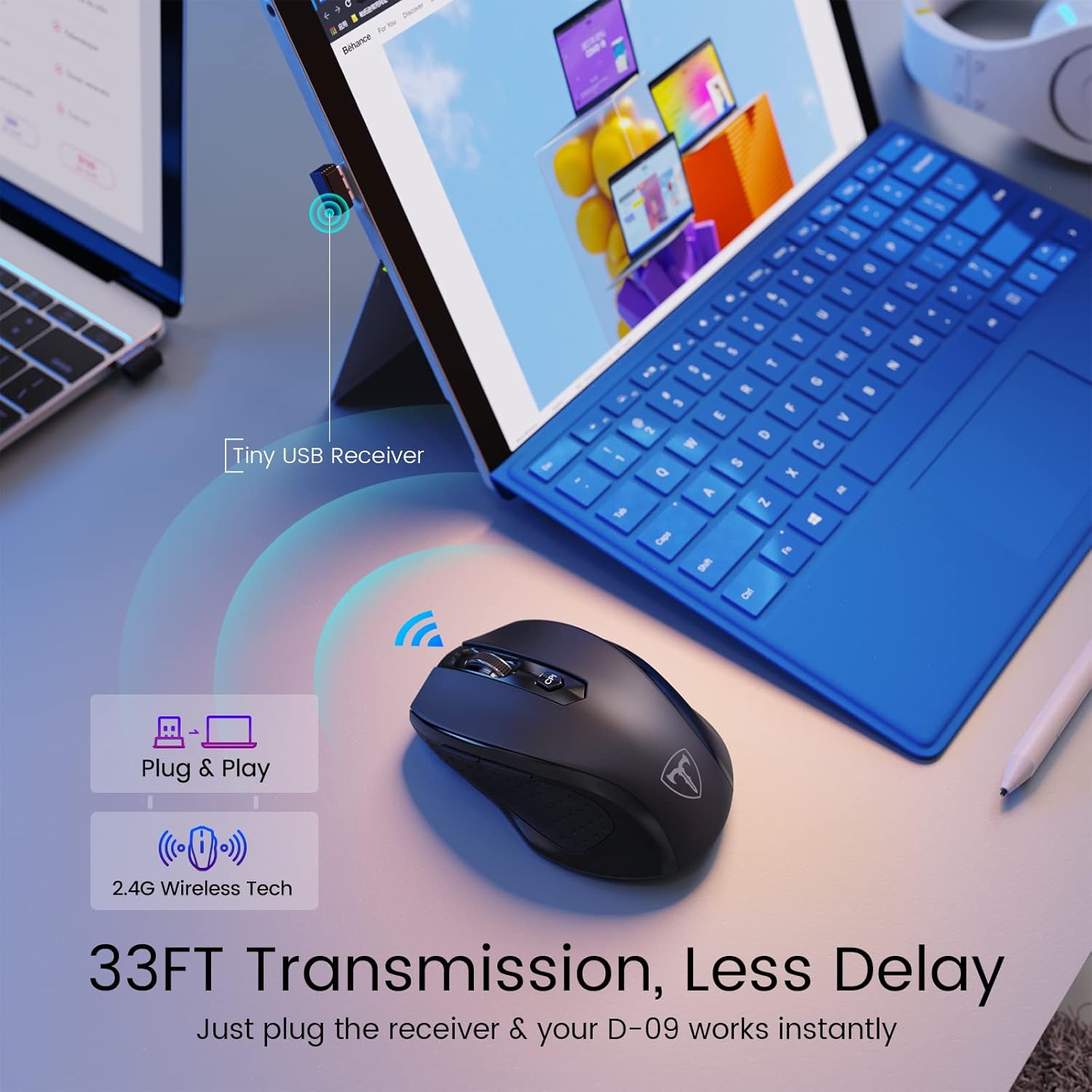
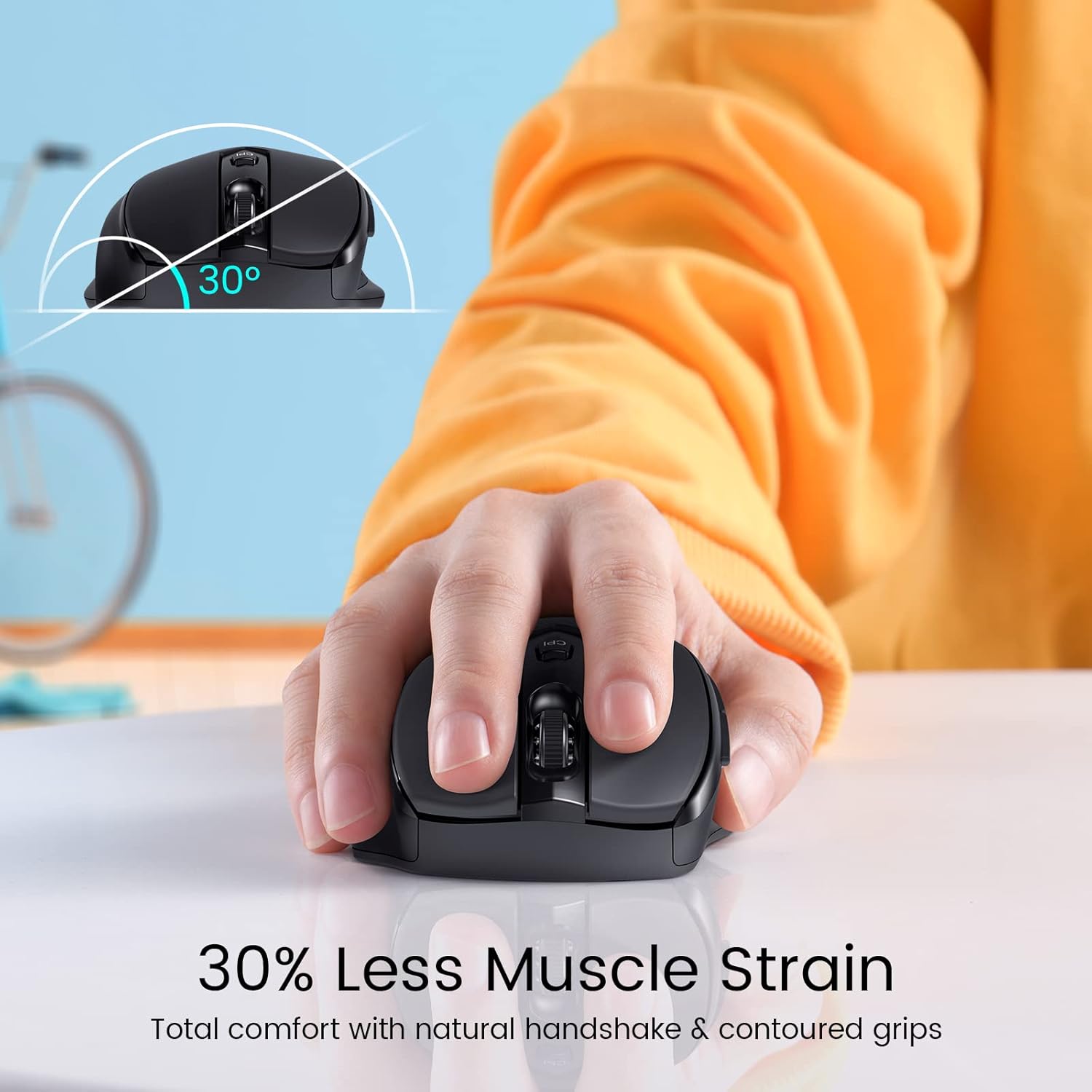
If you’re tired of clunky wireless mice that make your wrist feel “off” after a couple hours, the HOTWEEMS Wireless Mouse D-09 is built around reducing hand strain and making basic navigation feel smoother. It uses a 2.4G USB wireless connection with a plug-and-work approach, plus a more comfortable grip shape with a 30° ergonomic handshake angle.
On paper, it’s also aiming at everyday efficiency: the mouse includes six buttons, including added forward and backward side buttons for web browsing and file navigation. That kind of small convenience adds up when you bounce between tabs, folders, and typical laptop work.
Still, it’s not perfect for everyone—especially if you rely heavily on side buttons on macOS, because the side buttons are noted as unavailable for Mac OS.
Key features that show up in daily use
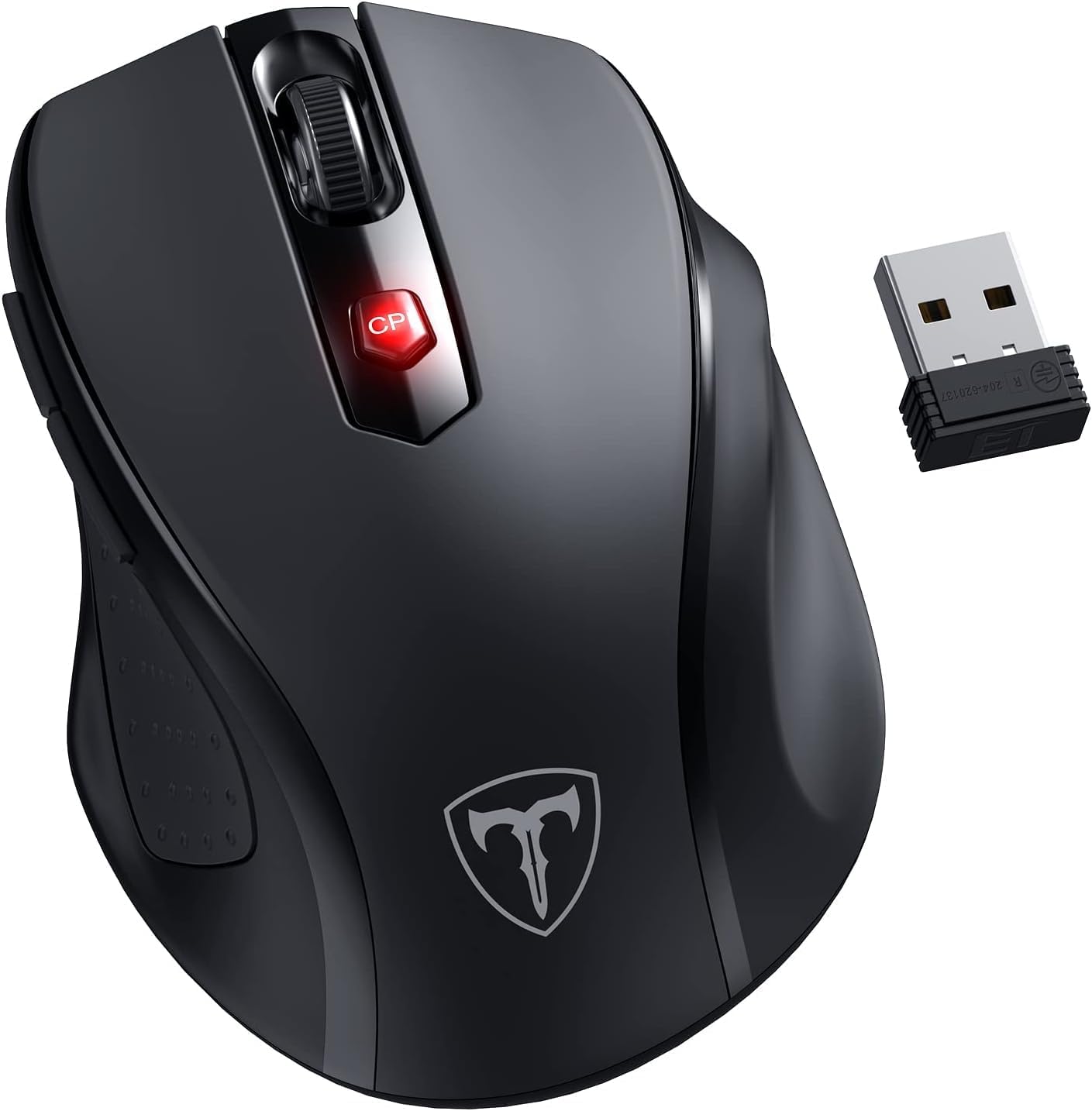
The main “feel” of the D-09 comes from its ergonomics and grip. The contoured design and matte finish are meant to keep you comfortable rather than constantly adjusting your hold. If you switch desks or travel with your laptop, the portable size and compact wireless setup (USB receiver stored on the back of the mouse) are the kind of details that make life easier.
For speed and responsiveness, it uses a 2.4G wireless connection with a stated 33FT/10M range. The idea is fewer delays and less interference compared with more basic wireless setups—again, it’s a design goal, not a guarantee for every environment.
Cursor control is adjustable thanks to a 5-level DPI sensor (800/1200/1600/2000/2400 DPI). That’s useful when you want more precision for reading or editing, then switch to a faster movement for moving across the screen.

And for battery life, it’s designed around efficiency: it runs on one AA battery and is stated to last up to 18 months, with sleep mode after 8 minutes of inactivity. If you hate replacing batteries often, that’s a clear selling point.
Ergonomics and buttons: the real trade-off to consider
The ergonomic 30° handshake angle and contoured grips are the headline. If your current mouse puts your hand in an uncomfortable angle for long sessions, the D-09’s design is worth considering.
But the button layout is also where you’ll want to pay attention. It has six buttons total, including forward and backward buttons on the side. However, the listing specifically says the side buttons are unavailable for Mac OS. So if macOS side-button navigation is part of your workflow, you may want to look elsewhere.
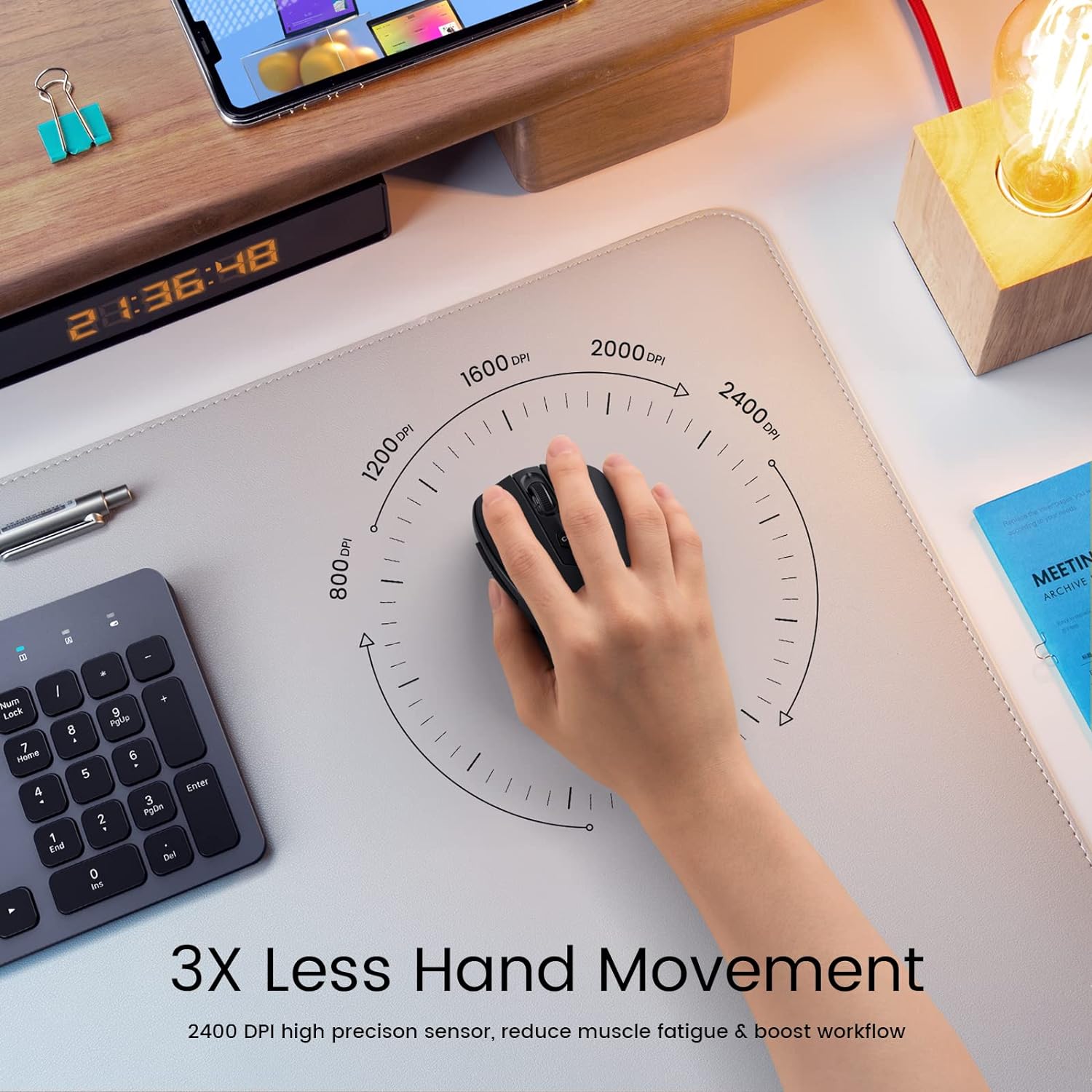
Also, note that the “cursor moves 3X faster than basic computer wireless mouse” is a comparison claim rather than a measurable spec you can directly verify from the listing. You can reasonably expect faster-than-basic movement with higher DPI, but your actual experience depends on your screen, mouse surface, and settings.
Tech specs (what matters most)
- Connection type: 2.4G wireless via USB receiver
- Range (stated): 33FT/10M
- DPI levels: 800/1200/1600/2000/2400 DPI
- Battery: 1 AA battery (sleep after 8 minutes)
- Battery life (stated): up to 18 months
- Buttons: 6 (includes forward/backward on the side)
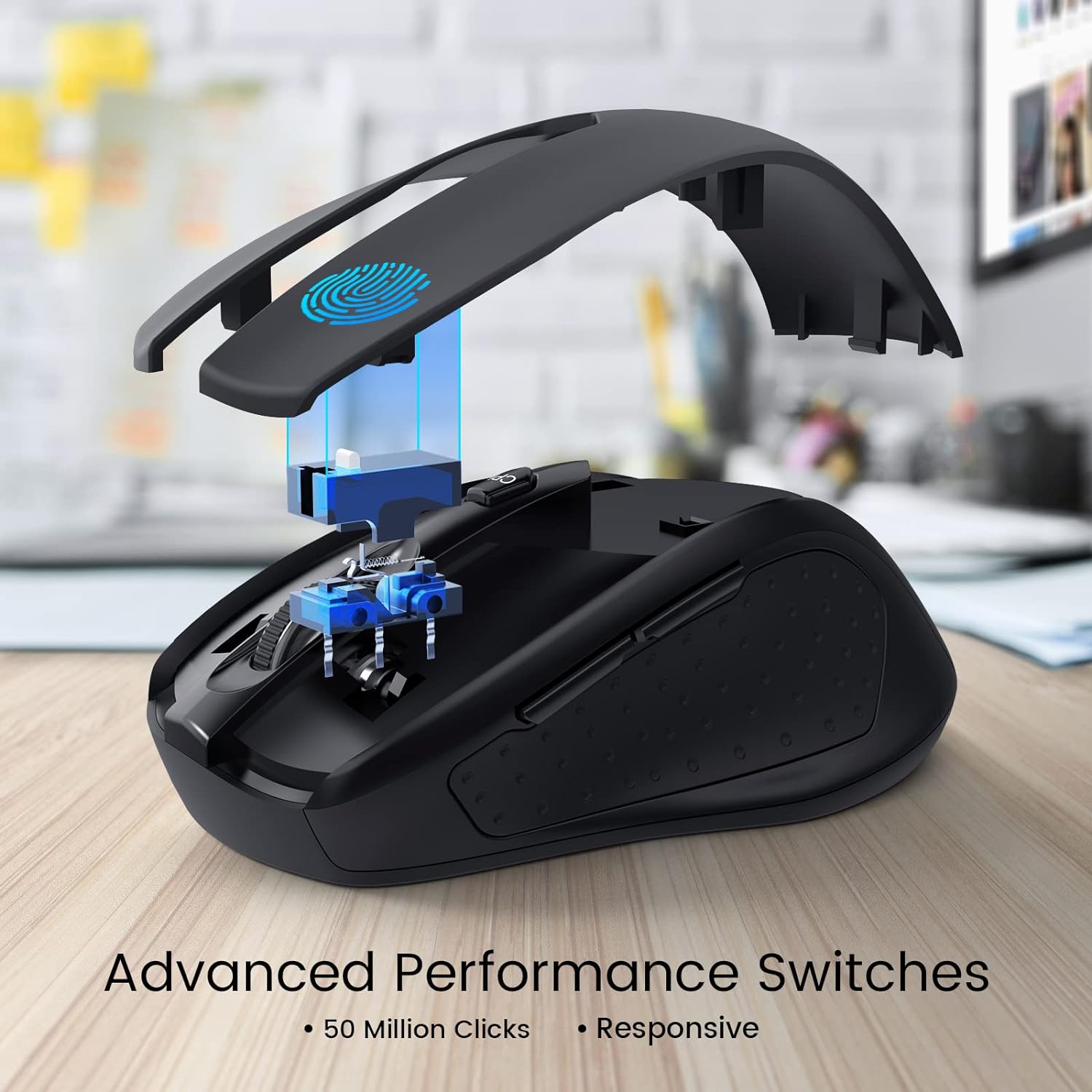
- Click durability (stated): 50 million clicks
- Ergonomic angle (stated): 30° ergonomic handshake angle
- Wireless receiver storage: stored back of the mouse beside the battery
Who it suits—and who should skip it
It’s a solid pick if you want a simple USB wireless mouse for laptop work, home office, or travel, and you value comfort and reduced hand fatigue. Worth considering if you regularly use web navigation and moving through files, because the forward/backward buttons are there for that purpose.
It might not suit you if you’re on macOS and you rely on side buttons. It also may not be the best match if you need specialized features not mentioned here (for example, advanced software customization). This model is positioned as an everyday ergonomic wireless mouse—more practical than “enthusiast gear.”
Practical use scenario
Imagine you’re working through emails and documents on a laptop during a commute. You plug the USB receiver into your device, and the mouse is ready to go without setup. While browsing, you tap the forward and backward side buttons to move between pages and files, then switch DPI higher for quicker cursor travel during editing or scrolling. When you step away, it goes to sleep after inactivity, and you’re not constantly hunting for new batteries.
Mini FAQ
Does it work with Windows, Mac, and Chromebook?
The listing says it works with Windows laptop/MacBook/Chromebook/PC as long as the device has USB ports. One important note: side buttons are unavailable for Mac OS.
How long does the battery last?
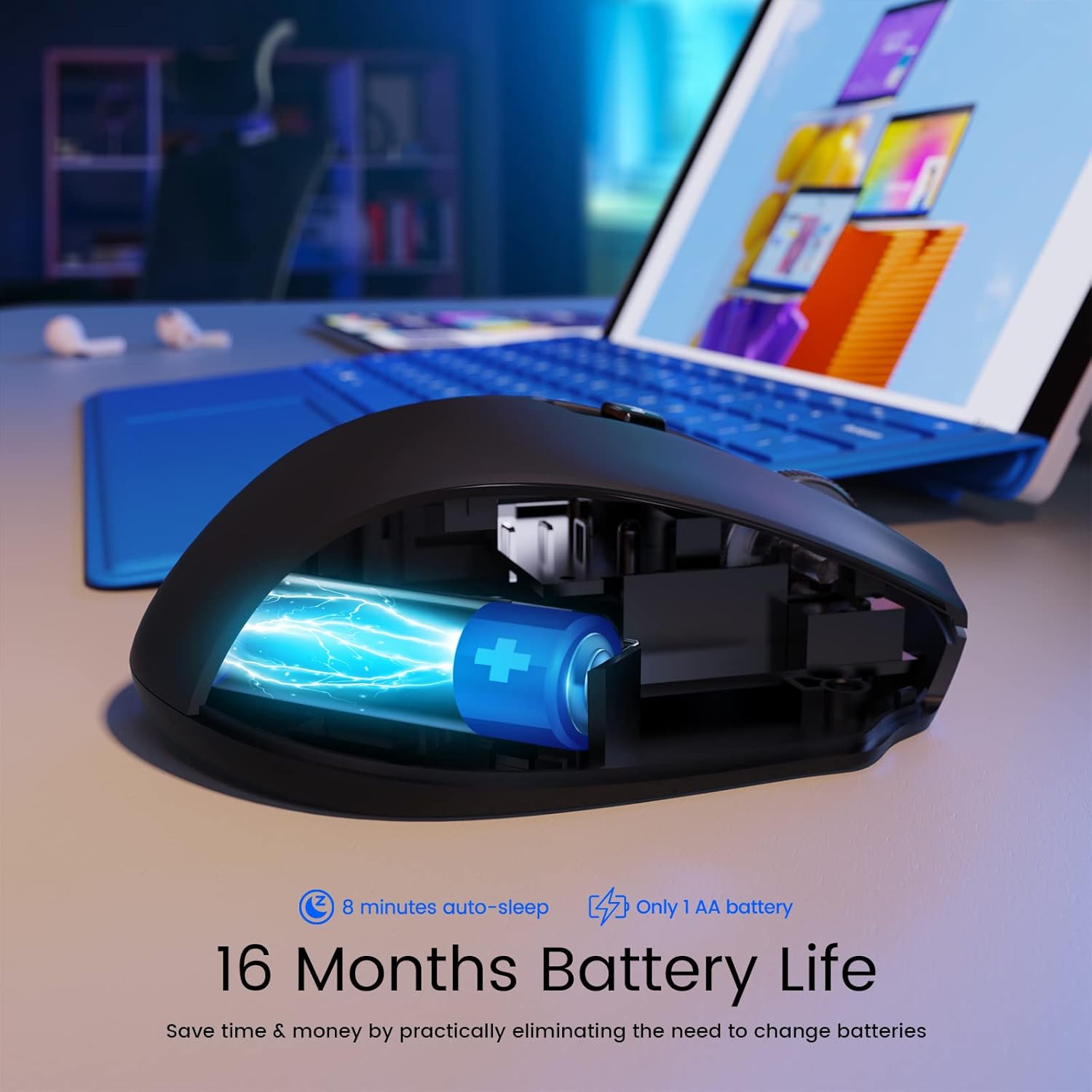
It uses one AA battery and is stated to last up to 18 months, with sleep mode after 8 minutes of inactivity.
Does it need drivers or software?
The listing describes it as plug-and-play after inserting the USB receiver into your PC or laptop, with no delay.
Are the side buttons functional on macOS?
No—the listing states side buttons are unavailable for Mac OS.
Is the DPI adjustable?
Yes, it offers five DPI levels: 800, 1200, 1600, 2000, and 2400.
When it makes sense?
Buy the HOTWEEMS Wireless Mouse D-09 if you want an everyday wireless mouse that prioritizes ergonomic comfort, adjustable DPI for smoother cursor control, and long battery life with a standard AA battery. It’s especially worth it for laptop users who like quick navigation using the forward/backward buttons.
Skip it if your macOS workflow depends on side buttons, since the listing notes they aren’t available on Mac OS. And if you expect a highly specialized, software-driven gaming or productivity setup, this one may feel more like a practical ergonomic upgrade than a performance-focused tool.