

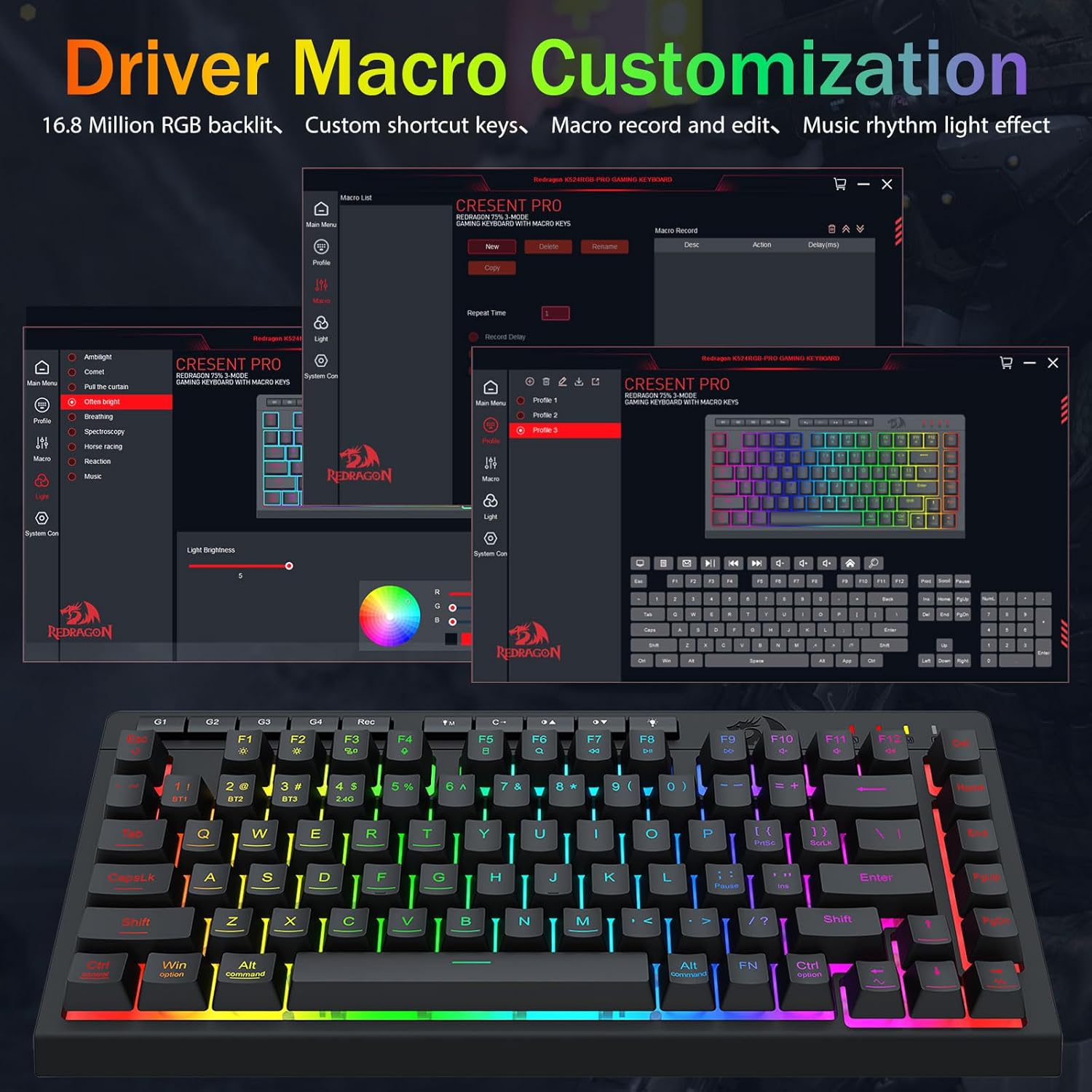
Redragon Wireless Gaming Keyboard (75% Tri-Mode) Bluetooth/2.4GHz/USB-C, RGB Macro Keys, Anti-Ghosting
Product description
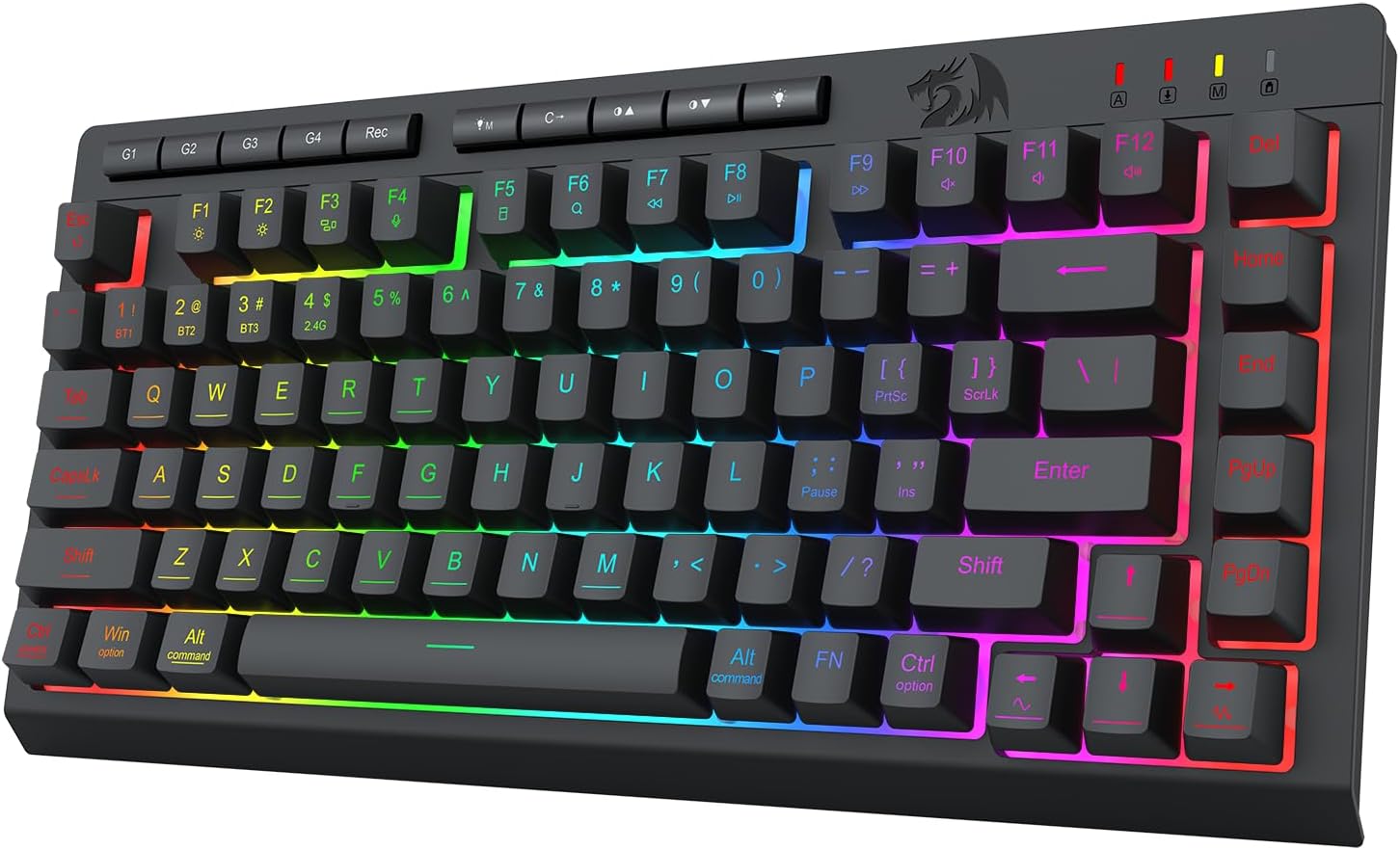
If your setup flips between work and play (or between multiple devices), a keyboard that can keep up matters more than people think. The Redragon Wireless Gaming Keyboard is a 75% mini portable board built around tri-mode connectivity (Bluetooth 5.0, 2.4GHz wireless, and USB-C wired), plus RGB and onboard macro keys.
On paper, it’s aimed at hybrid users who want one keyboard to live across a PC and a laptop/tablet/phone—without constantly re-pairing or swapping cables. It’s also positioned as a gaming-friendly membrane board, which is a key detail to keep in mind.
What it is and why it exists
This is a 75% wireless gaming keyboard from Redragon with RGB backlighting, programmable macro keys, and anti-ghosting support for fast key combinations. It also supports quiet typing, so it’s not just “for the desk at 2 a.m.” If you’ve ever tried to game on a basic office keyboard or tried to type quietly with a louder switch, the “membrane + quiet” angle is the clear pitch here.
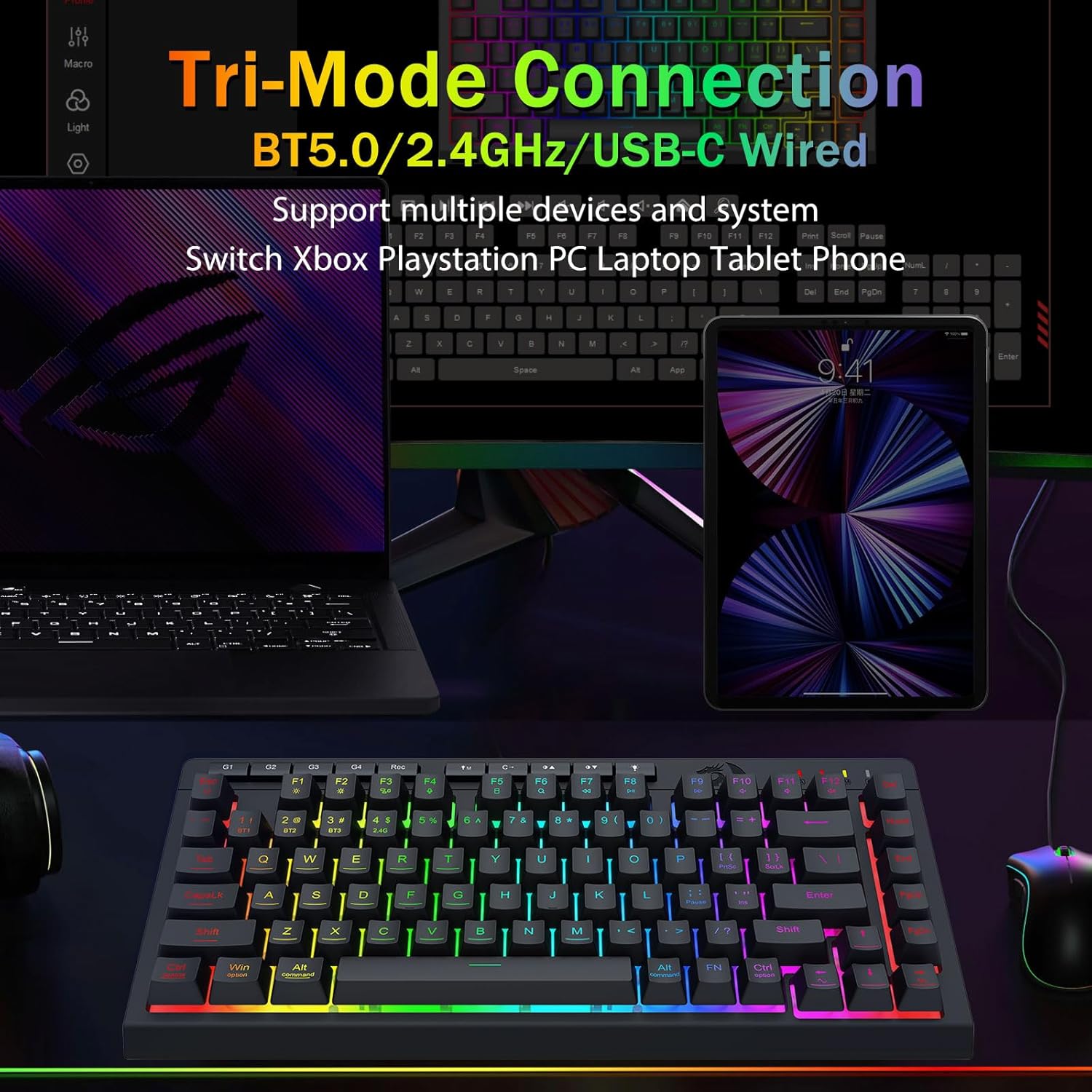
The tri-mode design is the practical reason to consider it. Depending on what you’re doing, you can switch between Bluetooth 5.0, 2.4GHz (wireless), and USB-C wired mode.
Connectivity and multi-device control (the real selling point)
The standout feature is the ability to switch between modes and devices. The product description says you can connect up to 5 devices simultaneously and toggle them using shortcut keys or a side button. That’s the kind of convenience that actually shows up during everyday use: one keyboard for a PC, a Mac, and even tablets/phones, with a quick handoff.
There’s a “depends on your workflow” part here. If you mostly use one computer all day, you may not fully benefit from the multi-device setup. But if you bounce between devices—say laptop for work and desktop for gaming—this approach is built for that.
Macros without clutter (onboard G1–G4)
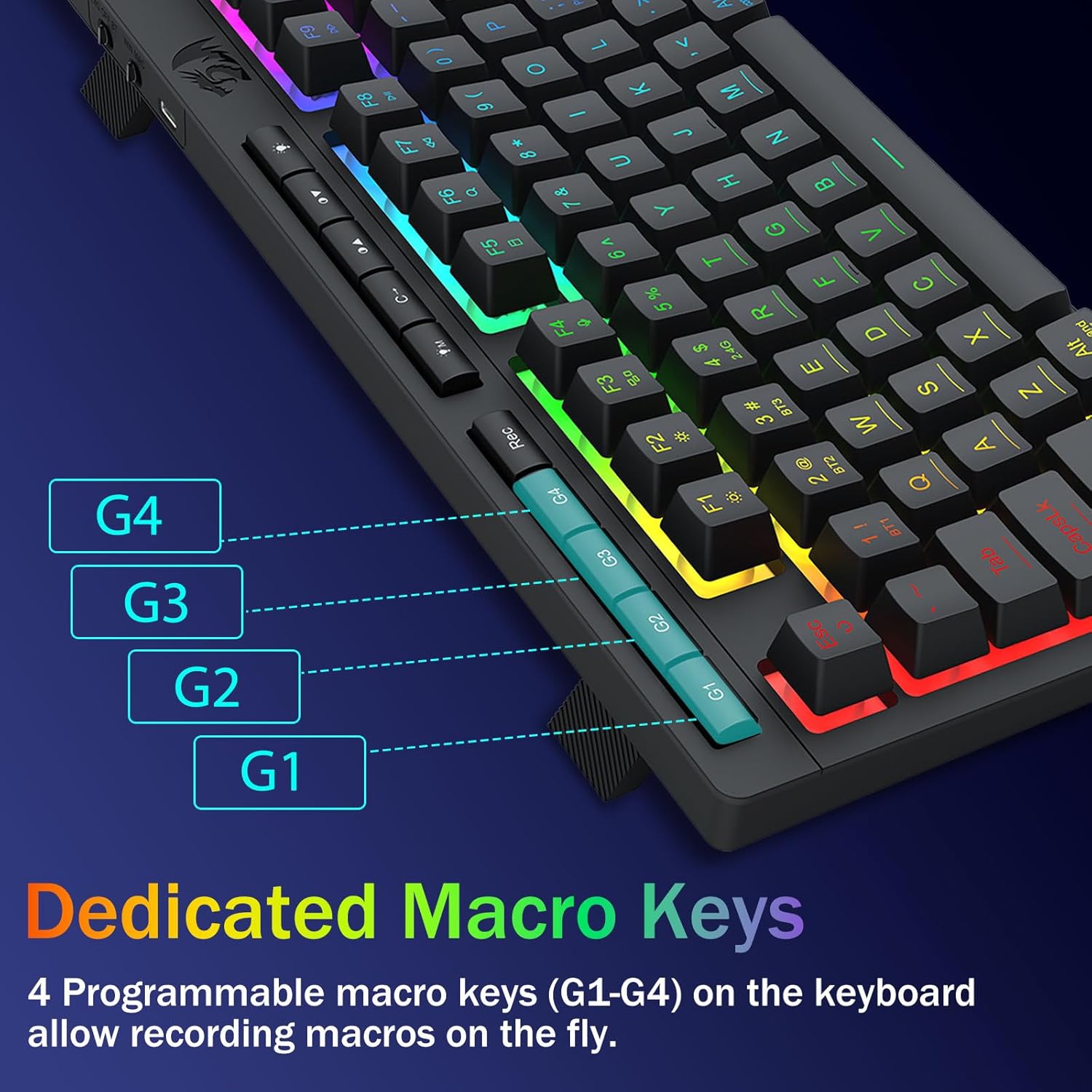
For creators and gamers who like shortcuts, the keyboard includes 4 onboard macro keys labeled G1–G4. The description claims you can program them instantly with no software required, which is useful if you prefer not to install anything just to get basic functionality.
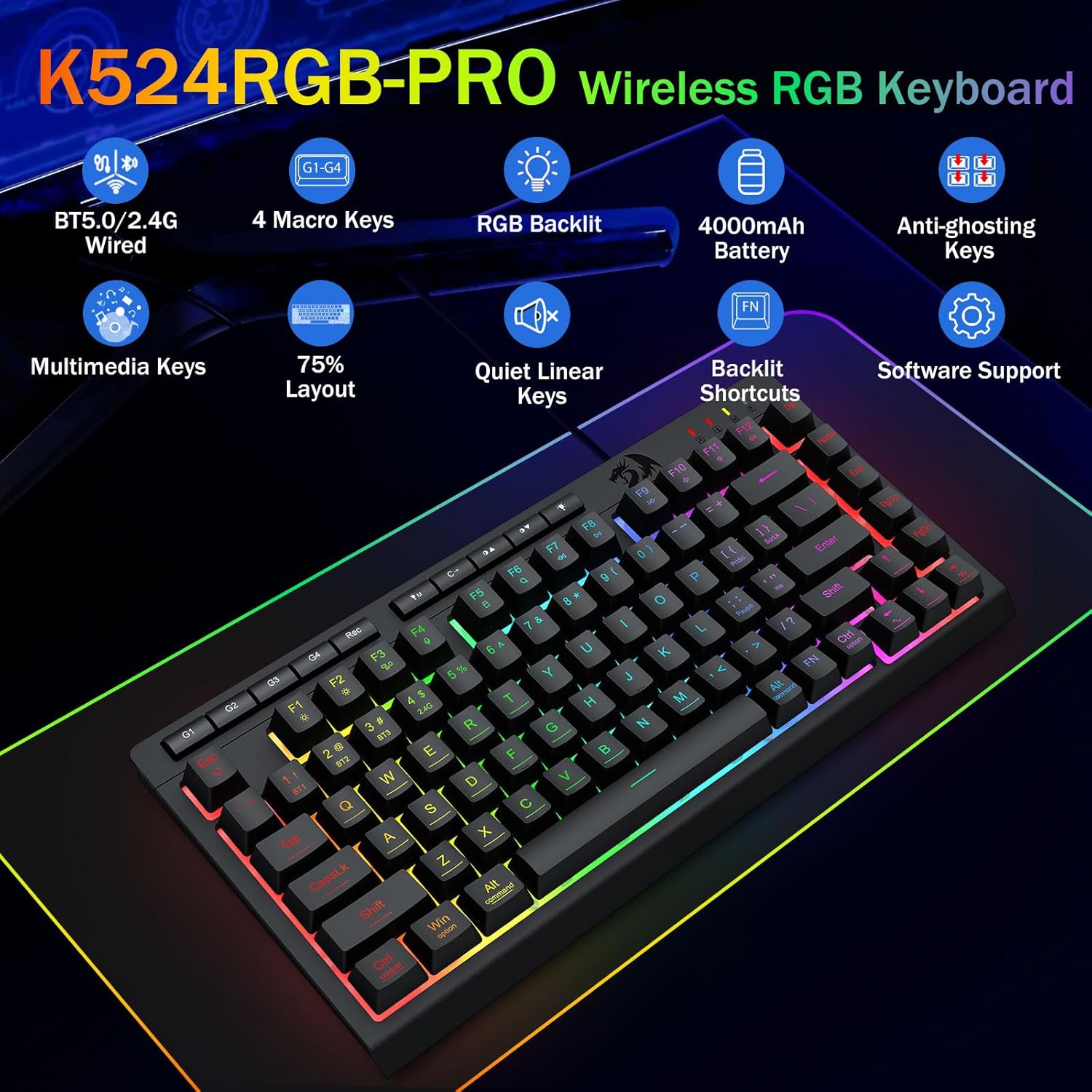
It also notes that software can expand customization: you can adjust functions, RGB behavior, and shortcuts, and create macros more complex than the onboard approach.
A realistic expectation: “no software required” usually covers the essentials. If you want deeper customization and fine-tuning, you’ll likely end up using the driver/software link mentioned in the listing.
RGB lighting you can dial in (without taking over your day)
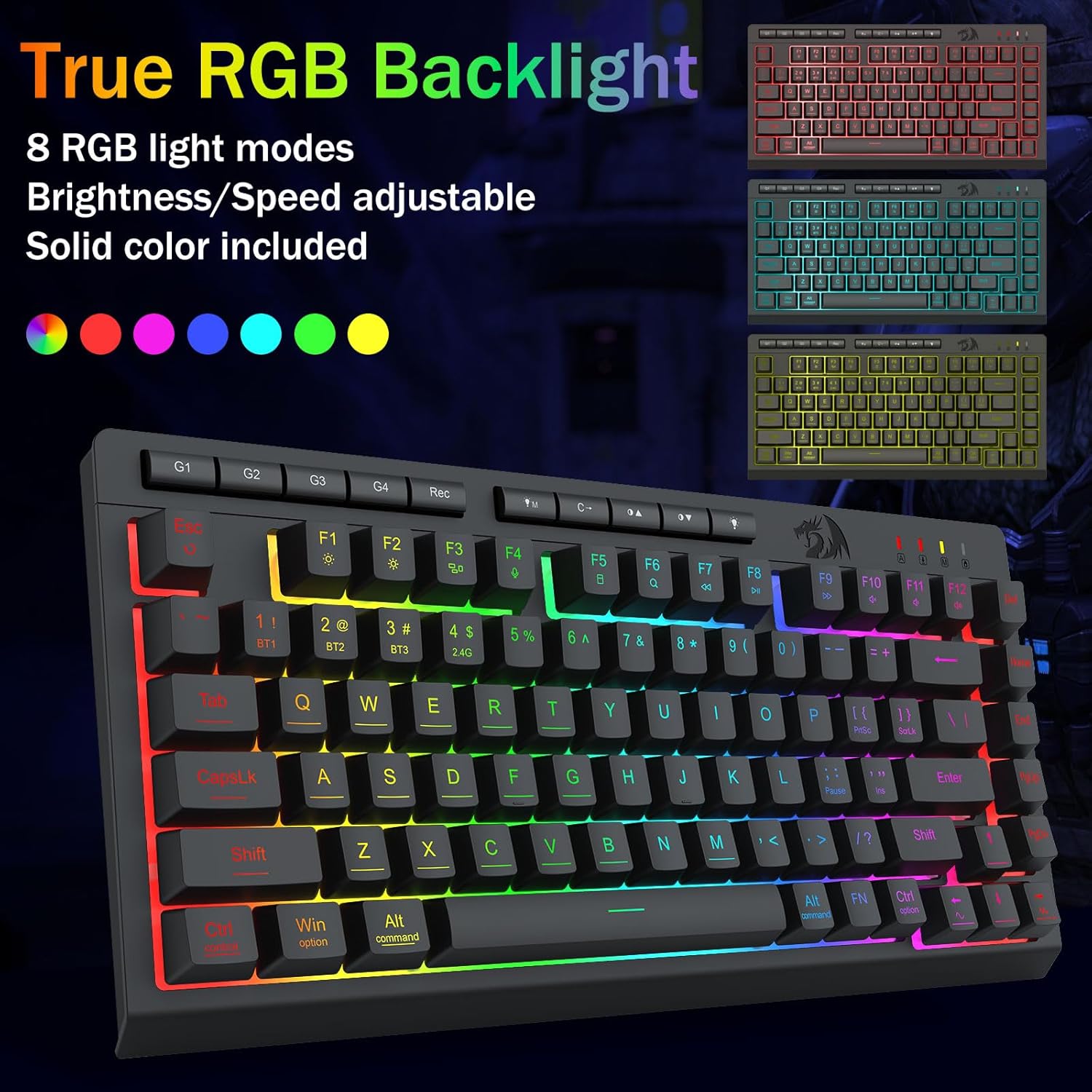
The RGB backlight supports 16.8 million colors and includes 8 preset modes, such as Rainbow Wave and Reactive Typing. There are also 6 DIY profiles and brightness control, including the ability to reduce the brightness for a “stealth” feel.
This is a nice touch for late-night sessions or office use, where full blast RGB can be a little much. Still, if you’re the type who never changes lighting or would rather have zero distractions, you may not care about the feature set beyond the default look.
Gaming performance expectations (and the one limitation to respect)
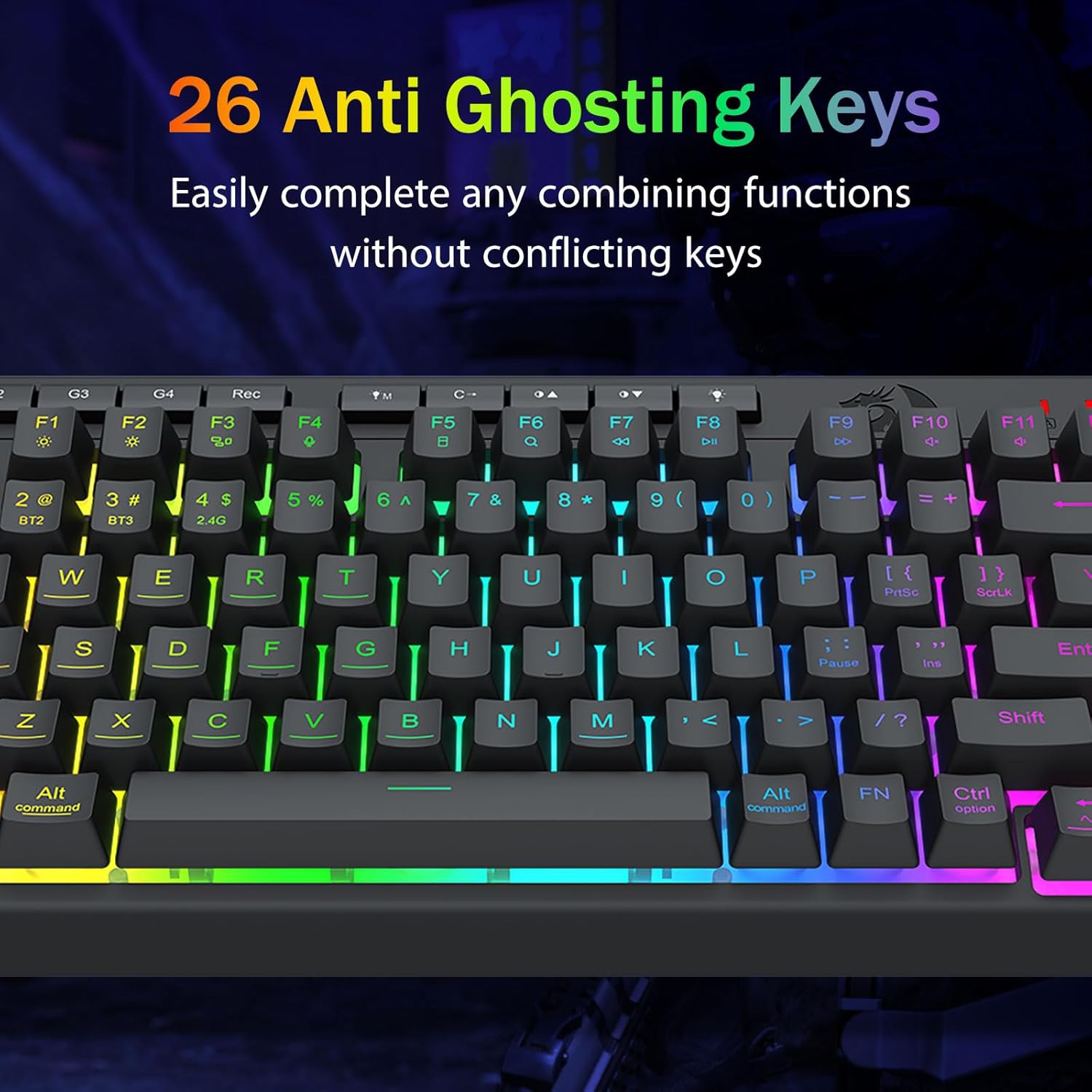
The keyboard is described as gaming-focused with anti-ghosting for simultaneous key presses. It also specifies keys “with an underscore” for anti-ghosting behavior and claims 26 keys can work simultaneously for fast and accurate game responses.
But here’s the limitation that matters: it’s explicitly a membrane keyboard, not mechanical. Membrane can absolutely be usable for gaming—especially for people who prefer softer, quieter feel—but it may not satisfy those who specifically want mechanical switch characteristics like crisp, clicky actuation.
If you’re shopping for competitive-level mechanical feel, this may land closer to the “mid-range convenience” category. If you want quiet operation plus wireless flexibility, it makes more sense.
Everyday comfort and durability notes
The description highlights whisper-quiet typing and a “volcano switch structure” for durability, claiming a lifespan of 50 million keystrokes. That kind of durability claim is typically associated with switch technology, but since this is a membrane board, it’s still worth reading as a “built to last” intent rather than a mechanical-switch guarantee.
In practical terms, the quiet-typing angle is what stands out most for office environments, shared spaces, or anyone who doesn’t want a keyboard that sounds like a drum kit.
Tech specs (key details from the listing)
- Connectivity modes: Bluetooth 5.0, 2.4GHz wireless, and USB-C wired
- Device support: up to 5 devices simultaneously
- Battery: 4000mAh rechargeable battery
- Battery claims: 30+ days standby, 50 hours RGB runtime
- Layout: 75% mini
- Macro keys: 4 onboard keys (G1–G4)
- RGB: 16.8 million colors, 8 preset modes + 6 DIY profiles
- Anti-ghosting: underscore keys support simultaneous key operation (claimed up to 26 keys)
- Switch type: membrane (not mechanical)
- Driver/software: linked in the listing (bit.ly/K524RGB-PRODriver)
Who it’s for vs. who should skip it
It makes sense if you want one portable 75% keyboard that can hop between multiple devices (via tri-mode) while still giving you gaming-friendly anti-ghosting and programmable macros. You’ll appreciate the multi-device toggle if you frequently switch between a work laptop and a gaming rig.
You may want to skip it if you’re specifically chasing mechanical-keyboard feel, heavy actuation “snap,” or you only ever use a single device. Also, if your priority is ultra-low distraction and you don’t care about RGB or macros, a simpler board could be a better fit.
Mini FAQ
Does it work with both PC and Mac?
The listing mentions anti-ghosting compatibility for Win/Mac, and the multi-device support suggests it’s built for mixed-platform setups.
Can you program macros without software?
The description says you can program the onboard G1–G4 macro keys instantly without software. More advanced customization appears to require the driver/software.
How do you switch devices?
It includes shortcut keys or a side button to toggle between connected devices and modes.
Is it mechanical?
No—this is a membrane keyboard, even though it’s marketed for gaming.
How long does the battery last?
The listing claims 30+ days standby and around 50 hours of RGB runtime.
Is it worth it?
Buy it if you want a 75% wireless gaming keyboard that prioritizes tri-mode connectivity, multi-device switching, RGB customization, and onboard macros—especially for hybrid work/gaming setups. Skip it if you’re looking for a mechanical switch feel or you don’t care about multi-device convenience, in those cases, a membrane board like this may feel like the wrong tradeoff.