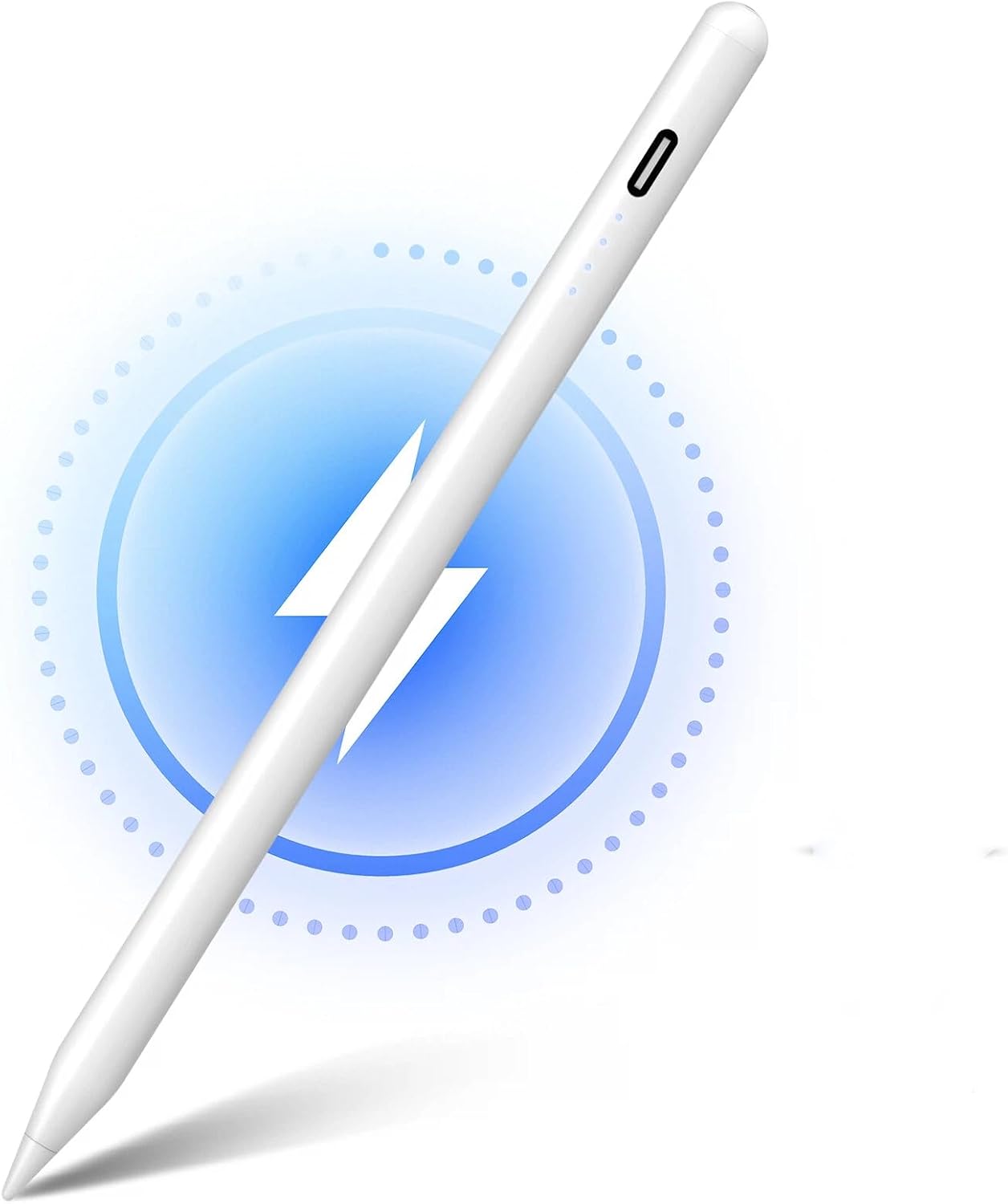
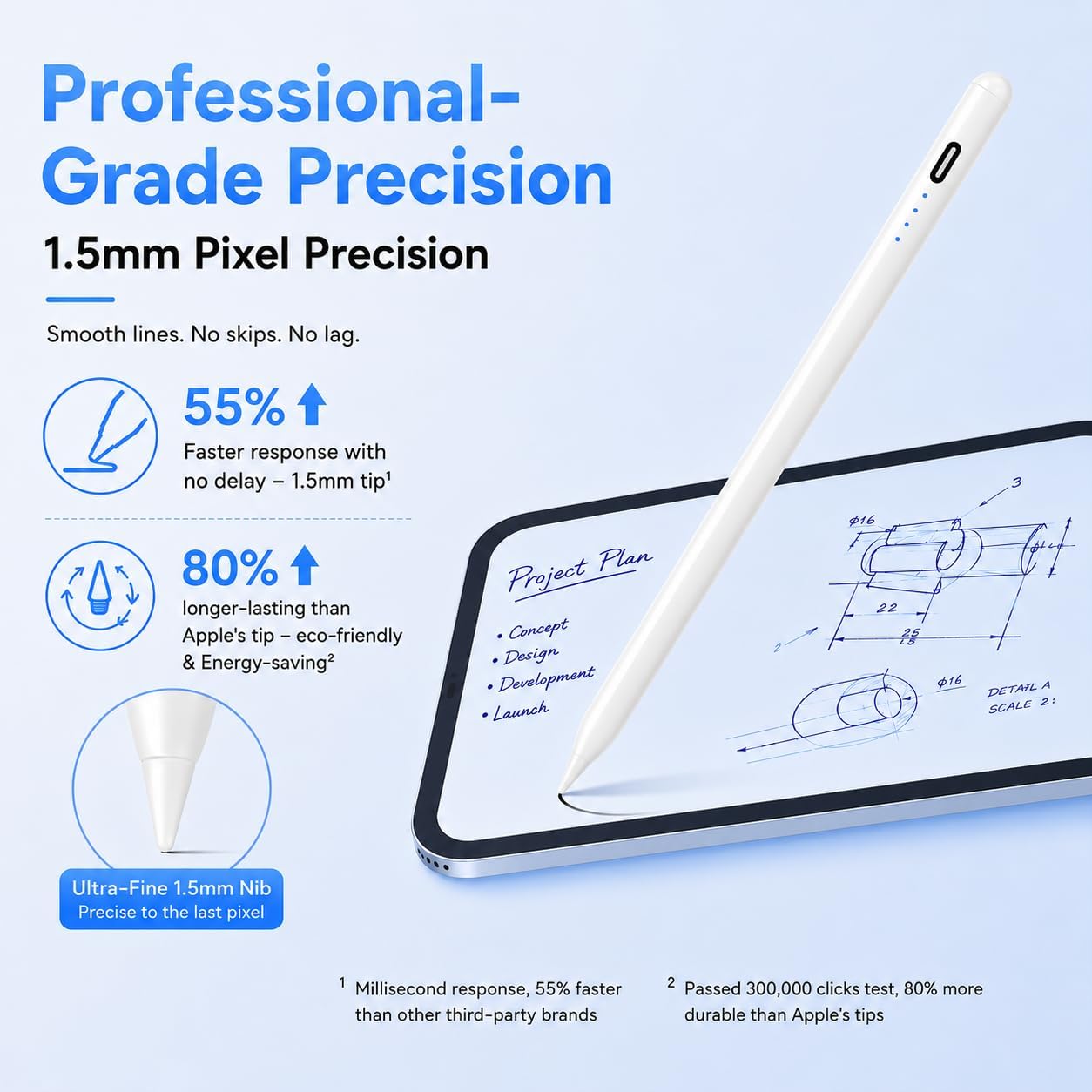
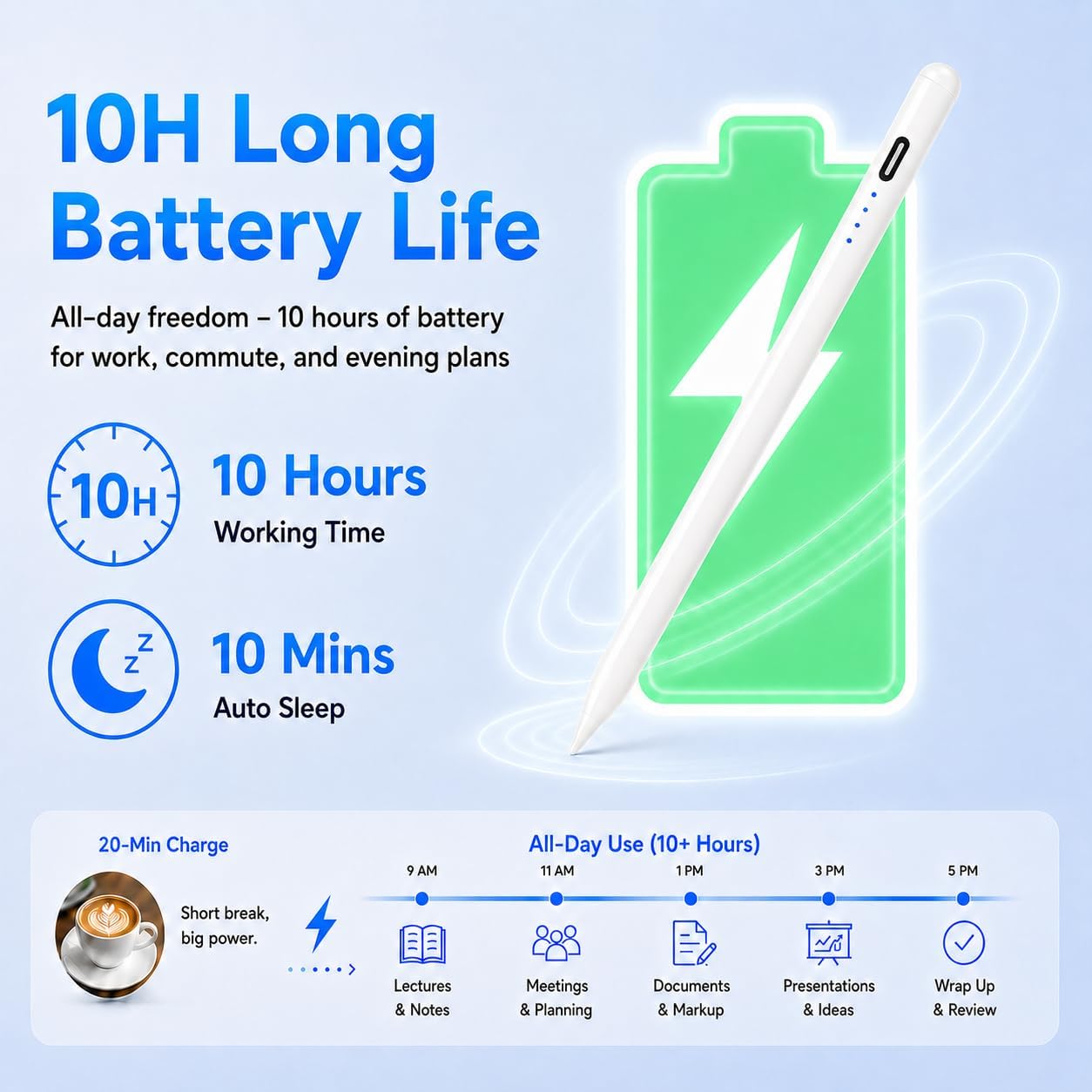
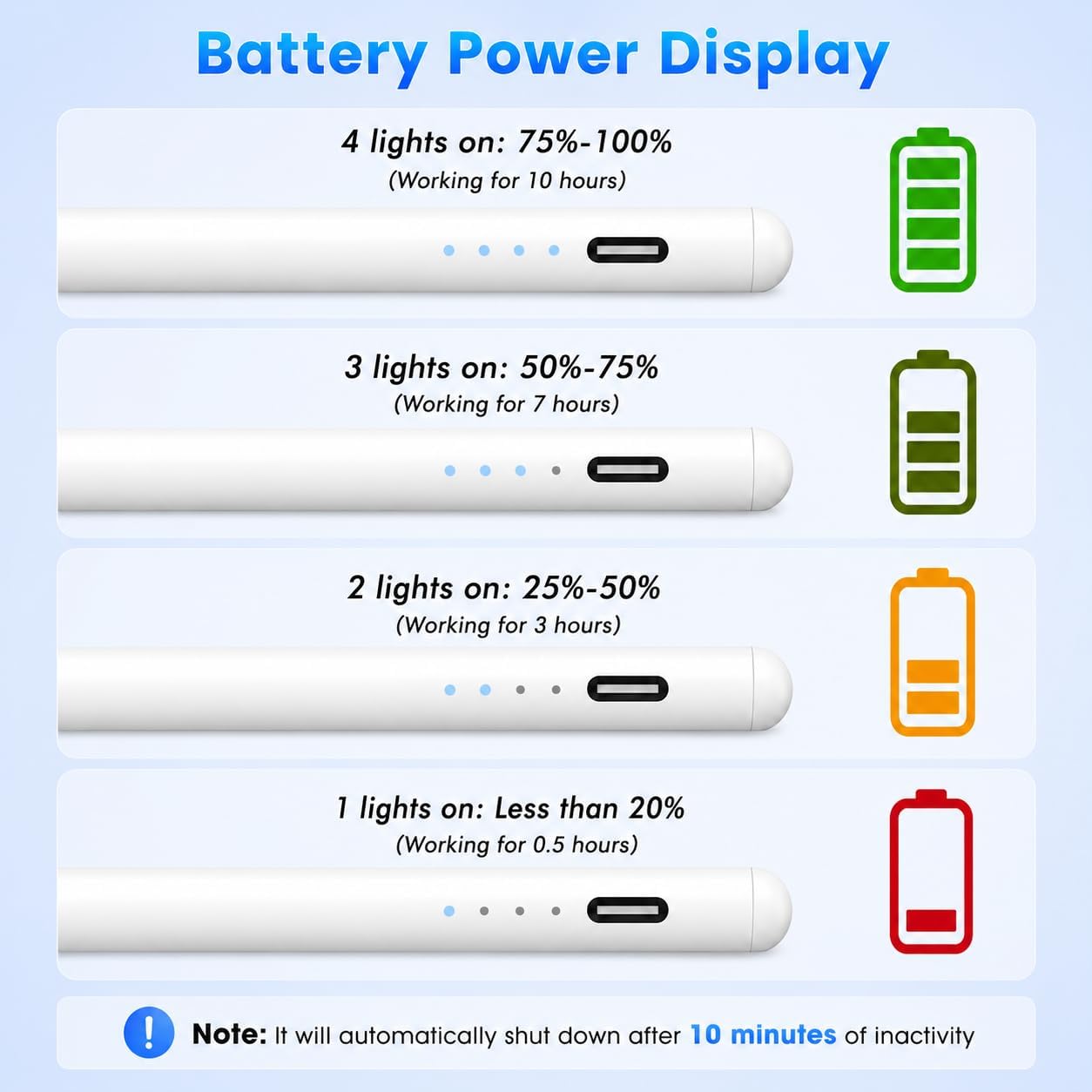
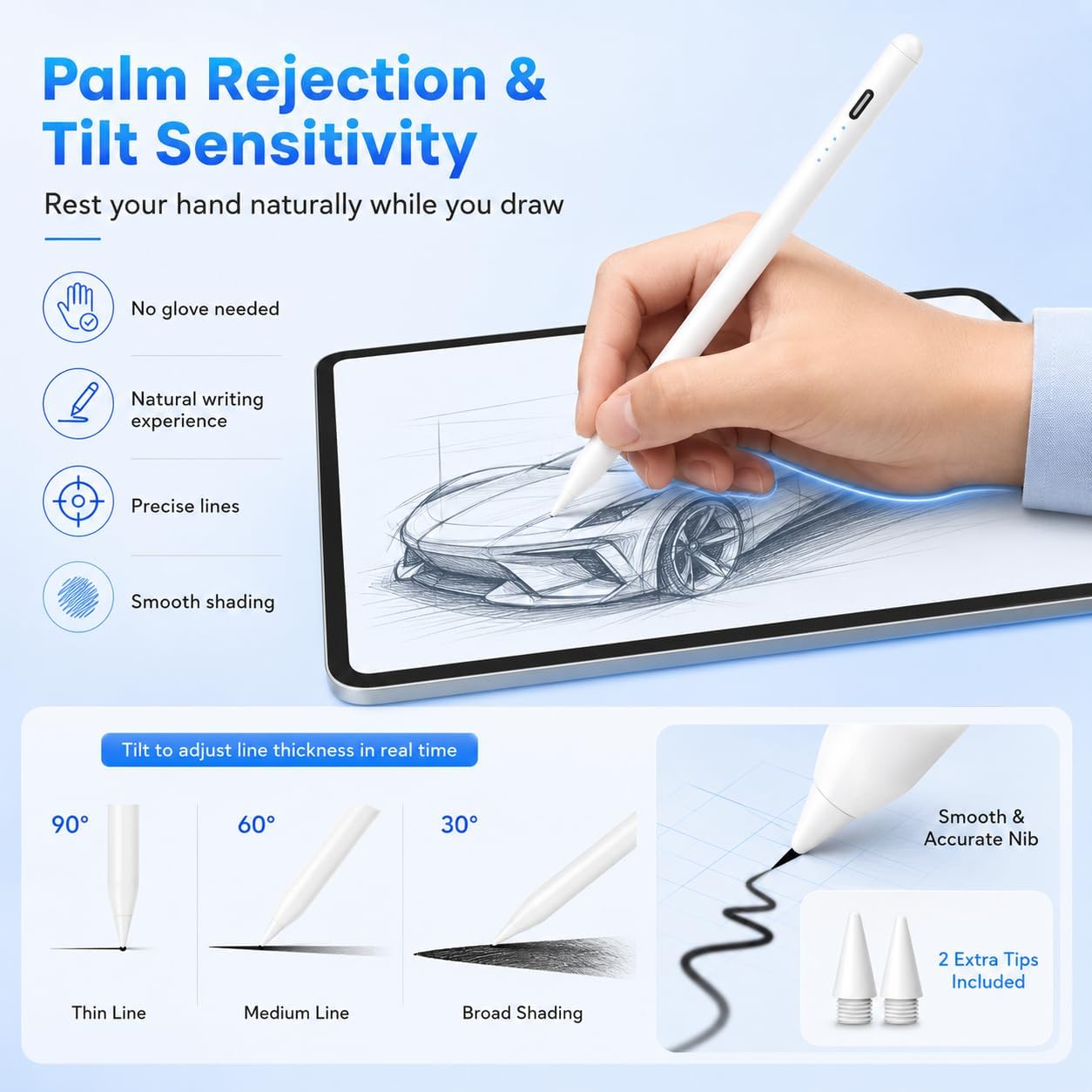
What this is and what it solves\nThe MEKO Pencil is a stylus designed for a wide range of iPad models released from 2018 through 2026. It aims to deliver professional‑grade drawing and note‑taking precision without the battery anxiety of other pens. If you frequently switch between lectures, meetings, or creative sessions, this pencil promises all‑day productivity with a quick charge that can carry you through a full workday after a mere 20 minutes of topping up.\n\n## How it performs on paper (or glass)\nOn the writing surface, MEKO claims a 0.1 mm pixel precision with a tip that responds noticeably faster than some standard pencils. The result is smoother lines and fewer skipped strokes, which matters for detailed sketches or careful annotation. It also supports tilt for line thickness and shading in real time, so you can vary your stroke without swapping tools.\n\n## Palm rejection and ease of use\nA key practical point is palm rejection without gloves. You can rest your hand on the screen while drawing or taking notes, which helps natural handwriting flow. However, note that the pencil does not require Bluetooth pairing or an app to function, since it activates with a tap and is designed to stay attached via dual magnets.\n\n## Durability and nib life\nThe nib longevity claim points to a durability test over a distance equivalent to 20 km of use, with guidance that it lasts significantly longer than some alternatives—reducing the frequency of nib replacements. The package includes 2 extra replacement nibs, which is helpful for the long haul and for reducing ongoing costs.\n\n## Compatibility and limits\nMEKO states compatibility with a broad span of iPad models from 2018 to 2026, including various Pro, Air, and standard iPads across multiple generations. It’s important to verify your exact model before ordering, as the pencil is not compatible with devices older than 2018, and it won’t work with iPhone, Android, or Microsoft devices. It also uses built‑in magnets to attach to the iPad, but it does not support wireless charging. This means you’ll want to keep it clipped to the iPad side, not in a wireless charging cradle.\n\n## What stands out day to day\nFor students and professionals who value a simple, immediate connection and reliable performance, the MEKO Pencil reduces the friction of buying a separate nibs and fiddly adapters. The 0.1 mm precision and faster response can translate into clearer diagrams, more accurate notes, and a smoother drawing experience.\n\n## Where it may fall short\nIf you rely on wireless charging or expect an Apple Pencil‑level ecosystem lock‑in, this pen still uses a tap activation model without Bluetooth pairing and may not feel as seamless in some workflows. Also, the 10H battery life claim sounds strong, but real‑world performance depends on usage, intense drawing with high tilt and shading could drain faster. And since compatibility covers many models, there’s a chance a specific iPad variant may behave differently from another.\n\n## Before you buy: what to check\n- Confirm your exact iPad model and generation to ensure compatibility.\n- Consider whether you prefer a magnetic attachment method without charging pads or wireless charging.\n- Think about nib replacement costs and the availability of replacements in your region.\n- If you often switch between heavy note‑taking and fine illustration, evaluate whether the 0.1 mm precision meets your expectations for detail.\n\n## Practical use example\nIn a typical design class, you might draft quick wireframes and annotate lecture slides with precise lines and shading. The MEKO Pencil’s immediate responsiveness reduces lag between intention and mark, which helps maintain the flow of ideas rather than pausing to wait for the screen.\n\n## Is it worth it?\nA balanced choice if you prioritise reliable everyday use, straightforward magnet attachment, and clear precision without needing Bluetooth or apps to function. It might be less compelling if you expect wireless charging or a tighter Apple Pencil‑framed integration.\n\n## FAQs\n- Does it work without Bluetooth? Yes, activation is by tap and it attaches magnetically.\n- Are there compatible iPad models beyond 2018–2026? The stated range covers several generations, verify your model before purchase.\n- Can I use it with Palm Rejection gloves? The design aims to avoid gloves, but real‑world performance varies by hand size and writing style.\n\n## Final decision for purchase\nIt suits users seeking a practical, battery‑friendly stylus with precise input and easy attachment. If you value speed of response and long battery life in everyday tasks, this is a sensible option. If your workflow depends on wireless charging or near‑perfect ecosystem parity with Apple devices, you may want to compare with other options.\n