

Metapen Pencil A8 for iPad (2018–2026): 0.1 mm Pixel Precision, 2× Faster Charge
Product description
What it is
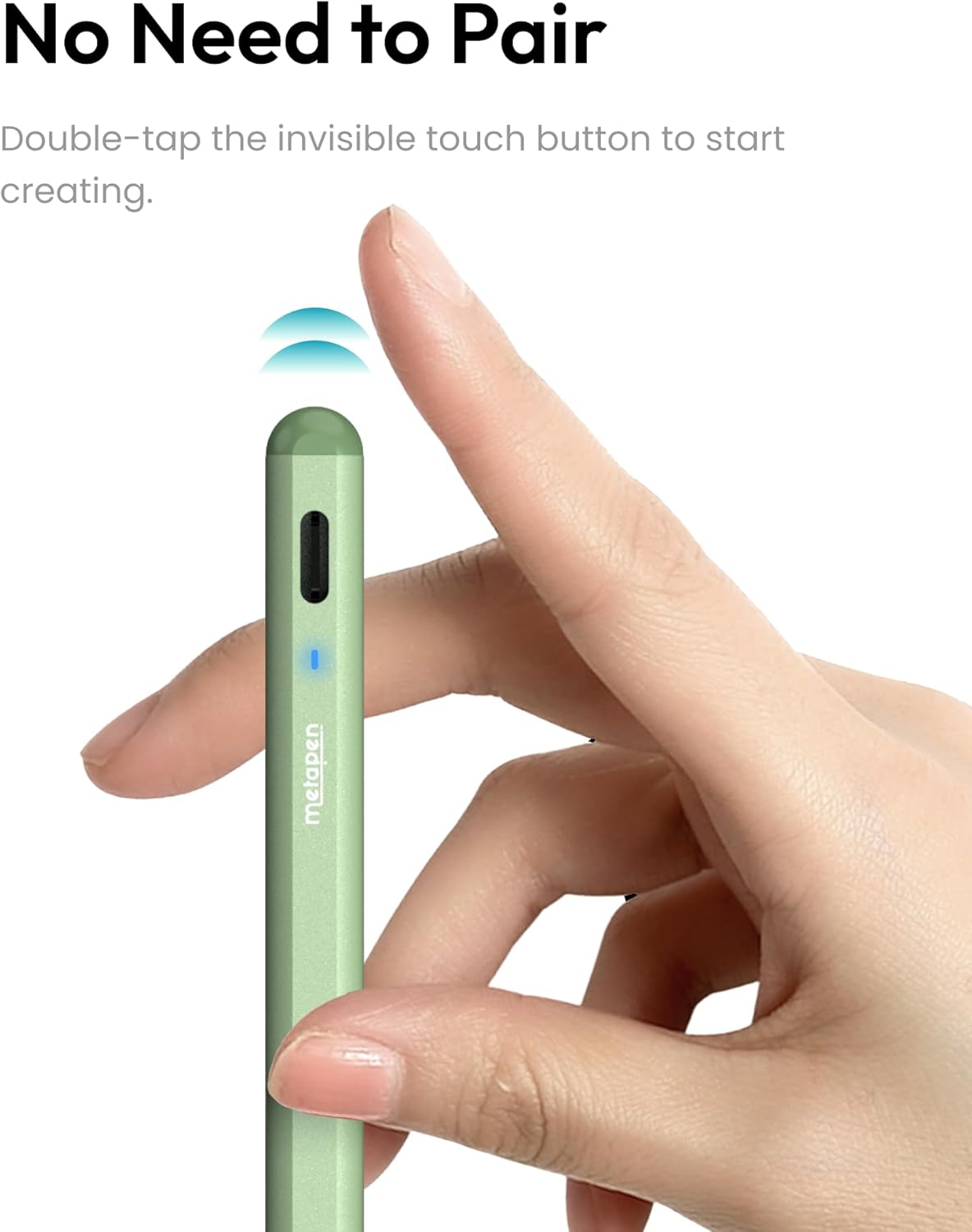
The Metapen Pencil A8 is a stylus designed for a wide range of iPad models from 2018 through 2026. It aims to offer precise input for writing, drawing and note-taking, with a focus on accurate line rendering and quick usability without the need for Bluetooth pairing.
How it performs in practice
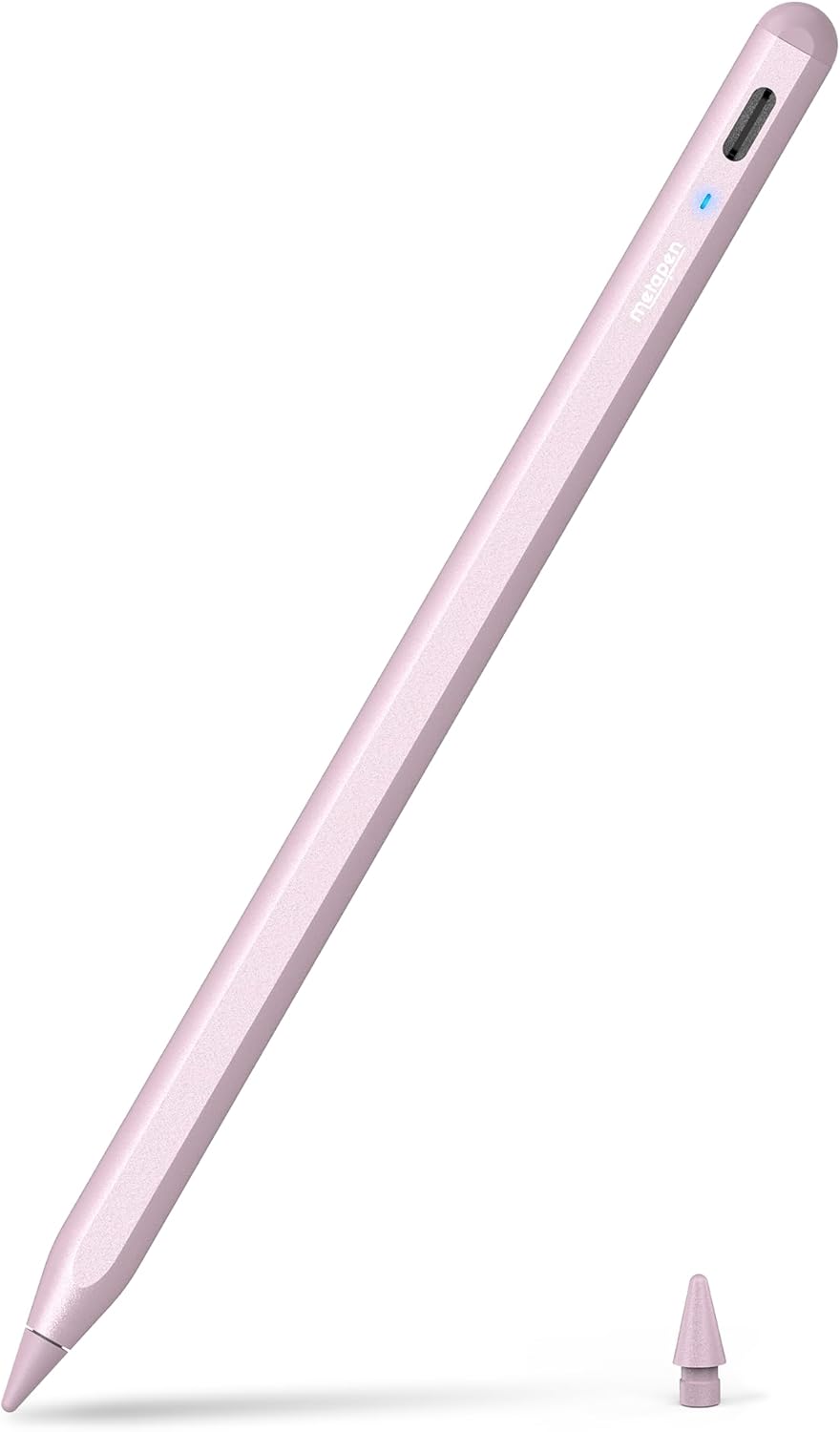
On paper, the standout claim is pixel-precise input with a reported 0.1 mm accuracy and no noticeable delay or breakpoints. This can make small handwriting and fine lines feel more natural, though it's worth noting that the device does not support pressure sensitivity. For many general note-taking tasks and sketching, that level of precision can still feel responsive and dependable when your technique aligns with a steady hand.
Battery life and charging
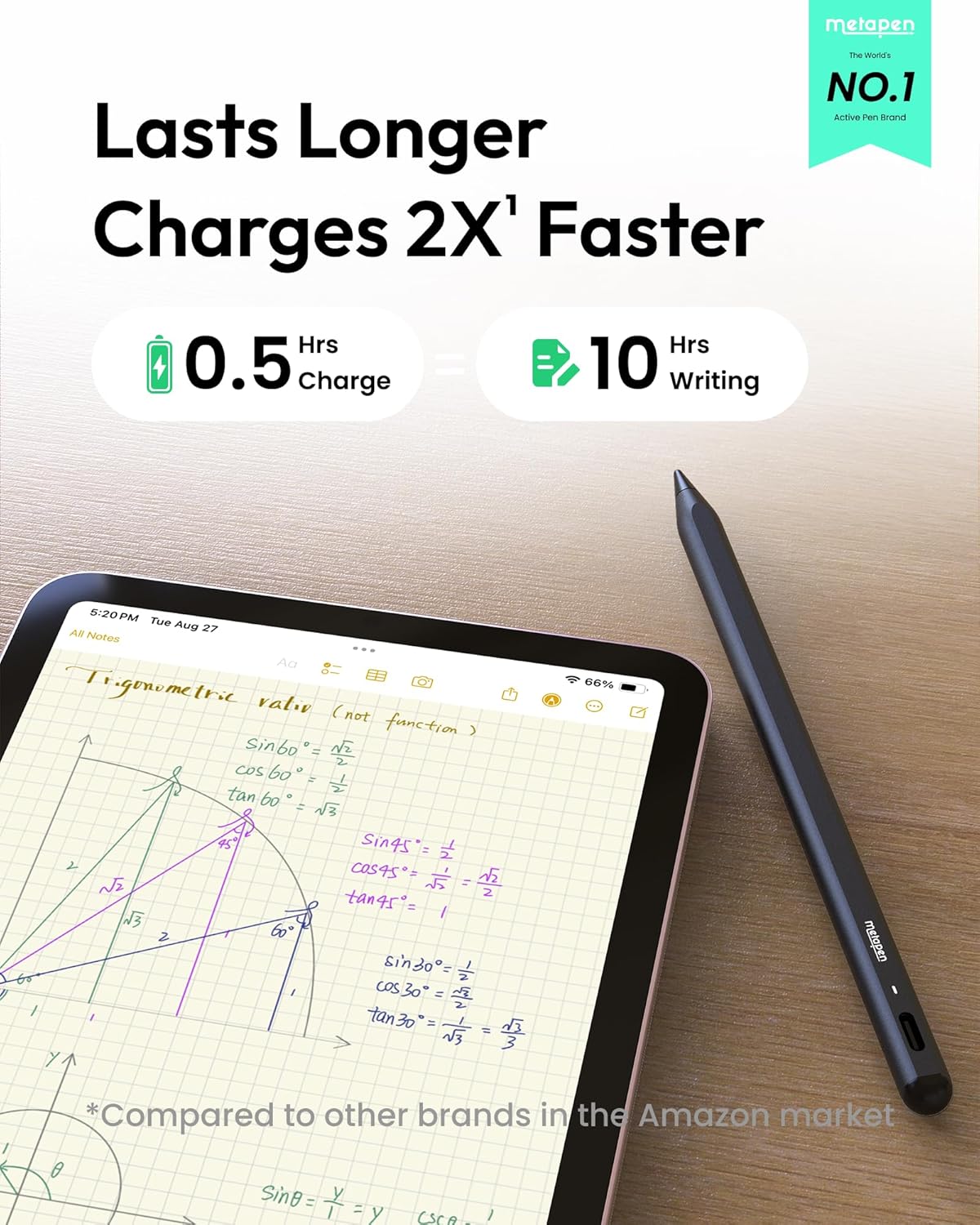
Charging is via USB-C, with a claimed 30 minutes to full and up to 10 hours of use. The LED indicator helps you gauge the remaining power, which is handy for keeping it ready during busy days. A further convenience is the automatic sleep after five minutes of inactivity, which helps with energy efficiency.
Durability and tips
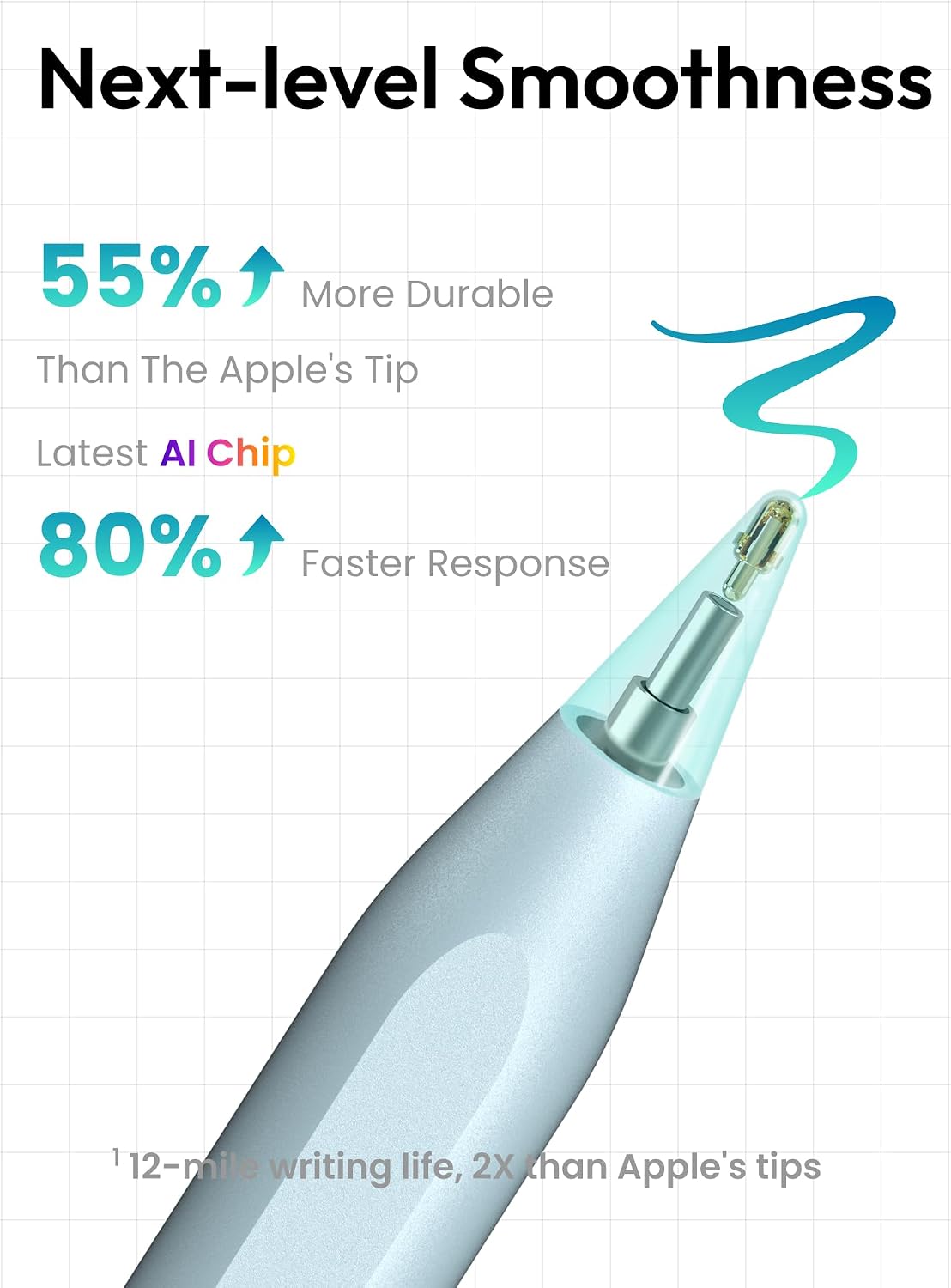
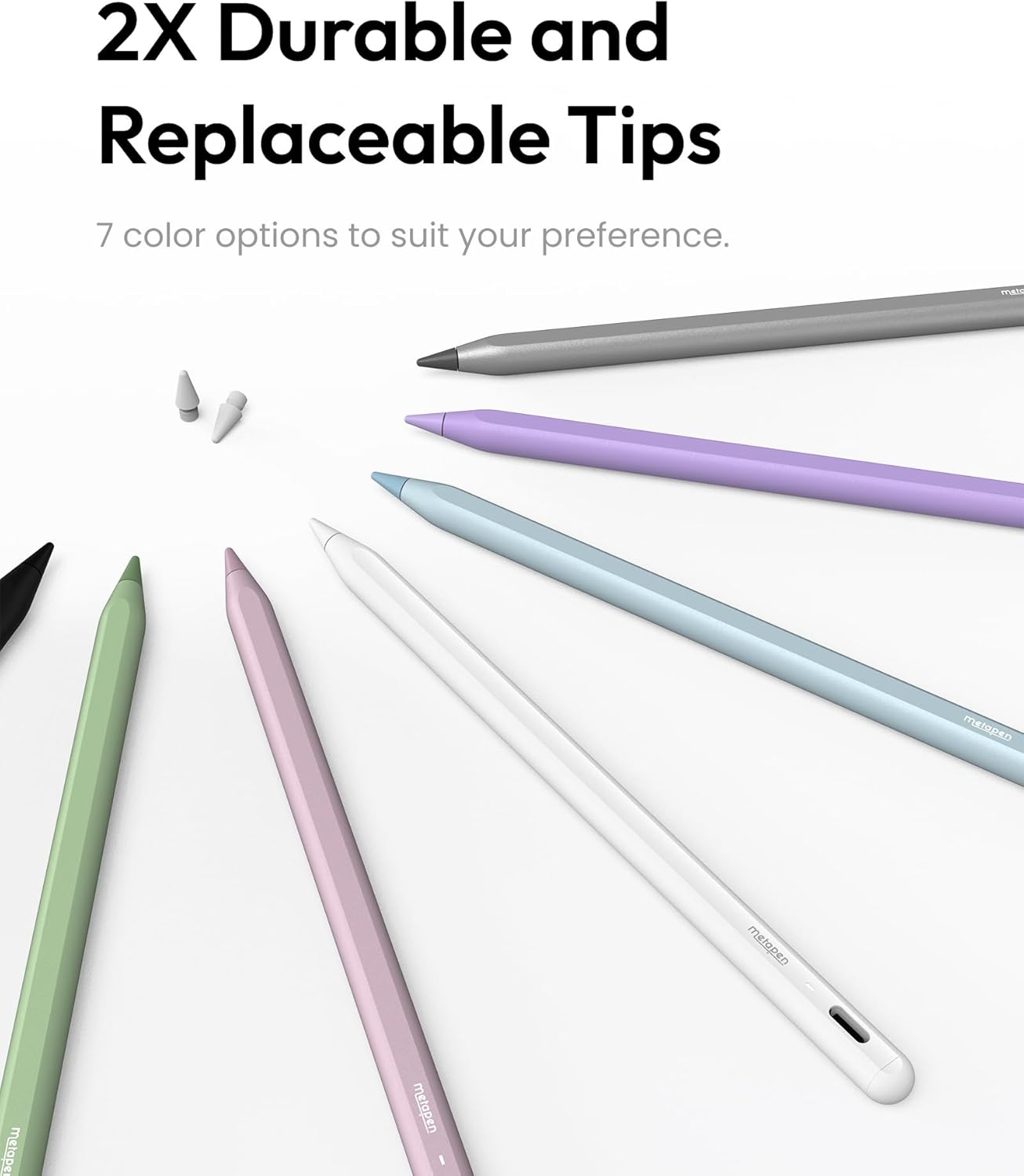
The A8 ships with tips that are described as more durable than some originals, undergoing a 20 km durability test and surviving thousands of impacts. An extra tip is included, which is useful for frequent users who tend to wear through tips. Still, real-world durability depends on how aggressively you sketch and how often you replace tips.
Palm rejection and ease of use
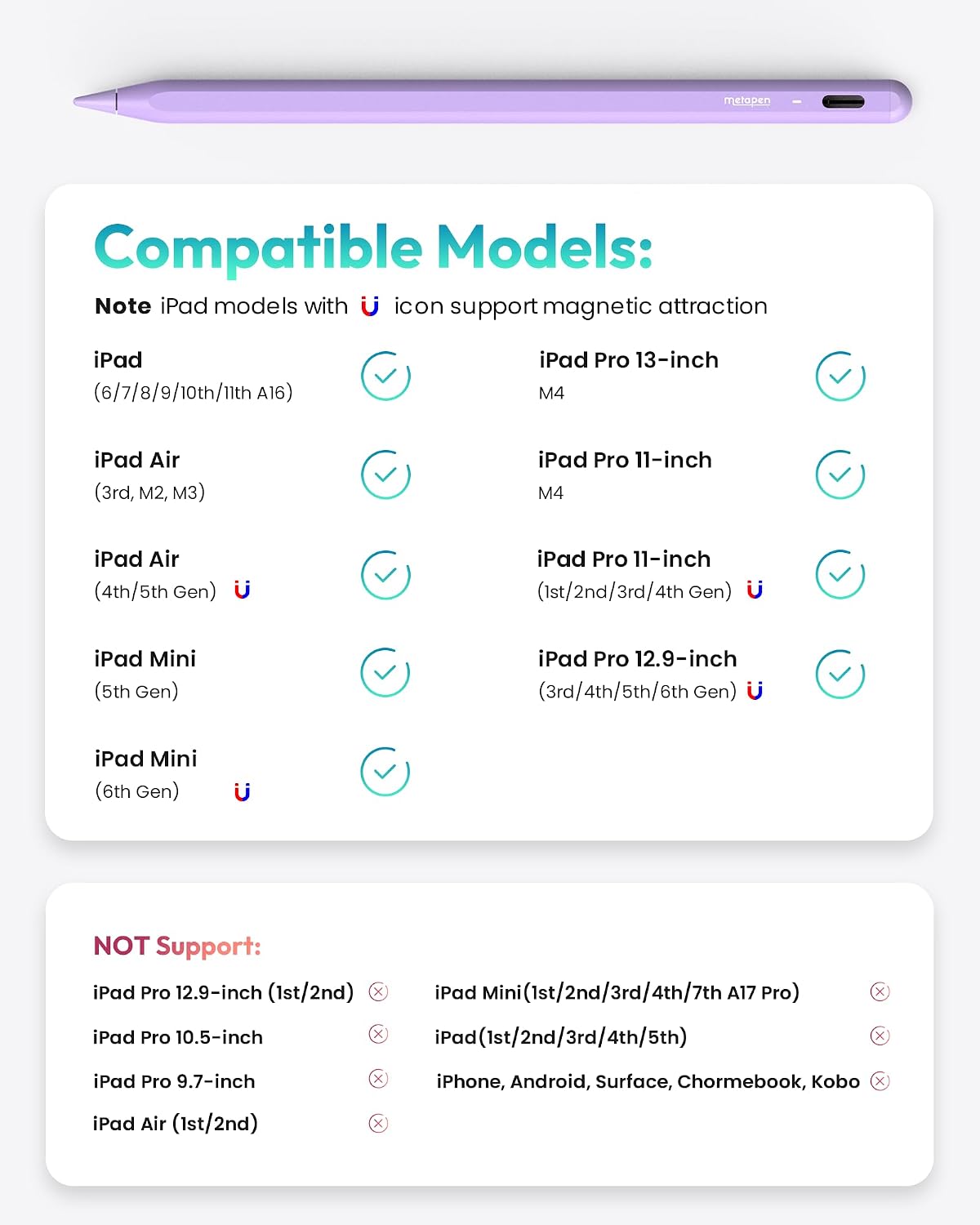
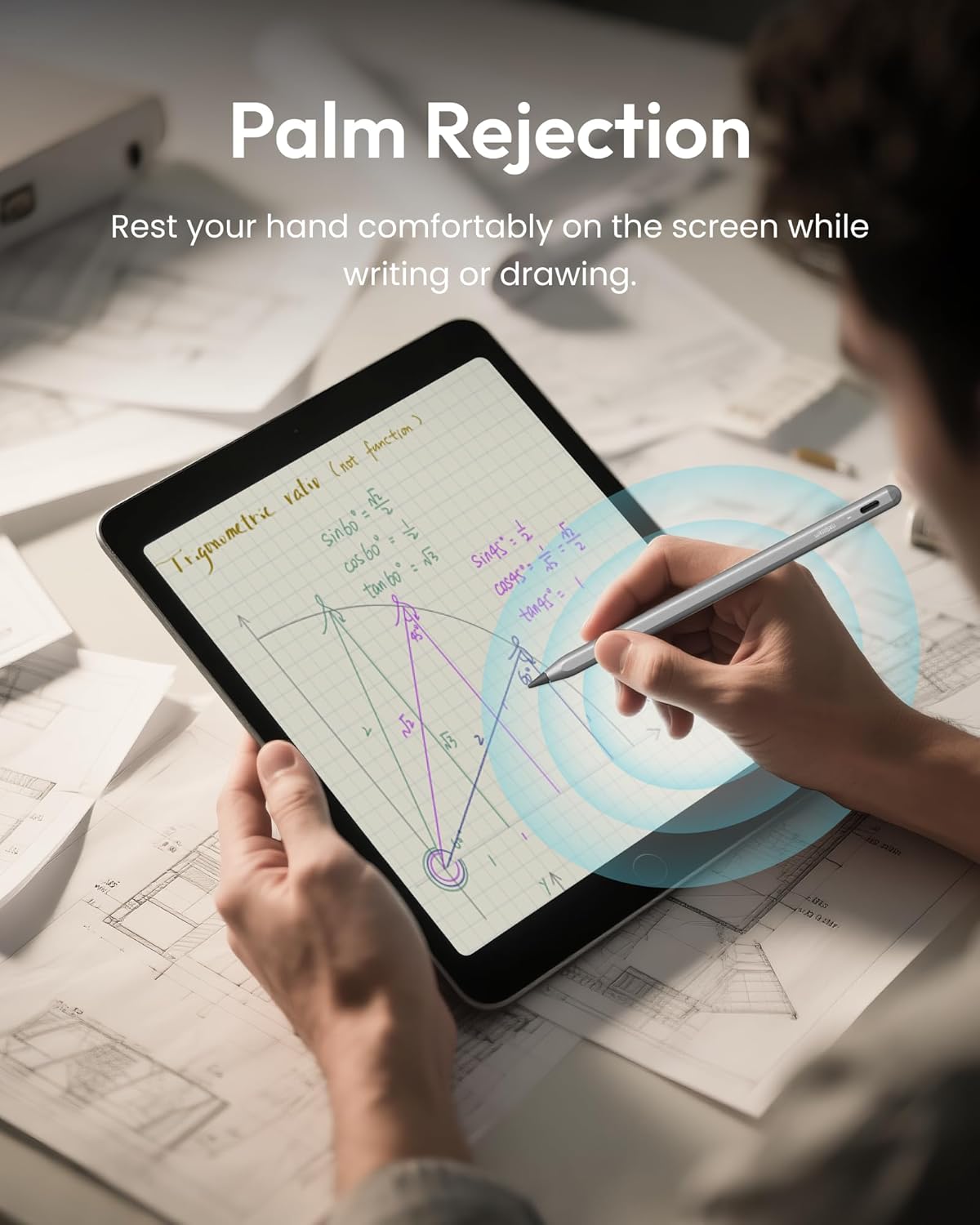
Palm rejection means you can rest your hand on the screen while drawing or writing, which can feel more natural than using a glove. The double-magnet design allows for convenient storage on the iPad’s surface, though note that wireless charging is not supported and magnets aren’t compatible with all models.
Compatibility and what to check
Metapen Pencil A8 is advertised as compatible with iPad models from 2018 to 2026, including various generations of iPad, iPad Pro, iPad Air and iPad Mini. It is not compatible with iPads older than 2018, nor with iPhone, Android or Microsoft devices. Before buying, it’s worth double-checking your exact model number to ensure compatibility, as some configurations (particularly newer iPad Pro models) may have limited magnet or charging features.
Who it’s for and when it makes sense
If you prioritise quick setup, straightforward use, and a pencil-like feel for drawing, journaling, or annotating PDFs, the A8 can be a sensible choice. It’s probably most appealing to students, professionals, or hobbyists who want reliable handwriting and sketching input without the need for pressure sensitivity. If your work relies on pressure-sensitive strokes or advanced tilt features, this stylus may fall short. It can also be less ideal if you rely on wireless charging or tight magnet attachment for on-the-go use.
Practical use case example
Imagine taking quick notes during a lecture: you can jot with crisp, small characters 0.1 mm in width, and when you pause, the pen’s auto-off helps save battery for back-to-back sessions. In a design workflow, you could sketch light concepts and refine lines as you would with a traditional pencil, knowing you won’t be tethered to Bluetooth pairing or an app to get started.
What to review before purchase
- Confirm your iPad model is within the 2018–2026 range and supports the Metapen A8’s features (especially magnet storage).
- Remember there is no pressure sensitivity, so for artists seeking that feature, this may not be the best fit.
- Check that you’re comfortable with USB-C charging and manual wake rather than a Bluetooth pairing workflow.
- Consider how important palm rejection feels in your workflow, this model supports it, which can significantly improve usability for long sessions.
FAQ (quick take)
- Does it require Bluetooth pairing? No, it connects without Bluetooth.
- Is there pressure sensitivity? No, it does not support pressure sensitivity.
- Will it magnetically attach to my iPad? It has built-in magnets for secure attachment on some models, but not all—verify compatibility with your device.
Final verdict
Final verdict: Worth considering if you want a responsive, plug-and-play stylus with high-precision input for general drawing and note-taking on compatible iPads, and you don’t need pressure sensitivity or wireless charging. If you rely on pressure sensitivity, or require magnetic charging/attachment across all models, you may want to explore alternatives.
What stands out in use
The combination of 0.1 mm precision, quick charging, and palm rejection makes for a practical daily partner for students and professionals who value a pencil-like feel without onboarding friction. It’s a sensible option for getting more from your iPad as a writing or sketching device, provided your expectations align with its limitations.