

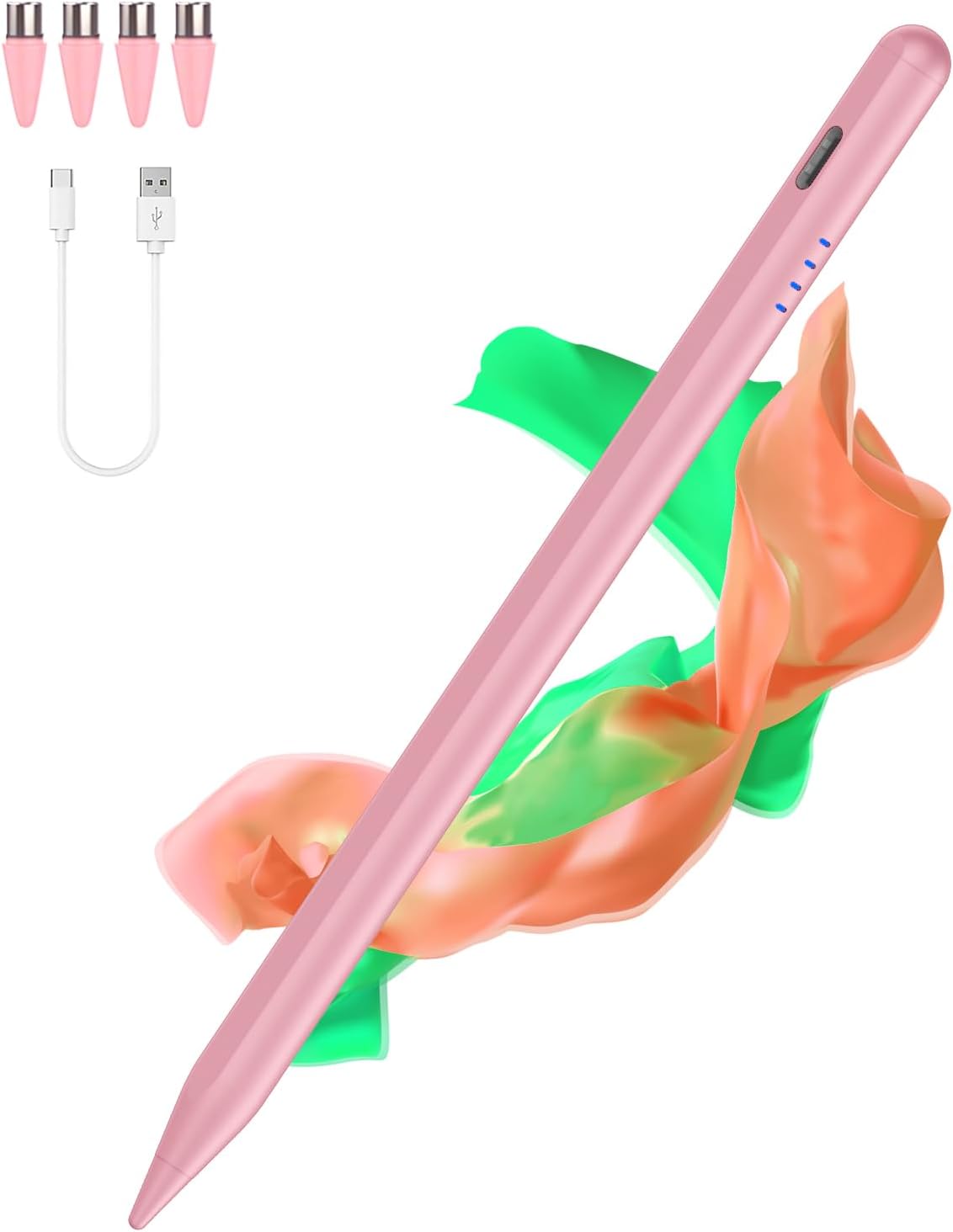
Stylus Pens for Touch Screens: Type-C Tablet Pen with 4 Pom Tips, Gradient Pink
Product description
What it is
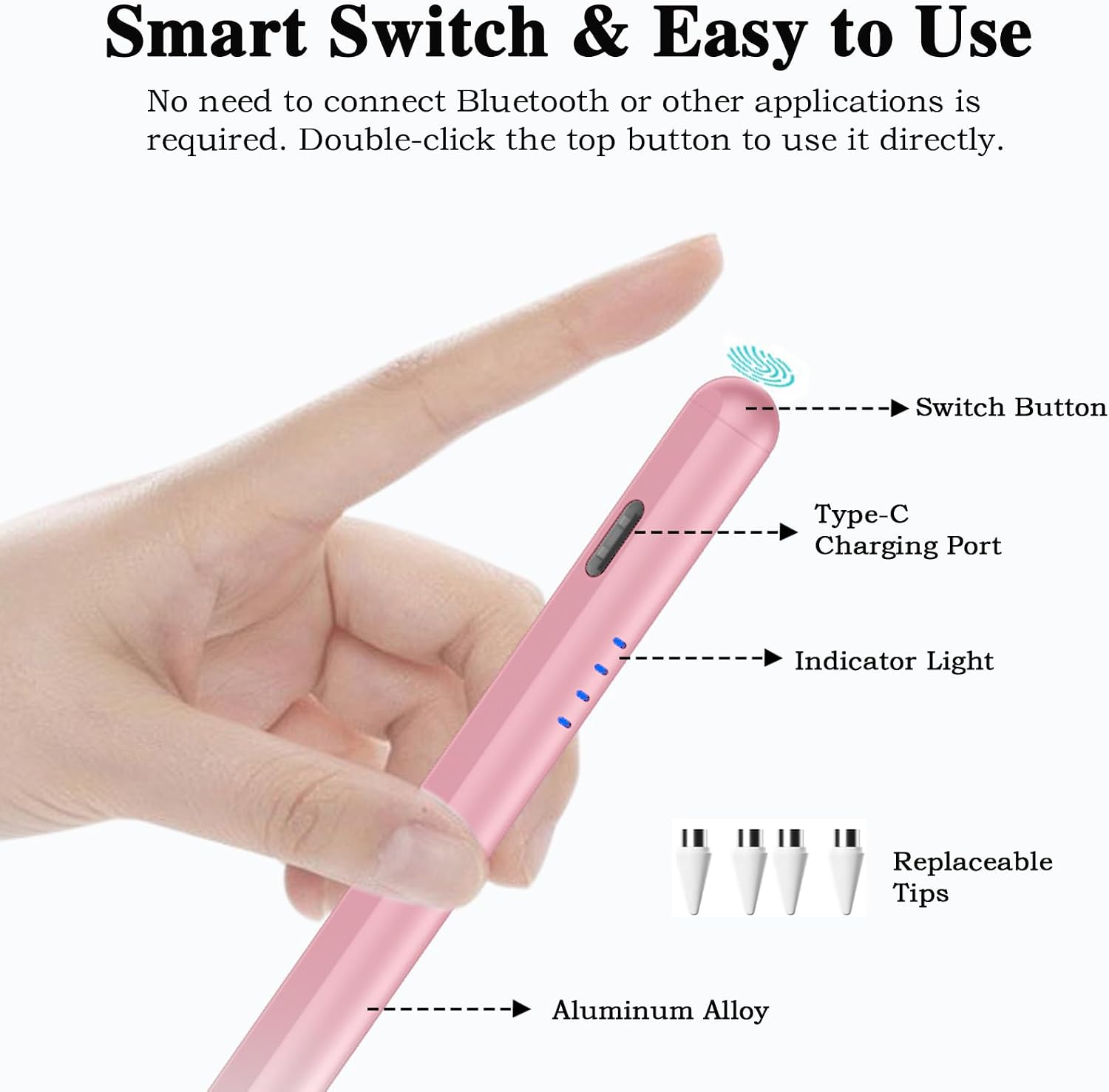
This is a universal stylus pen designed for touch screens, with a Type-C charging port and four replaceable Pom tips. It’s aimed at Android devices and tablets, offering a pen-like experience for sketching, note-taking and navigation without relying on Bluetooth.
How it works
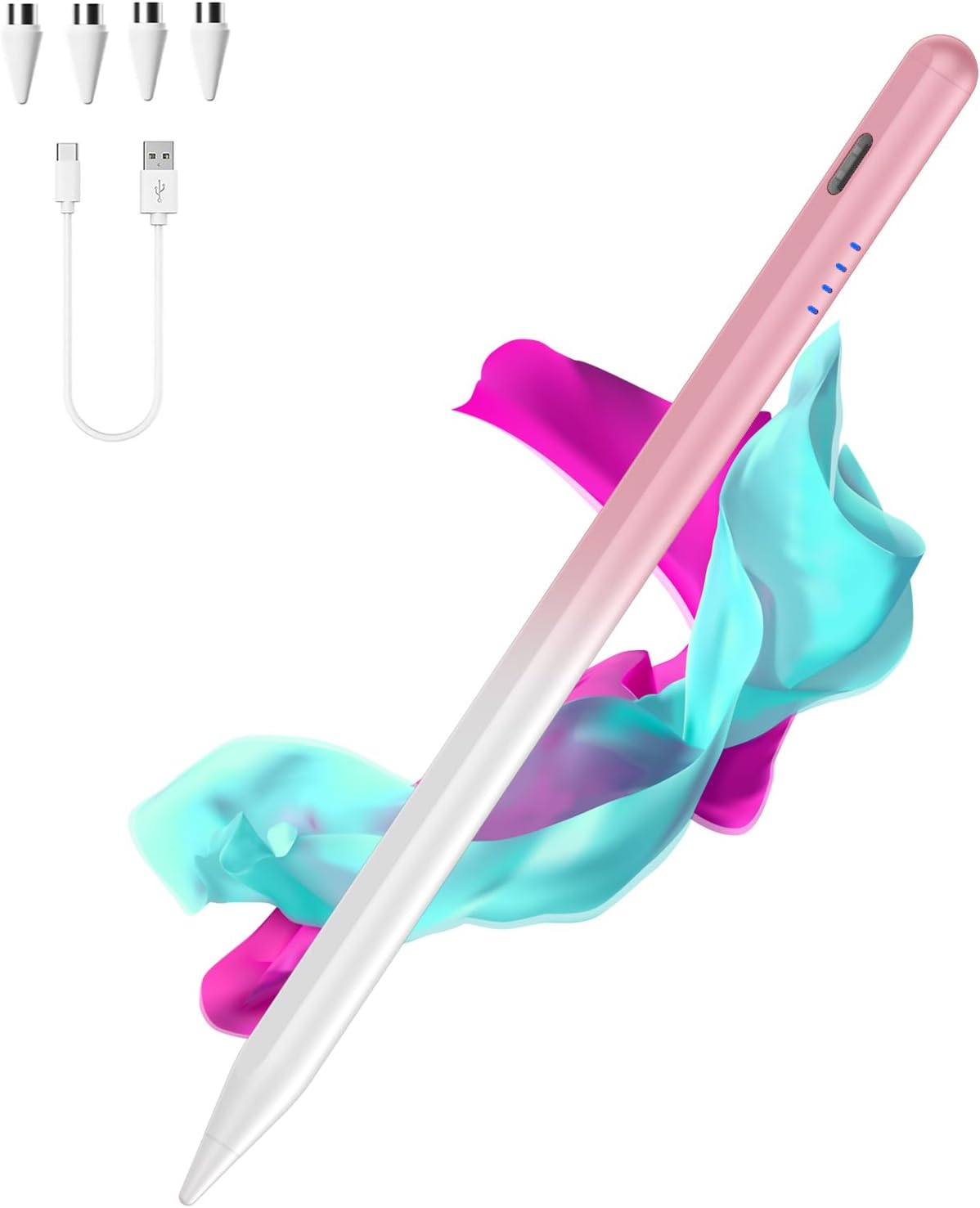
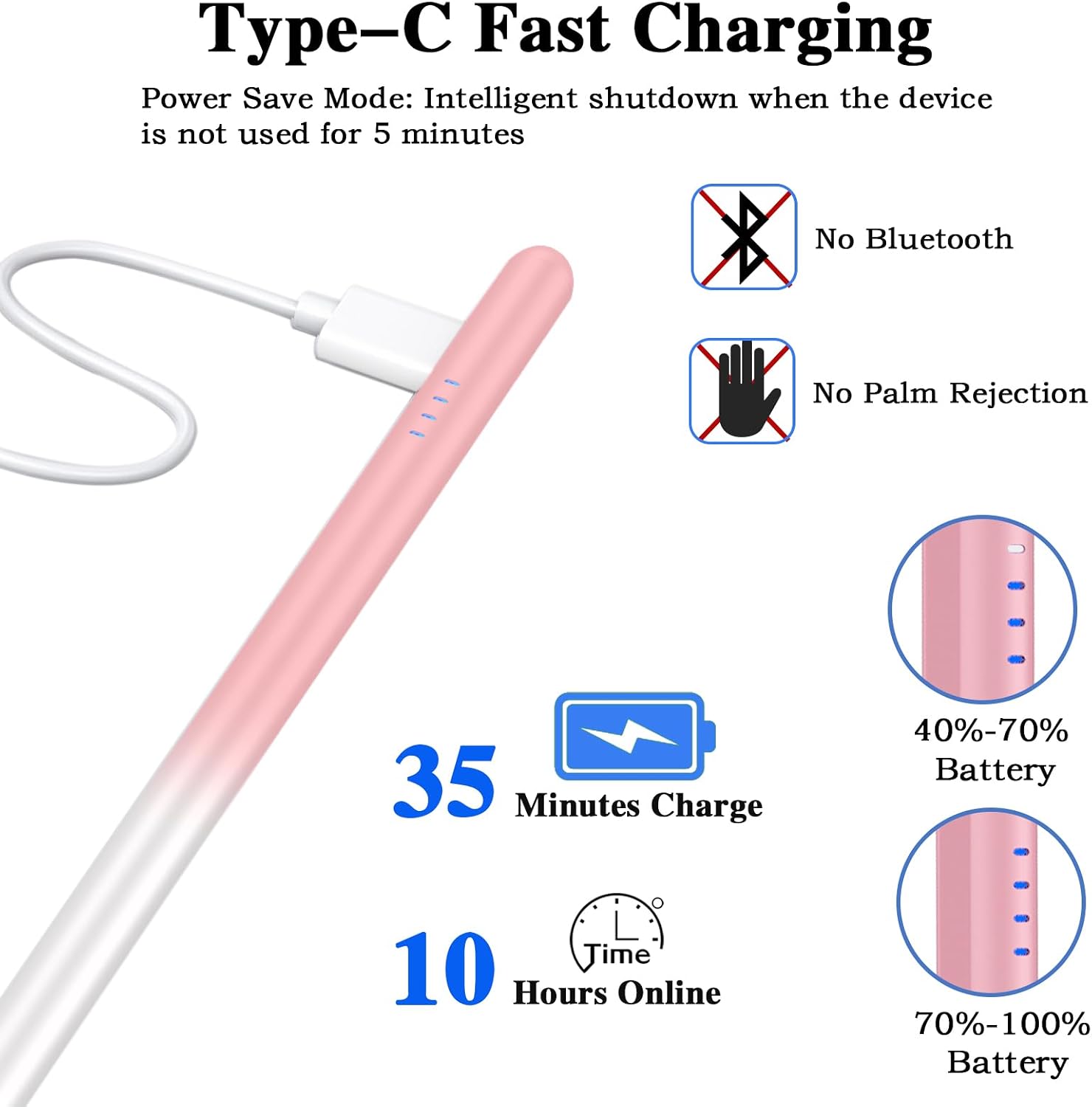
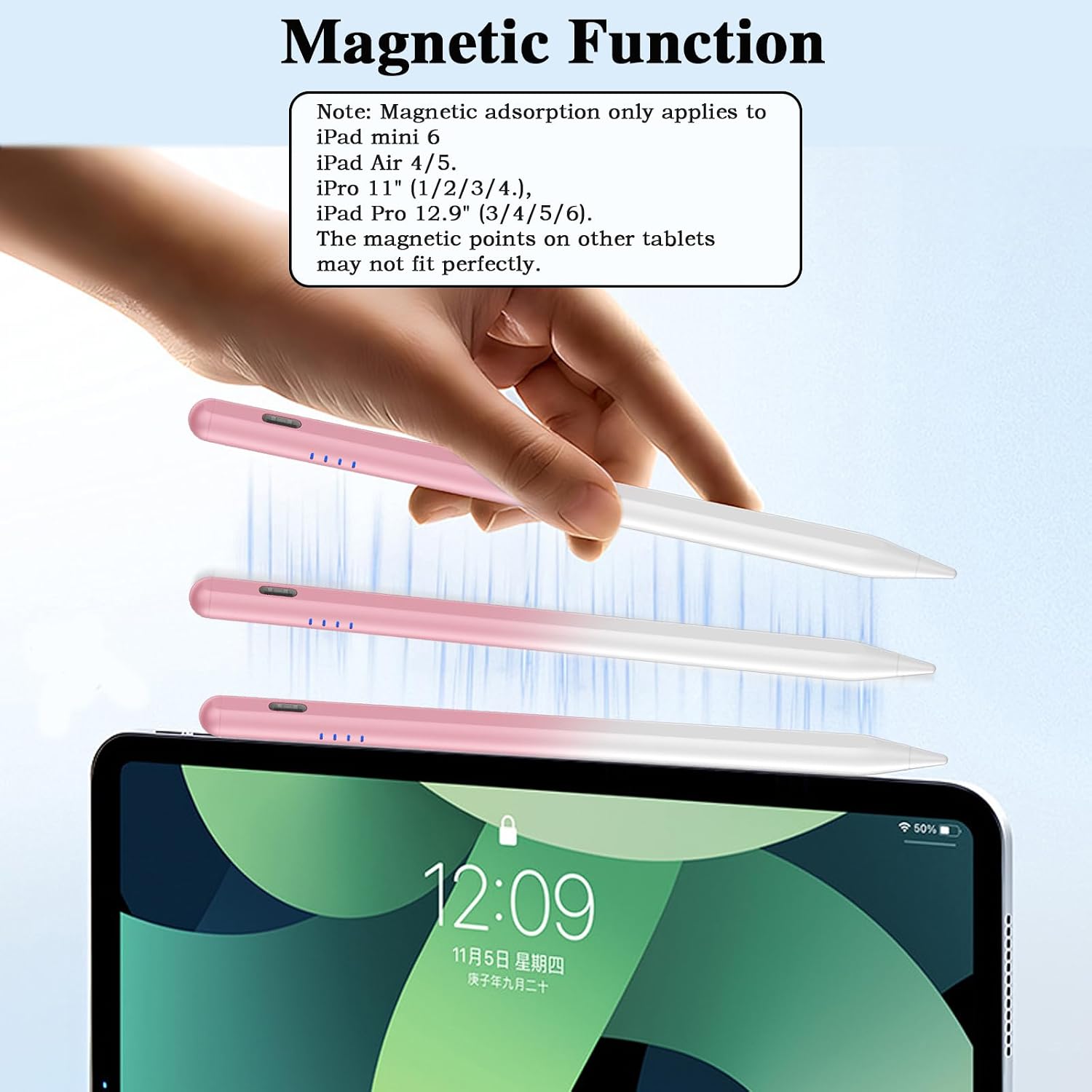
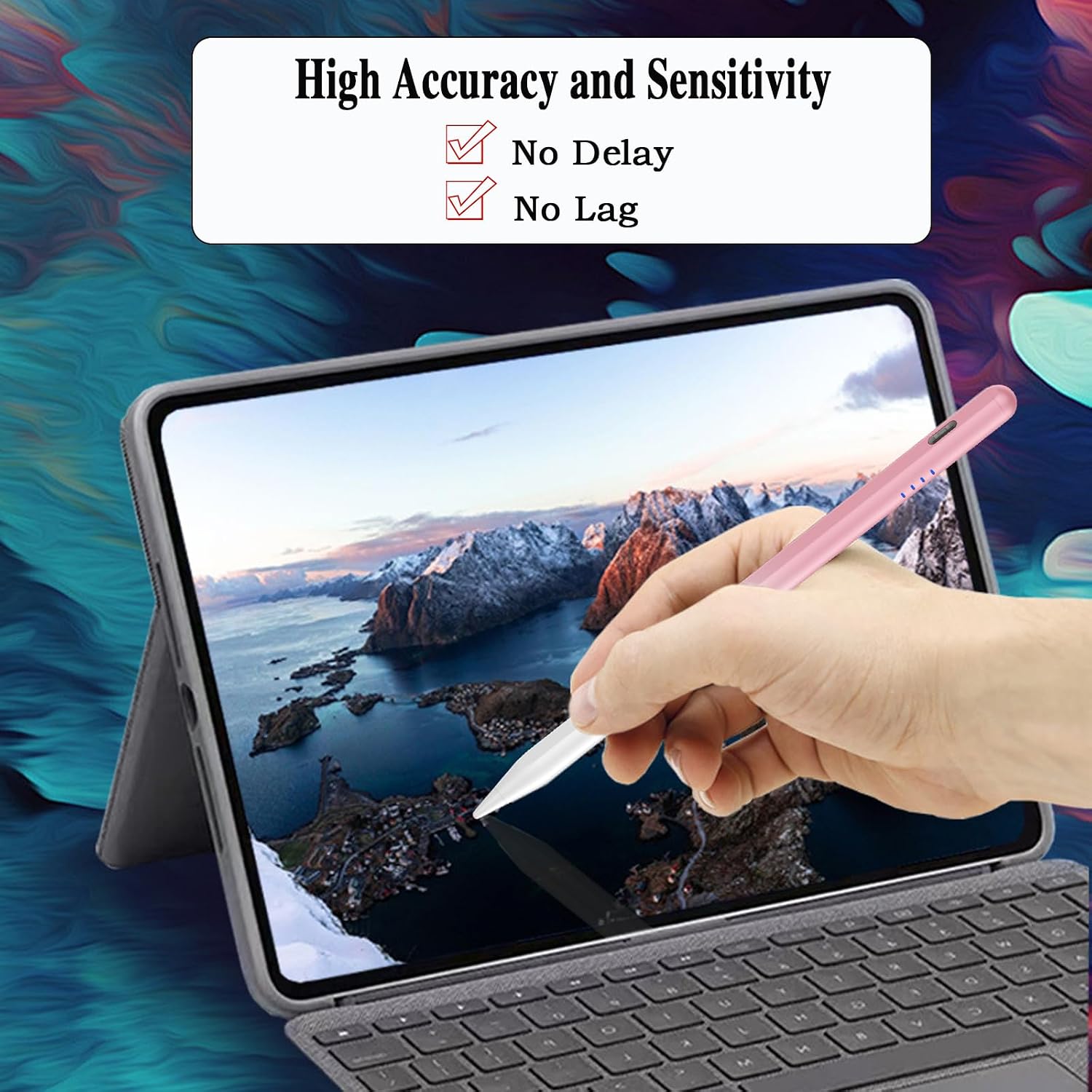
The pen uses a POM tip for improved accuracy and sensitivity. It does not require Bluetooth or app pairing to operate, simply power on with a double-tap to activate. A Type-C charge keeps the pen ready for extended use, and four indicator lights show the battery status. If you’re often on the move, the magnetic feature helps keep the pen attached to the side of your tablet, reducing the chance of misplacing it.
What stands out
On paper, the main advantages are higher signal accuracy and wear resistance from the POM tip, plus quick charging: a full charge in about 35 minutes and more than 10 hours of use. The kit includes extra springs to extend the life of the pen, which is handy for heavy note-takers or artists.
Limitations to note
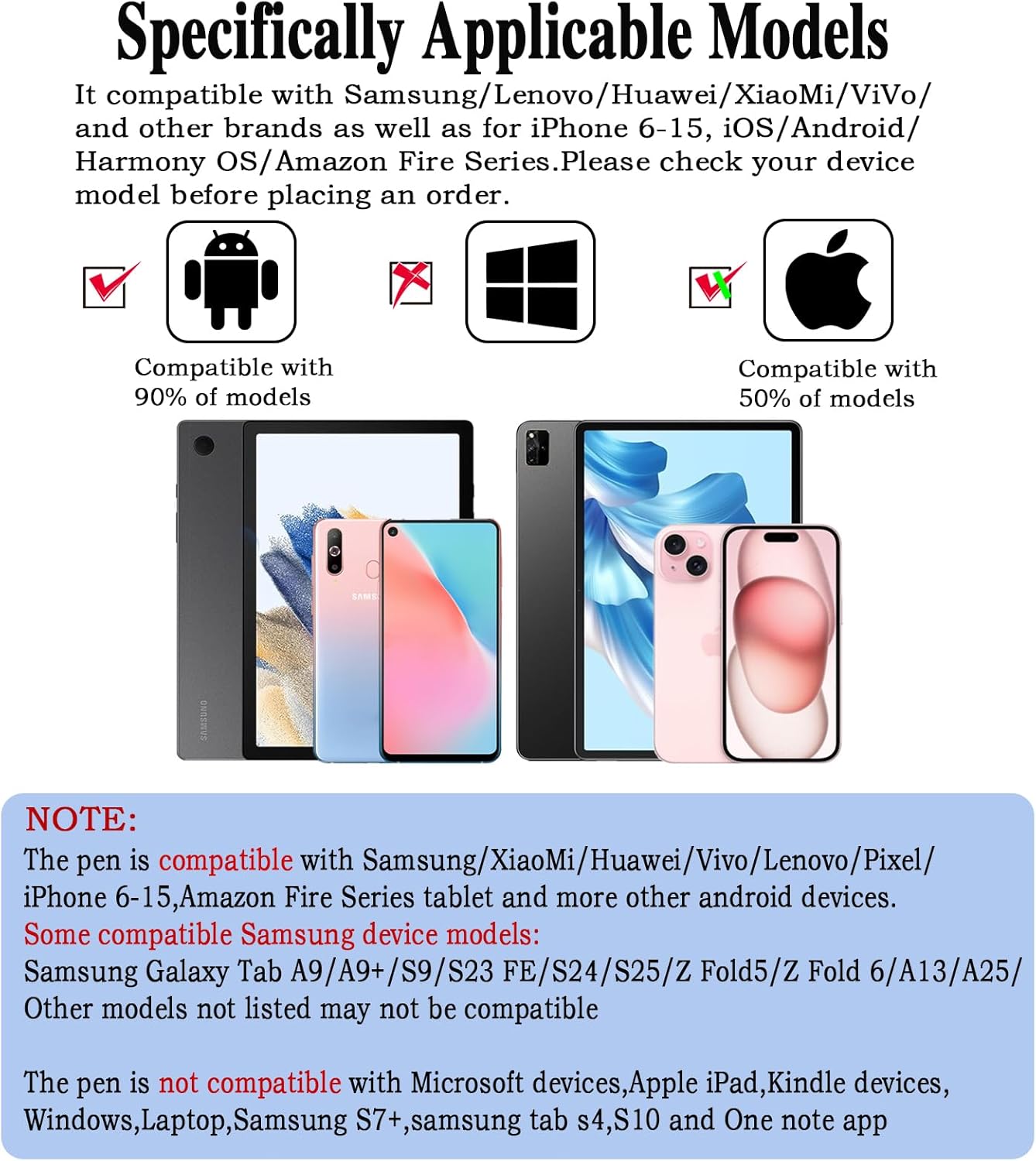
This stylus does not support palm rejection, so it’s better used with light finger proximity rather than resting your whole hand on the screen. Also, while it’s broadly compatible with many Android devices, some models are explicitly not supported. Always check your device model before buying.
Who it’s for
If you regularly sketch, annotate PDFs, or jot notes on an Android tablet or phone, this pen could fit a practical, everyday workflow. It’s a sensible option for students, commuters or remote workers who want a straightforward input tool without Bluetooth hassle.
When it makes sense to buy
Consider this pen if you prioritise immediate usability, decent accuracy and a compact charging solution. It suits users who value a lightweight, easy-to-use stylus that doesn’t require pairing or software. If palm rejection or Bluetooth features are important to you, you might want to explore other options.
Before you buy
Verify device compatibility against the list provided (Samsung, Huawei, Lenovo, Mi, Vivo and other Android devices are mentioned). Expect typical Android capacitance-based input, if your model is near the edge of compatibility, you may want to confirm support before purchasing. Also note the lack of palm rejection and the need to handle the pen with a light touch.
Practical usage example
You can carry the pen during a long lecture and switch quickly between sketching diagrams and taking text notes. The magnetic feature lets you attach the pen to the tablet’s edge during breaks, so you don’t lose it on the desk.
Tech specs (brief)
- Type-C charging, four indicator lights
- POM tip for accuracy and wear resistance
- Includes 4 replacement springs
- Magnetic attachment for side work
- Auto-sleep after 5 minutes of inactivity
FAQ (practical answers)
- Does it require Bluetooth? No, it operates without Bluetooth or apps.
- How long does a charge last? Over 10 hours of continuous use on a full charge.
- Can I use it with iPhone or Apple devices? The compatibility list focuses on Android devices, Apple devices are not listed as compatible.
Is it worth it?
Worth considering if you want a straightforward, non-Bluetooth stylus with quick charging and replaceable tips for daily Android device use. It may not be the best choice if you need palm rejection, extensive pressure sensitivity, or compatibility with every model.
Final thoughts
For a practical workflow with Android tablets and smartphones, this stylus offers easy operation and decent longevity for the price. It’s most compelling for users who want a simple, reliable input tool without extra software steps, but it isn’t a universal replacement for higher-end, feature-rich styluses.