

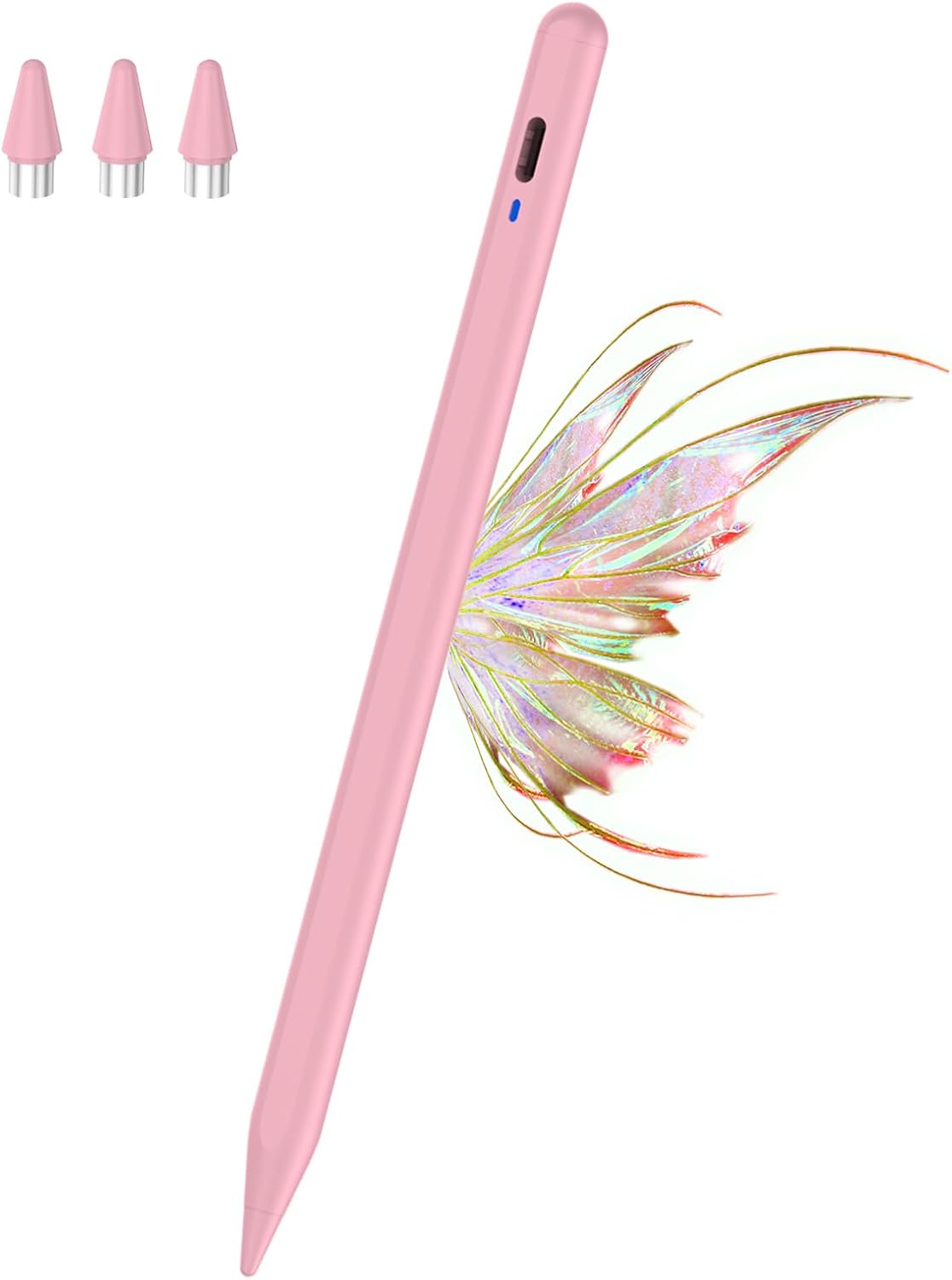
Kenkor Active Stylus Pen for iPad and Tablets (Magnetic, Rechargeable, 1.5 mm Tip)
Product description
What this is and what it’s for
The Kenkor Active Stylus Pen is a rechargeable, magnetically attaching stylus designed to work with a broad range of touch screens, including most Apple iPad Mini/Air/Pro models (2018–2022) and many Android tablets. It also works with iPhone 6–14 for drawing and navigation in some scenarios. It ships with replacement tips, a USB‑C charging cable and a user manual. If your workflow involves writing, sketching or annotating on a touchscreen, this pen aims to offer a straightforward, driver‑free experience.
Compatibility and limitations to consider
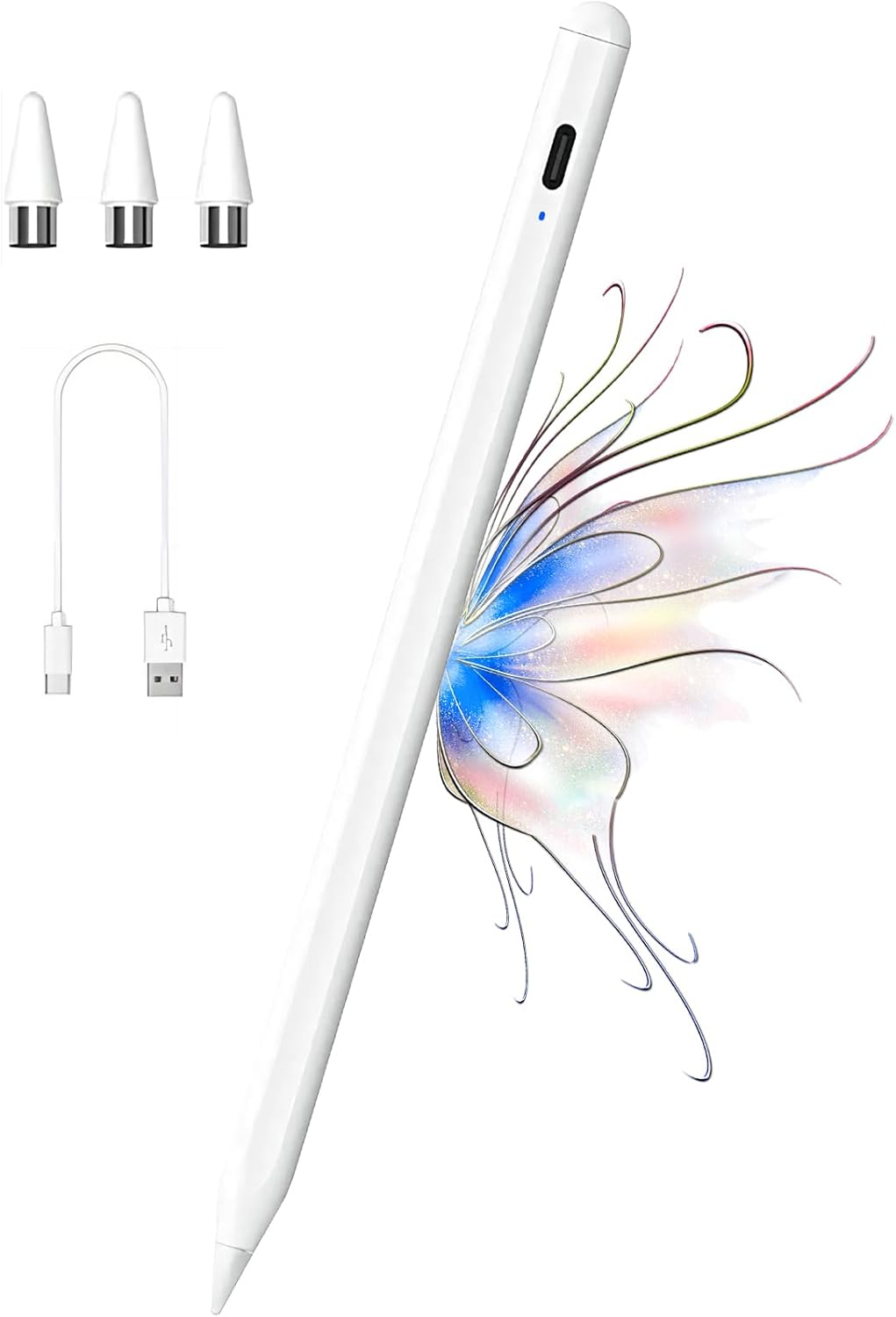
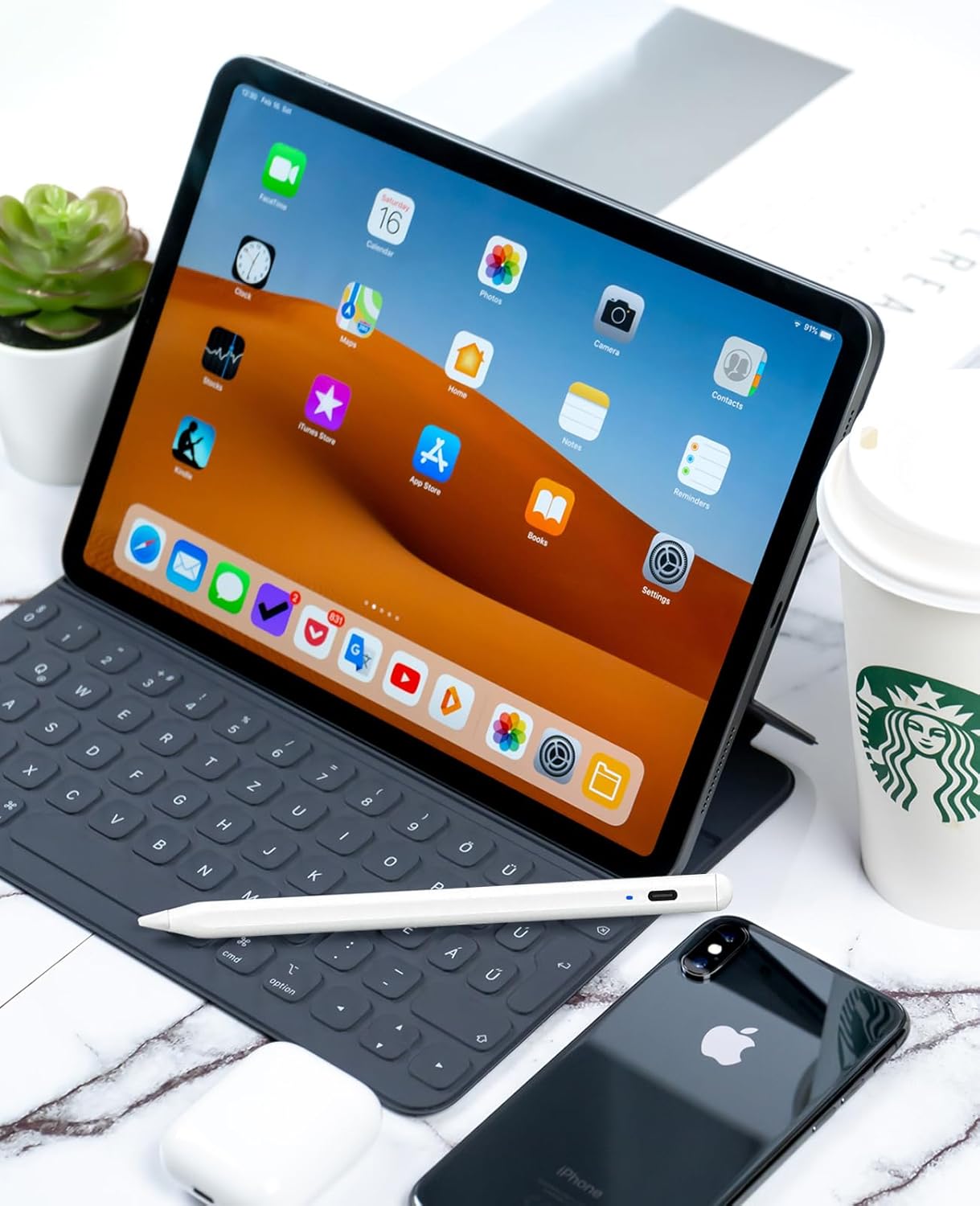
On the whole, the pencil is advertised as widely compatible, but there are explicit notes about limited compatibility with certain devices. Not compatible with Microsoft laptops, Chromebook families, Lenovo or HP devices, some Samsung tablets or phones not listed, and a few specific models. It’s important to check whether your exact model is supported before purchasing. If you rely on a device outside the listed scope, this pen may not perform as intended.
Battery life, charging and day‑to‑day use
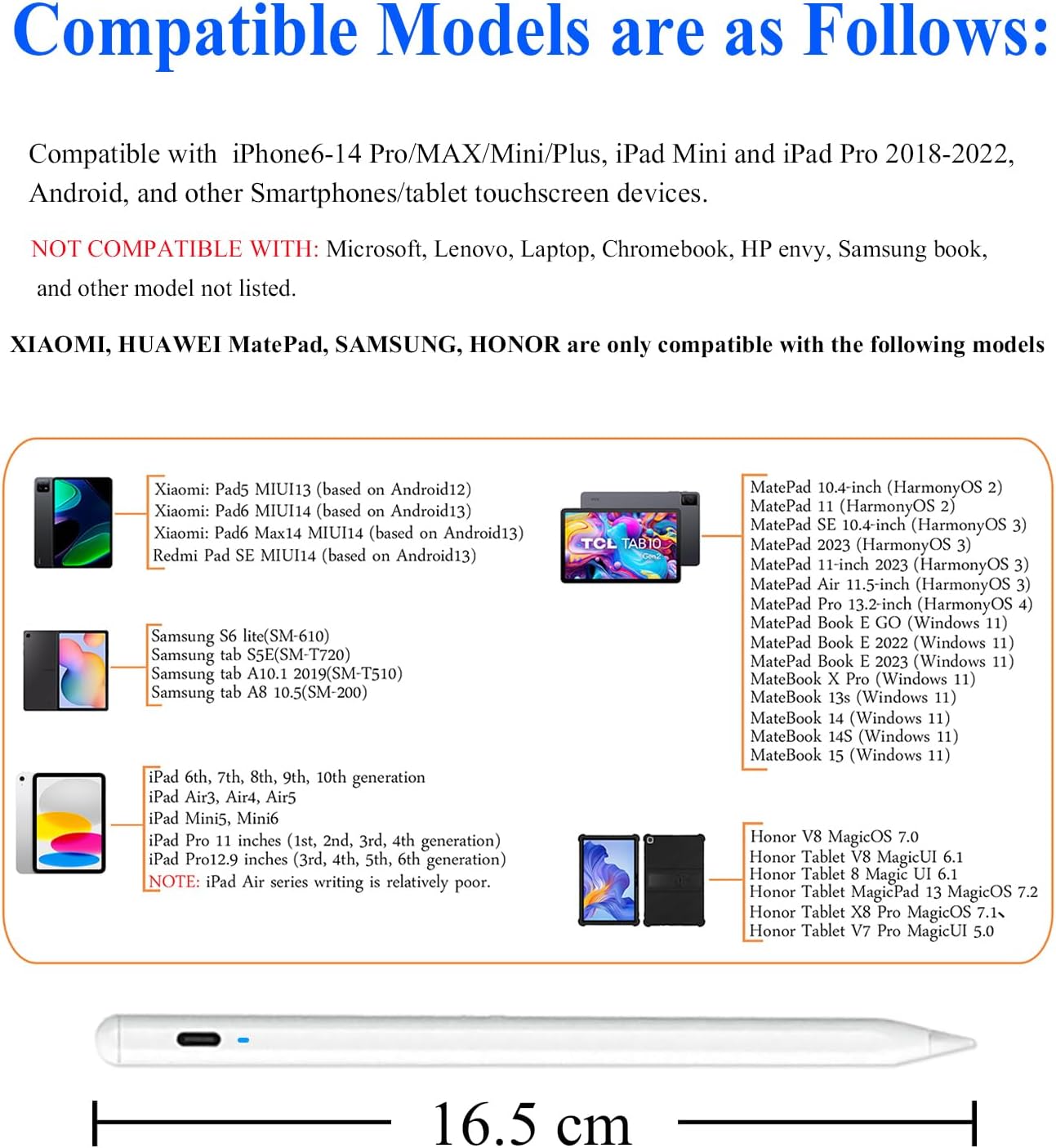
The pen charges via a USB‑C connection and reaches full charge in roughly 60–80 minutes. A built‑in battery offers around 18–20 hours of active use, subject to how heavily you draw or annotate. A red flashing indicator helps you gauge battery level without guessing. The pen switches to sleep mode automatically after about 6 minutes of inactivity to save power, which is helpful for occasional sessions or longer study days.
Design, precision and how it feels in use
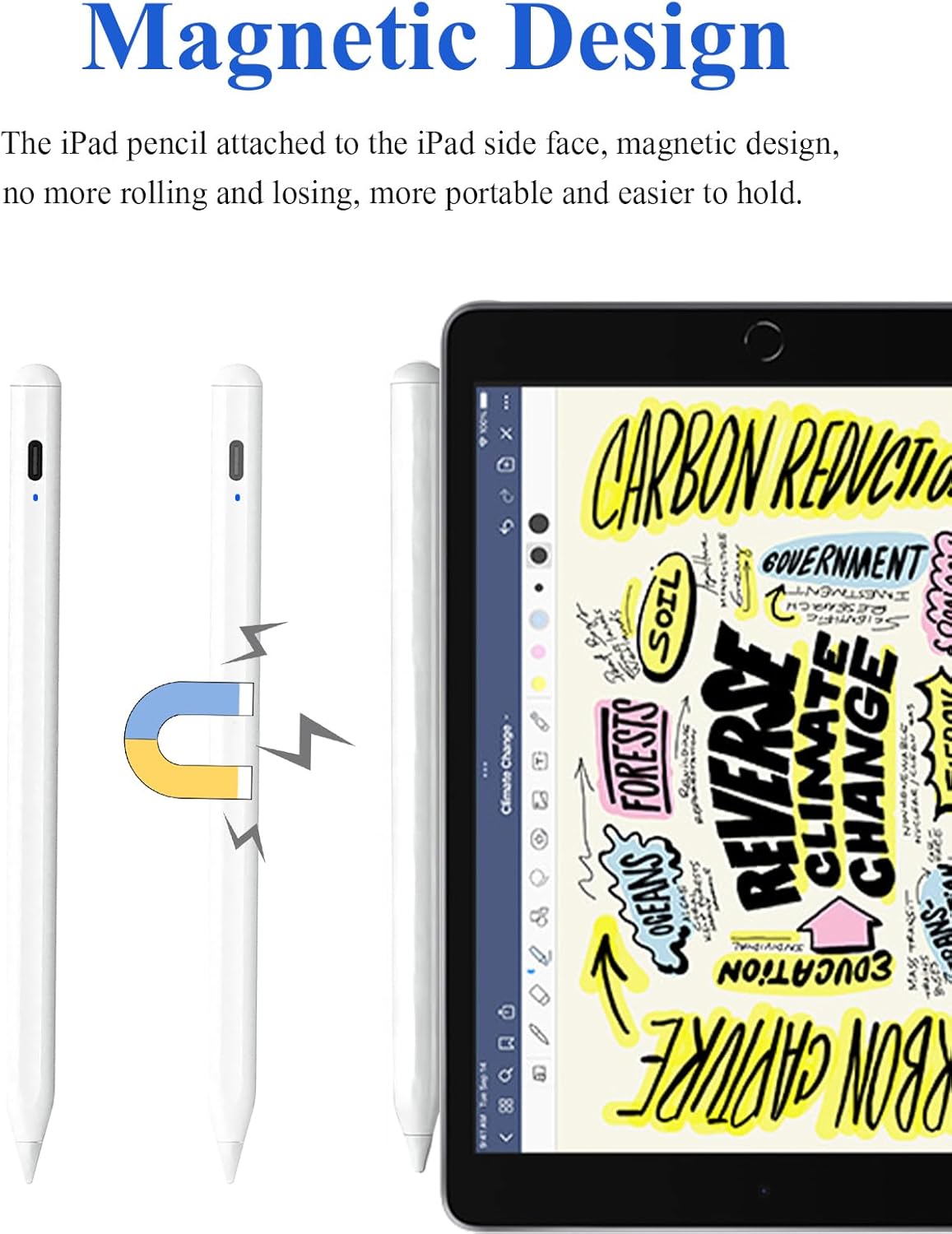
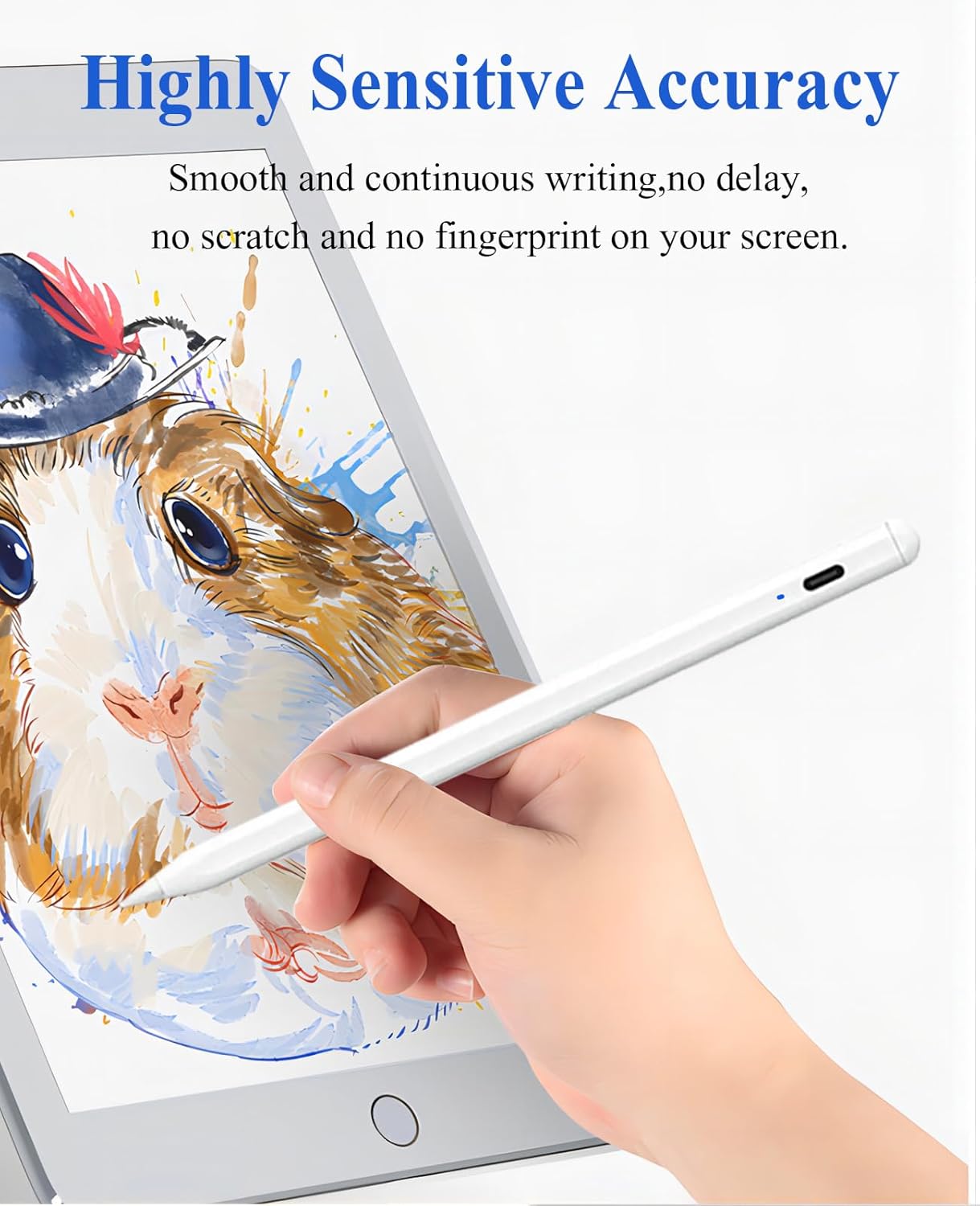
Magnetic attachment helps prevent it from rolling away or getting misplaced, and the magnet design makes storage convenient when paired with compatible devices. It uses a 1.5 mm tip, which is typically aimed at providing cleaner lines and better control for drawing and note‑taking compared with broader alternatives. For artists, designers or students who require steady lines and more accuracy, this sizing is generally viewed as a pragmatic compromise between feel and durability.
What’s included and what you get for your money
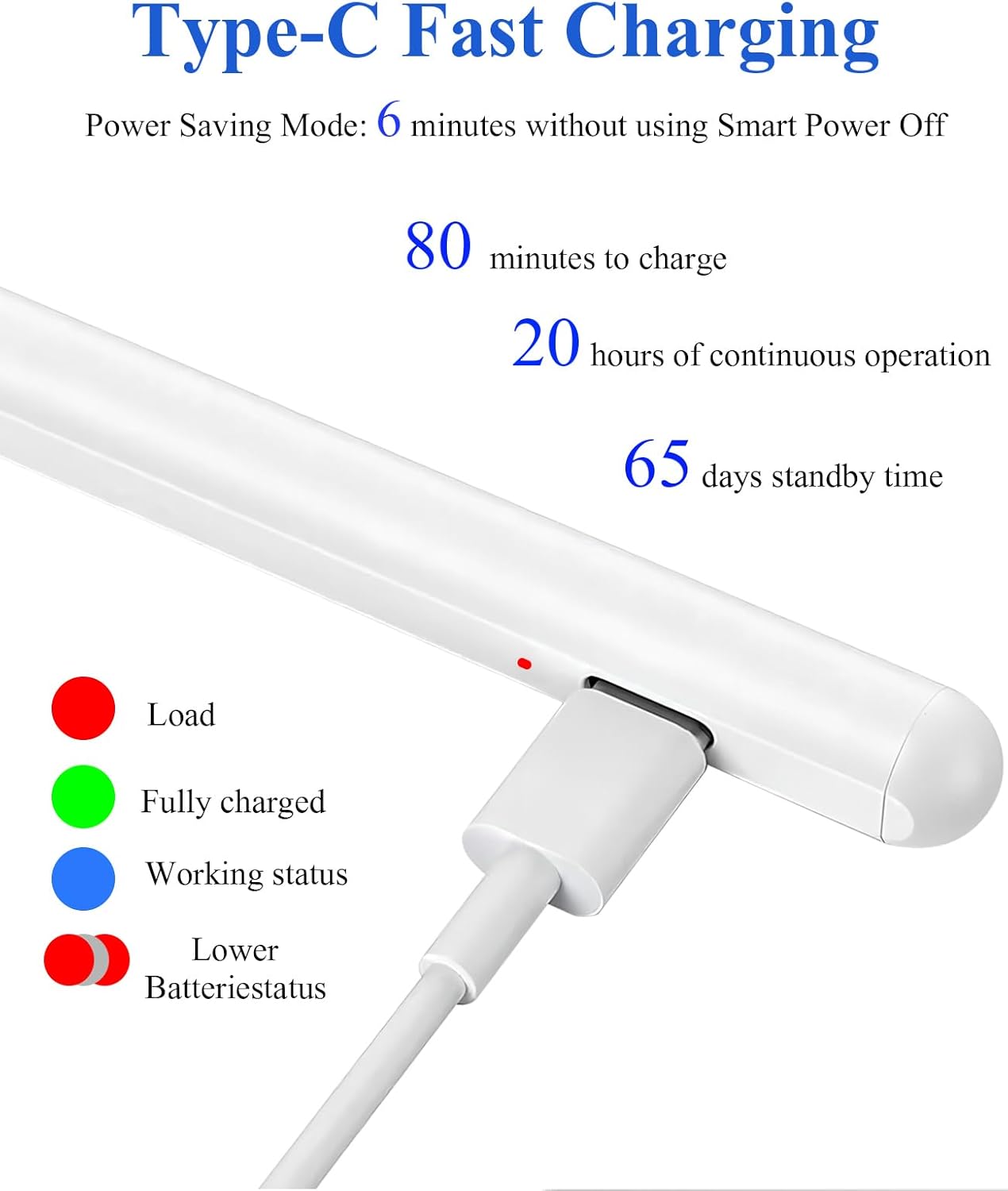
In the box you’ll find the digital pen, a quick start manual, one Type‑C charging cable and three replacement tips. These extras help you keep drawing with minimal downtime, though you’ll still want to consider availability of replacement tips for heavy use.
Who it’s for
If you value a no‑fuss stylus with magnetic storage, energy efficiency and a reasonably accurate drawing experience, this pen can suit teachers, students and casual artists who use iPads or compatible tablets for notes and sketches. It may be particularly appealing if you want a straightforward, driverless setup without pairing hassles.
When this makes sense to buy
Consider this option if you’re after a rechargeable stylus with a modest budget, a simple charging routine and a pen that can stay put on your device thanks to magnetism. It’s sensible for everyday writing, marking up PDFs, quick sketches and visual brainstorming during meetings or classes. If your needs demand peak precision, ultra‑long battery life under intensive drawing, or use with devices outside the listed compatibility, you might want to look at alternatives.
Potential drawbacks and what to check before buying
- Compatibility notes are not universal, verify that your exact model is supported to avoid disappointment.
- It isn’t a universal solution for all Samsung or Android devices, nor for every Windows‑based tablet ecosystem.
- The 1.5 mm tip is a compromise, if you require extremely fine control or ultra‑soft drawing feels, you may find other options more suitable.
- Availability of extra tips and service support can influence long‑term value if you draw heavily.
Practical use example
Imagine annotating a PDF on a quiet train journey. You quickly grab the pen, magnetise it to your tablet, and jot down a few notes with minimal lag. When you take a short break, the pen slips into sleep mode, preserving charge. When you finish, you glance at the red battery indicator and plan a quick top‑up during a coffee break.
Technical gist in plain terms
- Magnetic design for easy storage and grip
- 1.5 mm tip aimed at solid line work
- USB‑C fast charging, full charge in under an hour
- 18–20 hours of active use per charge
- No driver or Bluetooth required
What to check before purchase
- Confirm that your device model is explicitly listed as compatible.
- Consider how often you’ll recharge—the 60–80 minute charge time is convenient, but continuous heavy use will still drain the battery.
- Assess whether you prefer a magnetic stylus for on‑screen attachment and quick storage.