

Kenkor Tablet Pen for Samsung Galaxy A9/A9+ with 4 POM Tips – Magnetic Stylus for Android Tablets and More
Product description
What this is and what it aims to solve
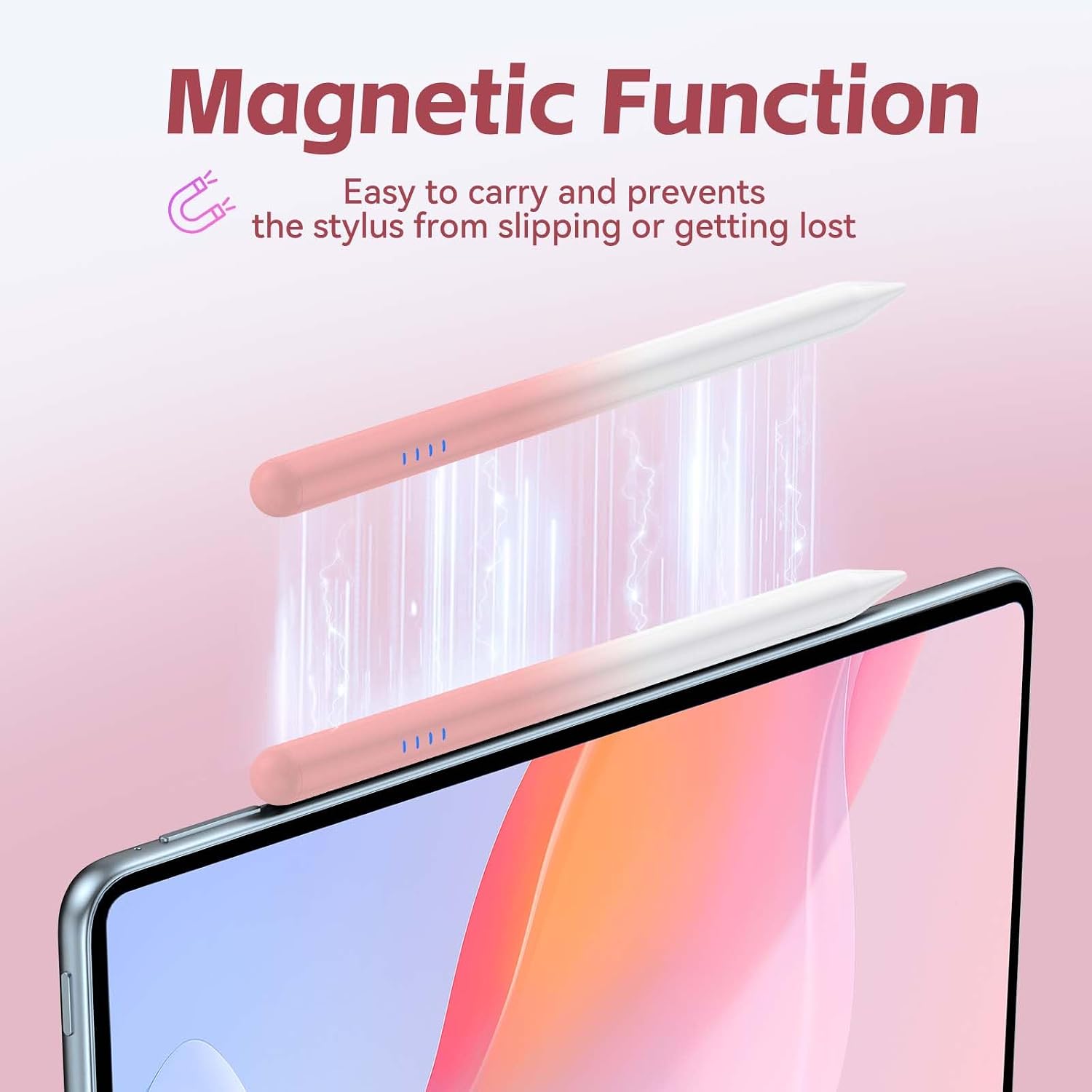
The Kenkor Tablet Pen is a capacitive stylus designed to accompany Android devices, with a specific nod to Samsung Galaxy A9/A9+ users. It offers more precise input for sketching, note-taking or navigation, aiming to deliver a smoother alternative to finger touches on compatible touch screens. The pen emphasises convenience through magnetic attachment, quick double-tap activation, and replaceable tips so you can maintain a steady flow in everyday use.
Who it’s for
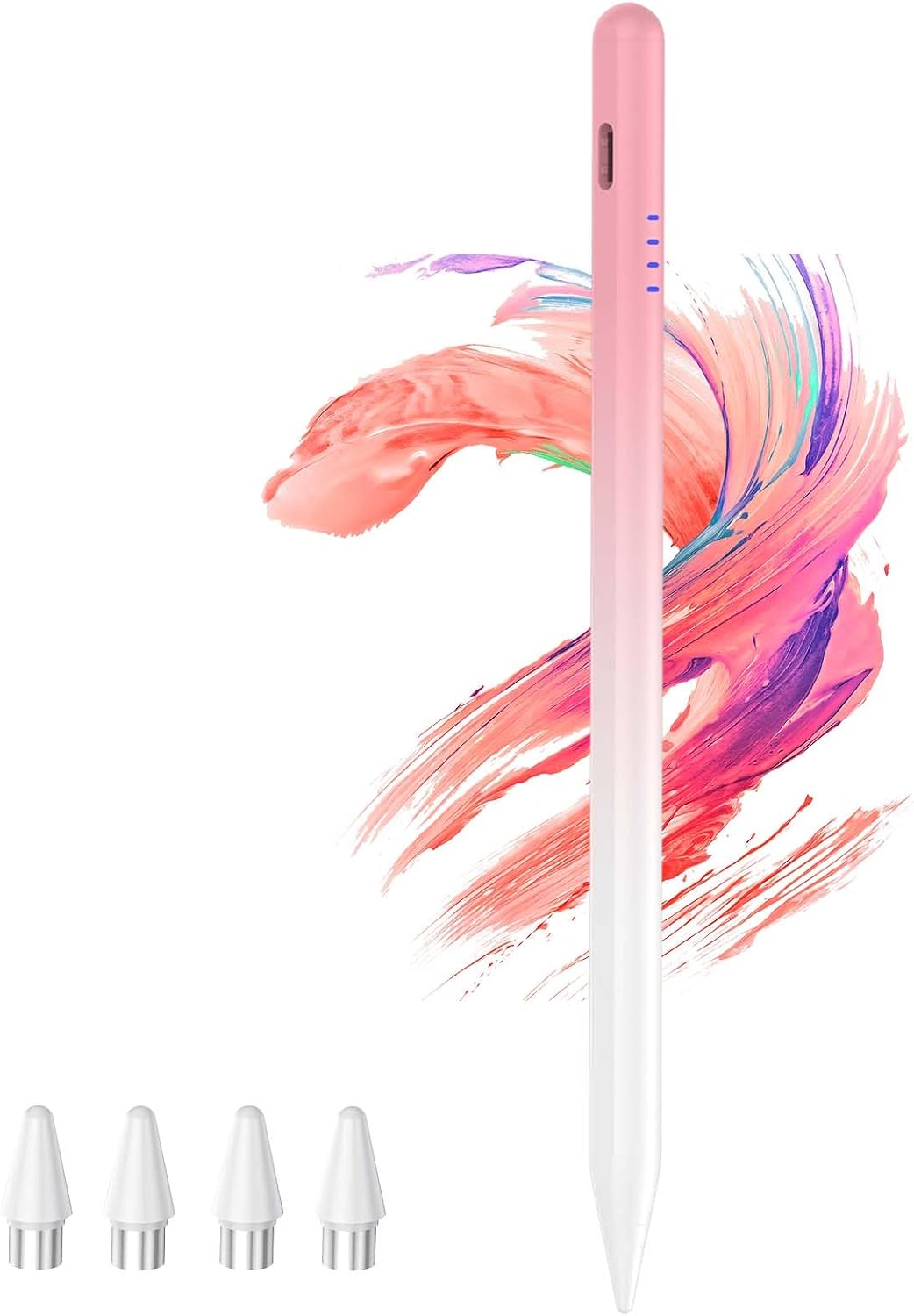
If you regularly use a tablet or smartphone for drawing, annotating documents, or jotting quick notes, and you value a compact, magnetically attachable design, this Kenkor stylus could fit your needs. It’s particularly geared towards devices that support touch input beyond basic capacitive interactions, and it’s marketed to work across a range of Android tablets and phones.
How it performs in practice
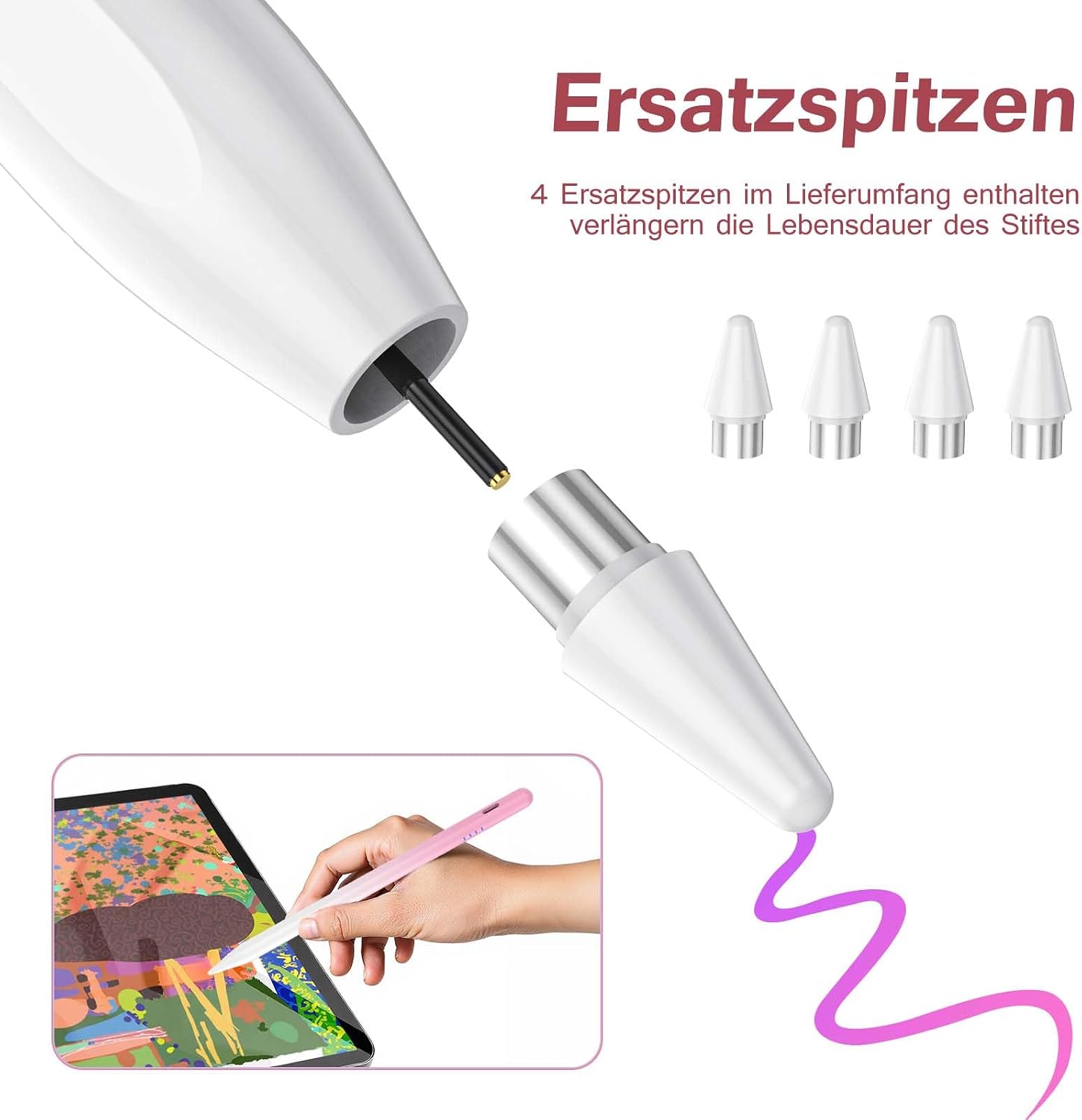
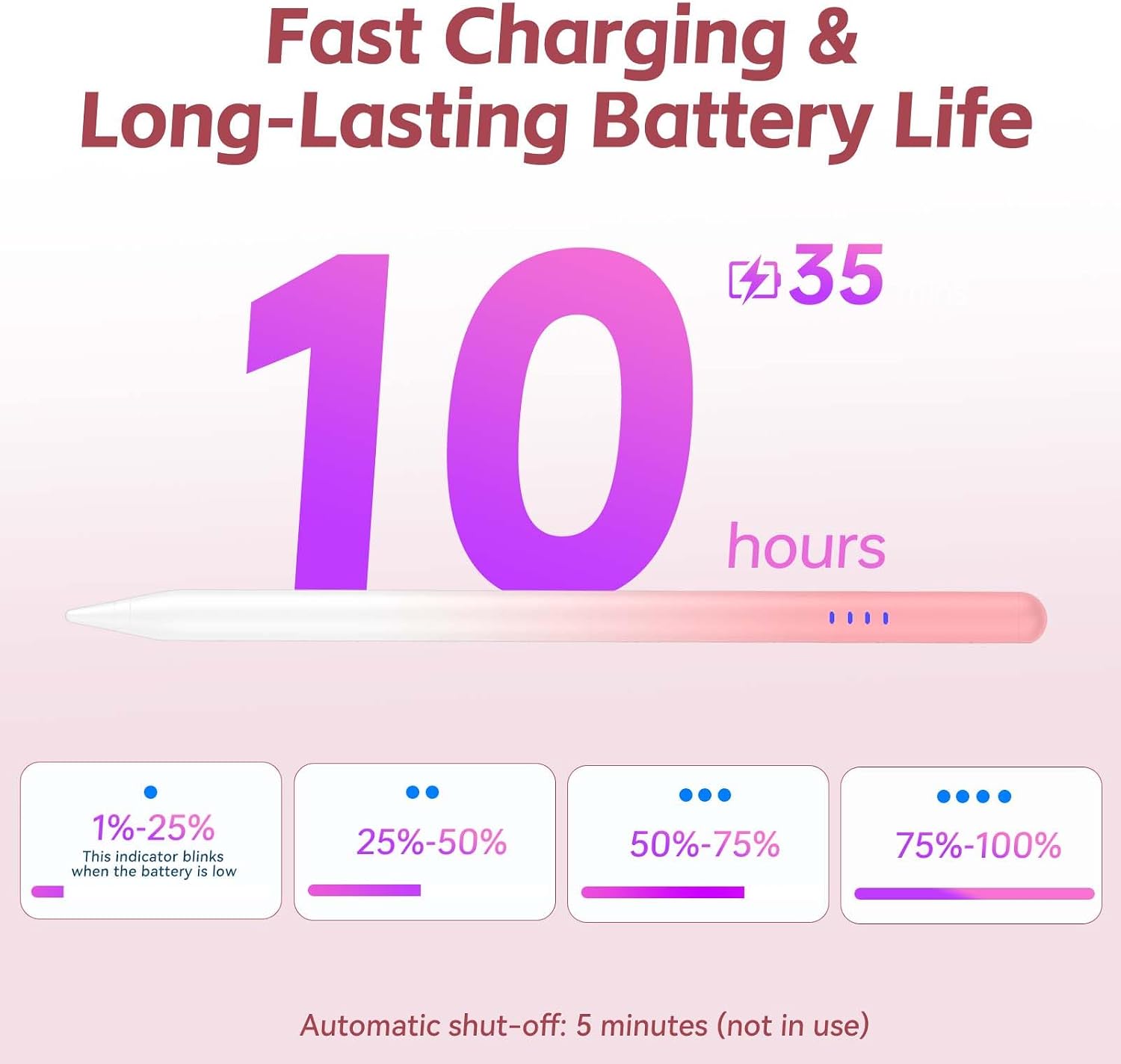
On the surface, this pen includes features that help with daily tasks: a built-in battery indicator with four LED lights to show remaining power, a USB‑C charging port, and a stated 10 hours of use per full charge alongside an automatic sleep mode after five minutes of inactivity to save power. The four replacement nibs extend the life of the tip, which matters for regular scribbling or drawing.
Best and not-so-great aspects
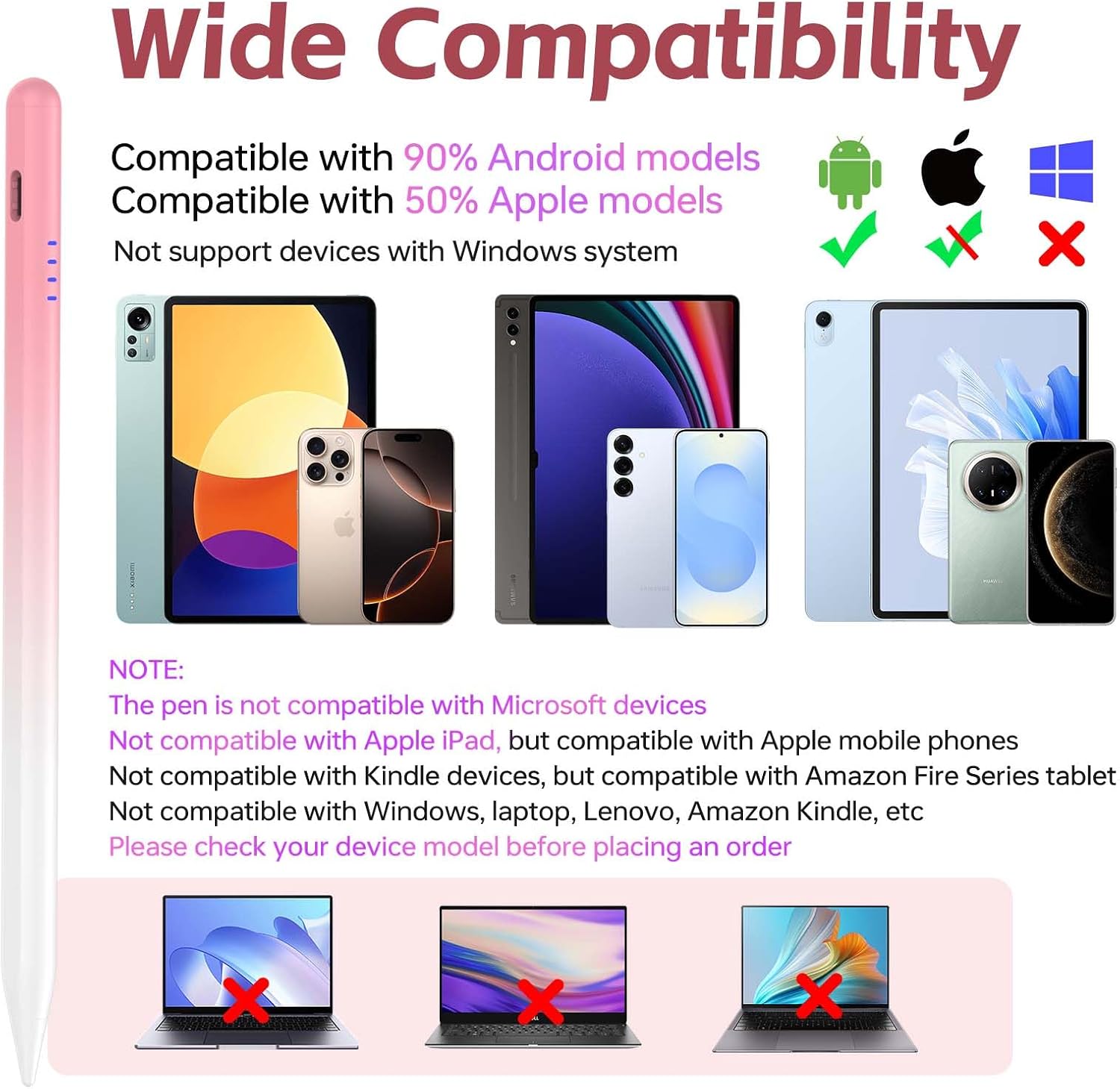
On the positive side, the magnetic attachment makes storage straightforward and reduces the chance of misplacing the stylus. The quick double-tap on the top is a handy quick-start feature, and the battery indicator gives visibility you don’t always get with budget styluses. However, there are caveats: the compatibility message is broad but also notes that the product isn’t intended for iPads, Windows devices, laptops or amazon Kindle. If your setup is a mixed environment with non-Android tablets, you may need to check fit before buying.
When it makes sense to buy
This stylus makes sense if you want an inexpensive, practical tool for everyday note-taking and light drawing on Android tablets or compatible phones, where a magnetic attach, replaceable tips and a simple power-saving mechanism are attractive. It’s also worth considering if you’ve had issues with capacitive touch accuracy or finger fatigue during longer sessions.
When it might not be the best option
If you require pinpoint pressure sensitivity, professional-level drawing performance, or compatibility with iPads, Windows tablets, or non-Android ecosystems, this model may fall short. The marketing language positions it as a practical option rather than a high-end artist’s tool, so intense graphic work could feel limited.
What to review before buying
- Confirm your device is among Android tablets or phones listed as broadly compatible, and note the explicit exclusion of iPads and Windows laptops.
- Consider whether you value a battery indicator and a recommended 60-minute charge for up to 10 hours of use, along with auto-sleep to save power.
- Check that you’re happy with a stylus that uses four replacement tips over the lifecycle and the convenience of a magnetic side attachment for carrying.
Practical usage example
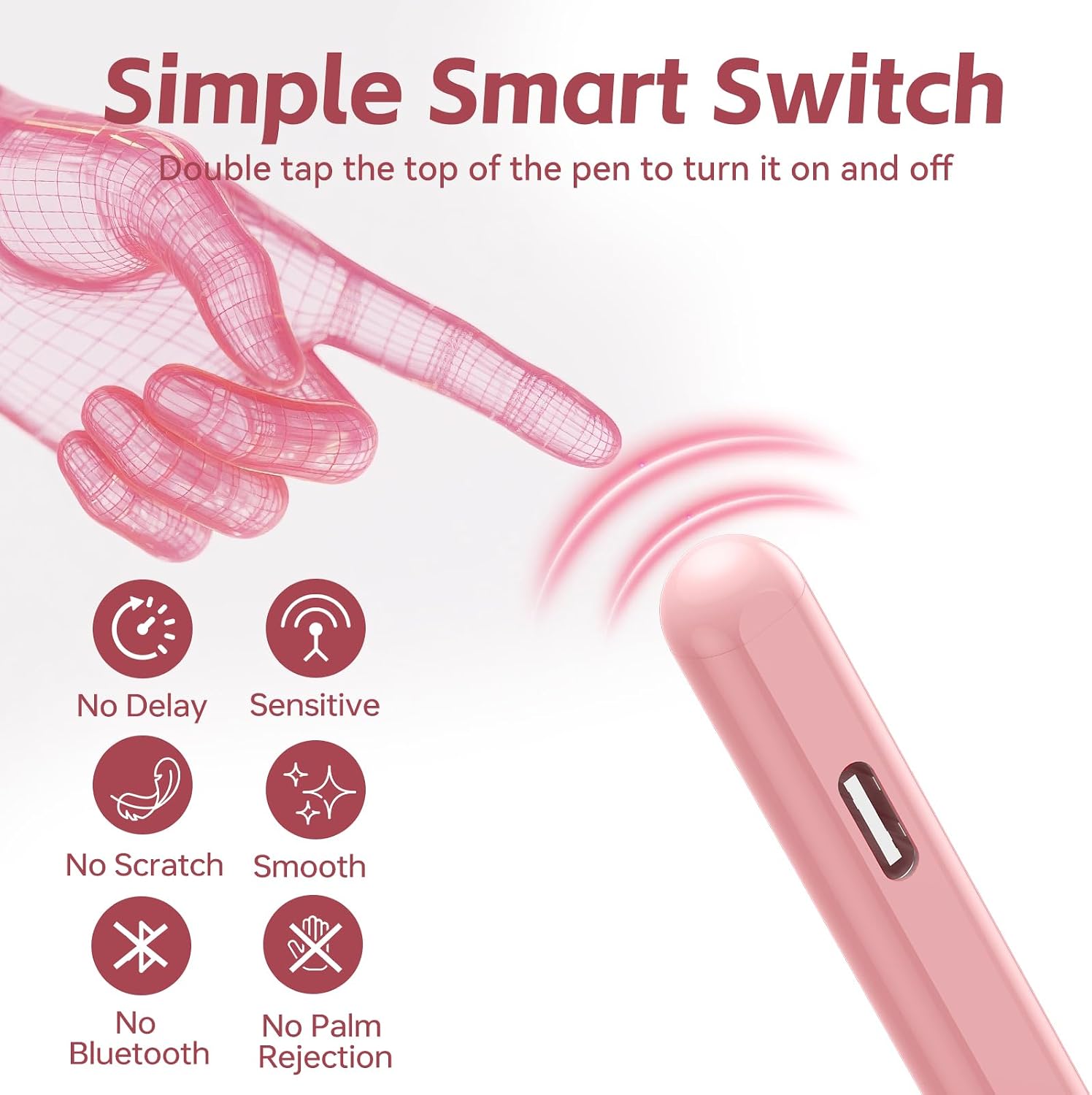
Imagine taking quick meeting notes on a Samsung tablet during a briefing. The magnetic pen sits on the side when not in use, you double-tap to wake and start annotating, and when you’re drafting a quick sketch or diagram, the replaceable tips help you maintain a clean line without searching for a pen elsewhere.
What to know in use
It won’t replace a dedicated drawing tablet for heavy graphic work, and its performance can depend on the specific Android device’s screen and driver support. If you prioritise long-term durability under heavy daily use, a model with a more robust pen mechanism might be worth comparing.
What’s included
What you get includes the Kenkor tablet stylus, four replacement nibs and a USB‑C charging cable, plus a user manual. The box contents are designed to make setup straightforward and to minimise downtime between tip changes.
FAQ
- Is it compatible with iPads or Windows devices? (Not designed for iPads or Windows laptops.)
- How long does the battery last on a full charge? (Up to 10 hours of use, standby up to 65 days.)
- How is the stylus powered? (USB‑C charging with an indicator showing battery level.)
- Do replacement tips come with the pen? (Yes, four replacement nibs are included.)
Final verdict
Is it worth it? Worth considering if you want a practical Android-focused stylus with replaceable tips, magnetic attachment, and clear battery indication at a sensible price. It may not be the best choice for high-end drawing work or cross-platform use, but for everyday note-taking and light sketching on compatible Android devices, it offers real value for money.