

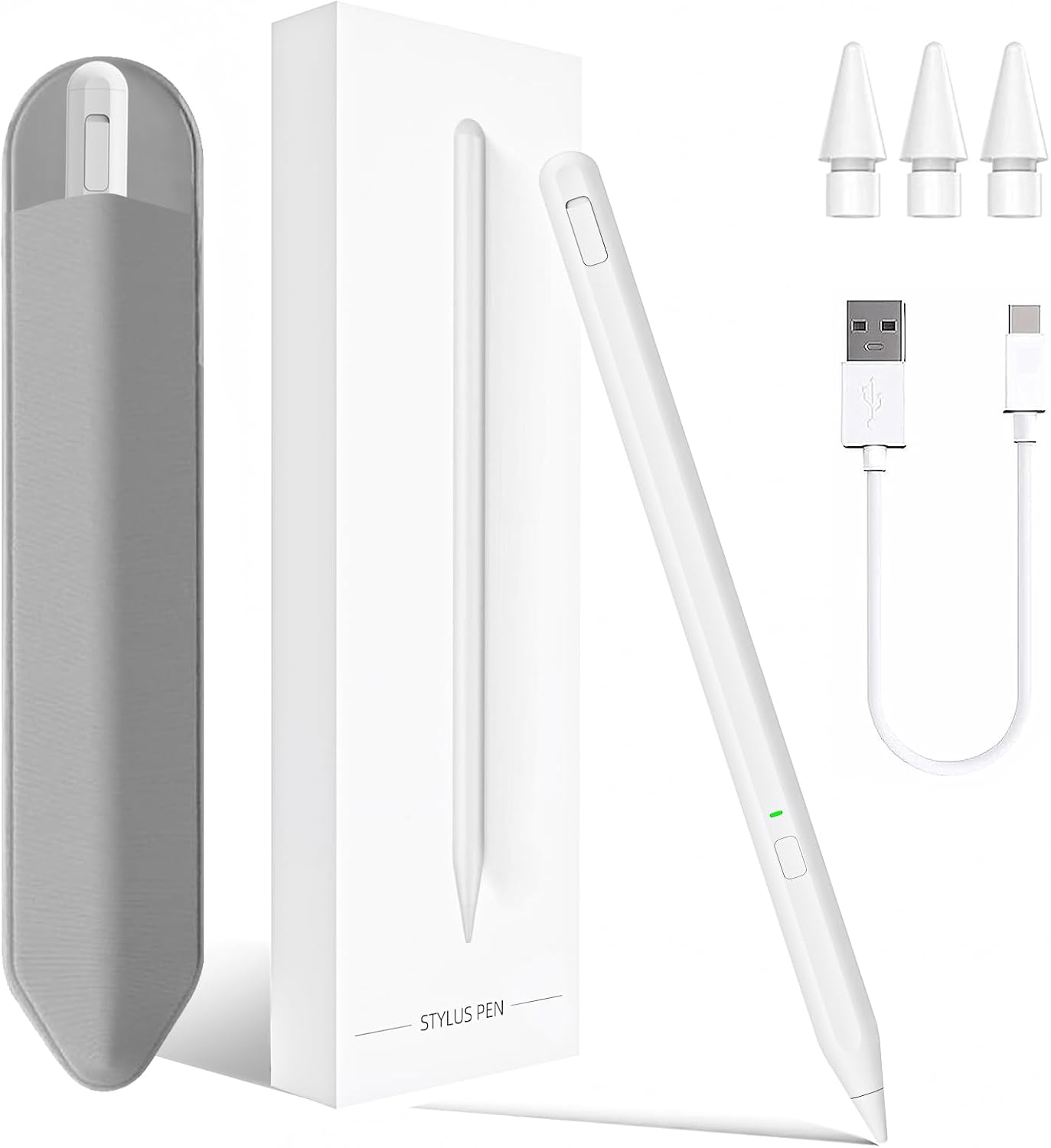
Milikilo Stylus Pen for iPad (2018–2025, 6th–11th gen & Air/Pro): palm rejection, tilt & charging LED
Product description
What this Milikilo stylus is for
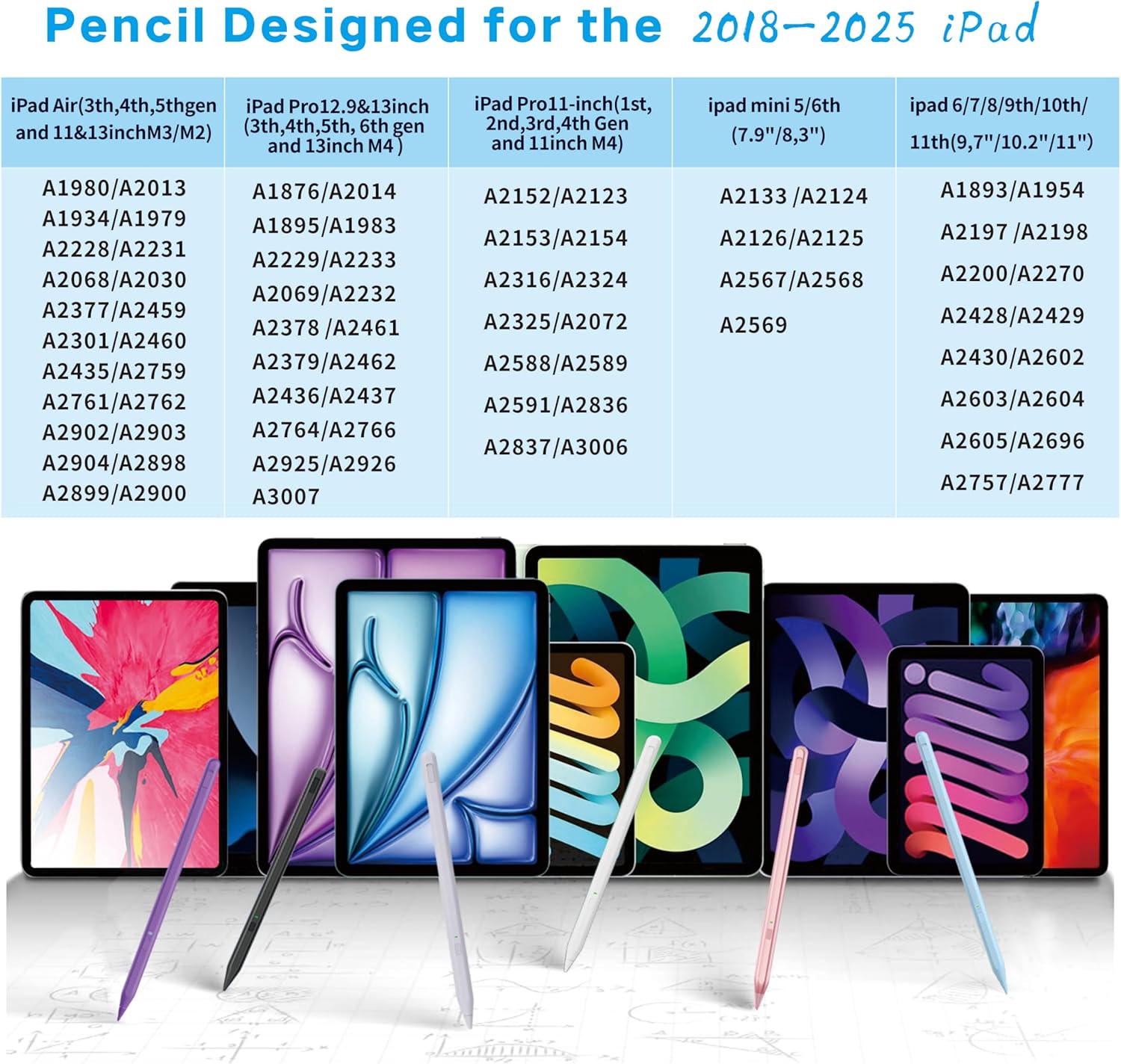
If you want to write, sketch or take notes on an iPad without going down the route of a pricier Apple-style stylus experience, this Milikilo Stylus Pen is built around the everyday stuff: smoother input, less screen friction, and controls that don’t need apps or Bluetooth setup. It’s positioned as a practical alternative for iPad users across a wide 2018–2025 window, including iPad 6th–10th and iPad 9th–11th generations referenced in the product name.
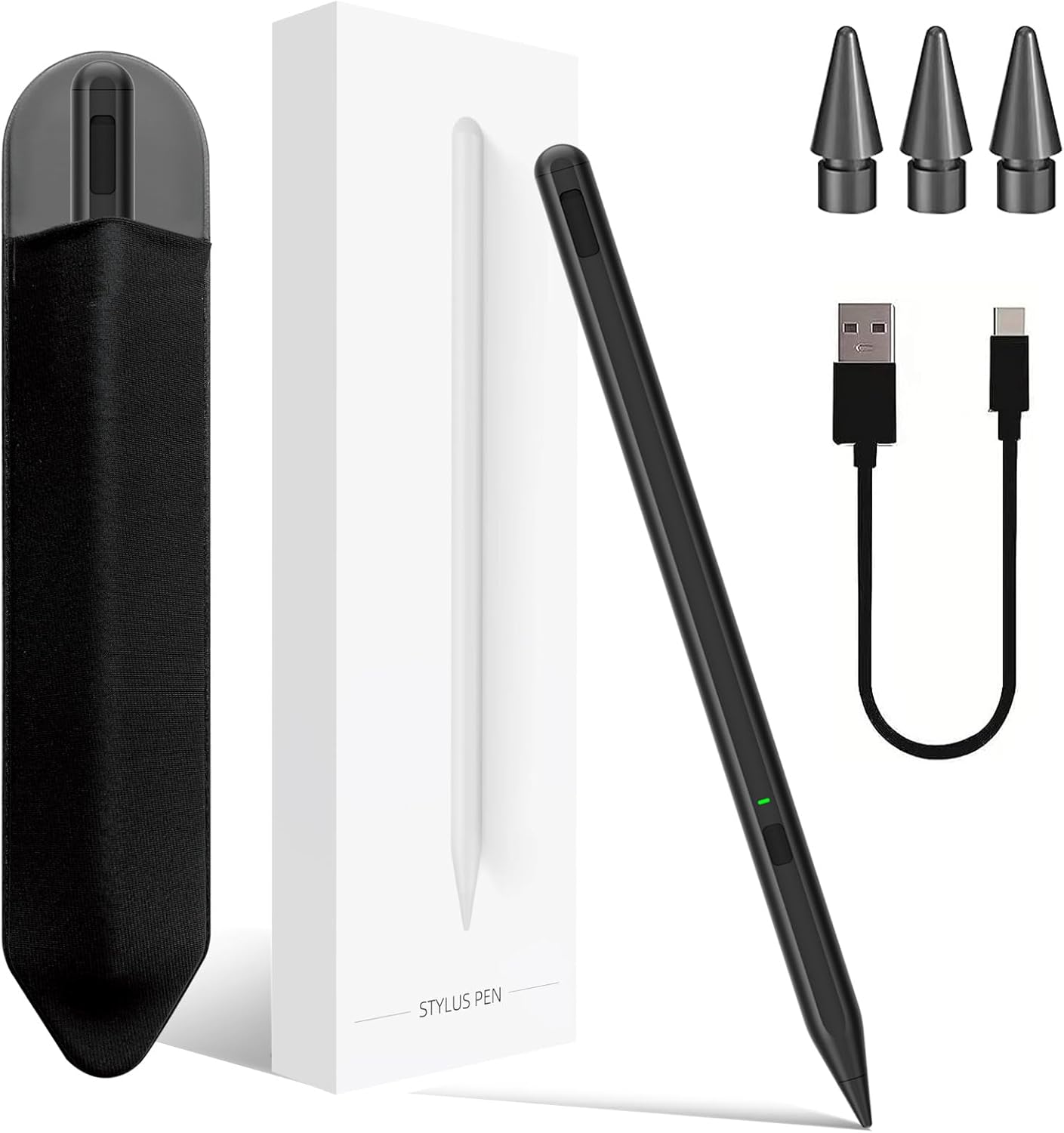
On paper, it leans into three areas people notice quickly: a finer stylus tip for more precise lines, tilt support for varied stroke feel, and palm rejection so your hand doesn’t constantly get in the way. It also includes a pencil holder and an integrated one-piece dust plug design, which is a small detail but can matter if you’re the kind of person who misplaces accessories.
What stands out in use (and why it matters)
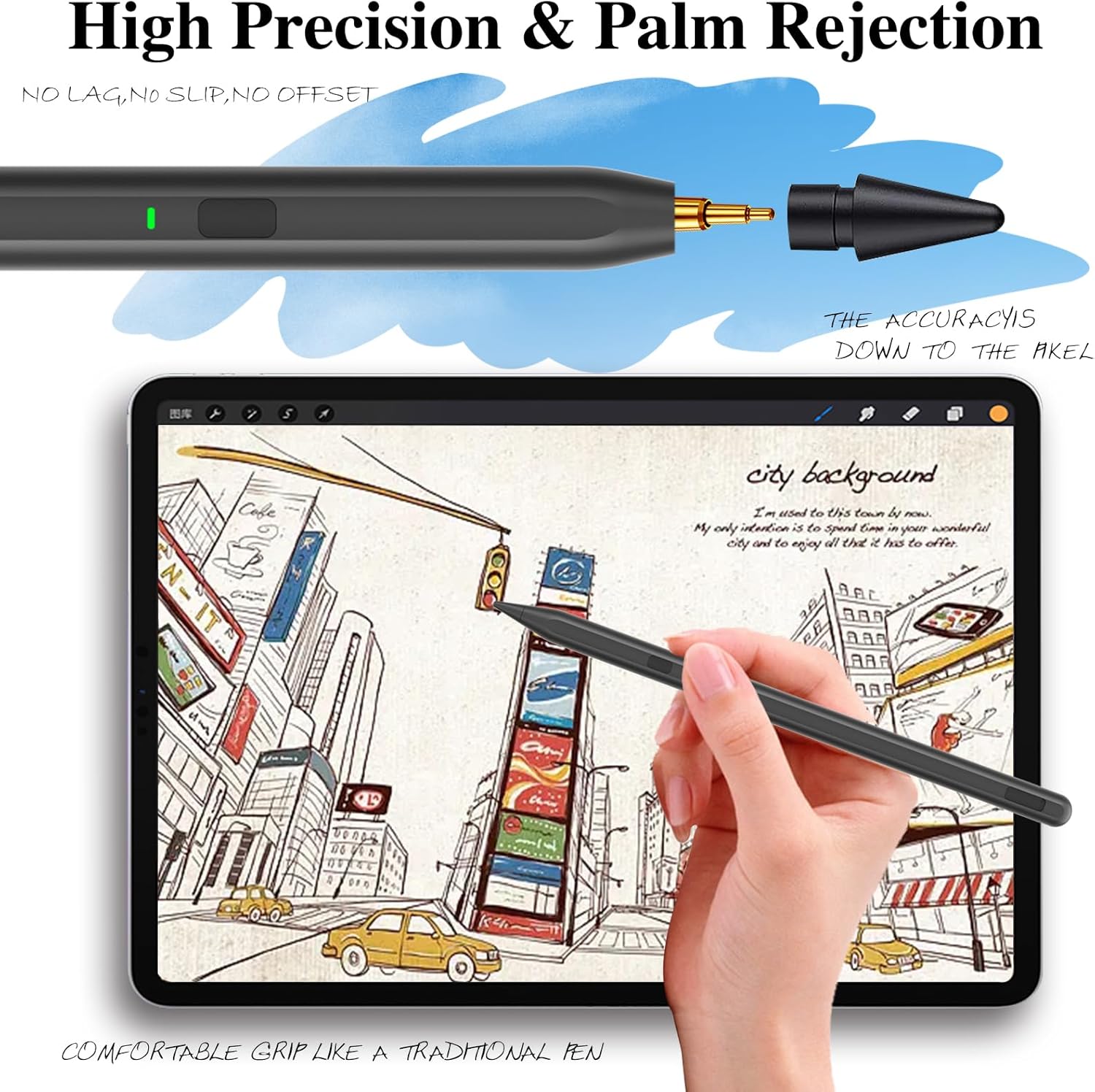
The headline feature here is the 0.9mm upgraded POM tip. The listing claims it’s more sensitive and precise, with “no lagging, no skips, no scratches”. Even if you take those claims with a pinch of caution (marketing wording is marketing wording), the goal is clear: cleaner contact and more consistent tracking than bargain pens that feel scratchy or uneven.
The tilt technology is also a notable angle. Instead of a flat, one-width line, tilt is meant to change stroke thickness and depth by varying how you angle the stylus tip. That tends to help for sketching and shading, and for handwriting styles where you naturally vary pressure and angle.
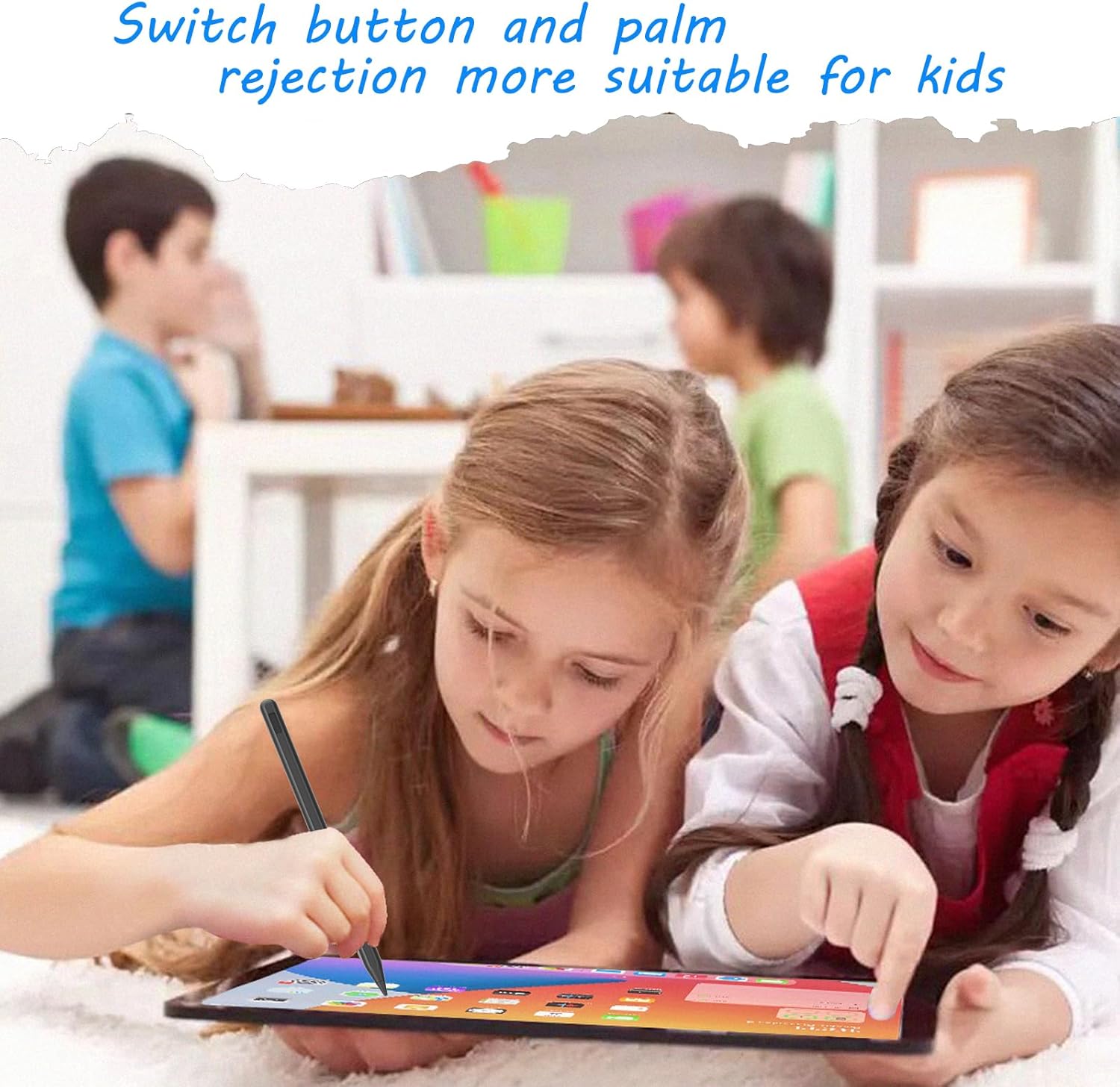
Then there’s palm rejection. If you tend to rest your hand while writing, this is the kind of feature you’ll either love immediately or miss badly. The listing specifically says palm rejection helps your hands move on the screen while you write.
One practical micro-example: imagine taking meeting notes on a bus—your hand rests on the glass as you underline bullet points and draw quick arrows. With palm rejection in the mix, you should spend less time fighting accidental marks.
Tilt + palm rejection: where it helps, and where it might fall short
Palm rejection and tilt sensitivity are exactly the combo you want for natural writing and drawing. But it’s also worth being realistic: no third-party stylus is guaranteed to feel identical to every other setup, especially depending on the iPad model and what app you’re using. This pen is clearly aimed at general note-taking and drawing, not extreme, professional-level precision workflows.
Another small limitation to bear in mind is the charging/charging behaviour. The listing says it charges via a Type C port and includes LED indicators, and there’s no automatic shutdown within 1 hour. That’s useful information, but if you’re the kind of user who forgets to switch things off, you’ll still want to get into the habit of tapping the button when you’re done.
Charging, controls and day-to-day convenience
There’s no app required, and the pen turns on/off via a button press. The listing also says it doesn’t require Bluetooth connection, which can save you the hassle of pairing.
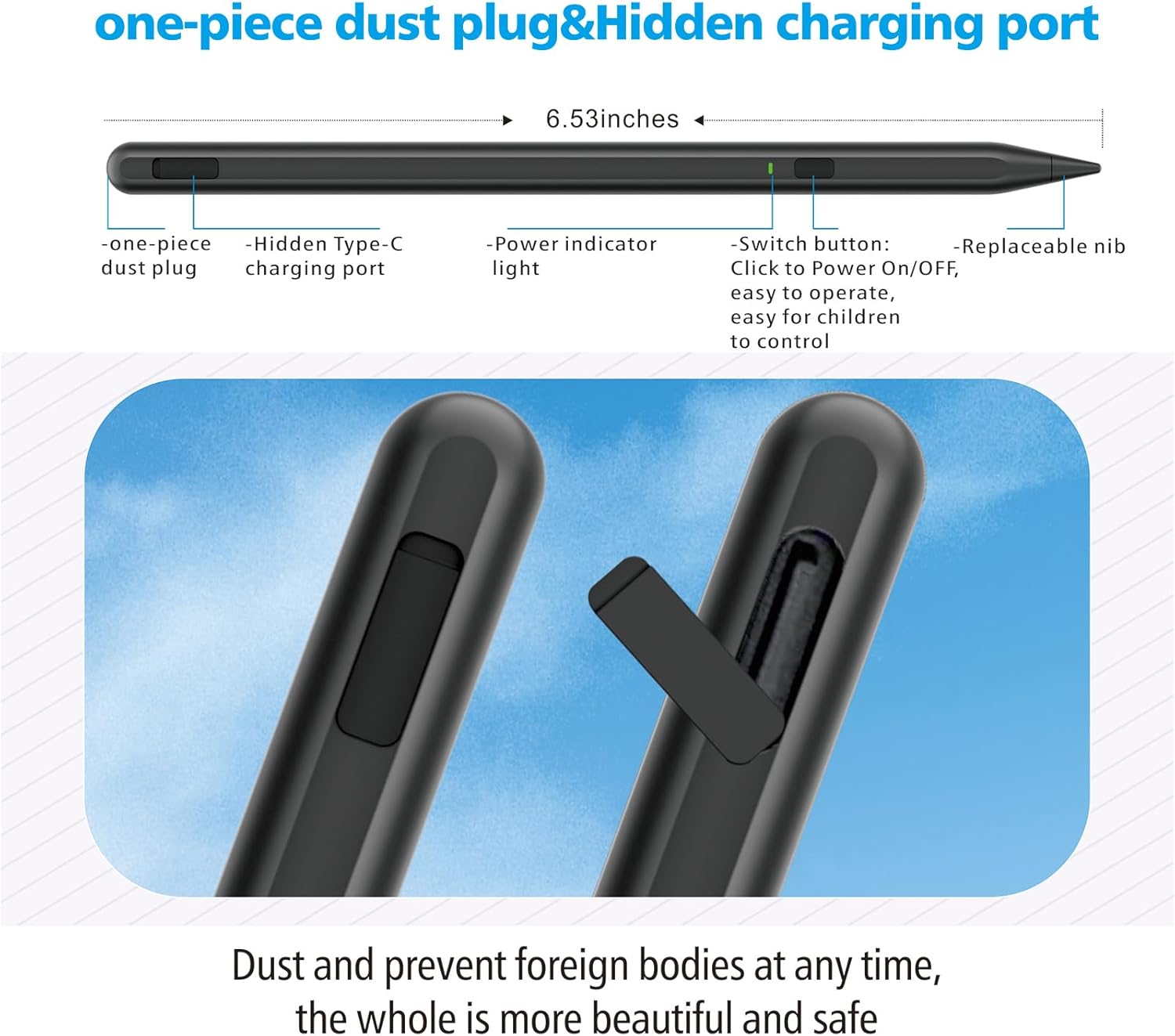
Charging details in the listing are fairly straightforward: a full charge is said to take 40 minutes, with up to 10 hours of working time. There’s also an LED indicator system: green when starting and using, red steady while charging, and red off when fully charged. If you’re buying for home learning, after-school drawing, or everyday notes, these indicators are the kind of thing you’ll appreciate rather than having to guess.
The weight is also mentioned (0.42 ounce). That suggests it’s designed to be lightweight for longer sessions and for younger users. The listing even positions it as suitable for children.
Pencil holder and one-piece dust plug: the “small stuff” buyer
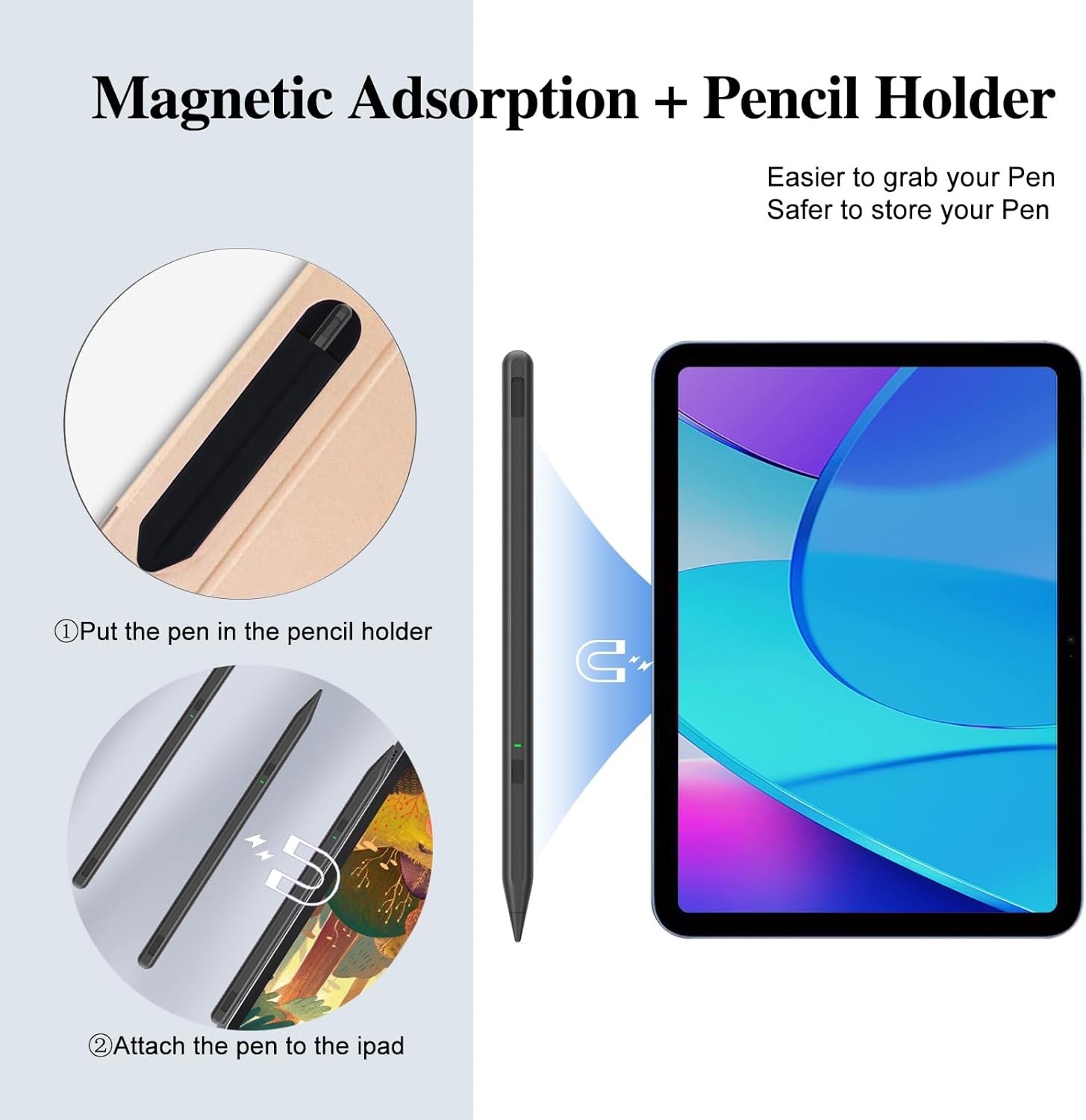
A pencil holder is included, with a strong adhesive meant to keep it securely in place. The idea is that you can grab and store the stylus quickly, without it rolling around the desk.
It also claims an improved one-piece dust plug design, designed to solve an issue where older split dust plugs could be easy to lose after removal. Again, you can’t verify that without seeing it in the hand, but as a buyer you should take the intention seriously: this is aimed at reducing the common annoyances of owning a stylus.
Tech at a glance (so you can check fit)
Key specifications
- Tip size: 0.9mm upgraded POM tip
- Charging port: Type C
- Charging time (claimed): full charge in 40 minutes
- Working time (claimed): up to 10 hours
- Weight: 0.42 ounce
- Connectivity: no app required, no Bluetooth connection mentioned
- Controls: single button press to turn on/off
- Battery/indicator info: LED indicator (green when starting/using, red steady when charging, red off when fully charged)
Worth noting: the product name references broad iPad compatibility ranges (iPad 2018–2025, iPad 6th–10th, and iPad 9th–11th, plus iPad Air and iPad Pro 11” and 13” models). If you’re buying, you’ll want to double-check your exact iPad model against the listing’s stated range to avoid unpleasant surprises.
Should you buy it?
It makes sense if you want a straightforward stylus for writing, note-taking and casual-to-serious drawing on iPads, and you value features like palm rejection, tilt support and a fine 0.9mm tip. It’s also a good fit if you prefer convenience—no app, no Bluetooth pairing, and clear LED charging feedback.
You may want to skip it if you’re chasing the most exact, “every line behaves perfectly” experience you can get from higher-end stylus ecosystems, or if you’re very sensitive to differences in how third-party tips feel across different apps. Also, if you’re likely to misplace small parts, the holder and one-piece dust plug design help, but you should still treat it like any accessory—keep it where you can find it.
Mini FAQ
Getting started: does it need an app or Bluetooth?
No app is required, and the listing says there’s no Bluetooth connection needed. You turn it on/off with a single button press.
How long does the stylus last on a charge?
The listing claims up to 10 hours of working time, with a full charge said to take 40 minutes.
Does palm rejection really help?
The listing explicitly states a palm rejection design so your hand can rest on the screen while you write.
What does tilt do?
Tilt technology is described as changing stroke thickness and depth by varying the stylus angle.
Is it okay for kids?
The listing positions it as lightweight enough for children at home for learning, drawing, writing and taking notes—just keep in mind normal supervision for younger users.