

Metapen Stylus Pen M1 300h battery
Product description
Key points
The Metapen Stylus Pen M1 is a battery‑powered active pen that pairs simplicity with useful extras for Surface owners and compatible convertibles. It blends fast charging and palm rejection to support note taking, sketching and everyday navigation, while a 2‑in‑1 button adds a quick erase and right‑click function.
Tech specs
- Name: Metapen Stylus Pen M1
- Type: Active stylus
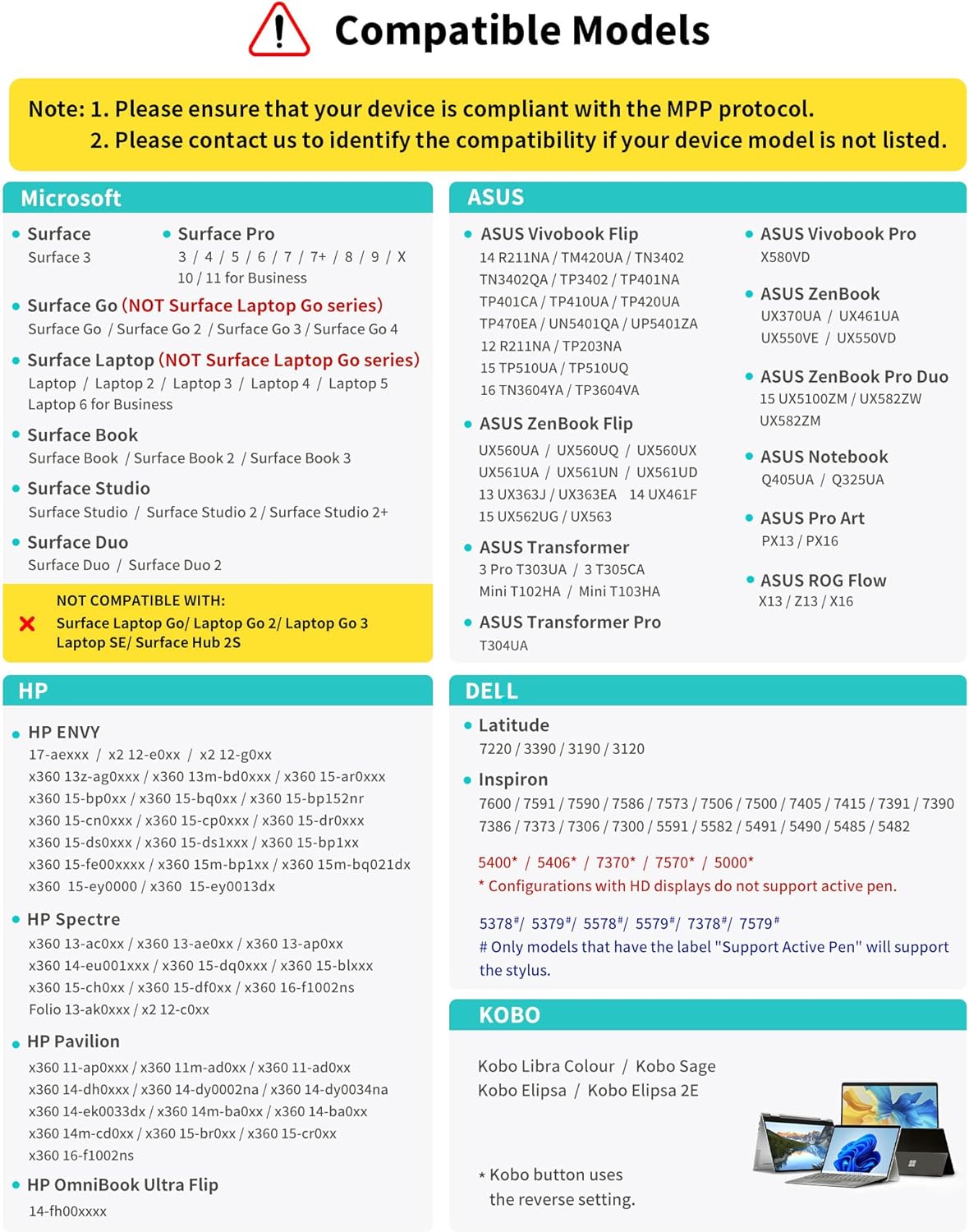
- Compatibility: Surface Pro X, 9, 8, 7, 6, 5, 4, 3, Surface Go 3, Studio 2, Book 3, Duo 2, ASUS VivoBook Flip and other MPP 2.0 devices
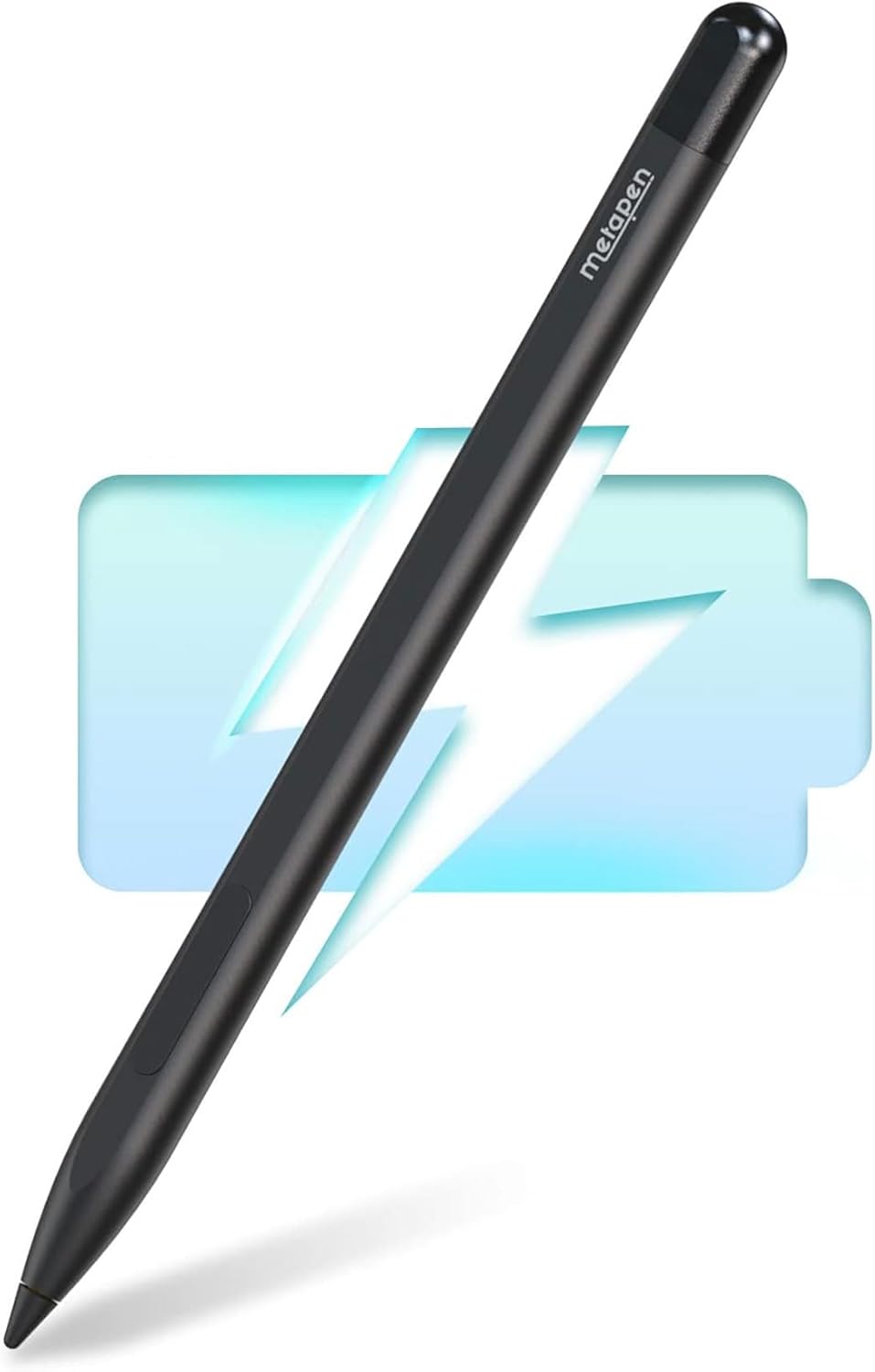
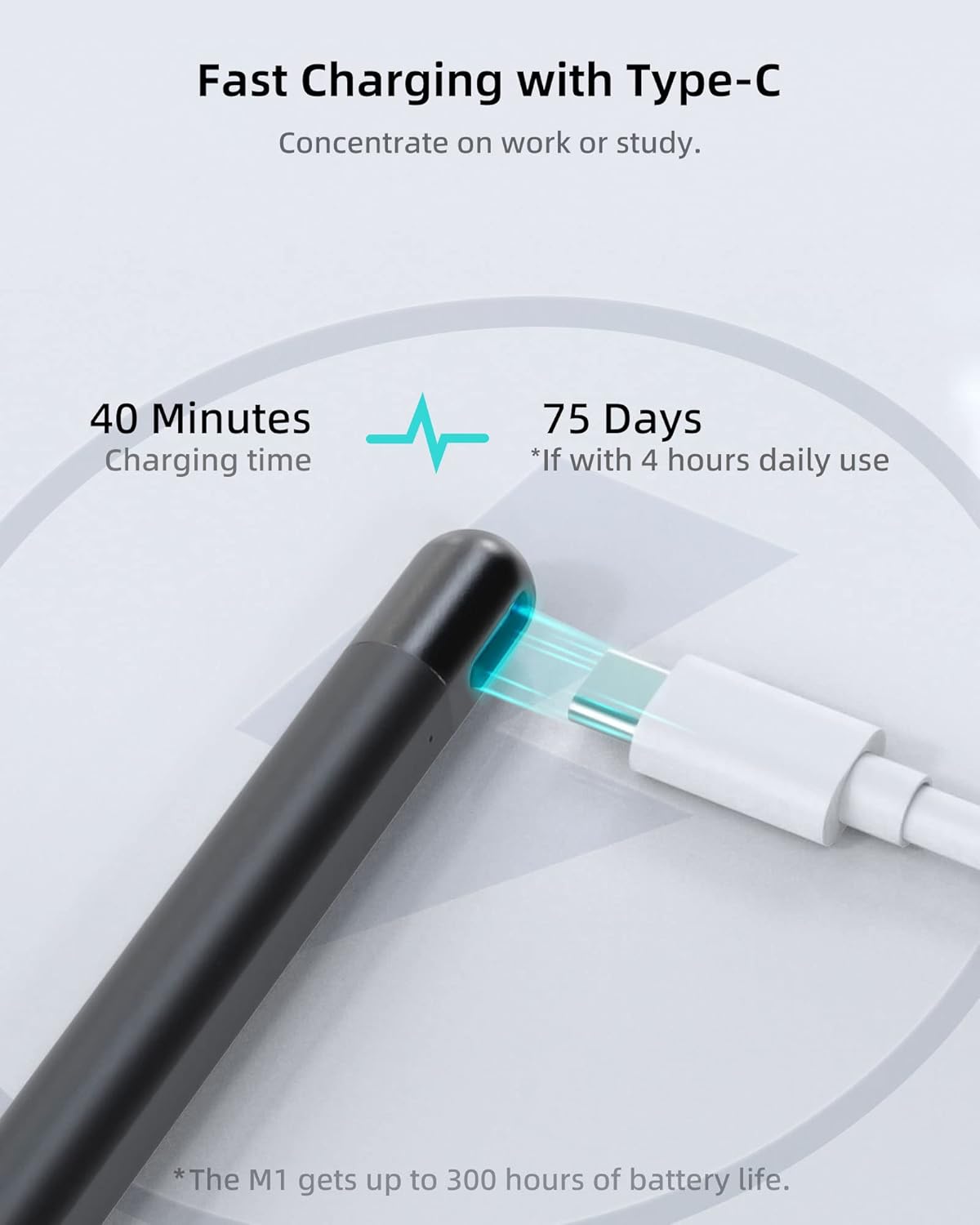
- Battery: Full charge in 40 minutes, up to 300 hours continuous work
- Pressure: 1024 pressure points
- Material: Aluminium alloy body
Benefits
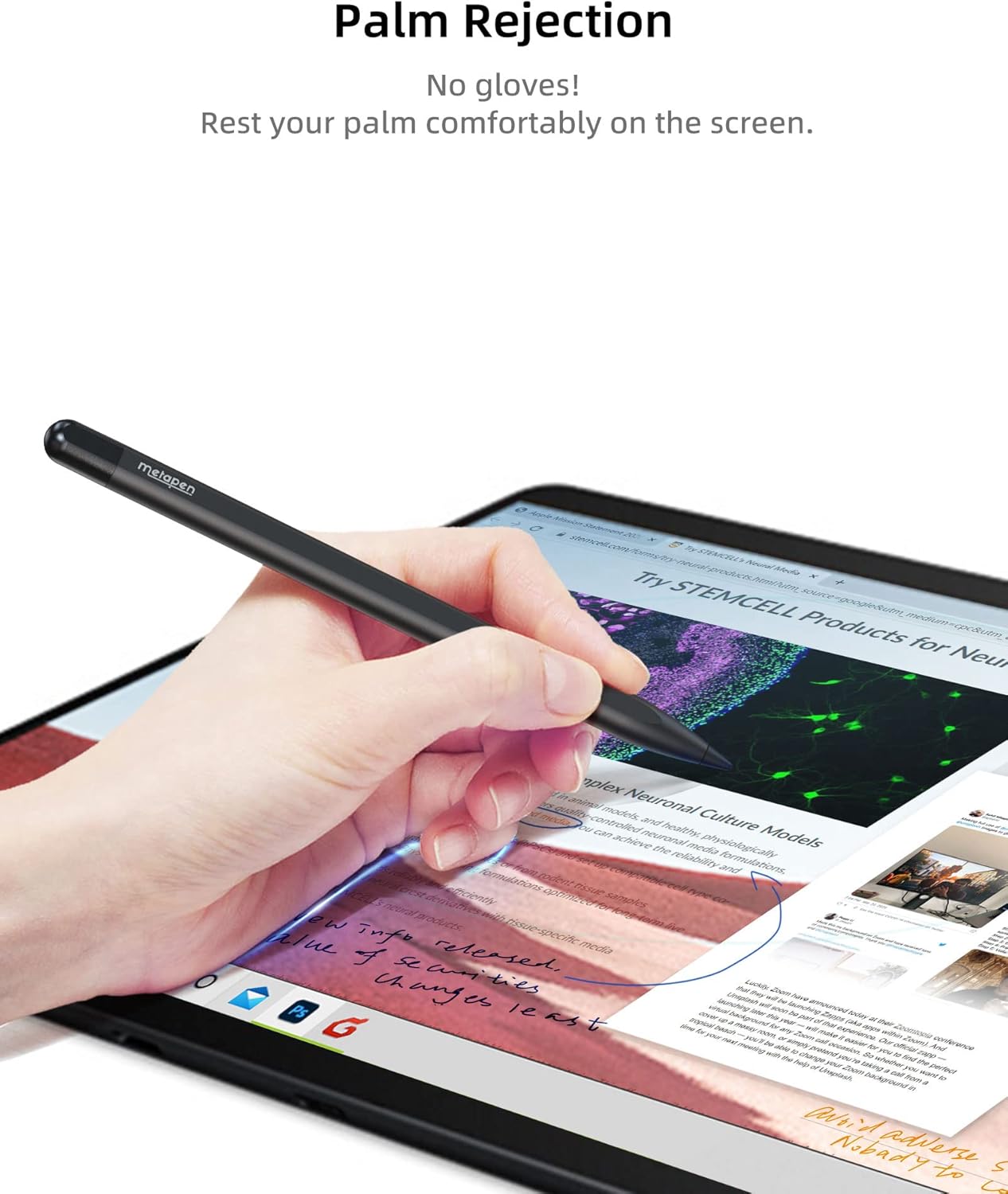
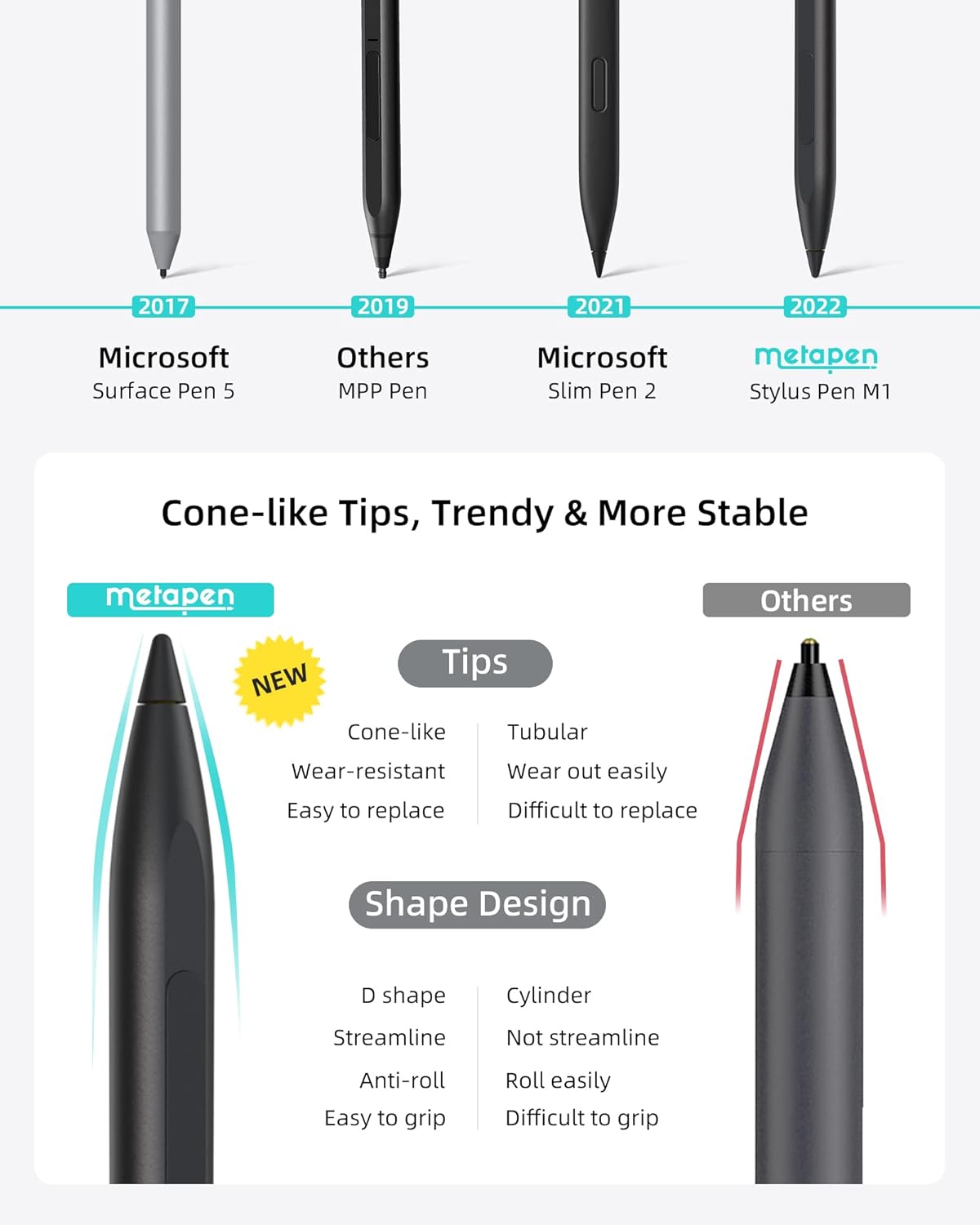
The M1’s conelike tip aims to give a more accurate signal and a pen‑like feel, so light strokes register reliably and shading feels natural. According to the manufacturer the pen responds with low latency and the palm rejection allows you to rest your hand while drawing without activating the screen. The flat sided aluminium body improves grip and stops the pen from rolling away.
Best use cases
If you work across notes and sketches the M1 is practical thanks to its quick charge and long standby. It’s especially useful for students, creatives and professionals who need a ready stylus without pairing or apps. Do bear in mind the pen does not support wireless charging and full compatibility depends on device MPP support.
How to use it
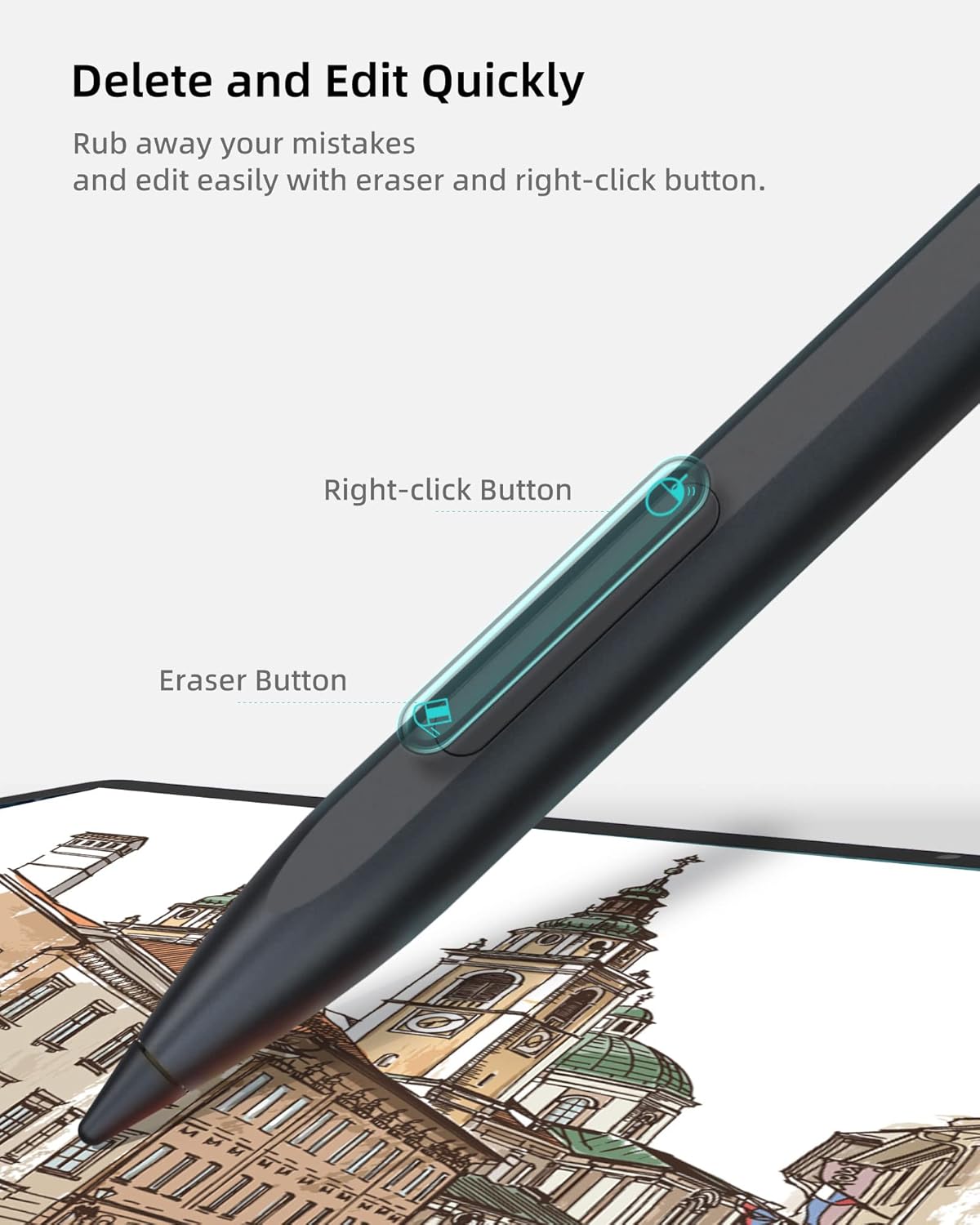
Charge the stylus for 10 minutes before first use and keep it charged when not in heavy use, it will enter sleep mode after five minutes of inactivity. One press of the upper button mimics a right click while the lower half triggers erase, offering simple shortcuts for editing and navigation.
What to check
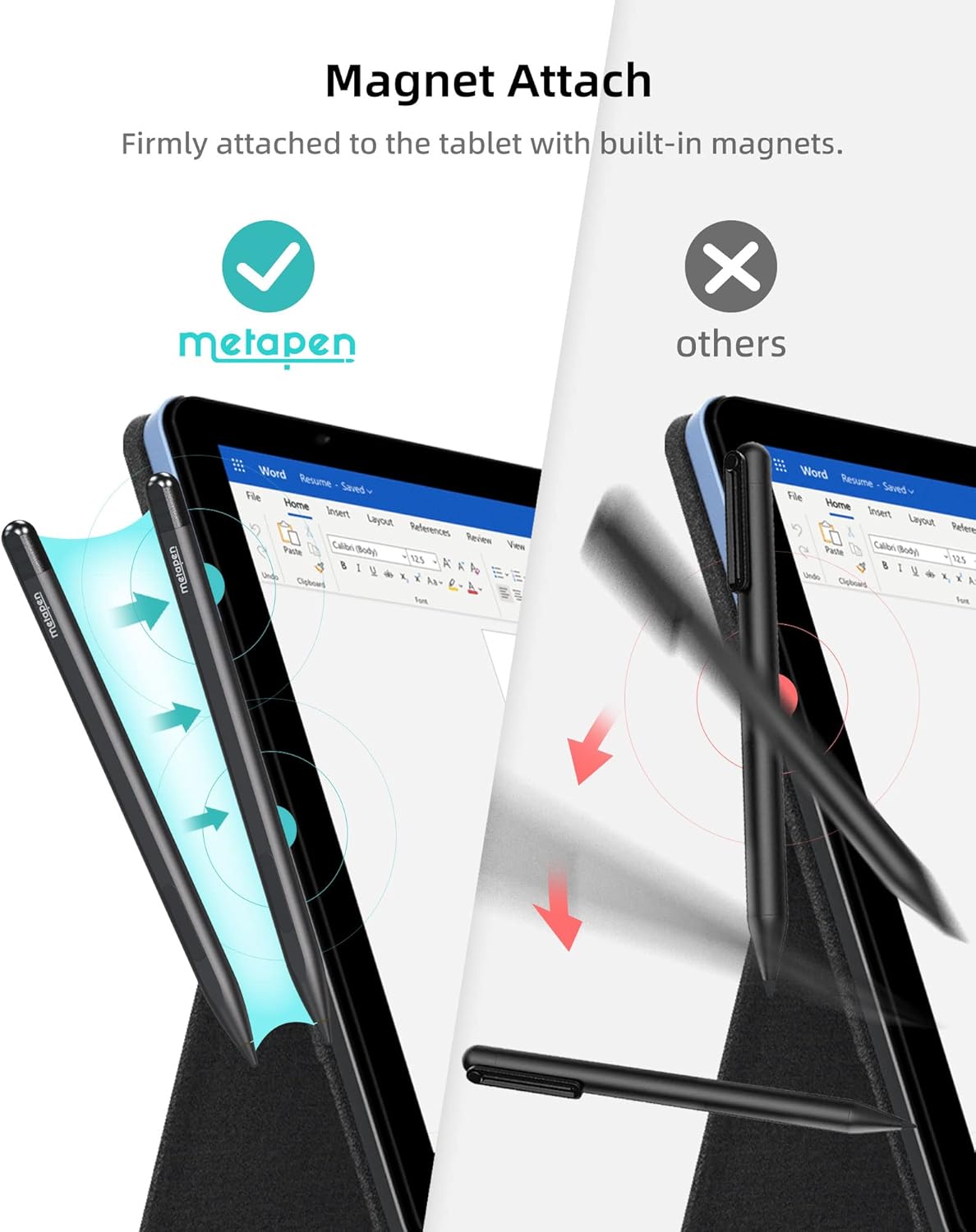
If you are unsure about compatibility check your device model against the supported list or contact the seller, since wireless charging is not supported and magnet attach depends on the device.