

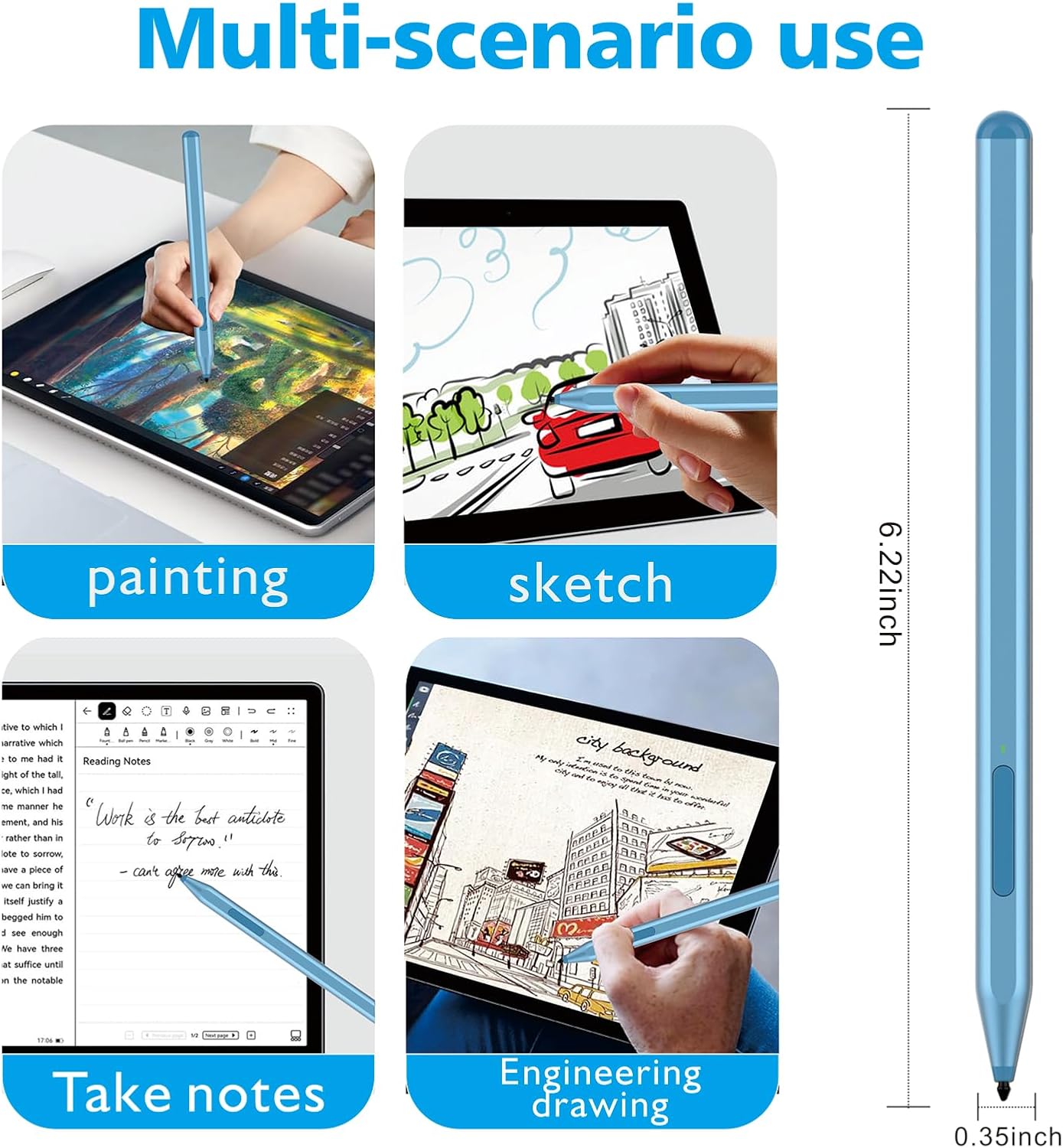
Surface MPP stylus pen 1024 pressure
Product description
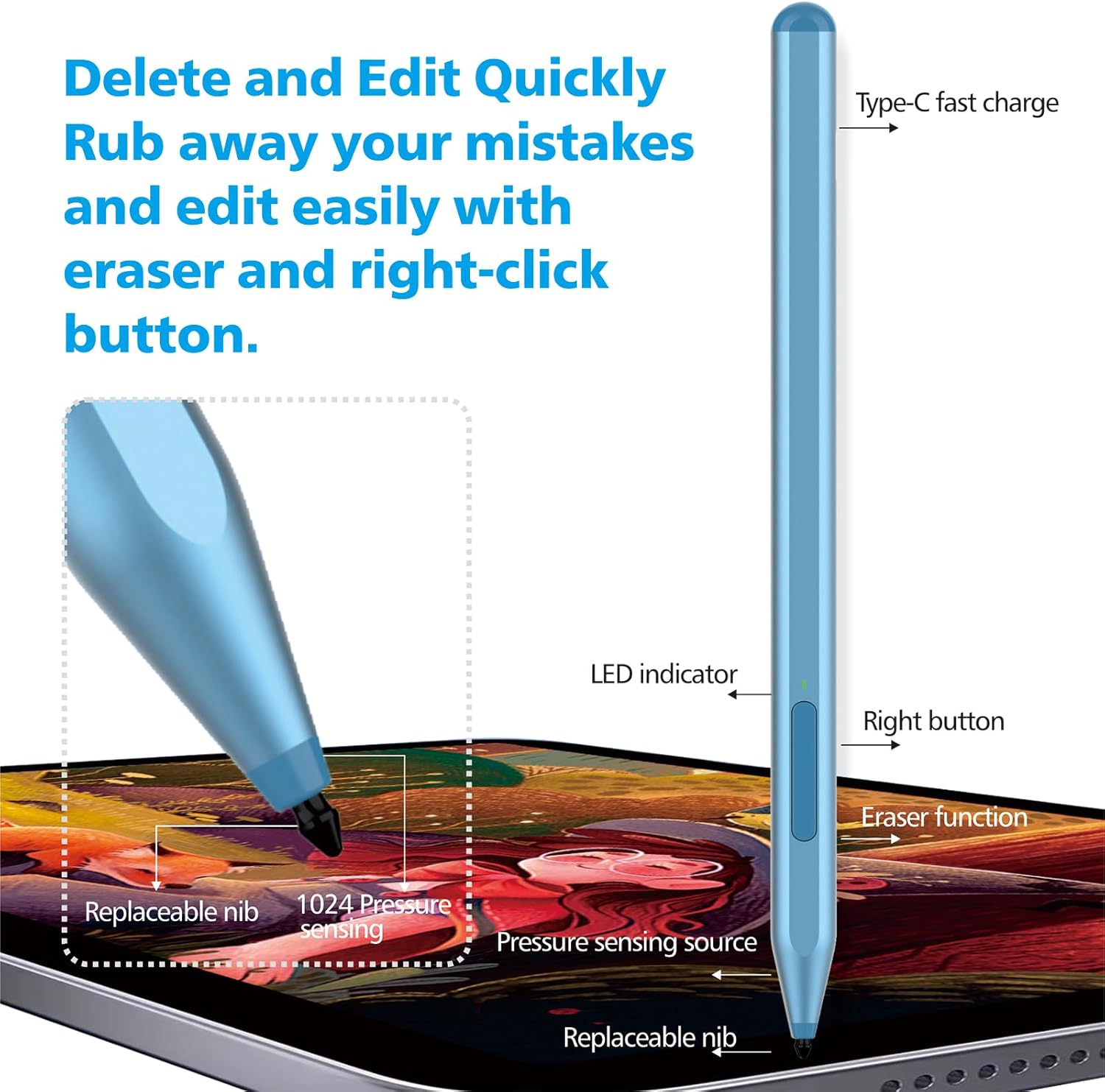
A responsive stylus pen for writing, note taking and sketching on compatible Microsoft Surface tablets. The Stylus Pen for Microsoft Surface devices uses 1024 pressure points for fine control, helping you create lines with more nuance than a basic touch pen. It also includes eraser and right click controls, so you can keep working without constantly reaching for the mouse.
The essentials
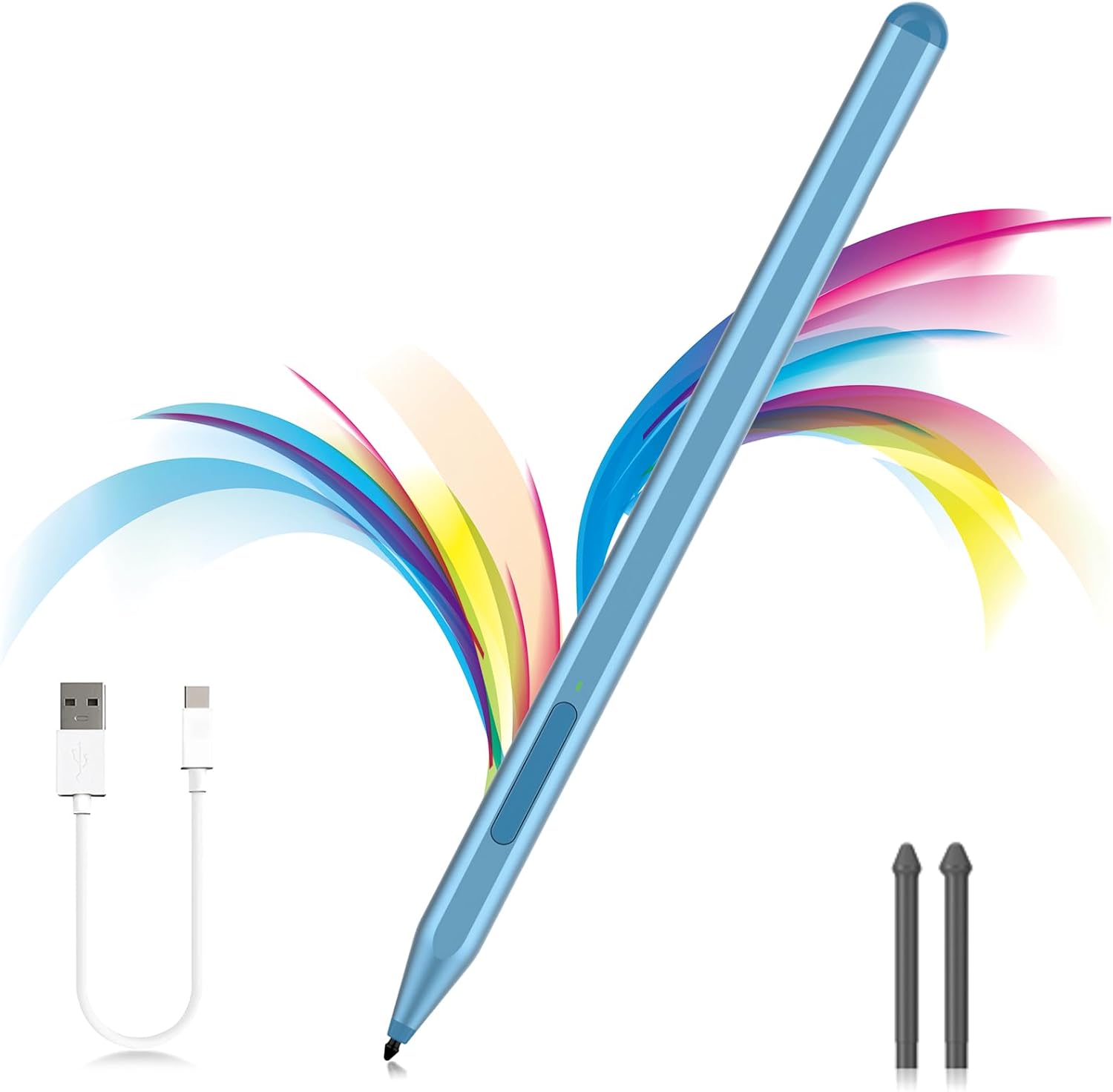
If you regularly jot notes in OneNote, mark up documents, or sketch diagrams on your Surface, this pen is designed to keep your workflow close to the screen. The included controls mirror common actions, with an eraser and a right click button set on the pen body for quick switching. It works without Bluetooth, using a side button and an indicator light, which makes the day to day start up feel straightforward.
This model is built for a broad range of Surface Pro, Surface Go and Surface Book devices, and it supports the MPP1.15 protocol, according to the product information. You also get a charging and standby system that helps reduce downtime between uses. That combination is particularly useful if you share your device between study, meetings and creative sessions. ✍️
Key features and what you’ll notice day to day
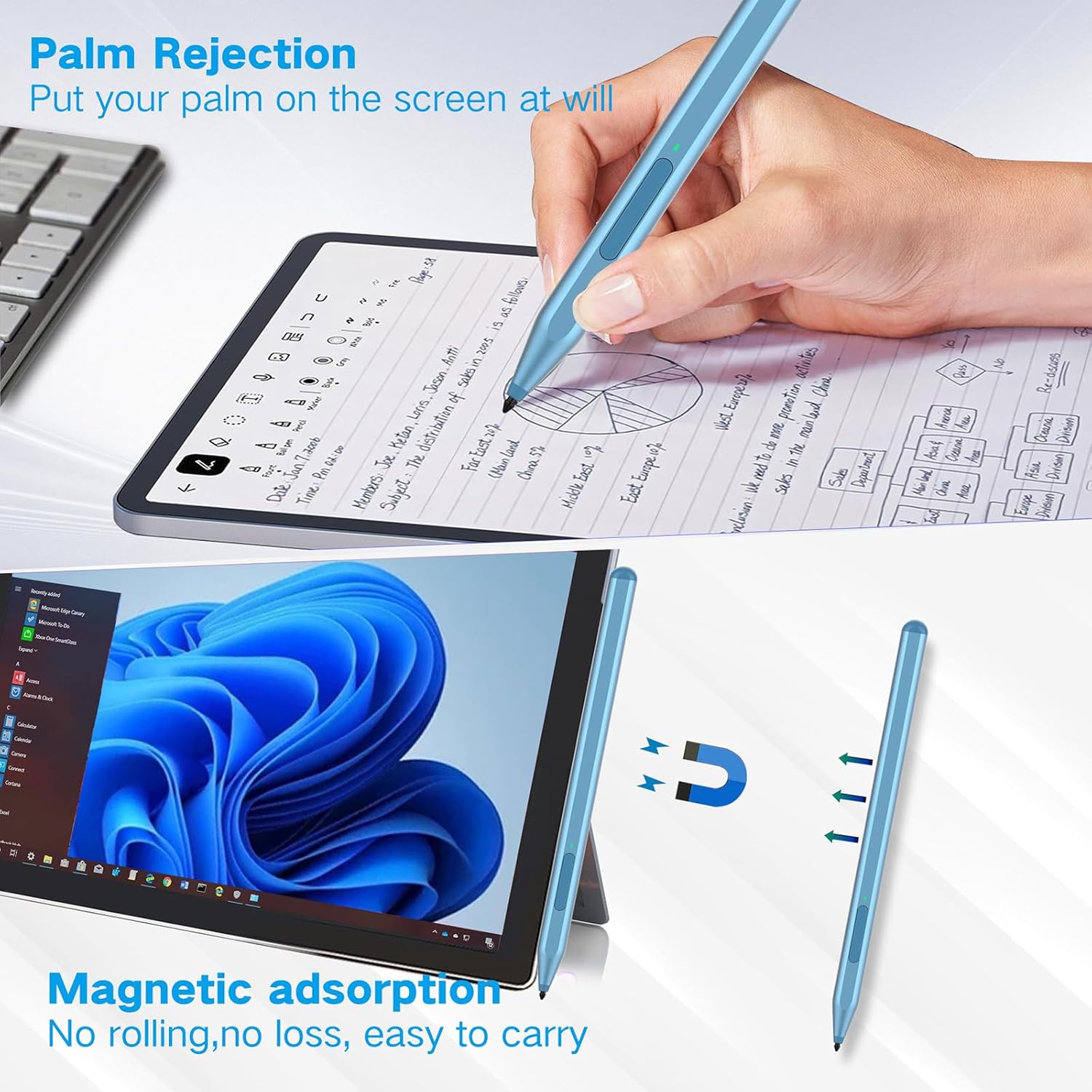
The pen includes palm rejection technology, so you can rest your hand naturally on the screen while writing or drawing. That matters when you are doing long sessions, because it helps reduce accidental touches that can interrupt your line. The magnetic attachment is also intended to keep the pen secure on the device, rather than leaving you to constantly find a separate storage slot. 🖊️
There is also an active tilt function, which can change the thickness of your lines based on how you hold the pen. The product information describes thicker lines as the tilt angle increases, which can make outlines and shading feel more natural. For anyone who likes to draw, underline, or annotate with varying stroke weight, that extra responsiveness adds flexibility.
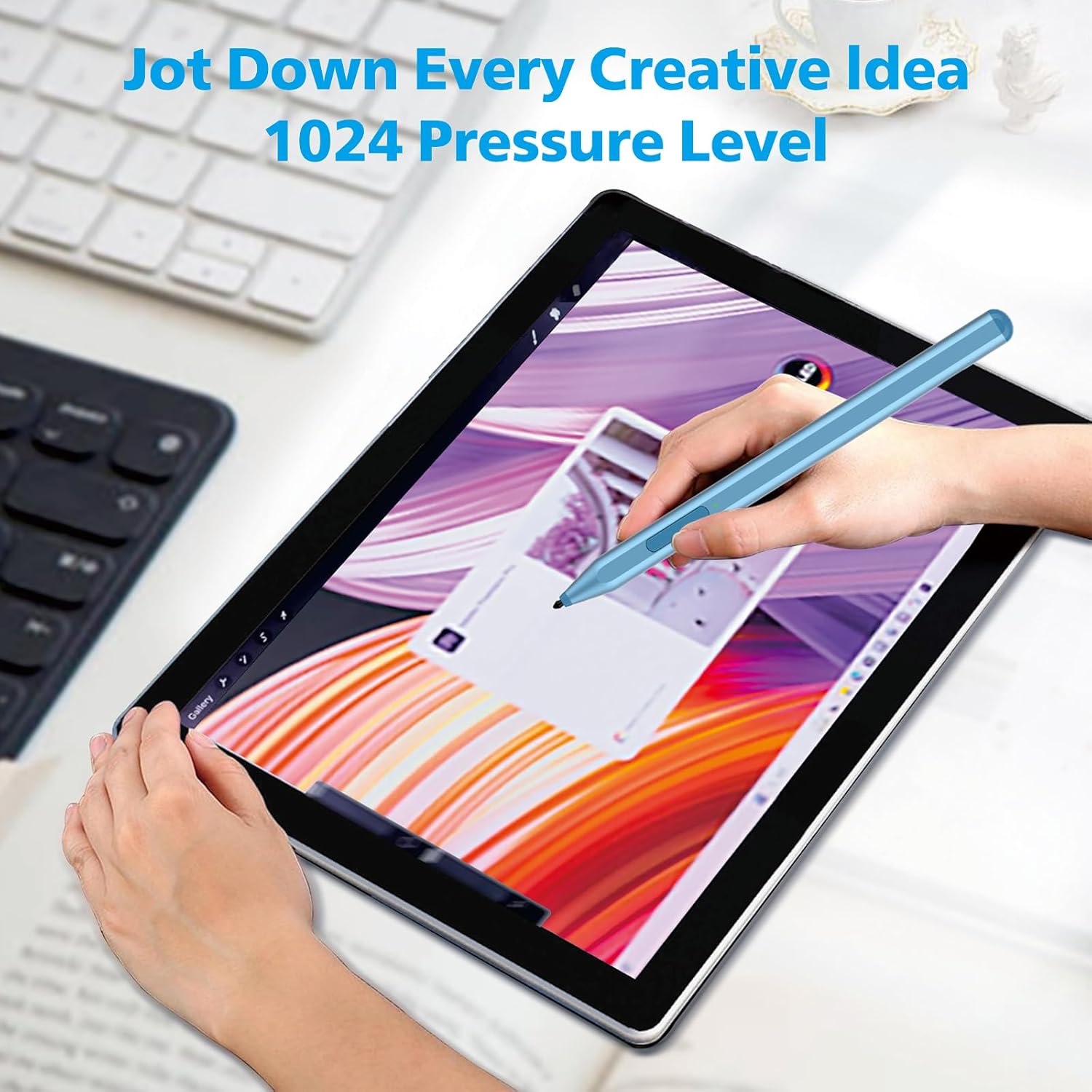
On top of that, the stylus pen is described as offering 1024 pressure points for controlled input. With that level of pressure support, lighter touches can translate into finer strokes while firmer pressure can help create bolder marks. Fine control is useful whether you are writing tidy notes, annotating slides, or building layers in digital sketches.
A practical detail is the replaceable nib system. You get two replacement tips in the box, so you can swap them when they wear, rather than waiting for a replacement later. The pen is also described as having a CNC build with a gold plated nib, aimed at a smooth, crisp line.
Tech specs
- Name: Stylus Pen for Microsoft Surface devices F97
- Type: Active stylus pen
- Format: MPP1.15 protocol support
- Size: Not specified by the manufacturer
- Material: CNC body and gold plated nib, per product description
- Colour: Not specified by the manufacturer
- Resolution: 1024 pressure points
Compatibility, charging and fit
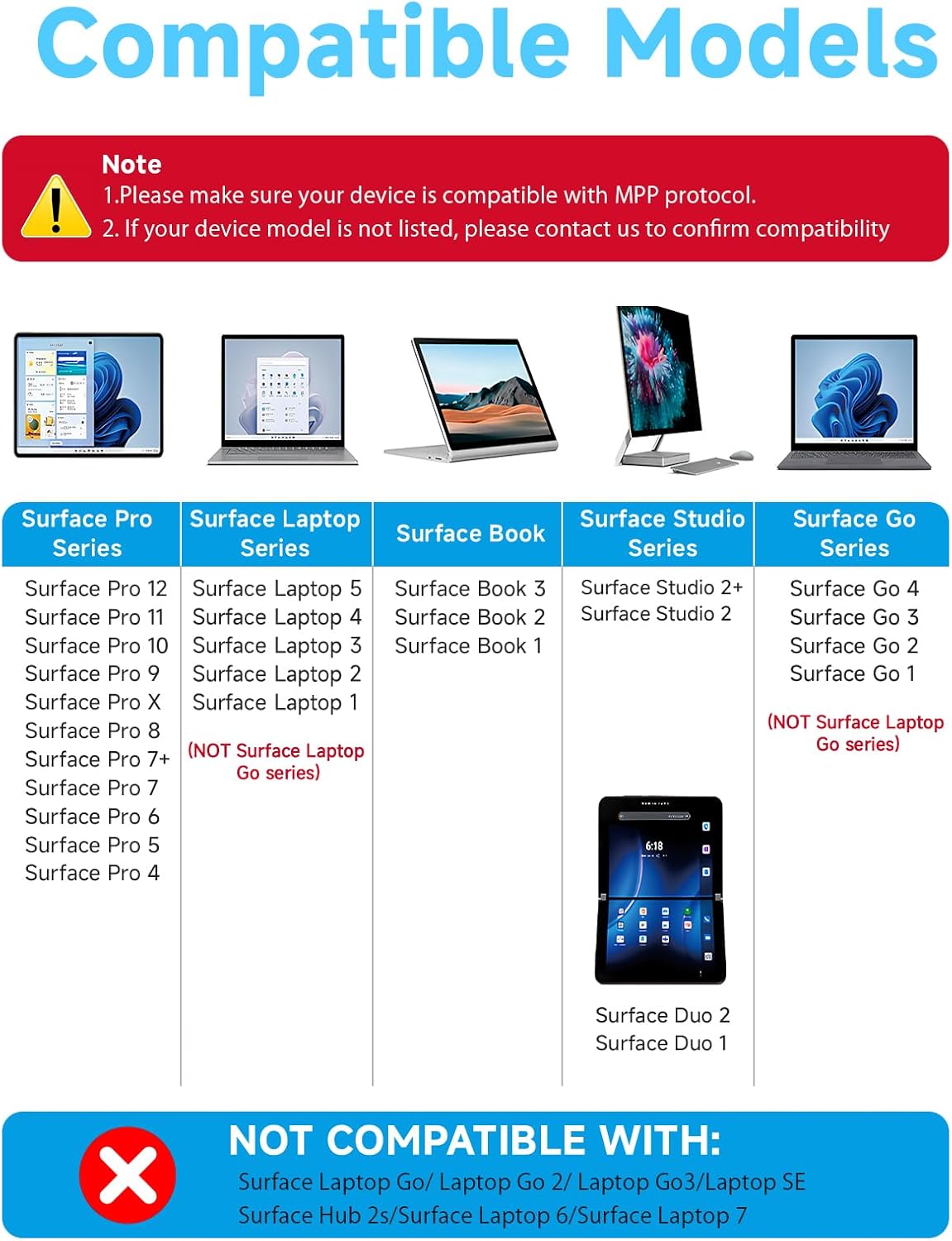
Before buying, it is important to check your exact Surface model because there are explicit compatibility exclusions. The product information states that it works with many Surface Pro models including Pro 4 through Pro 12, and Surface Pro X, as well as Surface Book and Surface Go families including Go 4. It also lists Surface Studio 2 and Studio 2+ as compatible.
The same information highlights that the pen does not work with Surface Laptop Go series and related Laptop Go models, including Surface Laptop Go 2, Laptop Go 3, Laptop SE, and also Surface Hub 2s. It further notes it is not compatible with Surface Laptop 6 and Surface Laptop 7. If you are unsure, check your device model first and avoid ordering based on screen size alone.
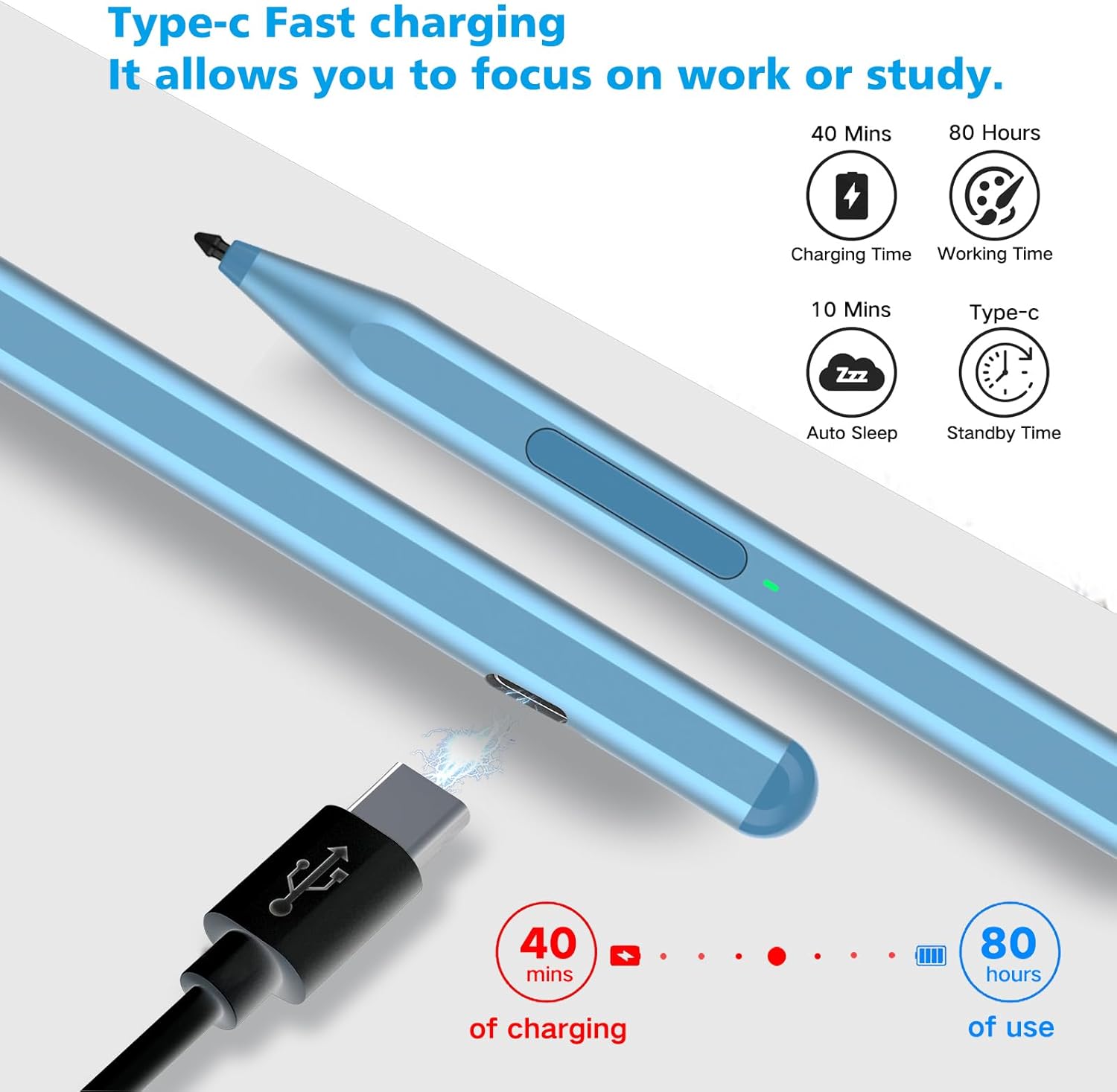
Charging is handled through USB C. The product information describes fast charge and smart standby, including a charge time of 40 minutes for up to 80 hours of battery life, according to the manufacturer description. It also mentions automatic sleep mode after 10 minutes of inactivity, and notes that the stylus pen cannot be turned off manually.
In daily use, you can press the side button on the pen, and the indicator light appears green, then use it directly on compatible devices. If the pen does not work, the guidance says to check whether your device is connected to other pens, disconnect other pens, then try again. For storage and quick access, it uses two built in magnets to attach firmly to the device.
It’s a good fit if you need a Surface stylus that combines palm rejection, eraser and right click controls, and pressure sensitive drawing. You may want to skip it if you own a Surface Laptop Go model or any of the explicitly listed incompatible devices mentioned in the compatibility note. ✅