

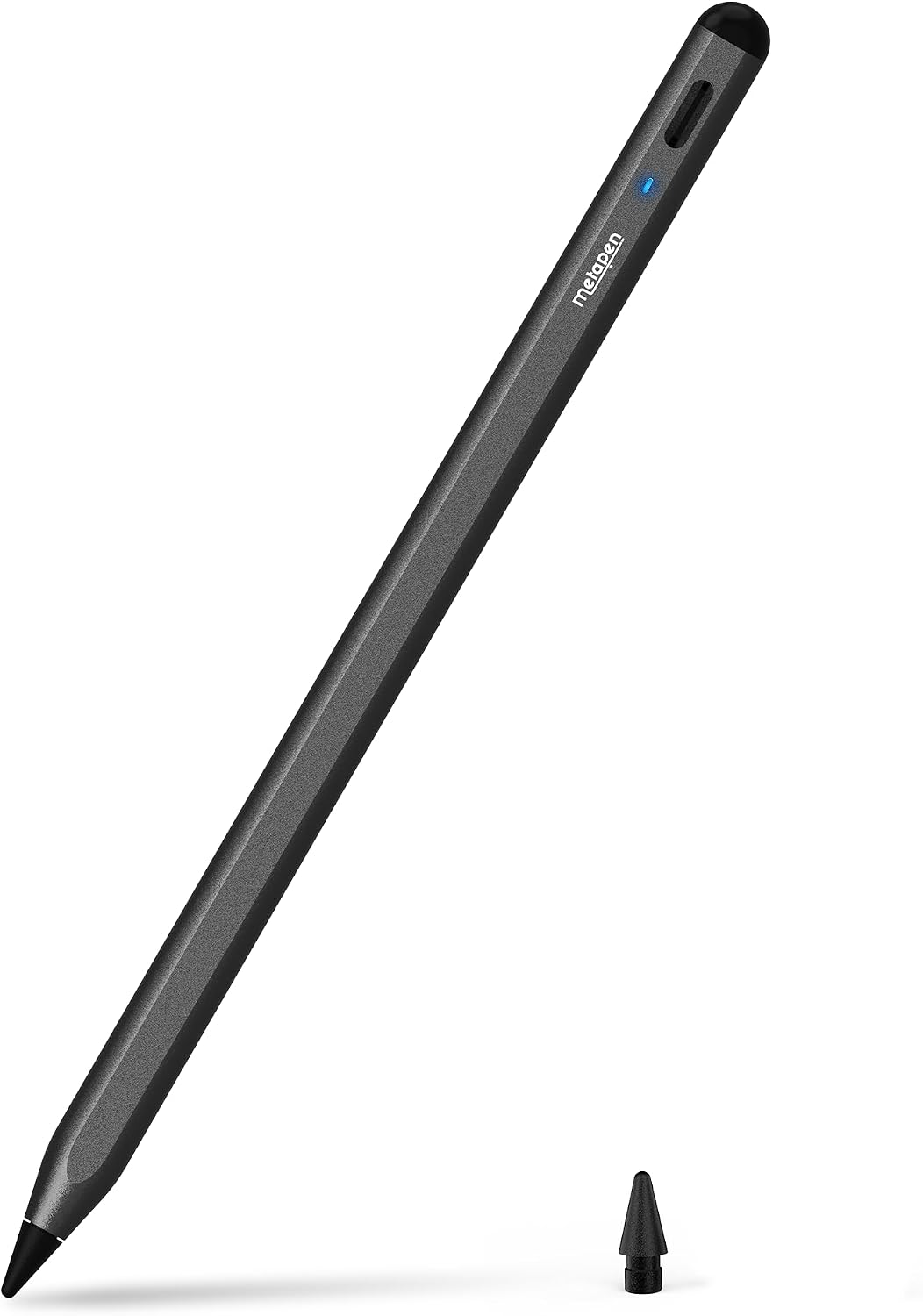
Metapen Pencil A8 for iPad (2018-2026) – tilt-sensitive stylus with pixel-precise 0.1 mm feel, USB-C fast charge, black
Product description
The essentials: what this stylus is for
If you’ve got an iPad that’s newer (2018-era and up) and you want a stylus for note-taking or sketching, the Metapen Pencil A8 is clearly aimed at everyday “pen-on-screen” use. It’s positioned as a responsive, fine-line pencil replacement, with tilt support for shading effects and a fast USB-C charge routine that’s designed to fit around real life.
On paper, it leans into three areas people usually care about: how precise it feels for small writing, how quickly it recharges, and whether it’s practical for long sessions without constantly worrying about battery. It’s not perfect, though—there’s an important limitation around pressure sensitivity, and compatibility is fairly specific.
Key takeaways on performance and feel
The headline claim here is very fine control: the stylus is described as offering pixel-level accuracy with a 0.1 mm “no breakpoints, no delays” style of responsiveness. In everyday terms, that suggests it’s meant for tasks like writing small text notes, marking diagrams, or drawing thin lines where a bulky, laggy tip would be more frustrating.
Tilt sensitivity is another meaningful feature. Different tilt angles create different line and shadow effects, including options described for pencil-brush shadowing and thicker marker-style lines. That can make a difference if you’re not just tapping menus but actually trying to sketch, shade, or annotate with some variation.
Charging and battery reality (including the limits)
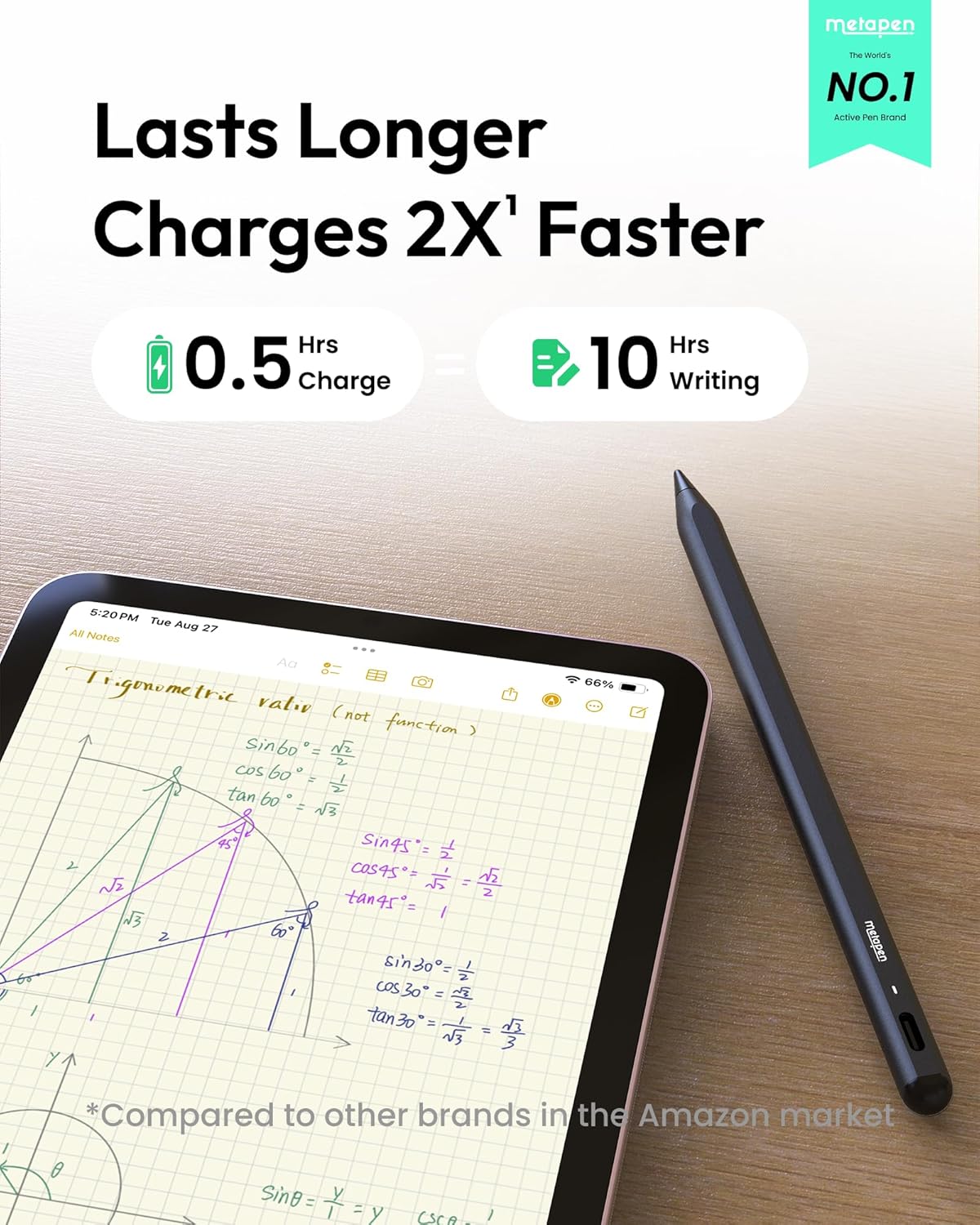
Metapen says this Pencil A8 fully charges in about 30 minutes via USB-C and can last up to 10 hours on a full charge. It also includes a simple “quick charge” idea: a shorter charge gives you usable time, and an LED indicator shows battery status via different colours.
There’s also an auto shut-down after 5 minutes of inactivity, which is a sensible detail for anyone who forgets to switch things off.
Two caveats to keep in mind: it does not support wireless charging, and it isn’t compatible with certain magnetic attachment setups. So if you were expecting every iPad model to “snap on” magnetically like some official styluses, you’ll want to double-check your exact iPad version first.
Where it shines day to day
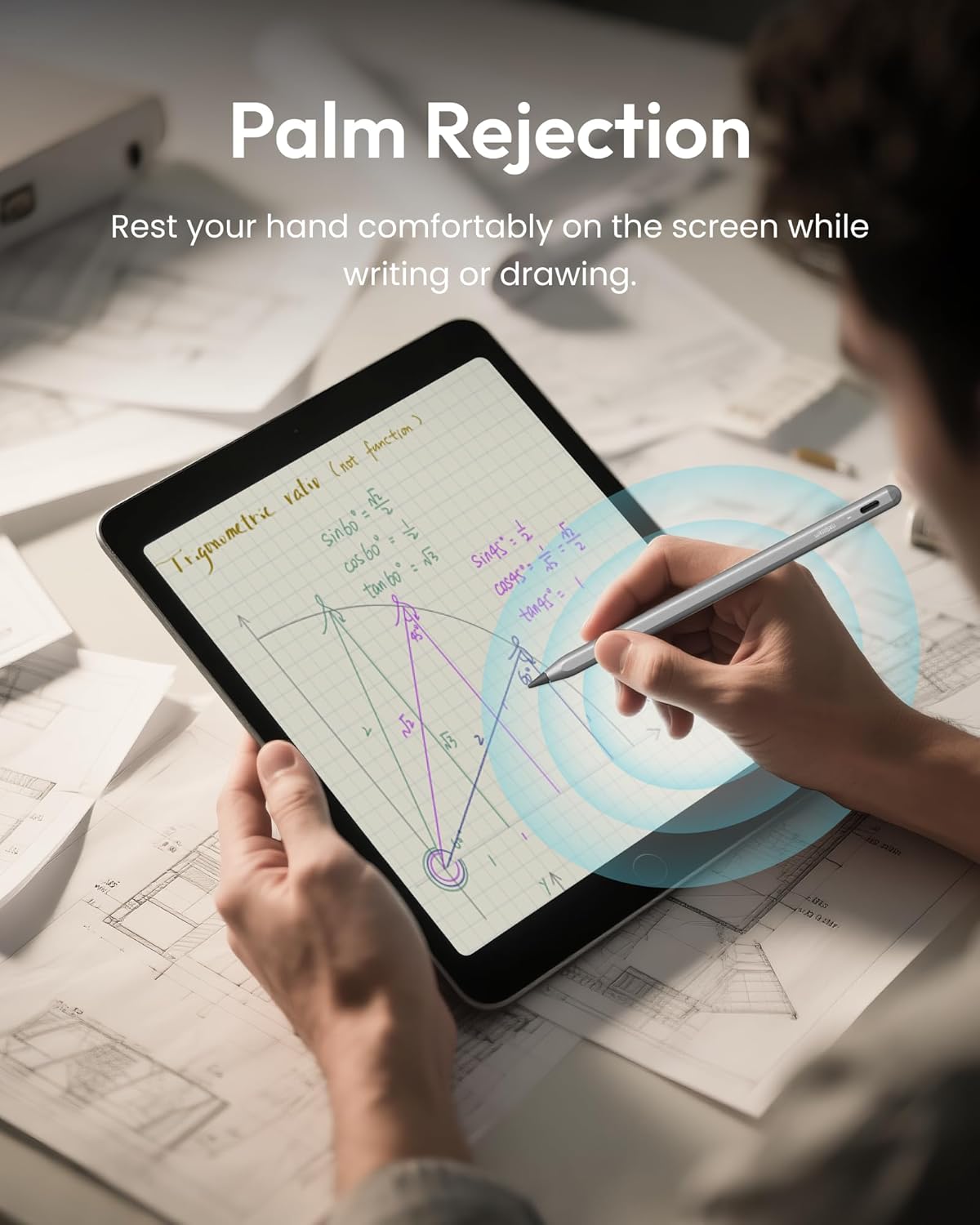
This stylus is geared towards people who use an iPad as a working tool rather than a “sometimes” toy. The included use cases are broad—study notes, work annotations, drawing and sketching, design tasks, and even video editing. It also references iPad features like smart graffiti (auto-converting rough sketches into regular shapes) and double-click on the lock screen for quick notes.
A practical way to think about it: imagine you’re in a lecture or meeting, you jot down small bullet points and underline key phrases, then switch to a quick diagram. If you care about thin lines and minimal fuss, the combination of claimed fine precision and fast recharging is the sort of pairing that keeps you moving.
Durability and what you get in the box
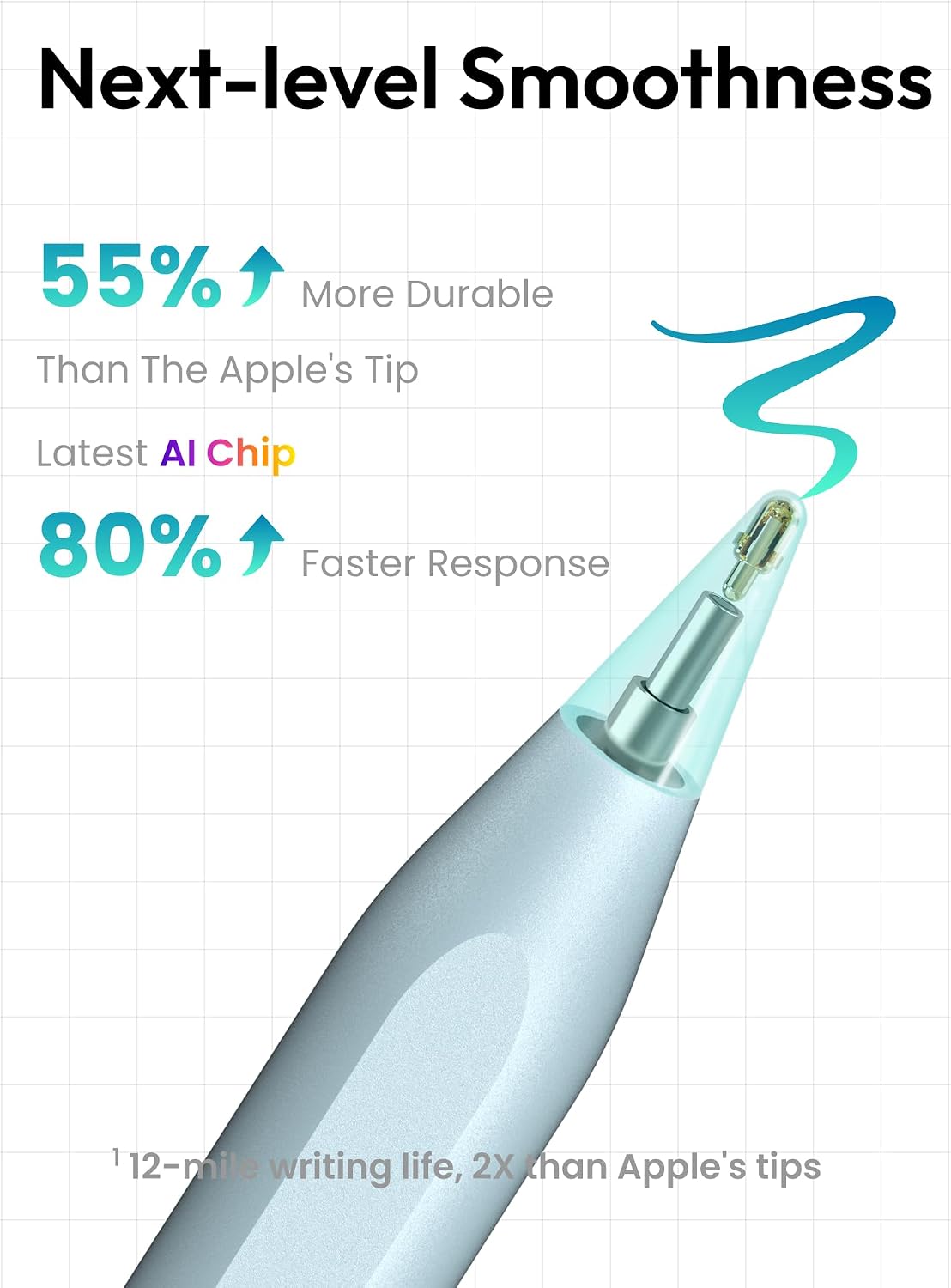
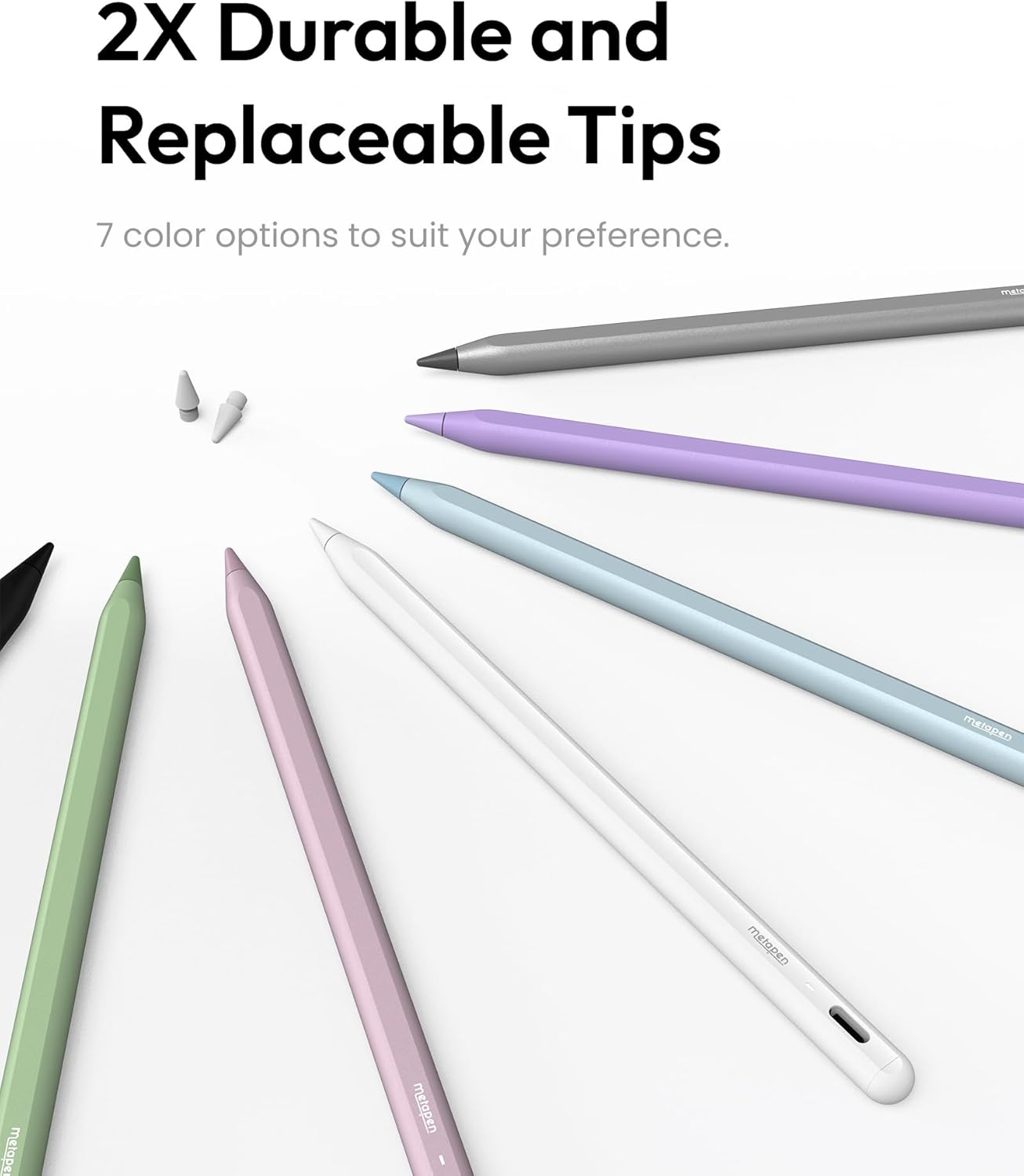
For long-term value, the tips matter. Metapen states the tip material is polymer and is tested for durability (including a “20 km durability” claim and internal structure staying intact after thousands of impacts). It also says each stylus includes one extra replaceable tip, which is useful if you draw regularly and don’t want to keep paying for replacements.
It’s not a guarantee that any third-party tip will feel exactly like an Apple pencil tip for everyone, but the idea here is straightforward: fewer worries over wear and tear, especially if the stylus will be shared or used frequently.
Compatibility checks you can’t skip
Compatibility is the biggest “read the fine print” area with the Metapen Pencil A8.
The product information says it is only compatible with iPads from 2018 onward, listing models such as iPad 11/10/9/8/7/6th Gen, iPad Pro 11 inch (1/2/3/4/M4) and 12.9 inch (3/4/5/6), iPad Air 3/4/5/M2/M3, and iPad Mini 5/6.
It explicitly says it’s not compatible with iPads before 2018, iPhone, Android, or Microsoft devices.
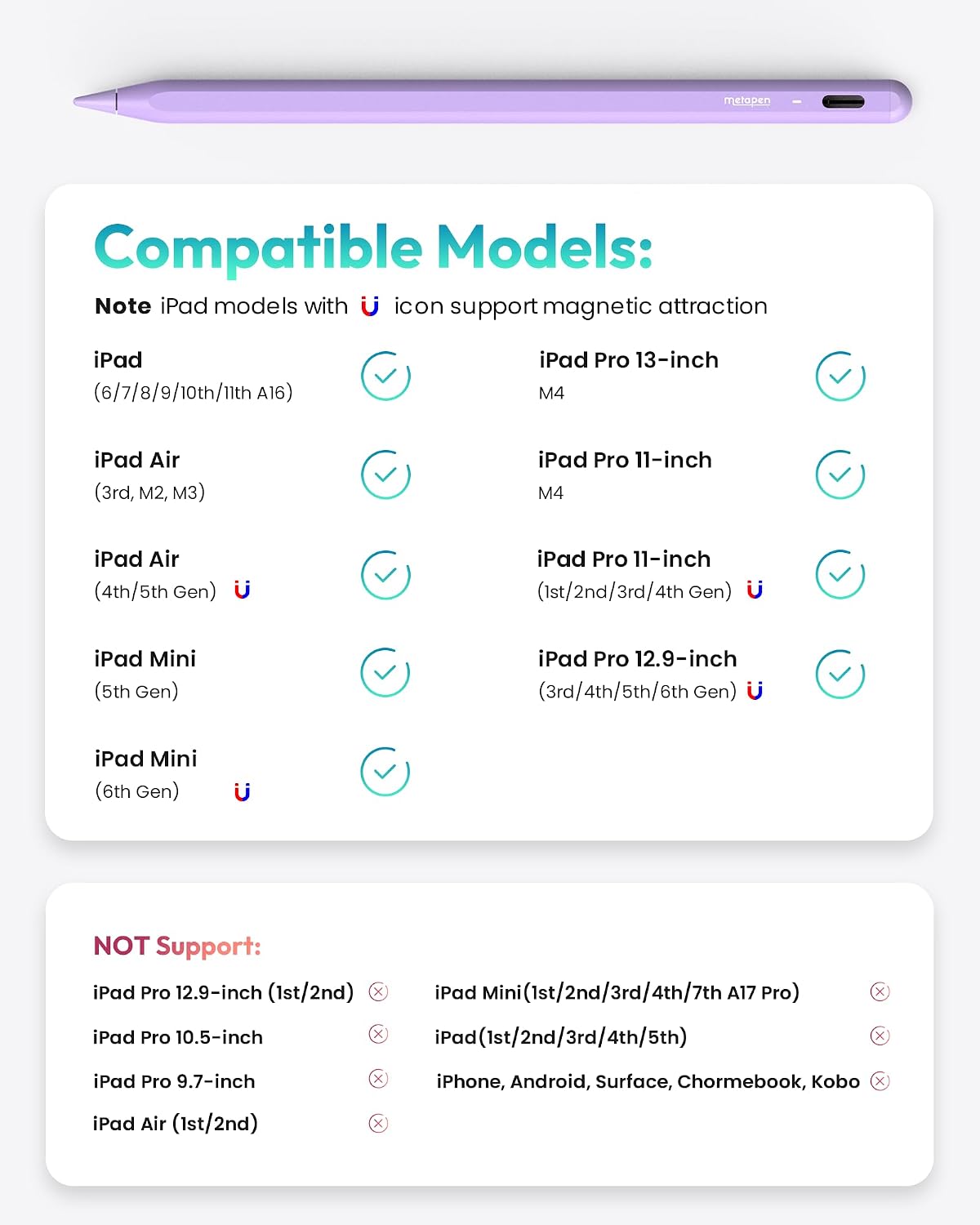
There’s also a further note about magnets/wireless charging not being supported and no magnetic attachment for several specific iPad Air 3rd/M2/M3, and iPad 6th/7th/8th/9th/10th/11th Gen, plus iPad mini 5th/7th. That means: even if your iPad is technically in the general age range, you should still check the specific model details before ordering.
Tech specs
- Accuracy claim: 0.1 mm
- Charge method: USB-C
- Full charge time claim: 30 minutes
- Battery life claim: up to 10 hours
- Auto shut-off: after 5 minutes of inactivity
- Charging indicator: LED displays different colours by battery level
- Charging-to-use examples (claimed): 1-min charge = 50-min use, 4-min charge = 2-hour use
- Tip durability claim: tested up to 20 km, internal structure remains intact after 3,000 impacts
- Tip material: polymer
- Tilt support: yes (tilt-sensitive)
- Pressure sensitivity: not supported (as noted)
- Wireless charging: not supported
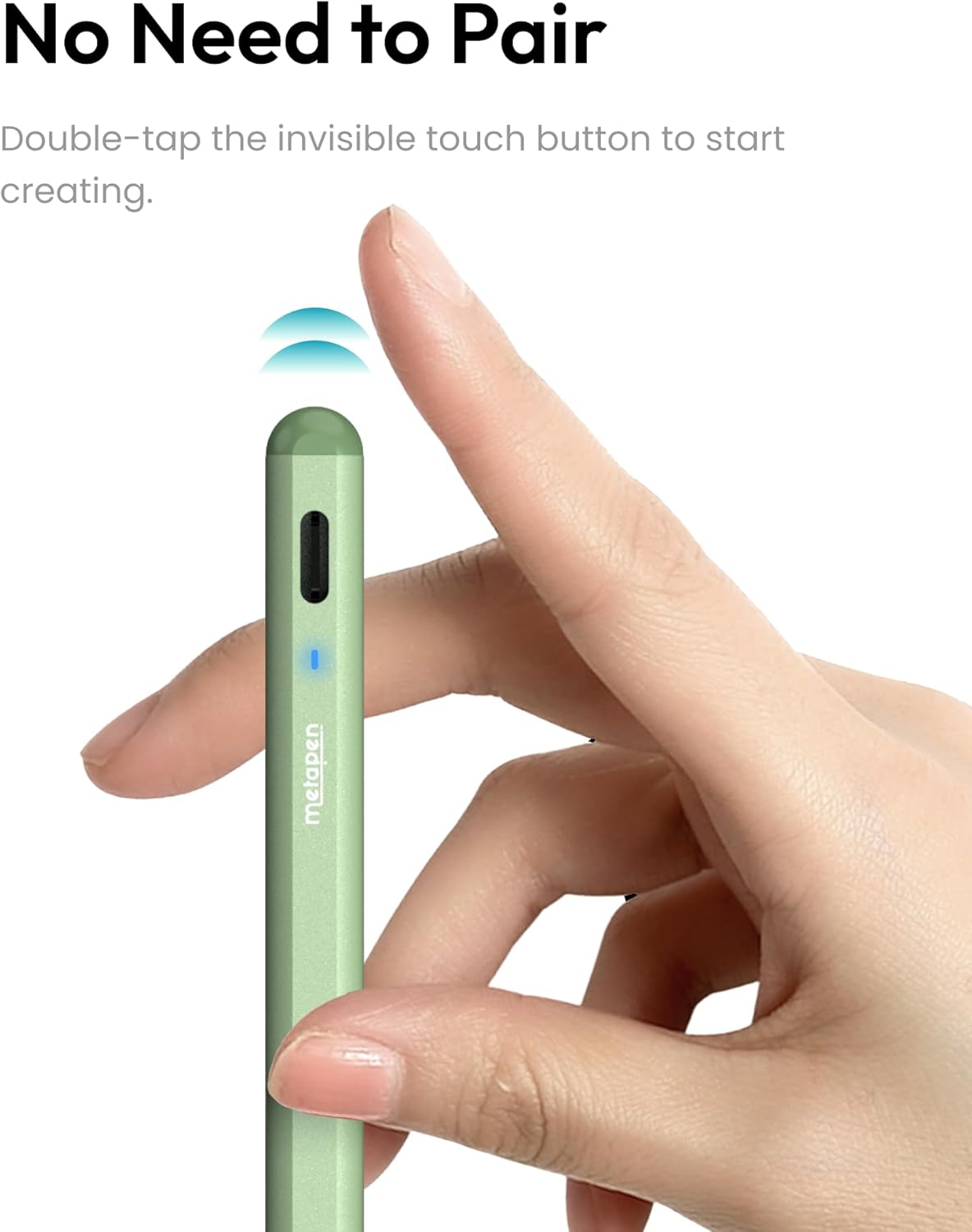
- Connection method: no Bluetooth or app required, double-tap touch switch on the rounded end
Pros
- Strong focus on fine-line writing and drawing (0.1 mm claim)
- Tilt-sensitive effects for shading and thicker/thinner style variation
- USB-C fast charging with LED battery status
- Includes an extra replaceable tip, which helps with ongoing use
Where you might hesitate
- It does not support pressure sensitivity, so it won’t suit workflows that rely on pressure-based brush changes
- Compatibility is specific, and magnetic attachment/wireless charging expectations may not match every iPad model
- If your main goal is ultra-synchronised “ecosystem” features, you’ll need to compare against what your iPad already supports
When it makes sense
It’s a solid pick if you want a responsive, pencil-like stylus for an iPad in the 2018+ range—especially for small writing, sketching, and everyday annotation—without paying for features you don’t use.
Final verdict
It makes sense when your iPad model matches the stated 2018-era compatibility list and you’re happy with tilt-based expression rather than pressure sensitivity. If you need pressure sensitivity for certain drawing styles, or you’re unsure your exact iPad variant supports the way it attaches/charges, then it may not be the smoothest match—double-check compatibility before buying to avoid disappointment.
Mini FAQ
Does the Metapen Pencil A8 support pressure sensitivity?
No. The information provided explicitly notes that pressure sensitivity is not supported.
How do you turn it on and off?
The stylus is described as using a double-tap on the invisible touch switch on the rounded end to power on/off, with no Bluetooth or app needed.
Is wireless charging supported?
No. Wireless charging is stated as not supported.
Is it compatible with iPhones or Android phones?
No. It’s described as not compatible with iPhone, Android or Microsoft devices.
Will the tips last for regular drawing?
Metapen claims high durability through polymer tips and mentions a durability test plus an extra replaceable tip included in the pack, which should help with frequent use.