

GAOMON S620 signature graphics tablet with 4 buttons 🎨
Product description
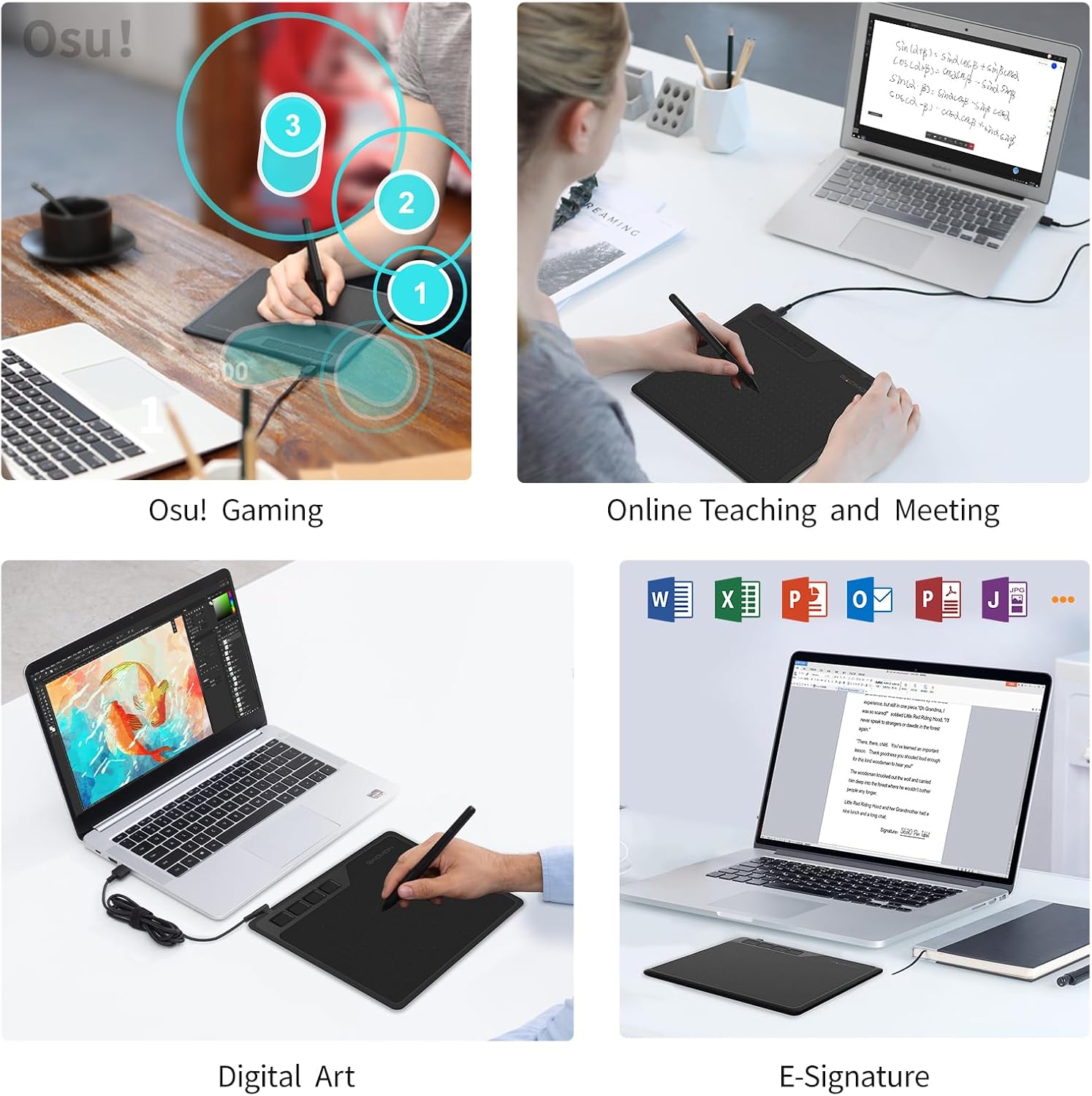
This compact graphics tablet brings precise pen control to drawing, note-taking and casual gaming, with a portable active area that suits students and hobbyists. It combines a battery-free stylus and programmable shortcut keys to speed up workflows for digital art, online classes and osu! gameplay.
Key Points
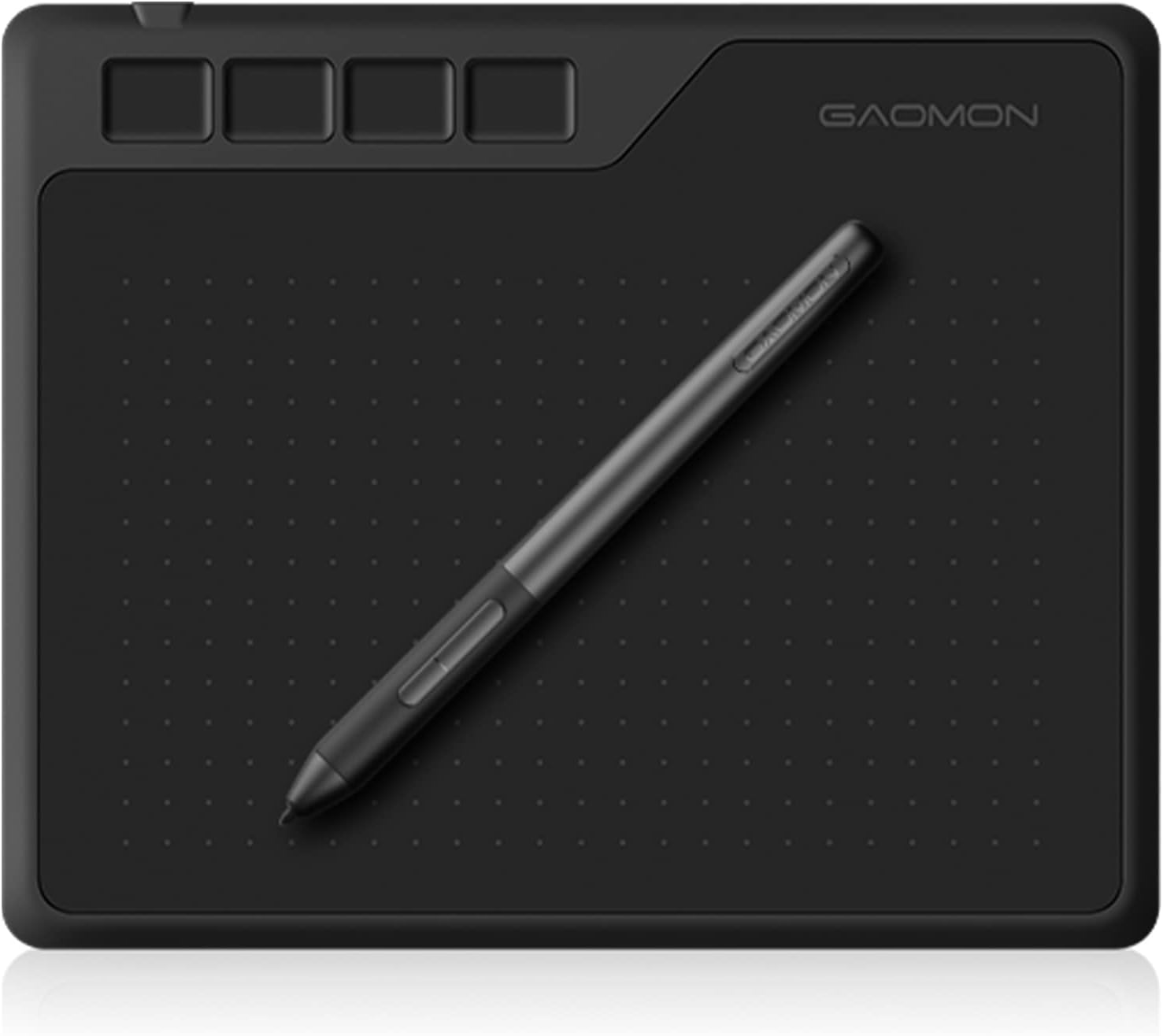
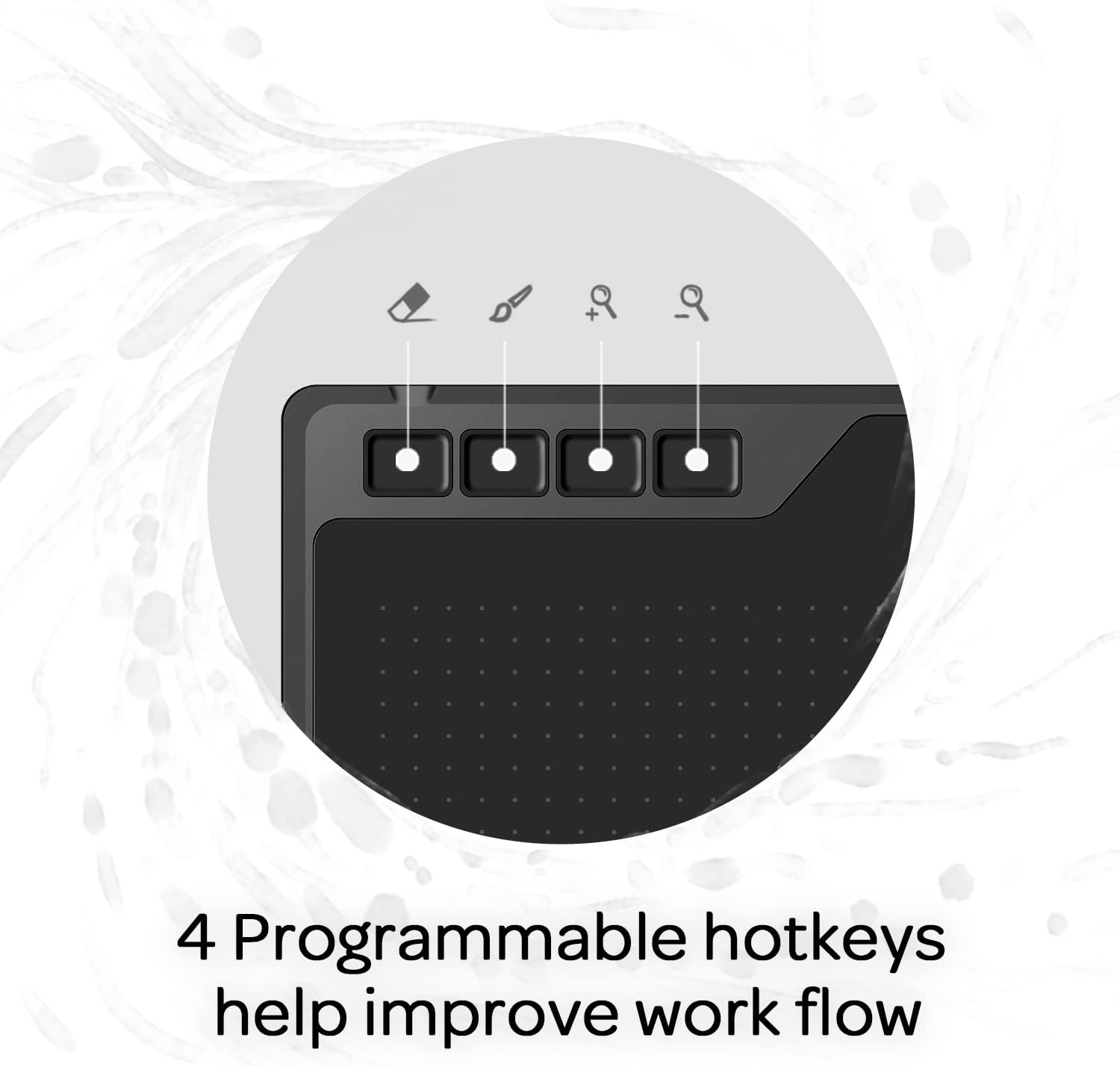
The tablet uses a passive, environment-friendly pen that requires no charging, so you can work without interruptions. It includes four customizable express keys to set shortcuts for tools and actions, which helps reduce time switching between brush and eraser. The active area is small enough to carry in a laptop bag yet large enough for sketching, photo editing and annotating documents, and it works with Windows, macOS and many popular drawing programmes 🎨.
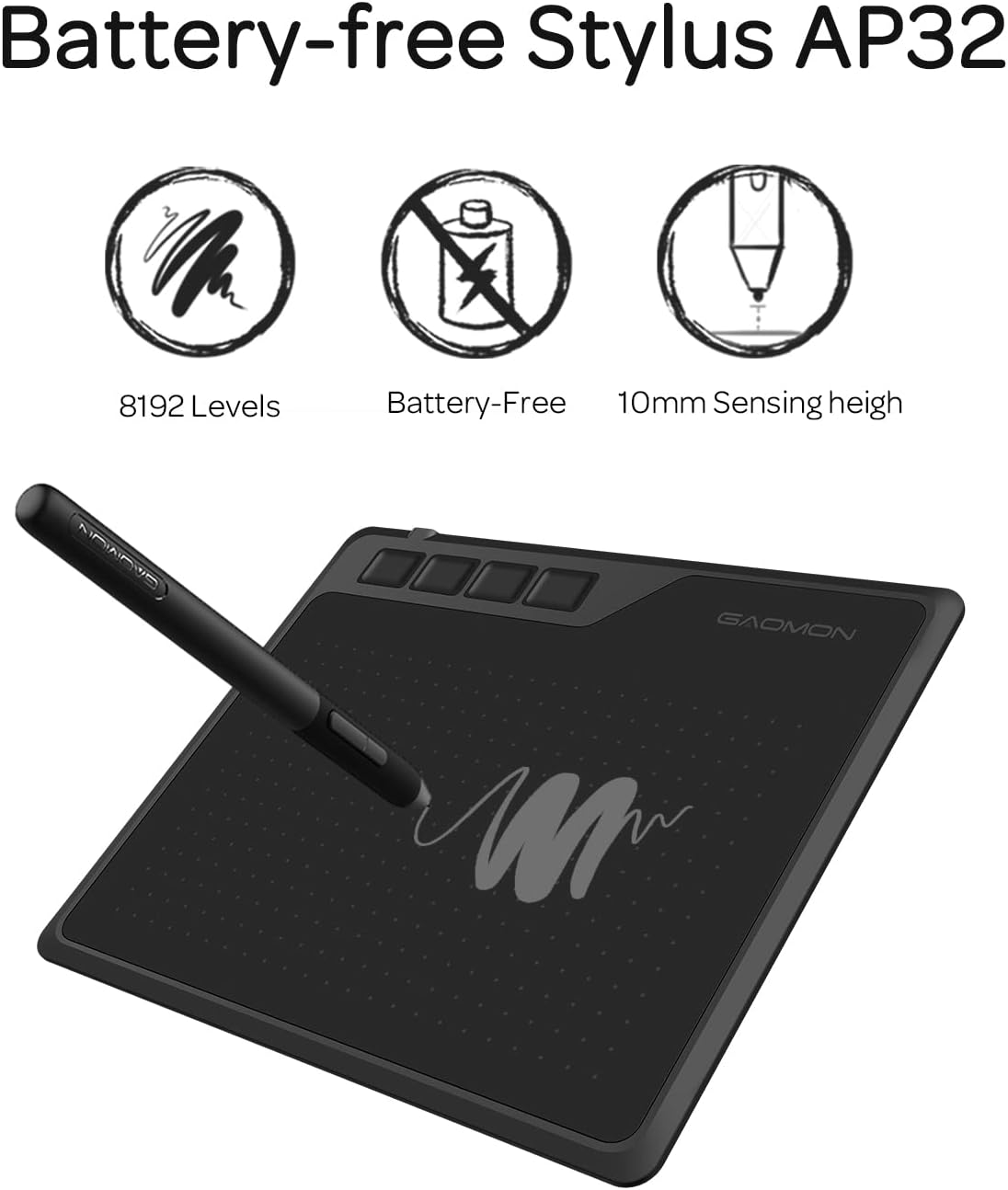
This model supports high pressure sensitivity for nuanced strokes, and the pen reading height allows comfortable hovering and precision when tracing or signing documents. Consider that the compact surface favours portability over expansive sweeping gestures, so artists accustomed to larger tablets may need a short adjustment period.
Technical Specifications
- Name: GAOMON S620 OSU Signature Graphics Tablet
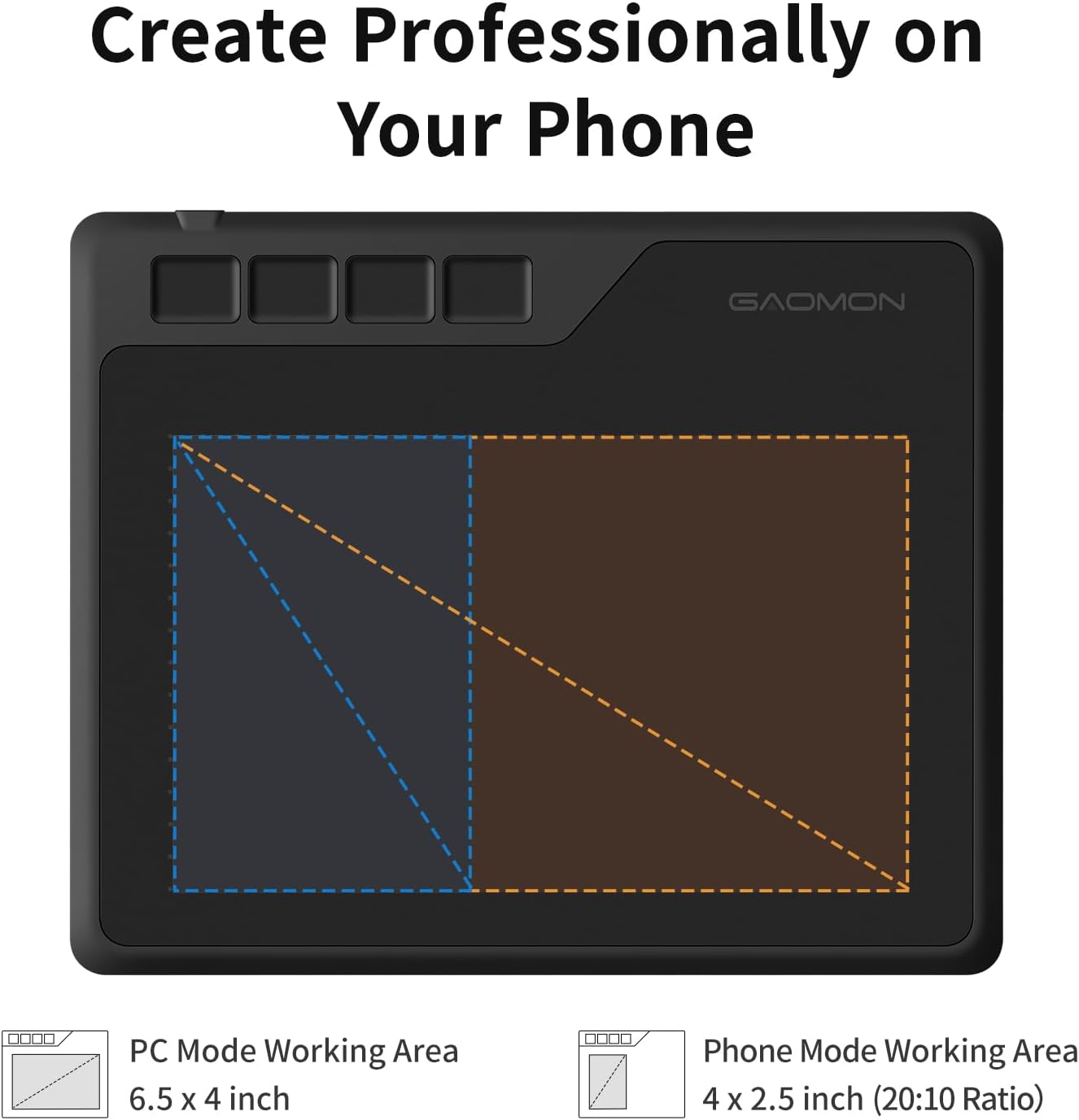
- Active area: 6.5 x 4 inches
- Pen pressure levels: 8192
- Resolution: 5080 LPI
- Report rate: 266 PPS
Benefits
The high pen pressure sensitivity gives finer control over line weight and opacity, which is useful when shading or inking. The battery-free stylus reduces interruptions and keeps the tablet lighter to handle, which makes longer sessions more comfortable. Compatibility with many mainstream applications such as Adobe Photoshop and Clip Studio means you can integrate the tablet into most digital art workflows quickly. For gamers, the responsiveness and compact size suit fast movements in rhythm-based titles like osu! 🕹️.
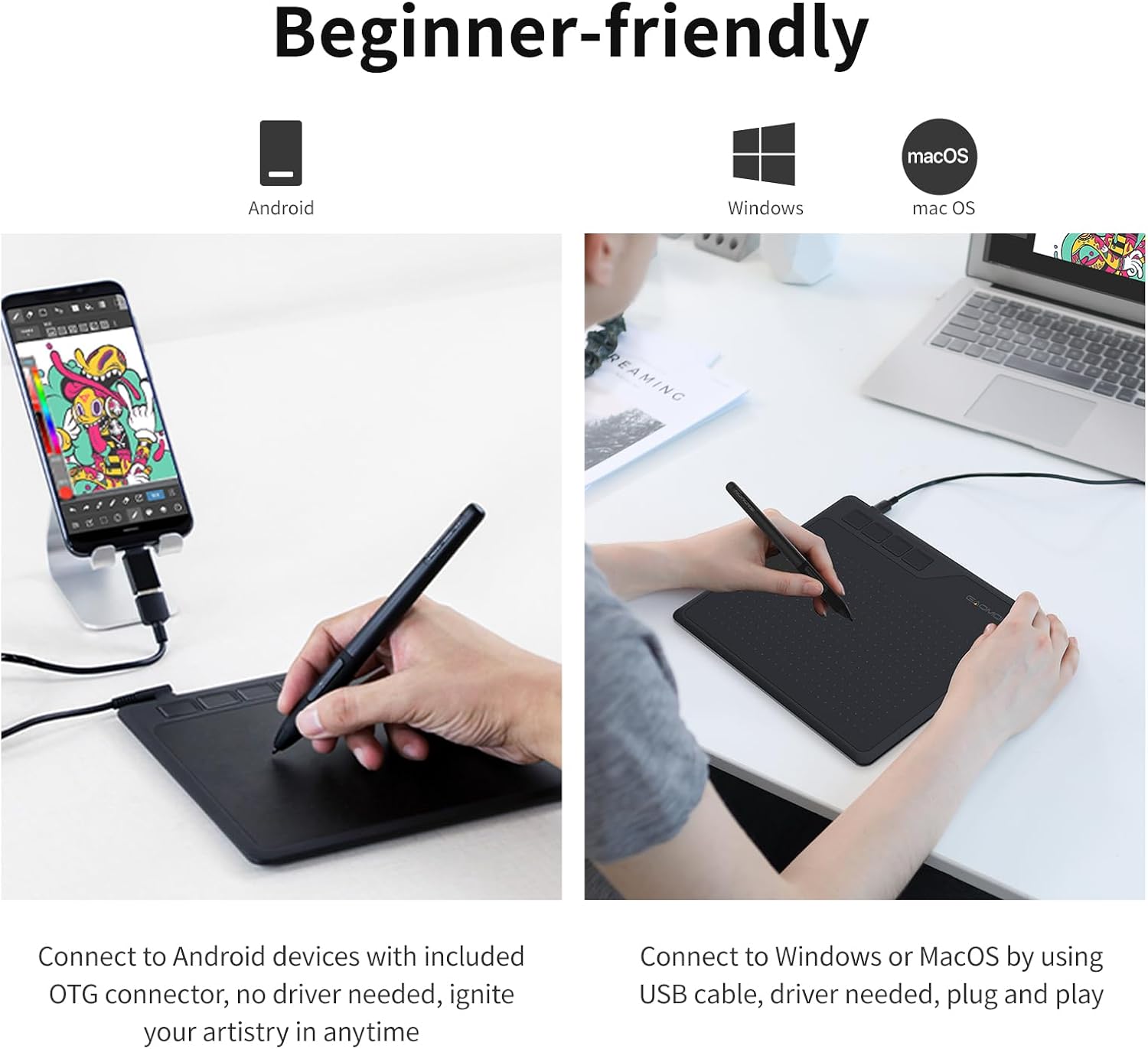
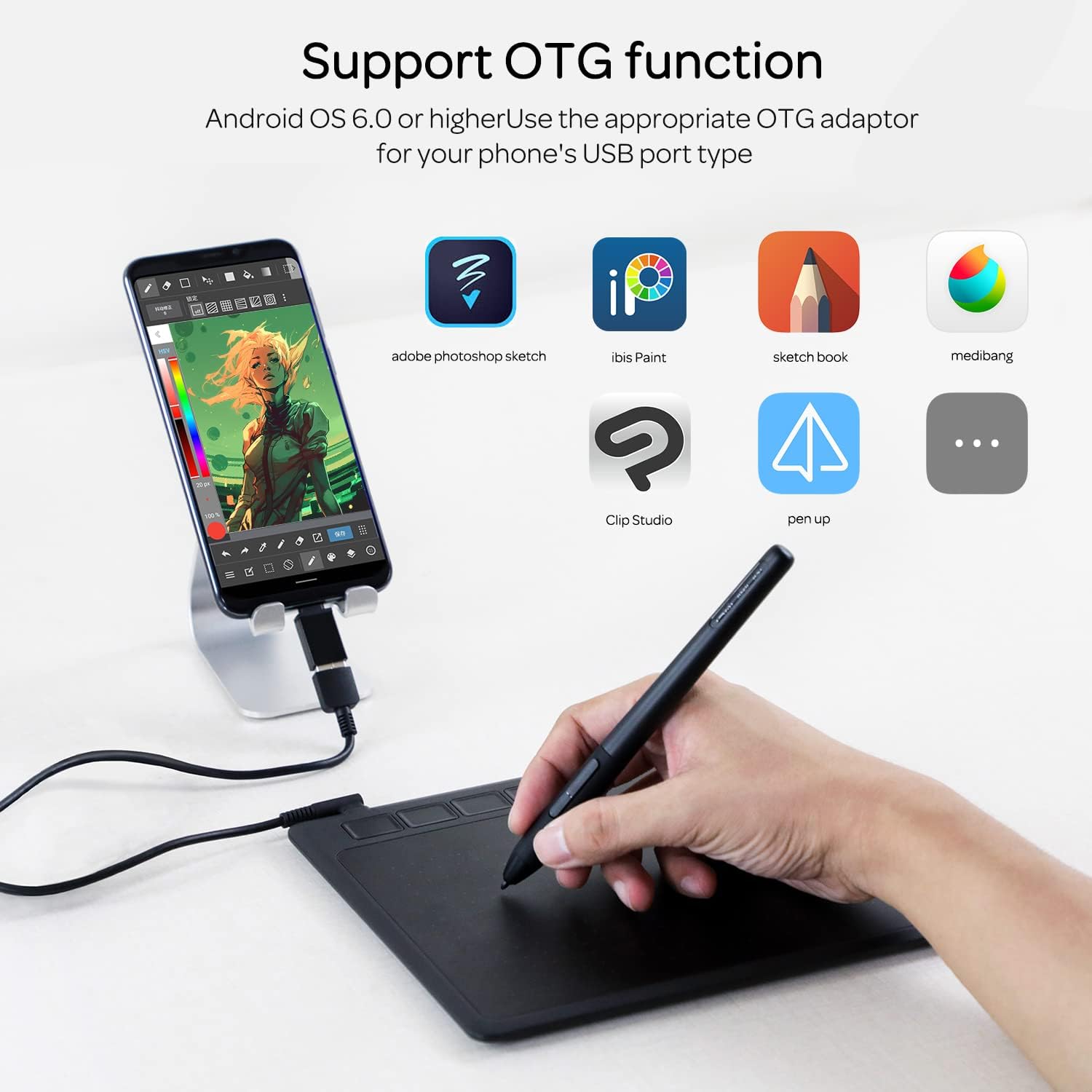
Bear in mind that the manufacturer lists compatibility with Windows 7/8/10 and macOS 10.12 or later, and that performance can depend on driver installation and the host device. Android compatibility is stated for many devices but may require checking specific phone or tablet support and appropriate OTG adapters.
Usage Recommendations
Use the four express keys to assign commonly used tools, such as brush, eraser, undo and zoom, to speed up repetitive tasks. When first setting up, install the latest drivers and calibrate the pen to match screen mapping, especially if you connect to different monitors or use screen rotation. For online learning and signatures, open a trial in a PDF reader or note app to test pressure sensitivity and check that the pen reading height meets your habits. Also try different nibs if slight drag differences are noticeable, as that can affect the feel when drawing or writing ✍️.