

Milikilo Stylus Pen for iPad, 0.9 mm tip
Product description
If you use your iPad for note taking, sketching, or marking up documents, this Milikilo stylus pen is a practical upgrade for everyday writing. It uses a simple on off button, connects immediately, and is designed to work across a wide range of iPad models from 2018 to 2025. There is also palm rejection to help you rest your hand comfortably while you draw or write. 🖊️
With its tilt detection and a 0.9 mm improved POM tip, the stylus is built to feel responsive and accurate during use, with no mention of delays or skipping. The included pencil holder and extra replacement tips add convenience if you are switching between classes, work, or family activities. Keep in mind that this pen is not compatible with iPhone, Samsung phones, Android devices, or Microsoft devices, and it also has model limits for iPad versions before 2018. 😊
Key features
The standout approach here is straightforward compatibility and a connection process that does not rely on Bluetooth or a companion app. You simply use the body switch to turn the stylus on or off, and it connects right away according to the product information. That makes it easier to pick up and start writing without having to troubleshoot settings first.
The design also focuses on the way you hold the iPad while working. Palm rejection is included so your hand can rest on the screen during writing or drawing, which can make longer sessions more comfortable. If you tend to switch between tasks, this kind of usability detail matters more than many people expect.
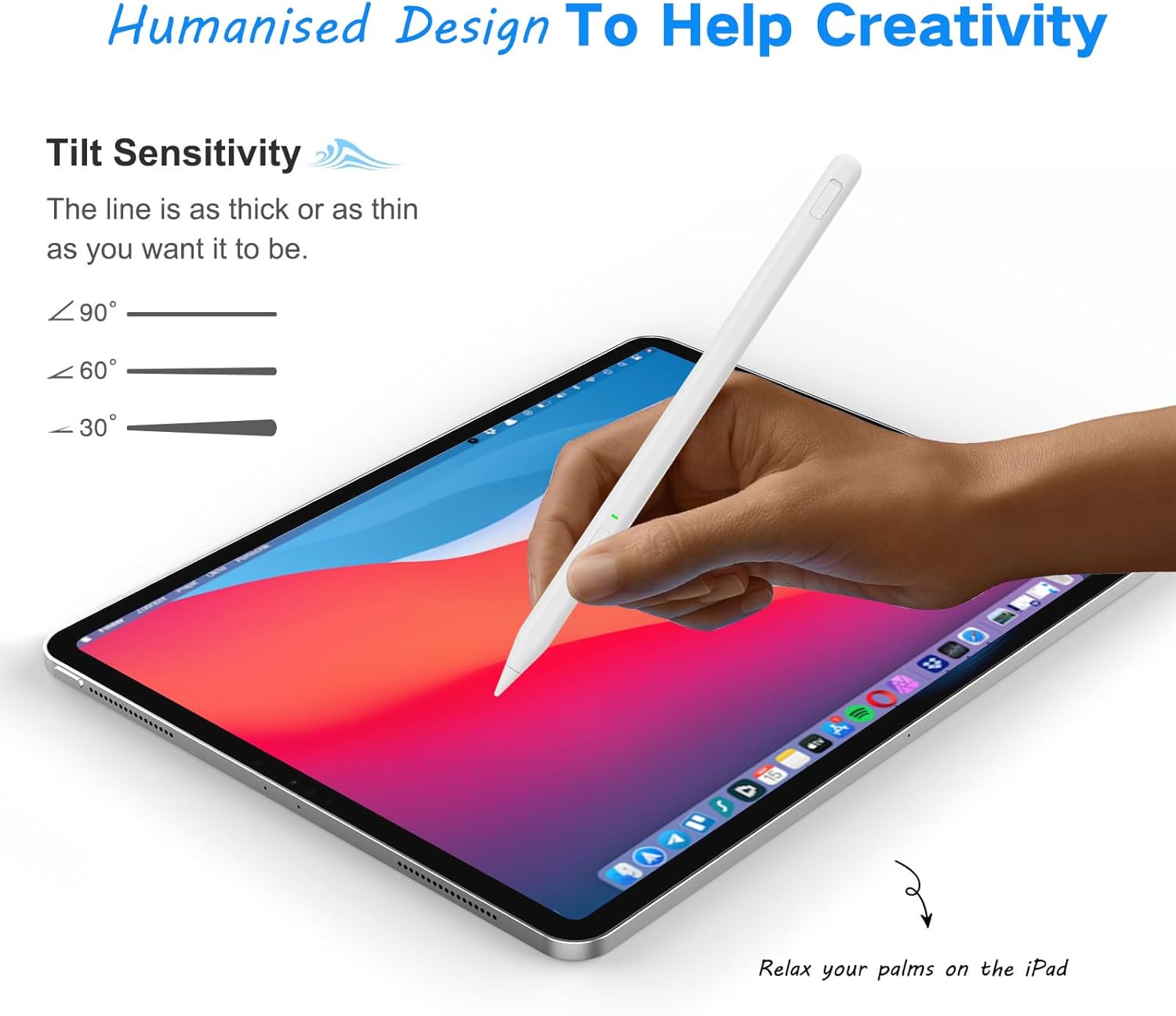
Another key element is tilt detection, which adjusts line thickness based on the angle you hold the stylus. Combined with the 0.9 mm improved POM tip, the aim is a more natural writing and drawing feel, similar to how a real pencil responds to movement. There is also an important limitation to note, this stylus does not have pressure sensitivity.
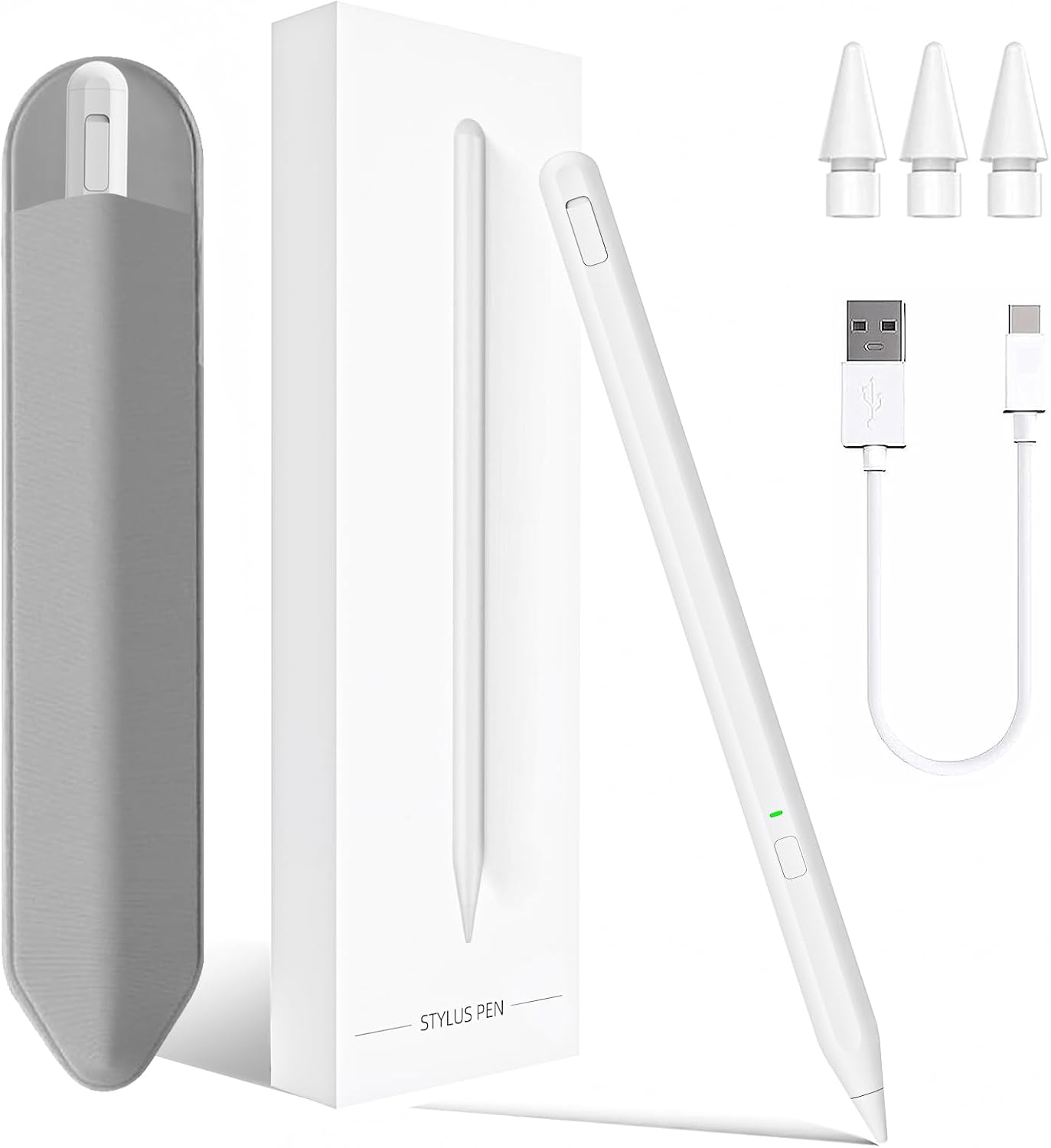
The package is positioned for day to day value as well. It includes 3 replacement tips and a pouch or bag to help you store the pen and accessories. You get the practical basics for continued use without waiting for replacement parts, and it can be useful if multiple people share the iPad. 👌
Tech specs
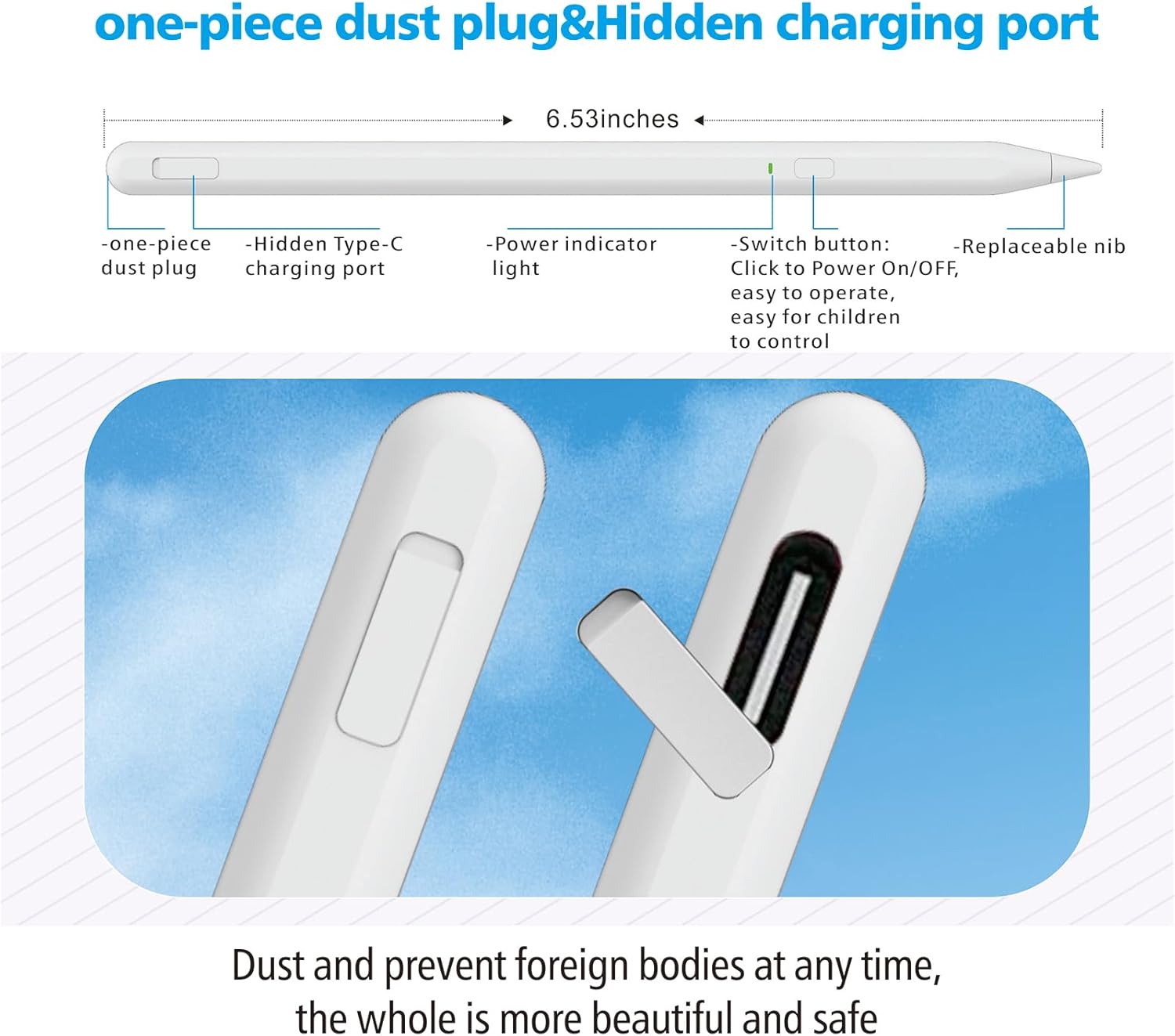
- Type: Stylus pen for iPad
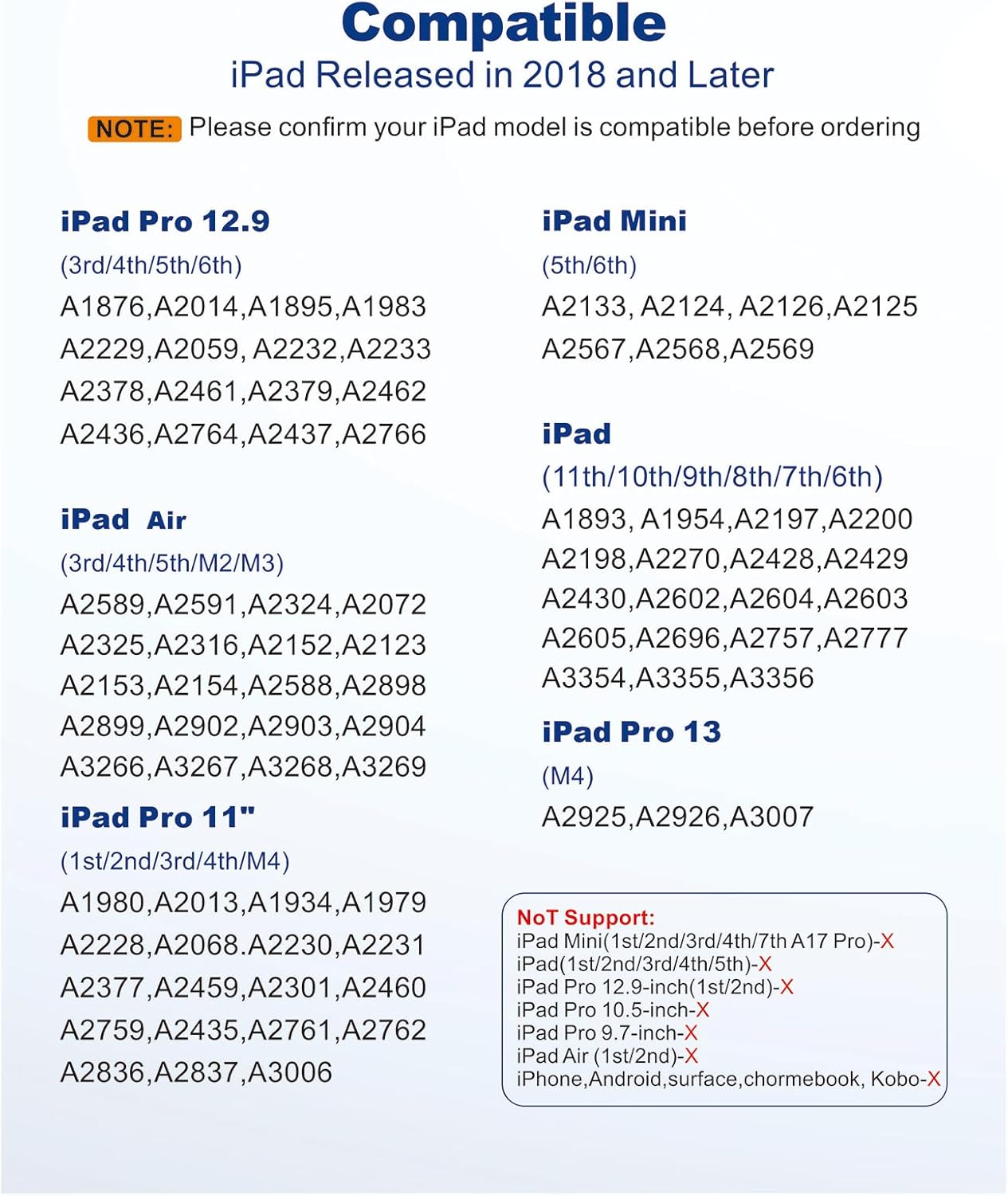
- Compatibility: iPad models from 2018 to 2025 as listed
- Tip size: 0.9 mm improved POM tip
- Charging: USB Type C fast charge
- Runtime: up to 10 hours of working time
- Charging time: full charge in 40 minutes
- Battery and lights: LED indicator, green when starting and using, red during charging and off when fully charged
Key points
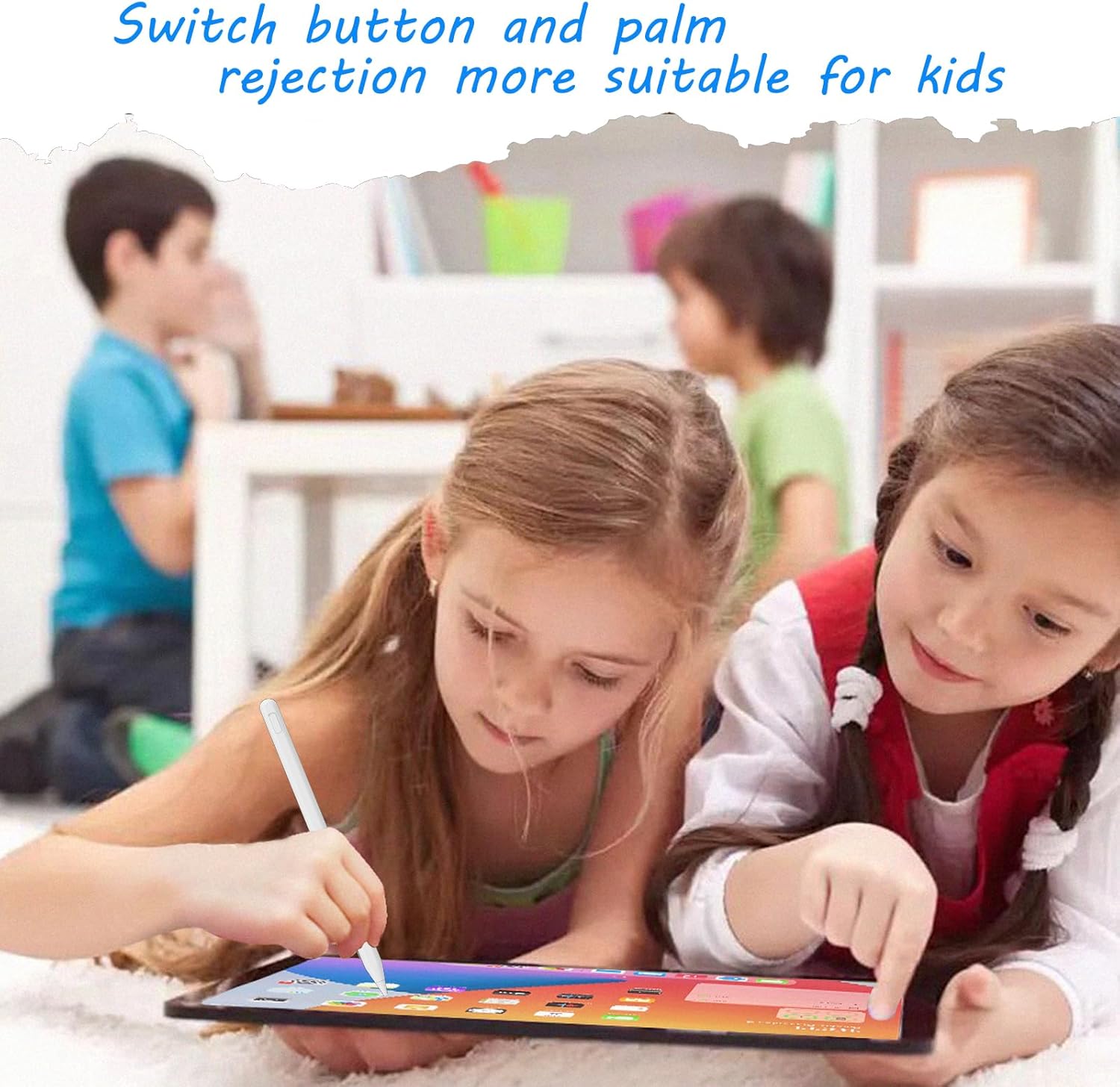
This Milikilo stylus pen is a good match if you want a ready to use pen that does not depend on Bluetooth pairing or an app. It suits daily activities such as writing notes, annotating documents, and drawing on supported iPad models. You will like the palm rejection feature if you rest your hand on the screen while working, because it helps reduce unintended marks. 🤓
It also makes sense if your drawing style benefits from tilt based line variation. The tilt detection feature is intended to adjust the thickness of lines based on how you hold the stylus, so your strokes can feel more expressive than a basic fixed width tip. Worth noting that this is not a pressure sensitive stylus, so effects that rely on pressure changes may not be available.
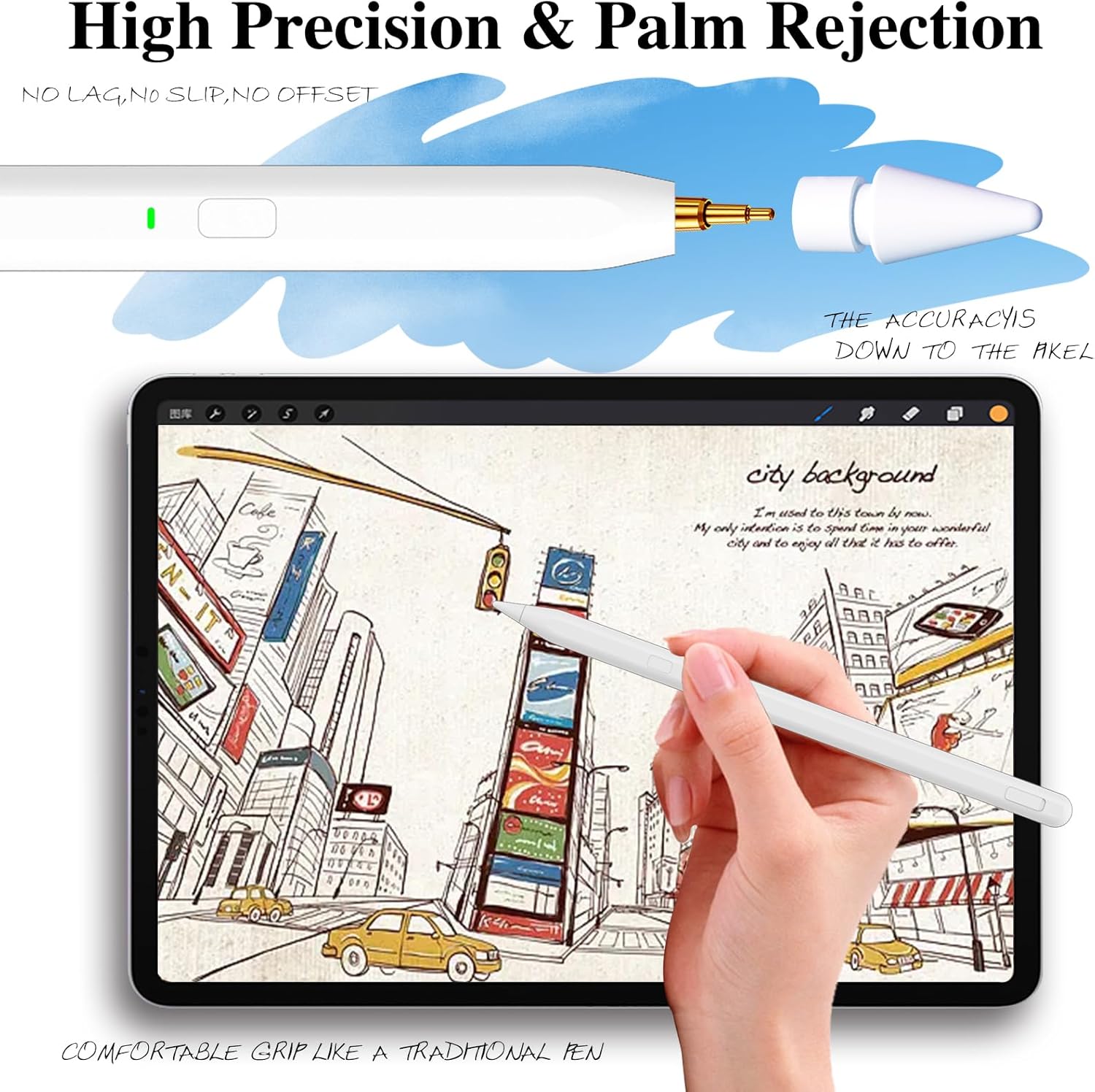
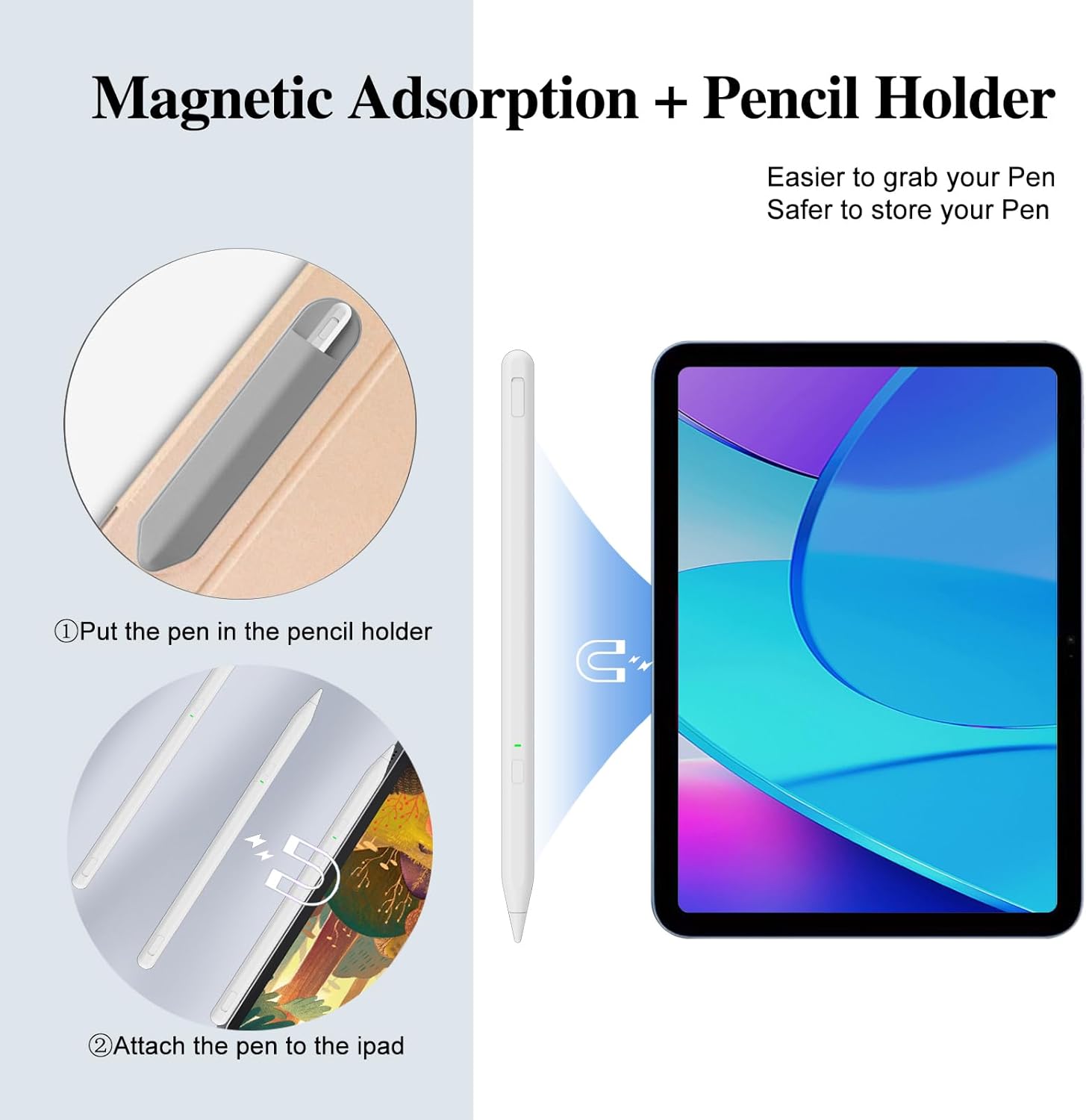
For attachment and stability, the product includes double magnets so the stylus can stick magnetically to the side of compatible iPad models, which can reduce the chance of it rolling away. The information specifies compatibility for iPad Pro 11 inch gen 1 to gen 4, iPad Pro 12.9 inch gen 3 to gen 6, iPad Air gen 4 and gen 5, and iPad mini 6. Note that the stylus is not compatible with wireless charging.
It might be the right everyday choice if you want something straightforward for family use. The description highlights that children can use it for learning, drawing, writing, and taking notes, which can make it a practical gift idea for occasions like Christmas, Father’s Day, Mother’s Day, or Valentine’s Day. If you are ordering for school or home, it is especially helpful to double check the iPad model first before purchase, as it does not support iPad models released before 2018.
What to know
Before buying, check your exact iPad model year and size against the compatibility list provided in the product description. The stylus is described as working for iPad models from 2018 to 2025, including iPad 6th to 10th gen, iPad Air 3rd to 5th gen, iPad Air M2 and iPad Air M3, and iPad Pro ranges listed for 11 inch and 12.9 inch. The information also states it does not function with iPad Mini 7, and it will not work with non iPad devices.
There is also an automatic shutoff detail that can help with energy saving, the pen does not use an auto off function after 1 hour according to the product information. That can be convenient if the stylus is sometimes left on while you switch tasks. If you rely on charging during busy days, the Type C fast charging is a useful feature, with full charge expected within 40 minutes and up to 10 hours of use.
If you want a stylus that feels consistent for writing and drawing, the combination of palm rejection and a sensitive tip should support smooth everyday sessions. Still, consider your expectations around pressure effects, because the pen does not provide pressure sensitivity. It is a simpler, tilt focused stylus experience that is particularly well aligned with note taking and basic sketching on compatible iPads.