

Logitech Signature Slim K950 Wireless Keyboard (Graphite) with Bluetooth and switch typing between devices
Product description
If you regularly bounce between a laptop, tablet and phone, typing can get annoyingly clunky. The Logitech Signature Slim K950 is built around one simple idea: switch where you type with a tap, without constantly pairing and re-pairing devices.
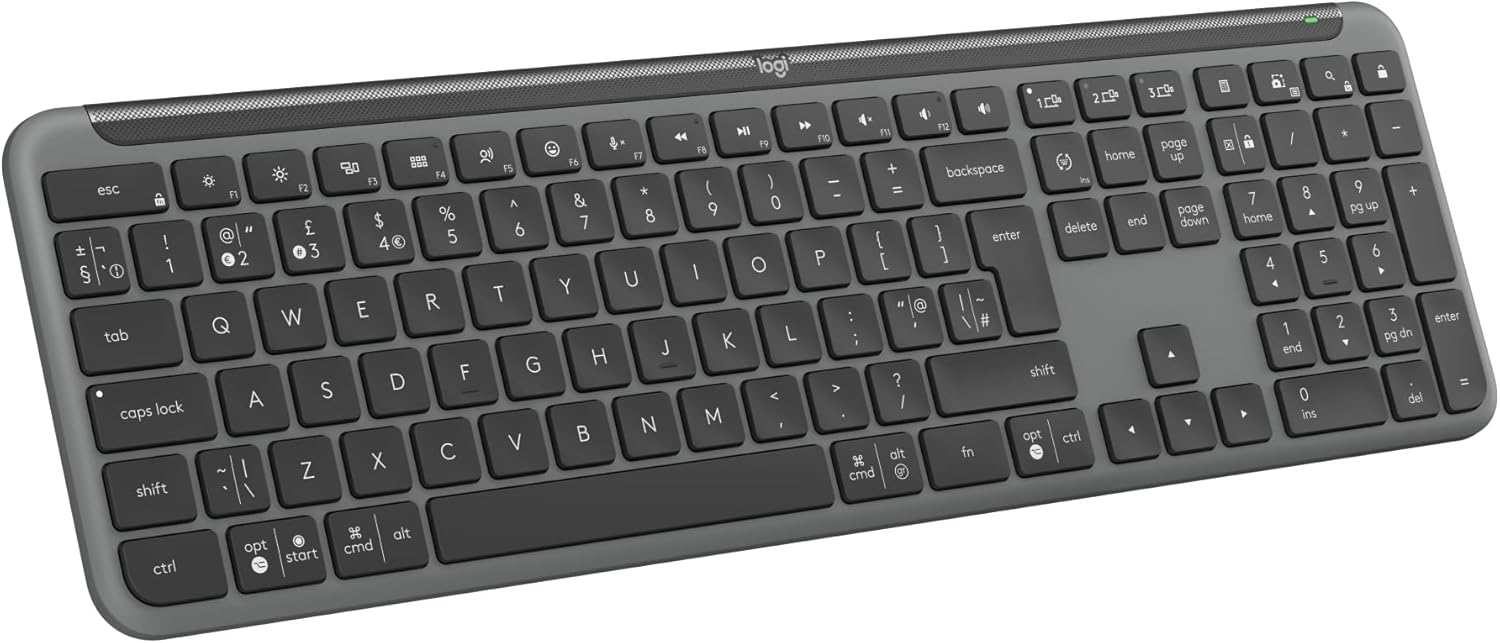
On paper it’s a full-size, laptop-style wireless keyboard with quiet key action and a sleek look, plus Logitech’s Logi Options+ support for custom keys. It’s also positioned as a more “everyday” option rather than something aimed at gamers or people who want the most extreme mechanical-feel.
Key takeaways
What matters most here is the workflow. Instead of treating each device like a separate world, the K950 lets you move your typing to another device quickly. If you work with a phone/tablet alongside your computer, or you share a desk where people keep switching what they’re using, the “one keyboard, multiple screens” approach can save time.
It also leans on sensible basics: a familiar full-size layout with a QWERTY UK layout, discreet quiet typing, and handy one-tap functions for work and home. The trade-off to keep in mind is that the design and feature set feel geared towards general productivity—so if you’re after a very specific enthusiast layout or want specialist performance tuning, this may not be the direction you’re looking for.
Key features that affect day-to-day use
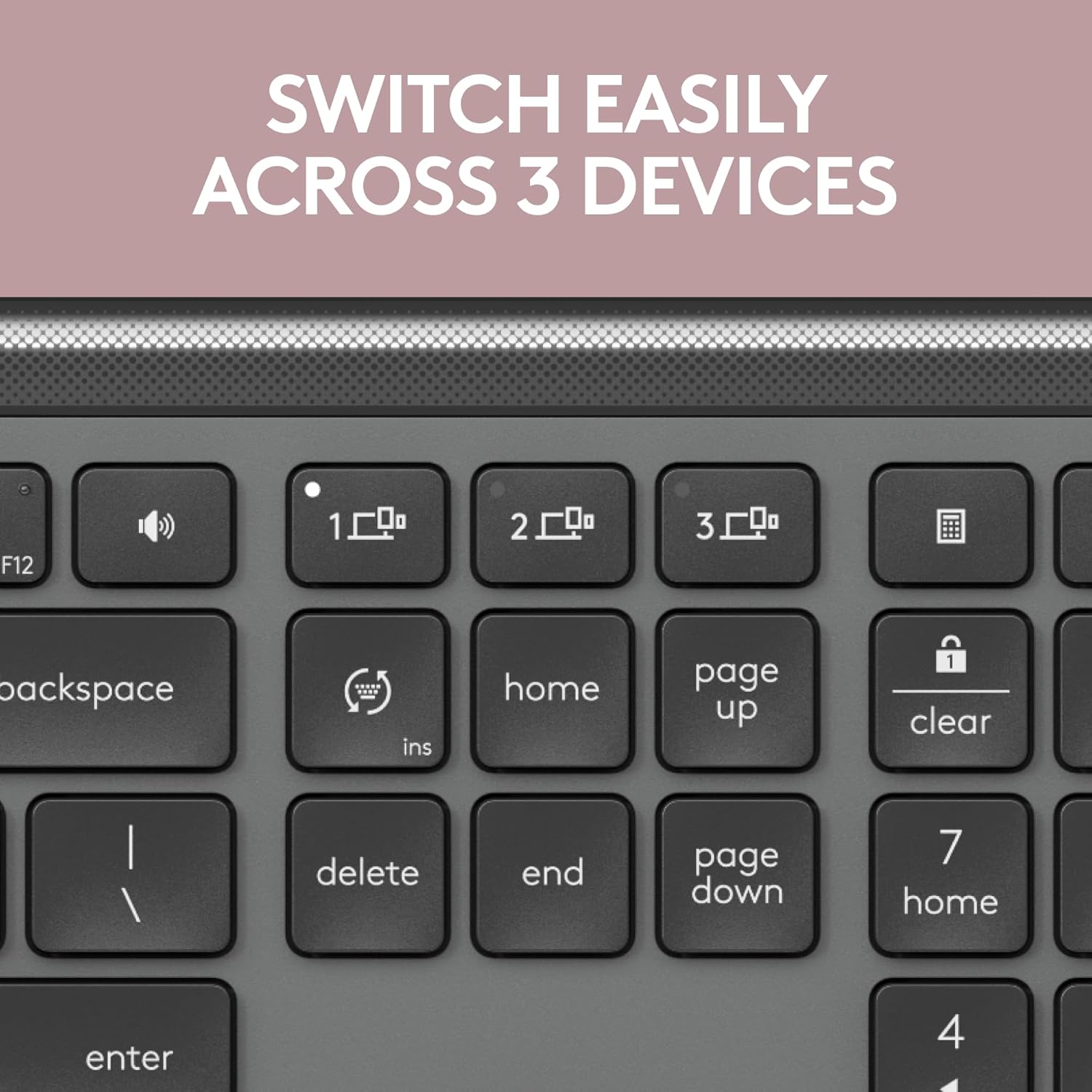
The headline feature is the ability to switch typing between three devices with a single tap. That’s the bit you notice fastest during real use: for example, you can start a document on your computer, then jump to your tablet to reply, and later move to your phone without feeling like you’ve dropped back to “old-school” setup each time.
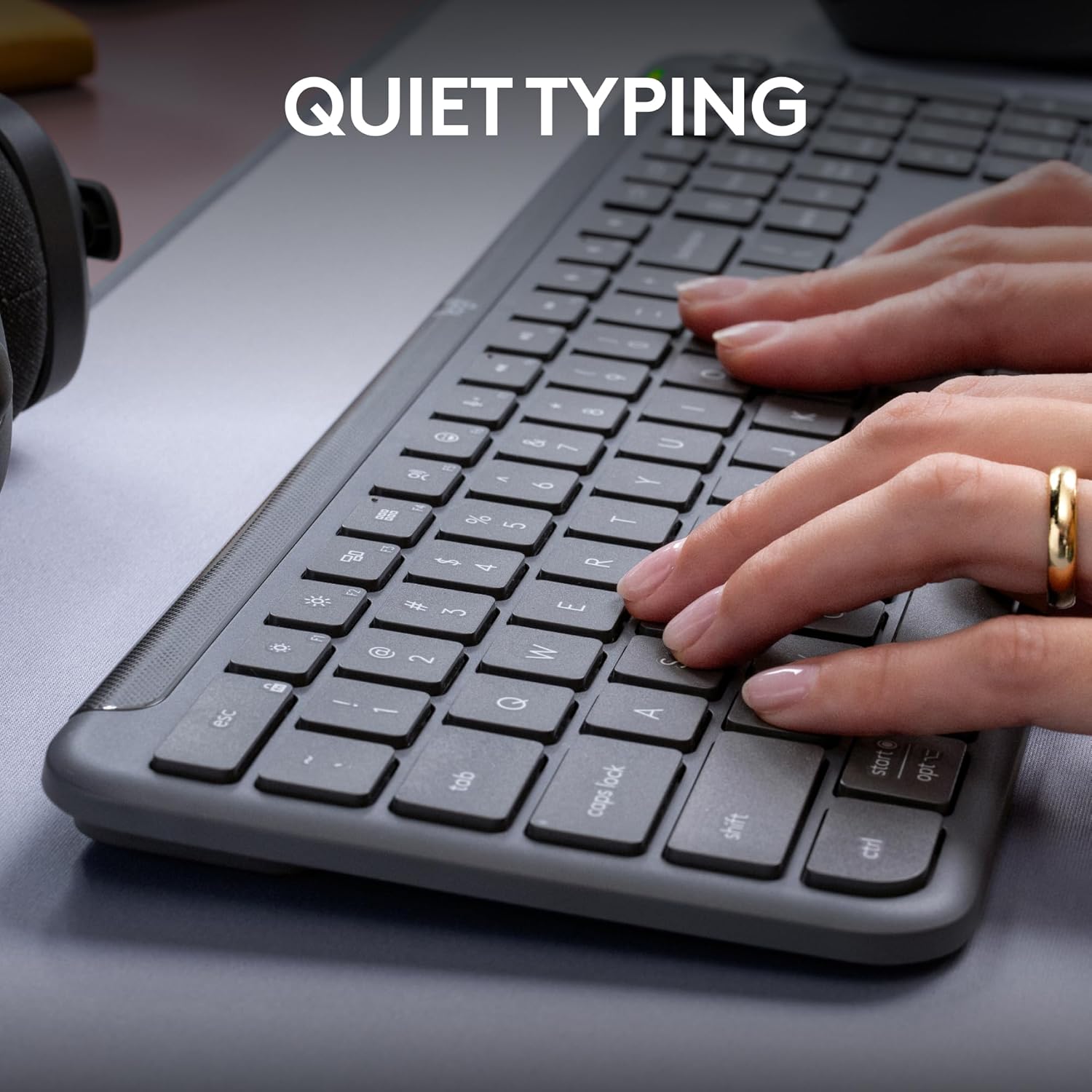
Quiet typing is another practical point. It’s the sort of keyboard you can use in shared spaces without dominating the room. It’s not marketed as silent in a lab sense, but it’s clearly intended to be more discreet than loud alternatives.
There are also customisable keys via the Logi Options+ app (available on Windows and macOS). If you tend to repeat the same actions—like taking notes, opening a tool, or triggering a shortcut—you’ll probably appreciate the ability to set those up instead of hunting for menus.

What the extra shortcuts are good for
The K950 includes one-tap functions out of the box for work and home. Based on the described capabilities, that includes media and control-style actions like play music and mute/unmute, plus the ability to use the snipping tool and control volume.
In plain terms: if you often switch between “typing mode” and “quick control mode”, it reduces the number of moments where you have to take your hands off the keyboard to find a mouse-driven control.
Connectivity and multi-device setup
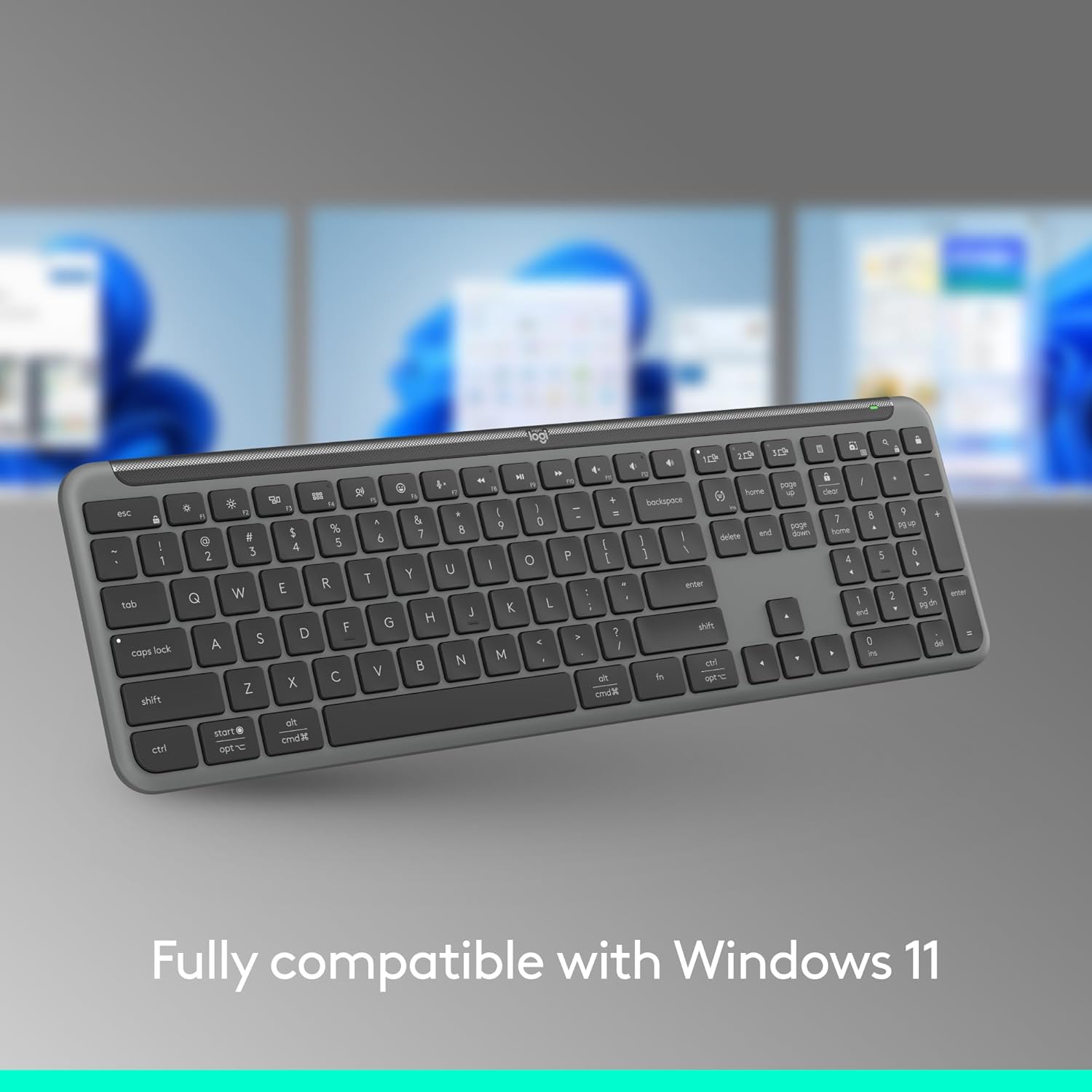
This keyboard is designed to work across a broad set of platforms. The description says it supports Windows, macOS, ChromeOS, Linux, iPadOS, iOS and Android, and pairing is possible via Bluetooth or Logi Bolt (as referenced in the product information).
There’s one practical limitation to consider: multi-device switching is only useful if your devices are compatible with the keyboard’s setup approach. Even though the range of supported platforms is wide, you’ll still want to check your specific devices and whether your preferred pairing method is the one you can use.
Materials and “feel-good” factor
The K950 isn’t just about functionality. The plastic parts are stated to include at least 48% certified post-consumer recycled plastic. On top of that, the keyboard is described as sleek and solidly built, with laptop-style typing.
If you care about reducing waste and want a keyboard that doesn’t look out of place in a clean, modern setup, this is the kind of detail that makes the product feel a bit more considered.
The essentials: the included direction (and where it may fall short)
It’s a full-size wireless Bluetooth keyboard with a familiar layout and quiet typing focus, plus multi-device switching between three devices. That combination is often exactly what people want when they’re building a tidy desk with a computer plus at least one mobile or tablet device.
Still, it may not be the best match if you’re expecting a “performance-first” keyboard experience—this is more about everyday typing comfort, convenience and discreet operation than pushing boundaries for heavy personalisation or advanced custom hardware tweaking.
Is it worth it?
Buy it if you want a sleek, full-size keyboard that makes switching between three devices genuinely quick, and you’d benefit from quiet typing plus one-tap shortcuts for common tasks.
Avoid it if you only ever type on one device and you don’t need multi-device switching, or if you’re specifically after a niche enthusiast keyboard experience where the key focus is more on specialised feel than on productivity features.
It suits most day-to-day users who work across Windows/macOS and also touch tablet or phone workflows, and who prefer a laptop-style layout rather than an extreme mechanical setup.

Mini FAQ
How does the K950 switch typing between devices?

The keyboard is designed to let you switch typing between three devices with a single tap.
Is the keyboard quiet?
The product is explicitly positioned for quiet typing, aiming to be discreet around other people.
Can I customise shortcuts?
Yes—customisable keys are supported through the Logi Options+ app, described as available on Windows and macOS.
What devices does it work with?
The information provided lists support for Windows, macOS, ChromeOS, Linux, iPadOS, iOS and Android.
What pairing options are available?
Pairing is described as possible via Bluetooth or Logi Bolt (per the provided product information).