

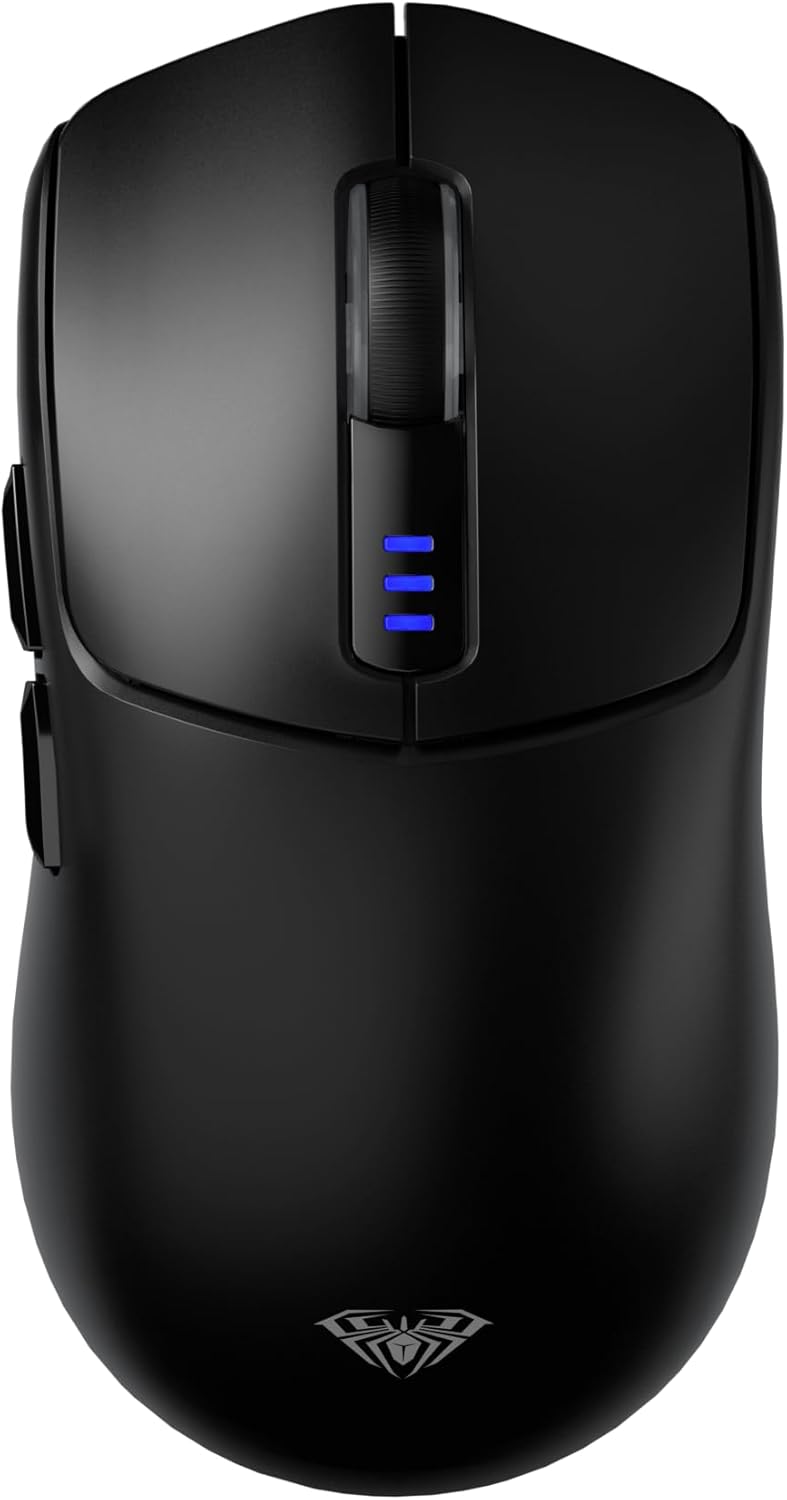
AULA SC580 Wireless Gaming Mouse: Tri-Mode, 12000 DPI, Lightweight & Programmable
Product description
What it is
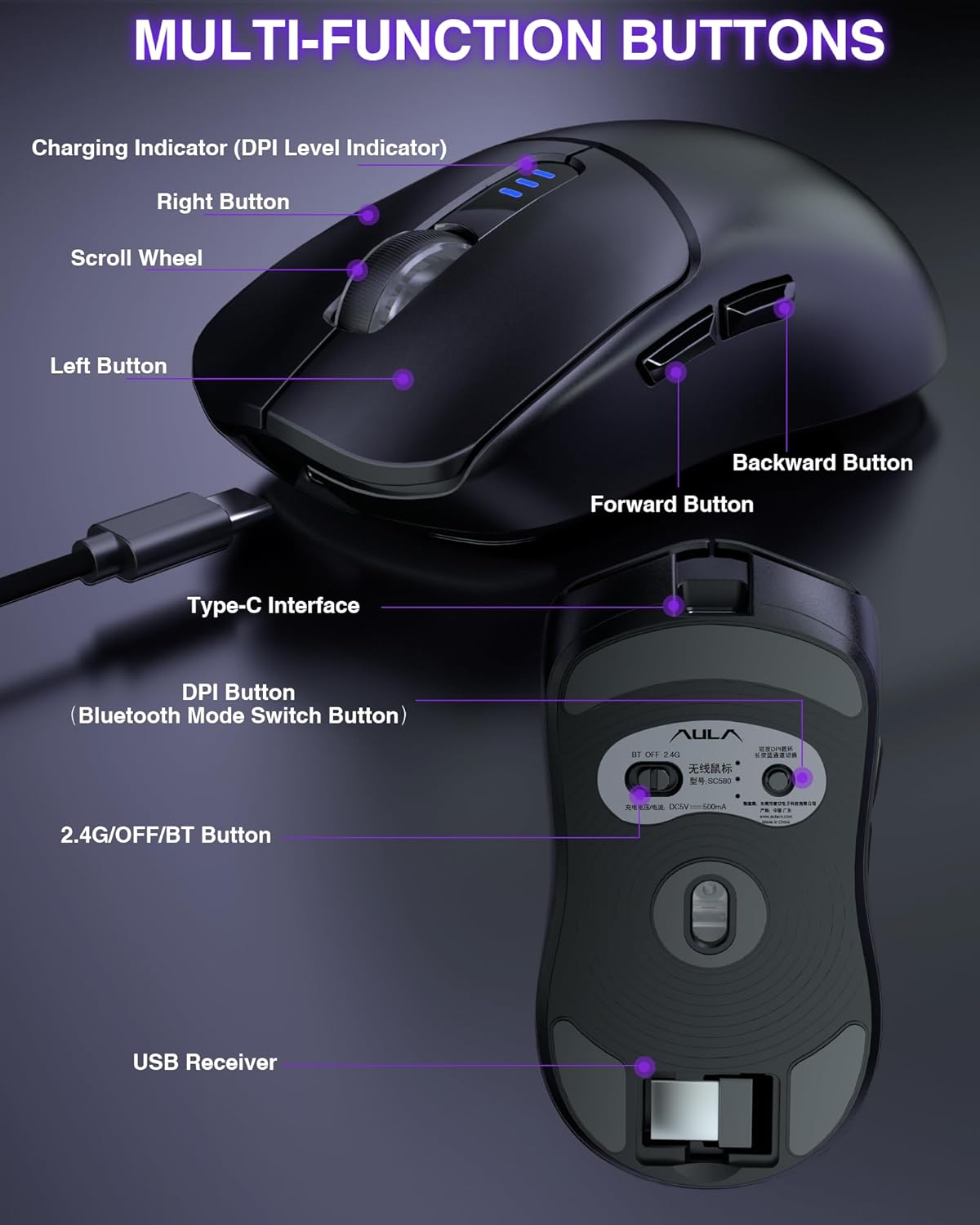
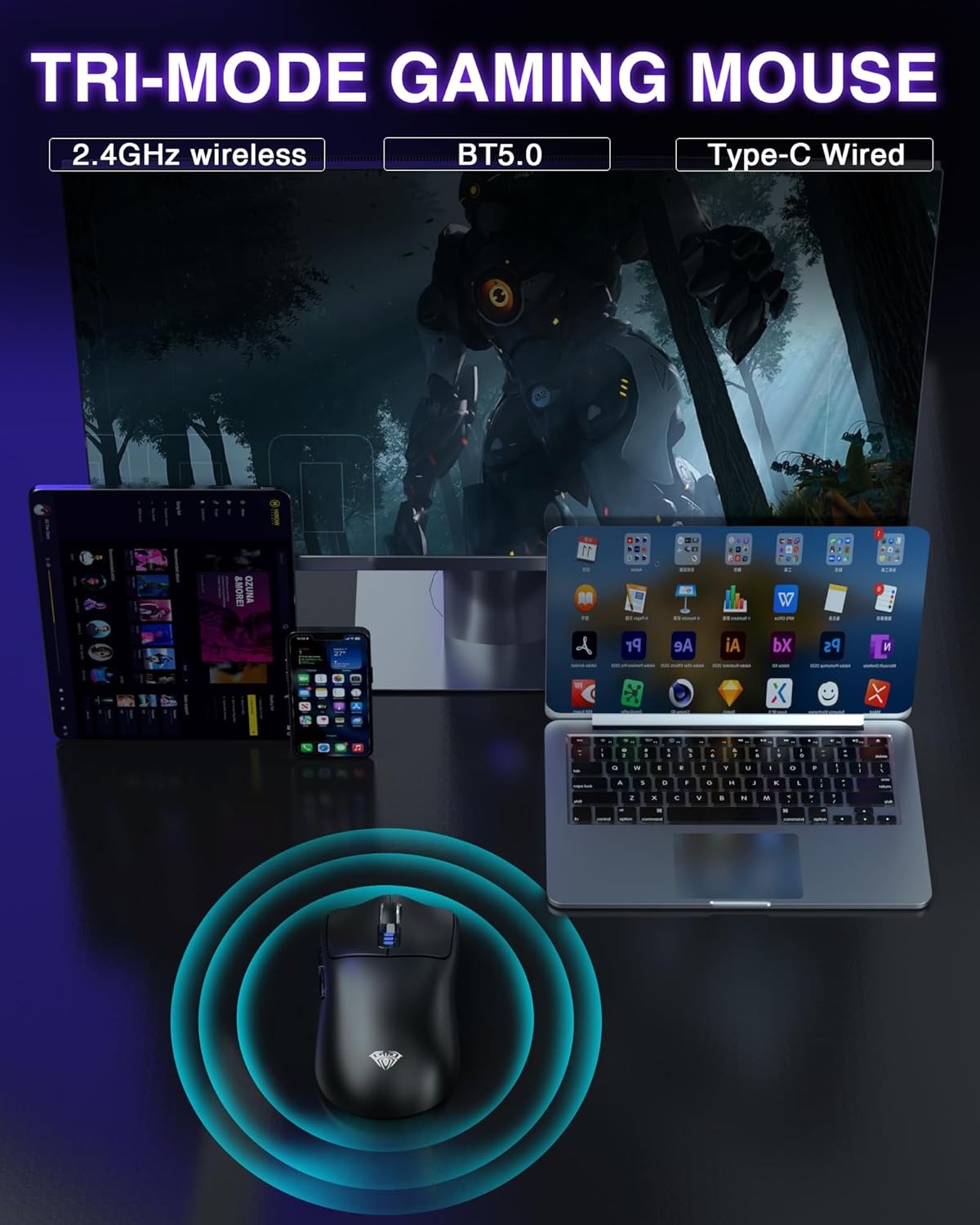
The AULA SC580 is a tri‑mode wireless gaming mouse that supports 2.4G Wireless, BT5.0, and a Type‑C wired connection. It’s designed to switch between multiple devices without the hassle of cables, and it includes a rechargeable battery for cordless use.
How it works
You can connect up to five devices at once and switch between modes to match your setup—gaming on 2.4G, quick pairing via BT5.0, or wired when you need guaranteed latency and charging. A Type‑C cable recharges the built‑in 500 mAh battery, and a low battery indicator flashes to remind you to charge.
Key features at a glance
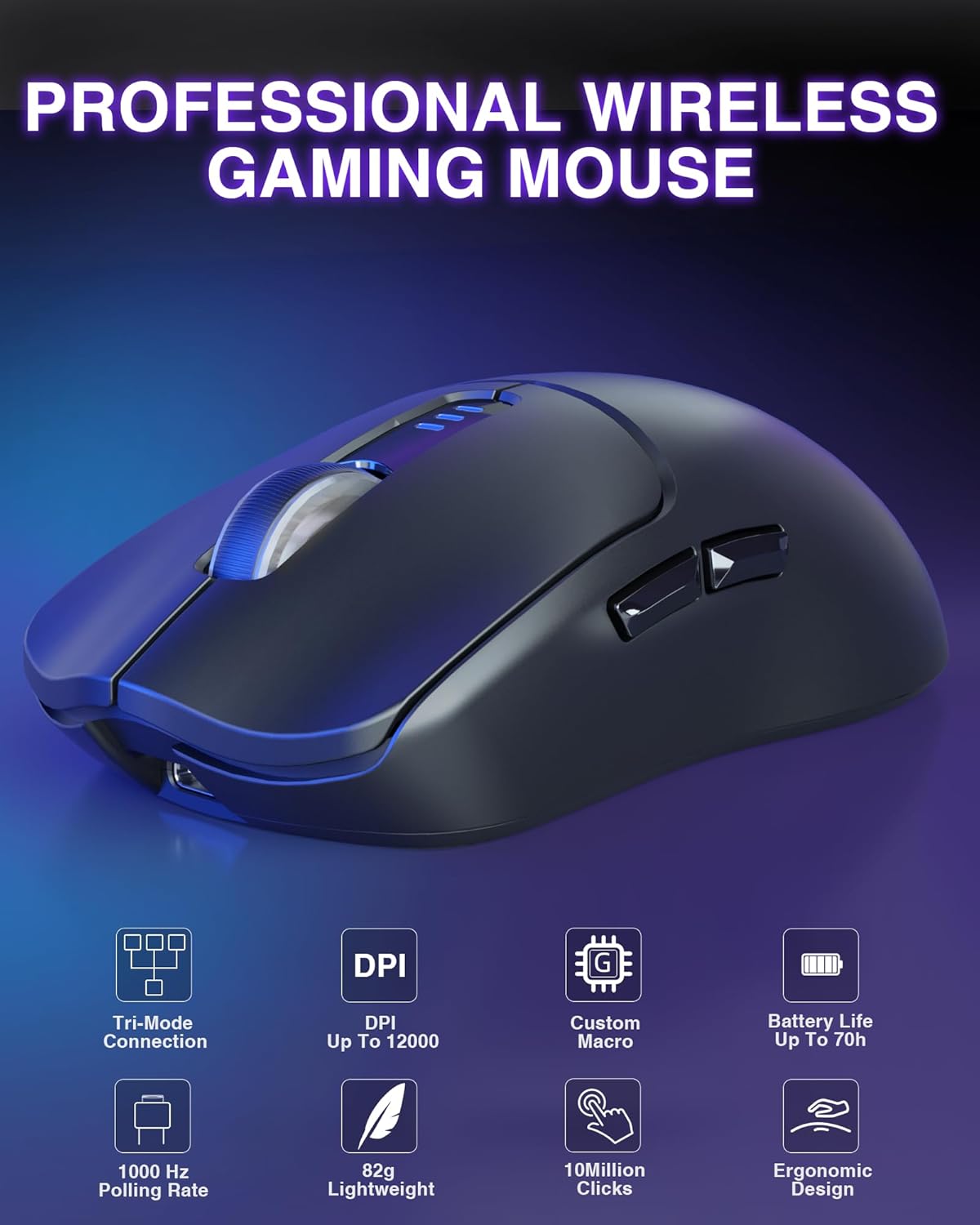
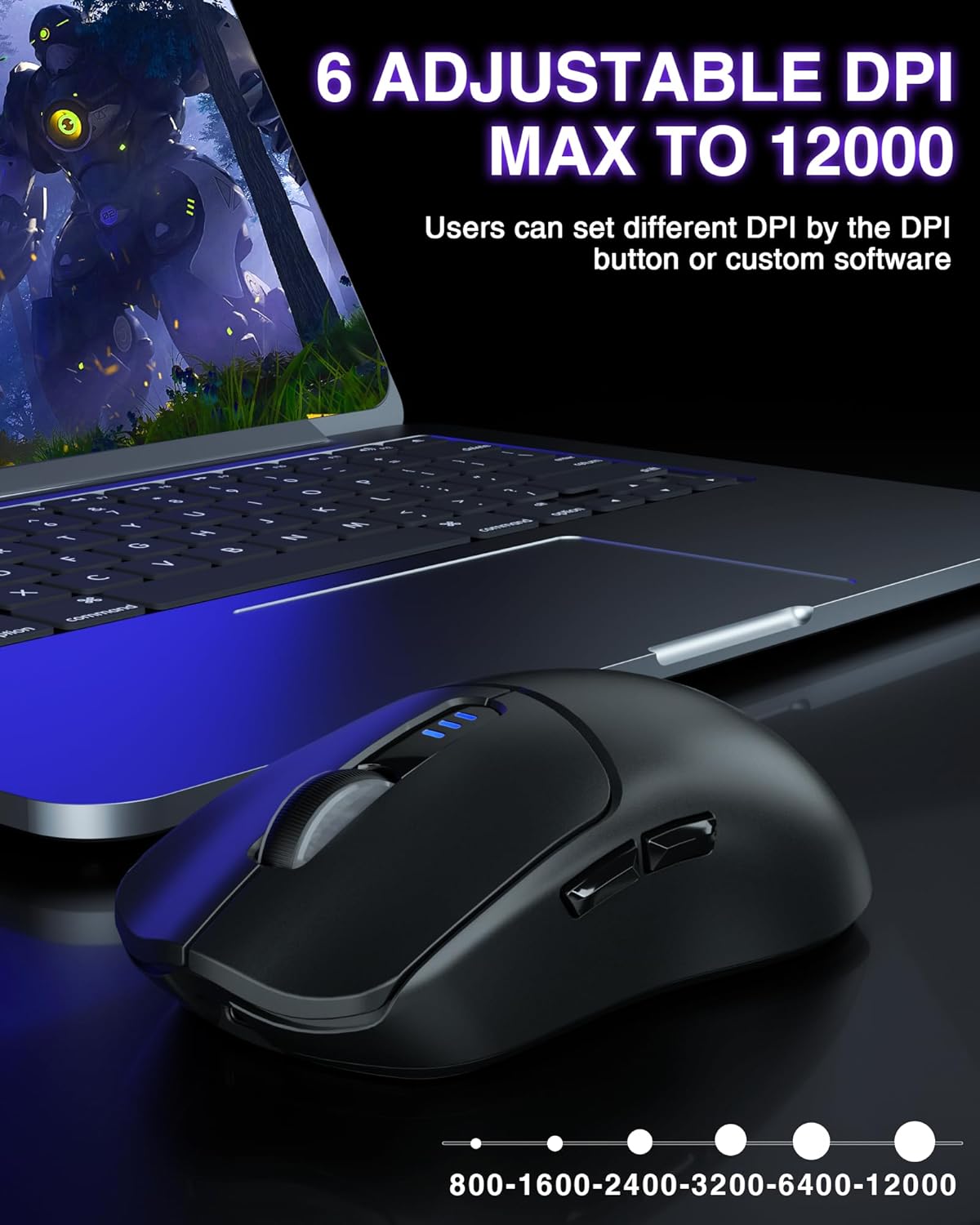
This mouse offers 6 DPI levels ranging up to 12000, with a polling rate up to 1000Hz for rapid responses. The 81 g body is made from ABS and emphasises a lightweight feel suitable for long gaming sessions. Six programmable buttons allow custom macros or in‑game quick actions, and there’s software to tailor DPI, modes, and button mapping—Windows only for the software, as noted.
Performance and limitations
On paper, the SC580 promises precise tracking and quick response times, even in intense moments. The high DPI range can be helpful for competitive play, while the lightweight design reduces fatigue. A few caveats: the macro software is Windows‑only, which limits macOS users, and the first software login requires wired mode. If you rely on on‑the‑go customisation across devices, you’ll want to factor in the software compatibility and the need to connect via wired mode initially.
Who it’s for
This mouse suits gamers who value multi‑device use, a fairly hefty DPI range for versatility, and a lighter form factor for extended sessions. It also appeals to users who like to personalise button actions and macros for workflows or gaming chores. If you prioritise a plug‑and‑play experience on macOS or want in‑depth cross‑platform software, this model may fall short.
Who it isn’t ideal for
If you rely on macOS software for macro programming or want a wireless mouse with a broader OS support for configuration, you may prefer something with cross‑platform software. Also, if you require a heavier build for a particular grip style, the 81 g weight might feel light for some users.
When it makes sense to buy
Consider the SC580 when you need a flexible, multi‑device mouse with a strong emphasis on gaming responsiveness and customisation, and you’re comfortable with Windows software for setup. It’s also handy if you want a rechargeable option so you’re not always buying disposable batteries.
What to check before buying
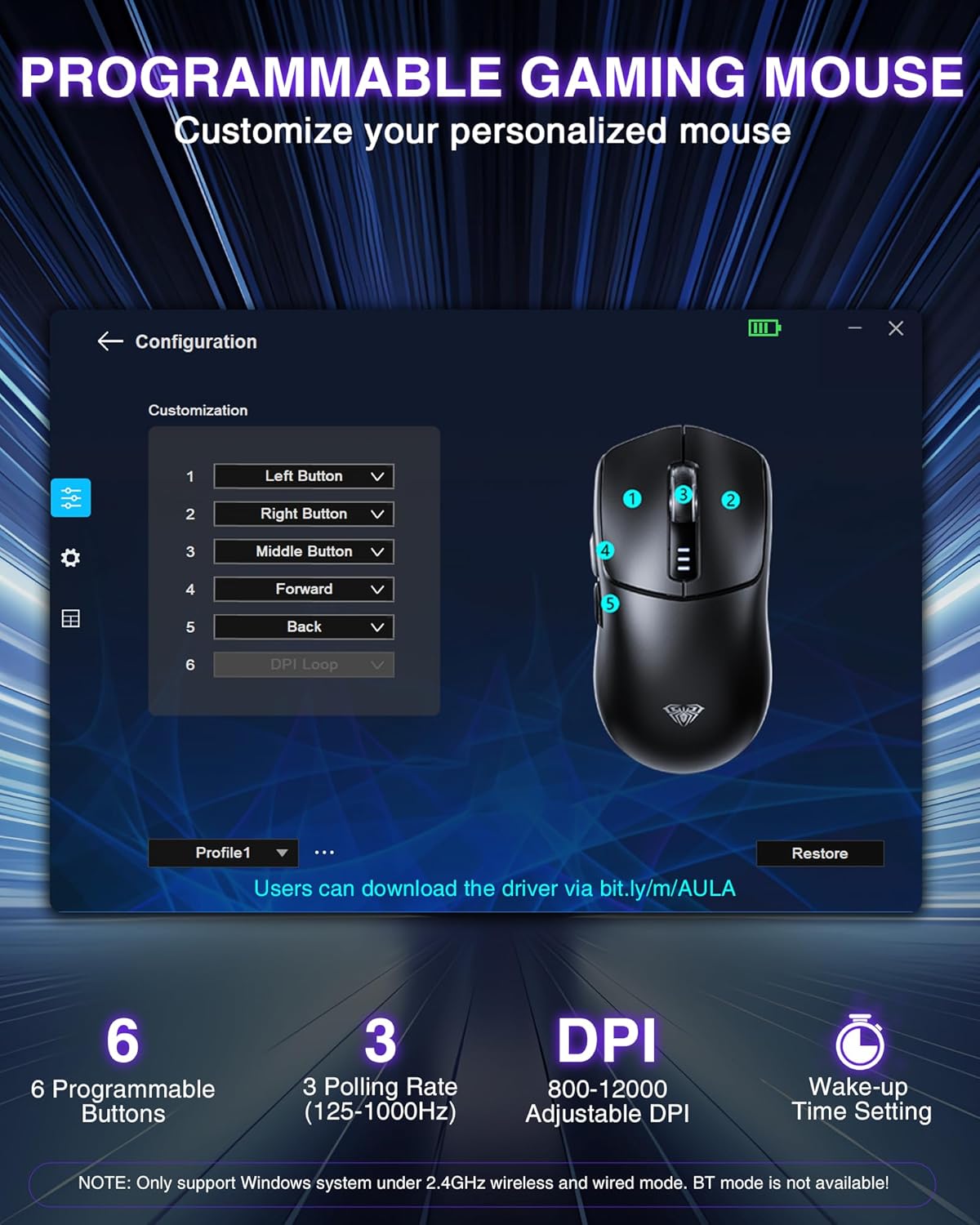
Confirm you’re comfortable with the Windows‑only software for programming, and ensure you’ll be using the wired initial setup when first pairing. If you need broad cross‑platform configurability, look at alternatives that advertise macOS compatibility. Also consider whether a lighter or heavier mouse better suits your grip and desk space.
Practical usage example
Imagine hopping between a laptop for typing and a desktop PC for gaming. With the SC580, you can save five device profiles, switch between gaming and work modes on the fly, and use programmable buttons to trigger functions or macros without leaving the keyboard. The 1000Hz polling rate helps keep response times tight during fast fights or precise aiming.
FAQ
- Does the software work on macOS? No, the software is Windows only.
- How many devices can be connected simultaneously? Up to five devices.
- Is the battery replaceable? No, it uses a built‑in 500 mAh rechargeable battery.
Final decision
Is it worth it? Worth considering if you value multi‑device versatility, a high‑DPI range, and customisable buttons, and you’re prepared to use Windows software for full setup. It may not be ideal if you need macOS compatibility or seek a heavier, more traditional gaming mouse.