


Logitech MX Anywhere 3S Compact Wireless Mouse review
Reviews
Price
Product description
What matters most
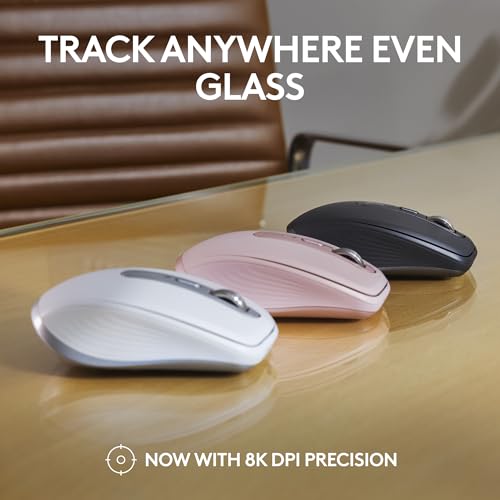
The Logitech MX Anywhere 3S is a compact Bluetooth mouse built for people who move between desks, rooms or devices and don’t want to rely on a desk mat. Logitech says its 8K DPI sensor tracks on almost any surface, including glass, which could be handy when you’re working from a café table or using a laptop away from your usual setup.
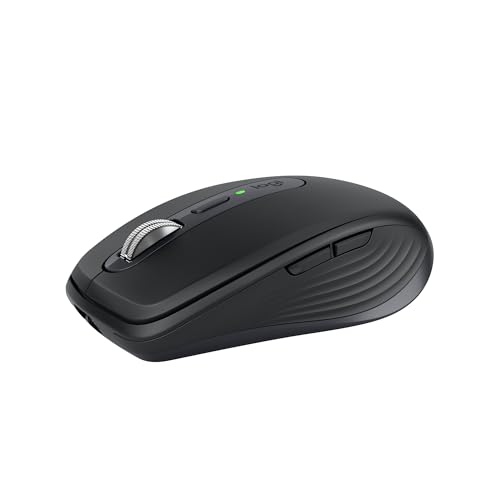
Quiet Clicks are another practical change: they’re designed to reduce click noise compared with the MX Anywhere 3, while retaining a satisfying feel. That may suit shared offices or quieter spaces, though it won’t make the mouse completely silent.
The overall pitch is control and portability rather than a long list of extras. Its customisable buttons and app-specific settings add useful flexibility, but may be more than you need for straightforward browsing.
Tech specs
- Type: Compact wireless mouse
- Sensor: 8K DPI
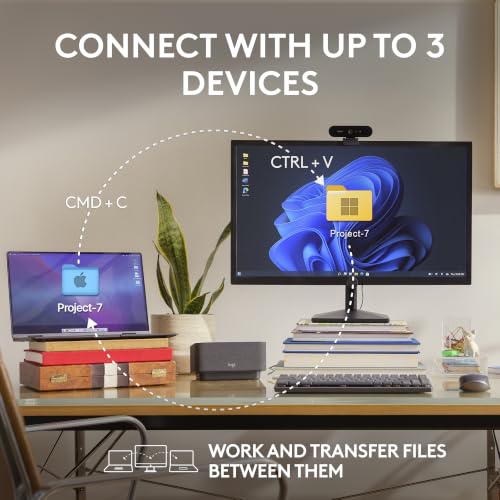
- Connectivity: Bluetooth, connects to up to 3 devices
- Scrolling: MagSpeed, up to 1,000 lines per second
- Battery life: Up to 70 days on a full charge
- Charging: USB-C, up to 3 hours of use from a 1-minute charge
- Compatibility: Windows, macOS, Chrome OS, Googlebook OS and Linux
- Receiver: Compatible with Logi Bolt USB receiver, not included
- Colour: Graphite
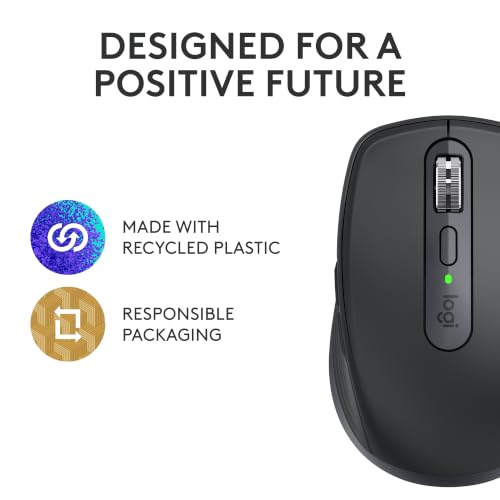
- Recycled plastic: 78% of plastic parts in the Graphite version


Where it shines
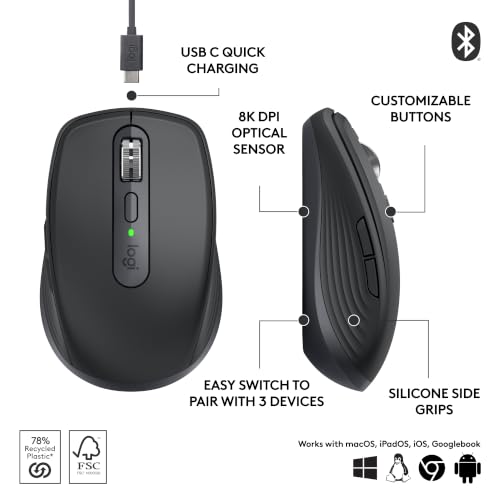
The MagSpeed wheel is the standout for long pages and spreadsheets: a quick scroll can cover a lot of content, while slower movement gives you more control. The 8K DPI sensor is intended to let you move further across a screen with a smaller hand movement, which can be useful on a compact workspace. Logi Options+ also lets you adjust tracking speed, customise buttons and use ready-made settings for specific apps.
In practice, that could mean moving from a document on a laptop to a spreadsheet on another device, then scrolling through a long column without reaching for a separate mouse each time. It connects to up to three devices over Bluetooth. The Logi Bolt receiver is an option, not something included in the box, so check that distinction if you specifically need a USB receiver.

Best use cases
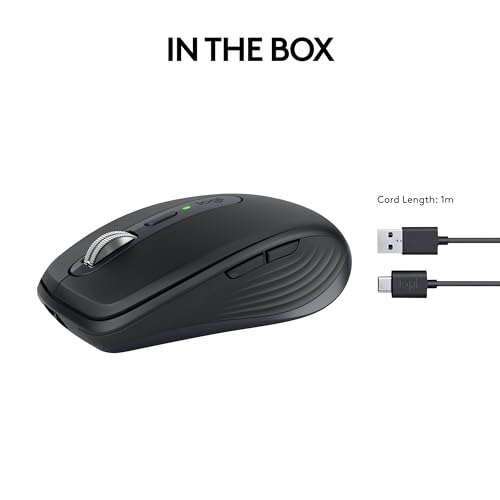
This mouse makes most sense for mobile work, shared desks and people who regularly switch between compatible computers. Bluetooth connection keeps the setup free of wires and a dongle, and the rechargeable battery is rated for up to 70 days per full charge. If you’re caught short, Logitech says a one-minute charge can provide up to three hours of use, a USB-C cable is included.
It sits on the feature-rich side of the compact mouse category. If all you need is a basic pointer for occasional use, those customisation and multi-device features may not add much. And while Quiet Clicks should be less distracting than the previous model’s clicks, anyone who needs near-silent operation should keep that limitation in mind.
Is it worth it?
It’s a good fit if you travel with a laptop, work across several devices or value detailed scrolling and configurable controls in a compact mouse. The glass-surface tracking claim and Bluetooth connection also make it appealing when your working surface or setup changes from day to day.
It’s not the best choice if you want a simple, no-frills mouse or need a Logi Bolt receiver in the box. Before buying, check that your devices support Bluetooth, that your operating system is listed, and whether the included cable and receiver arrangement suit your setup. If you won’t use the extra controls or multi-device connection, a more basic mouse may be the more sensible approach.