

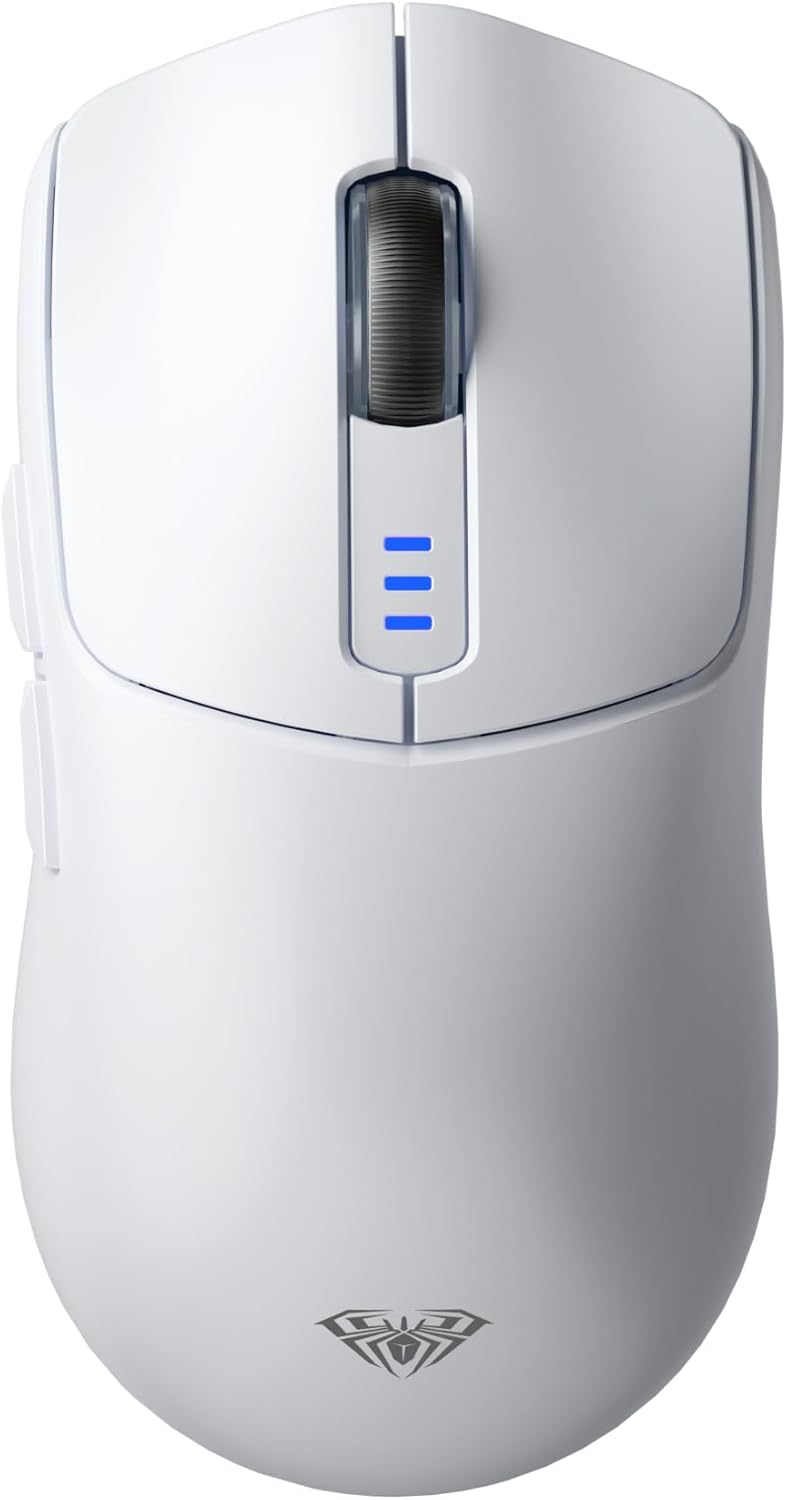
AULA SC580 Wireless Gaming Mouse: a lightweight, tri-mode choice for multi-device gaming
Product description
What is it and who is it For
The AULA SC580 is a wireless gaming mouse designed to work across multiple devices and connection methods. It aims to combine portability with adjustable precision, catering to gamers and multi-device users who value flexibility without being tethered to a desk. If you switch between a laptop, desktop, or tablet, and you want a single mouse that can bridge wired, 2.4G wireless, and BT connections, this model is positioned as a practical option rather than a showpiece.
Connectivity and setup
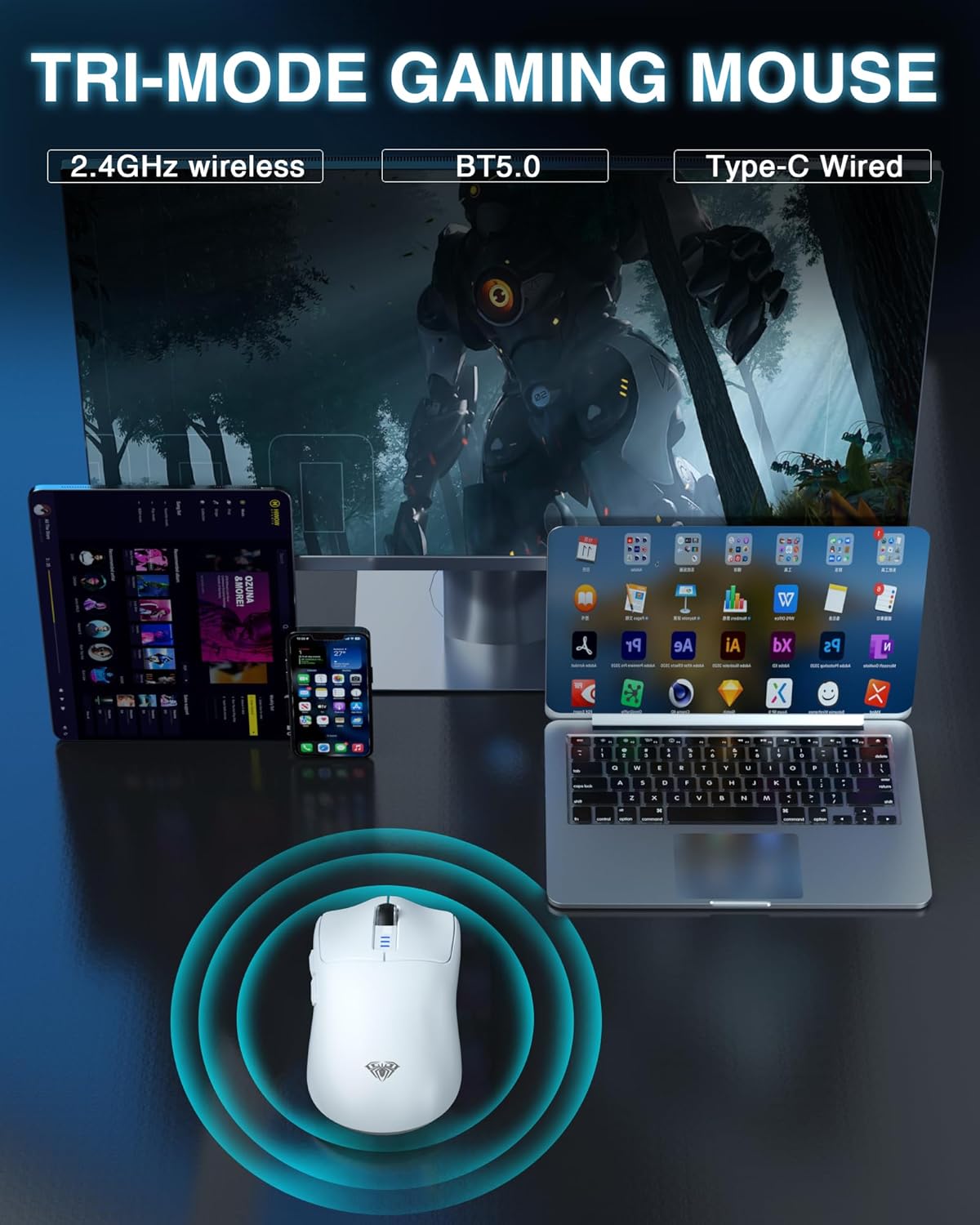
One standout point is its tri‑mode support: 2.4G wireless, BT5.0, and a wired Type‑C connection. This makes it straightforward to move between devices and operating systems with minimal fuss. The wired mode is handy for charging and when latency or a stable connection is critical. It supports up to five devices connected simultaneously, which is useful for a busy workspace or a shared setup, though the exact pairing workflow and software requirements are not detailed here. If you prioritise a cable‑free workflow, the wireless modes should cover most daily gaming and productivity needs.
DPI, performance and polling
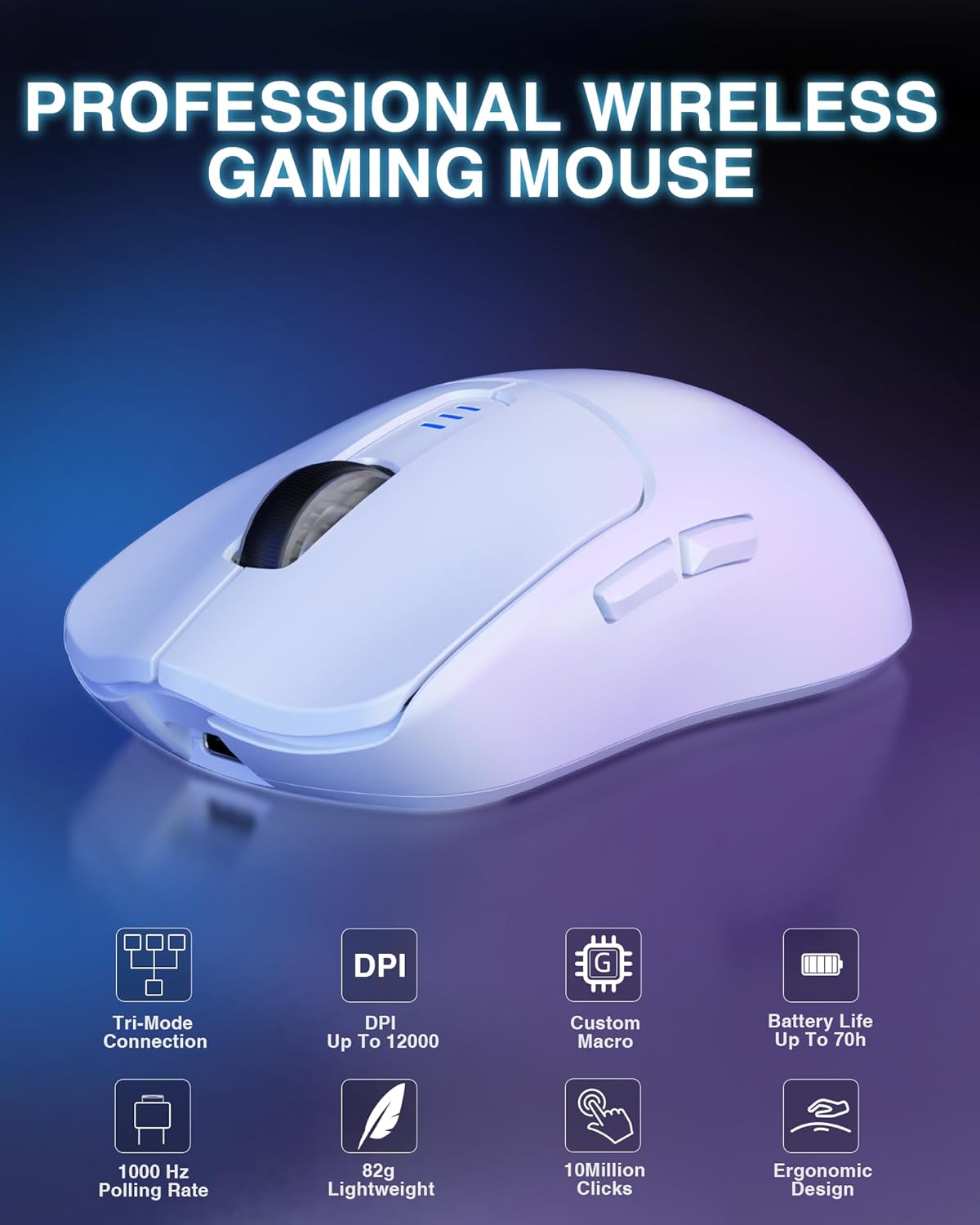
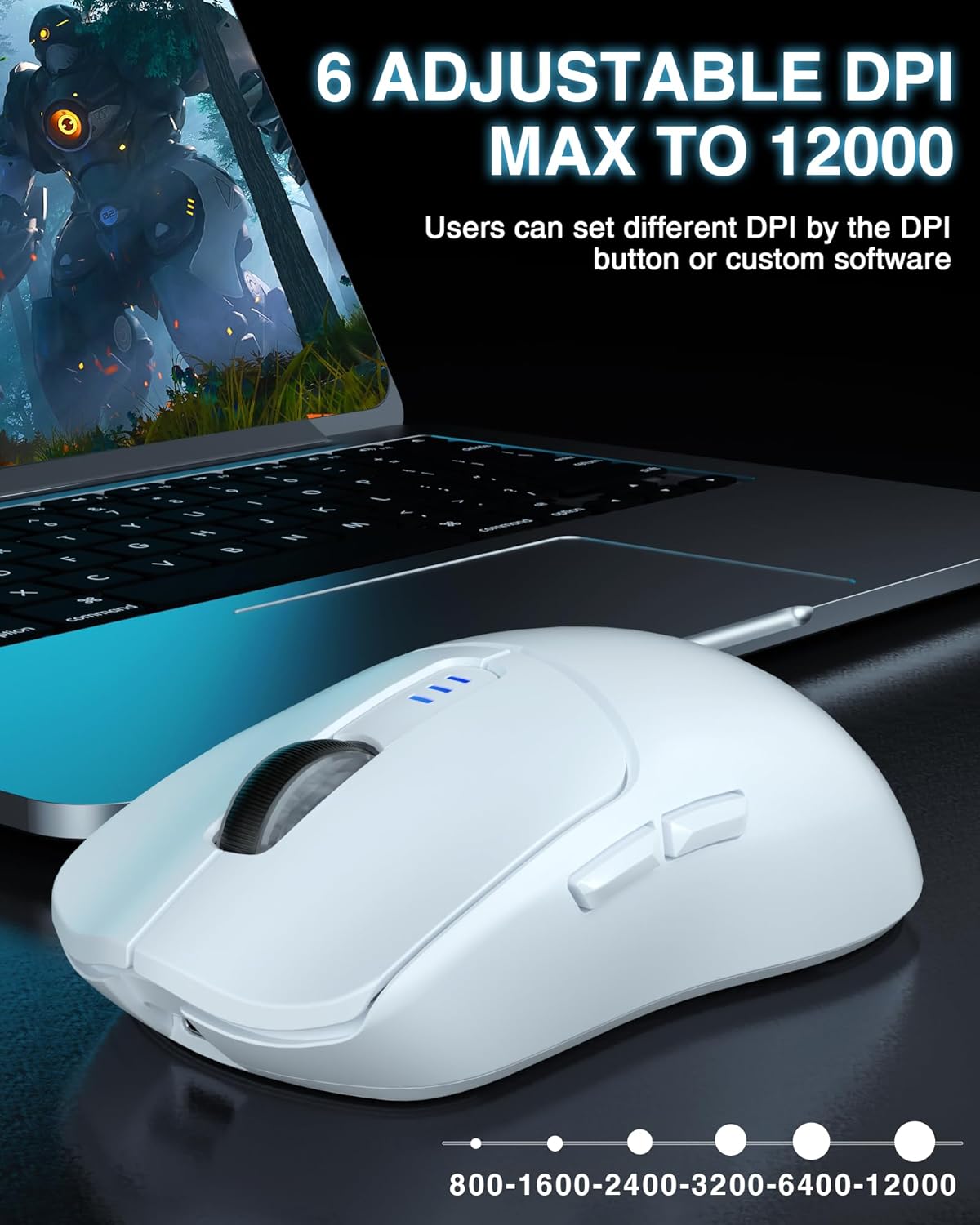
The SC580 offers up to 12,000 DPI with six levels (12,000 / 6400 / 3200 / 2400 / 1600 / 800). The high DPI setting is designed to appeal to precise aiming or high‑speed flicks, while the middle settings suit general office work or casual gaming. A polling rate of up to 1000 Hz promises quick response with reduced latency in fast‑paced games. Do bear in mind that real‑world performance depends on the connected mode, system drivers, and software configuration.
Battery life and charging
A built‑in 500 mAh rechargeable battery provides wireless operation, charged via a Type‑C cable. There’s a low‑battery indicator that flashes blue. While the exact endurance isn’t stated, the built‑in recharge feature avoids frequent battery swaps. If you tend to game for long sessions away from a power source, you’ll want to keep an eye on charge levels and have the cable handy.
Design, weight and comfort
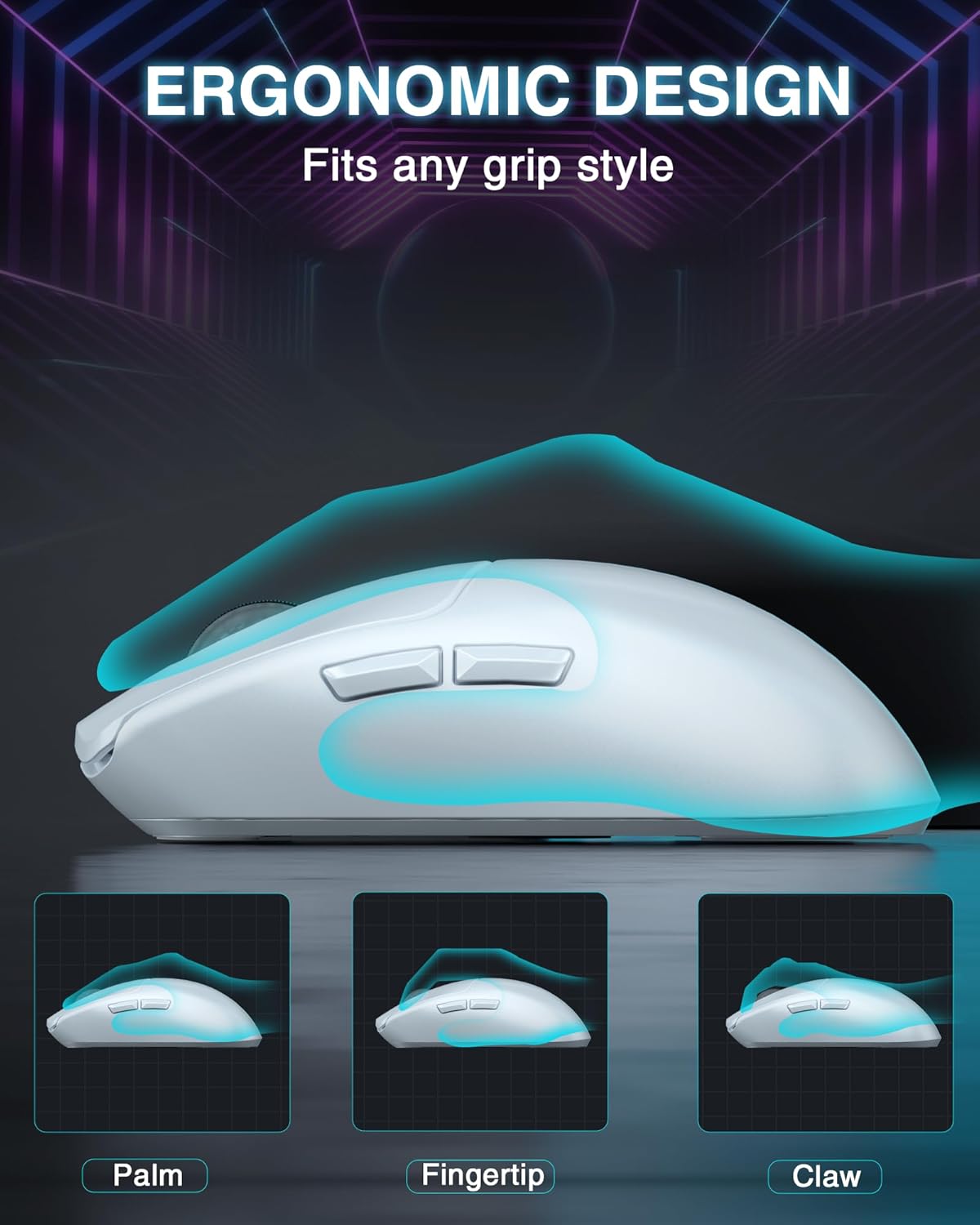
Weighing around 81 g, the SC580 is described as lightweight with an ergonomic shape intended to reduce fatigue during extended use. The ABS construction keeps the shell simple and durable, though it’s still important to feel in hand to judge comfort for your grip style. For users who value a compact, nimble feel, this approach tends to work well, for those requiring a larger palm grip, it may feel slightly less plush over time.
Customisation and software
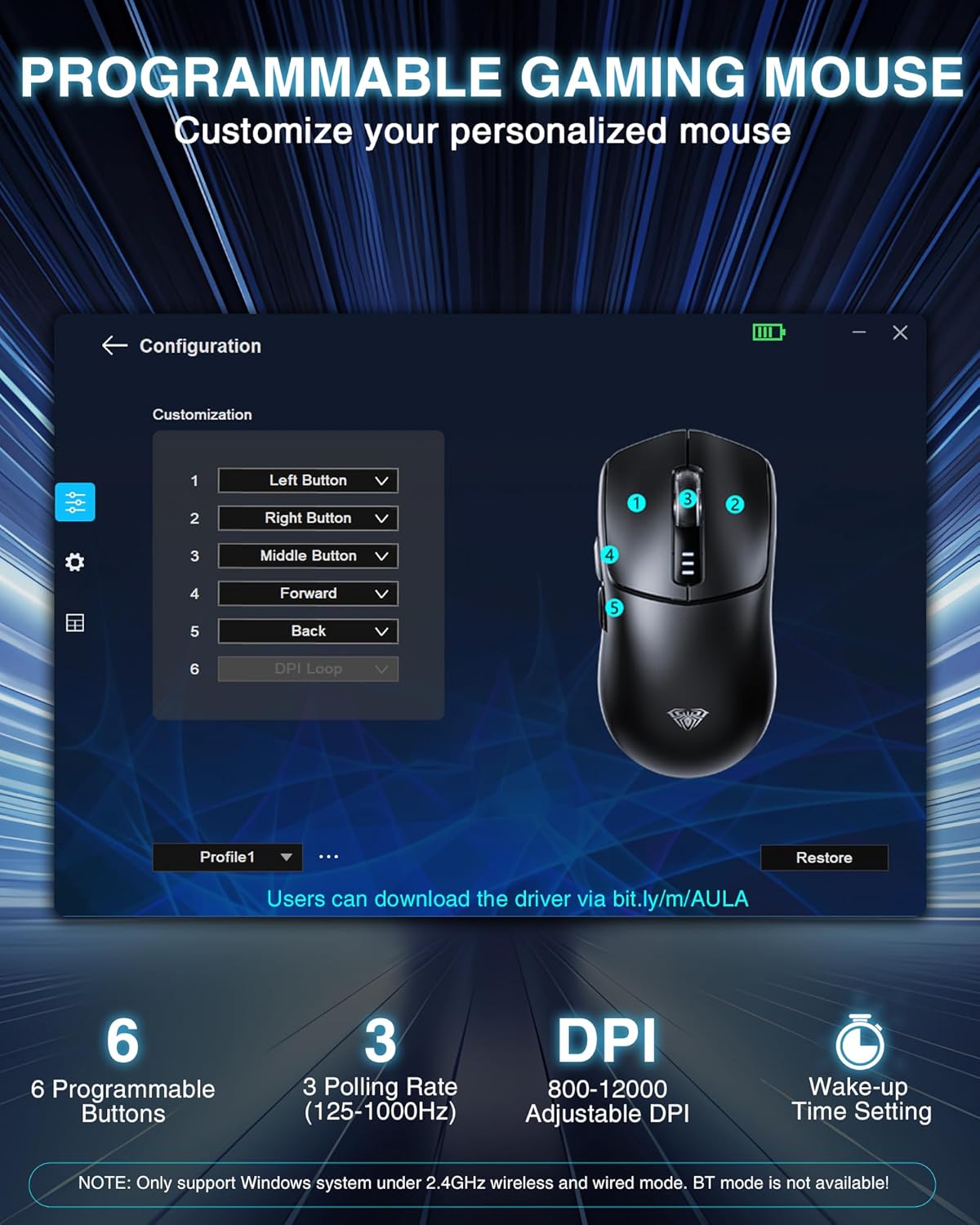
The mouse features six programmable buttons and supports DPI, mode, and button mapping through its software. The vendor notes that the software is Windows‑only, and macOS users may find limitation here. Programming can enhance efficiency in games or daily tasks, but you’ll need to use it in wired mode at least the first time you log in.
What it’s best for and who it isn’t ideal for
If you want a single device that can connect across multiple platforms without being stuck to one machine, the SC580 offers a sensible mix of wireless convenience and wired reliability. It’s a straightforward option for multi‑device workflows, light‑to‑moderate gaming, and general productivity. If you primarily use a Mac ecosystem, or if you rely on macOS software for peripheral configuration, the Windows‑only software could be a barrier. Similarly, if you prefer a heavier, more substantial mouse with a fixed focus on one system, you might look elsewhere.
Practical use tips and a mini‑scenario
Imagine a student who switches between a Windows laptop for classes and a desktop PC for gaming at home. The SC580 can stay linked to both via BT or 2.4G and be wired when charging. A quick switch between devices without pairing again would feel convenient, especially if you value a compact profile and low weight during long sessions. In a fast shooter or MOBA, the 1000 Hz polling and up to 12,000 DPI give you room to tailor sensitivity, while the programmable buttons can map macros or utility commands for efficiency.
What to check before you buy
- Confirm whether you will benefit from tri‑mode connectivity across multiple devices. If your setup is strictly USB‑A on Windows, the value of wireless modes remains in practicality and convenience rather than an essential feature.
- Consider whether Windows‑only software for button programming fits your workflow. If you are a macOS user, you’ll want to accept limited software support.
- Check your grip style and hand size against the 81 g weight and ergonomic shape. If you prefer a larger, heavier mouse for precision tasks, this may feel nimble but less fulsome.
Comparison in context
Compared with basic wired mice or single‑mode wireless devices, the SC580’s strength lies in flexibility. If you frequently switch devices or want to consolidate peripherals, tri‑mode operation reduces desk clutter and cable management concerns. It won’t replace a purpose‑built high‑end gaming mouse for the most demanding esports players, but it sits in the middle ground for versatility, value and portability.
Final decision: should you buy it?
Is it worth it? It makes sense if you need a lightweight, multi‑device wireless mouse with a sizeable DPI range and programmable buttons, and you’re comfortable with Windows software for advanced features. It may not be the best option if you require macOS compatibility for configuration, or if you prioritise a heavier chassis for stability in precision tasks.
FAQ
- Can I use the SC580 on macOS? The software is Windows‑only, so macOS users may have limited configurability.
- How many devices can it connect to at once? Up to five devices can be connected simultaneously.
- Is the battery replaceable? No, it uses a built‑in rechargeable battery charged via Type‑C.
Should you buy it?
If multi‑device versatility and a light, responsive feel are important, the SC580 offers practical value without overpromising on premium features. Consider your OS compatibility and how much you’ll rely on programmable controls before committing.