

ATTACK SHARK X11 SE Wireless Gaming Mouse (PAW3311) – 2.4G/Bluetooth/USB‑C, 22000 DPI, 65 hours battery, 59g (Black+Tape)
Product description
Key takeaways
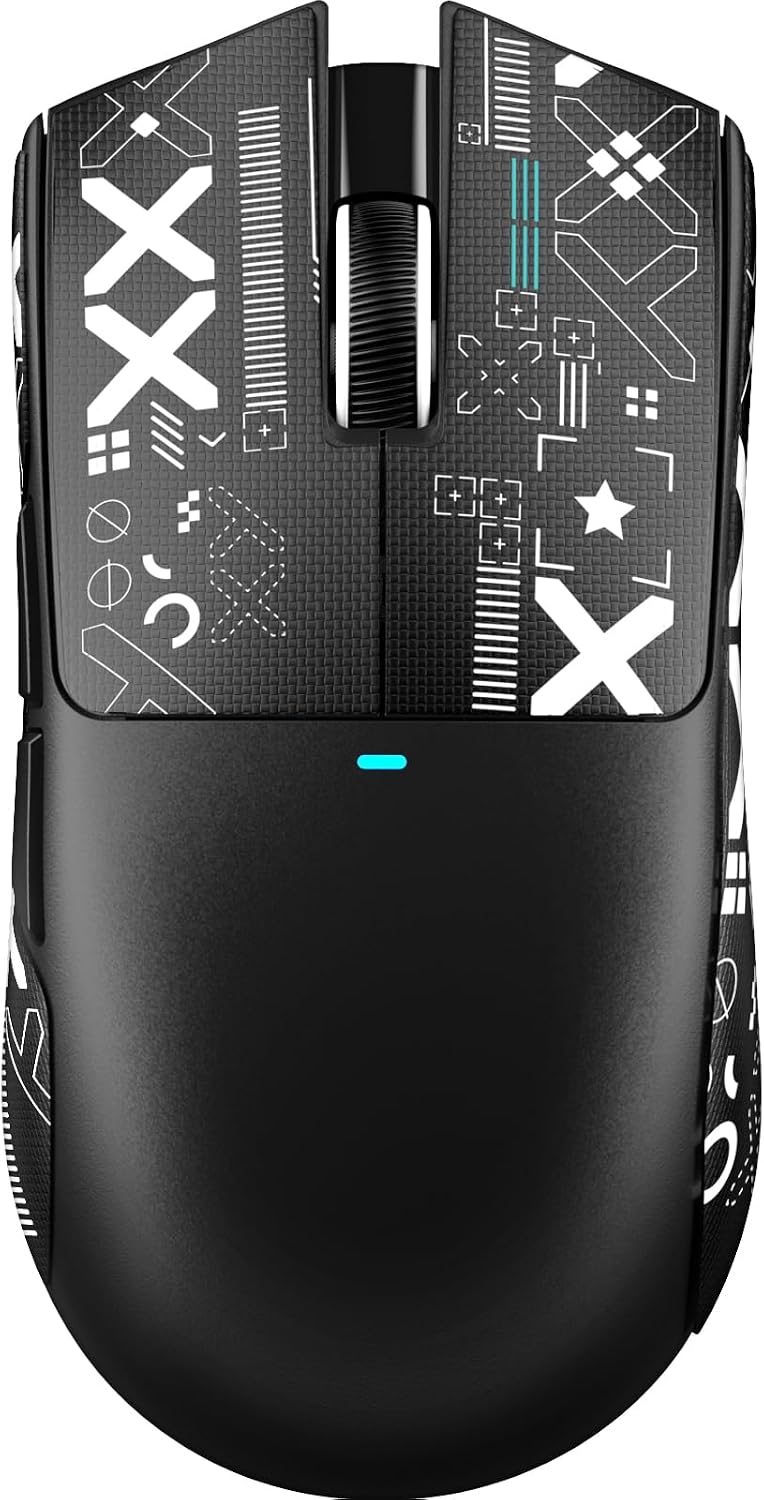
The ATTACK SHARK X11 SE is a lightweight wireless gaming mouse built around a PixArt PAW3311 optical sensor, with the added convenience of running in three connection modes: USB‑C wired, 2.4GHz wireless, and Bluetooth. On paper, it’s aiming at that common sweet spot where you want gaming-grade responsiveness without being tied to one device.
It also throws in a few “real-life” touches for the desk: programmable buttons, a long battery claim, and a removable-feeling anti-slip tape (autoadhesive and stated to leave no residue when removed). That combo is often what makes a mouse feel less fiddly day-to-day, especially if you swap between work and play.
That said, the spec sheet is doing a lot of the talking. Some buyers may find the DPI steps and lighting effects more relevant than the headline maximums, and you’ll want to check that the software workflow matches how you prefer to customise (it mentions a driver plus an online version for Linux/macOS).
It’s not a “one-button, one-size-fits-all” mouse, but if you’re comfortable tweaking settings and you want a compact 3-mode setup, it could be worth considering.
What matters most
A big part of the X11 SE’s appeal is how flexible it is about connectivity. Having wired USB‑C, 2.4GHz, and Bluetooth in one mouse means you can keep the same shape in your hand while switching devices. The connection can be changed using a button on the bottom, which is handy if you regularly move between a laptop for work and a PC/console setup at home.
Performance claims are also clearly positioned for low latency use. The description states latency up to 1ms in the USB‑C and 2.4GHz modes, plus a 1000Hz response frequency and 300 IPS tracking speed. That’s the kind of spec set you’d look for if you care about smooth cursor movement in fast games, not just general web browsing.
For an everyday micro example: imagine doing quick edits in a spreadsheet with one DPI level, then switching to a higher DPI profile for aim practice. The mouse is described as allowing each DPI level to be linked to a different in-mouse colour, so you have a visual cue for which sensitivity you’re on.
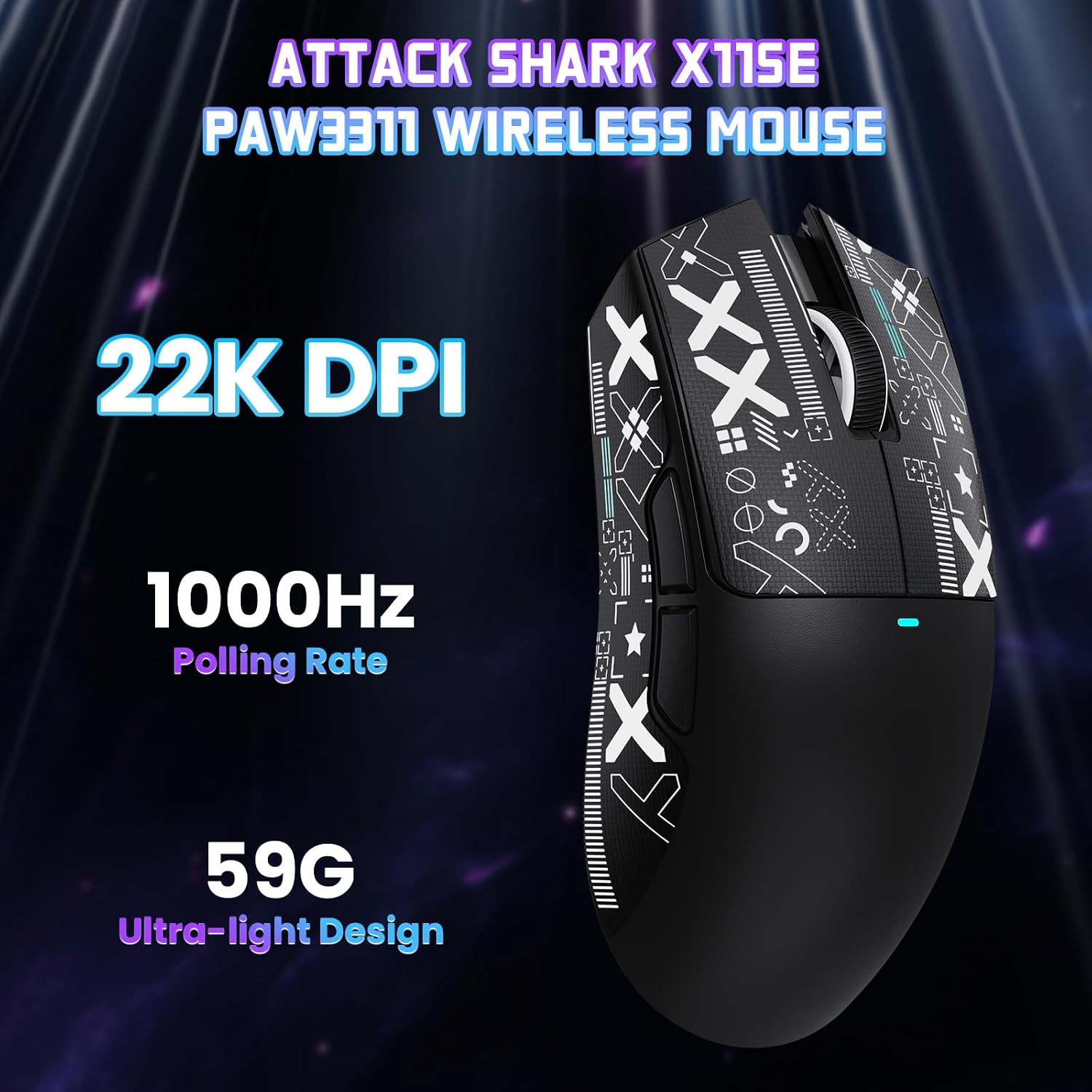
Also, the weight is positioned for long sessions and easy carry: it’s listed at 59g, which typically helps reduce arm fatigue compared with heavier office mice.
Key features
The sensor and tuning options are fairly detailed for its category. The PAW3311 optical sensor supports six adjustable DPI levels: 800, 1600, 2400, 3200, 5000, and 22000. It also lists maximum acceleration of 35G.
On the control side, the mouse includes five programmable buttons. The description says you can adjust things like DPI, polling rate, lift-off distance, shortcuts, and macros through the controller software.
There’s also a durability angle. The X11 SE is said to use HUYU switches and a TTC encoder, with a click life of up to 20 million clicks. That’s the kind of spec that matters if you’re buying for the long haul rather than a short trial.
One more practical detail: the “Black+Tape” suggests you get the anti-slip tape designed for comfort and control. It’s stated to be self-adhesive and to not leave residue when removed. Whether you’ll love tape on a mouse body comes down to preference, but at least it’s intended to address slip and help with sweaty-grip moments.

Tech specs
- Name: ATTACK SHARK X11 SE Wireless Gaming Mouse
- Type: Wireless/Wired gaming mouse with Bluetooth support
- Sensor: PixArt PAW3311 gaming sensor
- DPI levels: 800–1600–2400–3200–5000–22000
- Tracking speed: 300 IPS
- Response frequency: 1000Hz
- Maximum acceleration: 35G
- Weight: 59g
- Connection modes: USB‑C wired, 2.4GHz wireless, Bluetooth
- Latency claim: up to 1ms in wired/2.4GHz modes
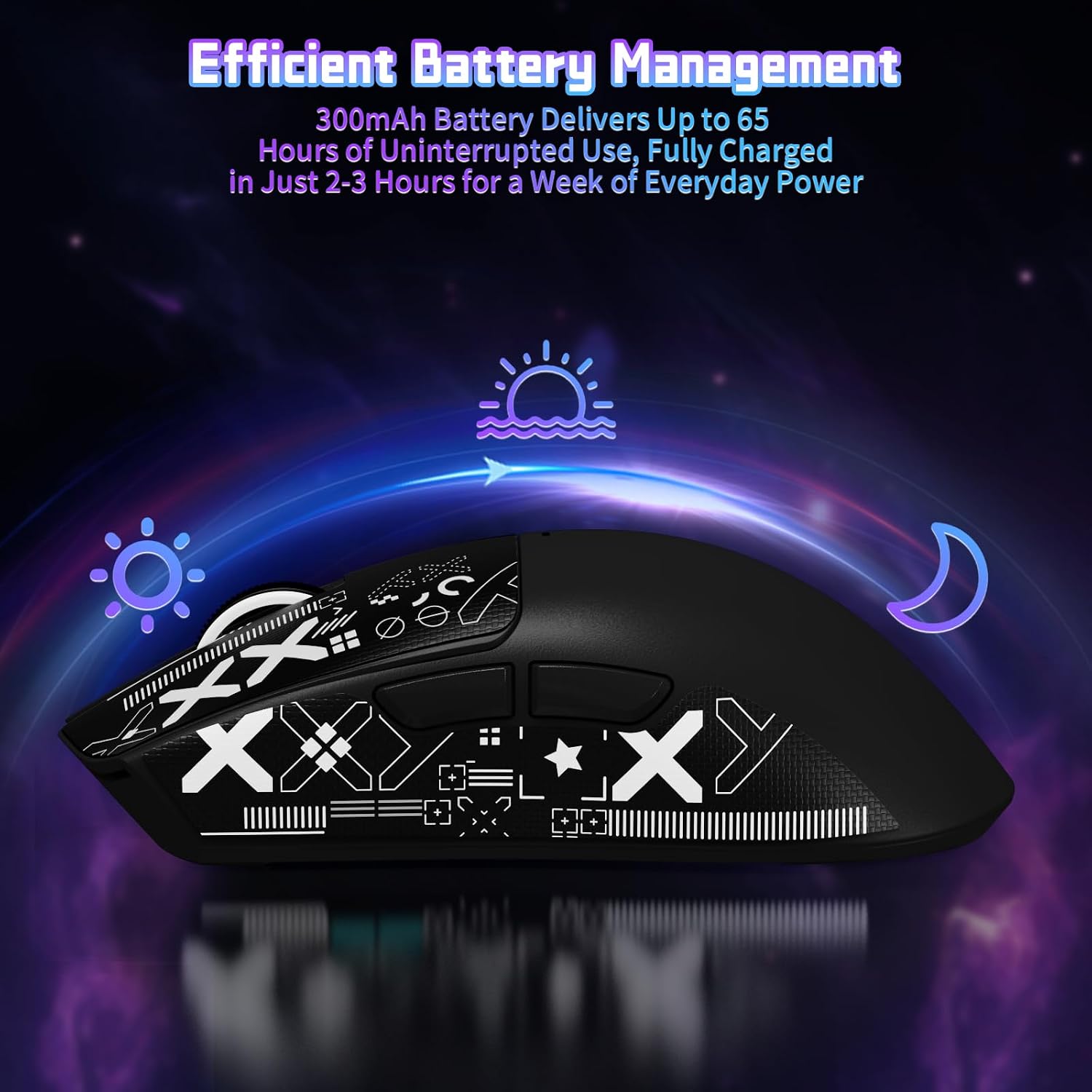
- Battery claim: up to 65 hours continuous use
- Charging time: approximately 2–3 hours
- Buttons: 5 programmable buttons
Where it shines

This is a good fit if you want one mouse to cover both gaming and everyday use, especially when you might switch between devices. The 3-mode setup makes it easier to keep the same muscle memory, and the stated low-latency performance in USB‑C and 2.4GHz modes is aimed at responsive gameplay.
It’s also a solid pick if you care about light weight. At 59g, it’s designed to be easier to move quickly and to carry around.
And if you’re the kind of user who likes to set up profiles, map buttons, or tweak lift-off distance, the five programmable buttons plus software customisation is clearly meant for you.
You may want to skip it if you dislike software dependence, because the description highlights controller software and mentions an online version for Linux/macOS. It might still work fine without deep tweaking for basic use, but the “best” experience depends on configuration.
Care & maintenance
The product description doesn’t go into cleaning instructions, but the inclusion of anti-slip tape is something to treat with care. If you intend to remove it later, the stated promise is that it shouldn’t leave residue, which helps if you like to re-tune the grip feel over time.
In general, for a mouse with tape and wireless charging, it’s worth keeping the sensor area and feet clean and avoiding spills near the charging area.

Is it worth it?
Buy the ATTACK SHARK X11 SE if you’re after a lightweight, 3-mode mouse that’s designed for responsive gaming use while still being practical for office-style tasks. The combination of a PAW3311 sensor, 1000Hz polling, programmable buttons, and the 65-hours battery claim makes it feel aimed at people who want one desk setup that can also handle faster games.
It may not be the best choice if you want a simpler “set it and forget it” mouse, or if you don’t want to engage with customisation and DPI/polling/lift-off tuning. Also, because the battery and latency are given as claims (rather than measured results), you should treat them as targets and not guarantees.
Mini FAQ
How do you switch between the connection modes?
The description says you can change between USB‑C wired, 2.4GHz wireless, and Bluetooth using a button on the bottom of the mouse.
Does it support wireless and wired at the same time?
It supports three modes (wired USB‑C, 2.4GHz, and Bluetooth), switched via the bottom button, so you can choose the mode you need rather than using all at once.
Can you adjust DPI and other settings?
Yes. It mentions six DPI levels and software customisation for things like DPI, polling rate, and lift-off distance.
What’s the battery life like?
It’s described as offering up to 65 hours of continuous use on a single charge, with a full charge taking roughly 2–3 hours.
Is the anti-slip tape removable?
The description says the tape is self-adhesive and should not leave residues when removed, which suggests it’s meant to be repositioned or taken off.