

Acer Wireless Mouse with 4800 DPI
Product description
The acer Wireless Mouse is a practical pick if you want an ergonomic feel, reliable wireless control and flexible connectivity. With both Bluetooth 5.2 and 2.4G dual modes, you can switch between devices quickly using the button on the underside, helping you move through everyday tasks with less friction. The adjustable DPI up to 4800, plus an integrated rechargeable battery, makes it easy to tailor control for different work styles across a desktop or laptop setup.
Key features
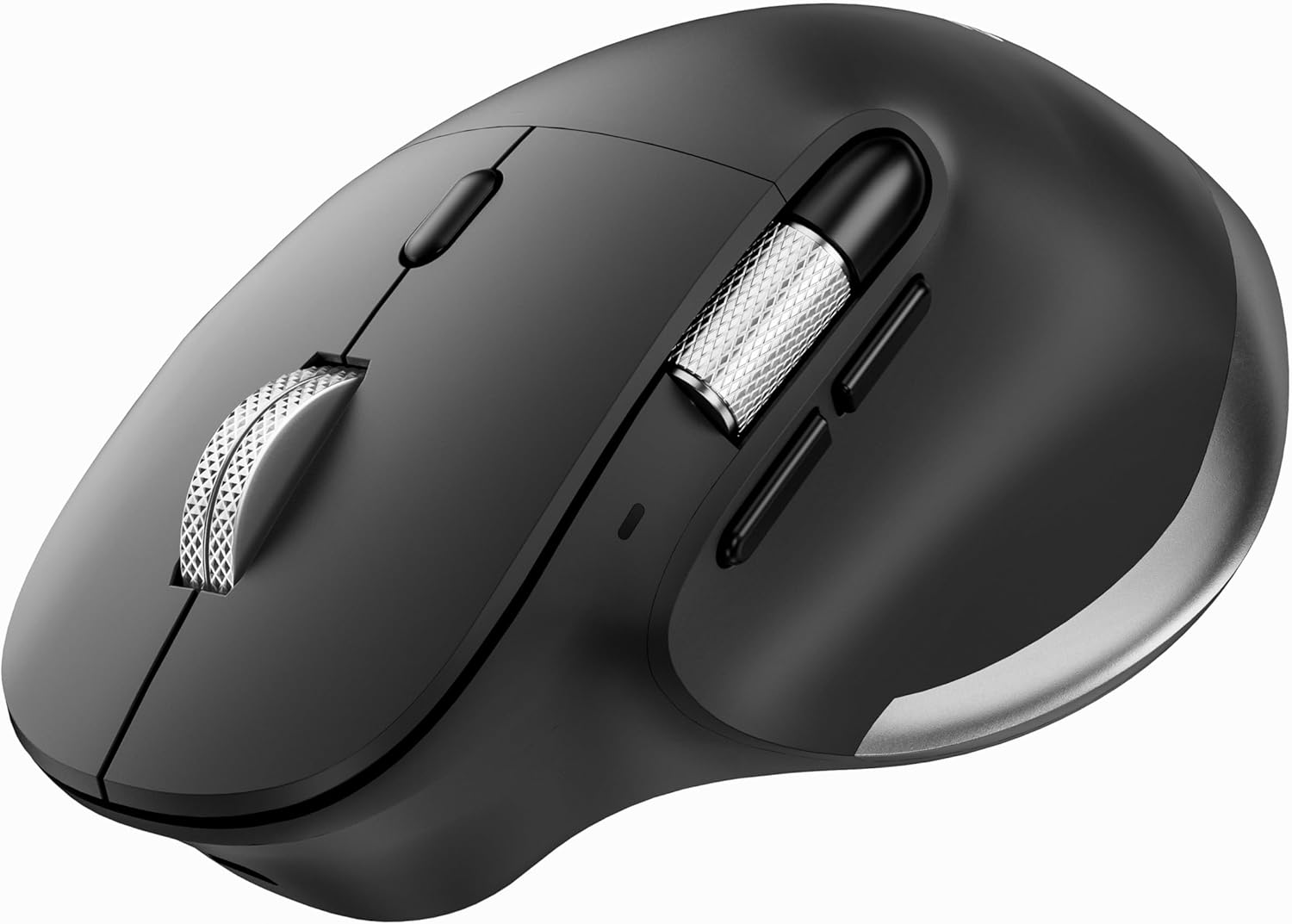
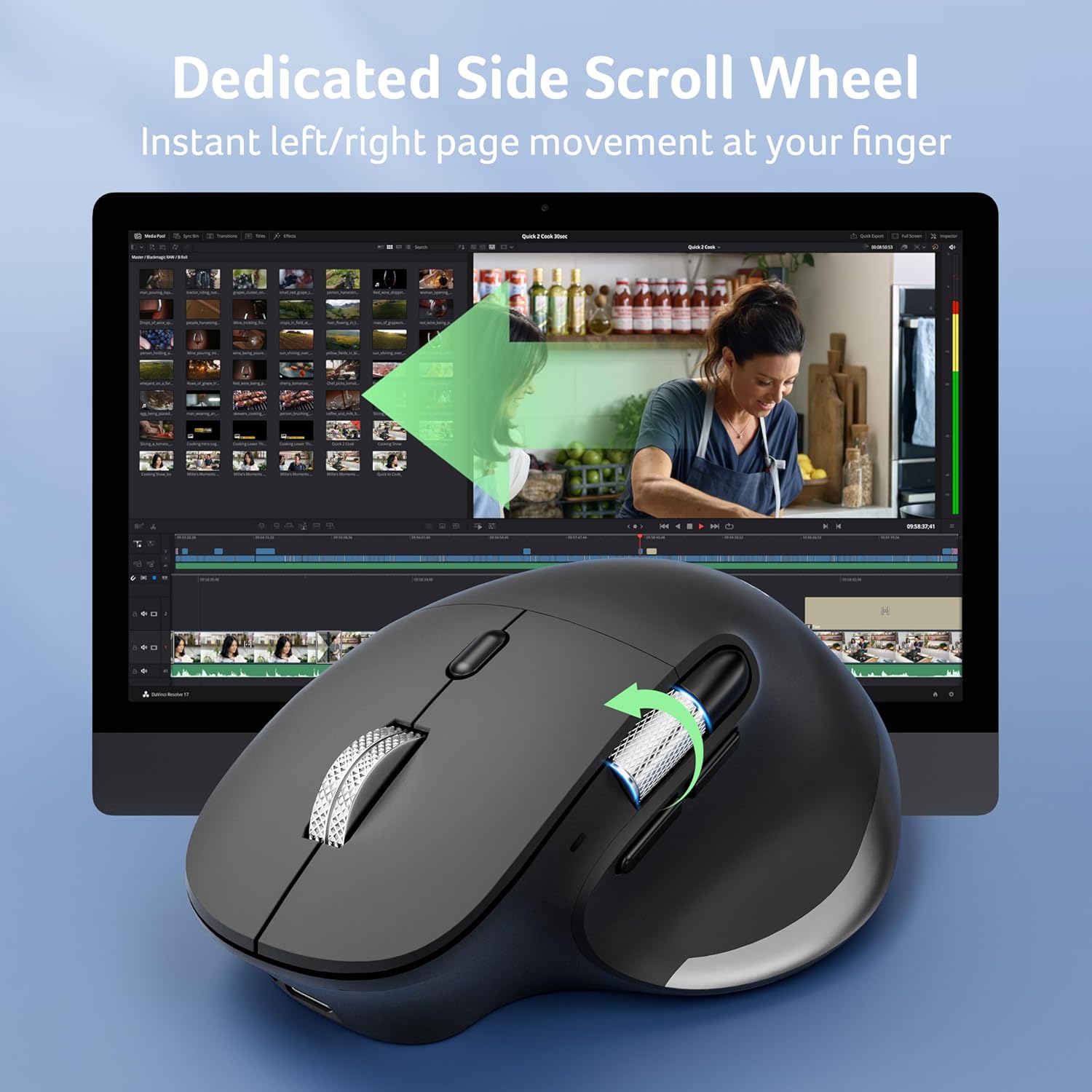
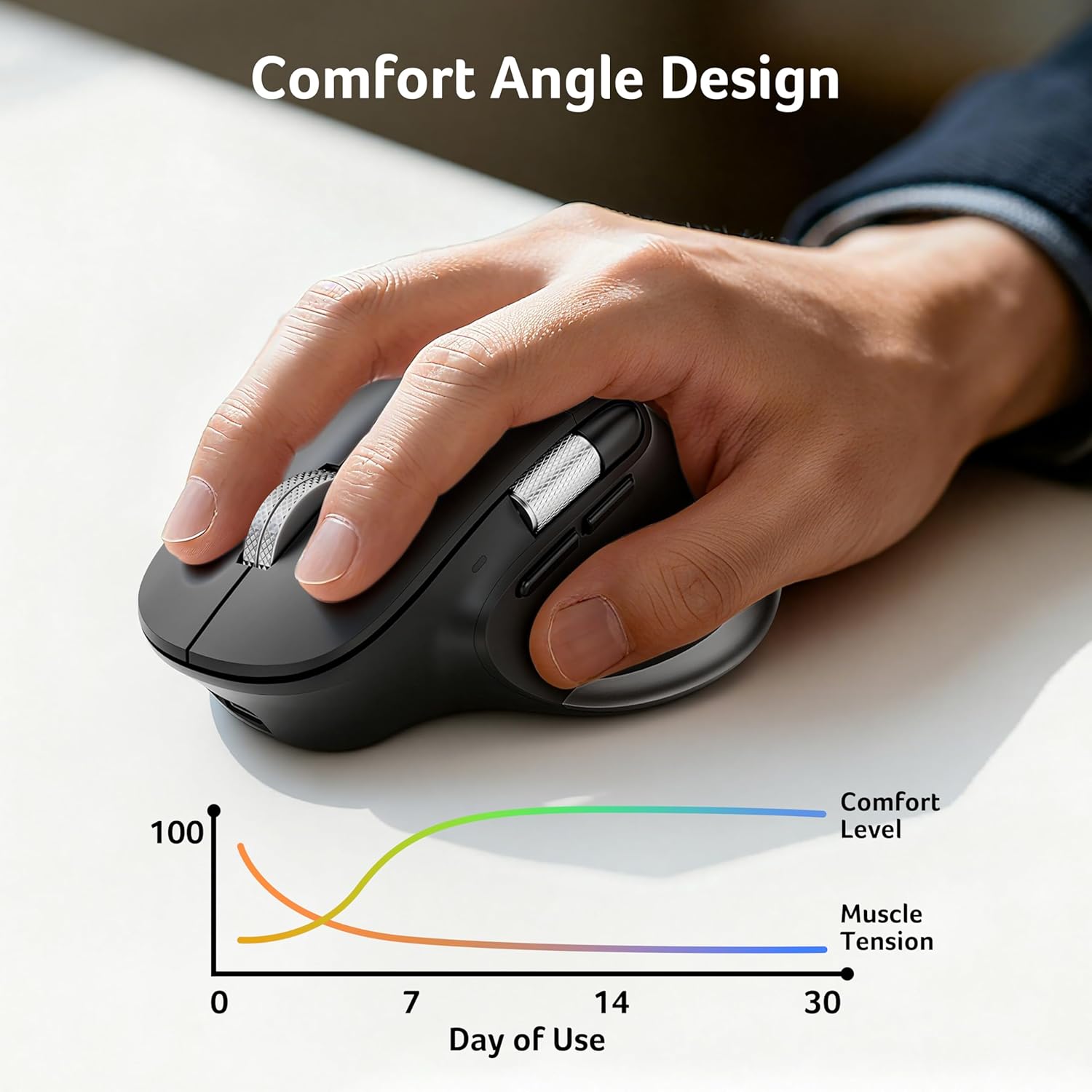
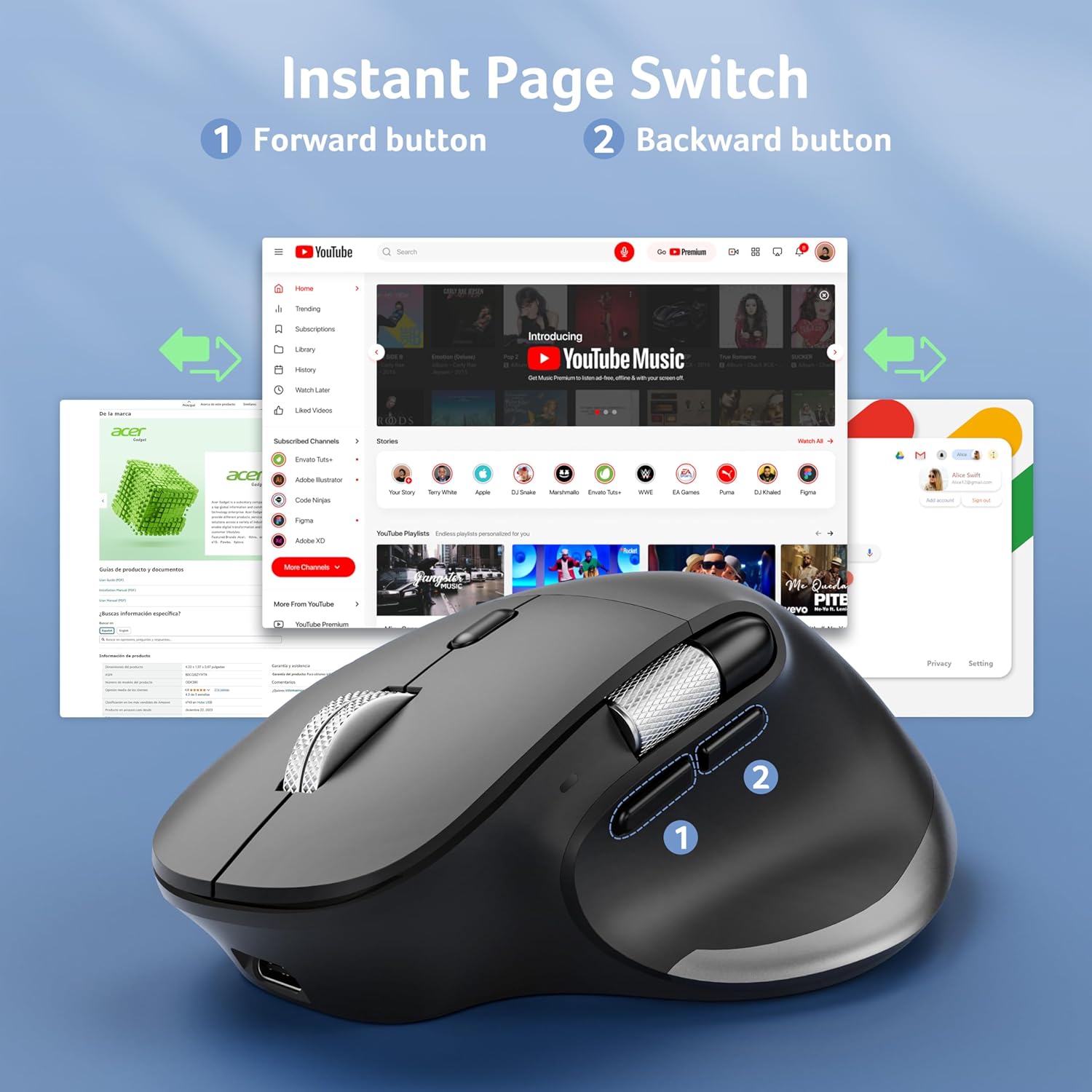
This ergonomic mouse from acer is designed to keep your hand in a more natural position, with an angled shape that supports the palm and forearm for comfort over longer sessions. The side scroll wheel makes horizontal navigation straightforward, which can be handy when you are editing documents, browsing through spreadsheets, or moving through timelines. It also includes 8 buttons, giving you more ways to operate without relying only on the standard click and scroll.
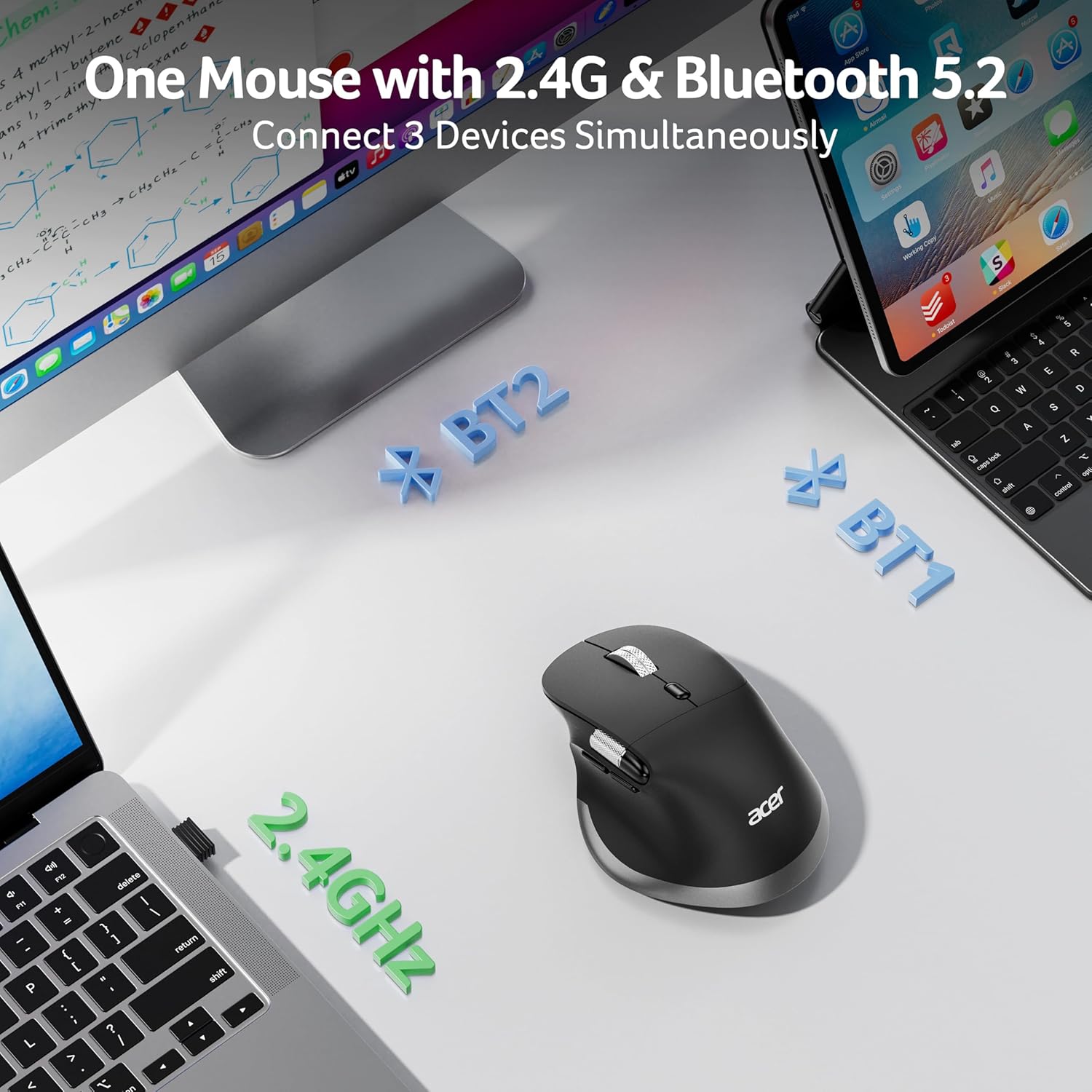
One of the standout conveniences is the ability to connect to multiple devices. The mouse lets you alternate between one 2.4 GHz connection and two Bluetooth devices, making it easier to jump between a PC and another Bluetooth enabled device without re-pairing every time. You switch with a single button located on the bottom, which keeps the workflow smooth. Do note that the Bluetooth and 2.4 GHz modes cannot be used simultaneously, so you will be choosing the connection you need at that moment.
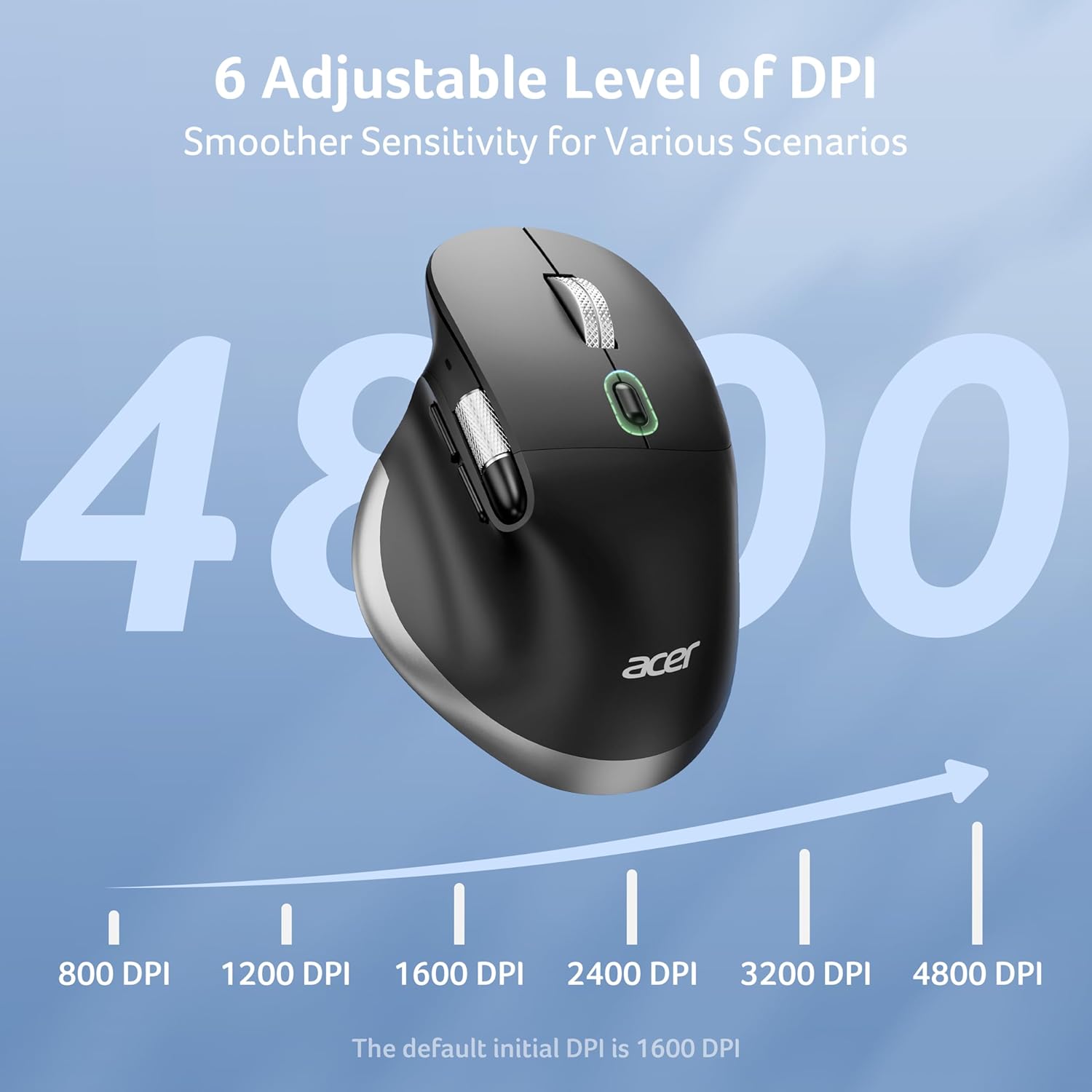
For sensitivity, the mouse offers 6 DPI levels, ranging from 800 to 4800, using a dedicated DPI button. That means you can choose a lower DPI for more controlled, precise movement or ramp up for quicker cursor travel. It is also the kind of flexibility that suits mixed tasks, such as reading or fine editing one moment and faster navigation the next 🖱️.
Tech specs
Here are the technical details you can check before buying.
- Name: acer Wireless Mouse, Ergonomic Mouse with Side Scroll
- Type: Wireless mouse with dual connectivity modes
- Display: Not specified
- Colour: Black
- Resolution: 4800 DPI maximum with 6 levels
- Buttons: 8 buttons
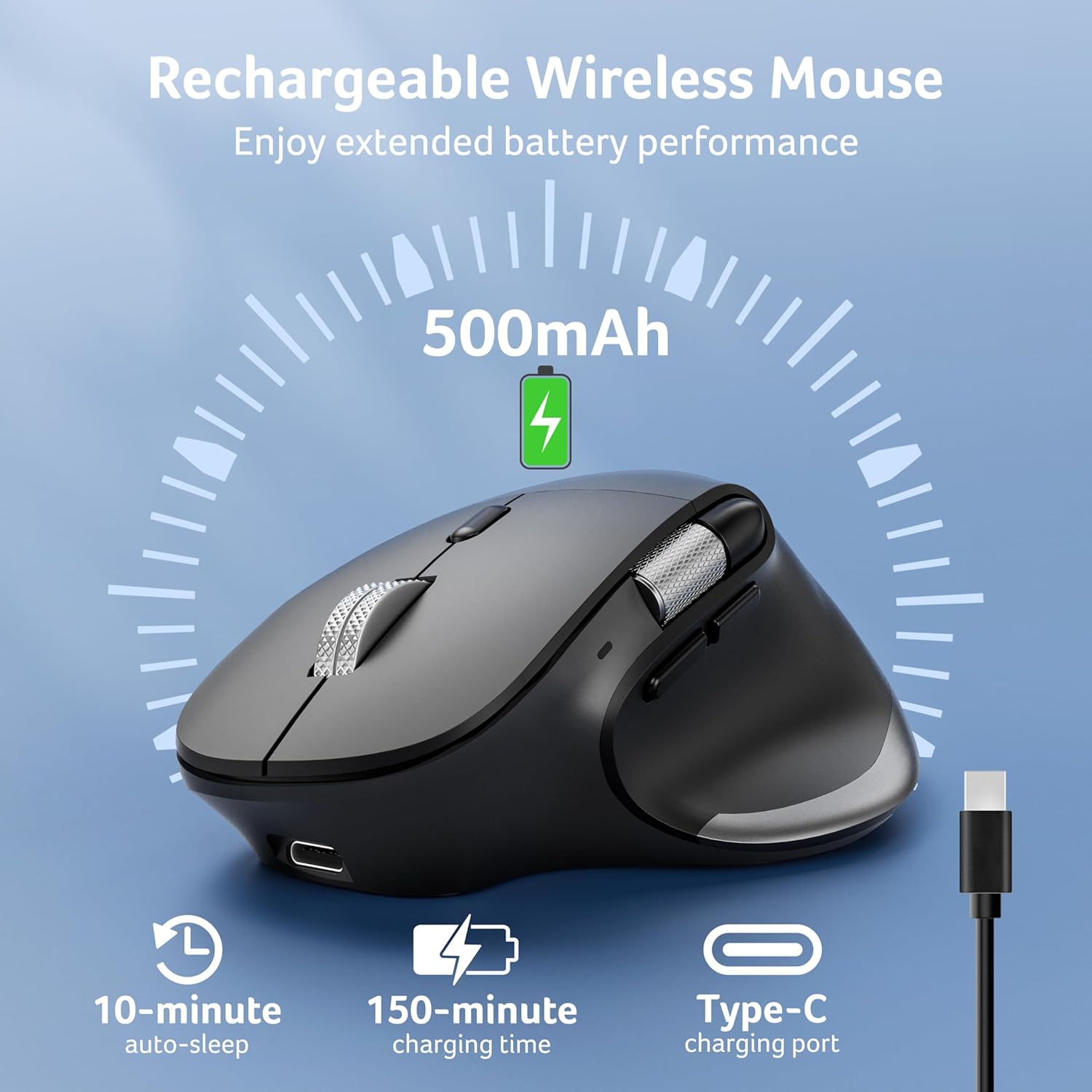
- Battery capacity: 500 mAh rechargeable battery
Pros
This mouse focuses on day to day usability rather than complicated setup. Once you have the USB receiver in place and paired Bluetooth when needed, switching between devices is straightforward through the underside button, which suits a desk where you regularly alternate between three devices. The Bluetooth 5.2 support and 2.4G dual modes give you options depending on what your devices support, and the design keeps your grip relaxed during longer work blocks.
The ergonomic shape is a practical advantage for anyone who spends hours at a computer, because it is intended to reduce wrist strain by supporting the hand and forearm more comfortably than a flatter style. The side scrolling wheel is also a genuine convenience for horizontal movement, helping you move across spreadsheets or navigate content without extra effort. If you are updating documents or working with large tables, that extra navigation control can save time over repeated vertical only scrolling 📄.
Rechargeability is another value point, since the mouse includes a built in 500 mAh battery and charges via USB C. It also enters energy saving mode after 10 minutes of inactivity, and movement wakes it instantly, so you are not constantly worrying about battery drain. The box includes a USB A to USB C charging cable, which reduces the chance you need to source a separate lead, though you may still want to keep your own desk cable tidy for convenience 🔋.
What it’s best for
It’s a good fit if you want a wireless computer mouse that can handle both Bluetooth and 2.4G connections while keeping the same grip feel for consistent control. It also makes sense if you switch between multiple devices and prefer pressing one button to change the active connection rather than redoing setup repeatedly.
You may want to skip it if you need Bluetooth and 2.4G at the same time, since the modes cannot be used simultaneously. Also note that in macOS, the side back and forward buttons are not functional for navigation, so your experience of the 8 button layout will depend on the operating system you use.