

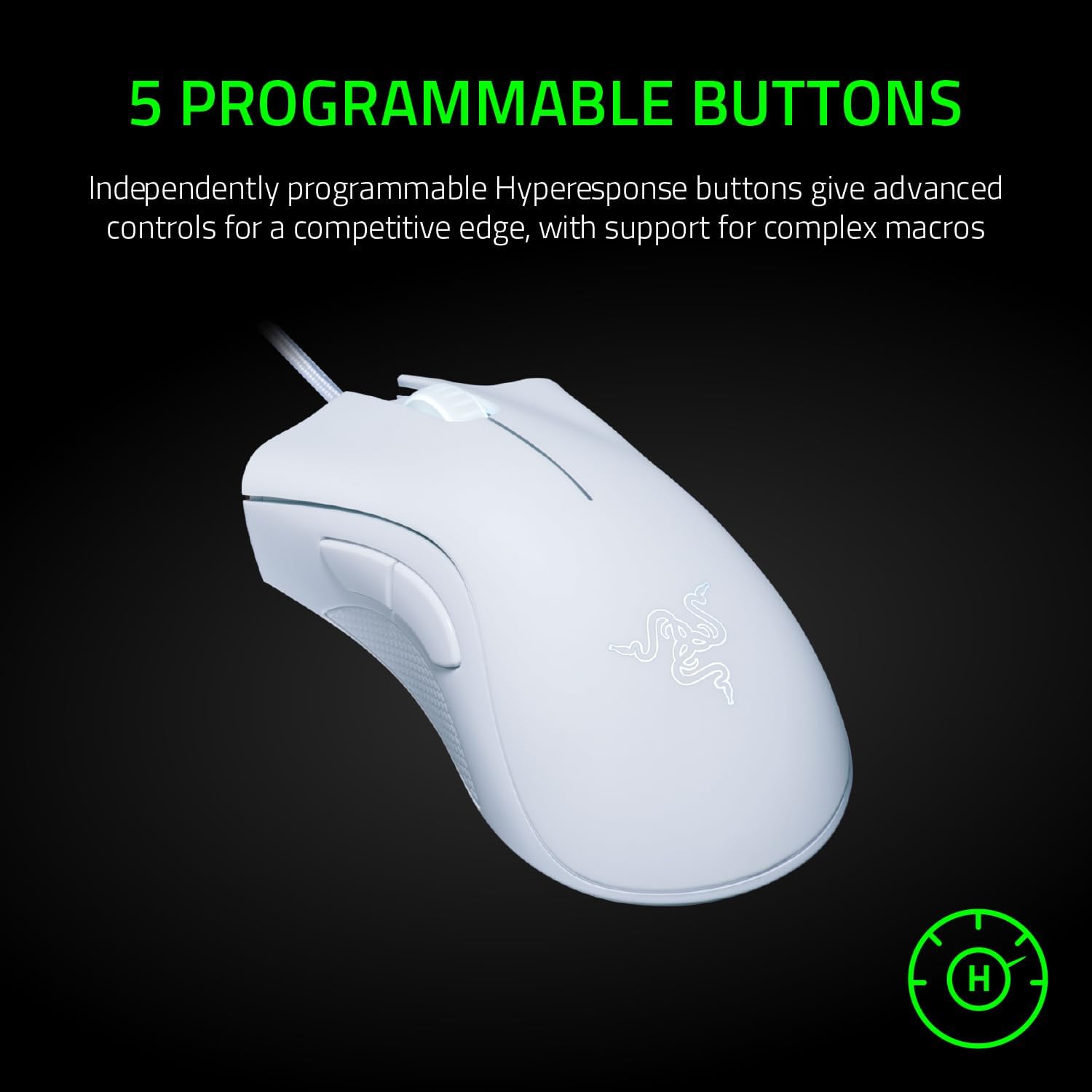
Razer DeathAdder Essential (2021) wired gaming mouse in white with 6,400 DPI optical sensor
Product description
If you want a straightforward wired gaming mouse with a comfortable shape and a sensor aimed at fast, precise tracking, the Razer DeathAdder Essential (2021) is worth a look. It’s not trying to reinvent the wheel, on paper, it focuses on responsive control, sensible ergonomics and buttons built for repeated use.
That’s the general vibe here: a mouse that should feel familiar in-hand and keep things consistent across long sessions. But it’s also the sort of model you’d want to think about carefully if you’re chasing very high-end sensor specs or lots of extra customisation—because the headline features are more about reliability and “good enough for competitive play” than about pushing beyond its category.
What you’re getting for everyday gaming
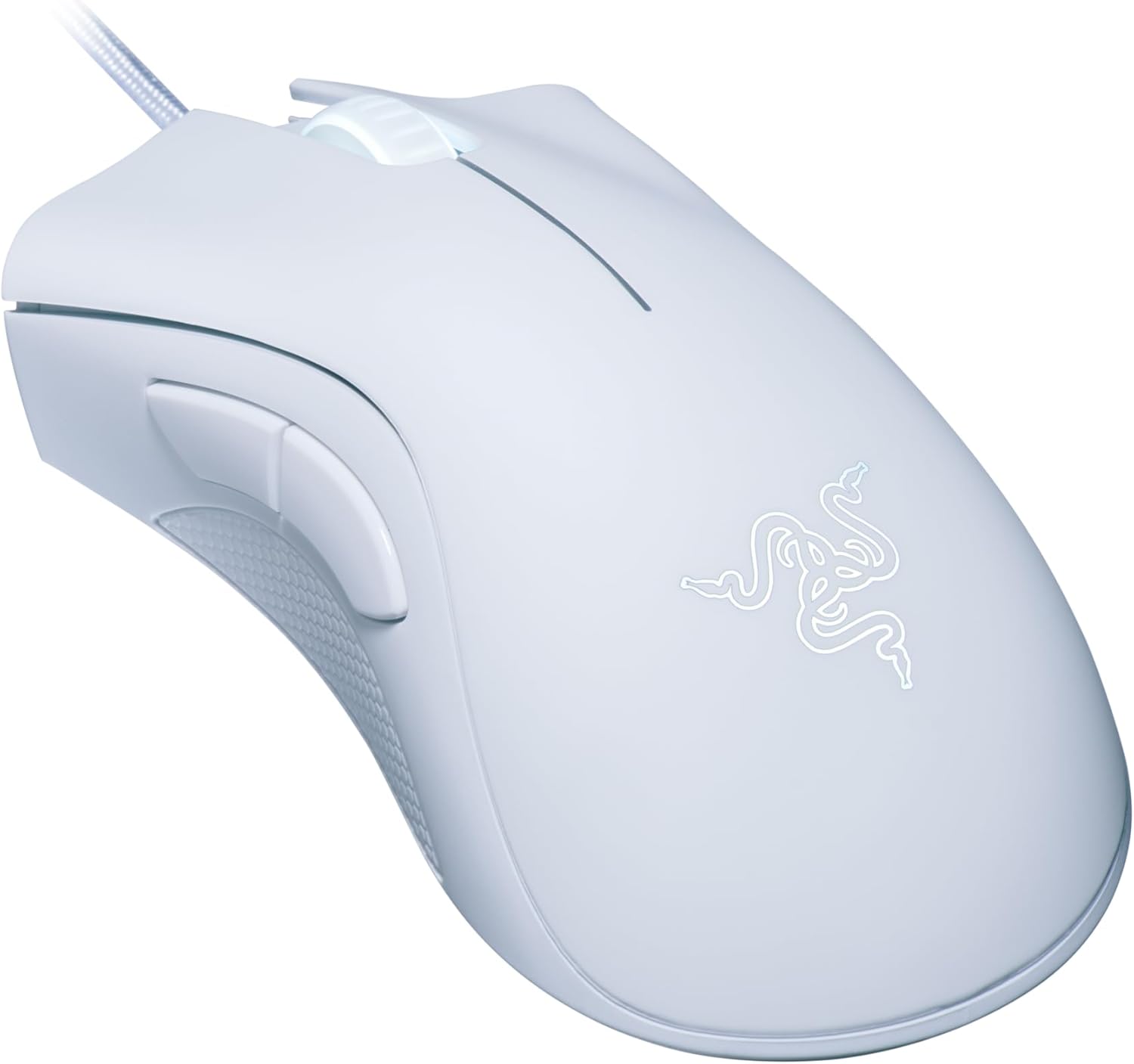
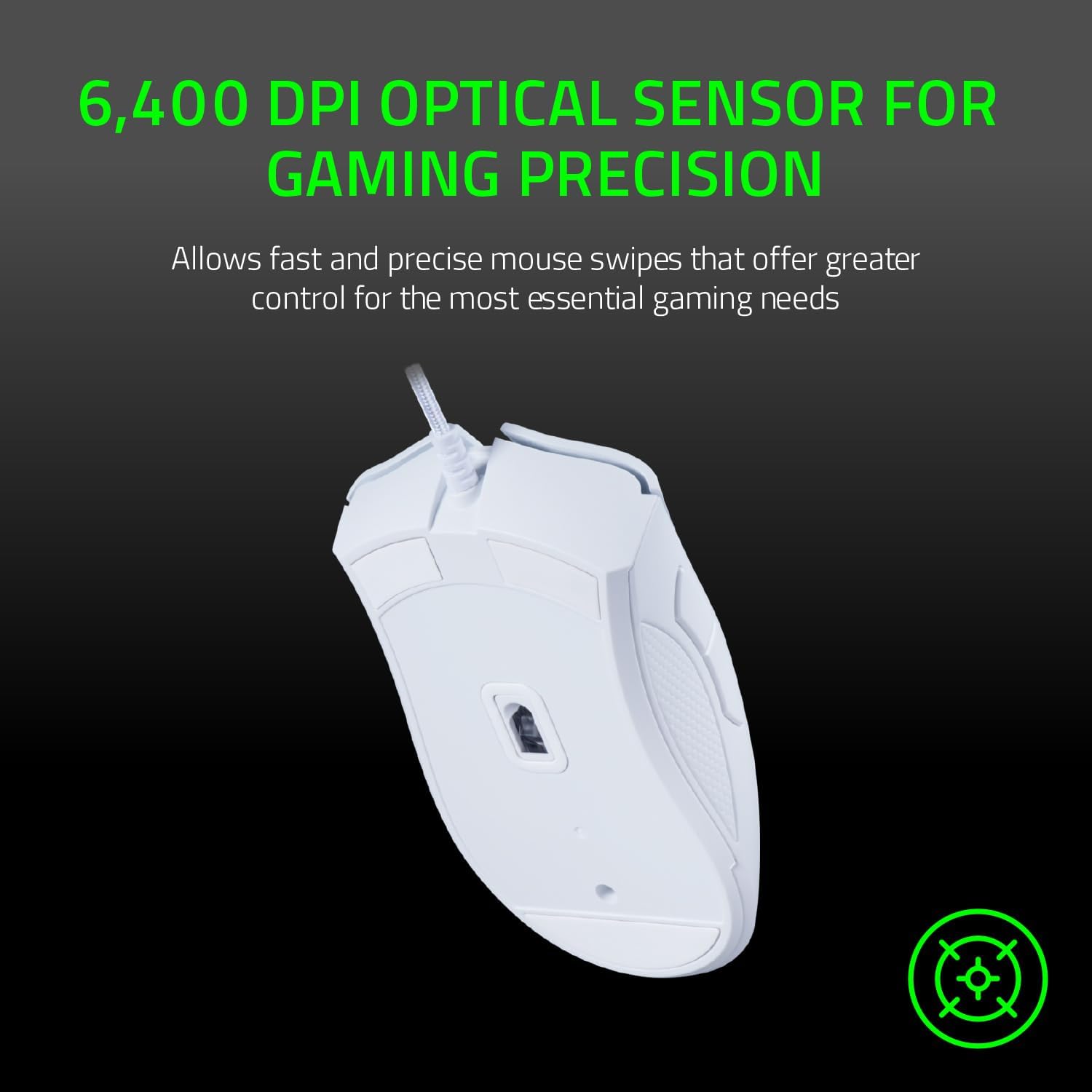
The DeathAdder Essential (2021) is a wired gaming mouse designed around quick swipes and controlled movement. The centrepiece is a “true 6,400 DPI optical sensor” described as having a proven history for fast and precise swipes. In practical terms, that’s aimed at smoother cursor movement during moments where you need to drag or flick accurately rather than just “move steadily”.
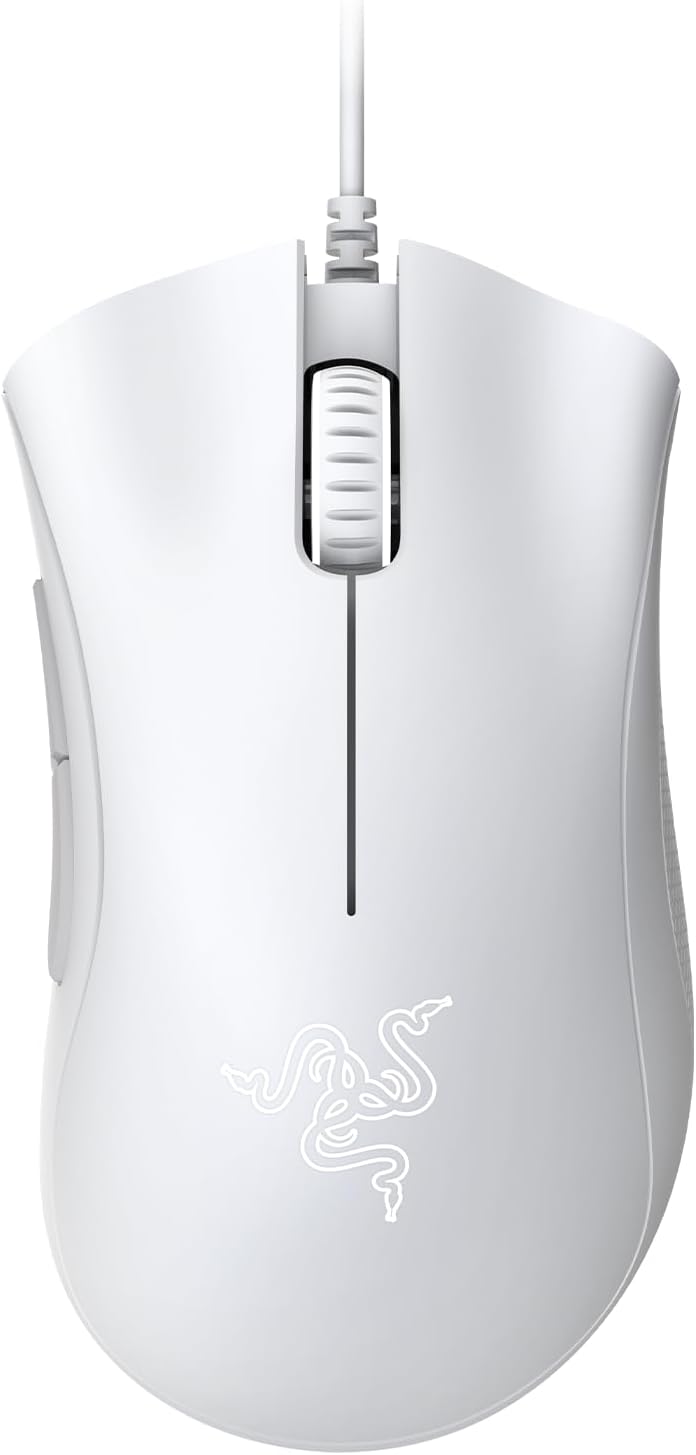
It also uses an ergonomic form factor that’s intended to support comfort during longer gaming marathons. So if your usual issue isn’t performance but fatigue—wrist strain, hand cramping, or awkward grip positions—this is the kind of shape you’d hope makes sessions feel more natural.
A small but noticeable detail is the textured scroll wheel with rubberised, tactile bumps. That’s the sort of thing you don’t fully appreciate until you’re trying to scroll reliably in-game when things get busy.
The essentials: control, comfort and repeatable clicking
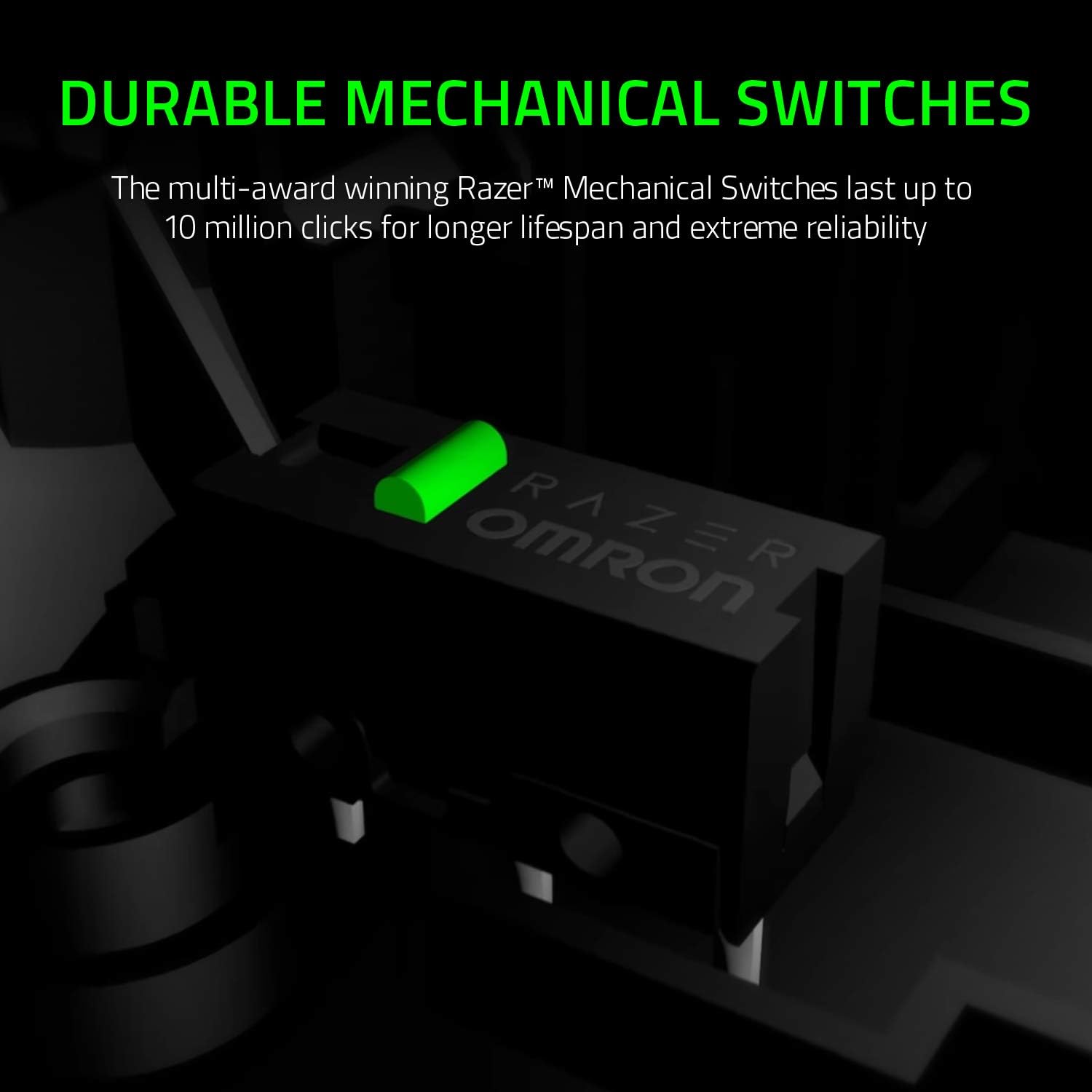
Where this mouse leans into a “buy it and keep using it” approach is its durability story. The 5 Hyperesponse buttons are stated to be tested for up to 10 million clicks. The description also mentions durable mechanical switches rated for up to 10 million clicks, positioning this as a mouse built to withstand intense, repeated use.
There’s a sensible overlap between those claims: buttons that are meant to feel consistent over time, plus mechanical switches intended for extreme reliability. It’s not a promise you can verify from the product text alone, but it does show the manufacturer is thinking about lifespan rather than just launch-day performance.
What you’ll notice in use (and what you might not)
In day-to-day terms, expect the DeathAdder Essential to feel focused on movement accuracy first: optical sensor tracking tuned for fast and precise swipes, plus an ergonomic body to keep your grip stable across longer rounds.
Still, it may not feel like the “best choice” for everyone. If you’re the type of player who needs more than 5 programmable buttons for complex keybind setups, or you’re specifically shopping for heavier advanced features beyond what’s listed here, you could find it a little restrictive. It’s a more grounded, mid-range-style pick rather than a fully loaded esports spec.
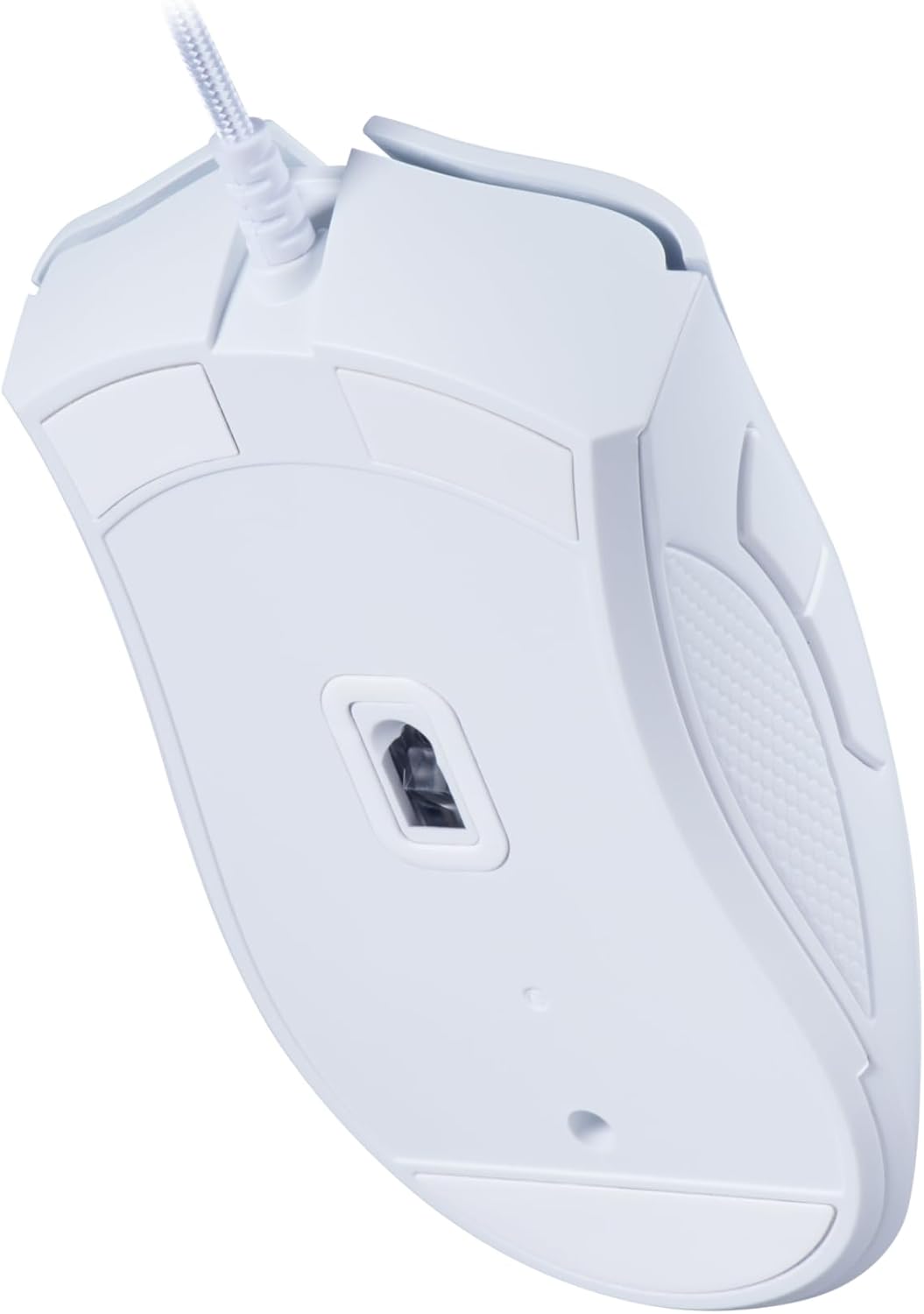
Also, because it’s wired, it suits desks and setups where you don’t mind a cable. If you’re primarily chasing freedom of movement on the go, a wired mouse can feel like a trade-off.
Key takeaways for buyers

- If your priority is fast, precise movement control with a 6,400 DPI optical sensor, this fits the brief.
- If you value comfort for extended sessions, the ergonomic form factor is the angle to look at.
- If you want a mouse with durability messaging around mechanical switches and click testing, that’s clearly part of the pitch.
Worth noting: the information provided doesn’t mention sensor refresh rate, weight, or software features, so you’ll want to double-check what matters to you (for example, how it feels in hand, and how many in-game actions you realistically need bound).
Is it worth it?
This is a solid pick if you want a wired gaming mouse designed around controlled swipes, ergonomic comfort, and buttons/switches positioned for long-term use. It makes sense for players who appreciate reliability and a straightforward setup rather than chasing every last feature.
You may want to skip it if you need more programmable buttons for complex layouts, you’re sensitive to wired cable setups, or you’re expecting detailed performance specs beyond what’s stated (since the key details here are mainly sensor DPI, comfort shape, and durability testing).
If you’re comparing it against “simpler office mice,” the gaming-focused sensor and button click focus are the practical reasons to pay attention. If you’re comparing it against fully-featured gaming mice, the decision comes down to whether you can live with the feature set described here.
Mini FAQ
What is the sensor like on the DeathAdder Essential (2021)?
The product description highlights a true 6,400 DPI optical sensor aimed at fast and precise swipes.
How many programmable buttons does it have?
It features 5 programmable Hyperesponse buttons.
Is it designed for long gaming sessions?
Yes—the ergonomic form factor is specifically mentioned as a comfort-focused design for extended hours.
Does it claim good durability?
The description states the Hyperesponse buttons are tested for up to 10 million clicks, and it also mentions mechanical switches last up to 10 million clicks.
Does it include a textured scroll wheel?
Yes, the scroll wheel is described as rubberised with small tactile bumps to improve grip and control.