

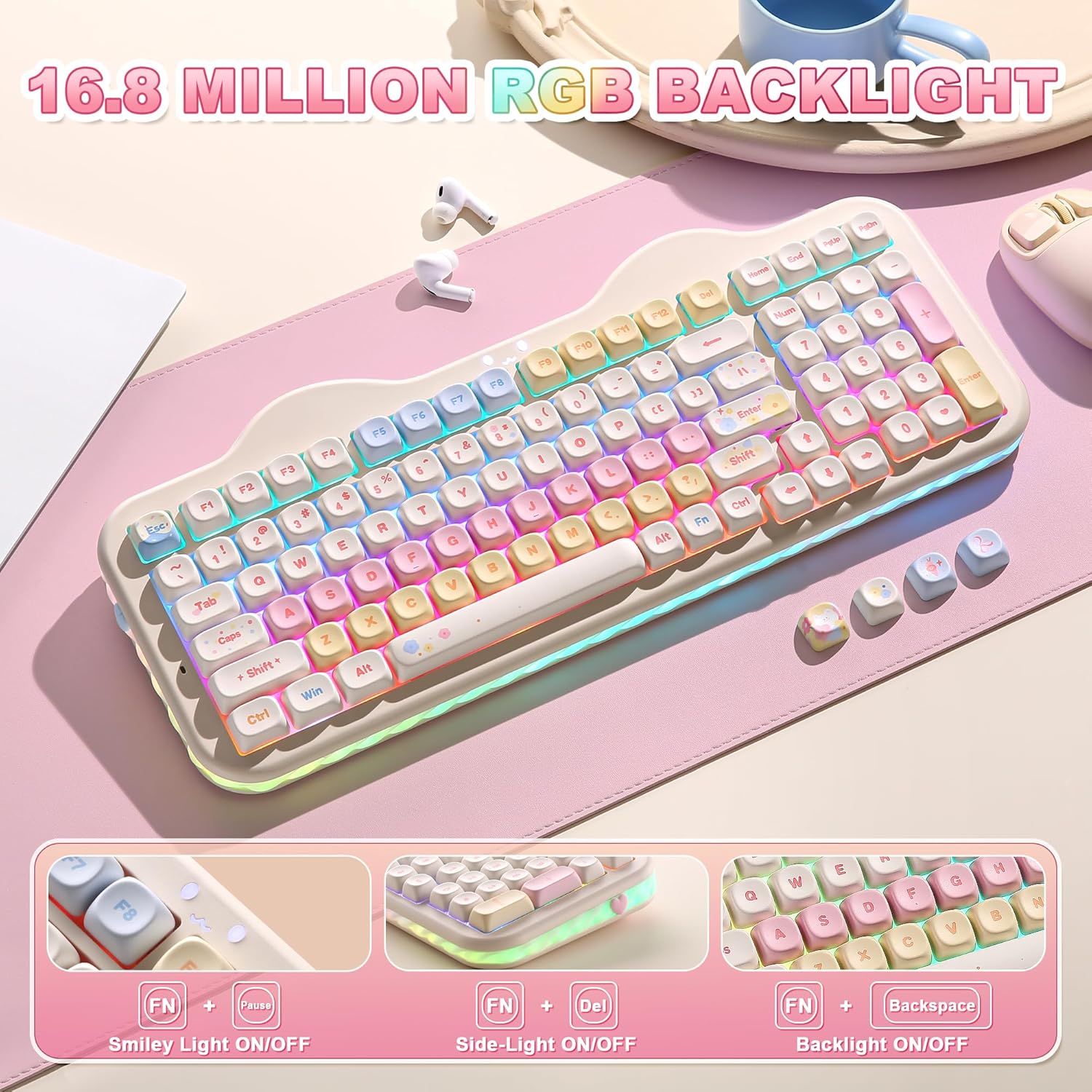
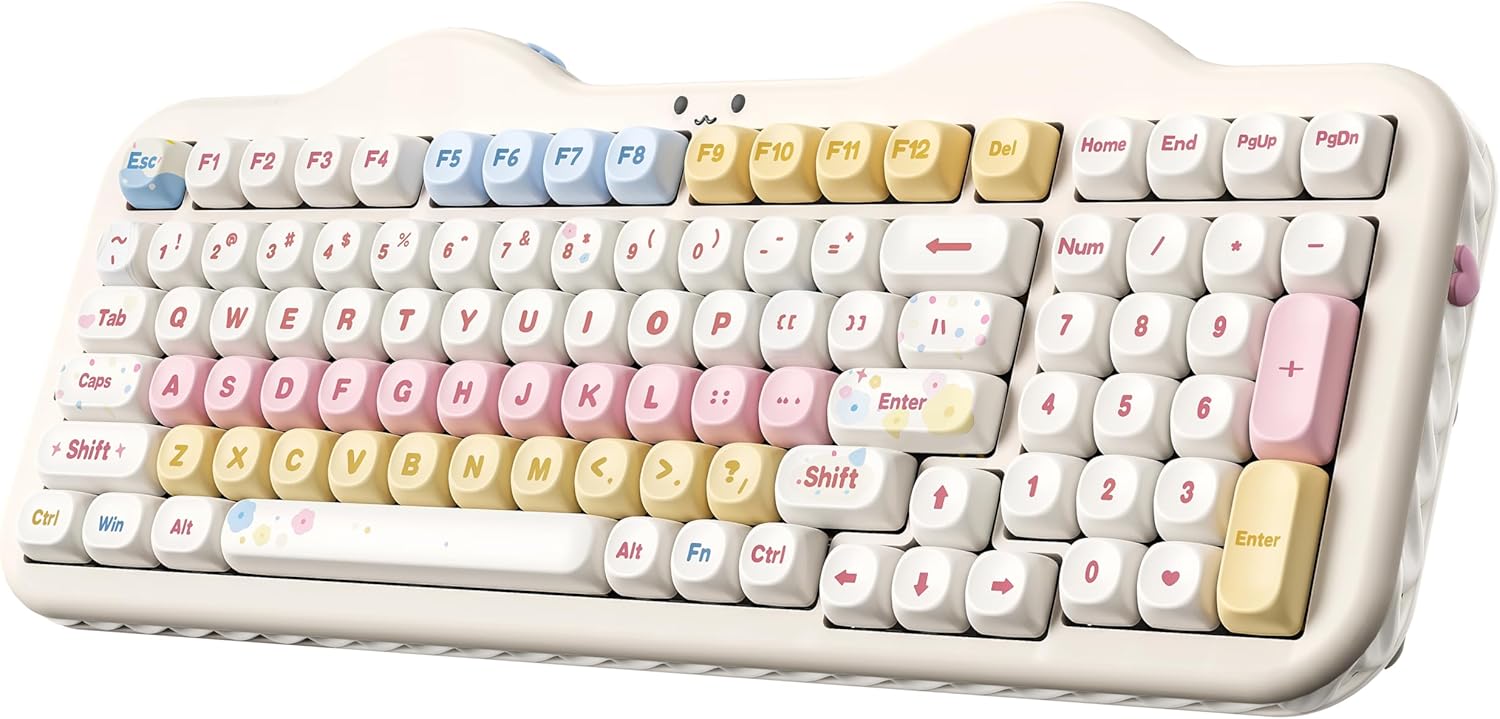
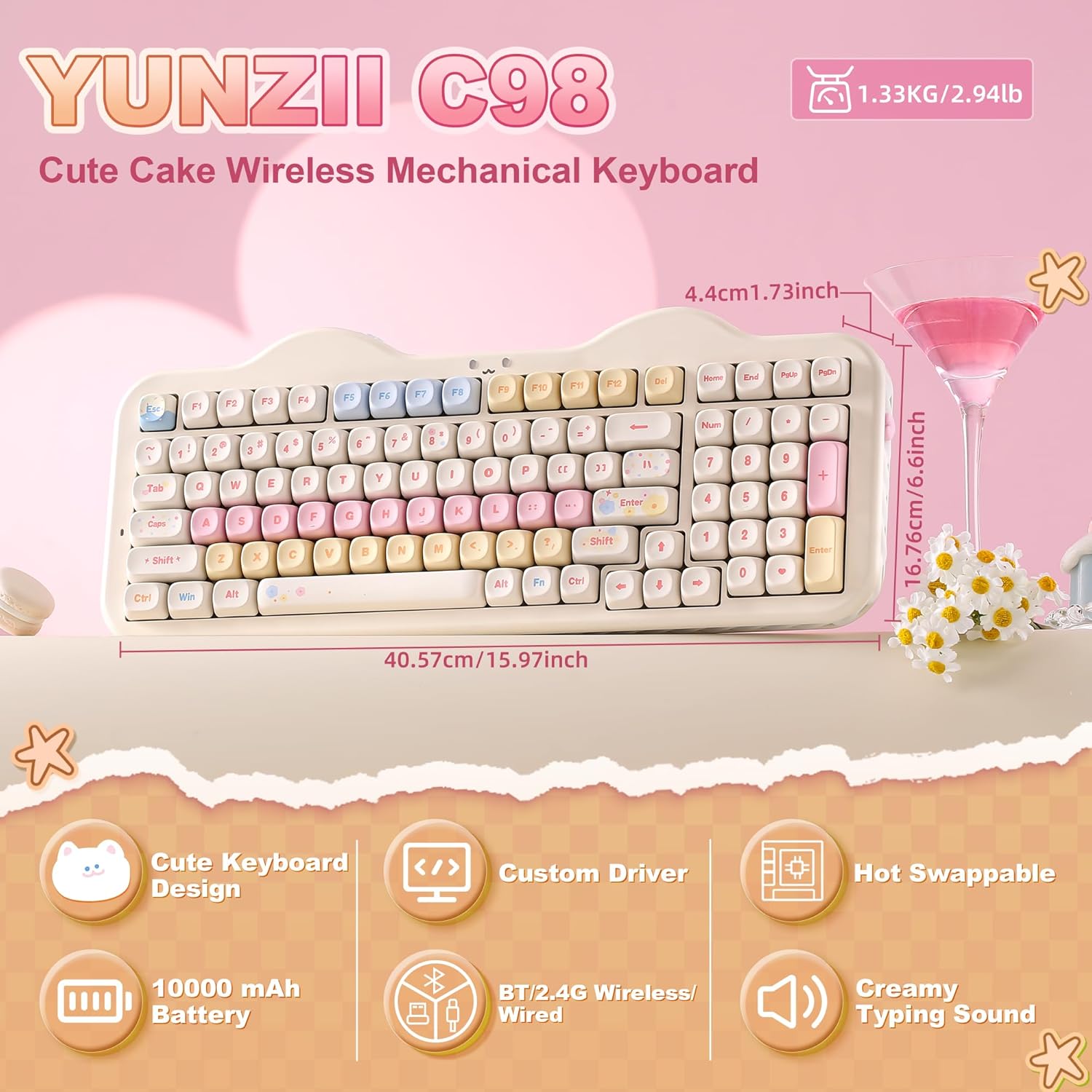
YUNZII C98 Wireless Mechanical Keyboard with Number Pad – 98 Key, Tri-Mode, Gasket Mount, Beagle Beige Candy Linear Switch
Product description
What this is and who it suits
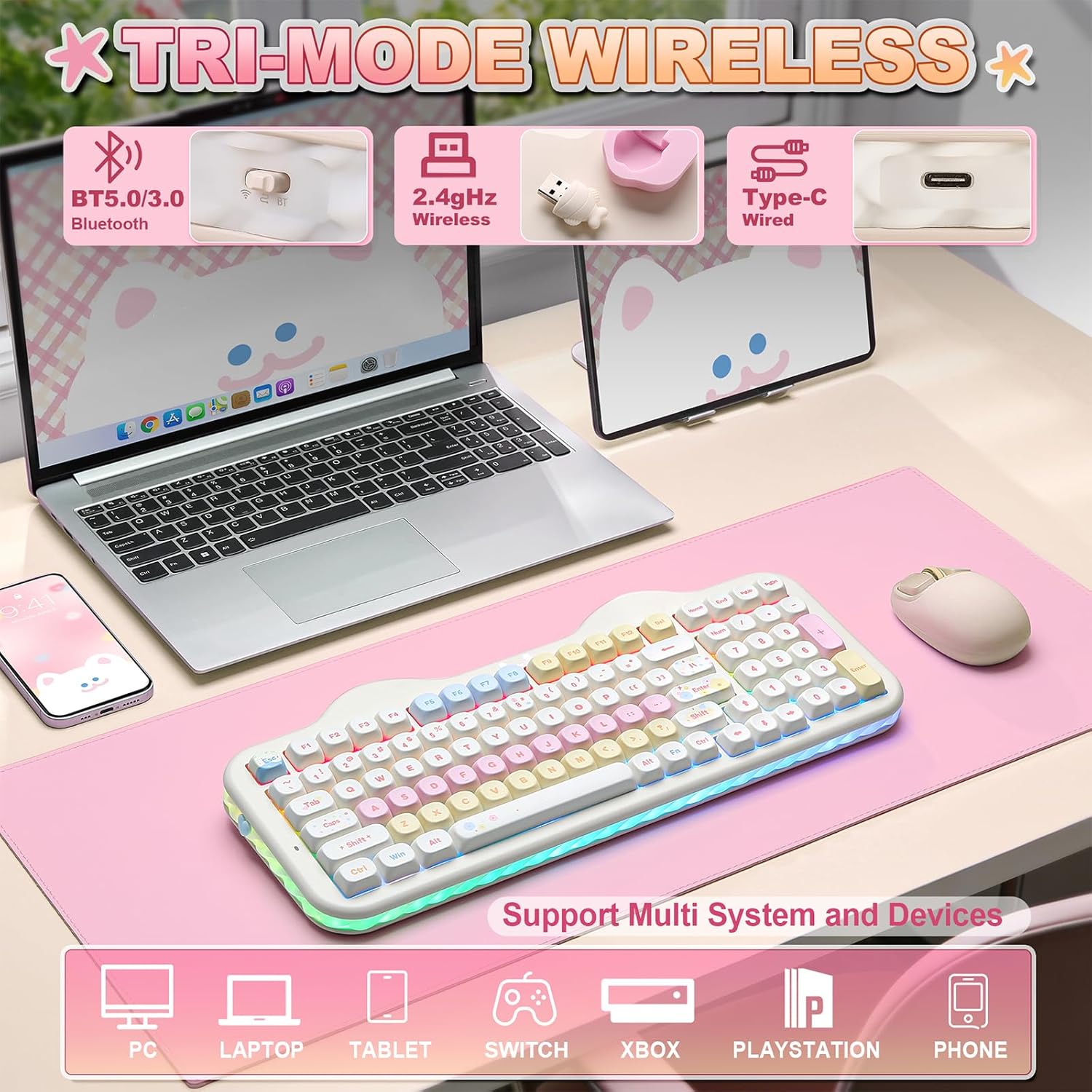
The YUNZII C98 is a wireless mechanical keyboard with a dedicated numeric keypad, designed to blend a playful cake-themed aesthetic with solid, practical features. It supports Bluetooth 5.0, 2.4GHz wireless, and USB-C wired connections, allowing you to use it across multiple devices and operating systems. If you value a compact 98-key layout that still offers a full number pad, and you want a keyboard that looks distinct on a desk without compromising on typing quality, this model is worth considering.
How it feels and sounds
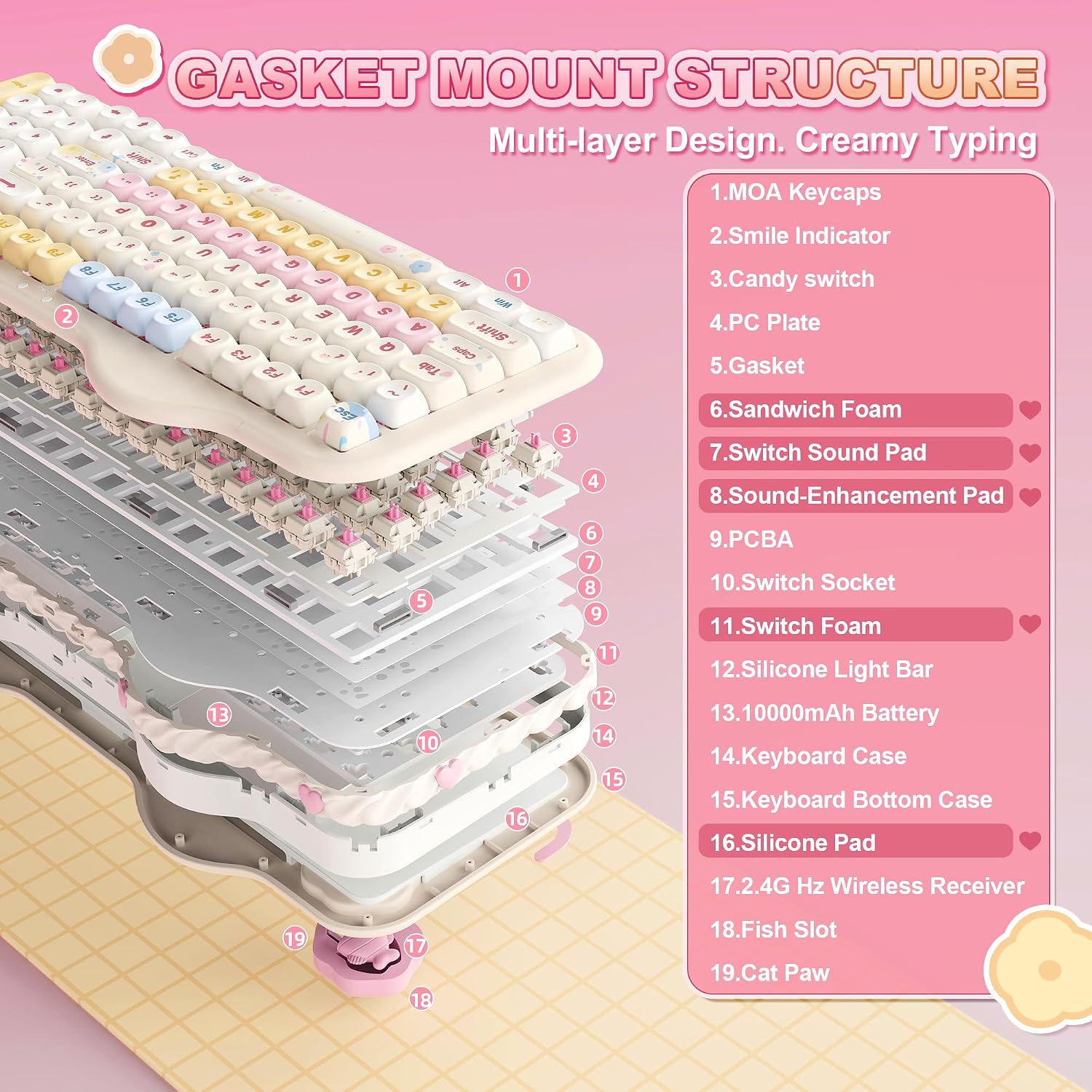
Built on a gasket mount with multiple sound-absorbing layers and silicone padding, the C98 aims to reduce rattle and produce a softer, steadier keystroke profile. The factory-lubed creamy linear switches are tuned for a quiet, smooth feel with a gentle acoustic character. It’s not a loud board, and the overall experience leans toward a calm, creamy feedback rather than a sharp click. If you prioritise a tidy, understated sound, this setup should be agreeable.
Connectivity and compatibility
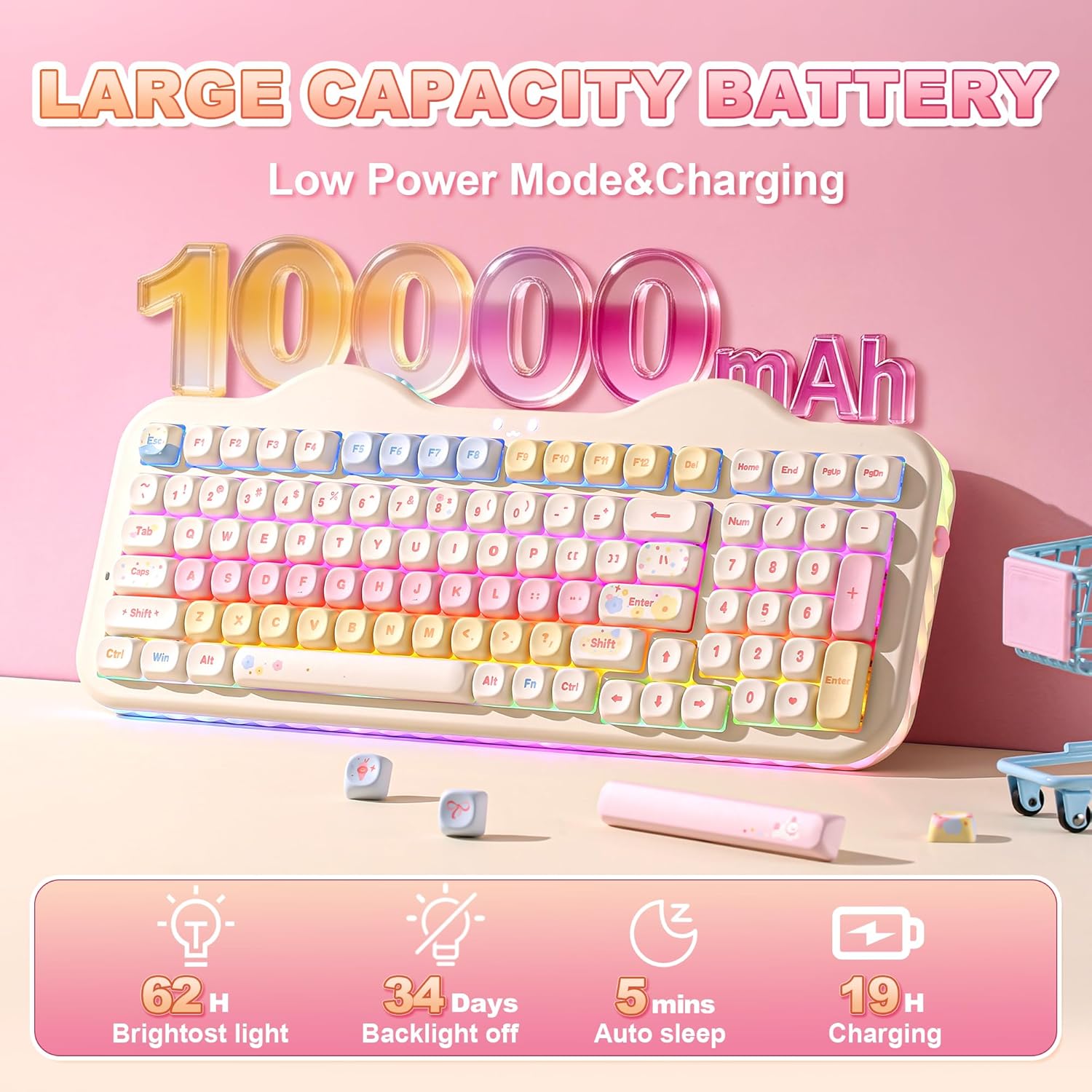
Tri-Mode connectivity is a clear strength here: Bluetooth 5.0 for wireless pairing, 2.4GHz for a lower-latency wireless option, and USB-C for wired use. The keyboard can connect to up to five devices simultaneously and works with PC, Mac, iOS, and Android. A sizeable 10000mAh battery promises long sessions away from a power socket, though real-world endurance will depend on usage, especially if you keep RGB lighting active.
Customisation and software
Out of the box, it ships with easy-to-adjust RGB lighting and a 360° side lighting effect. The web-based software (Windows/Mac compatible) makes it straightforward to remap keys, set macros, and craft lighting profiles. A highlight for enthusiasts is the hot-swappable PCB, which supports both 3-pin and 5-pin switches without soldering. This invites experimentation with different switches to tailor tactility and sound to your taste.
Build quality and aesthetics
The C98 keeps the cute cake theme while delivering a more substantial typing experience thanks to its larger footprint and numeric keypad. The included accessories—decorative stickers, extra keycaps, a dust cover and a keycap puller—enhance its gifting appeal and make setup feel complete. If the look matters as much as the function, this blend of charm and practicality may fit a wide range of desks—from home offices to gaming setups.
What you’ll notice in day-to-day use
In everyday tasks like typing, spreadsheet work, or light gaming, you’ll benefit from the ergonomic profile and the ability to switch seamlessly between devices. The gasket mount and lubed switches should feel forgiving during long sessions, with less fatigue compared to stiffer, louder boards. That said, if you demand the absolute brightest RGB or ultra-high-end gaming performance, there are faster or more feature-rich options, this keyboard aims for a balanced, all-rounder appeal.
Potential limitations to consider
There are a few practical caveats. Battery life is partly dependent on how you use the RGB lighting and wireless mode, heavy RGB use will shorten runtime. The 98-key layout, while space-efficient, includes a dedicated numeric keypad that not everyone will want on a compact desk. Some users may prefer a pure wired set-up for competitive gaming, for them, the wireless versatility is still valuable but not essential.
Who this is for, and when to buy
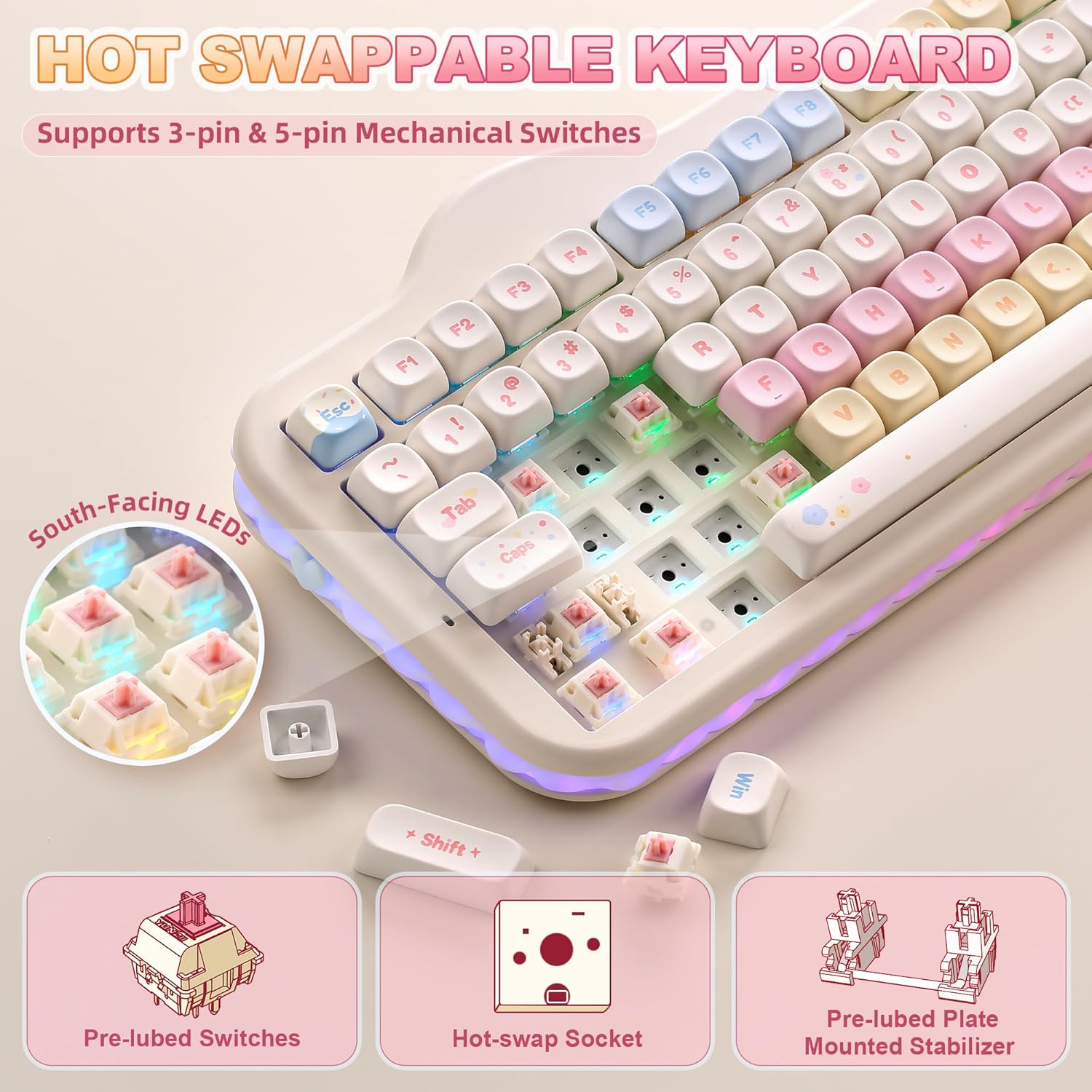
If you like a friendly, distinctive aesthetic and want a versatile keyboard that can double as a productive workhorse and a casual gaming tool, the C98 offers a compelling package. It’s particularly suited for users who want tri-mode connectivity, a hot-swappable PCB for switching sounds and feels, and a generous software-controlled lighting system. It’s less ideal if you require top-tier broadcast gaming latency, maximum RGB brightness, or a form factor that omits the number pad entirely.
What to check before purchasing
- Ensure your primary devices align with Bluetooth 5.0, 2.4GHz wireless, or USB-C wired use.
- Consider your preference for switch feel, creamy linear may suit those after quiet, smooth keystrokes, but try to verify switch compatibility if you plan to swap.
- Think about keyboard size on your desk, the 98-key layout adds a numeric pad compared with 87-key boards, which impacts space usage.
- If you plan to use heavy RGB, estimate battery life and charging routine accordingly.
Practical usage example
Imagine composing emails on a laptop while occasionally switching to a tablet for notes. With its multi-device pairing, you can switch without unplugging, and the gasket-mounted design helps keep typing pleasant after hours of work. When you need to crunch numbers, the numeric keypad sits within easy reach, without dragging in extra cables or adapters.
FAQ
- Is this keyboard suitable for Windows and Mac? Yes, it’s designed to work across PC, Mac, iOS and Android with its tri-mode connectivity.
- Can I swap the switches? Yes, the PCB is hot-swappable for both 3-pin and 5-pin switches, enabling you to experiment with tactility and sound.
- How does the battery perform with RGB on? Battery life depends on usage, heavier RGB activity will reduce runtime compared to a plain, unfurled lighting profile.
Is it worth it?
Worth considering if you value a distinctive, cake-themed aesthetic combined with practical tri-mode connectivity, a hot-swappable design, and a dedicated numeric keypad. It may not be the best match if you prioritise the absolute lowest latency for competitive gaming or if you want a compact board with no numpad. Overall, it sits comfortably in the mid-range for features, with a clear emphasis on customisation and daily versatility.