

AULA F2088 Typewriter-Style Mechanical Gaming Keyboard with Blue Switches, Media Knob & Removable Wrist Rest (108-key wired, black)
Product description
The essentials
If you like your mechanical keyboard to feel “snappy” and a bit more tactile than the typical linear switches, the AULA F2088 is built around that idea. It’s a typewriter-style, gaming-leaning board with blue switches, retro round keycaps, rainbow backlighting, and a few practical extras like a media control knob and a removable wrist rest.
On paper, it targets people who want fast, responsive key presses for games, but who also still want something that feels good for everyday typing. It’s not trying to be subtle: the stepped, “floating” round keycap design is meant to guide your fingers, and the clicky blue-switch sound is part of the experience.
Key takeaways
What to know about the feel and typing
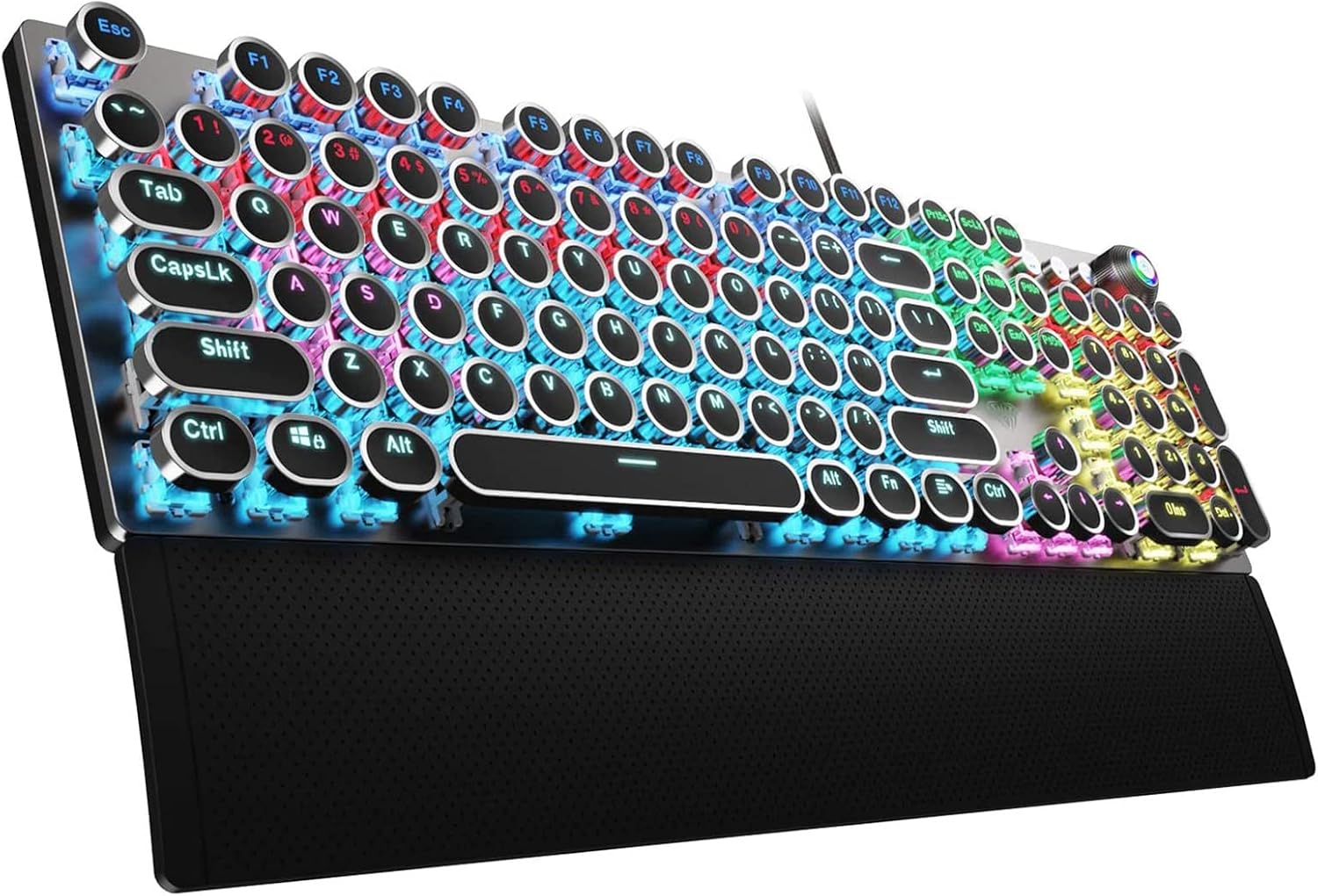
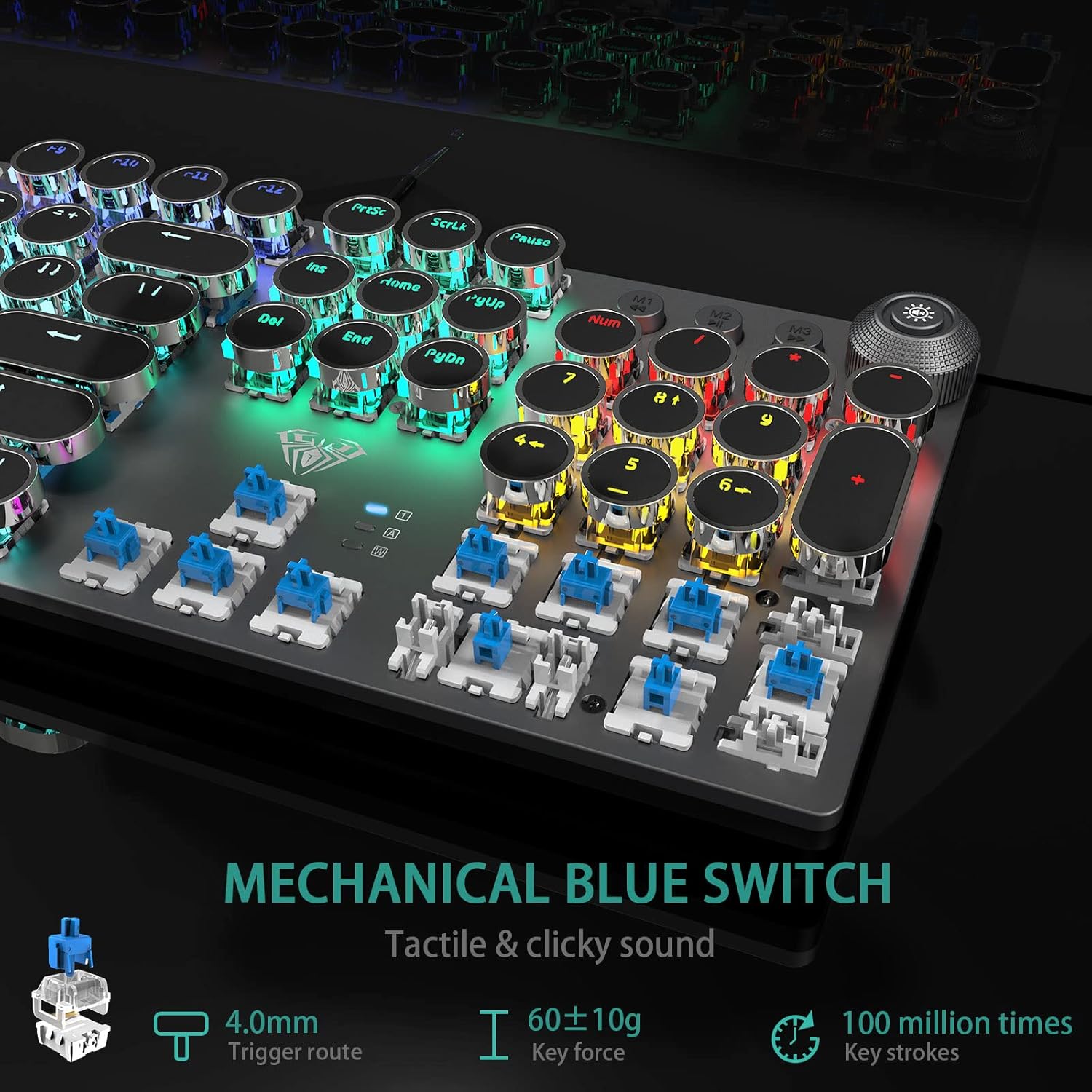
The biggest differentiator here is the blue switch behaviour described in the base info: a quicker, springier response with a crisp click sound and tactile feedback. That usually translates (in real use terms) into a more noticeable “confirm” when you press a key—handy if you want feedback as you play or type, but potentially annoying if you share a desk or dislike audible clicky switches.
The retro round keycaps are positioned to reduce fatigue and wrong typing, according to the description. The stepped, floating fit is specifically called out as helping finger placement, which is the kind of detail that can matter more than people expect if you do lots of short bursts of gaming or fast text work.
One small caveat: if you’re looking for a quiet keyboard, this doesn’t really go that direction. The click sound is explicitly part of what you’re buying.
Where it stands out day to day
You get a few “gaming keyboard extras” that can actually be useful rather than purely aesthetic.
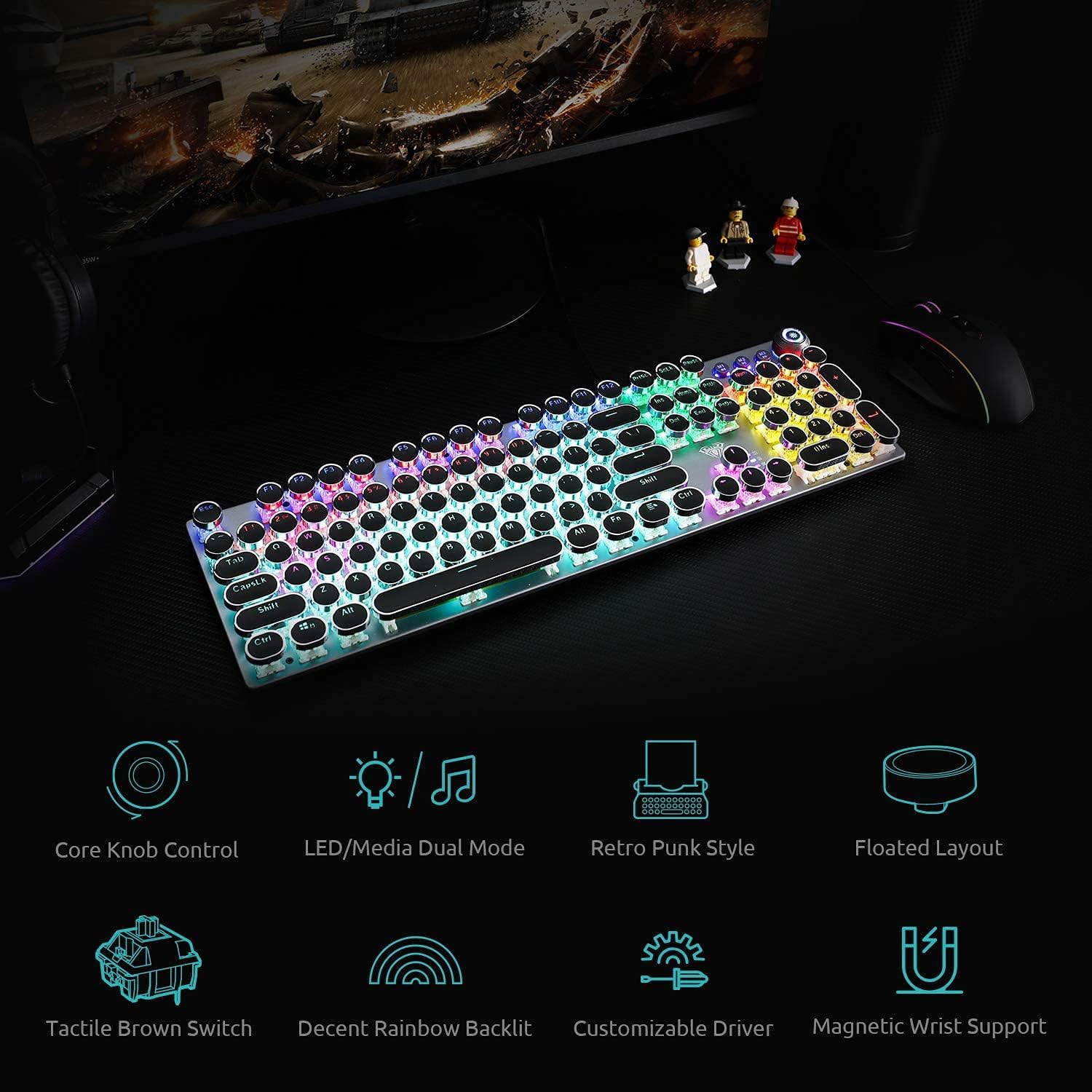
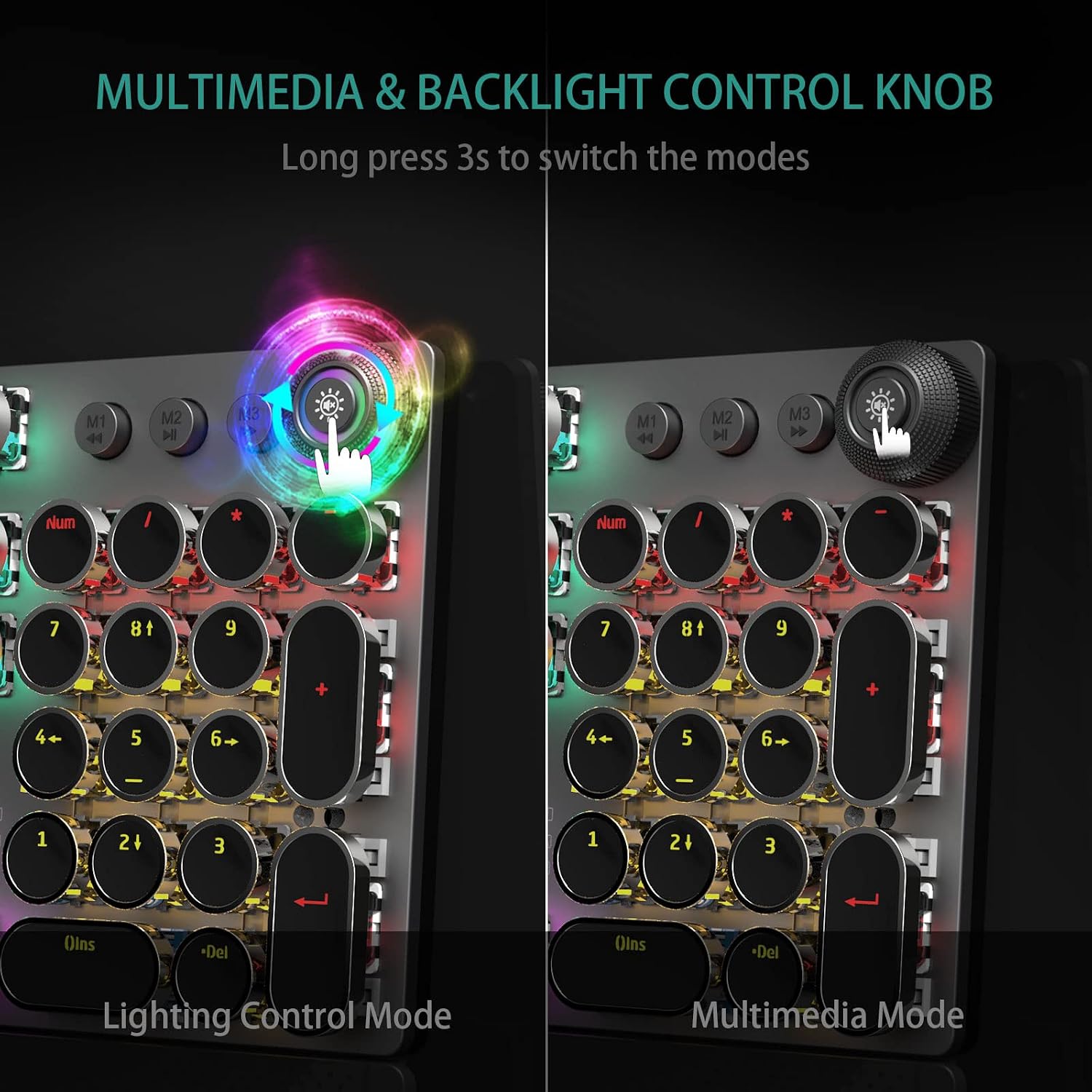
- Media control knob: there are dedicated controls for media, including media volume and playback controls, plus quick access to backlight settings.
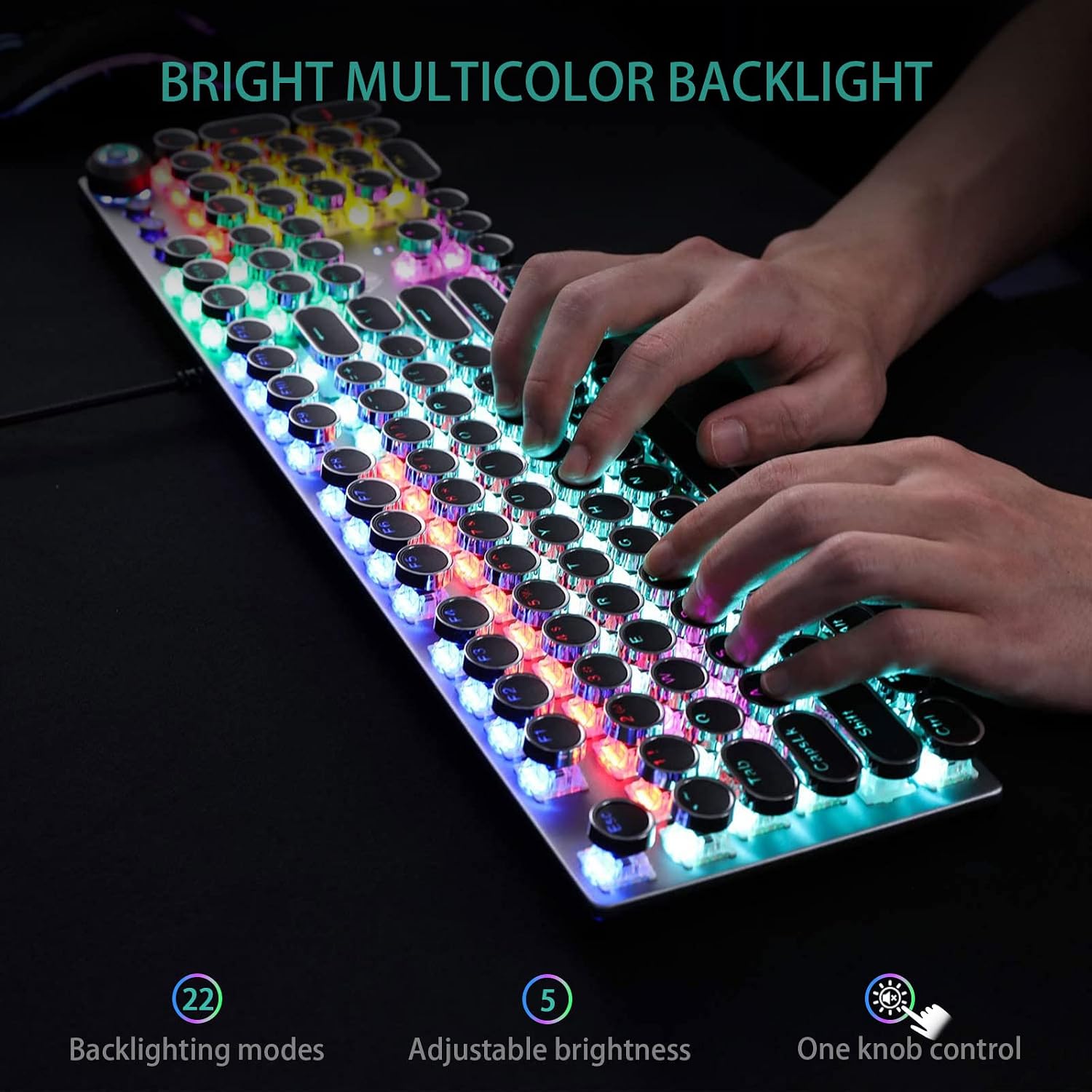
- Backlighting control: the description says you can switch between 19 RGB lighting effects and adjust brightness and speed, plus create 3 custom backlight settings.
- Wired connection with plug-and-play: the keyboard is described as USB wired with no driver or software requirement.
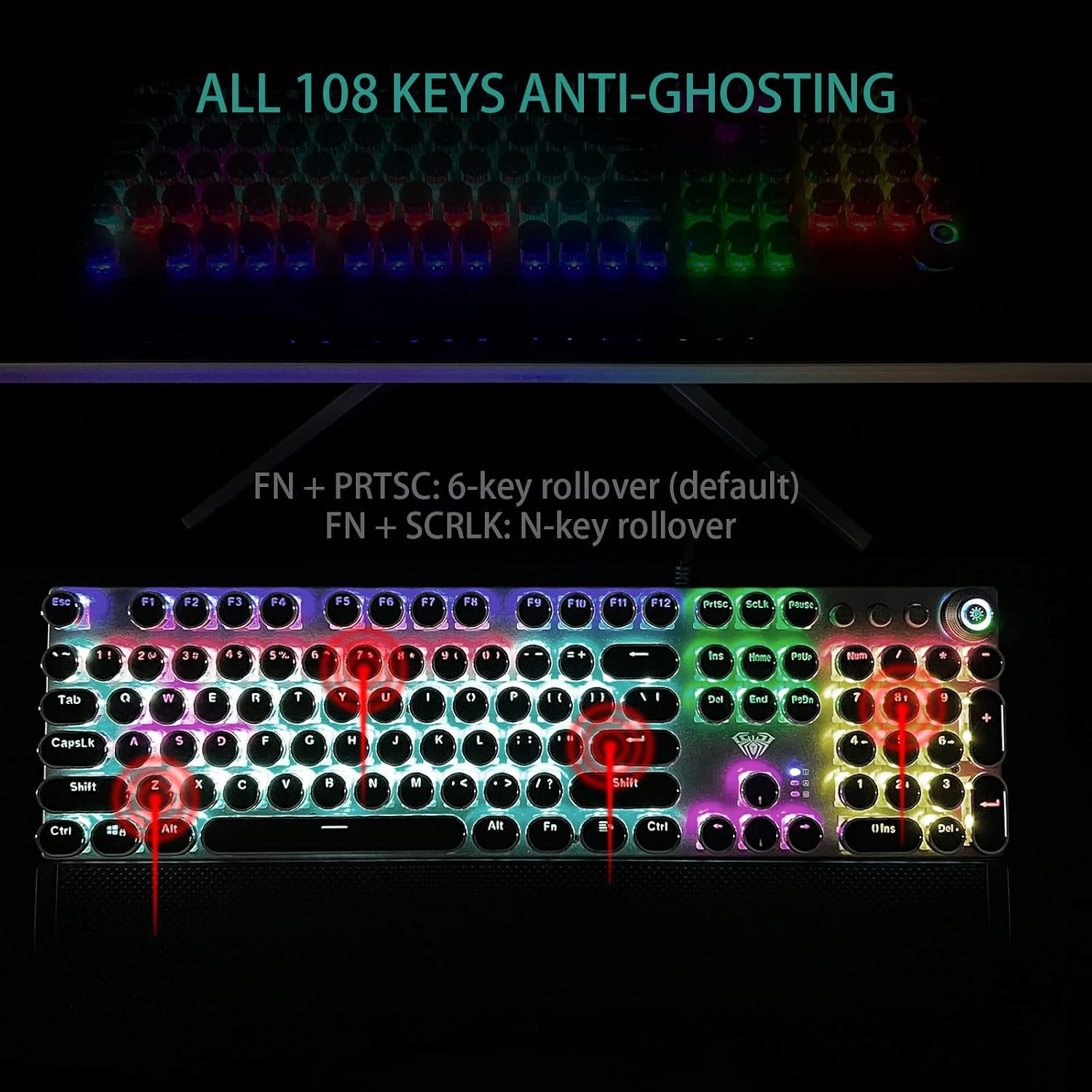
There’s also an anti-ghosting claim aimed at higher-speed play: the board is said to support simultaneous key presses through anti-ghosting technology, with each key using an independent switch.
Tech summary
Tech specs
- Type: Typewriter-style mechanical gaming keyboard (wired)
- Switch type: Blue switch
- Key layout: 108 keys
- Anti-ghosting: Anti Ghosting Technology (simultaneous keystrokes)
- Backlighting: Rainbow backlit RGB
- Lighting effects: 19 RGB lighting effects
- Custom profiles: 3 customised backlight settings
- Controls: Media control keys plus a multi-function media control knob
- Keycaps: Double-shot injection moulded vintage steampunk round keycaps
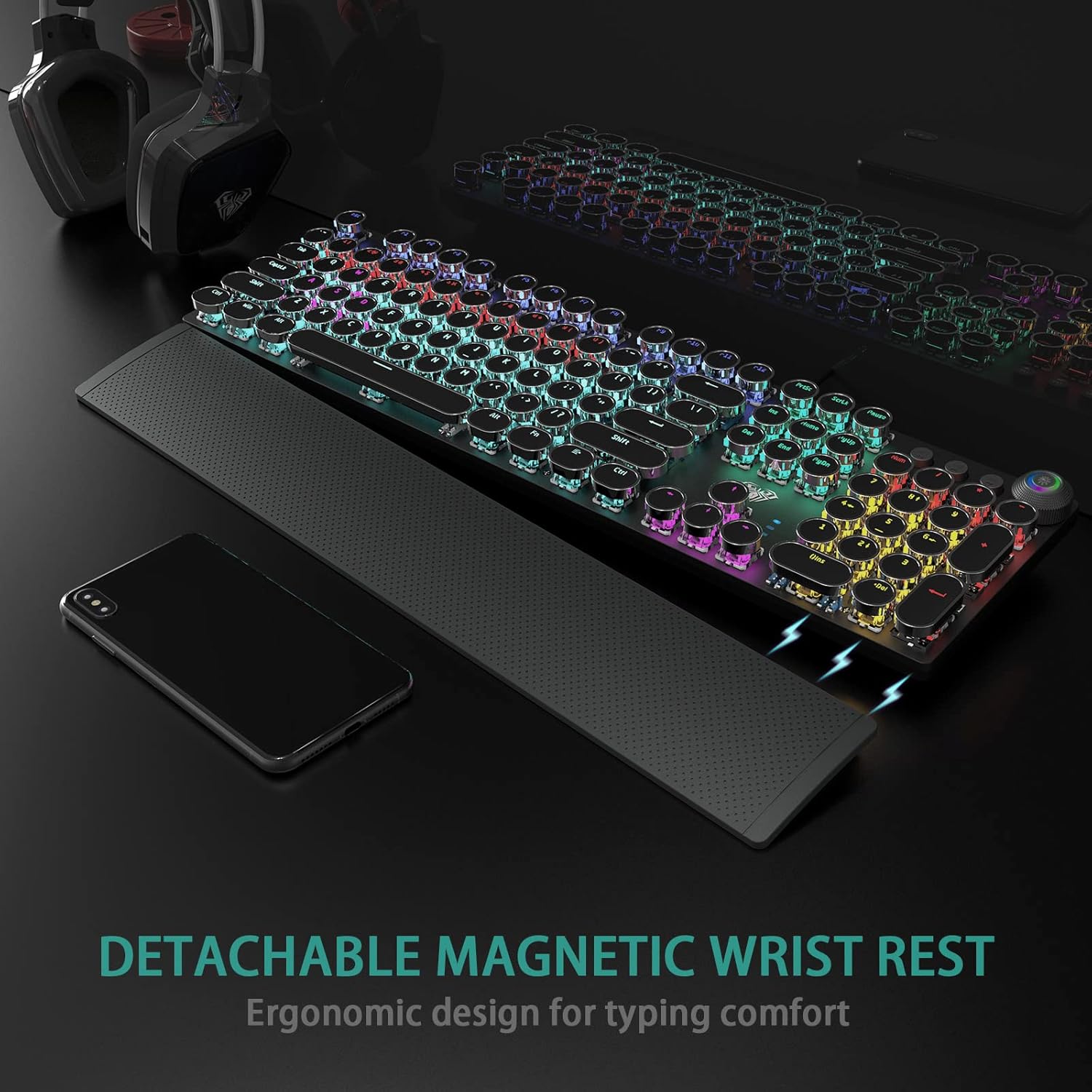
- Wrist rest: Magnetic removable wrist rest
- Materials: Aluminium alloy metal panel with matte-finish texture, ergonomic ABS palm rest
- Connection: USB wired (plug and play, no drivers/software required)
- Compatibility: Windows 7/8/10/XP/Vista, Linux, Mac OS (also mentioned for PC, Mac laptop, tablet, desktop)
Who it’s for (and who should skip it)
It makes sense if you want:
- a clicky, tactile mechanical feel from blue switches
- tactile feedback for gaming and typing where you’d rather not “guess” whether a key registered
- visible, controllable RGB lighting with quick media/backlight access via the knob
- the option to remove the wrist rest if you prefer a flatter setup
It may not suit you if:
- you need a quieter keyboard (the crisp click sound is part of the switch description)
- you prefer a very minimal, understated look and don’t want round keycaps and retro styling front and centre
- you’re after a purely office-focused board, this is clearly positioned as a gaming/mechanical experience first, even though it’s also described as ergonomically designed for typing and office use
Care and practicality notes
A few practical points worth bearing in mind before buying.
The description mentions a keycap puller included for cleaning. That’s helpful if you expect to maintain the look over time, especially with round keycaps that can gather dust around the edges.
Also, the magnetic wrist rest is described as removable, but you’ll still want to check whether the wrist rest position matches your desk and posture. Ergonomics are personal—what feels like good support at an elevated angle for one person can be less comfortable for another.
Should you buy it?
Final verdict
Choose the AULA F2088 if you like clicky blue mechanical switches, want a tactile “confirmation” when you press keys, and you’re specifically after a typewriter-style look with round retro keycaps, rainbow backlighting, and quick media/backlight control via the knob. The wired plug-and-play approach and anti-ghosting claim also make it a sensible target for players who care about simultaneous inputs.
You may want to skip it if your priority is quiet typing, or if you don’t want a board that leans into audible and tactile feedback. In the end, it’s a more characterful, gaming-leaning mechanical keyboard than a plain workhorse—so it’s best when that’s exactly what you’re after.
Mini FAQ
Questions people ask before buying
Is it suitable for office typing as well as gaming?
The description says it’s ergonomically designed as a superb typing tool for office work as well as gaming, but given it uses blue switches with a crisp click sound, you may want to consider whether the audible feedback suits your office environment.
Does it need drivers or software to work?
The base info states it’s plug and play via USB wired connection and that no drivers or software are required.
Can I remove the wrist rest?
Yes—it's described as a magnetic wrist rest that’s removable.
What’s the point of the media control knob?
It’s meant to provide quick-access media control (volume, play/pause/switch) and also to help manage backlight effects/brightness and switch between lighting and media modes using a long press.
What does anti-ghosting mean here?
The description highlights anti-ghosting so that simultaneous key presses register as intended, supporting multi-key input at high speed.