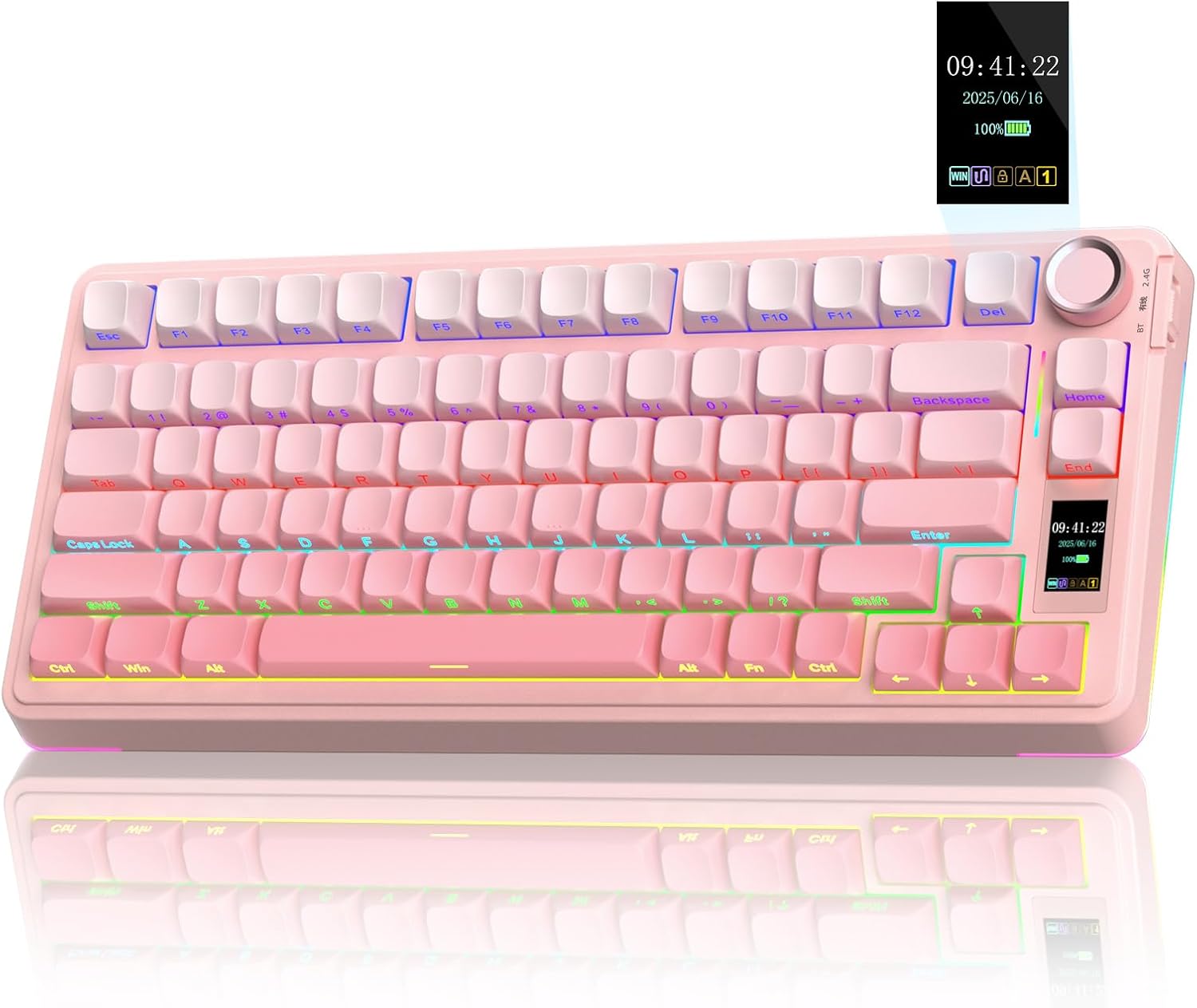
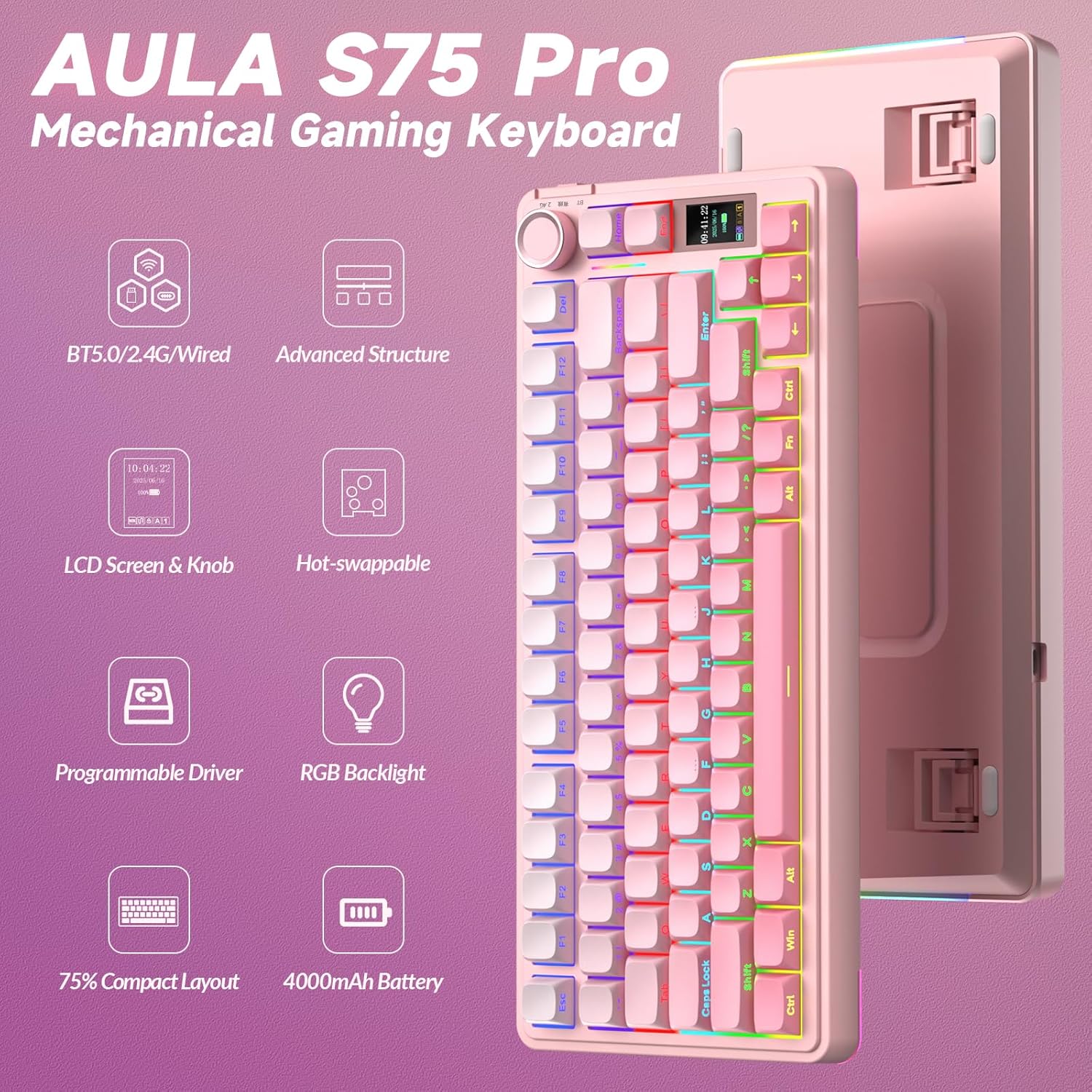
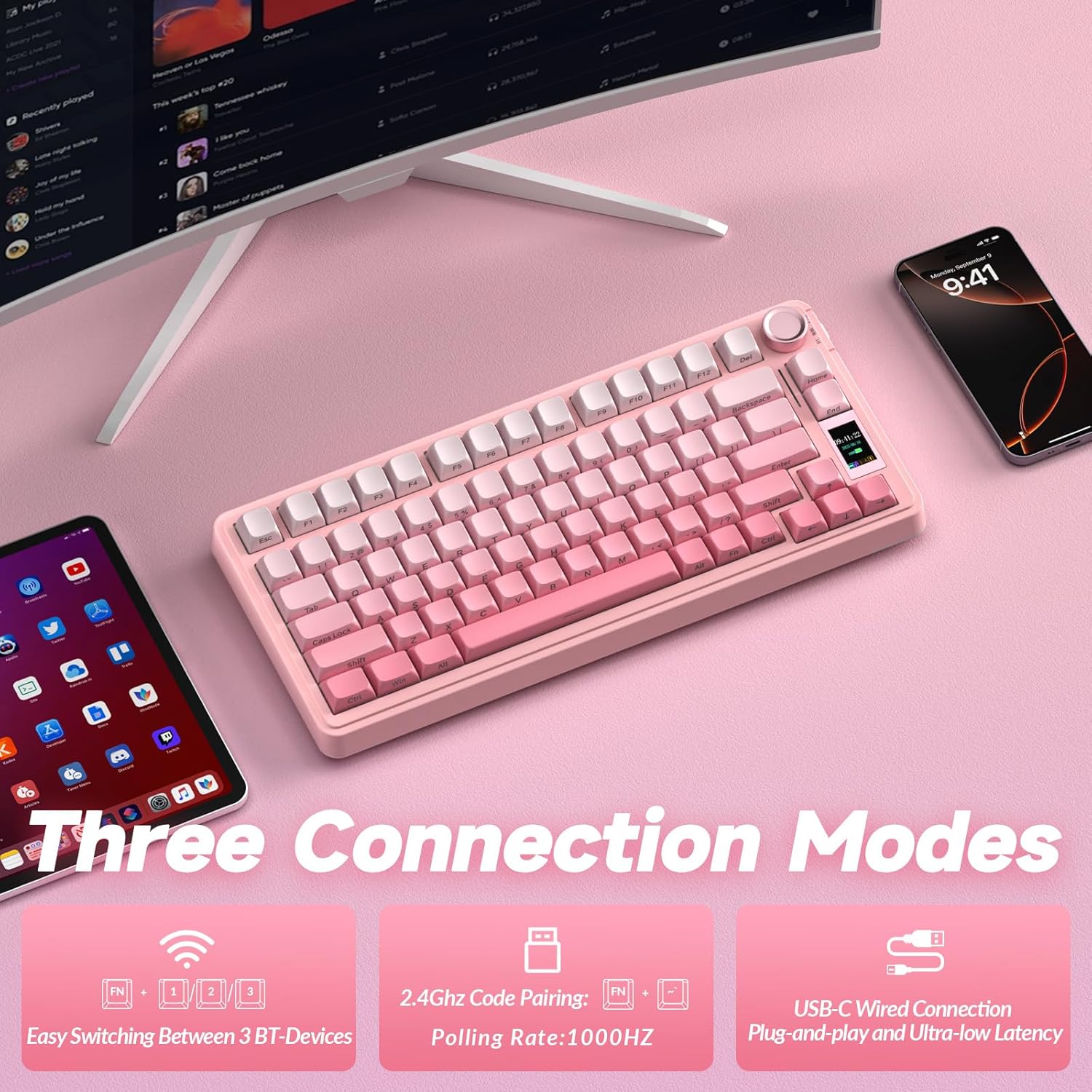
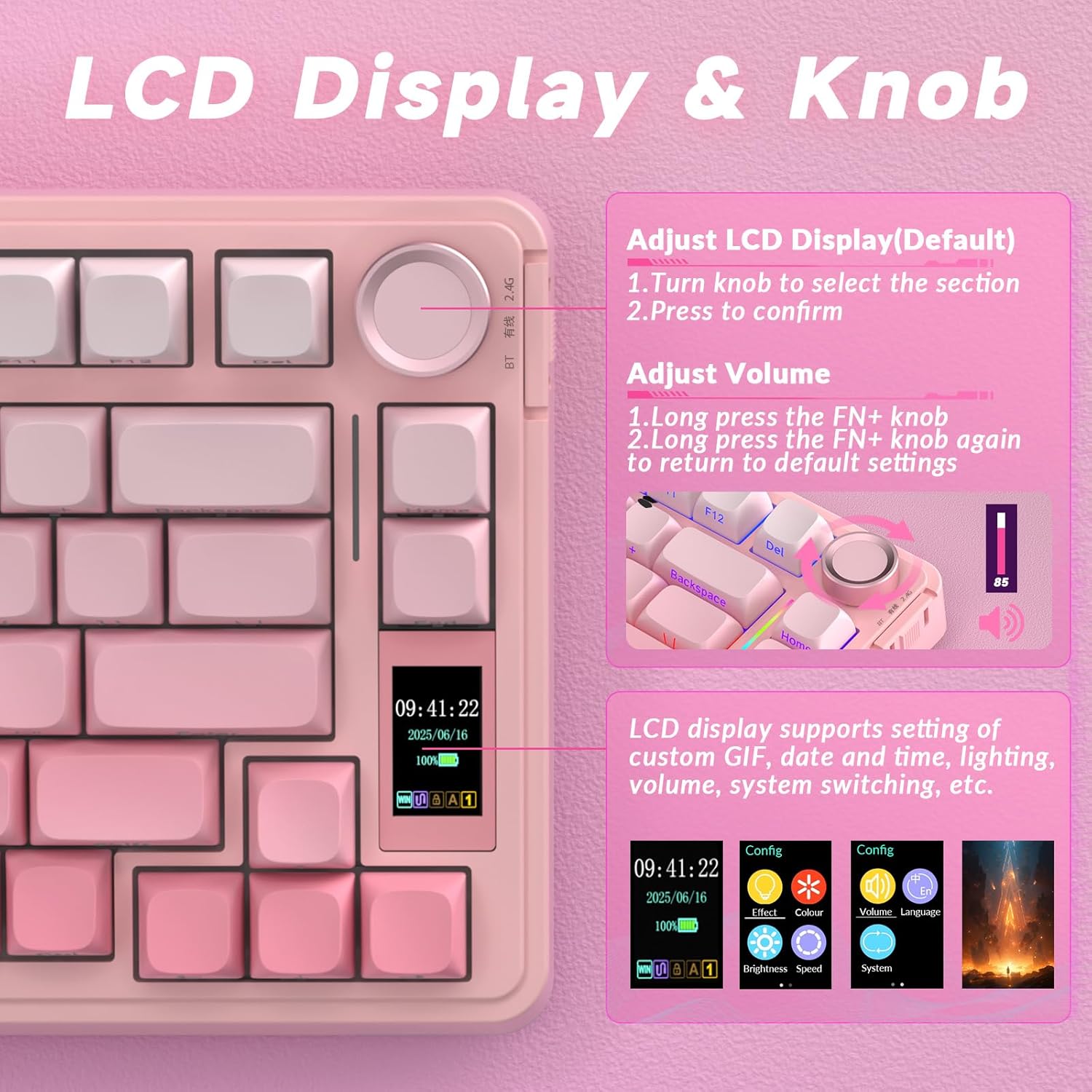
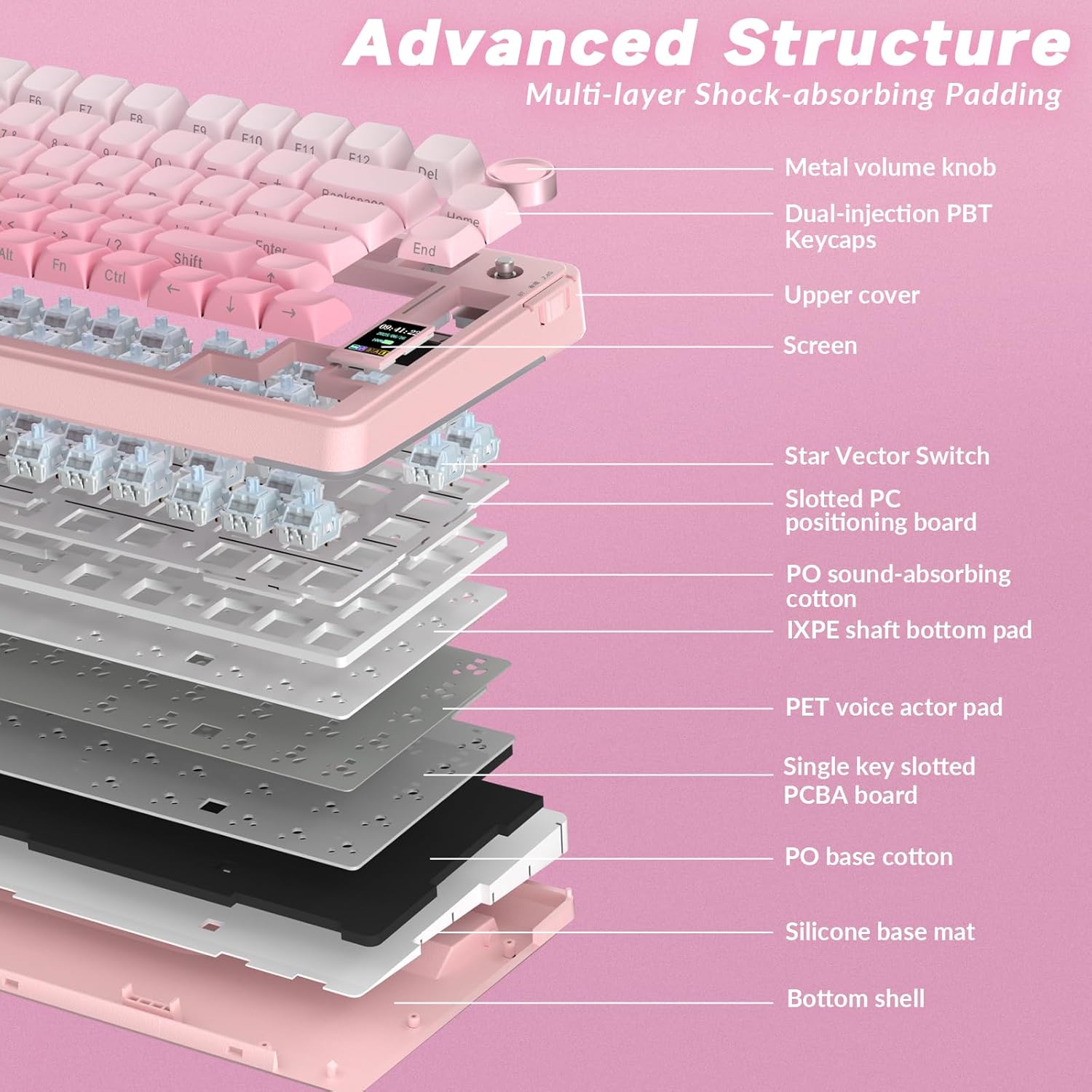
What it is and what it’s for\nThe AULA S75Pro is a compact 75% mechanical keyboard designed for gamers and productivity users who want a tidy desk without sacrificing features. It supports triple‑mode connectivity (BT5.0, 2.4G wireless, and USB‑C wired), so you can switch between devices or game across setups with minimal lag. The integrated TFT display and multifunction knob offer real‑time information and quick controls, while the five‑layer padding and hot‑swap capability aim to balance quieter typing with customisation. If you prioritise a small footprint, flexible connectivity, and avenues for creative tweaks, this keyboard is worth considering.\n\n## Design and build quality\nAULA positions the S75Pro as a cream‑coloured, pink‑tinted 75% layout. The keyboard includes a hot‑swap feature for easy switches (3‑pin and 5‑pin compatible), which helps you experiment with tactility and noise levels without soldering. The internal padding stack uses multiple foams and pads to dampen sound and vibrations, contributing to a more muted or “creamy” keystroke depending on the switch choice. On‑board RGB supports up to 16.8 million colours with 20 lighting effects, which can be adjusted via the knob or software.\n\n## The LED, display and control hub\nA standout element is the built‑in TFT LCD and multifunction knob. This interface supports language switching, system changes, volume and time/date settings, RGB presets, and battery readouts. The driver adds customisation options, including the ability to upload GIFs to the LCD. For practical use, this means you can tailor a visual readout (like fps or temps in a gaming session) and adjust lighting without leaving the keyboard.\n\n## Performance and inputs\nWith hot‑swappable switches (LEOBOG pre‑lubed), you can swap to a lighter or tactile feel without soldering. The keyboard supports both 3‑pin and 5‑pin switches, which broadens the range of compatible options if you want to fine‑tune feel and noise. The keycap and switch geometry, combined with South‑facing LEDs, are aimed at improving visibility and reducing glare on glossy surfaces. In practice, the bread‑and‑butter question is whether you value ultra‑fast hot‑swap capability for tasks that mix typing and gaming. If that flexibility matters, this model can be appealing.\n\n## Practical use cases\n- Gaming across multiple devices or PCs: the rapid switching between BT5.0, 2.4G, and USB‑C can cut down on desk clutter and cable mess.\n- Creative work or streaming: the LCD, macro capability, and GIF uploads help you craft personalised shortcuts or on‑screen indicators.\n- Quiet environments or shared offices: the five‑layer padding is designed to reduce noise and dampen vibrations, which can matter when you’re typing loudly or streaming.\n\n## What’s good and what isn’t\nPros: flexible connectivity, hot‑swap ease, customised RGB, built‑in display for on‑the‑move data, and the padding stack aimed at quieter keystrokes. Cons: the feature set depends on software for full macro and GIF capabilities, which may feel complex if you’re not into deep customization. The 75% layout, while compact, means some people may miss dedicated function keys or a numeric keypad.\n\n## Who it’s for\n- Players who value multi‑device setups and the ability to rapidly switch between machines.\n- Typists who want a quieter, more cushioned feel and room to experiment with switches.\n- Users who appreciate on‑board visuals and macro potential without external hardware.\n\n## When it makes sense to buy\nIf you’re after a compact keyboard that still offers extensive personalisation, hot‑swap flexibility, and a screen with a control knob, the S75Pro stands out as a pragmatic choice. It’s less about being the loudest or flashiest LED rig and more about adaptive use across gaming and productivity.\n\n## When you might skip it\nIf you prioritise a traditional full‑size layout, or you don’t want to invest time in software to unlock macro and GIF features, you may prefer a more straightforward option. If you mainly game on a single system and don’t need multi‑device switching, the additional features could feel surplus to requirements.\n\n## What to check before buying\n- Confirm switch feel you prefer, as hot‑swap enables exploring different tactile profiles.\n- Consider whether the 75% layout aligns with your workflow and whether you want a display plus knob on your desk.\n- Ensure your devices support BT5.0 or 2.4G if you plan to spread usage across multiple PCs or laptops.\n\n## Quick comparison context\nIn the spectrum of compact keyboards, the S75Pro sits between entry‑level minimalist boards and more feature‑rich, larger variants. If you want a similar footprint but simpler features, you might choose a non‑display model. If you crave extensive macro work, RGB effects, and display functionality, this keyboard offers a coherent package without stepping into high‑cost, pro‑grade territory.\n\n## Final decision\nIs it worth it? The S75Pro is a sensible choice if you value flexibility (triple connectivity), a compact 75% form factor, a perceptibly quiet typing experience, and on‑board customization via the LCD and driver. It’s a better fit for multi‑device environments and users who enjoy tinkering with switches and visuals than for those seeking a plug‑and‑play, ultra‑simple keyboard.\n\n## FAQ (practical answers you’ll likely want)\n- Can I use it wired only? Yes, USB‑C wired is supported alongside wireless modes.\n- Do I need to install software to use the LCD display? The display features and GIF uploads are driver‑based, software is required for full customization.\n- Are replacement switches easy to obtain? The keyboard supports 3‑pin and 5‑pin switches, which broadens compatibility.\n- How loud is it in practice? The five‑layer padding aims to reduce noise and vibrations, but actual sound depends on switch choice.