

Corsair K65 Plus Wireless 75% RGB Hot-Swappable Mechanical Keyboard (QWERTY UK) – Black
Reviews
Price
Product description
The essentials
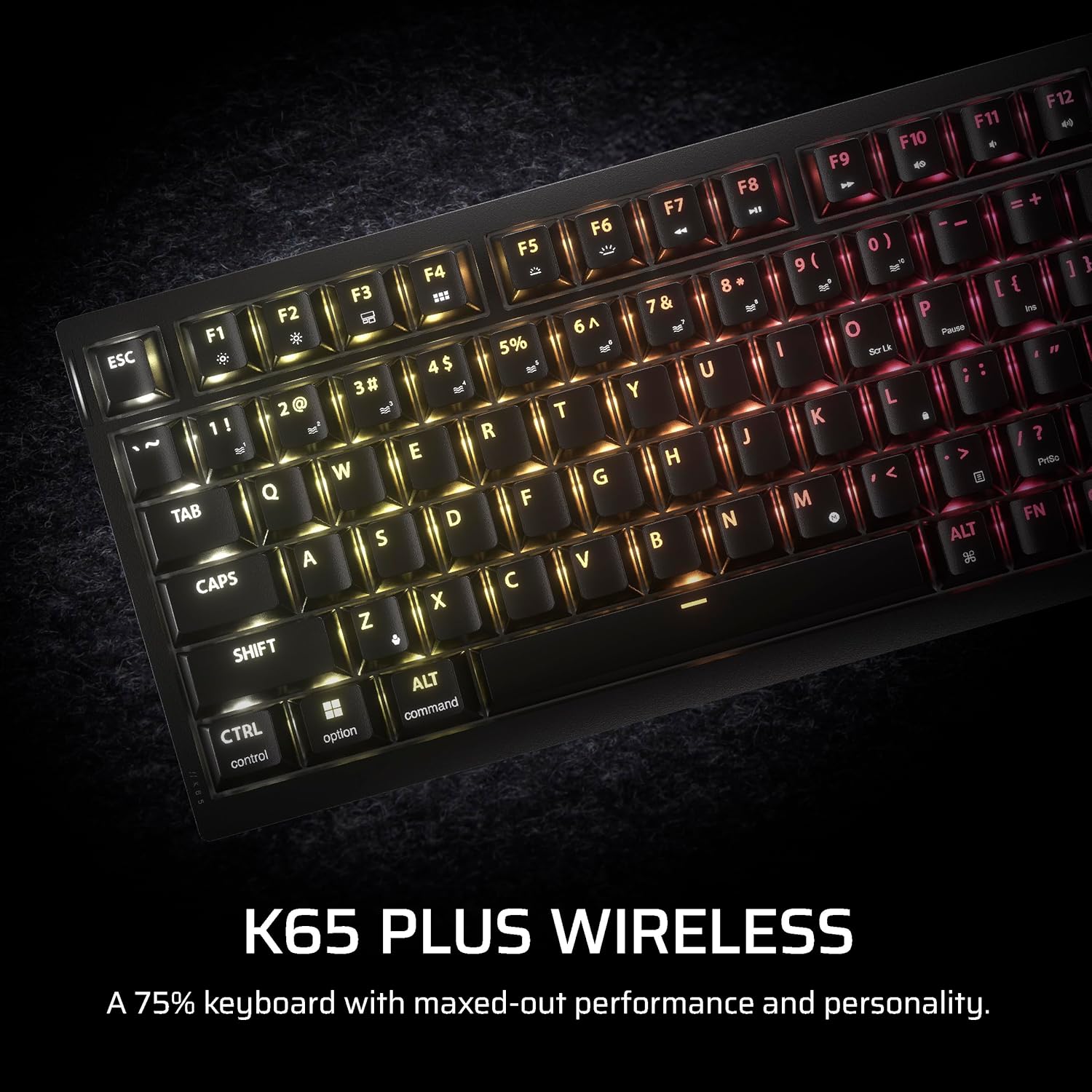
Corsair’s K65 Plus Wireless is a 75% mechanical gaming keyboard built around the idea of saving desk space without giving up the good stuff. The layout is compact, which leaves more room for mouse movement—useful if your setup is tight, you sit close, or you just prefer a cleaner arm-and-wrist zone. On top of that, it leans into RGB per key and durability-focused keycaps, so it’s not only about looks.
That said, it’s not a “set and forget” keyboard for everyone. Because it’s hot-swappable and uses Corsair’s own MLX Fusion tactile switches, it’s really aimed at people who like tweaking their feel over time. If you want a straightforward keyboard with no switching or tinkering side, you may find you’re paying for features you won’t use.
Key points
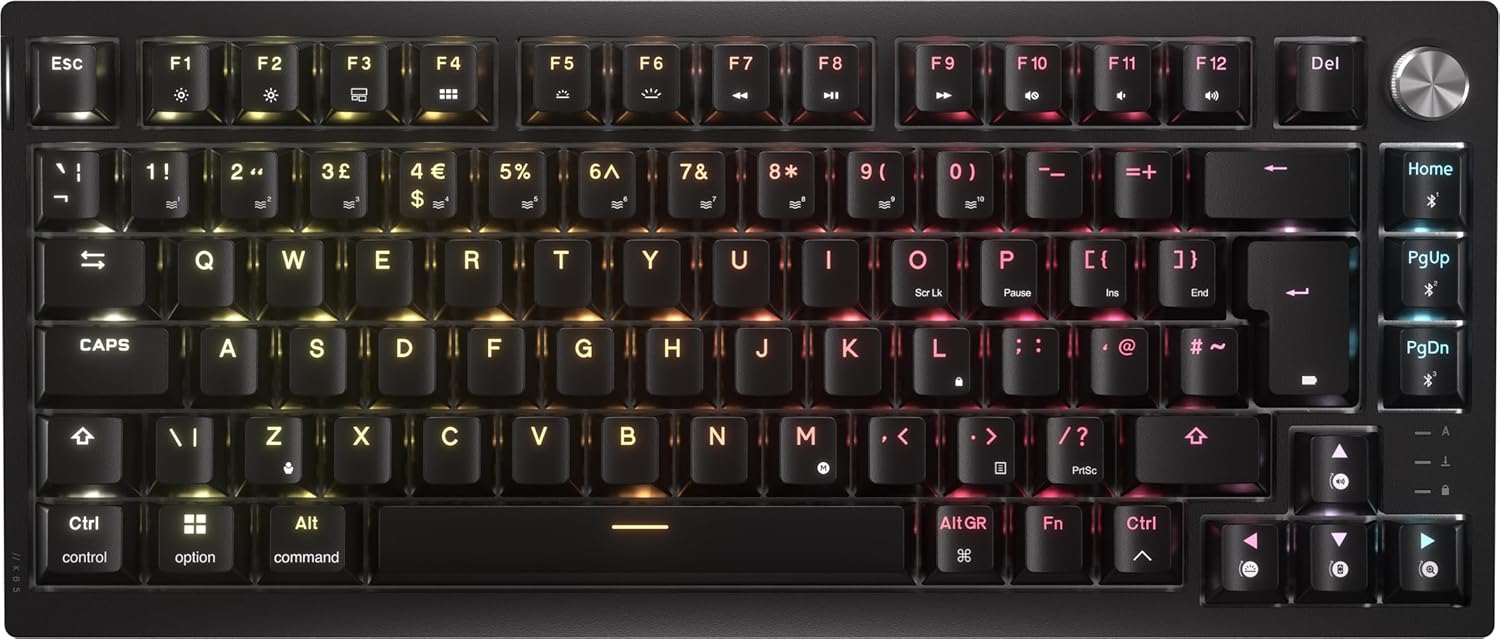
It combines a compact 75% form factor with pre-lubricated tactile switches for a more consistent feel straight out of the box. You also get dual-layer PBT keycaps with double-shot construction, designed to hold up to daily wear while keeping RGB legible over time. If you change layouts, swap switches, or just enjoy experimenting, the hot-swap design is a big deal on this model.
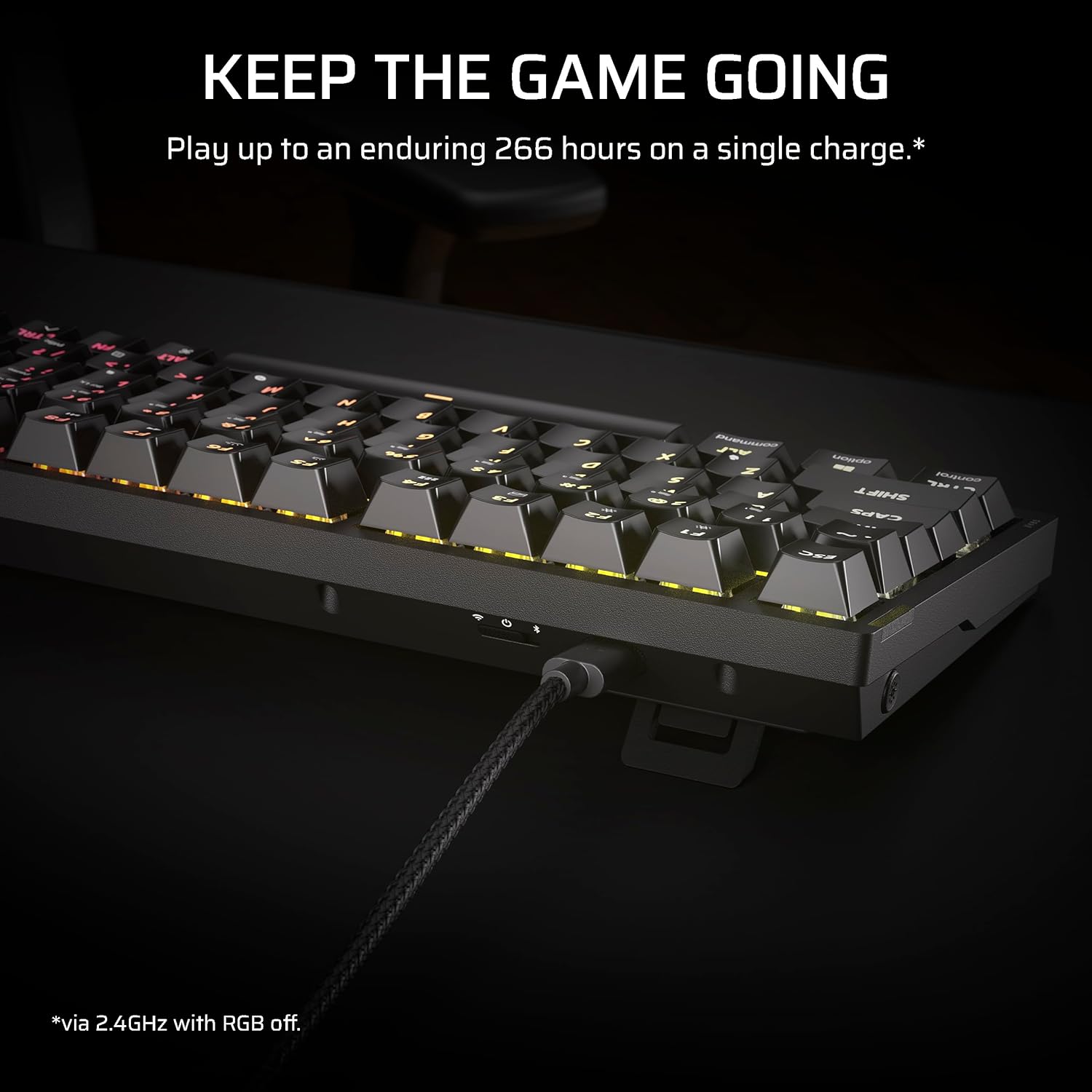
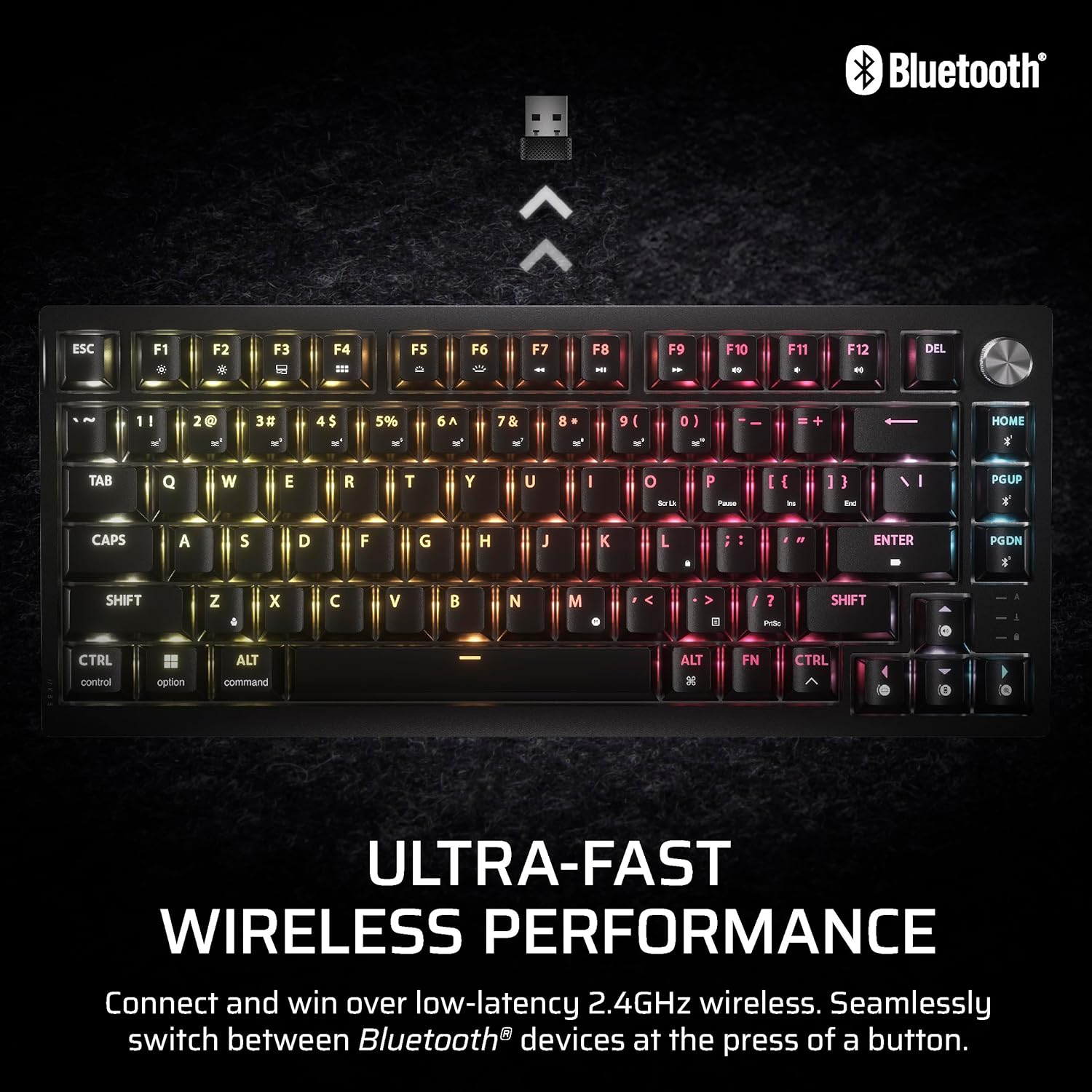
Wireless connectivity is handled via 2.4 GHz, Bluetooth, or USB, and the spec mentions secure AES encryption for those sessions. In other words, it’s designed to work day to day in different modes—at home on a gaming rig, then switching to a different device when you want.
One question worth asking before you buy: do you actually need a 75% layout and hot-swap flexibility, or would a fuller-size board (with more keys visible) suit you better?
What you’ll notice day to day
The sound and feel are clearly part of the thinking here. The keyboard includes dual-layer sound dampening, which should help take the edge off typical mechanical noise, especially if you’re playing in shared spaces or you’re sensitive to clicky reverberation.
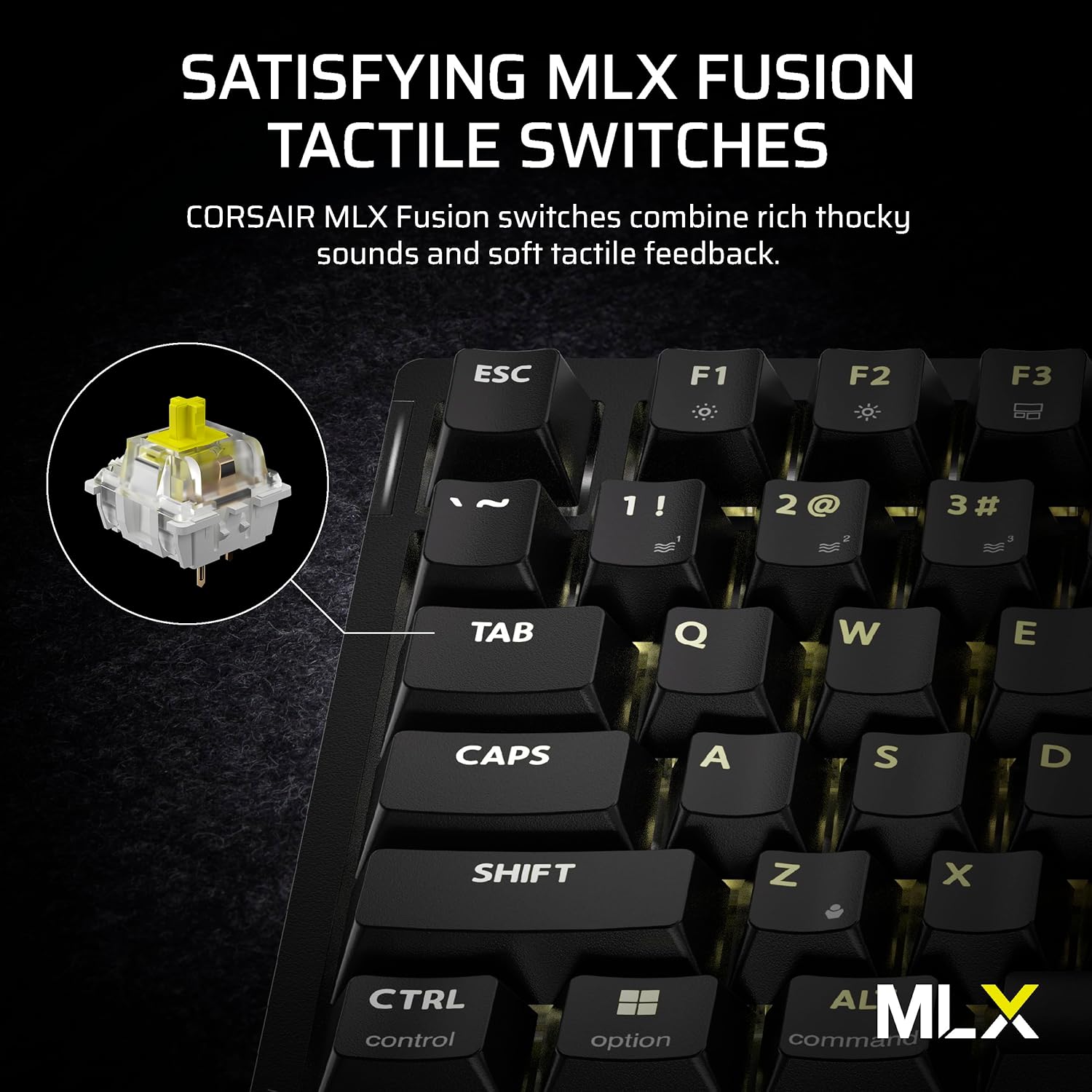
Switch-wise, it uses Corsair MLX Fusion tactile switches described as pre-lubricated and tuned for consistent response. That’s the kind of detail that matters more than it sounds: instead of feeling slightly “rough” or uneven across different keys, pre-lubed switches aim for a steadier tactile experience.
For a quick practical example: imagine you’re switching between a shooter (heavy WASD use) and a strategy game later. The compact layout keeps your mouse area comfortable, while the hot-swap approach means you can keep your tactile preference if you ever want to refine the exact feel.
Where it shines
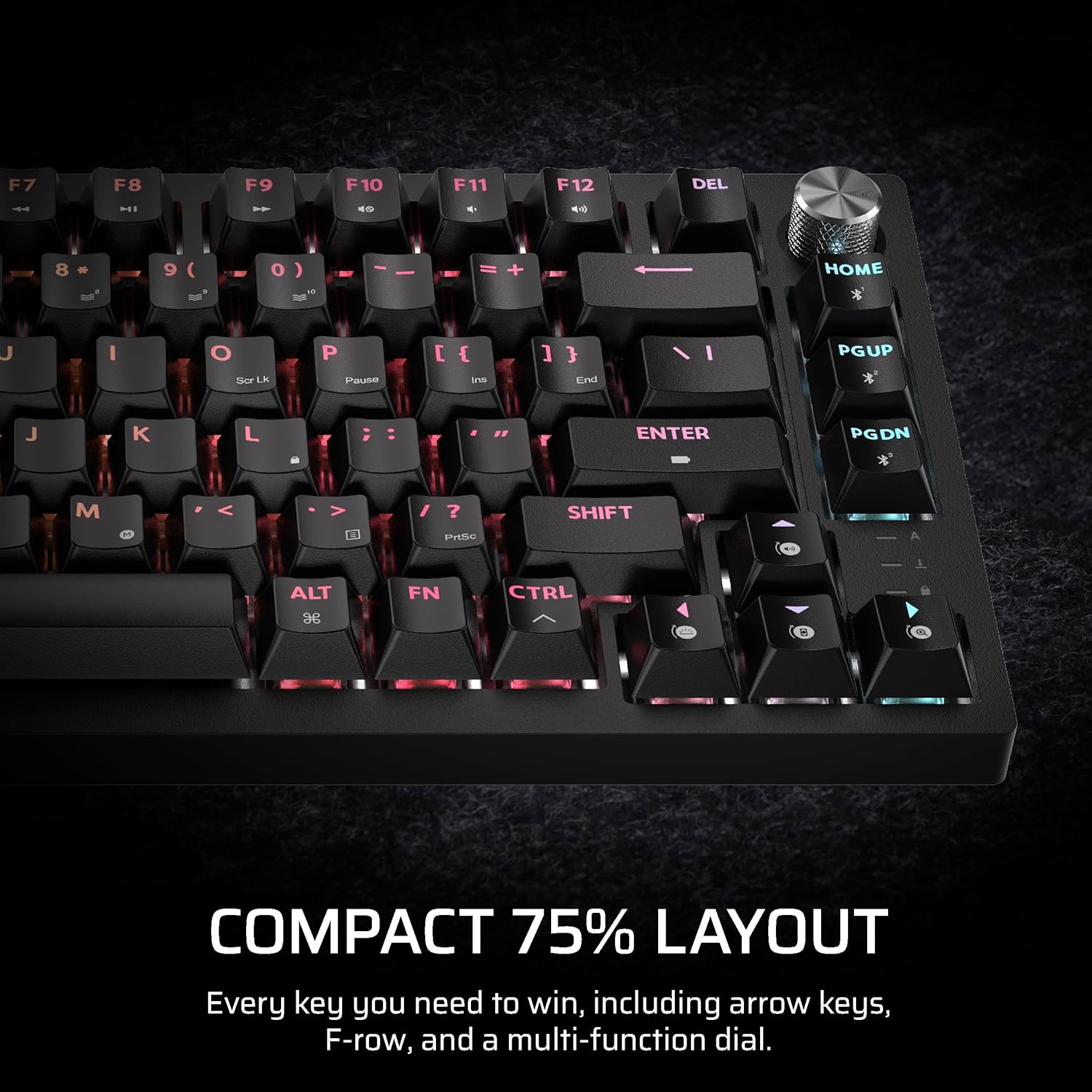
This keyboard fits well if you’re after a 75% compact mechanical board with RGB and you don’t mind wireless mode switching. The double-shot PBT keycaps are a sensible choice for longevity, particularly if you game for hours or you like to keep the lighting readable.
It also makes sense if you’re the kind of user who likes to upgrade gradually rather than replace everything. Hot-swapping means you can change your own switches later, so the keyboard can “grow” with your preferences.
And if your setup involves multiple devices, the presence of both 2.4 GHz and Bluetooth gives you options without forcing you into one connection style.
Tech specs
- Type: Mechanical gaming keyboard
- Size: 75%
- Layout: QWERTY UK
- Colour: Black
- Keycaps: PBT (double-shot, dual-layer)
- Switch type: Corsair MLX Fusion tactile switches (pre-lubricated)
- Hot-swappable: Yes
- Wireless connections: 2.4 GHz, Bluetooth, USB
- Encryption: AES secure encryption
- Sound dampening: Dual-layer sound dampening
- Lighting: Per-key RGB
Is it worth it?
It’s worth considering if you want a compact 75% mechanical keyboard that’s ready for RGB, offers pre-lubricated tactile switch feel, and gives you genuine upgrade flexibility through hot-swappable switches. It’s also a strong match if wireless matters to you and you move between connections (2.4 GHz, Bluetooth, and USB).
You may want to skip it if you prefer a full-size layout, or if you’re unlikely to ever swap switches—hot-swap boards can be overkill if your priority is simplicity. Also keep in mind that a 75% arrangement can be less comfortable for people who rely heavily on function rows and dedicated keys, depending on how you’ve learned your shortcuts.
Mini FAQ
How does the wireless connection work?
It supports 2.4 GHz, Bluetooth, and USB, with the added detail that AES encryption is mentioned for secure wireless sessions.
Are the keycaps durable for daily use?
The keycaps are described as PBT and double-shot, aimed at resisting wear and fading over time while keeping per-key RGB visible.
Can I change the switches later?
Yes—this model is described as hot-swappable, with a design that allows changing your own switches. The description also points to modifying the keyboard to suit preferences.
Will it be quieter than some mechanical keyboards?
It includes dual-layer sound dampening, which should help reduce harshness compared with undamped mechanical designs, though it won’t make a mechanical board completely silent.