


LG UltraGear OLED GX9s 34GX90SA-W: A pragmatic take on a high‑end curved gaming monitor
Product description
What it is
The LG UltraGear OLED GX9s is a 34-inch curved gaming monitor that combines high-performance visuals with smart features delivered through webOS. It targets gamers who want a single, capable setup: immersive AV quality, strong motion handling, and convenient smart features in one device.
What it solves
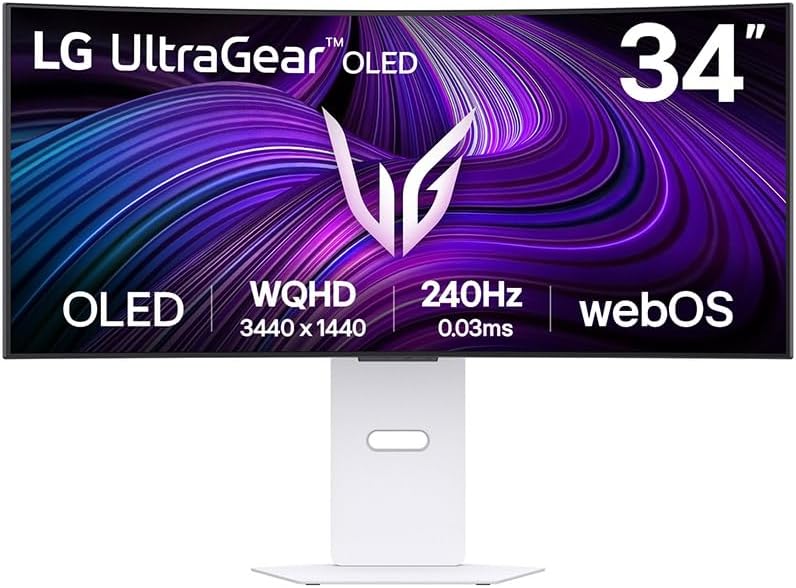
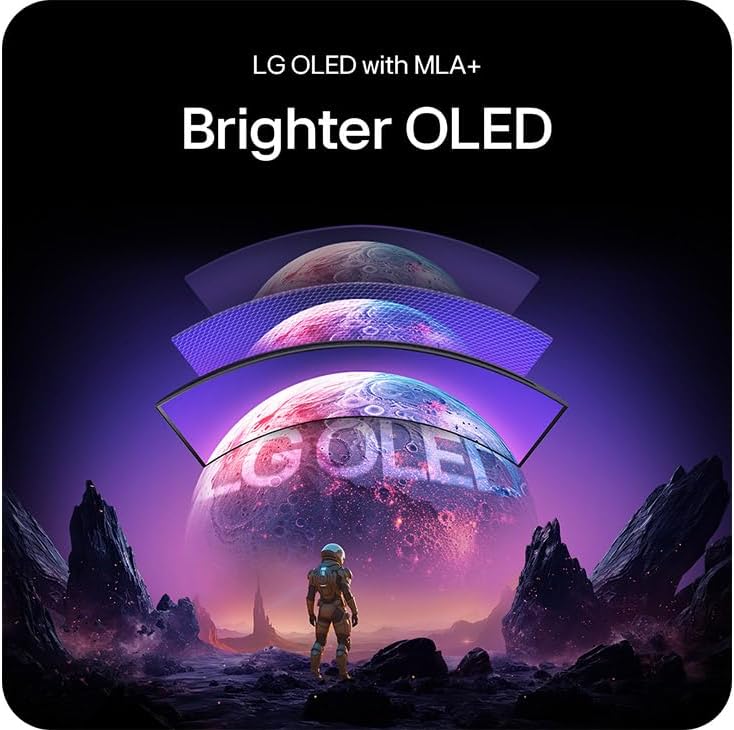
On paper, it aims to deliver vivid colours, deep blacks and fast response times to reduce blur during rapid action. The combination of MLA+ WOLED technology and a 240 Hz refresh rate with a 0.03 ms response time is designed to keep fast-paced games fluid, while HDR 400 and a wide DCI-P3 colour gamut strive for a more cinematic look. The inclusion of adaptive sync technologies (NVIDIA G-SYNC Compatible / AMD FreeSync Premium) suggests smoother frame delivery in practice.
How it performs in usage
If you prioritise vibrant, contrast-rich images and quick reaction times, this panel’s OLED approach should stand out versus typical IPS/VA alternatives, particularly in darker scenes where true blacks matter. The 34-inch UWQHD resolution offers ample workspace for immersive gaming without stepping into 4K territory, which can be beneficial for PC setups aiming for high frame rates.
What’s good about it
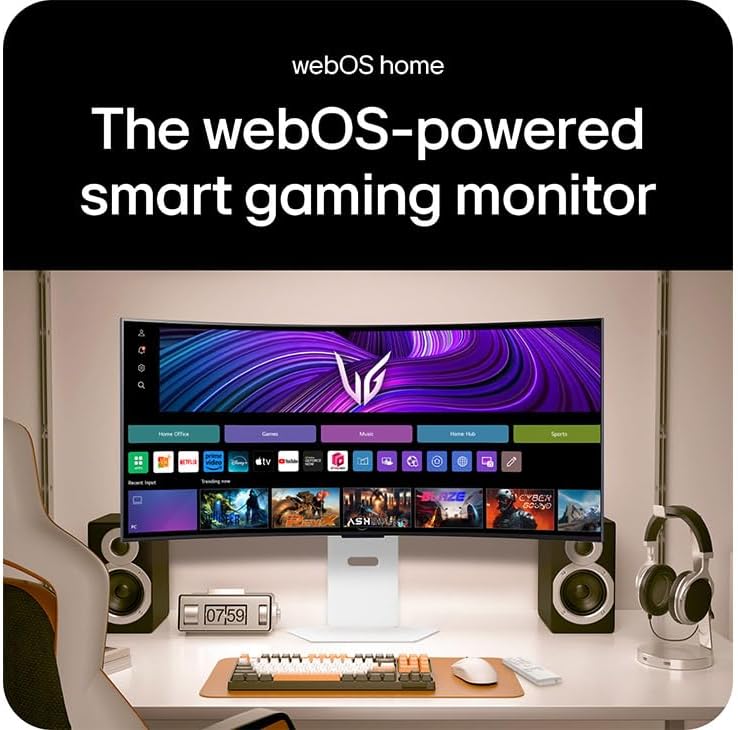
Its all-in-one appeal is notable: a self-contained monitor with built‑in speakers and wireless capabilities (Wi‑Fi, Bluetooth) plus webOS AI for smart features can reduce clutter and simplify setup. The broad connectivity—DP 1.4, HDMI 2.1, USB‑C—supports contemporary consoles and PCs, while the white chassis offers a distinct aesthetic.
What isn’t as convincing
OLED panels can be more demanding on burn-in risk with static HUDs in gaming, though modern software often mitigates this. The HDR 400 rating is a modest ceiling for HDR enthusiasts, and some users may prefer higher brightness for bright room conditions. It’s also fair to note that the 34-inch class with a curved panel is a specific taste, it won’t suit every desk setup or multi-monitor workflow.
Who it’s for
This monitor suits gamers seeking top-tier image quality and a compact, all-in-one package. It’s a sensible option if you value fast motion handling, rich colour, and the convenience of integrated smart features without adding external speakers or streaming devices.

Who it isn’t for
If you primarily want the absolute highest peak brightness for HDR, or you’re aiming for a lighter-weight, non-curved panel for productivity-first tasks, this may not be the best fit. Also, if you’re concerned about potential burn-in risk with long gaming sessions, you might want to weigh that against usage patterns.
When it makes sense to buy

Consider this if you want a single gaming monitor that can handle recent titles with high frame rates, benefit from a strong colour palette, and offer built‑in smart features for media and apps. It’s a sensible upgrade path for someone with a capable graphics setup and a space where a 34-inch curved screen sits comfortably.
When to look elsewhere
If your priority is brightness for HDR content above all else, or you require a neutral panel for professional colour work, you may prefer an alternative with higher HDR saturation or more colour-calibration options. If you don’t need the smart TV-like features, a more traditional gaming monitor might simplify setups and pricing.

What to check before buying
- Ensure your PC or console can push high frame rates to exploit 240 Hz.
- Check desk depth and seating distance to ensure the curve feels immersive rather than overpowering.
- Consider potential burn-in risk with static UI elements and how you plan to use the monitor (e.g., long HUD displays in certain games).
- Verify the input compatibility with your preferred devices (DP vs HDMI, USB‑C用途).
Practical use example
Imagine you’re diving into a fast-paced shooter at high frame rates: the image remains smooth, with quick transitions and a sense of depth thanks to the OLED contrast. In story-driven titles, the wide colour gamut helps skies and explosions pop with realism, while the webOS interface lets you switch between game mode, streaming apps, and settings without leaving the screen.
FAQ (quick questions)
- Does the monitor support adaptive sync across modern GPUs? Yes, it is listed as NVIDIA G-SYNC Compatible and AMD FreeSync Premium.
- Is the brightness suitable for well-lit rooms? HDR 400 offers solid contrast, but peak brightness is not stated as higher-tier HDR, use in bright rooms may rely more on ambient lighting control.
- Are built-in speakers adequate for gaming audio? Built-in speakers are present but, as with many monitors, you may prefer external audio for richer sound.
Final decision
Is it worth it? Worth considering if you want a large, curved, high‑refresh OLED monitor with smart features and broad connectivity, provided you’re aligned with its HDR tier, curved form, and burn-in considerations. If those factors fit your setup and budget, it’s a compelling all‑in‑one option.